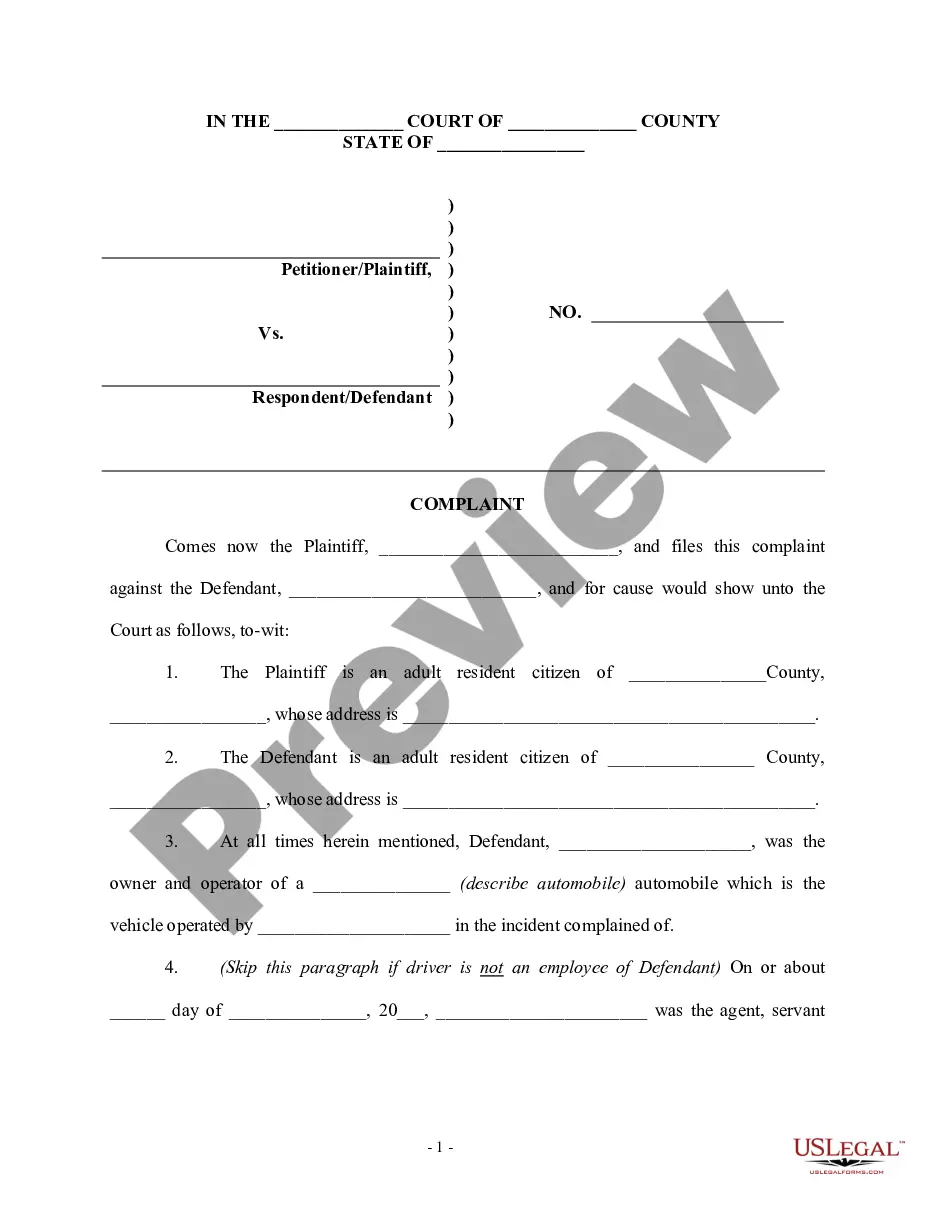
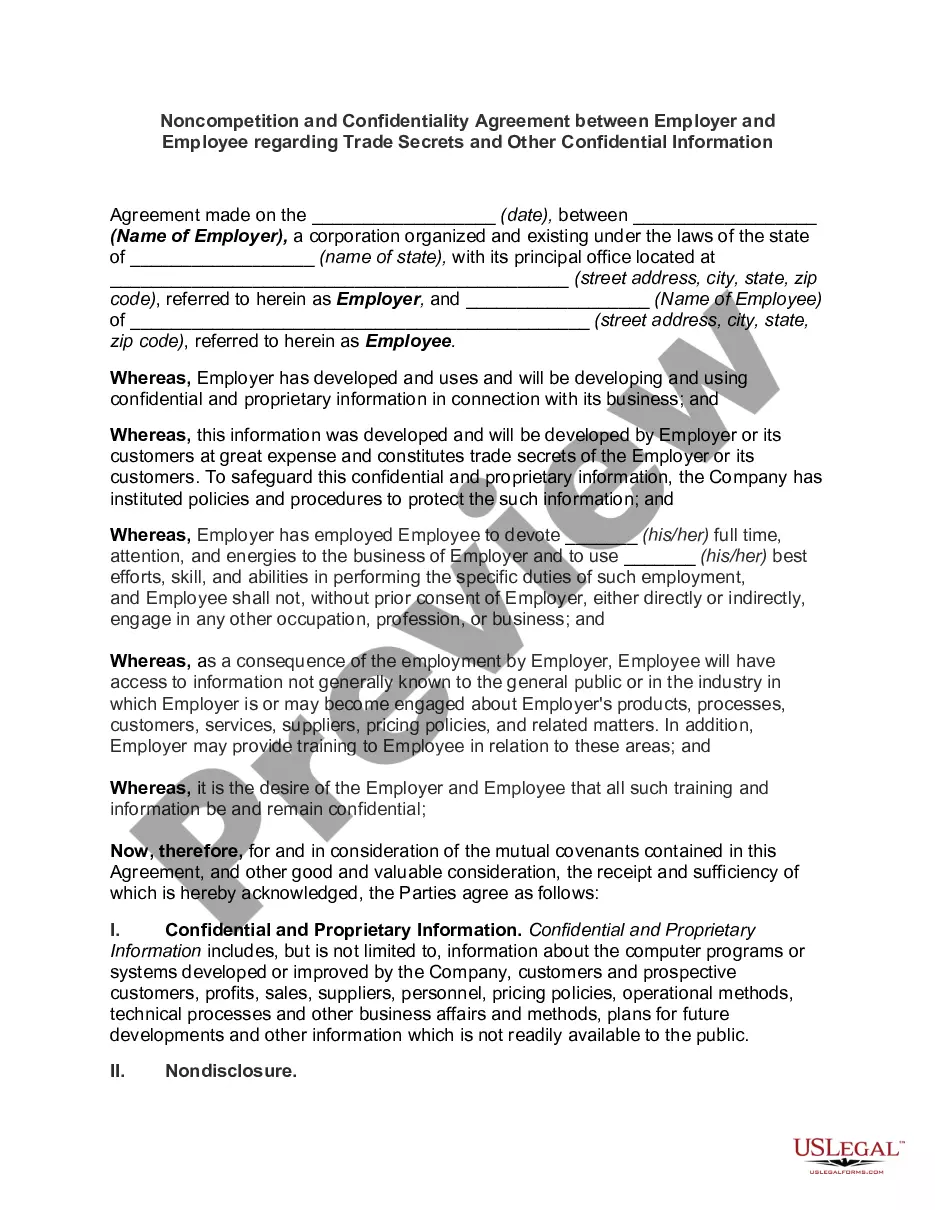
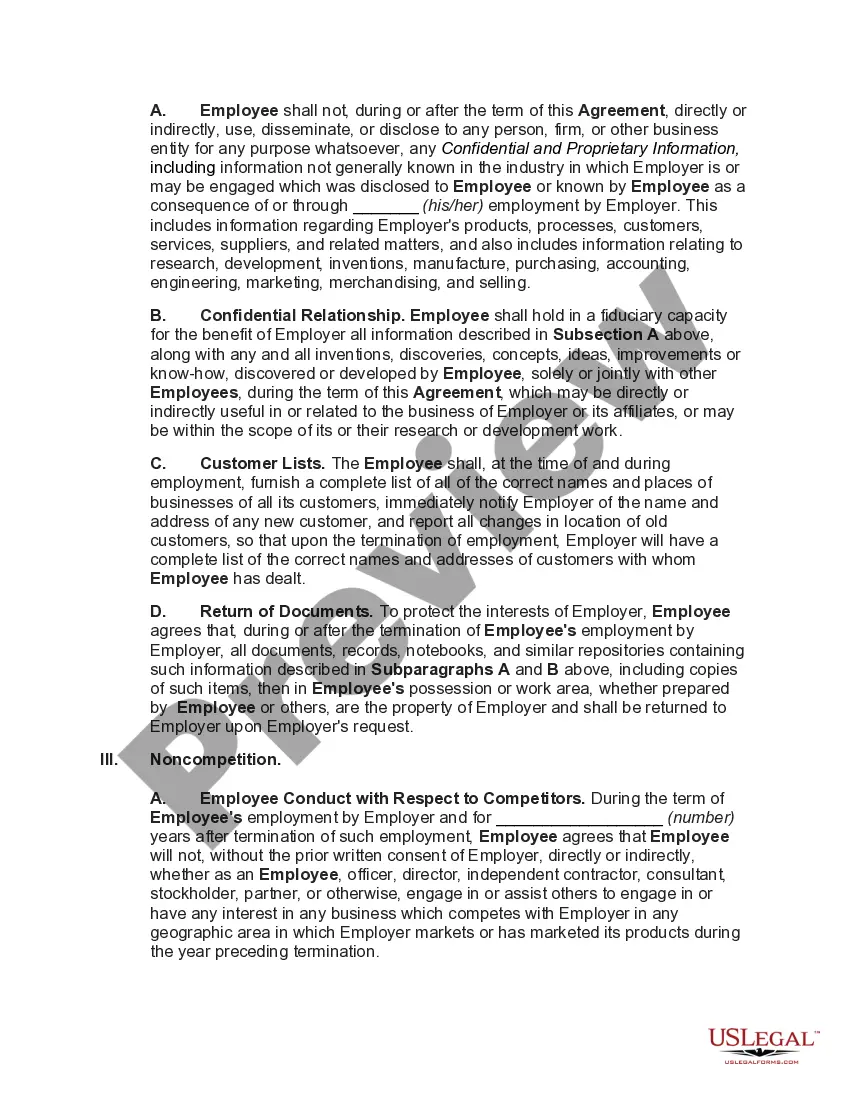
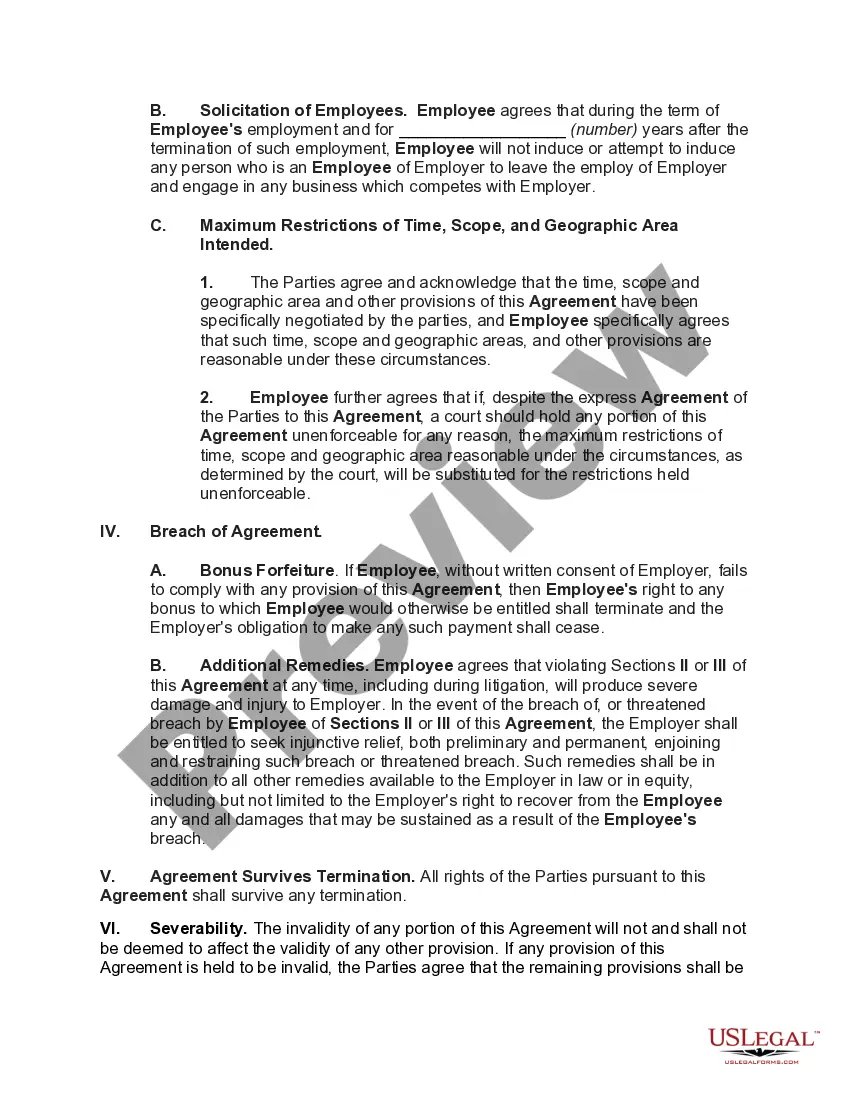
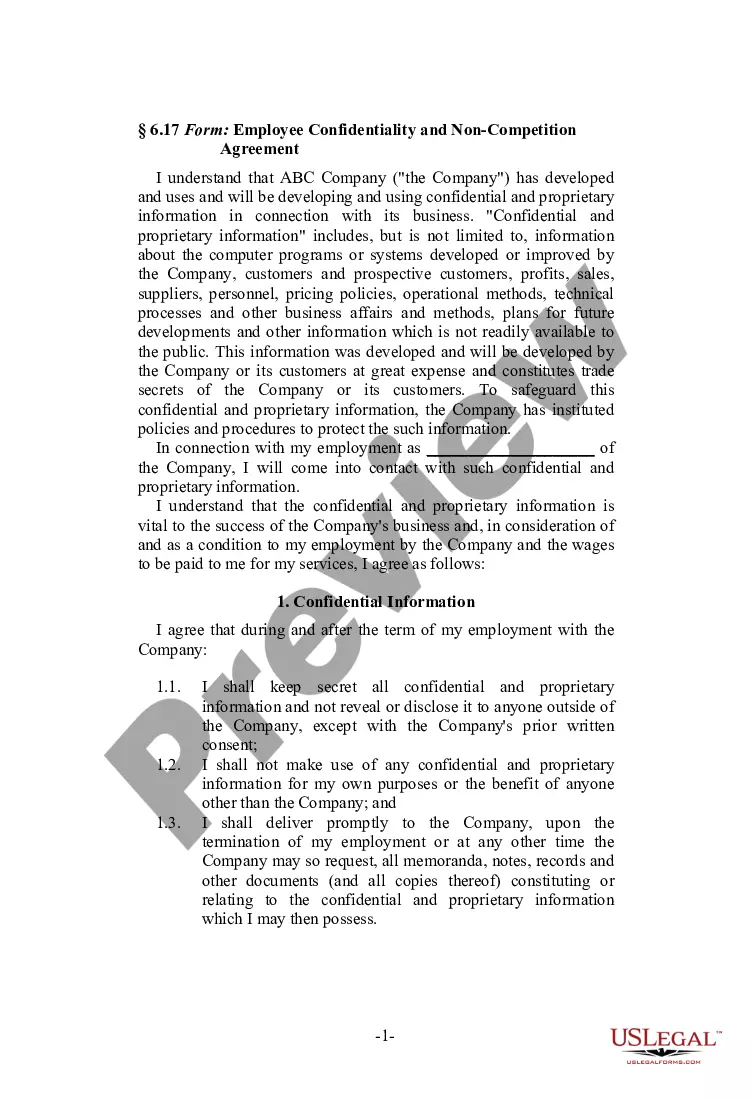
Confidentiality Confidential Information Form 11.1
Description
Get your form ready online
Our built-in tools help you complete, sign, share, and store your documents in one place.
Make edits, fill in missing information, and update formatting in US Legal Forms—just like you would in MS Word.
Download a copy, print it, send it by email, or mail it via USPS—whatever works best for your next step.
Sign and collect signatures with our SignNow integration. Send to multiple recipients, set reminders, and more. Go Premium to unlock E-Sign.
If this form requires notarization, complete it online through a secure video call—no need to meet a notary in person or wait for an appointment.
We protect your documents and personal data by following strict security and privacy standards.

Make edits, fill in missing information, and update formatting in US Legal Forms—just like you would in MS Word.

Download a copy, print it, send it by email, or mail it via USPS—whatever works best for your next step.

Sign and collect signatures with our SignNow integration. Send to multiple recipients, set reminders, and more. Go Premium to unlock E-Sign.

If this form requires notarization, complete it online through a secure video call—no need to meet a notary in person or wait for an appointment.

We protect your documents and personal data by following strict security and privacy standards.
Looking for another form?
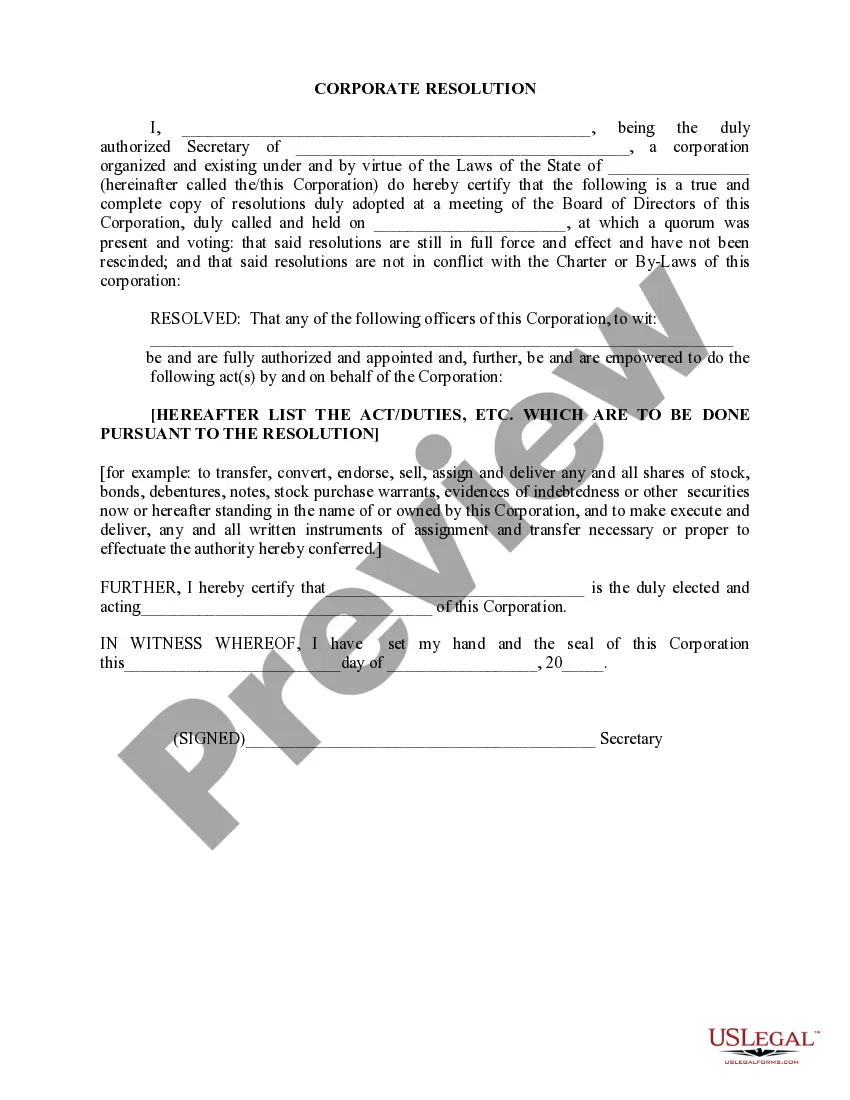






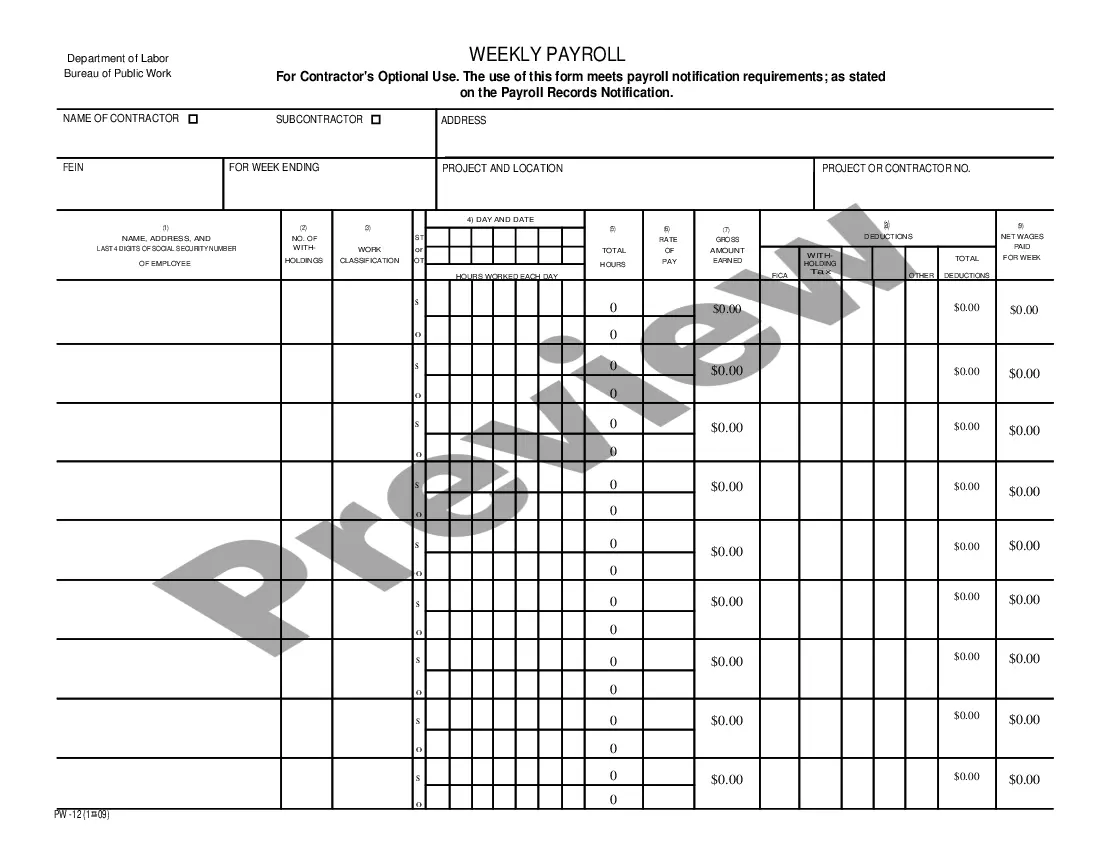
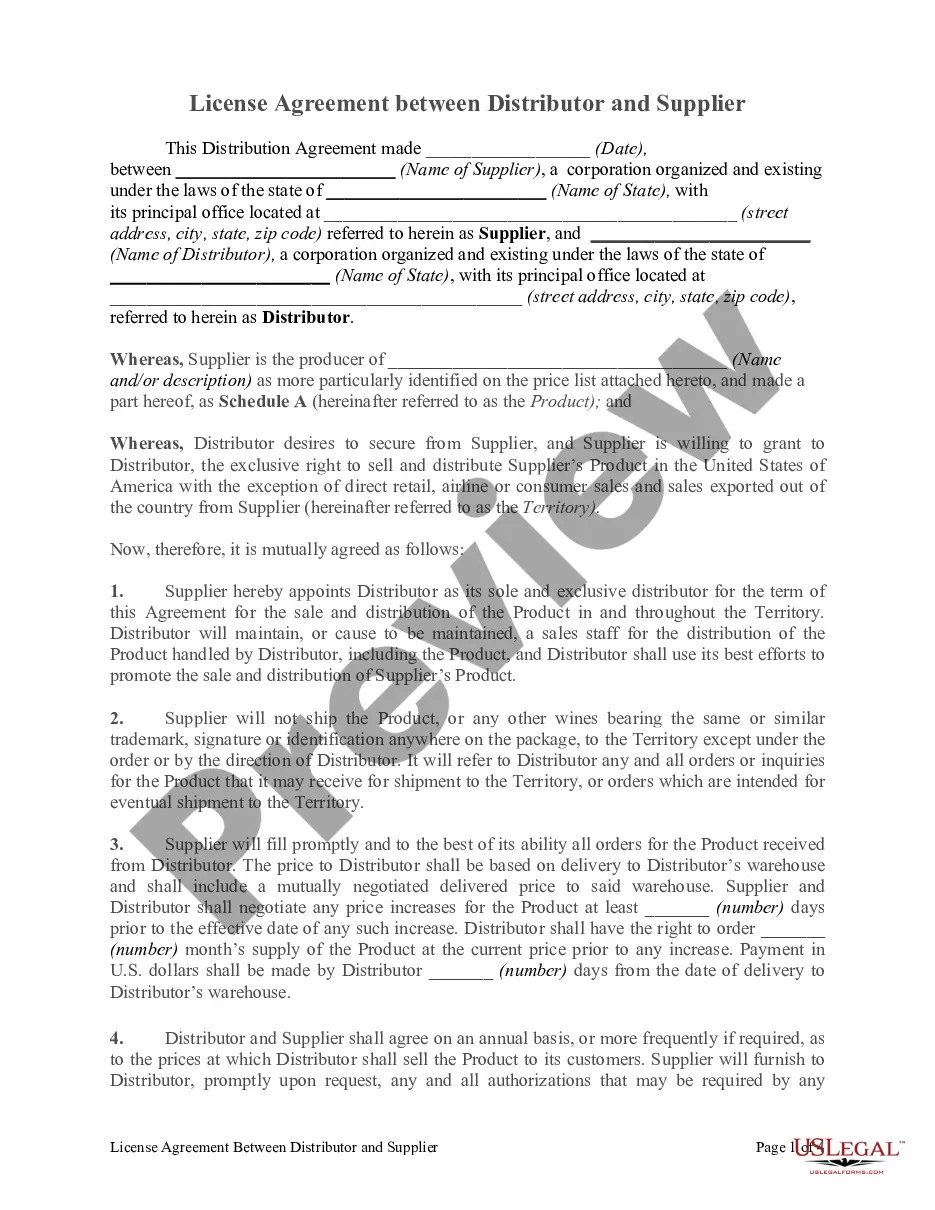
How to fill out Noncompetition And Confidentiality Agreement Between Employer And Employee Regarding Trade Secrets And Other Confidential Information?
No matter if you handle documents often or need to submit a legal report from time to time, it is essential to have an effective source where all the samples are pertinent and current.
One important action you must take with the Confidentiality Confidential Information Form 11.1 is to ensure that it is the latest version, as this determines its eligibility for submission.
If you wish to streamline your search for the most recent document samples, look for them at US Legal Forms.
To obtain a form without an account, follow these instructions: Use the search menu to locate the form you require. Review the preview and description of the Confidentiality Confidential Information Form 11.1 to confirm it is exactly what you need. After verifying the form, simply click Buy Now. Choose a subscription plan that suits you. Create an account or Log In to your existing one. Use your credit card or PayPal information to complete the purchase. Select the file format for download and confirm it. Eliminate any confusion when handling legal documents. All your templates will be organized and validated with an account at US Legal Forms.
- US Legal Forms is a directory of legal documents that offers almost any document sample you may seek.
- Search for the templates you require, assess their relevance immediately, and learn more about their application.
- With US Legal Forms, you can access over 85,000 document templates across various sectors.
- Find the Confidentiality Confidential Information Form 11.1 samples in just a few clicks and save them anytime in your account.
- Having a US Legal Forms account allows you to access all the samples you need with increased convenience and reduced effort.
- Simply click Log In in the site header and navigate to the My documents section where all your required forms are readily available.
- You won't need to waste time either searching for the ideal template or verifying its relevance.
Form popularity
FAQ
To have their information shared is not only a breach in privacy, but it will destroy employee trust, confidence and loyalty. It will also cause a loss in productivity. Confidentiality builds trust between employer and employee and business owners have an obligation to keep staff information secure and trusted.
Marking a document "Confidential" is easy enough to do, depending on which word processing software you employ. In Word, click "Page Layout." Then, click "Watermark," and choose "Confidential." That watermark will appear on the printed version of the document.
Clearly label all confidential information as confidential. This means writing confidential on documents or any folder you keep them in. If you are sending an email, make sure the title clearly identifies it as confidential.
disclosure agreement (NDA) is a legally binding contract that establishes a confidential relationship. The party or parties signing the agreement agree that sensitive information they may obtain will not be made available to any others. 1 An NDA may also be referred to as a confidentiality agreement.
A confidential information form lists the full protected information that isn't allowed to appear in other documents filed with the court. This form is a part of the court record that isn't seen by the public.