Perpetual License Agreement For Office 365
Description
Get your form ready online
Our built-in tools help you complete, sign, share, and store your documents in one place.
Make edits, fill in missing information, and update formatting in US Legal Forms—just like you would in MS Word.
Download a copy, print it, send it by email, or mail it via USPS—whatever works best for your next step.
Sign and collect signatures with our SignNow integration. Send to multiple recipients, set reminders, and more. Go Premium to unlock E-Sign.
If this form requires notarization, complete it online through a secure video call—no need to meet a notary in person or wait for an appointment.
We protect your documents and personal data by following strict security and privacy standards.

Make edits, fill in missing information, and update formatting in US Legal Forms—just like you would in MS Word.

Download a copy, print it, send it by email, or mail it via USPS—whatever works best for your next step.

Sign and collect signatures with our SignNow integration. Send to multiple recipients, set reminders, and more. Go Premium to unlock E-Sign.

If this form requires notarization, complete it online through a secure video call—no need to meet a notary in person or wait for an appointment.

We protect your documents and personal data by following strict security and privacy standards.
Looking for another form?
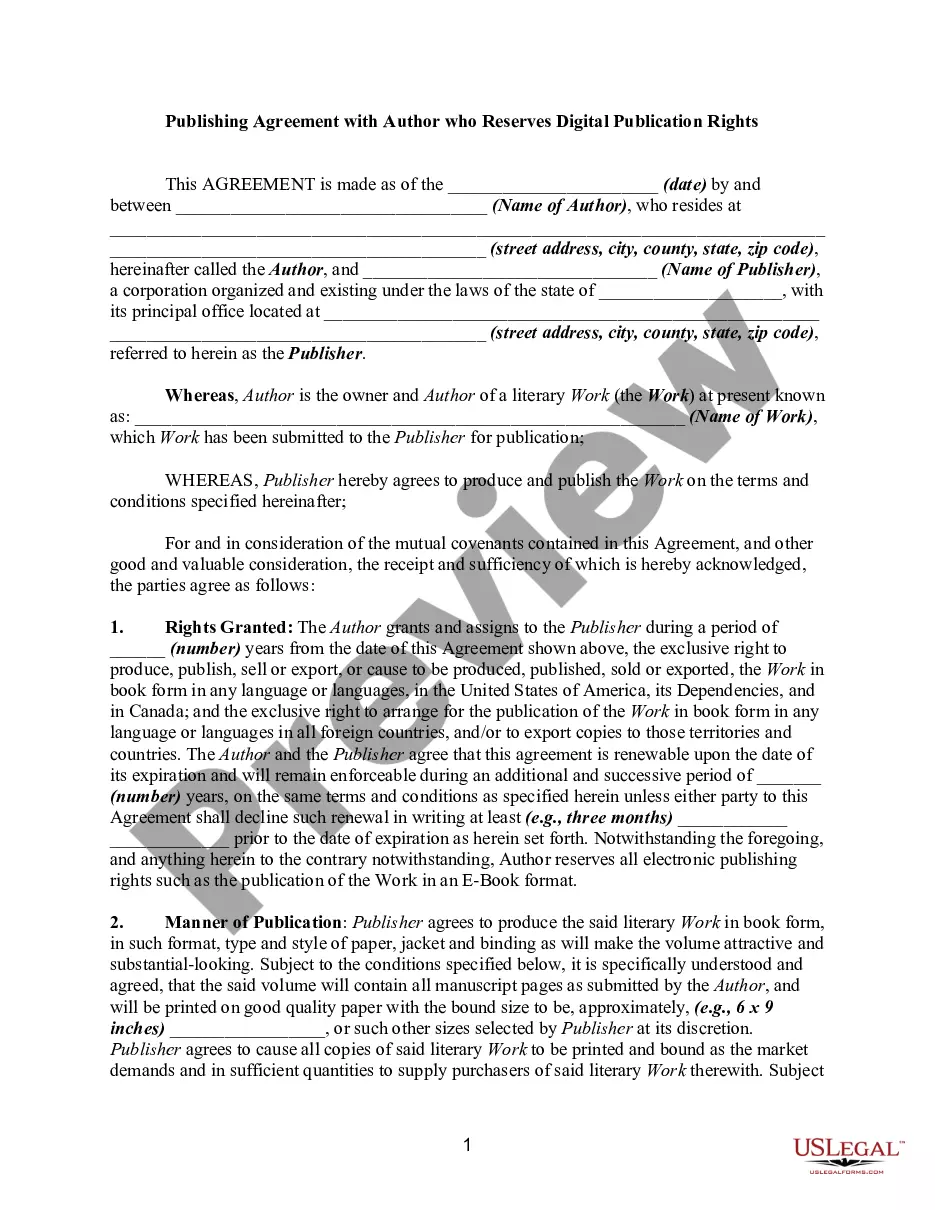
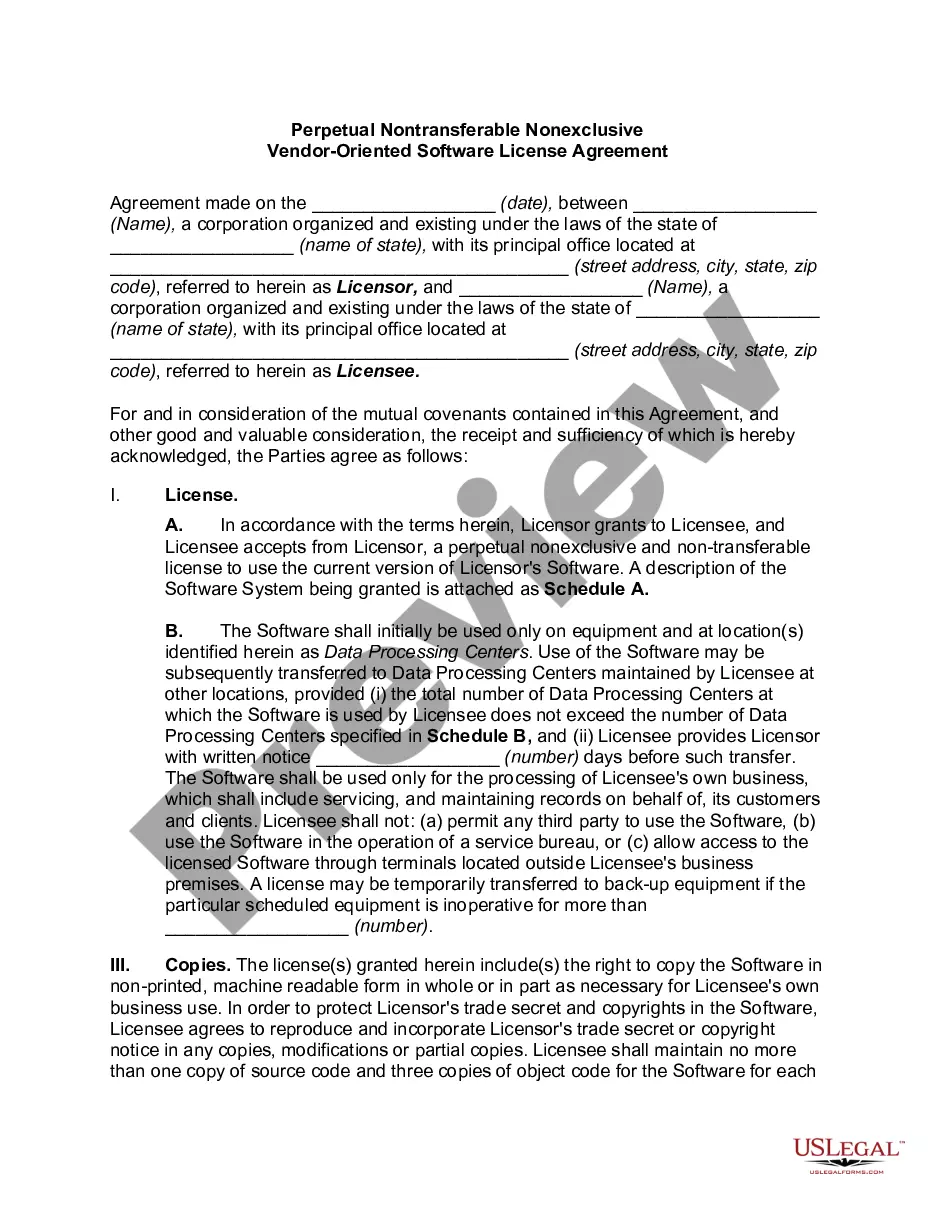
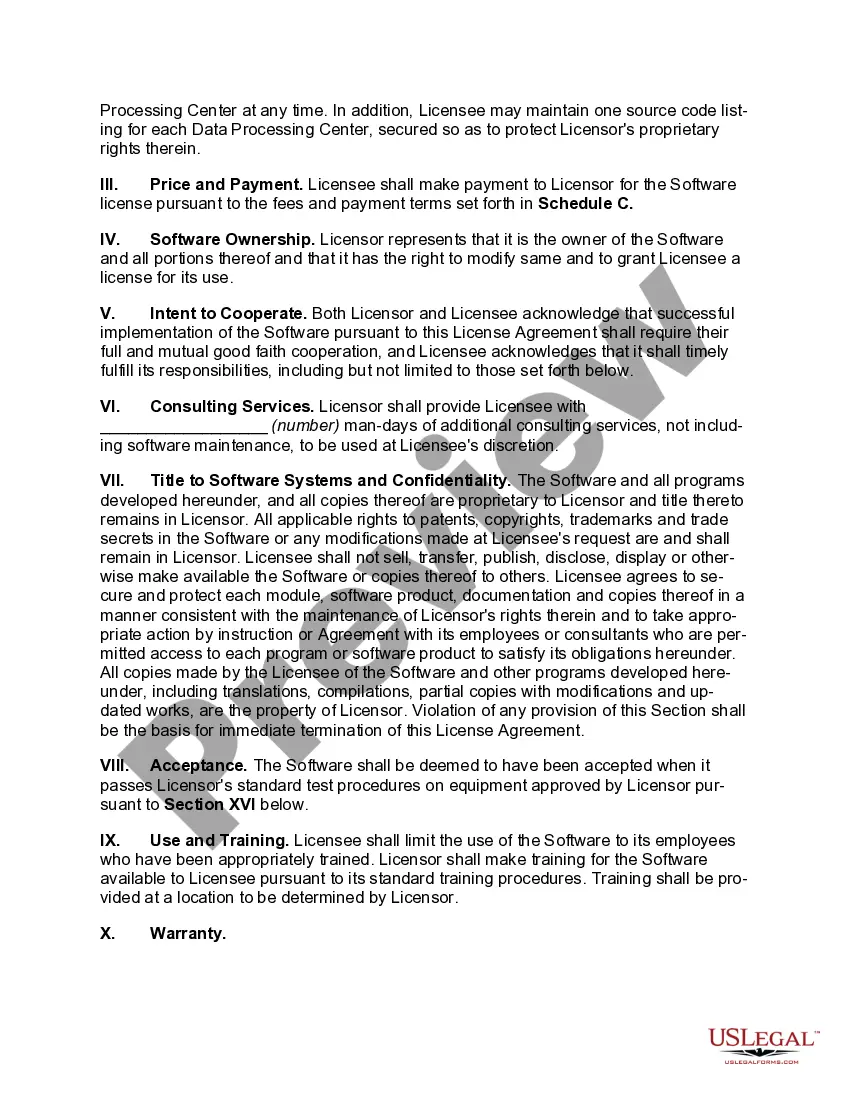
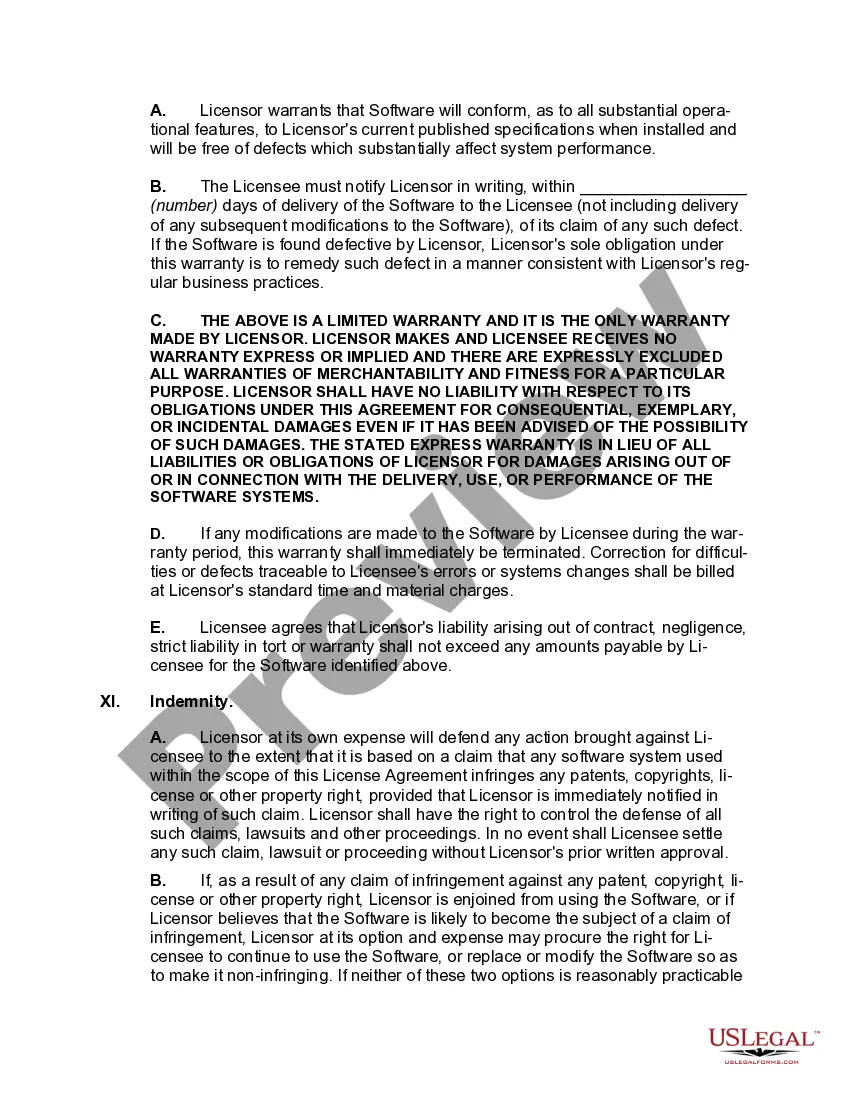
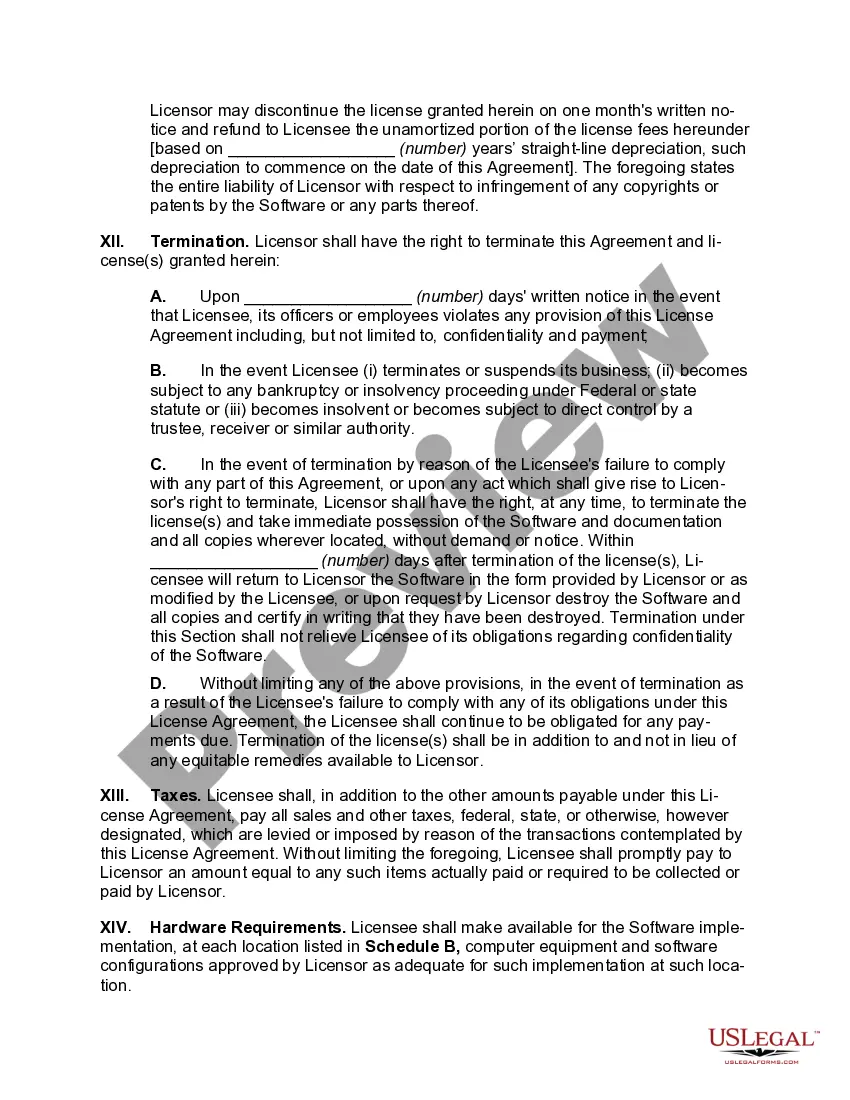
How to fill out Perpetual Nontransferable Nonexclusive Vendor-Oriented Software License Agreement?
No longer is there a need to invest hours searching for legal documents to adhere to your local state requirements. US Legal Forms has compiled all of them in one location and made them easier to access.
Our platform offers over 85k templates suitable for various business and personal legal situations organized by state and usage area. All forms are correctly drafted and validated for legitimacy, ensuring you receive a current Perpetual License Agreement For Office 365.
If you're already acquainted with our platform and possess an account, ensure that your subscription is active before accessing any templates. Log In to your account, choose the document, and click Download. Additionally, you can revisit all saved documents whenever necessary by navigating to the My documents section in your profile.
You can print your form to complete it manually or upload the sample if you prefer to do it using an online editor. Creating legal documents under federal and state laws and regulations is quick and easy with our platform. Try out US Legal Forms today to keep your documents organized!
- If you are a first-time user of our platform, the process will require a few more steps to complete.
- Examine the page content closely to verify it includes the example you require.
- To assist in this, use the form description and preview options if available.
- Utilize the Search bar above to look for another template if the previous one does not meet your needs.
- When you find the correct template, click Buy Now next to the template title.
- Select the desired subscription plan and create an account or Log In.
- Make the payment for your subscription using a credit card or through PayPal to proceed.
- Choose the file format for your Perpetual License Agreement For Office 365 and download it to your device.
Form popularity
FAQ
In the Microsoft 365 admin center, go to the Billing > Your products page. On the Products tab, in the Software section, select the software that you want to download. On the subscription details page, in the Downloads & keys section, choose the Product version, Language, and CPU & file type, then select Download.
Office 2021 and Office 2021 for Mac (the "boxed" products) are truly perpetual-license products. Users buy it and they don't get new feature updates, but they can use the suites to create Office files in perpetuity.
Microsoft comes across as aggrieved that it still has to offer an alternative to subscriptions when it constantly reminds perspective buyers that their perpetual-license choice doesn't have this or won't do that, while Office 365 does and will. Yet Microsoft has pledged to do at least one more perpetual-license Office.
Perpetual volume licensed products are now be able to take advantage of benefits that improve security and ease of use while reducing deployment costs. These benefits include the following: Predictable cumulative monthly updates. Software that is up-to-date immediately upon installation.
To do this, simply install the HASP driver provided in step #1 on your client computers....LICENSE: How to Install a Perpetual Group License or a Network License 25285 Prepare your server computer. The first step is to prepare the server computer. Set limits for you network. Prepare your client computers.