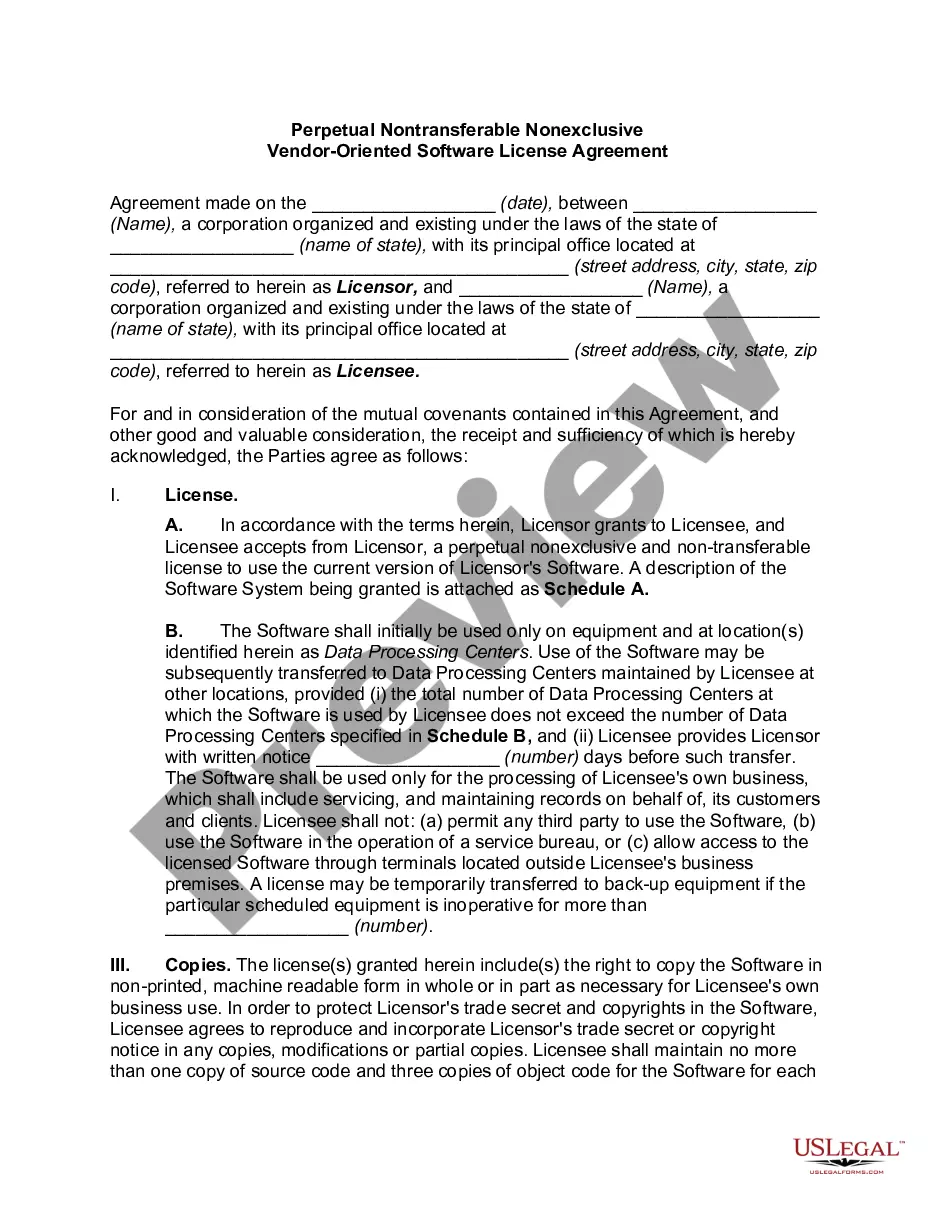
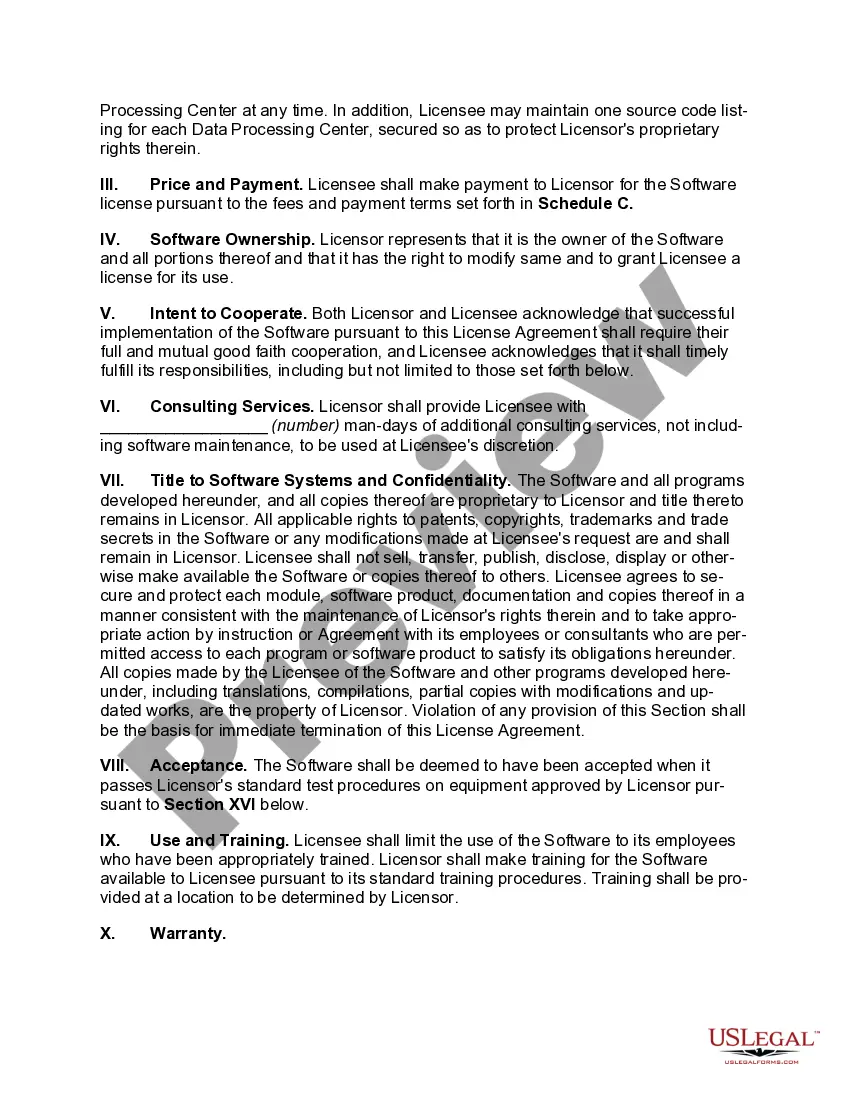
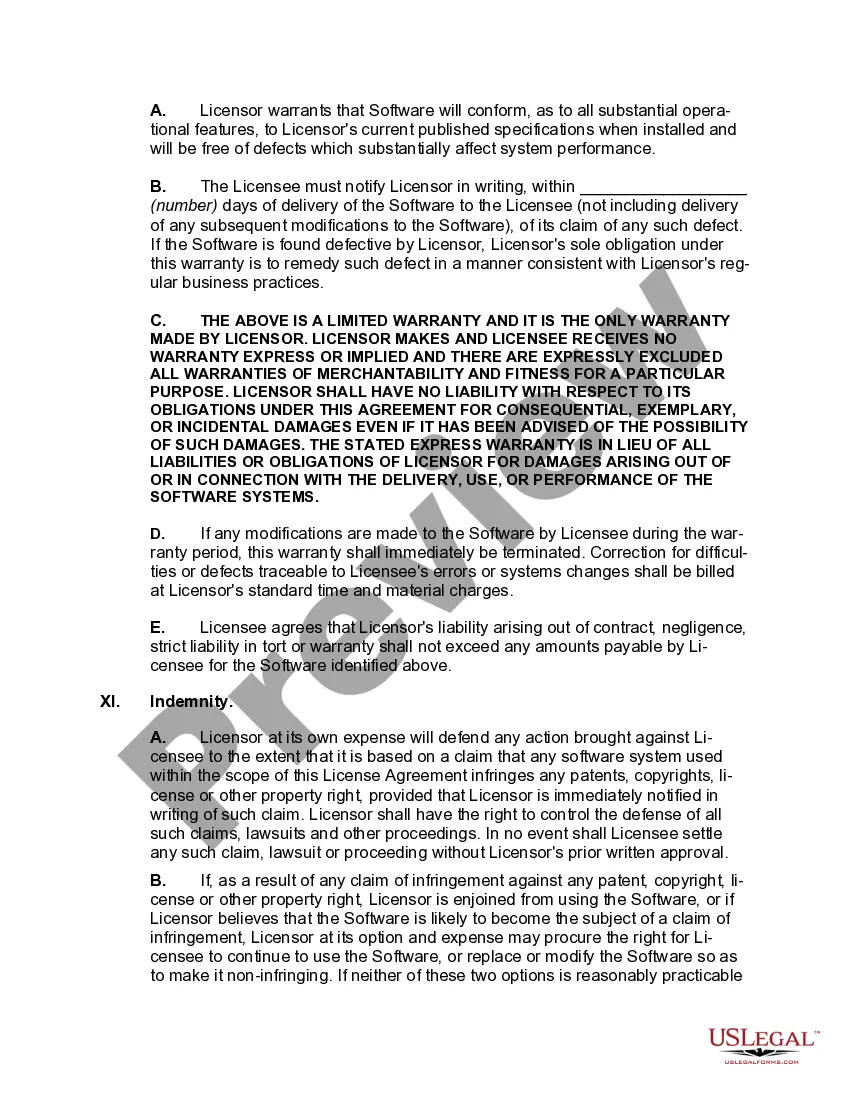
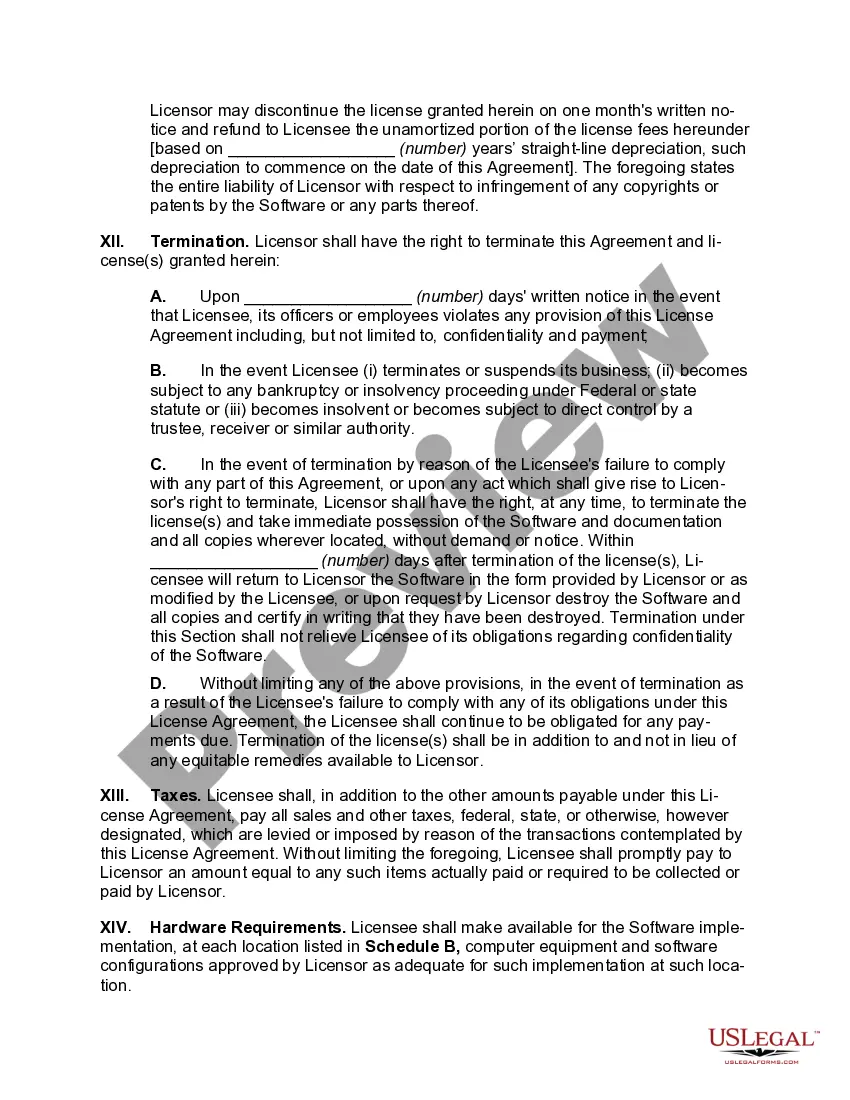
Perpetual License Agreement For Microsoft Office
Description
Get your form ready online
Our built-in tools help you complete, sign, share, and store your documents in one place.
Make edits, fill in missing information, and update formatting in US Legal Forms—just like you would in MS Word.
Download a copy, print it, send it by email, or mail it via USPS—whatever works best for your next step.
Sign and collect signatures with our SignNow integration. Send to multiple recipients, set reminders, and more. Go Premium to unlock E-Sign.
If this form requires notarization, complete it online through a secure video call—no need to meet a notary in person or wait for an appointment.
We protect your documents and personal data by following strict security and privacy standards.

Make edits, fill in missing information, and update formatting in US Legal Forms—just like you would in MS Word.

Download a copy, print it, send it by email, or mail it via USPS—whatever works best for your next step.

Sign and collect signatures with our SignNow integration. Send to multiple recipients, set reminders, and more. Go Premium to unlock E-Sign.

If this form requires notarization, complete it online through a secure video call—no need to meet a notary in person or wait for an appointment.

We protect your documents and personal data by following strict security and privacy standards.
Looking for another form?


How to fill out Perpetual Nontransferable Nonexclusive Vendor-Oriented Software License Agreement?
Bureaucracy requires exactness and correctness.
If you do not engage with completing documents like the Perpetual License Agreement For Microsoft Office regularly, it might lead to some misunderstandings.
Choosing the appropriate template from the outset will guarantee that your document submission proceeds smoothly and avert any troubles of re-submitting a document or repeating the same task from the ground up.
If you are not a registered user, finding the needed template would require a few extra steps.
- You can always discover the right template for your documentation in US Legal Forms.
- US Legal Forms is the largest online repository of forms that hosts over 85 thousand templates for a range of fields.
- You can acquire the latest and most suitable version of the Perpetual License Agreement For Microsoft Office by simply searching for it on the website.
- Find, archive, and store templates in your profile or review the description to confirm you have the correct one available.
- With an account at US Legal Forms, you can gather, store in a single place, and browse the templates you save for quick access.
- When on the website, click the Log In button to authenticate.
- Then, proceed to the My documents page, where the record of your forms is maintained.
- Review the information of the forms and save those you need at any time.
Form popularity
FAQ
Perpetual volume licensed products are now be able to take advantage of benefits that improve security and ease of use while reducing deployment costs. These benefits include the following: Predictable cumulative monthly updates. Software that is up-to-date immediately upon installation.
To do this, simply install the HASP driver provided in step #1 on your client computers....LICENSE: How to Install a Perpetual Group License or a Network License 25285 Prepare your server computer. The first step is to prepare the server computer. Set limits for you network. Prepare your client computers.
It's offered in two versions: Office Home and Student 2021 and Office Home and Business 2021. Microsoft has revealed the pricing of its perpetual-license versions of Office 2021 and listed the features and functionalities it lifted from Office 365 and dropped into the new pay-for-once suite.
A perpetual software license is a type of software license that authorizes an individual to use a program indefinitely. Generally, outside of termination, a perpetual software license allows the holder to use a specific version of a given software program continually with payment of a single fee.
Click Users (Computername\\Users), and then click to select the Allow check box for the Full Control permission. Click OK, and then quit Registry Editor. Start an Office program, and then accept the End User License Agreement.