Excel Spreadsheet Template For Employee Schedule
Description

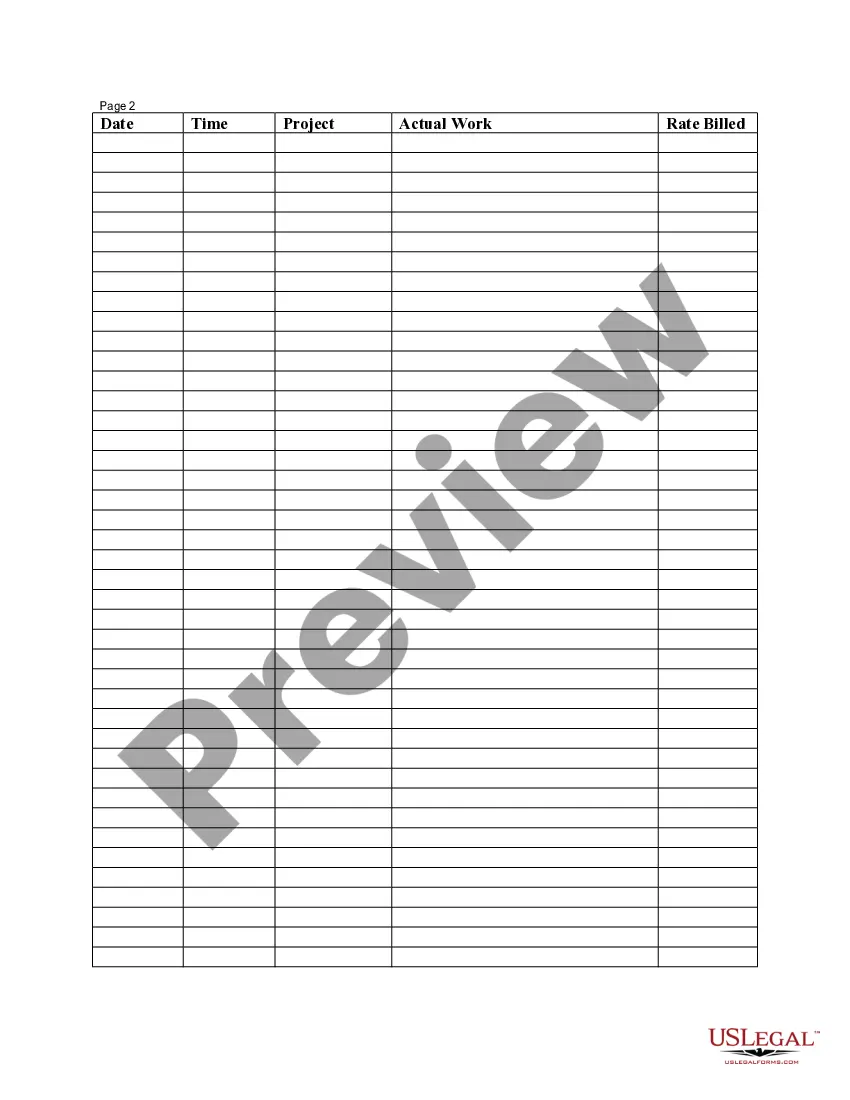
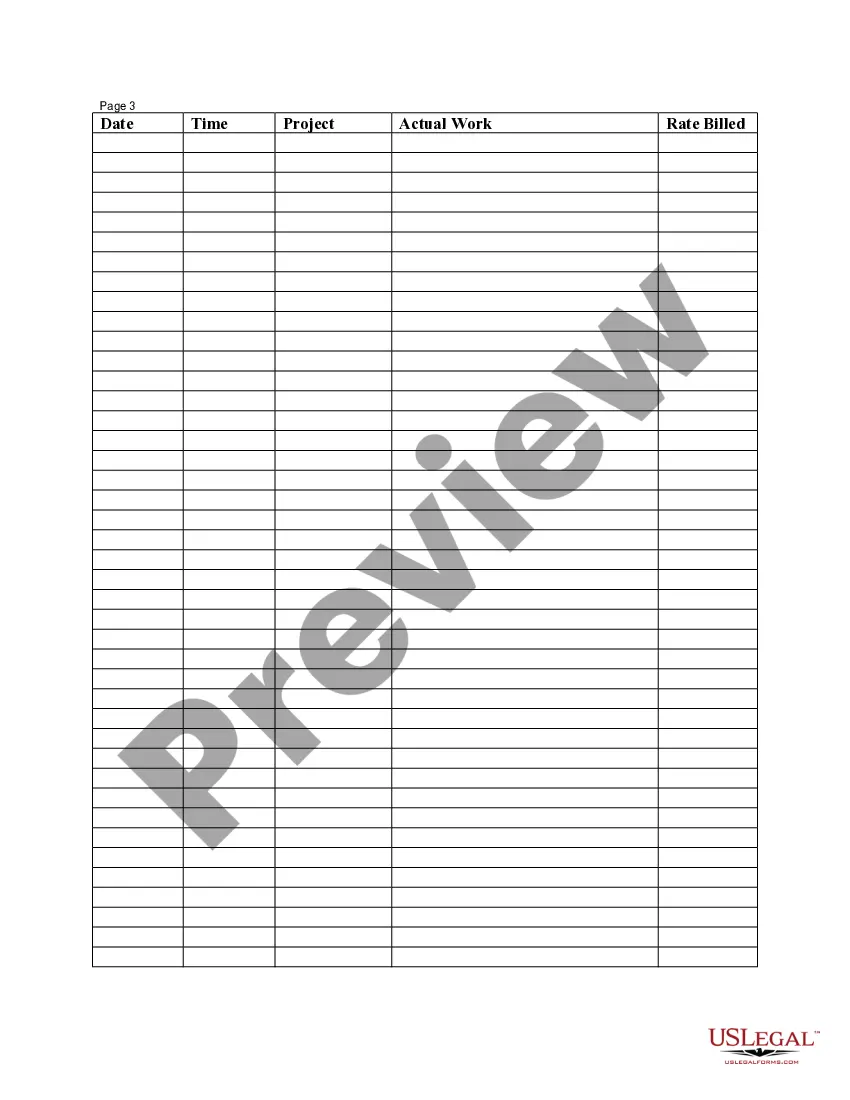



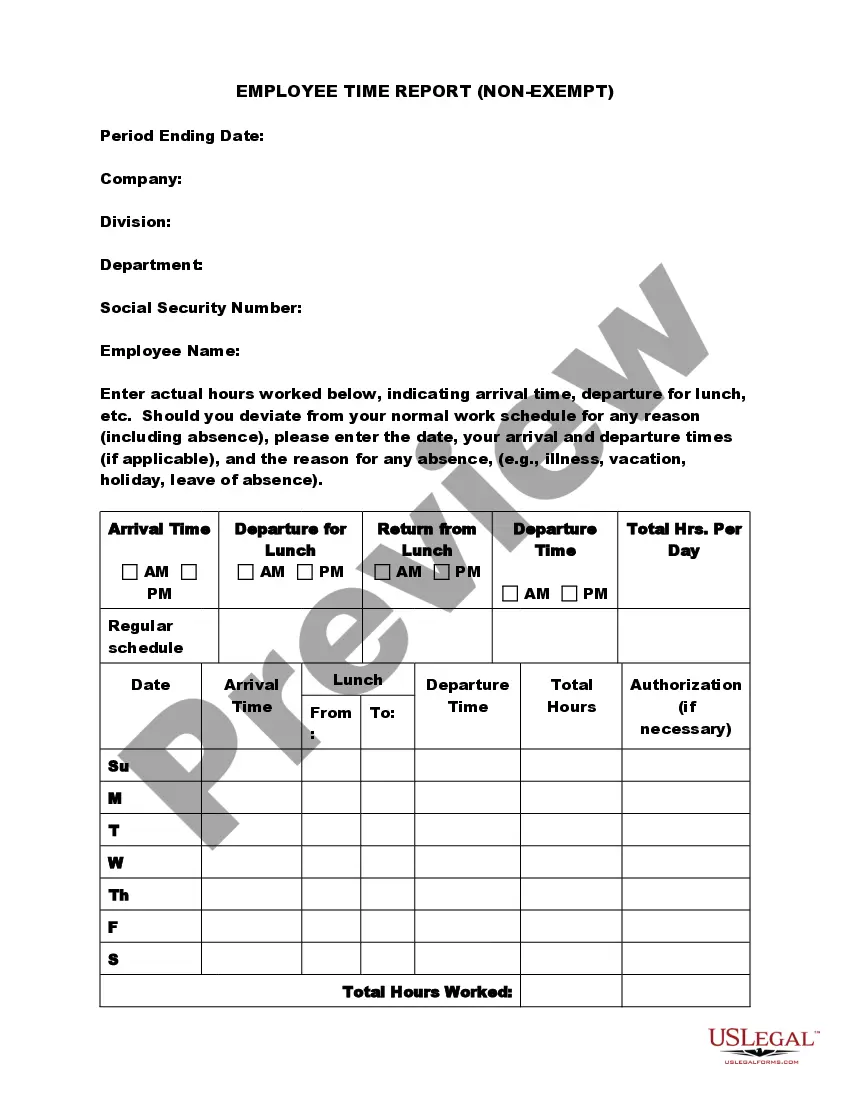
Get your form ready online
Our built-in tools help you complete, sign, share, and store your documents in one place.
Make edits, fill in missing information, and update formatting in US Legal Forms—just like you would in MS Word.
Download a copy, print it, send it by email, or mail it via USPS—whatever works best for your next step.
Sign and collect signatures with our SignNow integration. Send to multiple recipients, set reminders, and more. Go Premium to unlock E-Sign.
If this form requires notarization, complete it online through a secure video call—no need to meet a notary in person or wait for an appointment.
We protect your documents and personal data by following strict security and privacy standards.

Make edits, fill in missing information, and update formatting in US Legal Forms—just like you would in MS Word.

Download a copy, print it, send it by email, or mail it via USPS—whatever works best for your next step.

Sign and collect signatures with our SignNow integration. Send to multiple recipients, set reminders, and more. Go Premium to unlock E-Sign.

If this form requires notarization, complete it online through a secure video call—no need to meet a notary in person or wait for an appointment.

We protect your documents and personal data by following strict security and privacy standards.
Looking for another form?



How to fill out Employee Time Sheet?
Acquiring legal documents that comply with federal and local laws is essential, and the internet provides numerous alternatives to select from.
However, why spend time searching for the accurately composed Excel Spreadsheet Template For Employee Schedule example online when the US Legal Forms digital library already compiles such templates in one location.
US Legal Forms is the largest online legal repository with over 85,000 editable templates created by lawyers for various business and personal situations.
Examine the template using the Preview feature or through the text outline to ensure it suits your needs.
- They are simple to navigate with all documents categorized by state and intended use.
- Our specialists stay updated with legislative changes, ensuring your documents are current and compliant when obtaining an Excel Spreadsheet Template For Employee Schedule from our platform.
- Acquiring an Excel Spreadsheet Template For Employee Schedule is quick and straightforward for both existing and new users.
- If you possess an account with an active subscription, Log In and download the required document sample in your desired format.
- If you are a newcomer to our site, follow these steps.
Form popularity
FAQ
How to create a work schedule for employees Create a blank spreadsheet. If not using a prefilled template, begin by opening a new spreadsheet on your computer. ... Insert column headings. ... Fill in employee names. ... Determine work times. ... Save as a new document. ... Share the schedule.
What to Know Easiest: Download a pre-made template from Microsoft Excel. Create template: Select A1:E2 > Merge & Center > type WEEKLY SCHEDULE > select Middle Align. Add borders and headings. In A3, type TIME. In A4 and A5, enter time > fill cells > add days > save template.
If you want to create a productive daily schedule that meets your specific needs, follow these steps: Write everything down. ... Identify priorities. ... Note the frequency. ... Cluster similar tasks. ... Make a weekly chart. ... Optimize your tasks. ... Order the tasks. ... Stay flexible.
How best to create work schedules? Make the time to understand your team. Make the time to analyze the workload. Track employee clock-in and clock-out times. Follow a set of rules to schedule employees fairly. Establish an efficient team communication system. Post the work schedule at least 7 days in advance.
With our Employee Scheduler template, it's possible to track employee availability, assign shifts, track labor costs, and plenty more - reach your optimized resource allocation by downloading this template available in Microsoft Excel and Google Sheets.