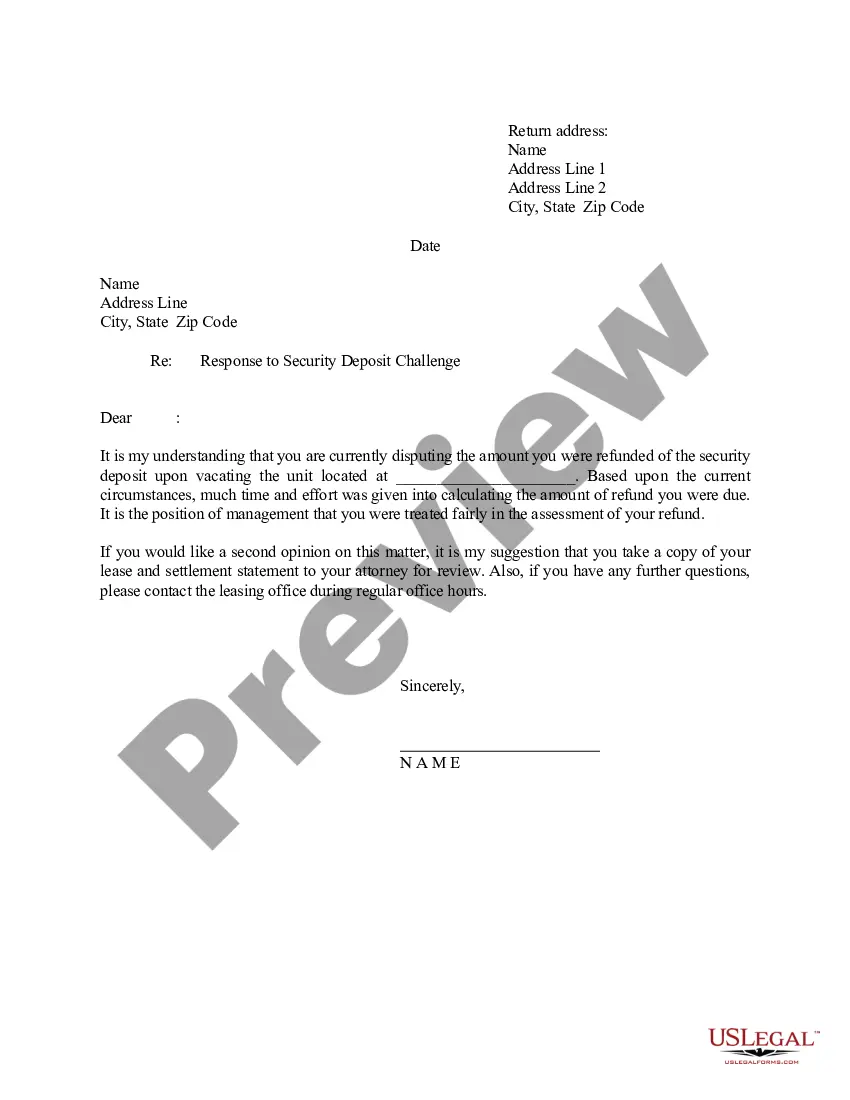
Security Refund With Overpayment
Description
Get your form ready online
Our built-in tools help you complete, sign, share, and store your documents in one place.
Make edits, fill in missing information, and update formatting in US Legal Forms—just like you would in MS Word.
Download a copy, print it, send it by email, or mail it via USPS—whatever works best for your next step.
Sign and collect signatures with our SignNow integration. Send to multiple recipients, set reminders, and more. Go Premium to unlock E-Sign.
If this form requires notarization, complete it online through a secure video call—no need to meet a notary in person or wait for an appointment.
We protect your documents and personal data by following strict security and privacy standards.

Make edits, fill in missing information, and update formatting in US Legal Forms—just like you would in MS Word.

Download a copy, print it, send it by email, or mail it via USPS—whatever works best for your next step.

Sign and collect signatures with our SignNow integration. Send to multiple recipients, set reminders, and more. Go Premium to unlock E-Sign.

If this form requires notarization, complete it online through a secure video call—no need to meet a notary in person or wait for an appointment.

We protect your documents and personal data by following strict security and privacy standards.
Looking for another form?






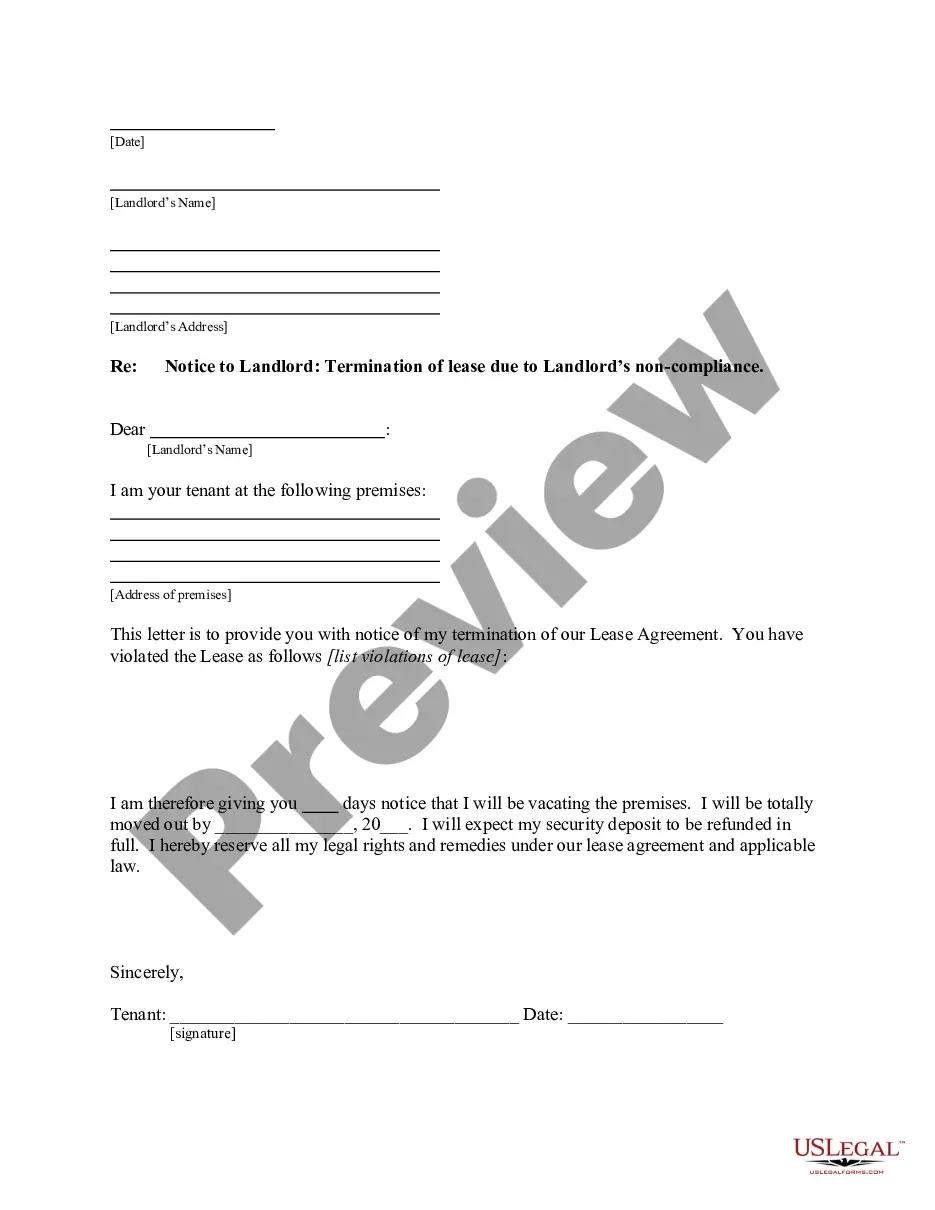
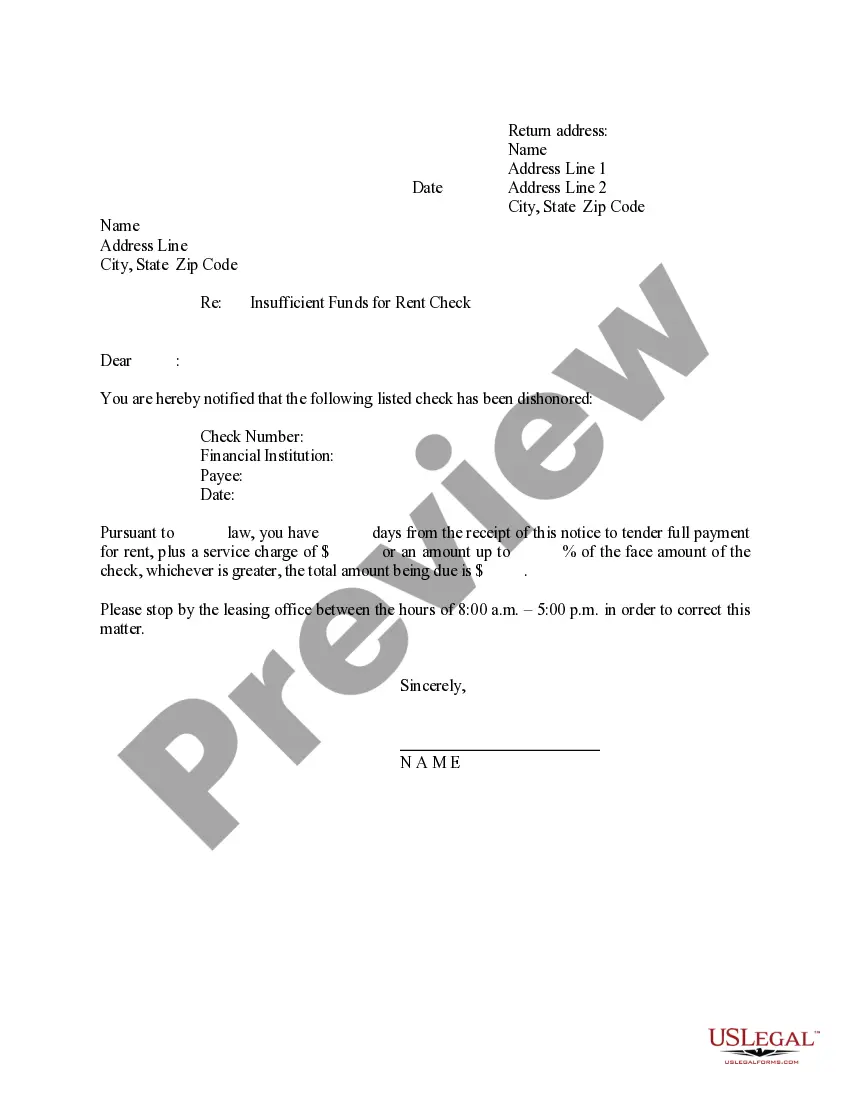
How to fill out Letter - To Tenant In Response To A Challenge To The Security Deposit Refund?
The Security Refund With Overpayment that you observe on this page is a reusable official template crafted by professional attorneys in accordance with federal and state regulations.
For over 25 years, US Legal Forms has supplied individuals, organizations, and legal practitioners with more than 85,000 validated, state-specific documents for any business and personal situation. It’s the fastest, most direct, and most reliable method to acquire the paperwork you require, as the service ensures bank-level data protection and anti-malware safeguards.
Register for US Legal Forms to have authenticated legal templates for all of life's circumstances at your fingertips.
- Search for the document you require and examine it.
- Select the pricing plan that fits your needs and create an account.
- Choose the format you prefer for your Security Refund With Overpayment (PDF, DOCX, RTF) and save the document on your device.
- Print the template to fill it out manually.
- Access the My documents tab in your account to redownload any previously acquired documents.
Form popularity
FAQ
Social Security will send you a notice explaining the overpayment with a request for you to repay the amount within 30 days of the notice. If you are receiving SSDI payments, Social Security will withhold the full amount of your benefit each month, unless you request a lesser withholding amount.
Repay online if eligible If your overpayment letter includes online payment instructions and a Remittance ID, you can also repay online at pay.gov.
Refund of an overpayment: If a customer overpays an invoice and requests a refund, the overpayment should be recorded as a liability in a separate account. When the refund is issued, the liability account should be debited, and the cash account should be credited.
From the Payment account ? dropdown, select the bank account where you deposited the overpayment to. On the first line of the Category column, select Accounts Receivable. Enter how much you want to refund in the Amount field. Fill out the other fields as you see fit, then select Save and close.
Your employer should adjust the excess for you. If the employer doesn't adjust the overcollection, you can use Form 843, Claim for Refund and Request for Abatement to claim a refund. Attach copies of your Forms W-2, Wage and Tax Statement for the year to Form 843.