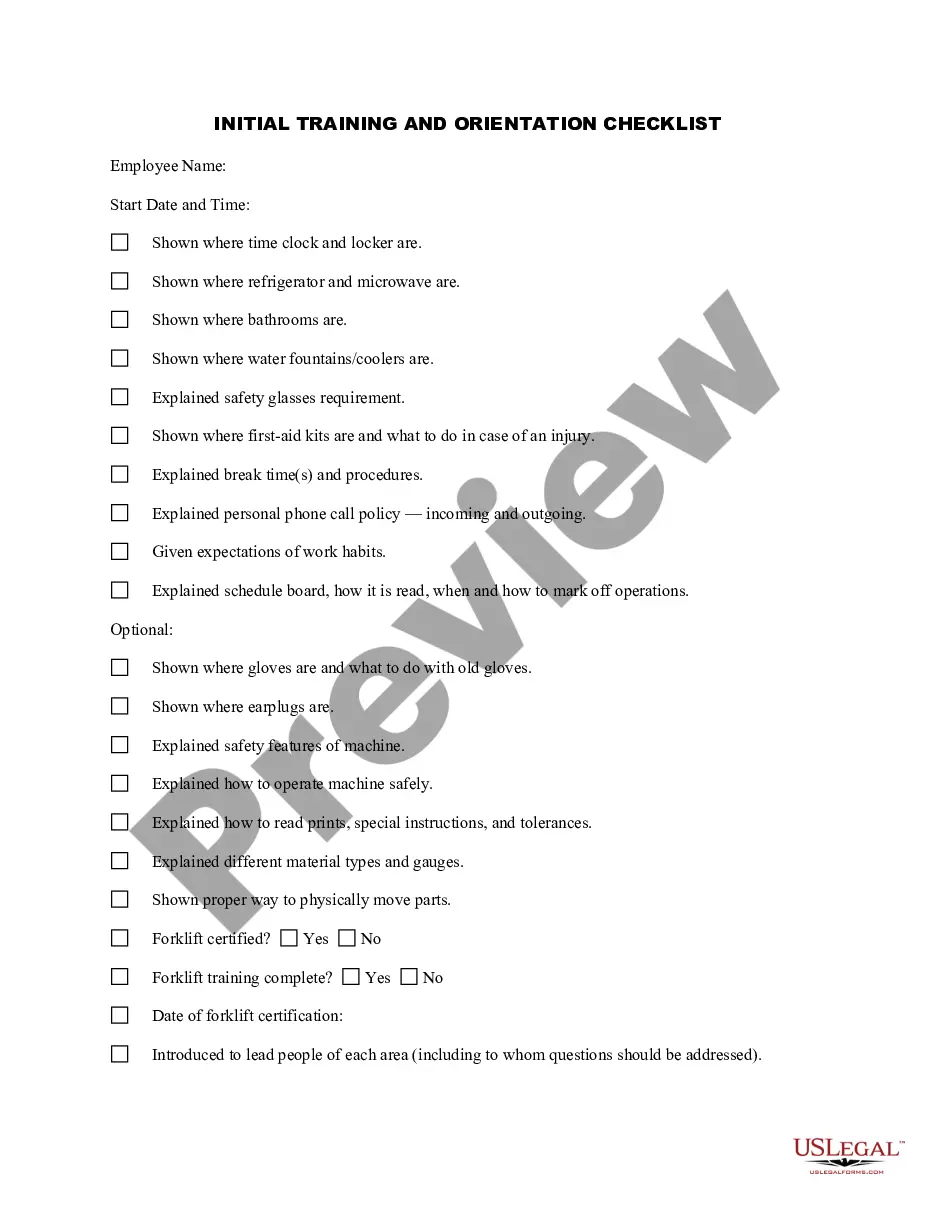
Employee Orientation Checklist Template With Excel
Description
Get your form ready online
Our built-in tools help you complete, sign, share, and store your documents in one place.
Make edits, fill in missing information, and update formatting in US Legal Forms—just like you would in MS Word.
Download a copy, print it, send it by email, or mail it via USPS—whatever works best for your next step.
Sign and collect signatures with our SignNow integration. Send to multiple recipients, set reminders, and more. Go Premium to unlock E-Sign.
If this form requires notarization, complete it online through a secure video call—no need to meet a notary in person or wait for an appointment.
We protect your documents and personal data by following strict security and privacy standards.

Make edits, fill in missing information, and update formatting in US Legal Forms—just like you would in MS Word.

Download a copy, print it, send it by email, or mail it via USPS—whatever works best for your next step.

Sign and collect signatures with our SignNow integration. Send to multiple recipients, set reminders, and more. Go Premium to unlock E-Sign.

If this form requires notarization, complete it online through a secure video call—no need to meet a notary in person or wait for an appointment.

We protect your documents and personal data by following strict security and privacy standards.
Looking for another form?





How to fill out New Employee Orientation Checklist?
Managing legal documents can be perplexing, even for the most skilled professionals.
When you are looking for a Worker Orientation Checklist Template With Excel and don’t have the time to dedicate to finding the right and current version, the process can be challenging.
US Legal Forms meets any needs you may have, ranging from personal to commercial documents, all in one convenient location.
Utilize advanced tools to fill out and manage your Worker Orientation Checklist Template With Excel.
Here are the steps to follow once you have the desired form: Confirm it’s the correct document by reviewing it and examining its details.
- Tap into a resource base of articles, manuals, and guides relevant to your circumstances and needs.
- Save time and effort searching for the documents you require, and utilize US Legal Forms’ sophisticated search and Review feature to find the Worker Orientation Checklist Template With Excel and obtain it.
- If you have a subscription, Log Into your US Legal Forms account, search for the form, and download it.
- Check the My documents tab to view the documents you’ve previously obtained and organize your files as needed.
- If you are a new user of US Legal Forms, register an account for limitless access to all the tools of the library.
- A comprehensive web form library can be a transformative resource for anyone seeking to address these matters effectively.
- US Legal Forms is a market frontrunner in online legal forms, providing over 85,000 state-specific legal documents available to you at any time.
- With US Legal Forms, you can easily access various legal and business forms tailored to specific states or counties.
Form popularity
FAQ
To make an onboarding checklist in Excel, start by brainstorming a list of all the tasks you need to complete for each new hire. Organize these tasks by the phase of the onboarding process and put them in a logical order. Next, compile any resources and tools you need to complete the tasks in your onboarding checklist.
Here's a simple step-by-step guide on how to make a to-do list in Excel. Step 1: Open a new Excel file. ... Step 2: Add column headers. ... Step 3: Enter the task details. ... Step 4: Apply filters. ... Step 5: Sort the data. ... Step 6: Edit and customize your to do list.
Go to Developers Tab > Control > Insert > Form Controls > Checklist. Then click anywhere in the Excel where you want to insert the checklist. To link the checkbox to a cell in Excel, right-click on the checkbox and select Format Control.
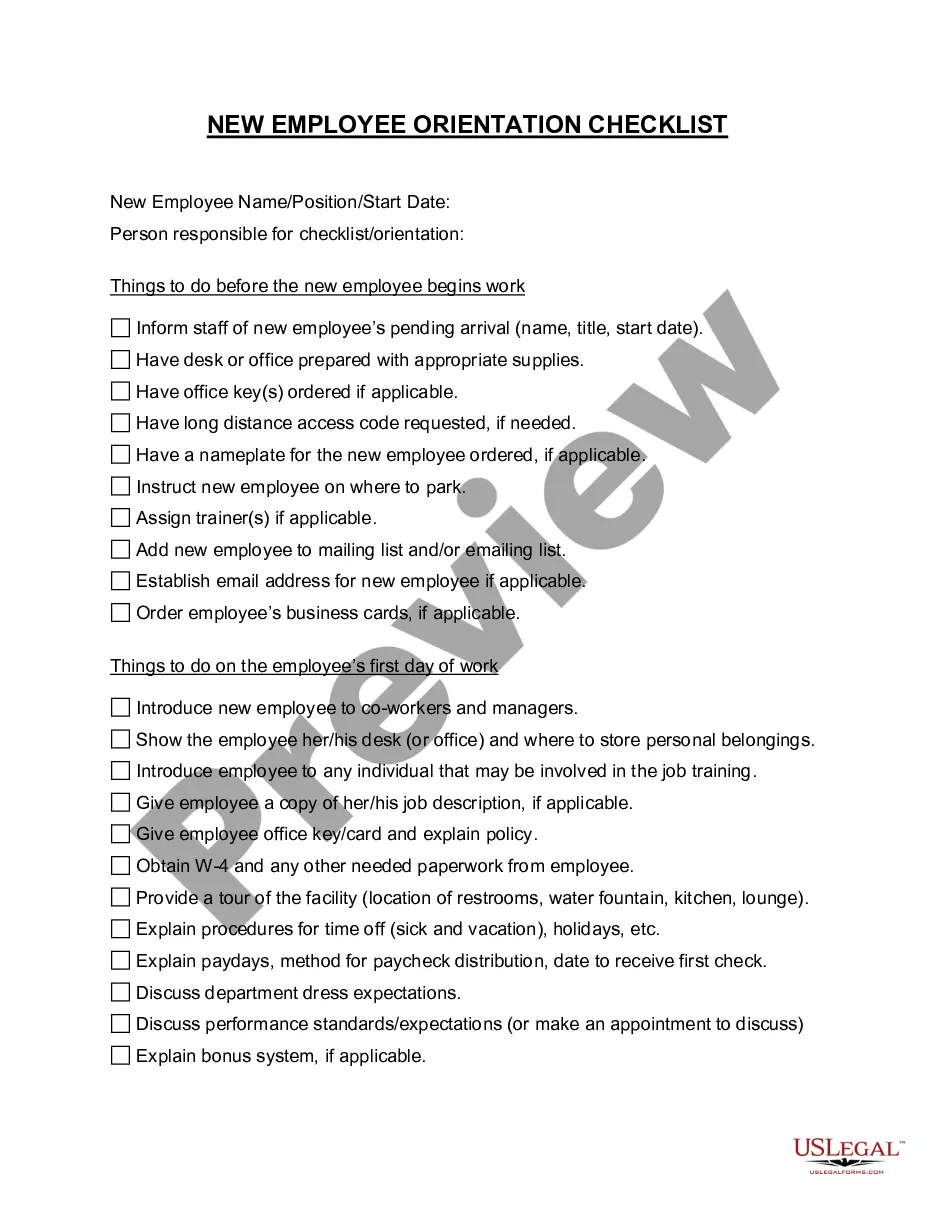
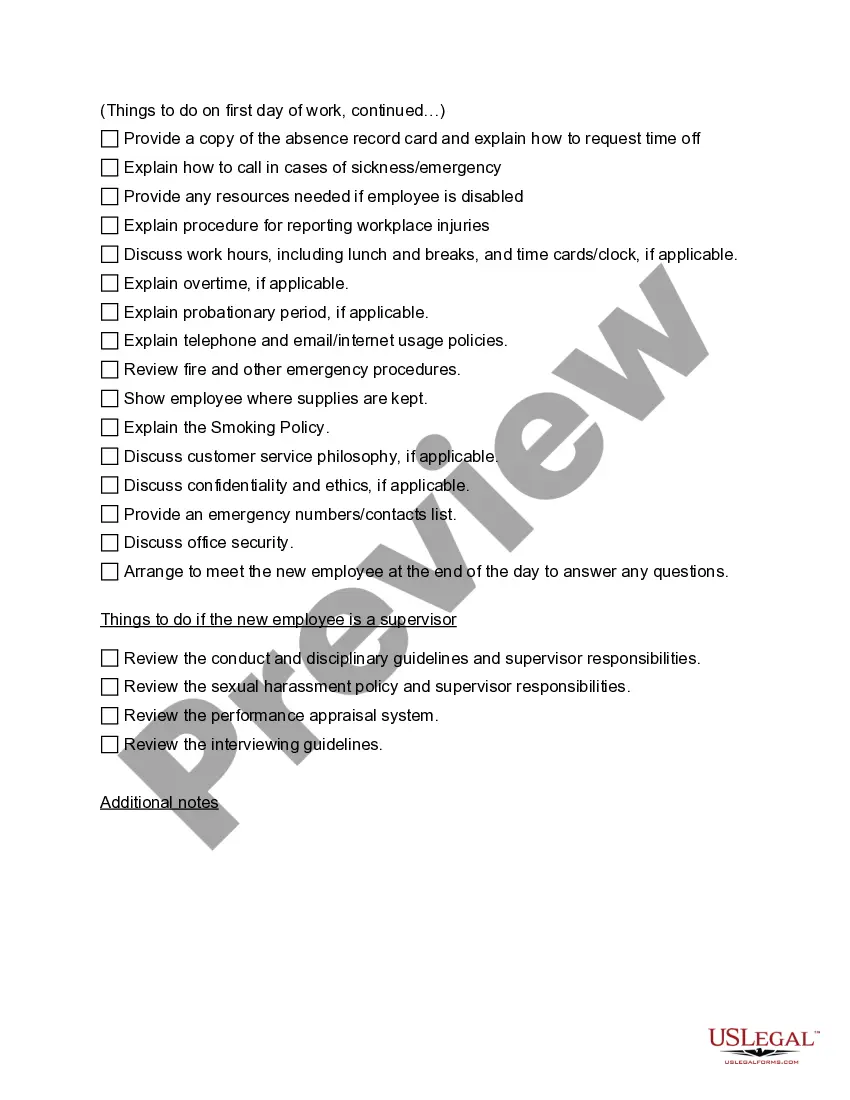
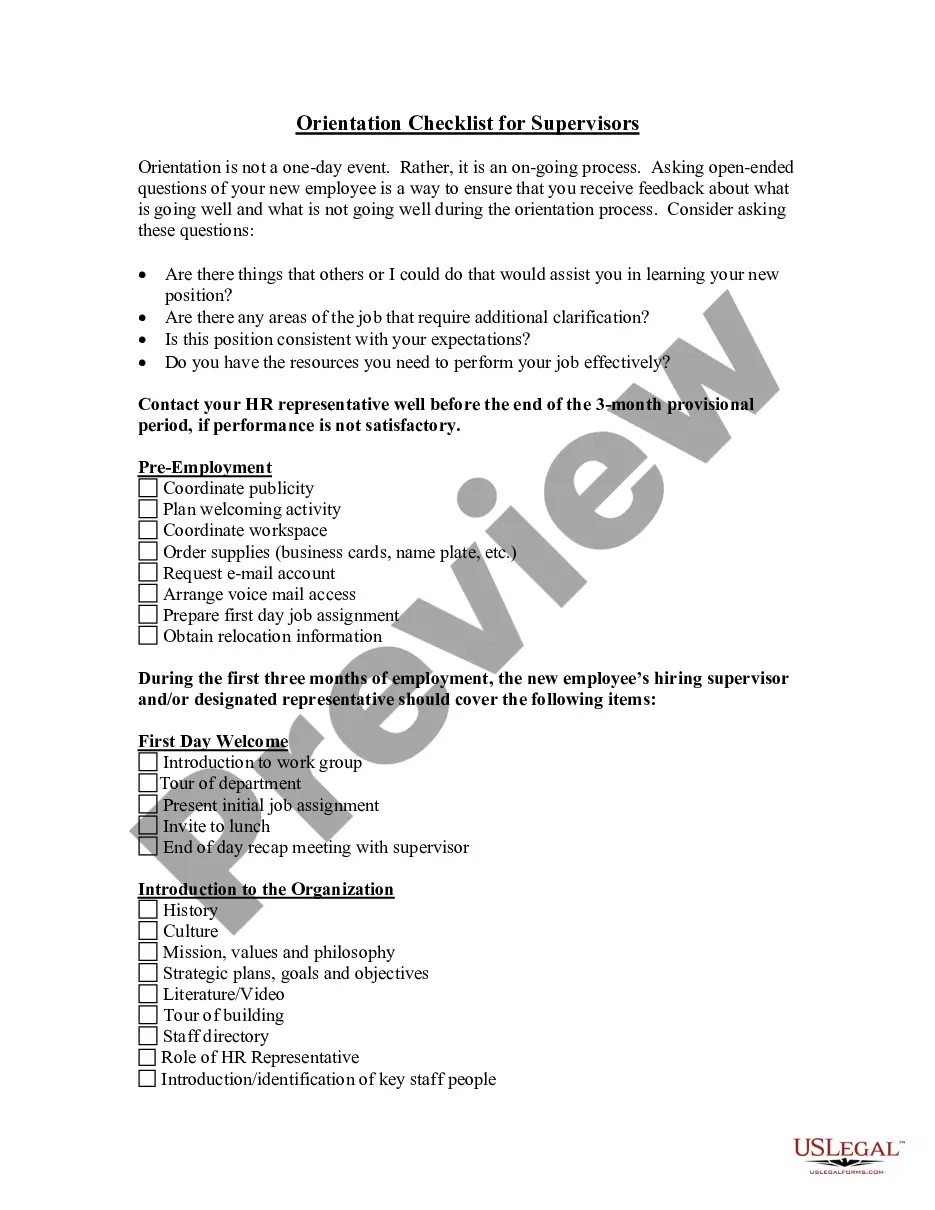
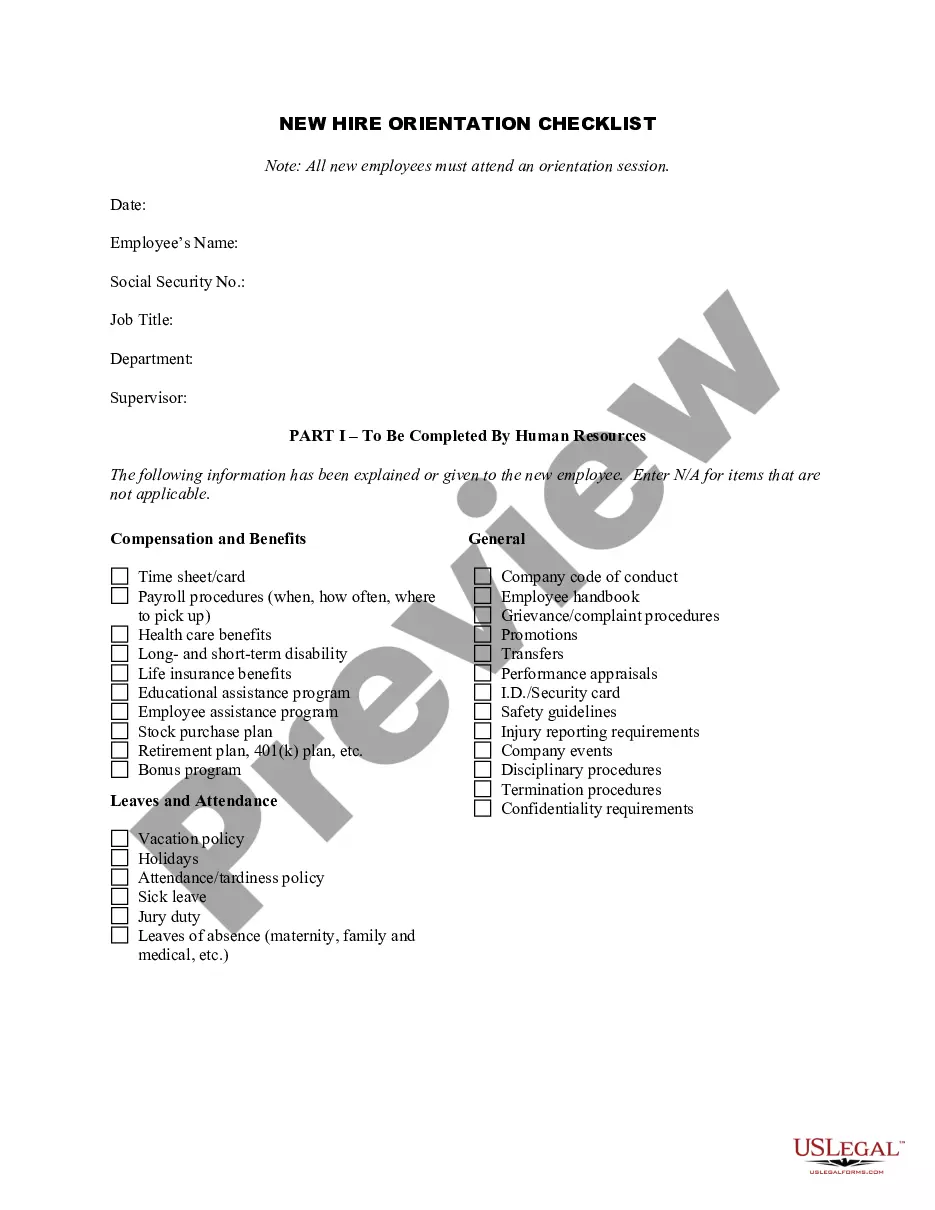
Employee onboarding checklists Office tour. ... Help your new hire set up a workspace. Ask new employees to complete HR documents. ... Meet with managers and executives. ... Assign training materials. ... Discuss expectations. ... Discuss company culture. ... Assign mentor or buddy.
Simply enable the 'Developer' tab from the 'File' menu and then add the checkboxes using the 'Insert Controls' option. You can link each checkbox to the corresponding task by using the 'Cell Link' option. Another useful feature of checkboxes in Excel is that you can use them to filter your data.