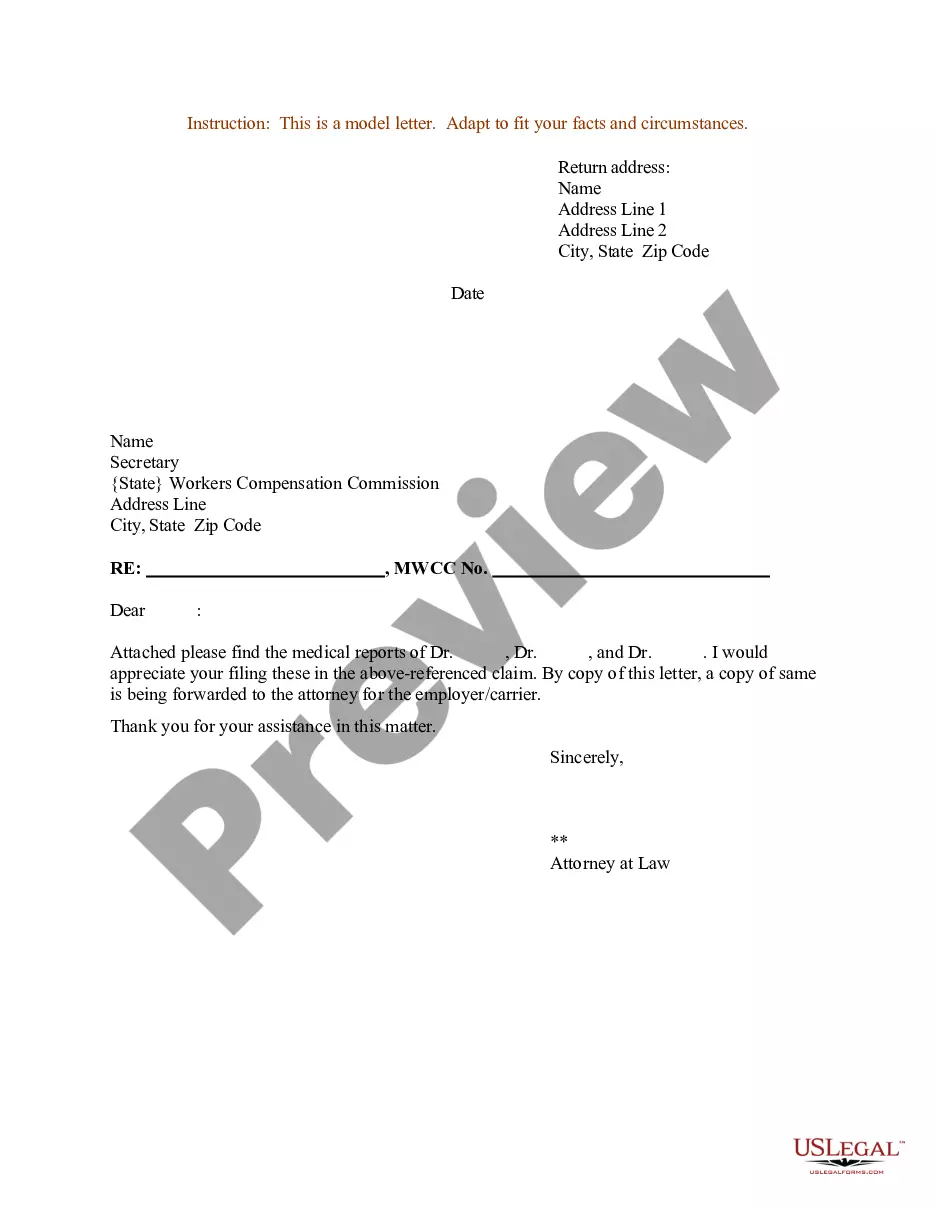
Enclosure In A Formal Letter
Description
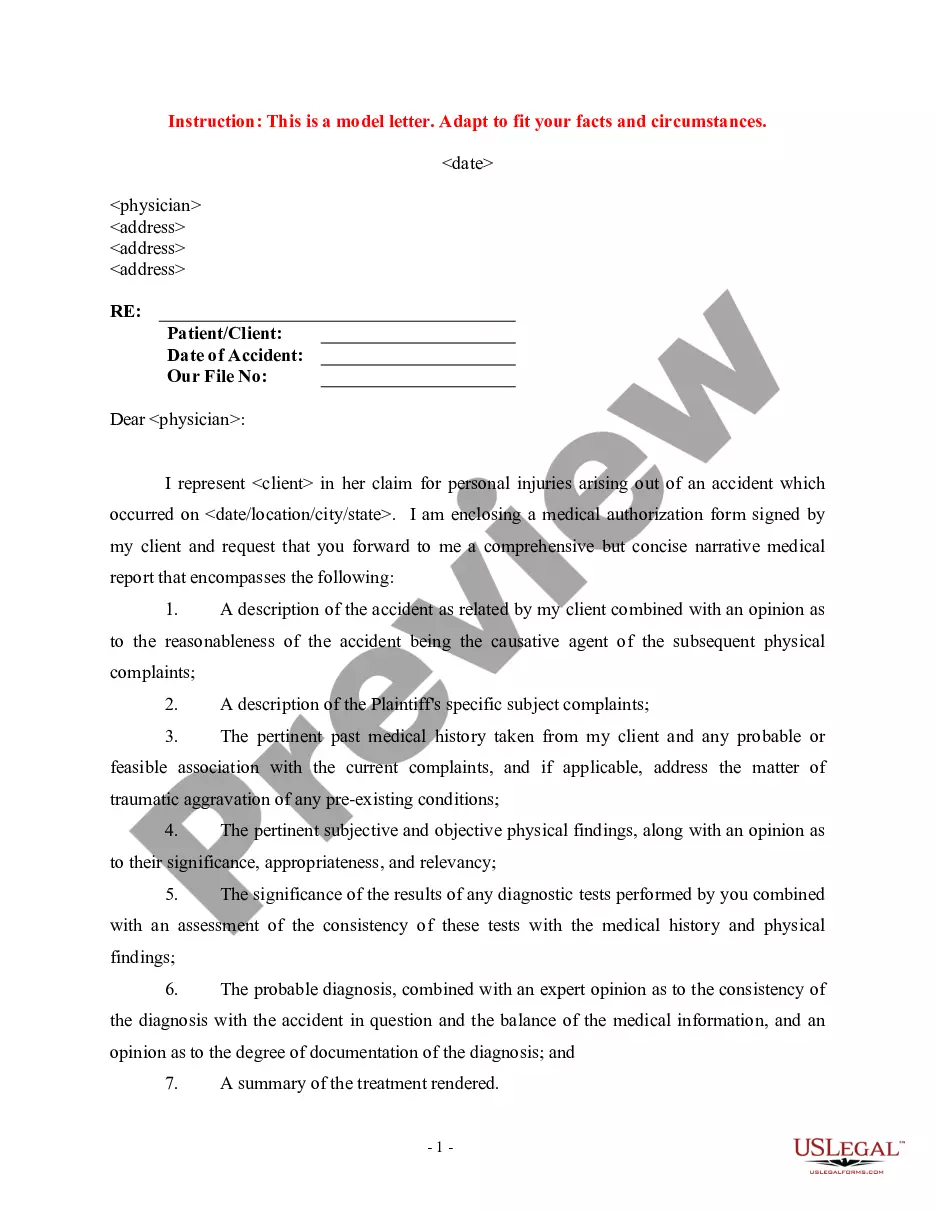
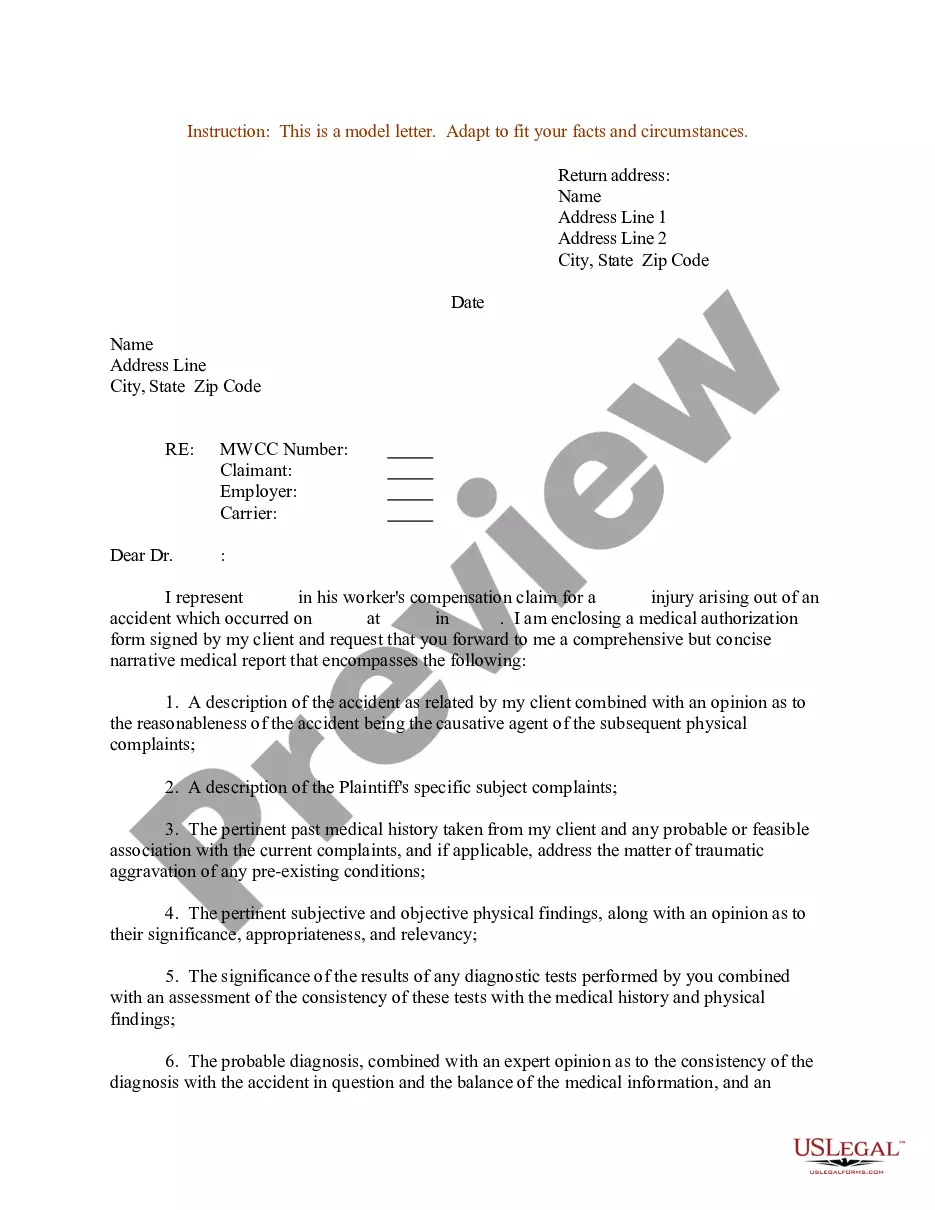

Get your form ready online
Our built-in tools help you complete, sign, share, and store your documents in one place.
Make edits, fill in missing information, and update formatting in US Legal Forms—just like you would in MS Word.
Download a copy, print it, send it by email, or mail it via USPS—whatever works best for your next step.
Sign and collect signatures with our SignNow integration. Send to multiple recipients, set reminders, and more. Go Premium to unlock E-Sign.
If this form requires notarization, complete it online through a secure video call—no need to meet a notary in person or wait for an appointment.
We protect your documents and personal data by following strict security and privacy standards.

Make edits, fill in missing information, and update formatting in US Legal Forms—just like you would in MS Word.

Download a copy, print it, send it by email, or mail it via USPS—whatever works best for your next step.

Sign and collect signatures with our SignNow integration. Send to multiple recipients, set reminders, and more. Go Premium to unlock E-Sign.

If this form requires notarization, complete it online through a secure video call—no need to meet a notary in person or wait for an appointment.

We protect your documents and personal data by following strict security and privacy standards.
Looking for another form?
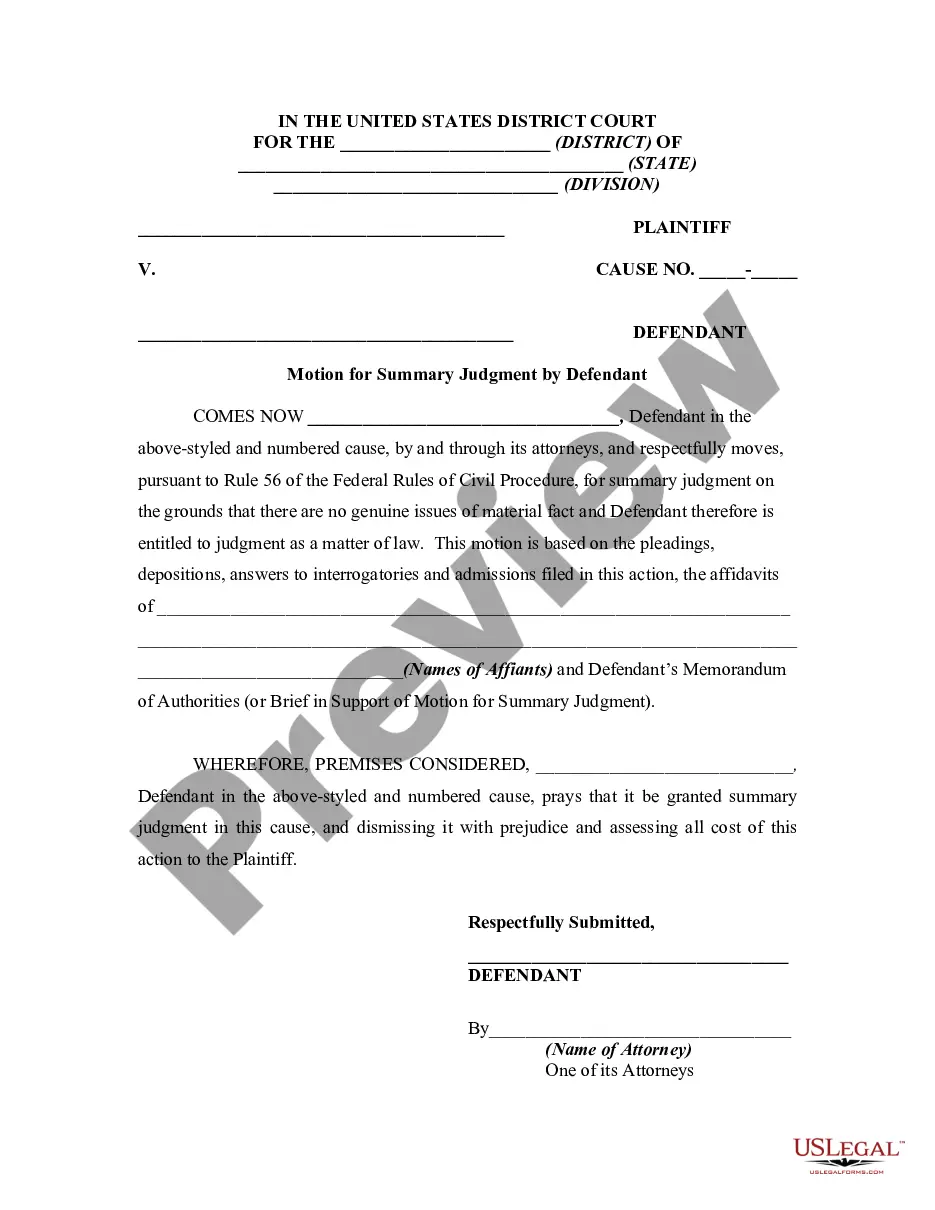
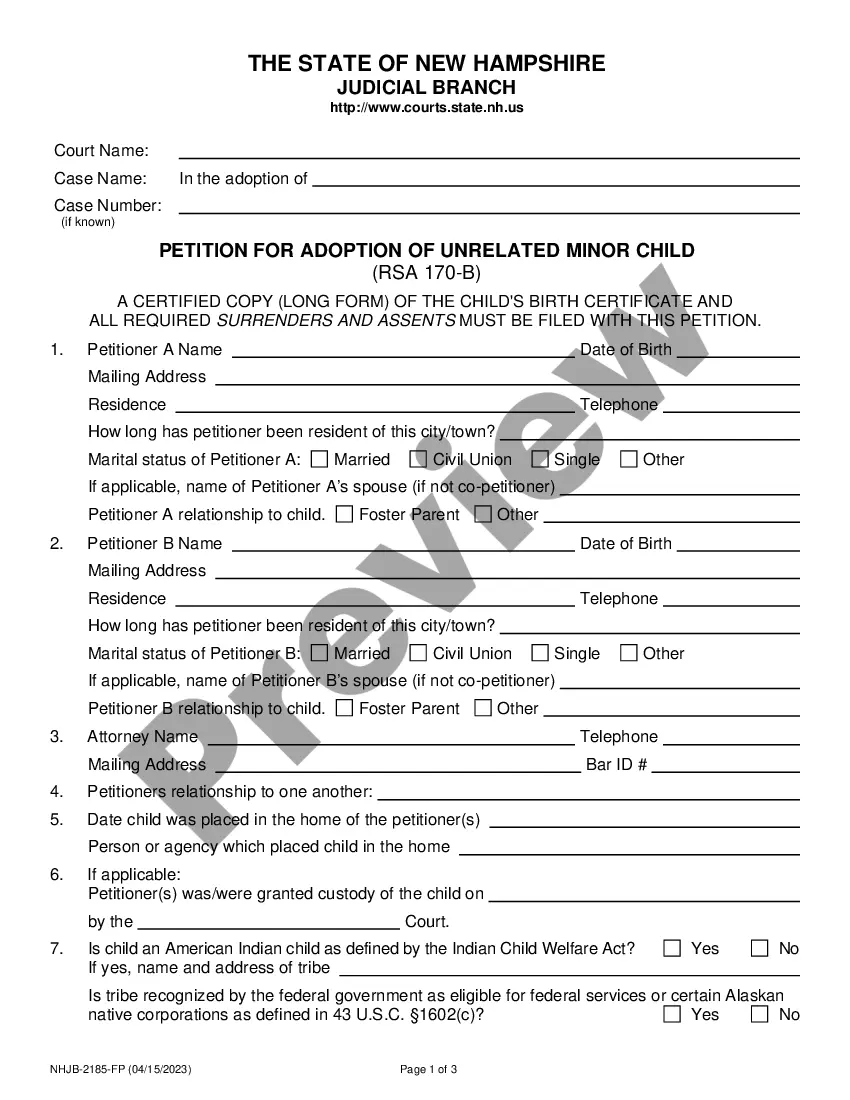

How to fill out Sample Letter For Enclosure Of Medical Reports?
Handling legal documents and procedures can be a lengthy addition to your schedule.
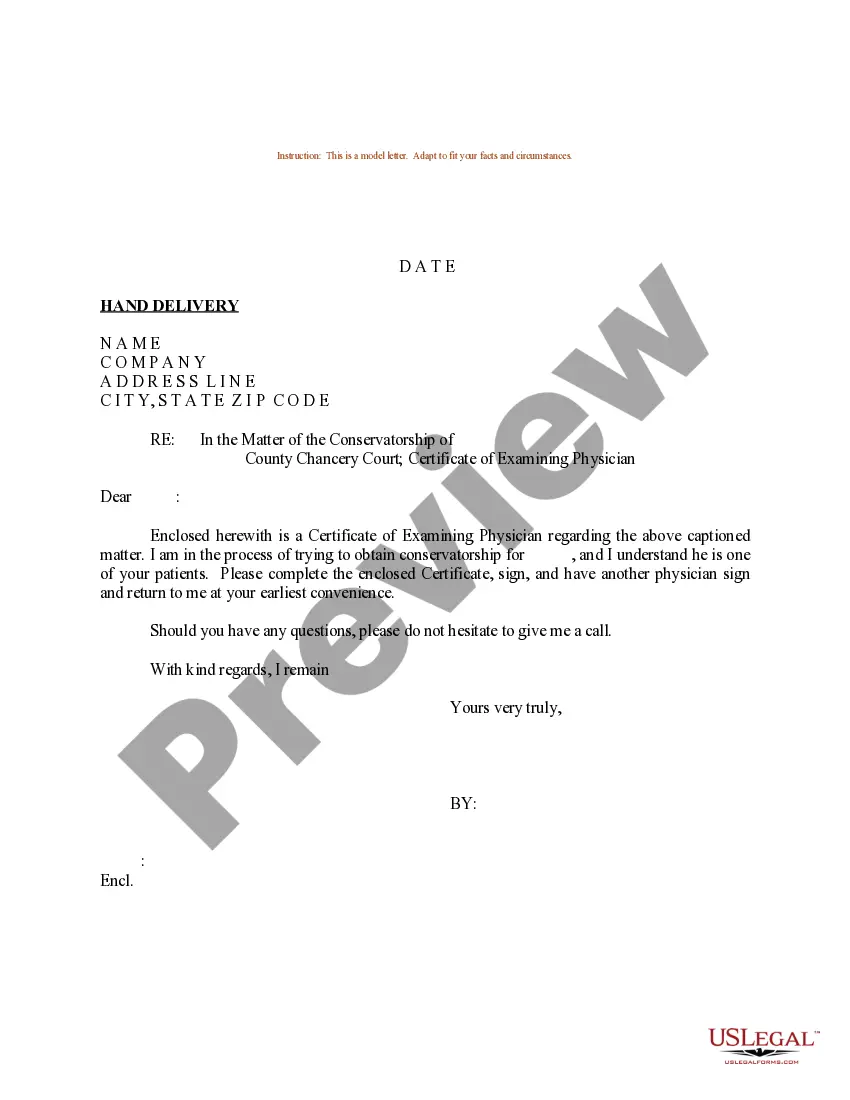
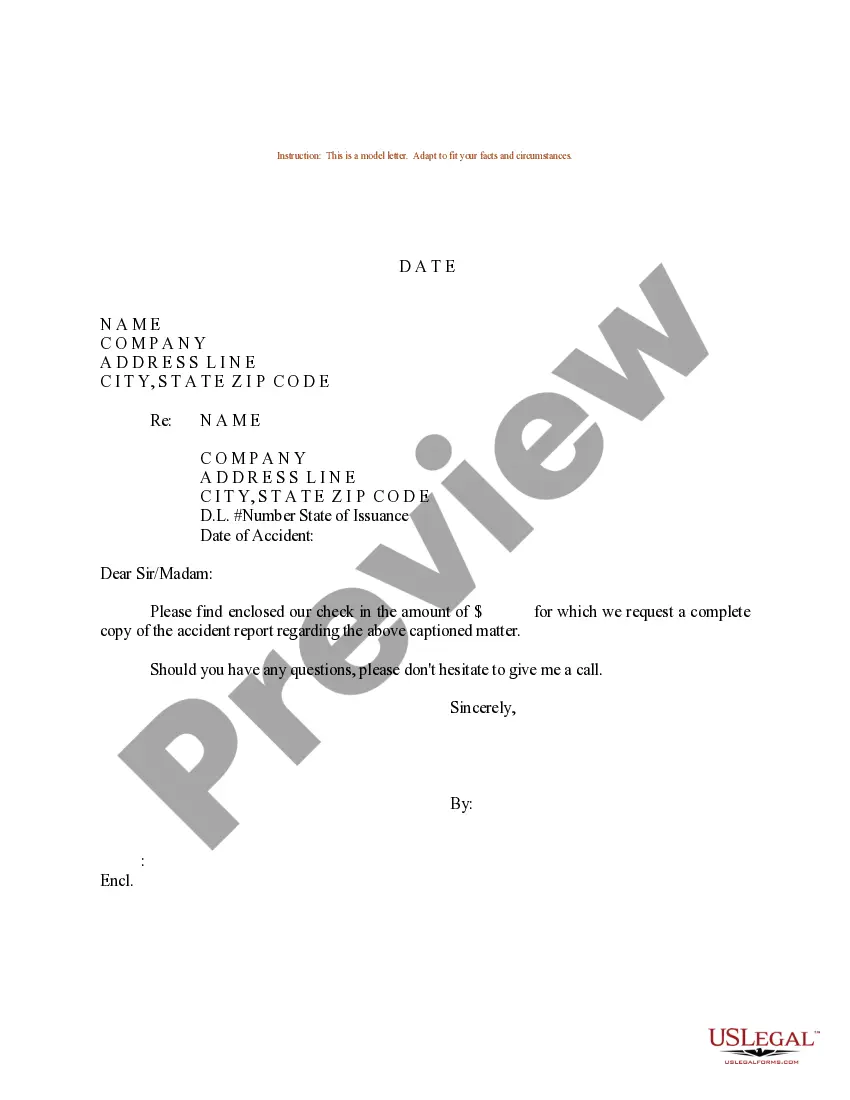
Enclosure In A Formal Letter and similar forms typically require you to search for them and comprehend how to fill them out accurately.
Thus, if you are managing financial, legal, or personal matters, utilizing a comprehensive and user-friendly online directory of forms at your disposal will greatly assist.
US Legal Forms is the leading online resource for legal templates, boasting over 85,000 state-specific documents and a variety of tools to help you complete your paperwork with ease.
Is this your first time using US Legal Forms? Register and create a free account in just a few minutes, and you’ll gain access to the form directory and Enclosure In A Formal Letter. Then, follow the steps outlined below to complete your document: Ensure you have located the correct form using the Preview function and reviewing the form description. Select Buy Now as soon as you are ready, and choose the monthly subscription option that suits your requirements. Click Download, then fill out, eSign, and print the document. US Legal Forms has 25 years of experience assisting clients with their legal documents. Obtain the form you need today and streamline any process effortlessly.
- Explore the collection of relevant documents available with just one click.
- US Legal Forms provides you with state- and county-specific documents available for download at any time.
- Safeguard your document management processes using a premium service that enables you to prepare any form within minutes without any additional or hidden fees.
- Simply Log In to your account, find Enclosure In A Formal Letter, and download it immediately from the My documents section.
- You can also access previously downloaded documents.
Form popularity
FAQ
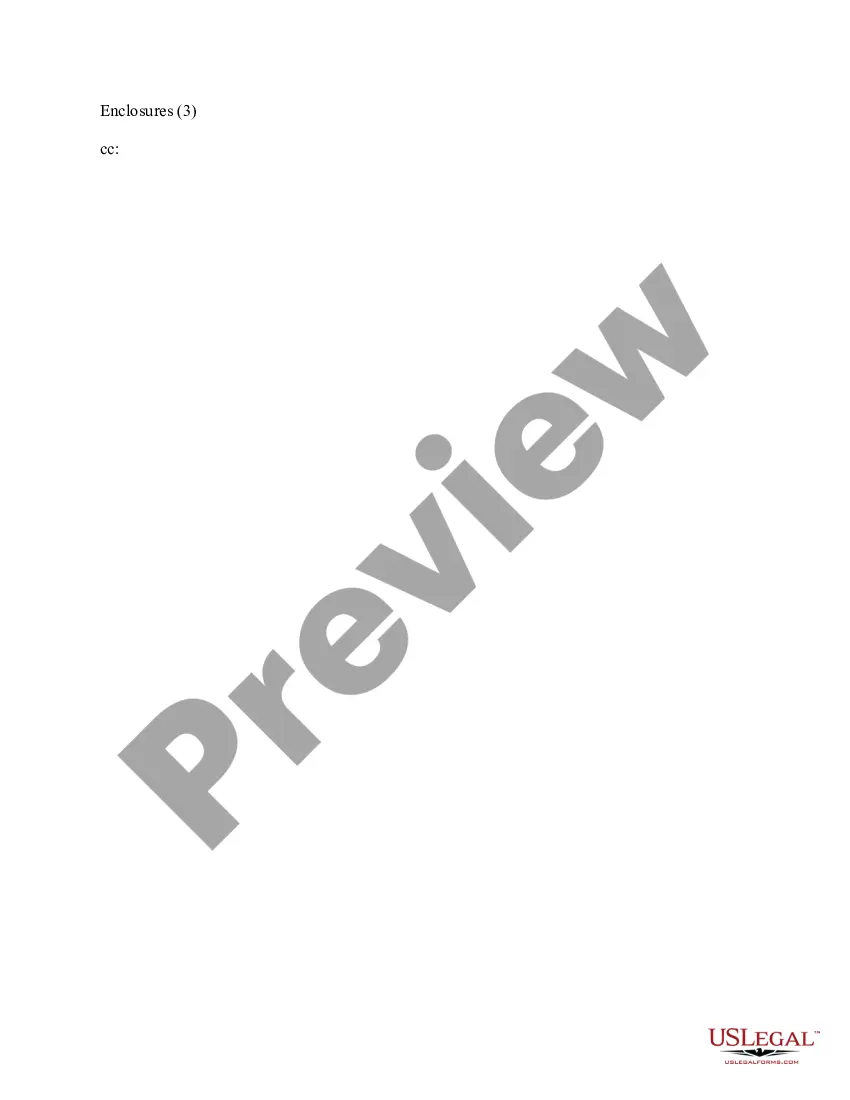
In a printed letter, the CC line might go before or after the enclosures line. Whichever you choose, it needs to be below the signature line. Learn More About Enclosure Notation in a Business Letter Small Biz Ahead ? marketing ? business-lett... Small Biz Ahead ? marketing ? business-lett...
On a paper business letter, you often include the CC line underneath your signature, either above or below any enclosures line.
An enclosure is something that closes you in, like a pen or a cage. When a cobra disappeared from an enclosure at the Bronx Zoo, the entire Reptile House had to be shut down until the snake was found. An enclosure can also be something that's included in an envelope with a cover letter of some sort.
Simply list the title of the document and then include the description in parentheses. For example, you might write "Enclosures: Birth certificate (original plus two copies)." If you've enclosed original documents that you're going to need returned to you, make sure you mention that in the body of the letter.
'CC' is typed at the end of the letter after enclosure notations or identification initials. Elements of a Business Letter Savvy-Business-Correspondence.Com ? Biz... Savvy-Business-Correspondence.Com ? Biz...