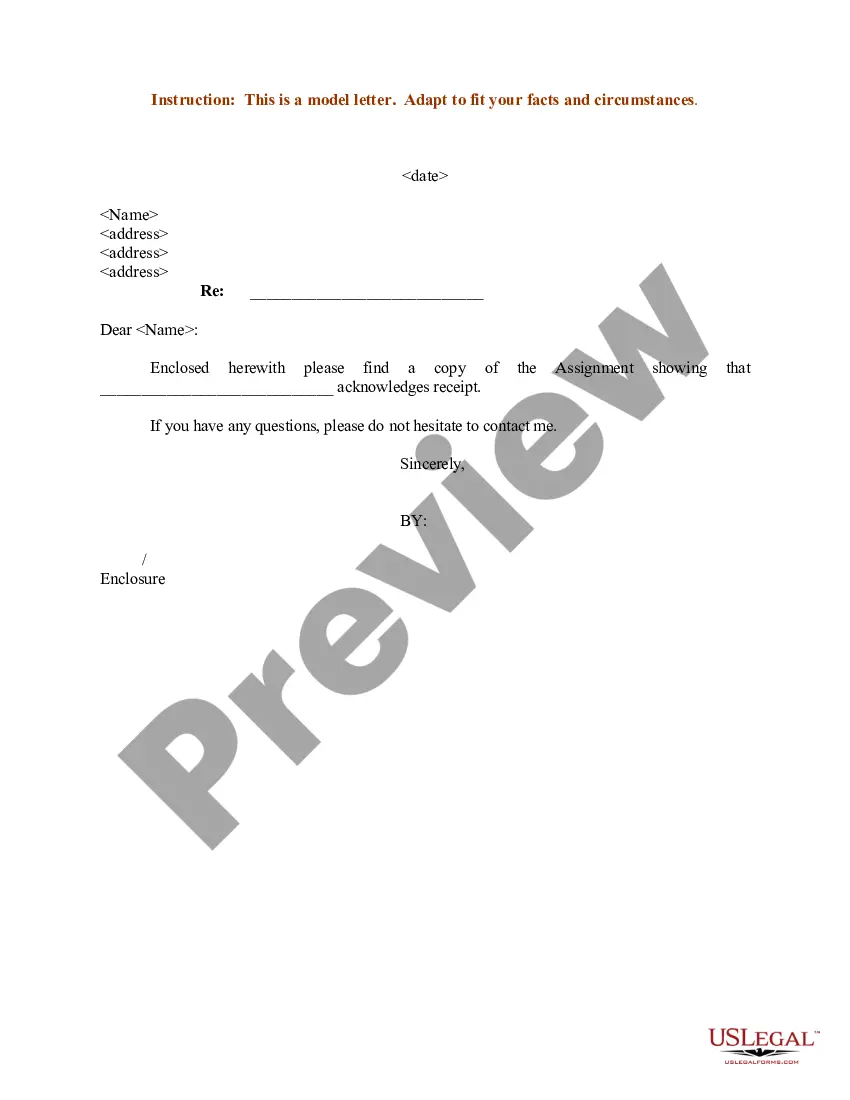
Letter Assignment Document Format
Description
Get your form ready online
Our built-in tools help you complete, sign, share, and store your documents in one place.
Make edits, fill in missing information, and update formatting in US Legal Forms—just like you would in MS Word.
Download a copy, print it, send it by email, or mail it via USPS—whatever works best for your next step.
Sign and collect signatures with our SignNow integration. Send to multiple recipients, set reminders, and more. Go Premium to unlock E-Sign.
If this form requires notarization, complete it online through a secure video call—no need to meet a notary in person or wait for an appointment.
We protect your documents and personal data by following strict security and privacy standards.

Make edits, fill in missing information, and update formatting in US Legal Forms—just like you would in MS Word.

Download a copy, print it, send it by email, or mail it via USPS—whatever works best for your next step.

Sign and collect signatures with our SignNow integration. Send to multiple recipients, set reminders, and more. Go Premium to unlock E-Sign.

If this form requires notarization, complete it online through a secure video call—no need to meet a notary in person or wait for an appointment.

We protect your documents and personal data by following strict security and privacy standards.
Looking for another form?
How to fill out Sample Letter For Assignment?
Gaining access to legal templates that comply with federal and state regulations is crucial, and the internet provides a plethora of choices to select from.
However, what’s the advantage of spending time hunting for the appropriate Letter Assignment Document Format example online if the US Legal Forms digital library already compiles such templates in one location.
US Legal Forms is the largest online legal repository with over 85,000 editable templates prepared by lawyers for any business and personal situation. They are easy to navigate with all documents categorized by state and intended use.
All templates you find through US Legal Forms are reusable. To re-download and complete previously acquired forms, access the My documents tab in your account. Experience the most extensive and user-friendly legal documentation service!
- Our specialists stay updated with legislative changes, ensuring your documentation is current and compliant when acquiring a Letter Assignment Document Format from our site.
- Acquiring a Letter Assignment Document Format is straightforward and quick for both existing and new users.
- If you already possess an account with an active subscription, Log In and save the document sample you need in the appropriate format.
- If you are unfamiliar with our site, follow the steps below.
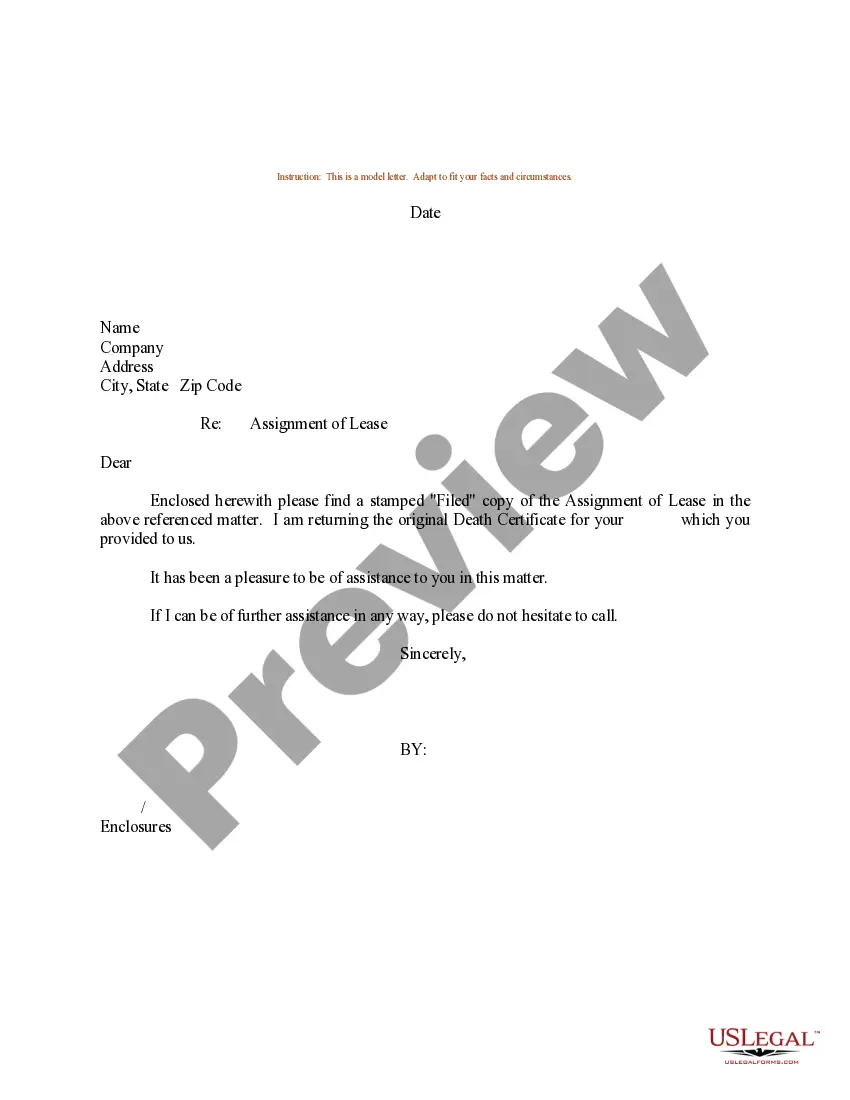
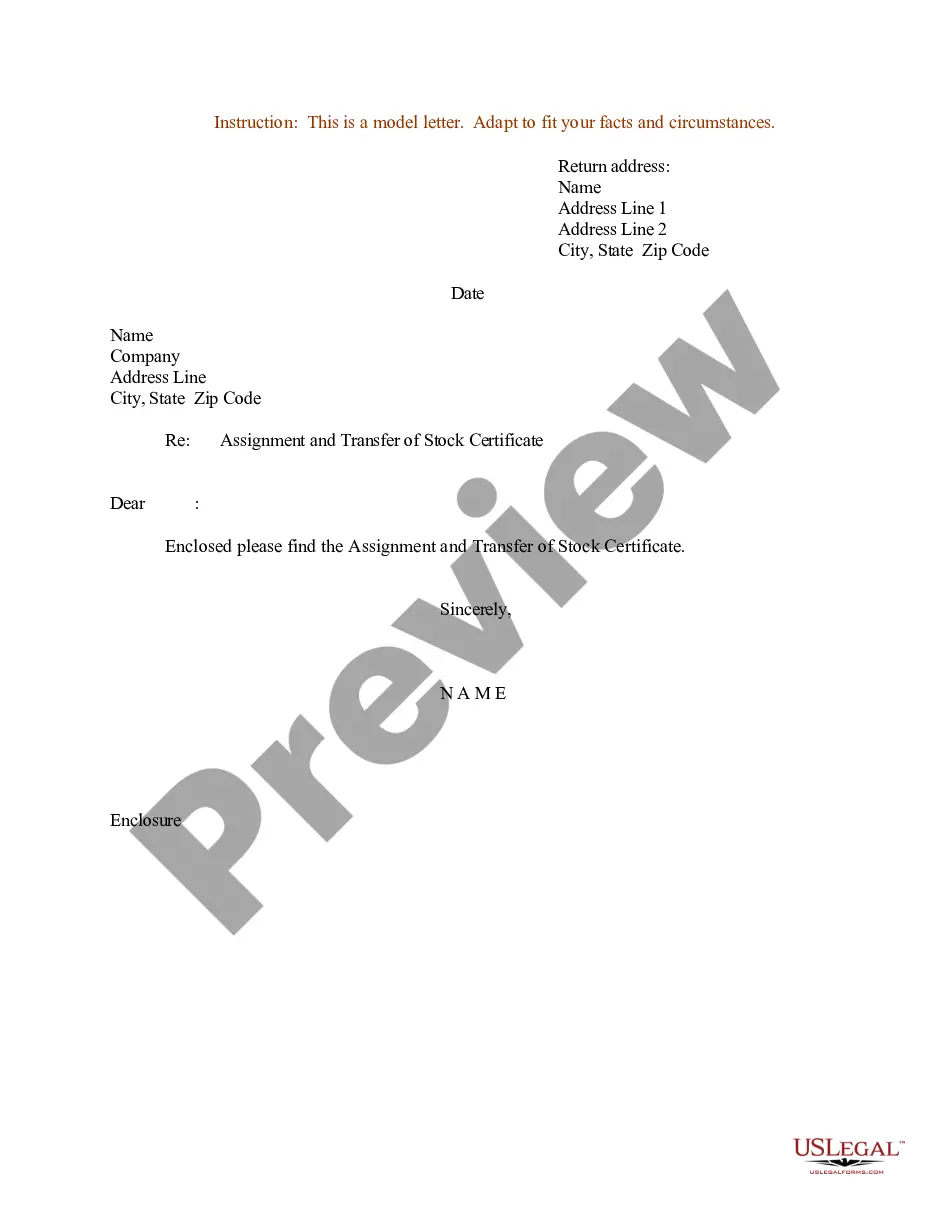
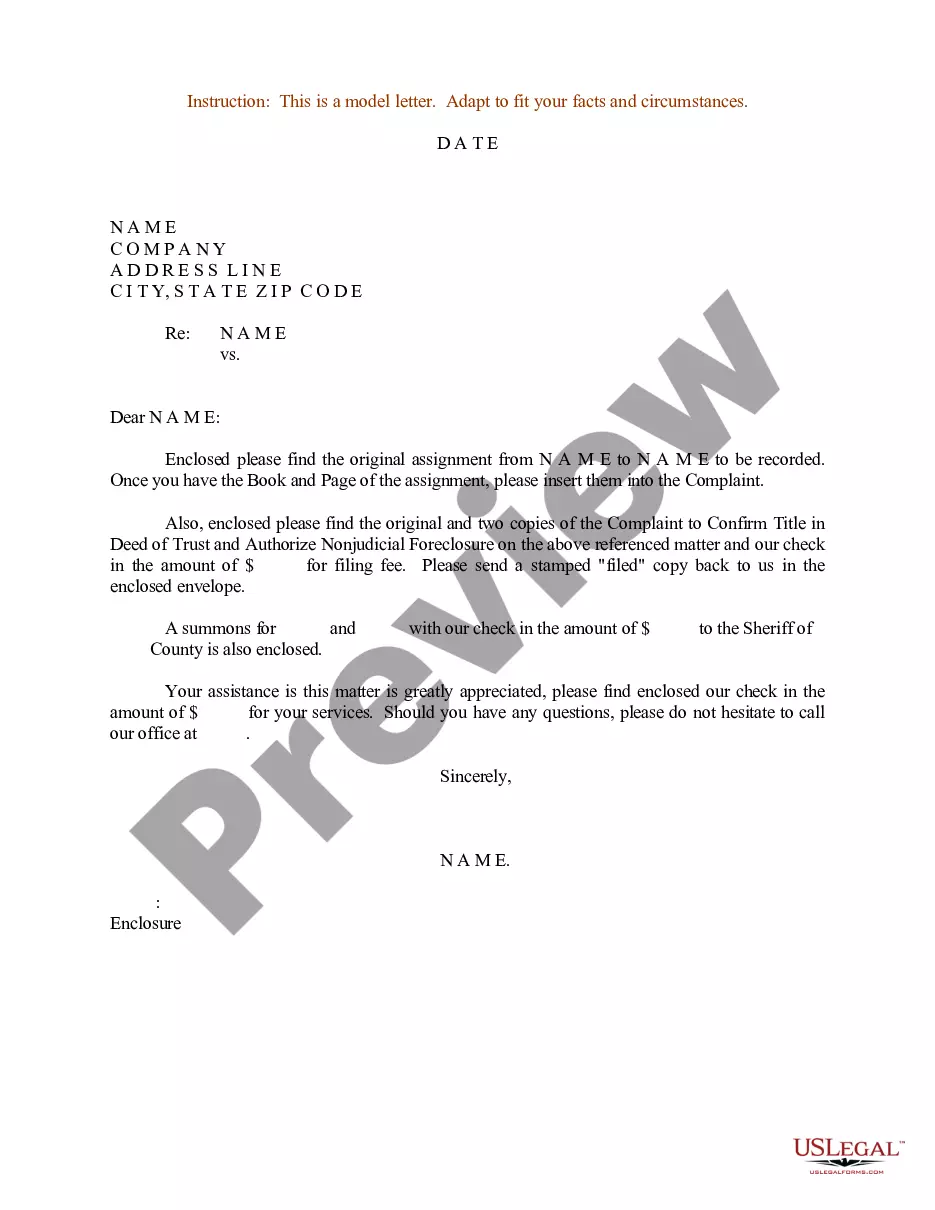
- Review the template using the Preview feature or through the text outline to ensure it fulfills your requirements.
Form popularity
FAQ
Components of an assignment: Title or cover page. title, course code, surname and full initials, student number and date. Table of contents. Introduction. ... Body. ... Conclusion. ... Source list or bibliography. Addendum. Other components: declaration forms, appendices etc.
An assignment file is an ASCII or EBCDIC text file (depending on the platform) with the extension . asn, so you can use any ASCII file editor to create or edit assignment files.
Activity 3: Formal letters The senders address is put at the top right hand side. Include telephone number and email if available. The address of the person receiving the letter goes on the left hand side below the sender's address. The date. Greeting ? Dear Sir or Madam, or To Whom It May Concern. ... The message.
How To Write An Official Letter? Choose a professional font and size. ... Pick a format and follow the template. ... Create your heading. ... Begin your introduction with a salutation. ... Use body paragraphs to state your reason for writing. ... Add your conclusion paragraph and signature. ... Mention and add your enclosures.
These are the general rules you should follow to write a letter: Choose the right type of paper. Use the right formatting. Choose between block or indented form. Include addresses and the date. Include a salutation. Write the body of your letter. Include a complimentary close. List additional information.