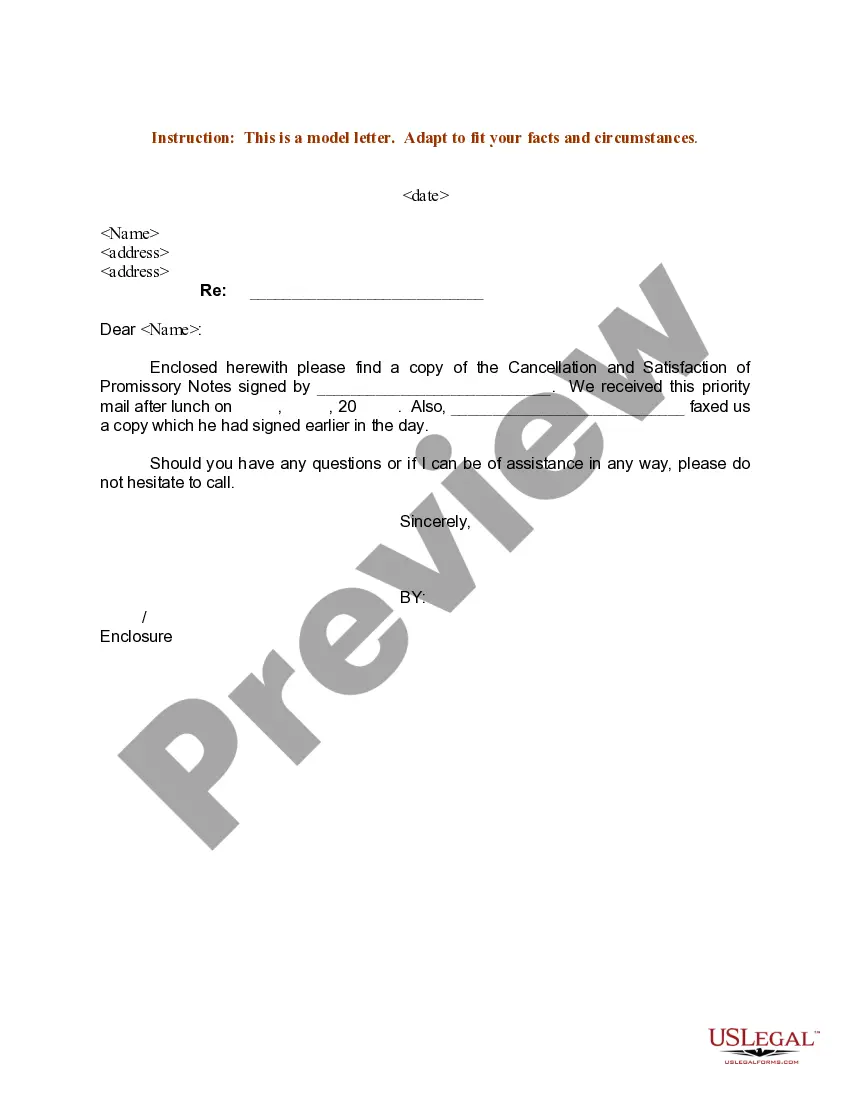
Sample Cancellation Of Meeting Notice
Description
Get your form ready online
Our built-in tools help you complete, sign, share, and store your documents in one place.
Make edits, fill in missing information, and update formatting in US Legal Forms—just like you would in MS Word.
Download a copy, print it, send it by email, or mail it via USPS—whatever works best for your next step.
Sign and collect signatures with our SignNow integration. Send to multiple recipients, set reminders, and more. Go Premium to unlock E-Sign.
If this form requires notarization, complete it online through a secure video call—no need to meet a notary in person or wait for an appointment.
We protect your documents and personal data by following strict security and privacy standards.

Make edits, fill in missing information, and update formatting in US Legal Forms—just like you would in MS Word.

Download a copy, print it, send it by email, or mail it via USPS—whatever works best for your next step.

Sign and collect signatures with our SignNow integration. Send to multiple recipients, set reminders, and more. Go Premium to unlock E-Sign.

If this form requires notarization, complete it online through a secure video call—no need to meet a notary in person or wait for an appointment.

We protect your documents and personal data by following strict security and privacy standards.
Looking for another form?

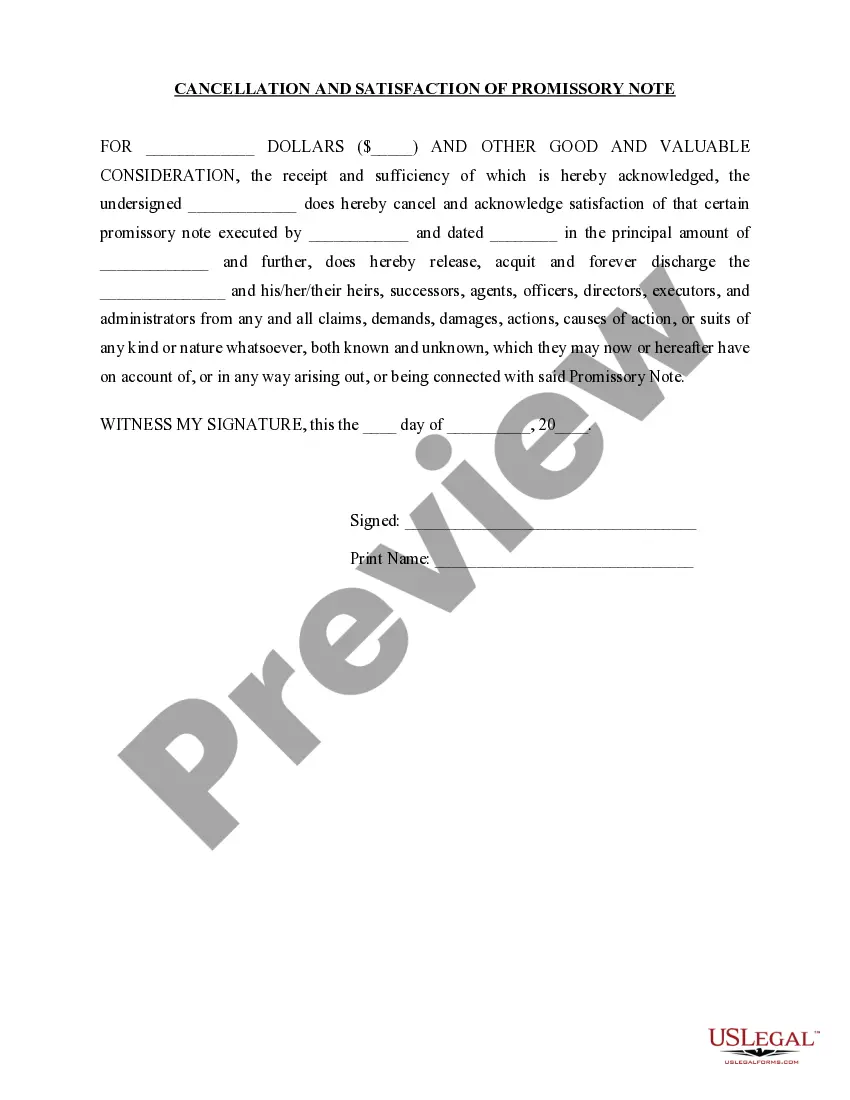
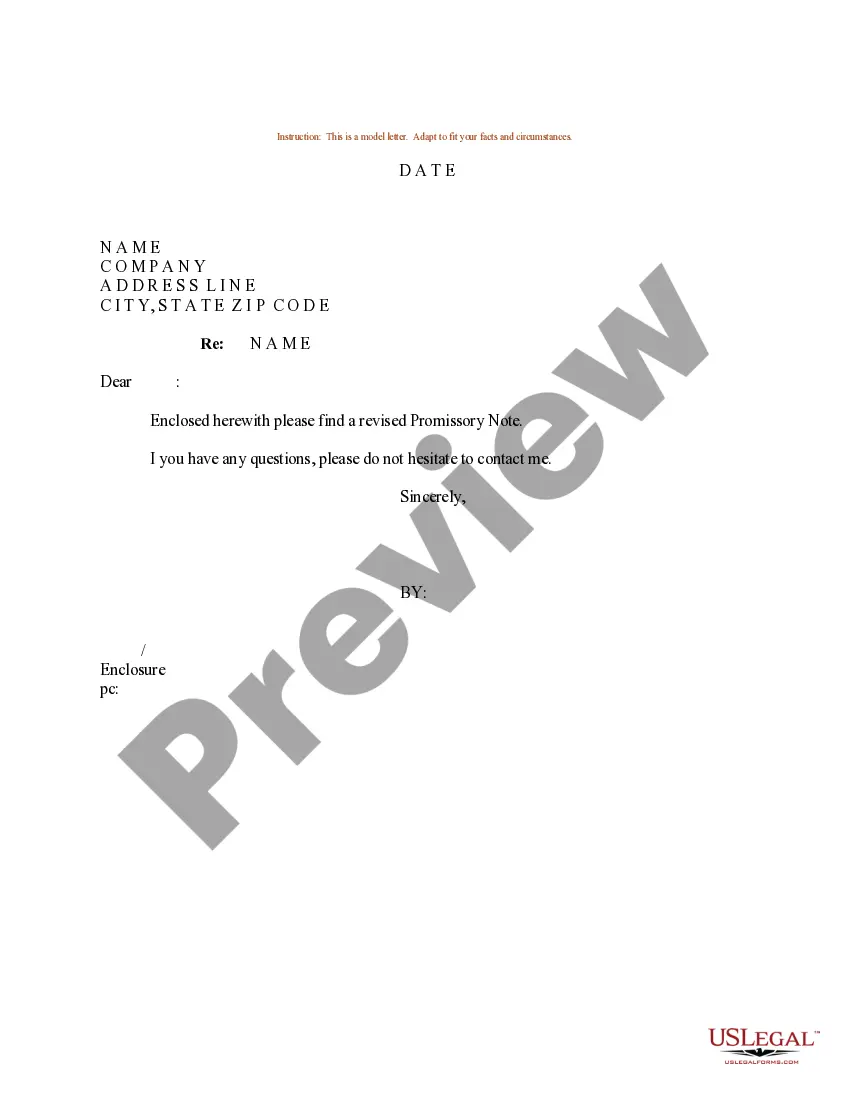
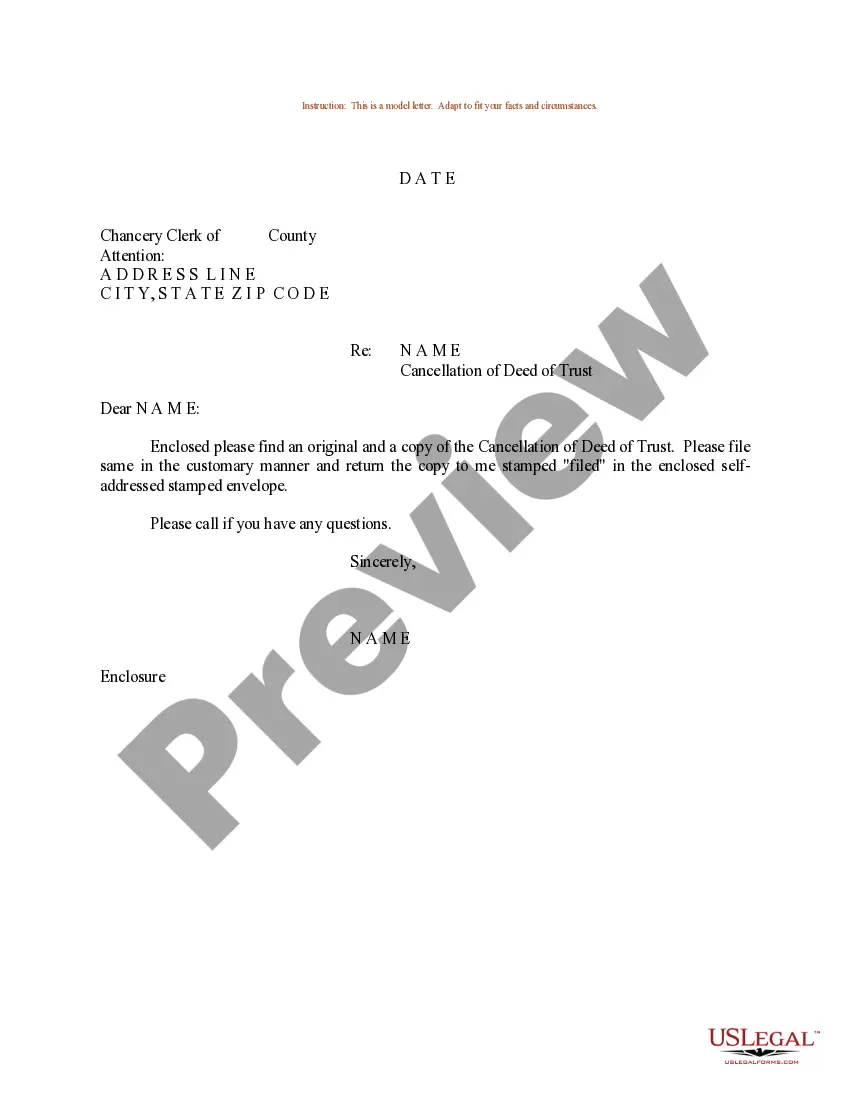
How to fill out Sample Letter Transmitting Cancellation And Satisfaction Of Promissory Notes?
Managing legal paperwork and tasks can be a tedious addition to your entire schedule.
Sample Meeting Cancellation Notice and similar forms usually necessitate searching for them and figuring out how to fill them out accurately.
For this reason, regardless of whether you are dealing with financial, legal, or personal issues, having a comprehensive and user-friendly online collection of forms readily available will be immensely beneficial.
US Legal Forms is the leading online source for legal templates, offering over 85,000 state-specific forms along with various tools that aid in the rapid completion of your documents.
Is it your first time visiting US Legal Forms? Register and create an account in just a few minutes, and you will have access to the form library and Sample Meeting Cancellation Notice. Then, follow these steps to complete your form: Ensure that you've located the right form by utilizing the Review feature and examining the form details. Click Buy Now when ready, and select the monthly subscription plan that suits you best. Press Download, then finalize, eSign, and print the form. US Legal Forms boasts twenty-five years of experience assisting clients in managing their legal documents. Obtain the form you require today and enhance any process effortlessly.
- Browse the collection of pertinent documents available at your fingertips with just one click.
- US Legal Forms offers you state- and county-specific forms that can be downloaded at any time.
- Streamline your document management processes by utilizing premium support that enables you to create any form in a matter of minutes without any additional or hidden charges.
- Simply Log In to your account, locate Sample Meeting Cancellation Notice, and download it immediately from the My documents section.
- You can also access previously saved forms.
Form popularity
FAQ
How to cancel a meeting professionally Step #1: Send a message as soon as you realize you can't make it. Step #2: Apologize and notify the attendees. Step #3: Explain why you can't make it. Step #4: Ask to reschedule. Step #5: If the meeting proceeds without you, request the meeting notes.
Use phrases like: ?I understand how important this is...? ?I'm really sorry, but I need to change the schedule...? ?Let's reschedule this as soon as possible...? ?I'm available next [X DAY] between [X AND X TIME OF DAY]...? ?I'm sorry I can't make this meeting, but please fill me in on any important notes...?
How to write a professional email to cancel a meeting Write a clear subject line. ... Use a professional opening statement. ... Briefly explain your situation. ... Ask to reschedule. ... Express your gratitude. ... Close the email.
Hi [name], Thanks for the invite for [name of event]. Unfortunately, I'm not going to be able to make it. I wanted to let you know as soon as I could so that you could open the list up to someone else.
Here are some steps you can follow to cancel a meeting via email: Write a clear subject line. ... Use a professional opening statement. ... Briefly explain your situation. ... Ask to reschedule. ... Express your gratitude. ... Close the email.