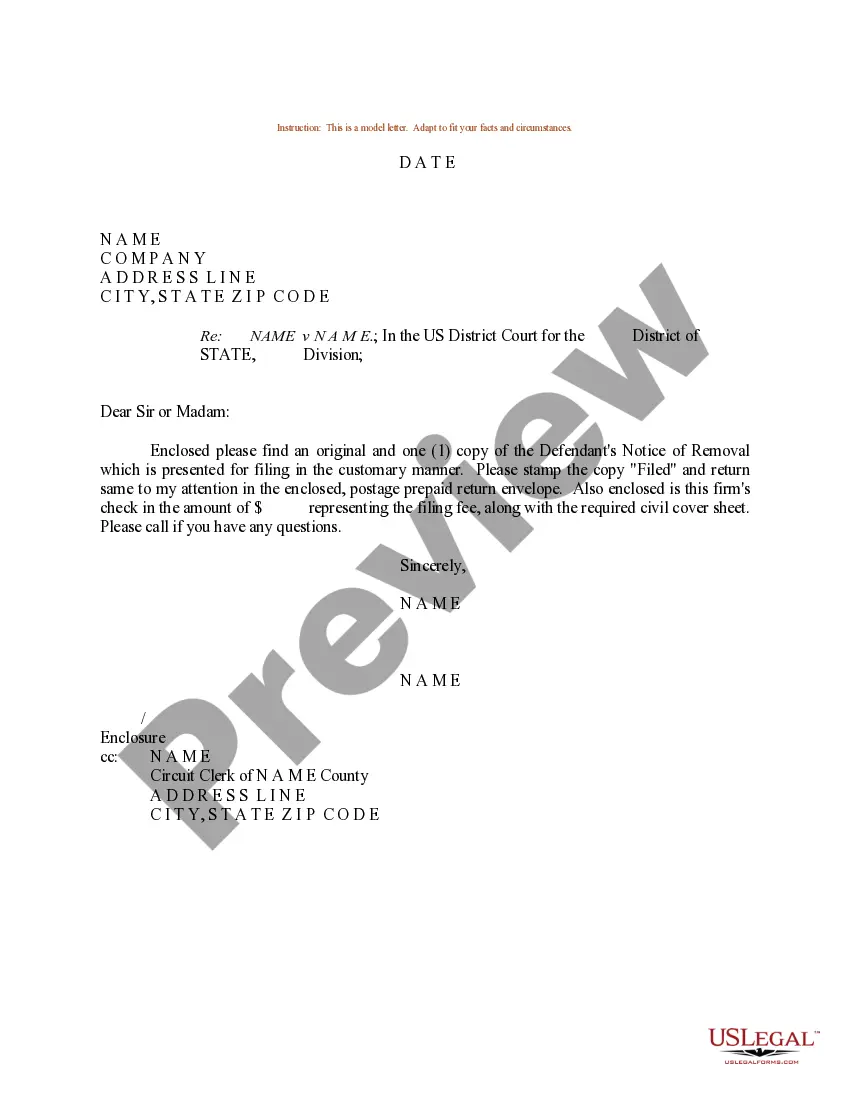
Removal Letter Sample With Attention
Description

Get your form ready online
Our built-in tools help you complete, sign, share, and store your documents in one place.
Make edits, fill in missing information, and update formatting in US Legal Forms—just like you would in MS Word.
Download a copy, print it, send it by email, or mail it via USPS—whatever works best for your next step.
Sign and collect signatures with our SignNow integration. Send to multiple recipients, set reminders, and more. Go Premium to unlock E-Sign.
If this form requires notarization, complete it online through a secure video call—no need to meet a notary in person or wait for an appointment.
We protect your documents and personal data by following strict security and privacy standards.

Make edits, fill in missing information, and update formatting in US Legal Forms—just like you would in MS Word.

Download a copy, print it, send it by email, or mail it via USPS—whatever works best for your next step.

Sign and collect signatures with our SignNow integration. Send to multiple recipients, set reminders, and more. Go Premium to unlock E-Sign.

If this form requires notarization, complete it online through a secure video call—no need to meet a notary in person or wait for an appointment.

We protect your documents and personal data by following strict security and privacy standards.
Looking for another form?
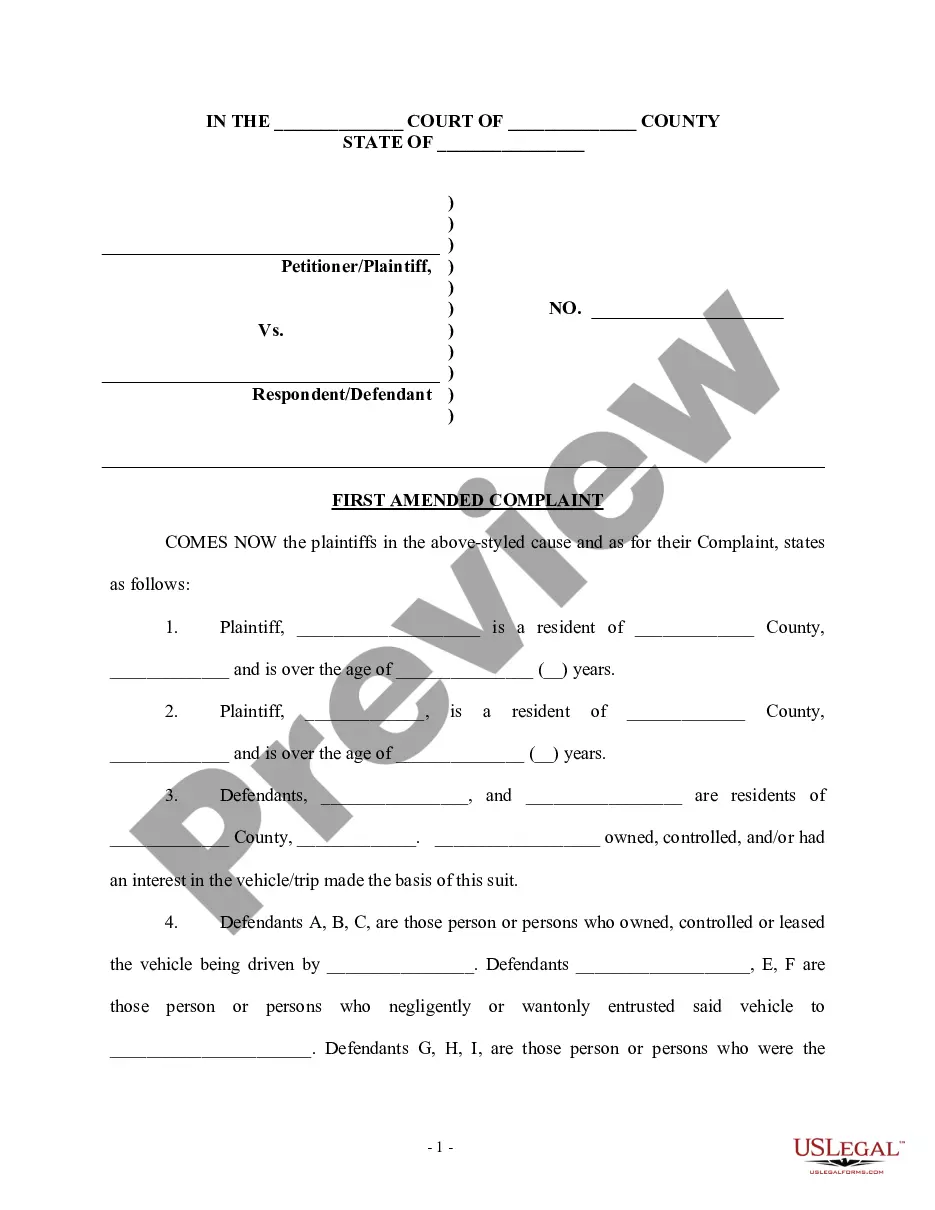
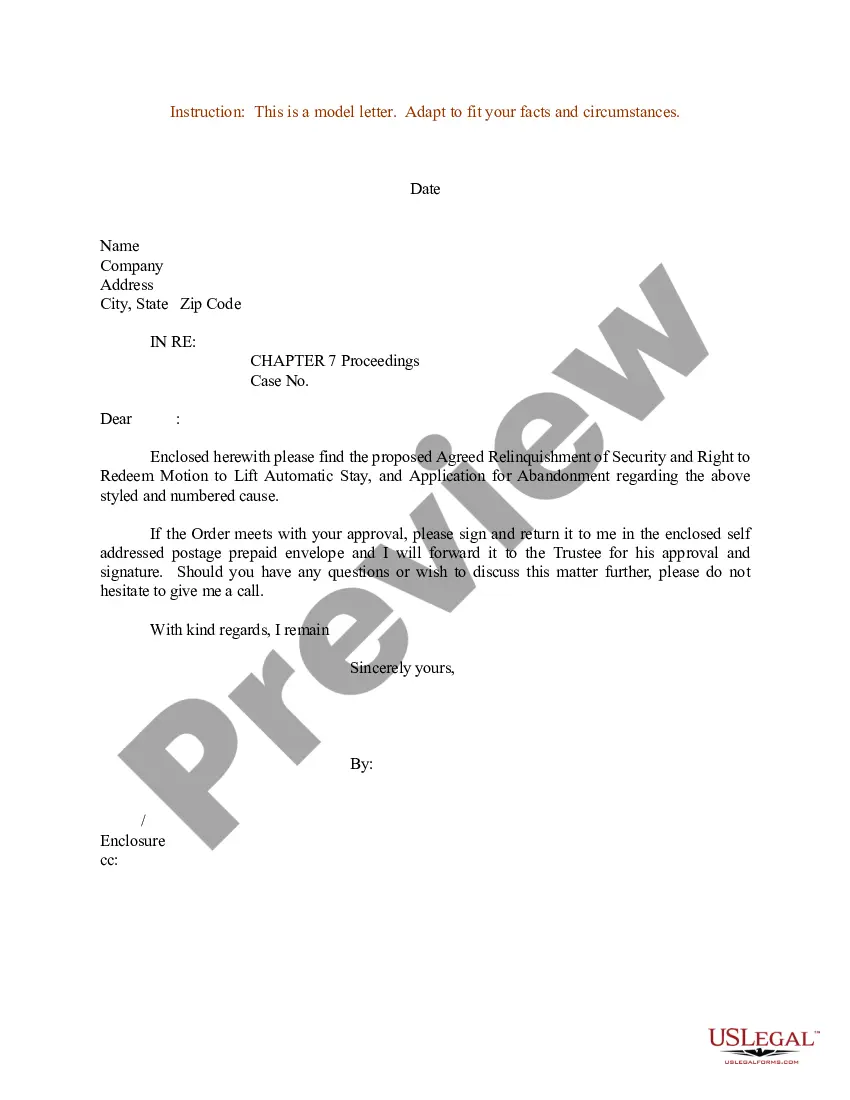
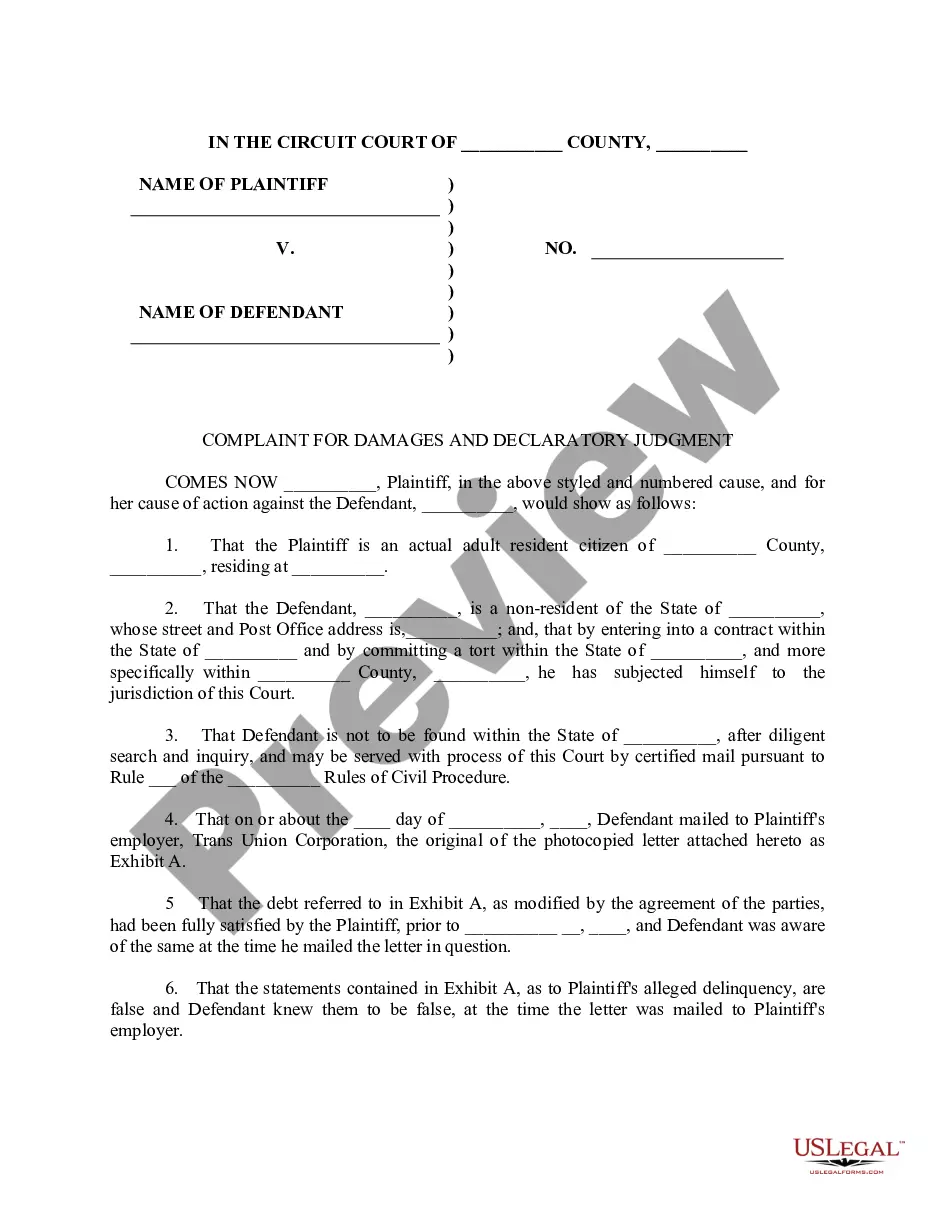
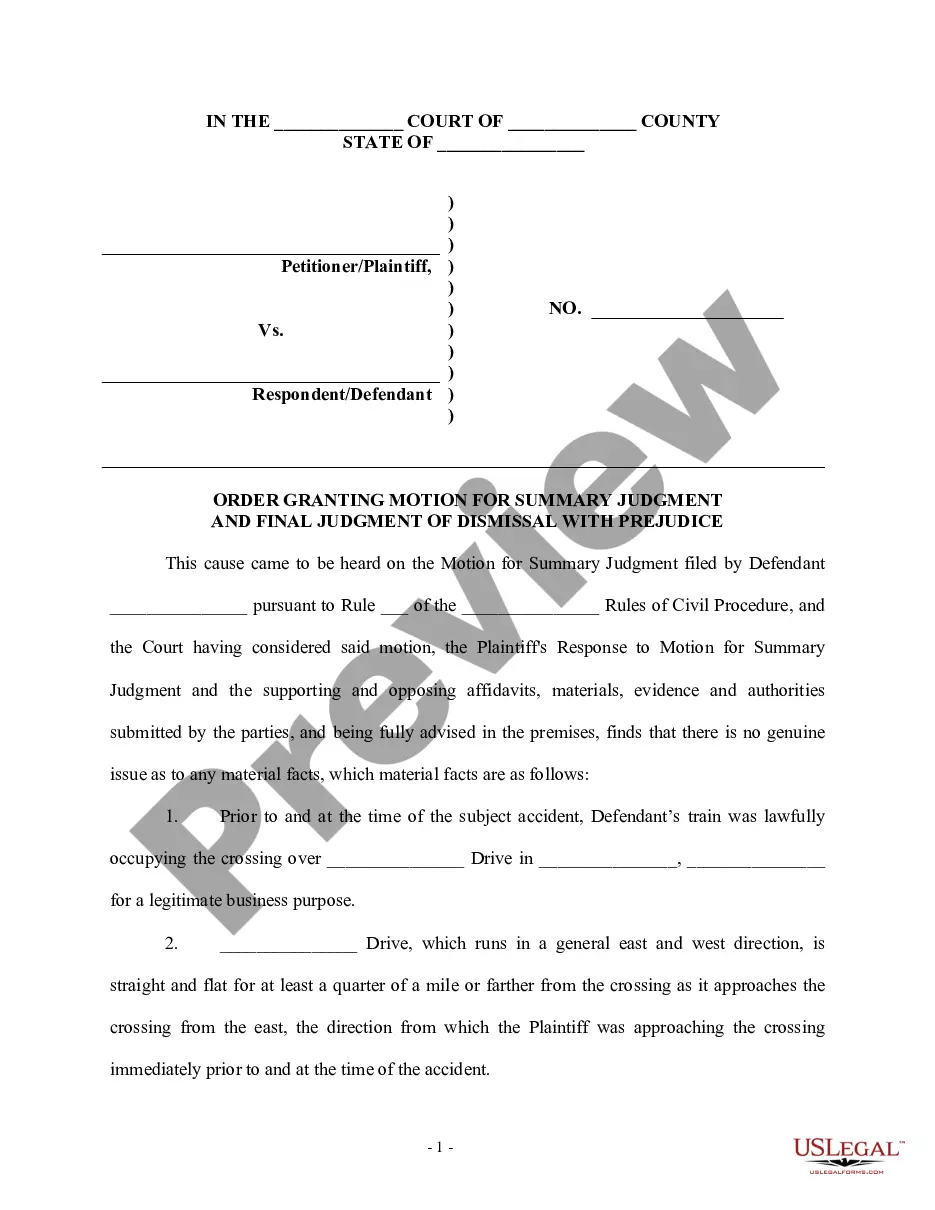
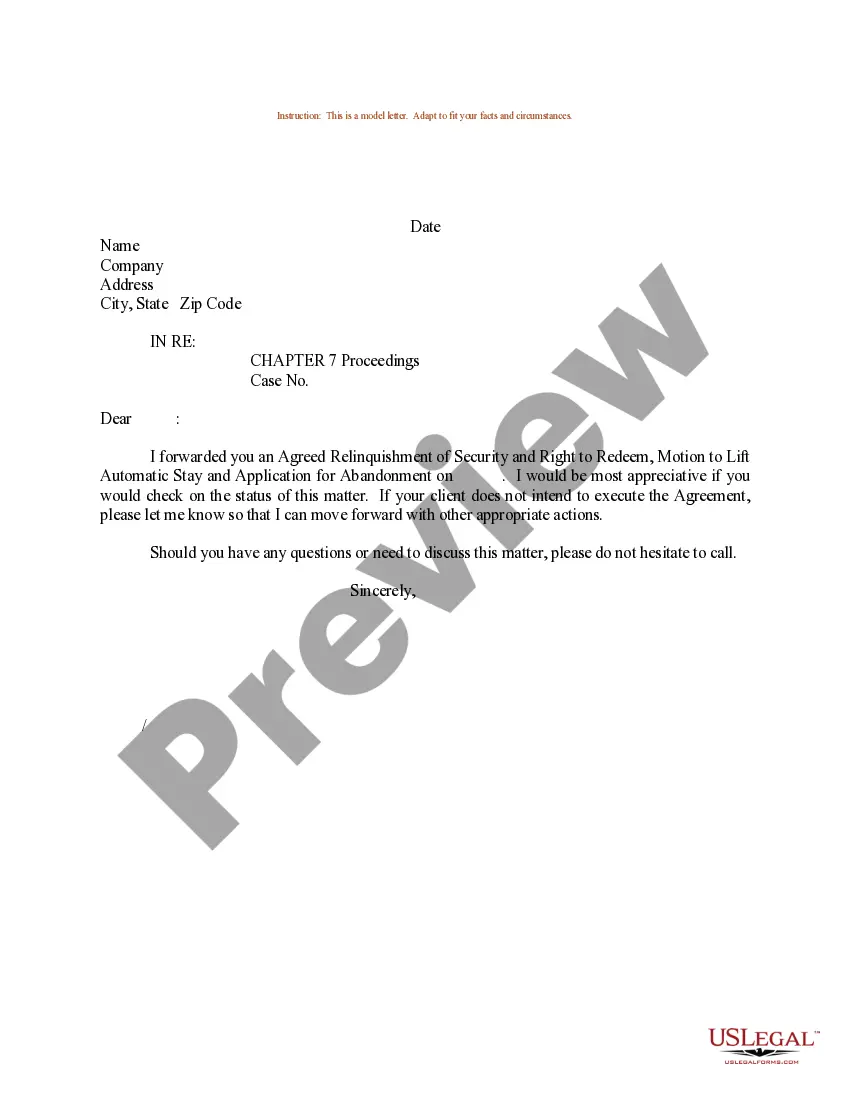
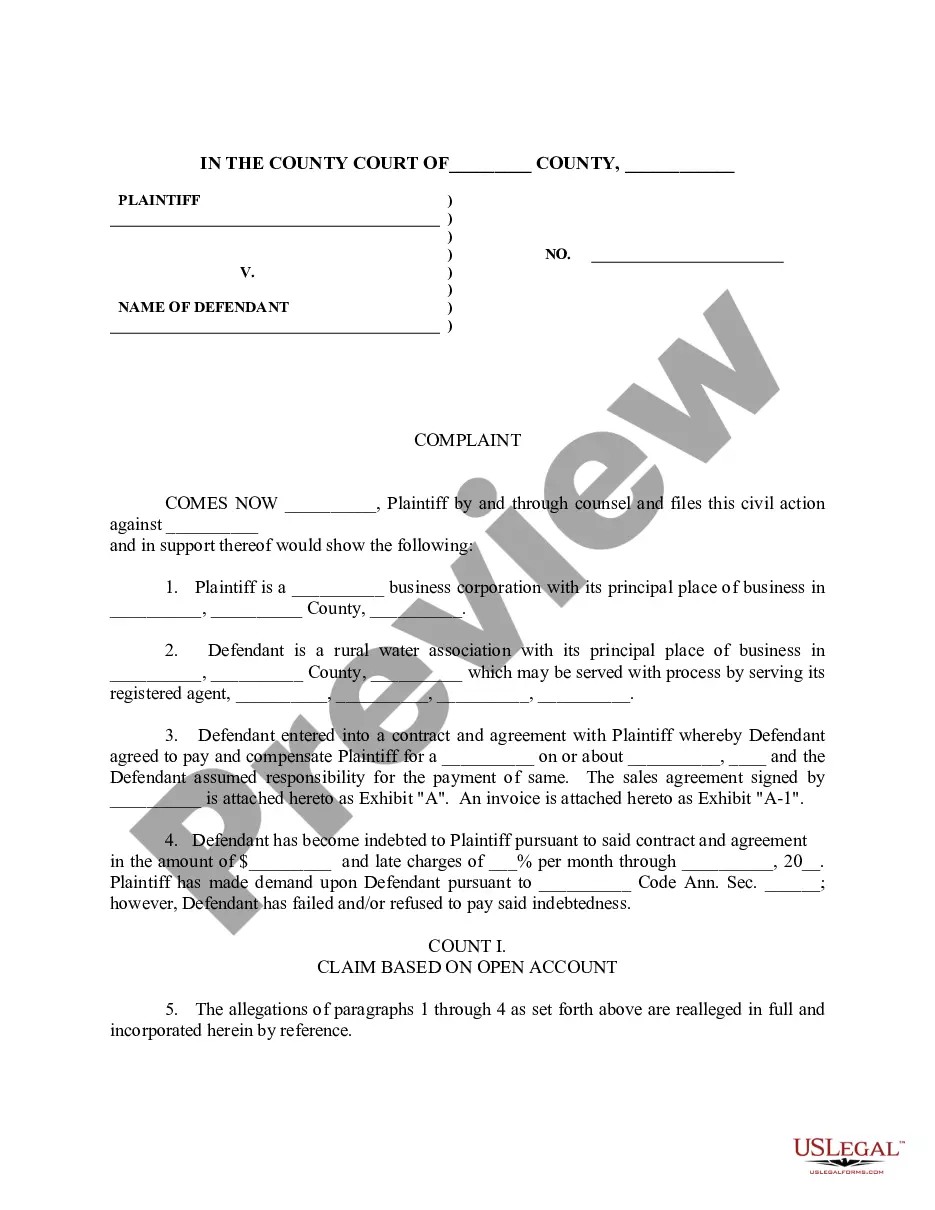
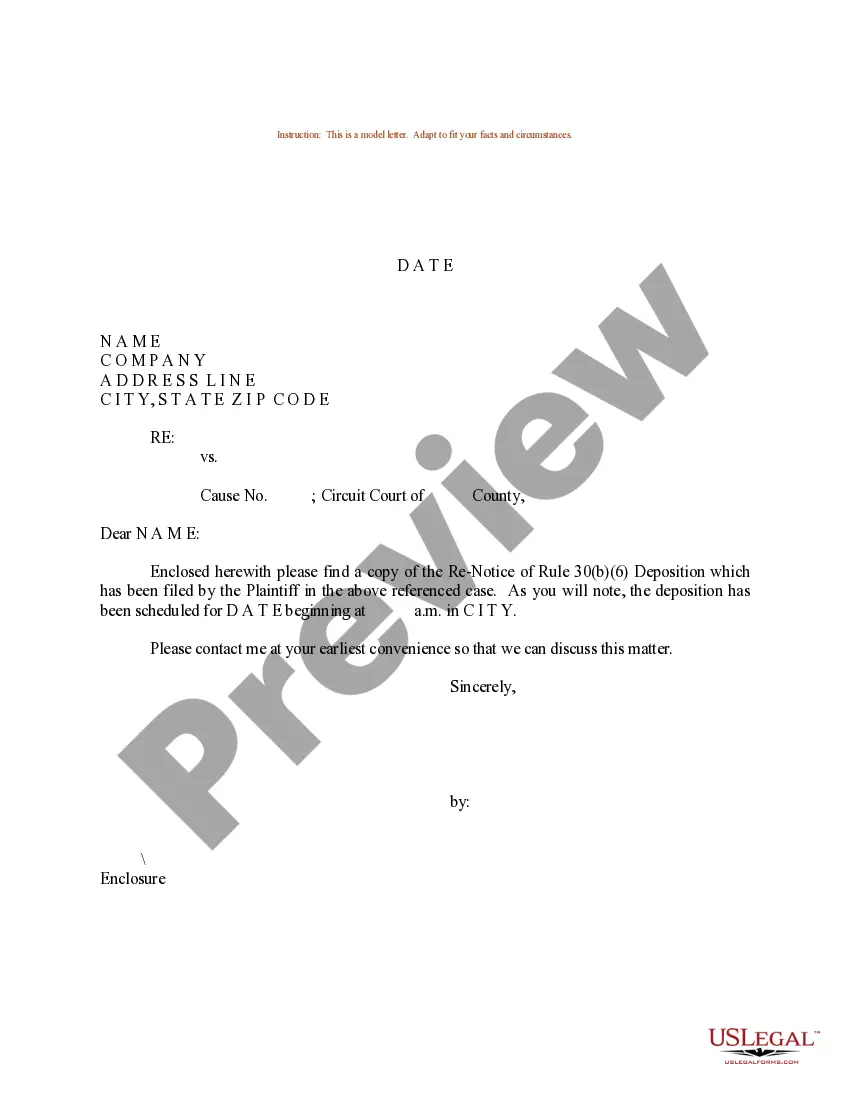
How to fill out Sample Letter For Defendant's Notice Of Removal?
Whether for professional reasons or personal issues, everyone eventually must confront legal matters at some point in their lives.
Filling out legal forms requires meticulous care, starting with selecting the right template.
With an extensive catalog of US Legal Forms available, you need not waste time searching the internet for the right sample. Utilize the library’s straightforward navigation to discover the correct template for any occasion.
- Obtain the sample you seek by using the search feature or browsing the catalog.
- Review the description of the form to confirm it aligns with your circumstances, state, and county.
- Click on the form’s preview to take a look.
- If it is not the correct form, return to the search function to find the Removal Letter Sample With Attention template you need.
- Download the template once it fulfills your requirements.
- If you already have a US Legal Forms account, simply click Log in to access your previously saved documents in My documents.
- If you do not have an account yet, you can acquire the form by clicking Buy now.
- Choose the appropriate pricing option.
- Fill in the account registration form.
- Select your payment method: use a credit card or PayPal.
- Choose the document format you prefer and download the Removal Letter Sample With Attention.
- Once saved, you can complete the form using editing tools or print it and fill it out by hand.
Form popularity
FAQ
Dear [employee's name], I regret to inform you that your employment with [company's name] has been / will be terminated as of [termination date]. As discussed, we're terminating the employment relationship because [give summary of your reason].
So what exactly is Attention Required (ATTN)? It's just another way of saying "please" but without sounding like you're asking for permission. In fact, putting ATTN at the end of your address helps make sure people don't skip out on reading your letter because they think you're trying too hard to be polite.
How to write a termination letter Choose your tone carefully. Gather all necessary details. Start with basic information. Notify the employee of their termination date. State the reason(s) for termination. Explain compensation and benefits going forward. Outline next steps and disclaimers.
SALUTATION or attention line: Address the reader by name punctuated with a colon. When writing to a manager you do not know by name or to a department, use an attention line. (Example: "Attention Claims Manager.") Avoid stuffy "Dear Sir" or "Dear Madam" salutations.
Write "Attn" followed by the name of the recipient. The "Attn" line should always appear at the very top of your delivery address, just before the name of the person you're sending it to. Use a colon after "Attn" to make it clearly readable.