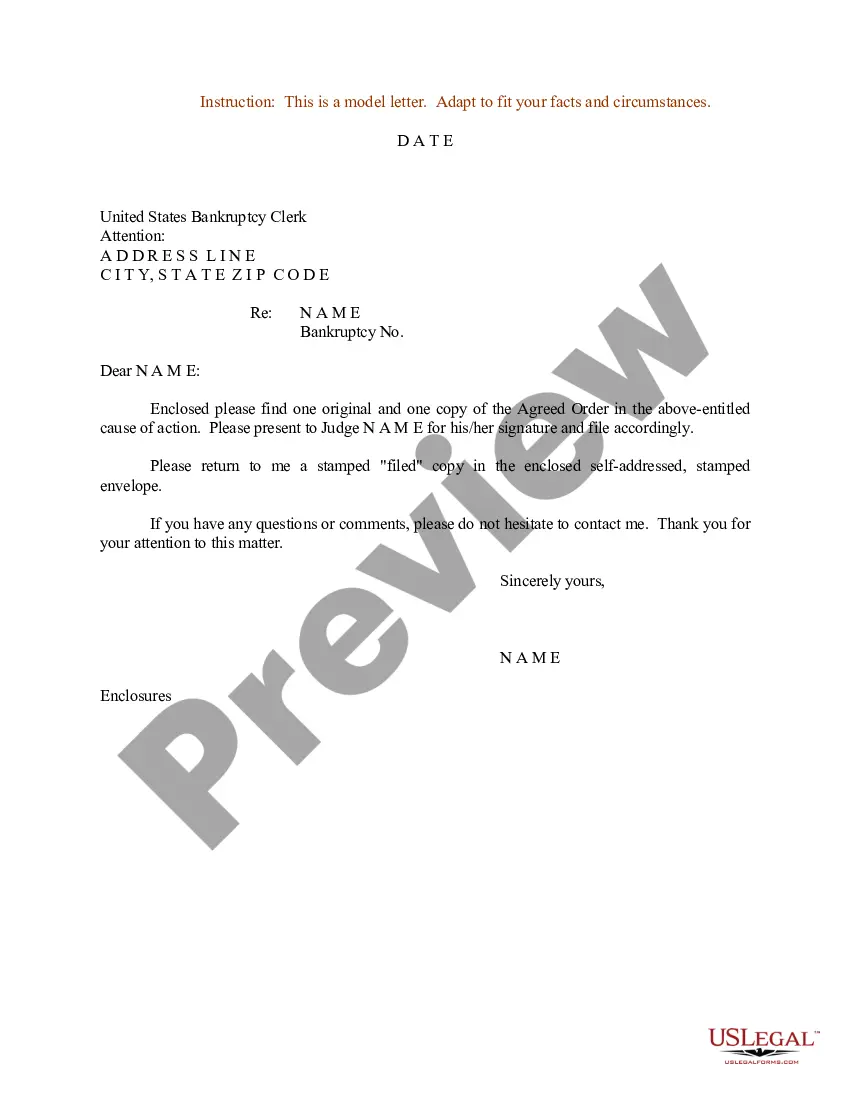
Judge Application Format
Description


Get your form ready online
Our built-in tools help you complete, sign, share, and store your documents in one place.
Make edits, fill in missing information, and update formatting in US Legal Forms—just like you would in MS Word.
Download a copy, print it, send it by email, or mail it via USPS—whatever works best for your next step.
Sign and collect signatures with our SignNow integration. Send to multiple recipients, set reminders, and more. Go Premium to unlock E-Sign.
If this form requires notarization, complete it online through a secure video call—no need to meet a notary in person or wait for an appointment.
We protect your documents and personal data by following strict security and privacy standards.

Make edits, fill in missing information, and update formatting in US Legal Forms—just like you would in MS Word.

Download a copy, print it, send it by email, or mail it via USPS—whatever works best for your next step.

Sign and collect signatures with our SignNow integration. Send to multiple recipients, set reminders, and more. Go Premium to unlock E-Sign.

If this form requires notarization, complete it online through a secure video call—no need to meet a notary in person or wait for an appointment.

We protect your documents and personal data by following strict security and privacy standards.
Looking for another form?

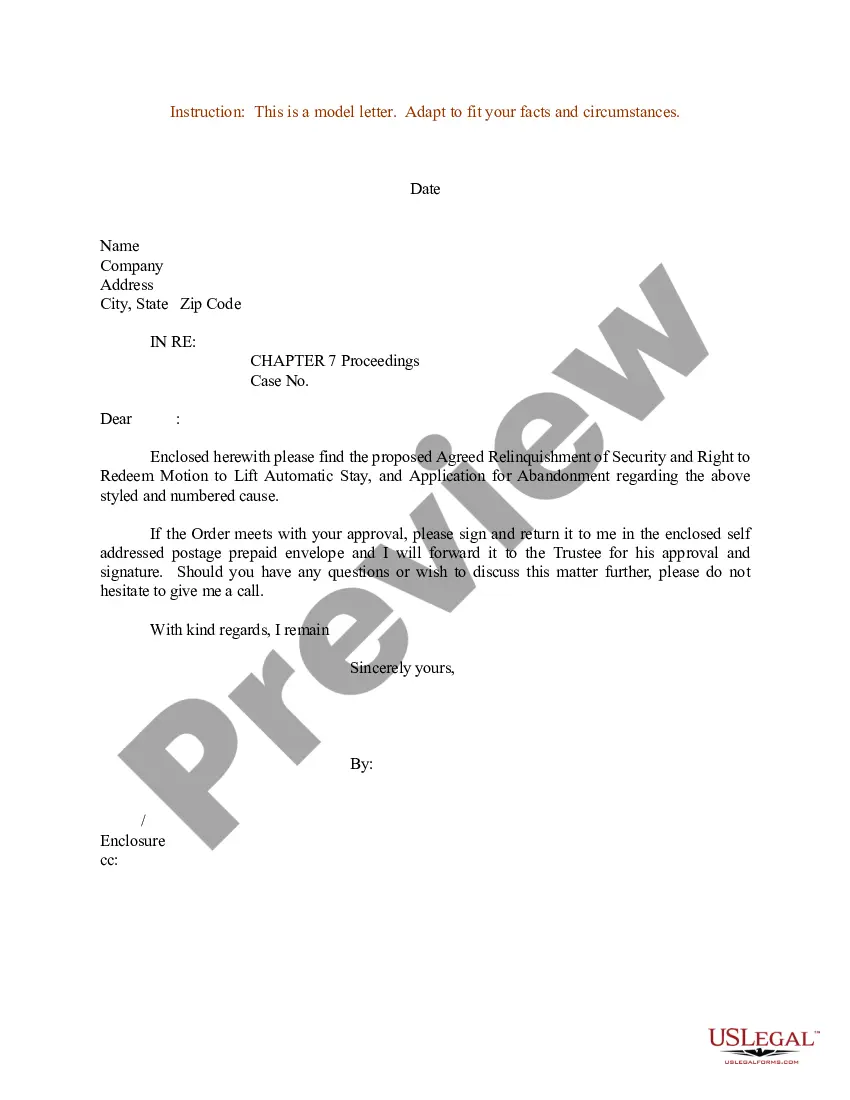
How to fill out Sample Letter For Request For Judge's Signature For Agreed Order?
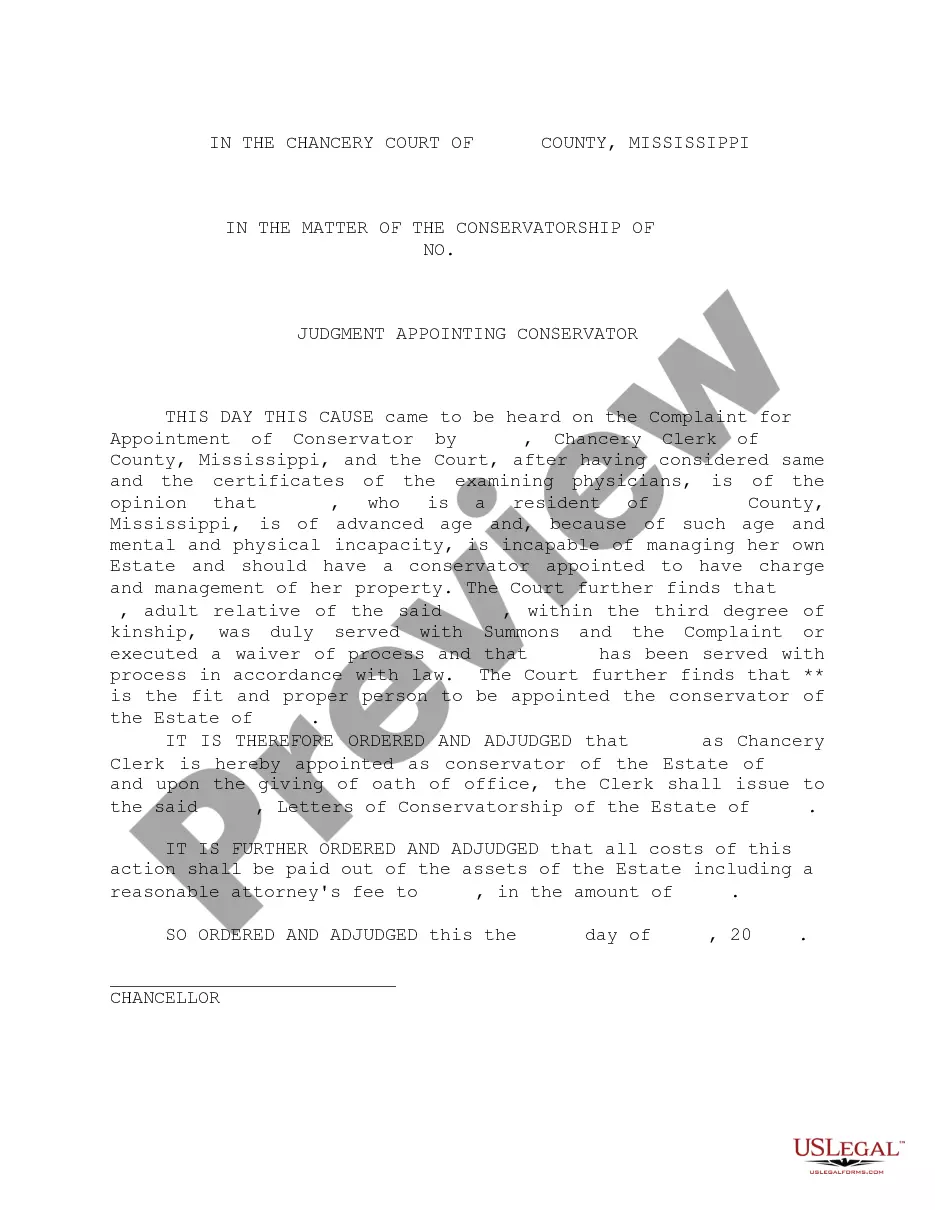
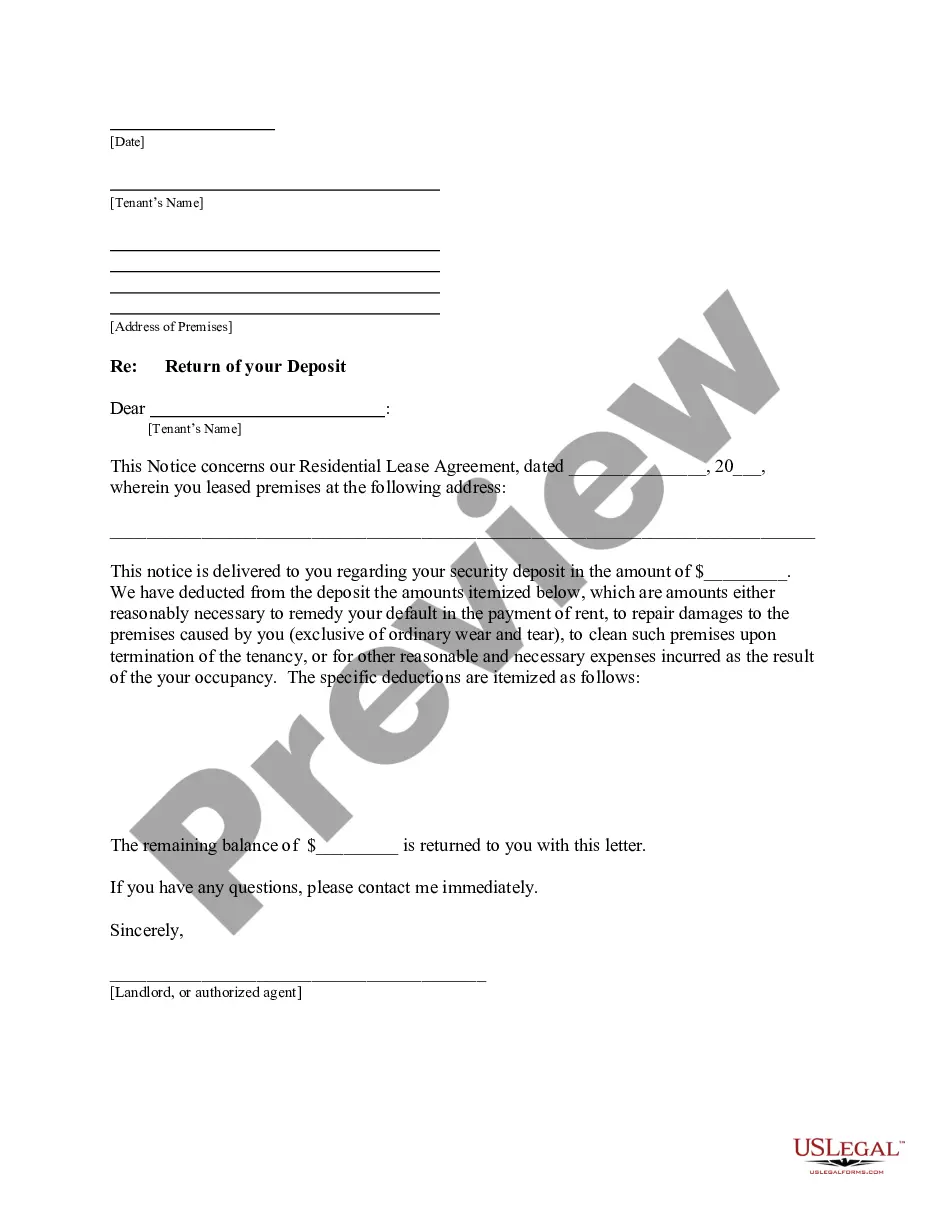
The Judge Application Format presented on this site is a reusable official template created by experienced attorneys in adherence to federal and local statutes and regulations.
For over 25 years, US Legal Forms has supplied individuals, businesses, and lawyers with more than 85,000 validated, state-specific forms for any commercial and personal occasion. It’s the fastest, simplest, and most reliable method to procure the documents you require, as the service ensures bank-level data security and anti-virus protection.
- Search for the document you require and examine it.
- Browse through the sample you searched for and preview it or review the form description to ensure it meets your requirements. If it doesn’t, use the search bar to locate the correct one.
- Click Buy Now once you have found the template you require.
- Choose and Log Into your account.
- Select the pricing plan that fits you and create an account. Use PayPal or a credit card to make an immediate payment. If you already have an account, Log In and review your subscription to continue.
- Select the fillable format you desire for your Judge Application Format (PDF, Word, RTF) and download the sample to your device.
- Complete and sign the document.
- Print the template to fill it out manually. Alternatively, utilize an online versatile PDF editor to quickly and accurately fill in and sign your form digitally.
Form popularity
FAQ
They should be addressed either to the Honorable [FIRST NAME] [LAST NAME] or Judge [FIRST NAME] [LAST NAME]. Although you can put the case number on the letter, it is not necessary, as it will be submitted by the lawyer.
How to Address a Letter to a Judge - YouTube YouTube Start of suggested clip End of suggested clip Step. 2 right the judges name and the courts address along the left margin beneath your own use theMoreStep. 2 right the judges name and the courts address along the left margin beneath your own use the title honorable. Before the judges name for instance honorable John Smith. Step.
You can address the judge to ?The Honorable First Name Last Name? or ?Judge First Name Last Name? or ?Judge Last Name.? It is redundant to say ?Honorable Judge? so use either ?Judge? or ?Honorable.?
Follow the order of this format, leaving a space in between each section: Your Information (first thing that goes on the inside of the letter) Name. ... The Date. The Judge's Information. Honorable Judge First Name Last Name. ... What the Letter Is Going to Address. ... Salutation. ... Body. ... Signature.
Tips for Writing an Effective Character Letter Address Your Letter to the Judge. ... Establish a Clear Relationship with the Defendant. ... Be Truthful. ... Be Positive. ... Include a Discussion of the Crime. ... Do Not Suggest Penalties for the Crime.