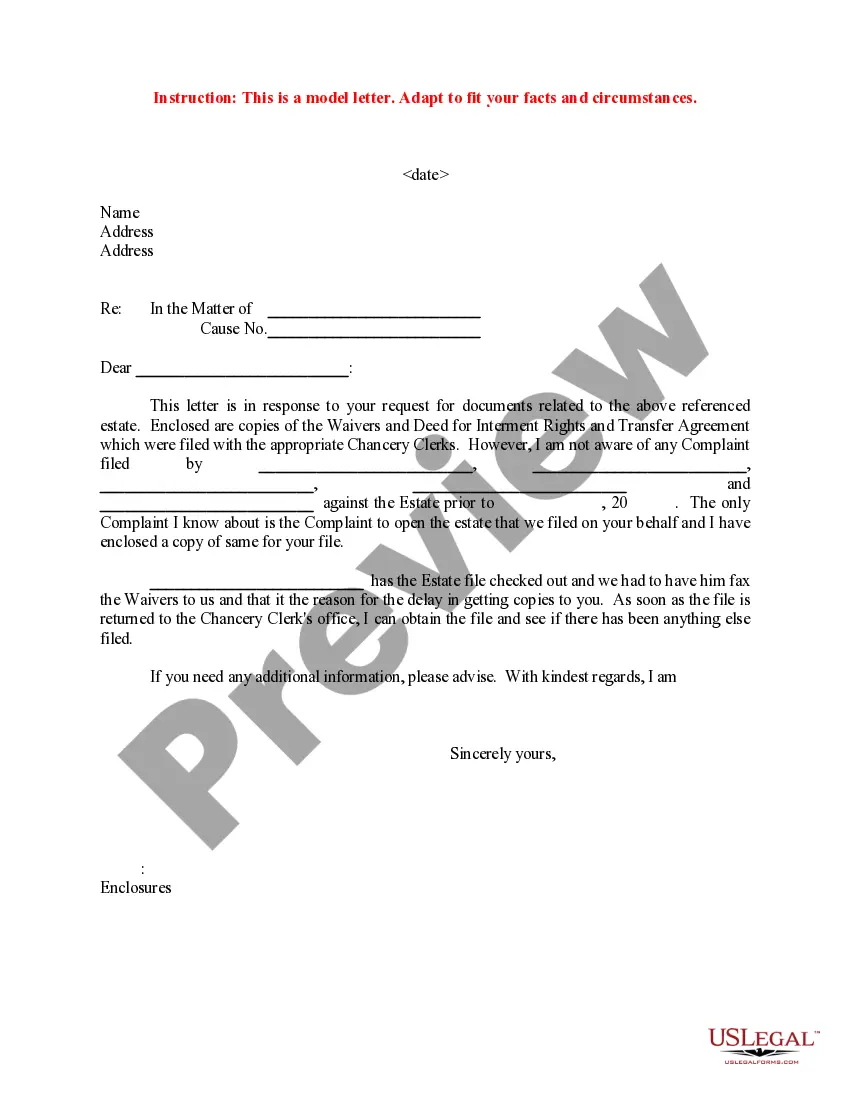
Sample Email Response To Request For Documents For Employee
Description

Get your form ready online
Our built-in tools help you complete, sign, share, and store your documents in one place.
Make edits, fill in missing information, and update formatting in US Legal Forms—just like you would in MS Word.
Download a copy, print it, send it by email, or mail it via USPS—whatever works best for your next step.
Sign and collect signatures with our SignNow integration. Send to multiple recipients, set reminders, and more. Go Premium to unlock E-Sign.
If this form requires notarization, complete it online through a secure video call—no need to meet a notary in person or wait for an appointment.
We protect your documents and personal data by following strict security and privacy standards.

Make edits, fill in missing information, and update formatting in US Legal Forms—just like you would in MS Word.

Download a copy, print it, send it by email, or mail it via USPS—whatever works best for your next step.

Sign and collect signatures with our SignNow integration. Send to multiple recipients, set reminders, and more. Go Premium to unlock E-Sign.

If this form requires notarization, complete it online through a secure video call—no need to meet a notary in person or wait for an appointment.

We protect your documents and personal data by following strict security and privacy standards.
Looking for another form?
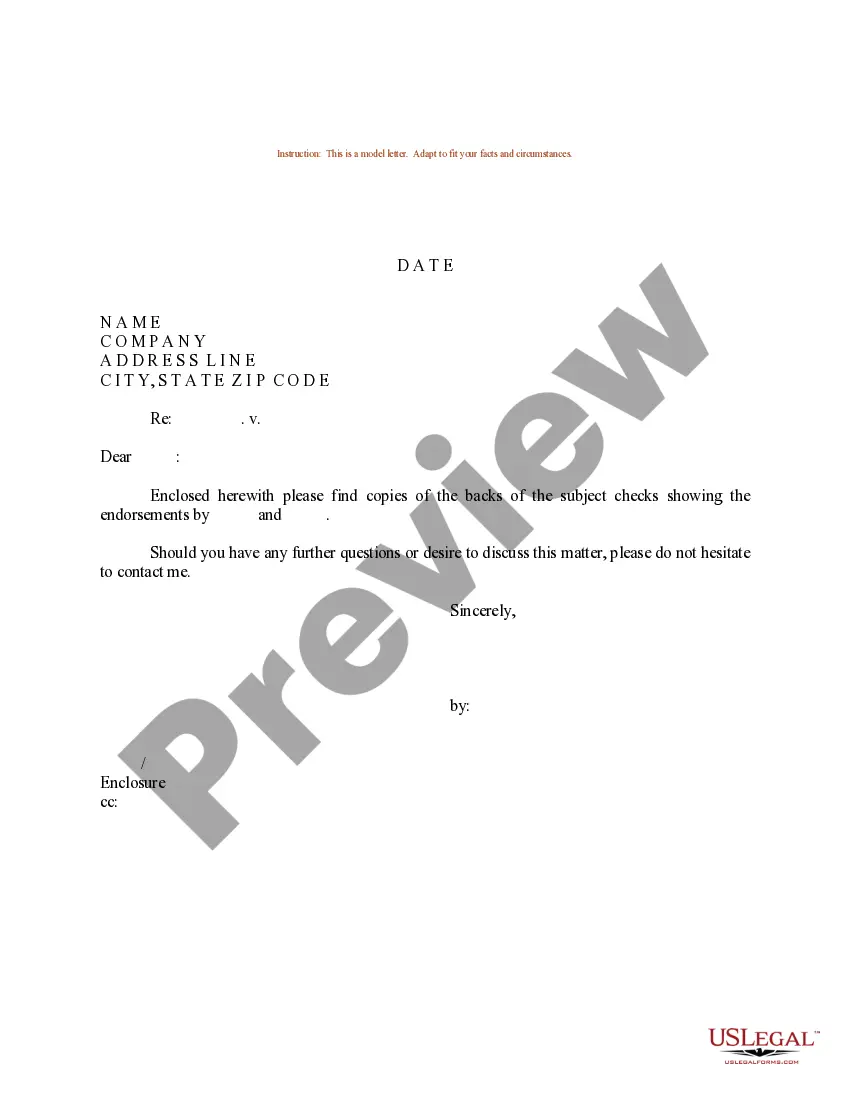
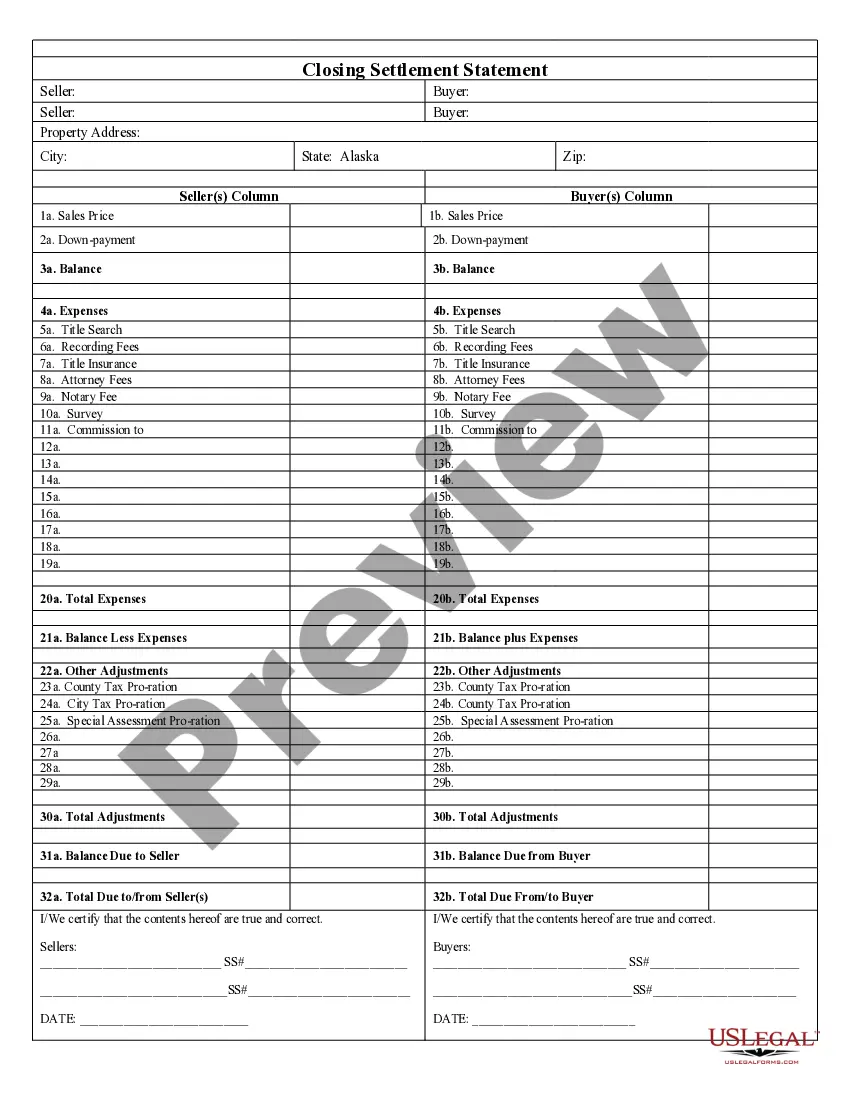
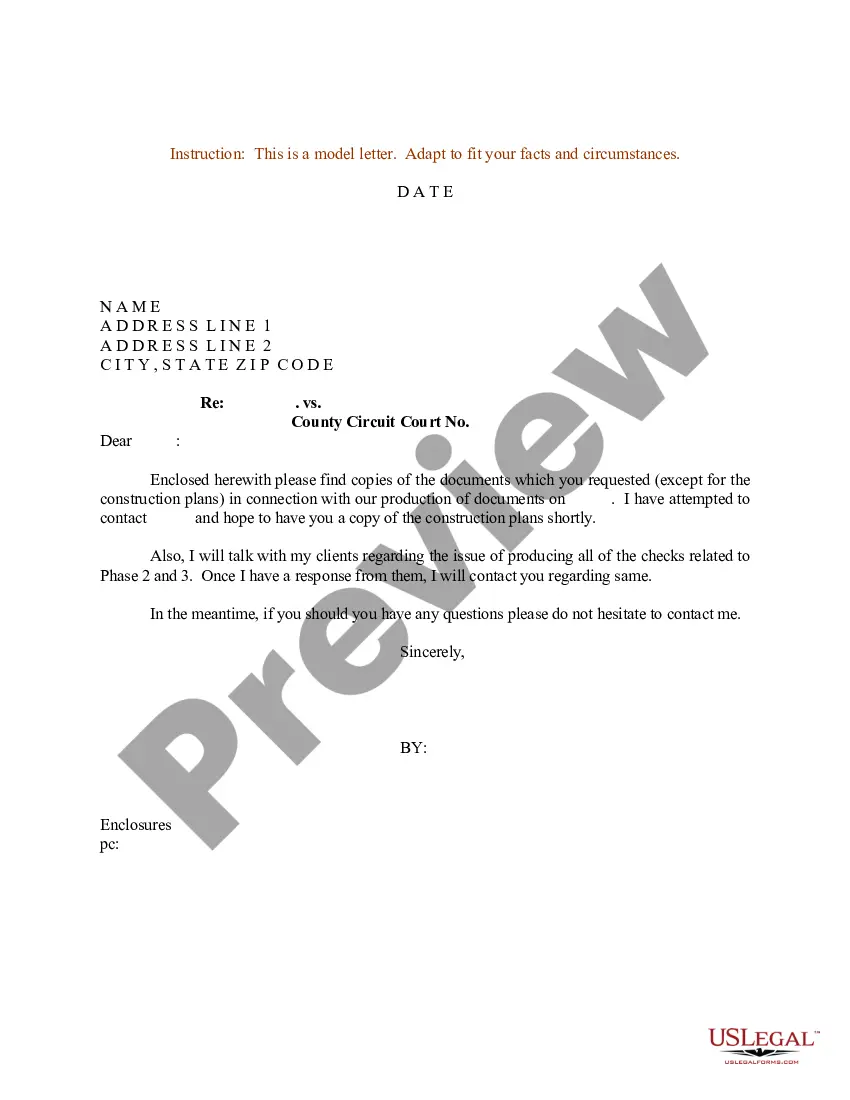
How to fill out Sample Letter For Response To Request For Documents?
Regardless of whether for corporate needs or personal issues, everyone inevitably has to deal with legal matters at some point in their life.
Completing legal documents requires meticulous care, starting from selecting the suitable form template.
Once downloaded, you can fill out the form using editing software or print it and complete it manually. With an extensive US Legal Forms catalog readily available, you no longer have to waste time searching for the correct template online. Utilize the library’s easy navigation to find the ideal form for any occasion.
- For instance, if you choose an incorrect version of a Sample Email Reply To Request For Documents For Employee, it will be rejected once you submit it.
- Thus, it is vital to have a trustworthy source of legal documents like US Legal Forms.
- If you need to obtain a Sample Email Reply To Request For Documents For Employee template, follow these straightforward steps.
- Retrieve the template you require using the search box or catalog browsing.
- Examine the form’s details to verify it aligns with your situation, state, and locality.
- Click on the form’s preview to review it.
- If it is not the correct document, return to the search tool to discover the Sample Email Reply To Request For Documents For Employee template you need.
- Download the document if it fulfills your needs.
- If you already possess a US Legal Forms account, simply click Log in to access previously saved documents in My documents.
- If you do not yet have an account, you can acquire the form by clicking Buy now.
- Choose the correct pricing option.
- Complete the account registration form.
- Select your payment method: use a credit card or PayPal account.
- Choose the file format you desire and download the Sample Email Reply To Request For Documents For Employee.
Form popularity
FAQ
To reply politely to an email with an attachment, start by acknowledging the attachment and thanking the sender for it. Clearly state that you have received the attachment and mention any relevant details or actions you will take next. If useful, include a sample email response to request for documents for employee to guide further correspondence.
Regardless of whether you have the information, you should respond to the request. Either answer the question in your own words, or refer to information you are enclosing in your letter. If you cannot supply the information, express your regret.
Here is how to politely respond in different scenarios while protecting your own emotions: If they apologize for something minor like bumping into you: ?No worries,? or ?It's not a big deal.? If you aren't actually upset: ?It's OK; it's not a huge problem. ... If you have forgiven them: ?Thank you, I needed to hear that.
Top 10 tips for effectively replying to an email Read the entire email before responding. Keep the response relevant and on-topic. Be clear and concise. Use proper grammar and spelling. Maintain a professional and polite tone. Respond promptly. Include numbered lists or bullet points for readability.
Thank you for your email requesting the [document name]. I am happy to provide you with a copy of the document. Please find attached a copy of the [document name]. If you have any trouble opening the attachment, please let me know and I will be happy to provide an alternative format.
Instead of yes, you can say: Yes I can/Yes, sure thing. Yes of course!/Of course I will. Yes I can. It's this way. Sure. It's 10am. Sure thing! I can certainly do that for you. Yes here you go!/Sure, here you go. OK I will.