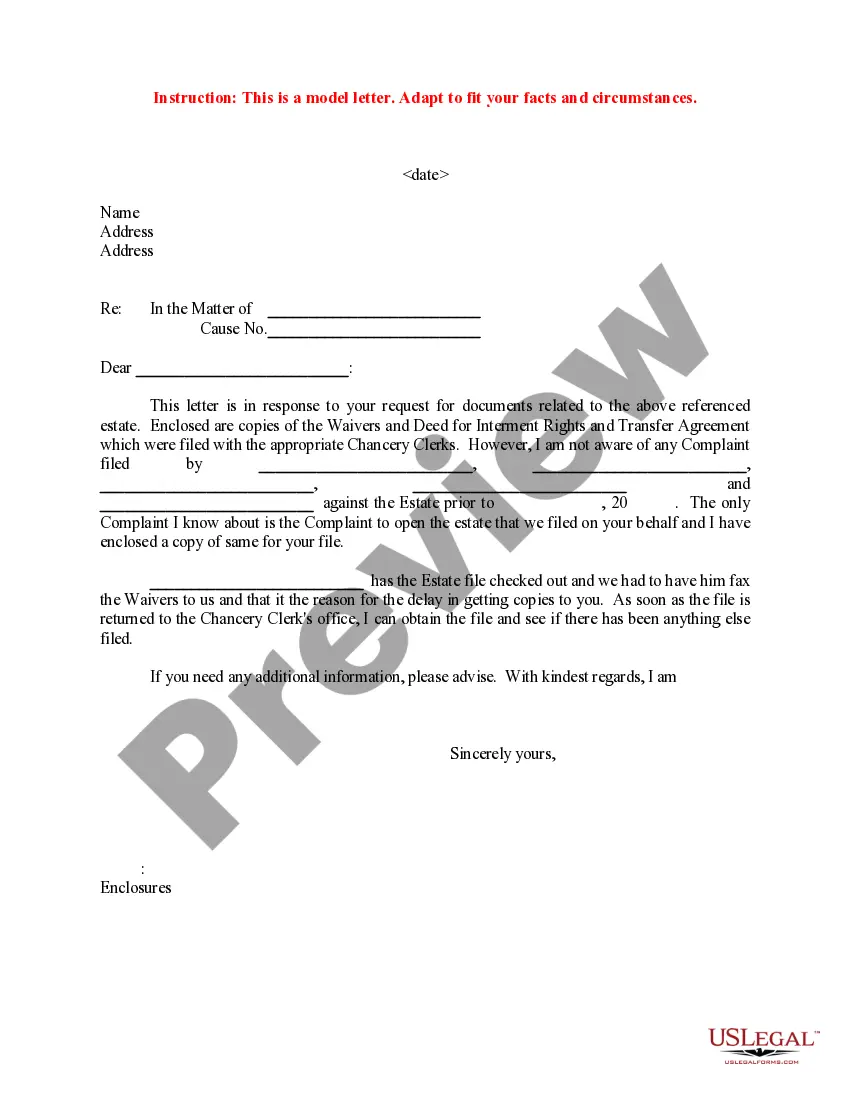
Response To Legal Notice Format
Description
Get your form ready online
Our built-in tools help you complete, sign, share, and store your documents in one place.
Make edits, fill in missing information, and update formatting in US Legal Forms—just like you would in MS Word.
Download a copy, print it, send it by email, or mail it via USPS—whatever works best for your next step.
Sign and collect signatures with our SignNow integration. Send to multiple recipients, set reminders, and more. Go Premium to unlock E-Sign.
If this form requires notarization, complete it online through a secure video call—no need to meet a notary in person or wait for an appointment.
We protect your documents and personal data by following strict security and privacy standards.

Make edits, fill in missing information, and update formatting in US Legal Forms—just like you would in MS Word.

Download a copy, print it, send it by email, or mail it via USPS—whatever works best for your next step.

Sign and collect signatures with our SignNow integration. Send to multiple recipients, set reminders, and more. Go Premium to unlock E-Sign.

If this form requires notarization, complete it online through a secure video call—no need to meet a notary in person or wait for an appointment.

We protect your documents and personal data by following strict security and privacy standards.
Looking for another form?
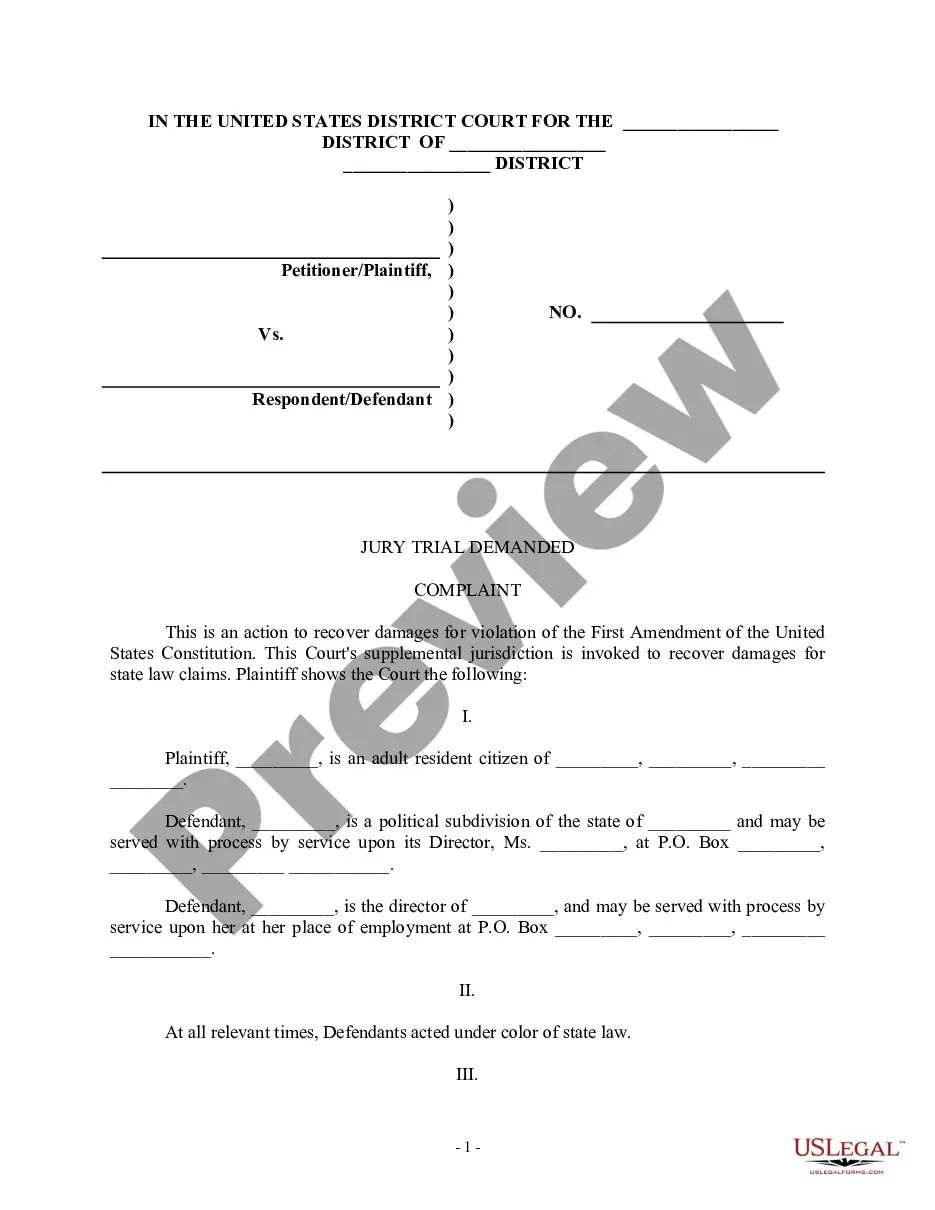
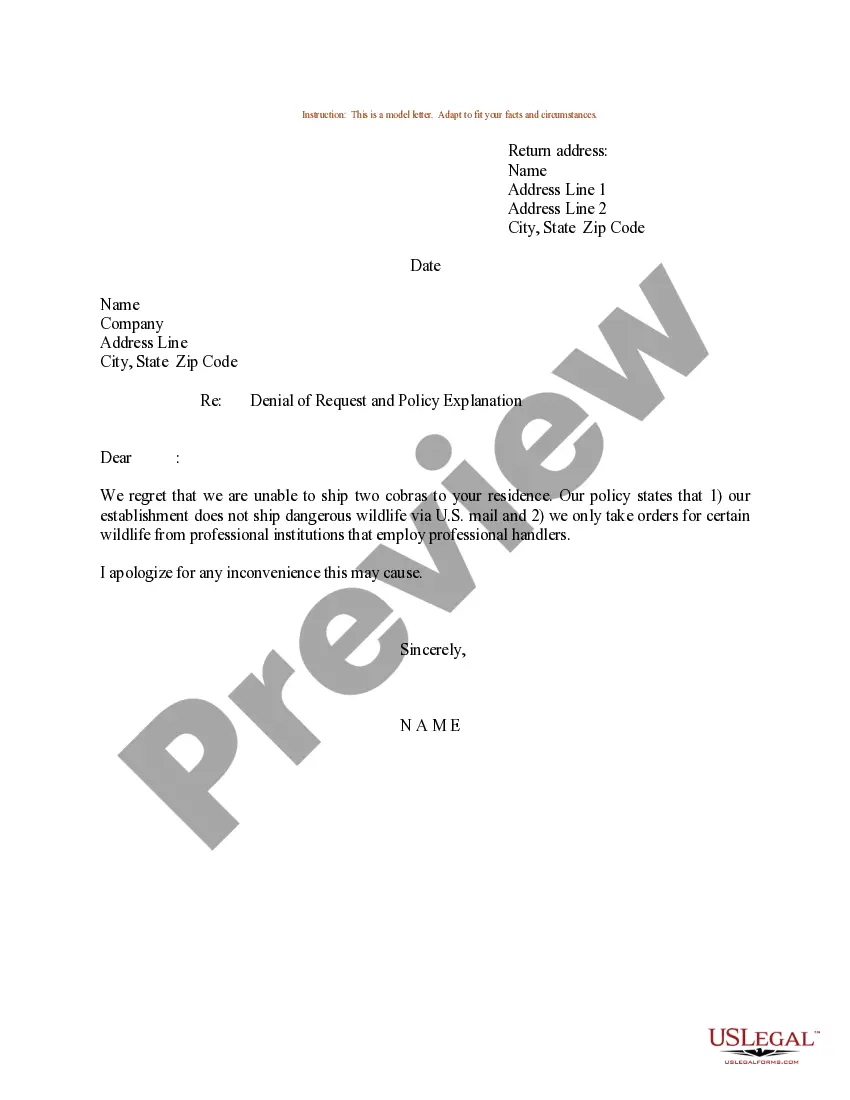

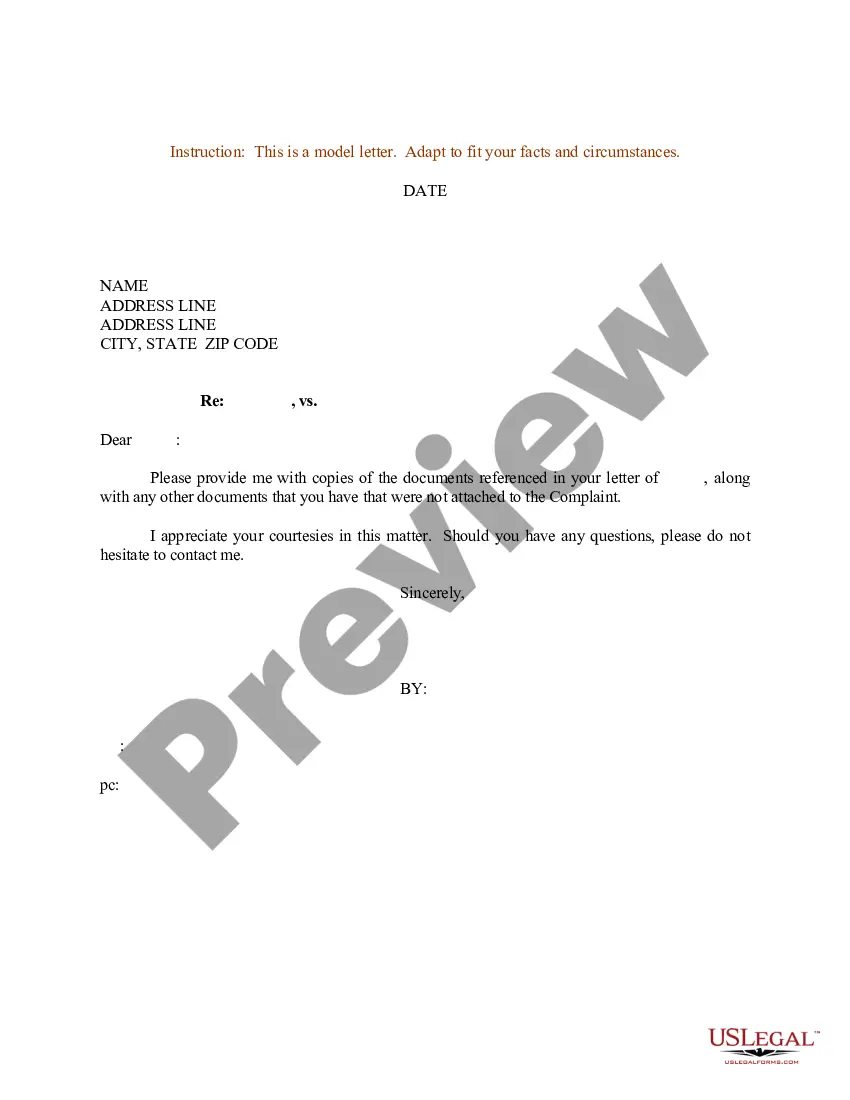
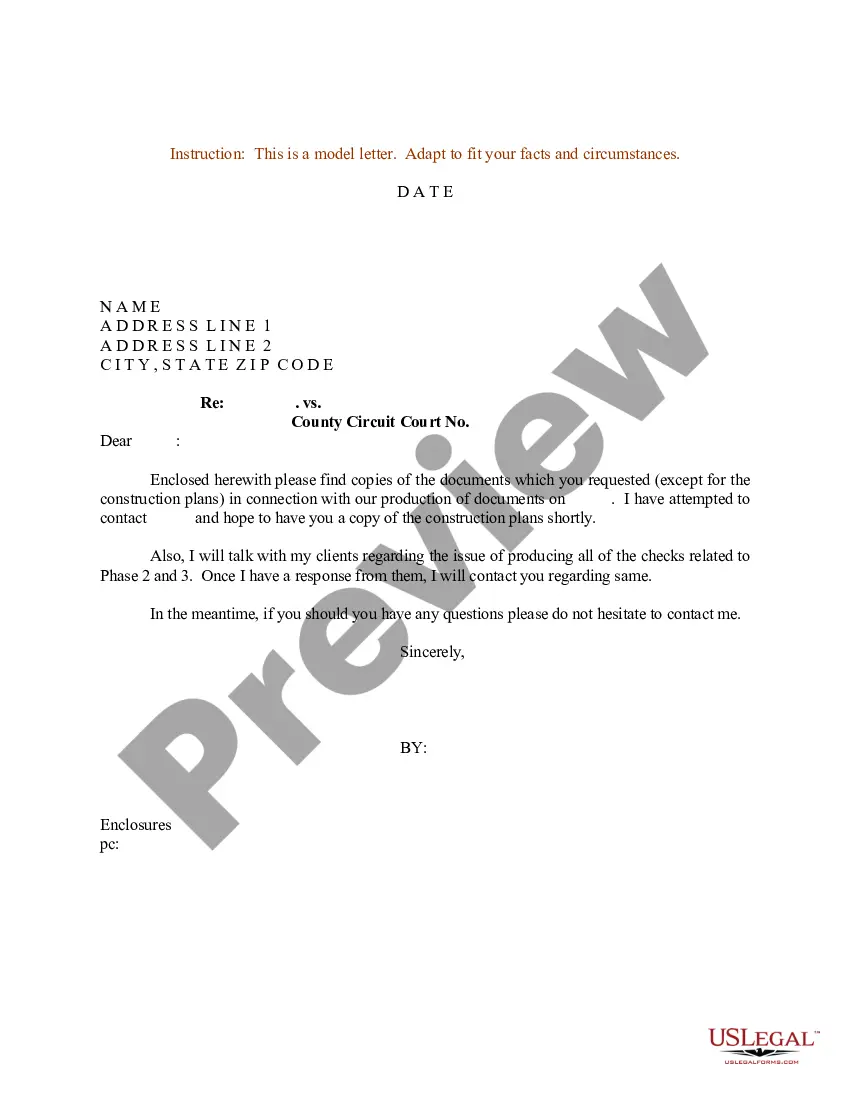
How to fill out Sample Letter For Response To Request For Documents?
Legal papers management might be overwhelming, even for the most knowledgeable experts. When you are searching for a Response To Legal Notice Format and do not get the time to commit in search of the right and updated version, the procedures might be stress filled. A robust web form library might be a gamechanger for anybody who wants to handle these situations successfully. US Legal Forms is a market leader in web legal forms, with over 85,000 state-specific legal forms available anytime.
With US Legal Forms, it is possible to:
- Access state- or county-specific legal and organization forms. US Legal Forms handles any demands you may have, from personal to organization paperwork, all-in-one location.
- Make use of advanced tools to complete and handle your Response To Legal Notice Format
- Access a resource base of articles, tutorials and handbooks and resources connected to your situation and needs
Save time and effort in search of the paperwork you will need, and make use of US Legal Forms’ advanced search and Preview tool to locate Response To Legal Notice Format and acquire it. For those who have a membership, log in for your US Legal Forms profile, search for the form, and acquire it. Review your My Forms tab to see the paperwork you previously downloaded and to handle your folders as you can see fit.
If it is your first time with US Legal Forms, make an account and get unrestricted use of all advantages of the library. Here are the steps to take after downloading the form you want:
- Confirm this is the proper form by previewing it and looking at its description.
- Be sure that the sample is approved in your state or county.
- Pick Buy Now once you are all set.
- Choose a monthly subscription plan.
- Pick the format you want, and Download, complete, sign, print and send out your papers.
Take advantage of the US Legal Forms web library, backed with 25 years of experience and trustworthiness. Enhance your day-to-day papers management in a easy and user-friendly process right now.
Form popularity
FAQ
A letter of intent to sue is used to notify an individual or business that legal action may be taken against them if the demands included in the letter are not met. By sending an intent to sue letter, you may be able to resolve the dispute without having to initiate a costly lawsuit.
Creating Legal Notices - Best Practices to Know Letterhead. A legal notice needs to be written on headed paper from the legal firm representing the aggrieved party. ... Include Date. ... Address the Defendant. ... Attribute the Notice. ... Layout the Grievance. ... Action to be Taken. ... Signature. ... Final Practice.
While you don't need legal drafting experience to compose a demand letter, it does need to be clear and well organized. You'll want to give a brief history of the dispute. Explain why there has been no agreement so far.