Request Files With Onedrive
Description

Get your form ready online
Our built-in tools help you complete, sign, share, and store your documents in one place.
Make edits, fill in missing information, and update formatting in US Legal Forms—just like you would in MS Word.
Download a copy, print it, send it by email, or mail it via USPS—whatever works best for your next step.
Sign and collect signatures with our SignNow integration. Send to multiple recipients, set reminders, and more. Go Premium to unlock E-Sign.
If this form requires notarization, complete it online through a secure video call—no need to meet a notary in person or wait for an appointment.
We protect your documents and personal data by following strict security and privacy standards.

Make edits, fill in missing information, and update formatting in US Legal Forms—just like you would in MS Word.

Download a copy, print it, send it by email, or mail it via USPS—whatever works best for your next step.

Sign and collect signatures with our SignNow integration. Send to multiple recipients, set reminders, and more. Go Premium to unlock E-Sign.

If this form requires notarization, complete it online through a secure video call—no need to meet a notary in person or wait for an appointment.

We protect your documents and personal data by following strict security and privacy standards.
Looking for another form?
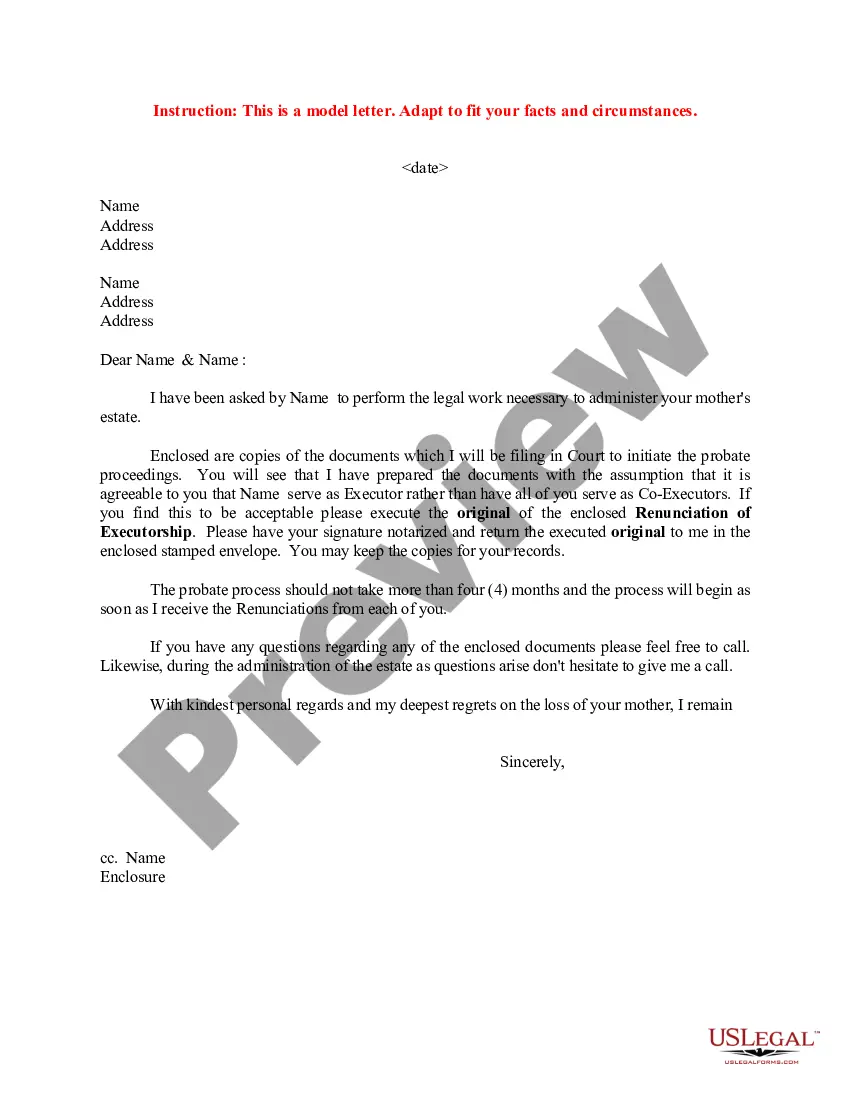

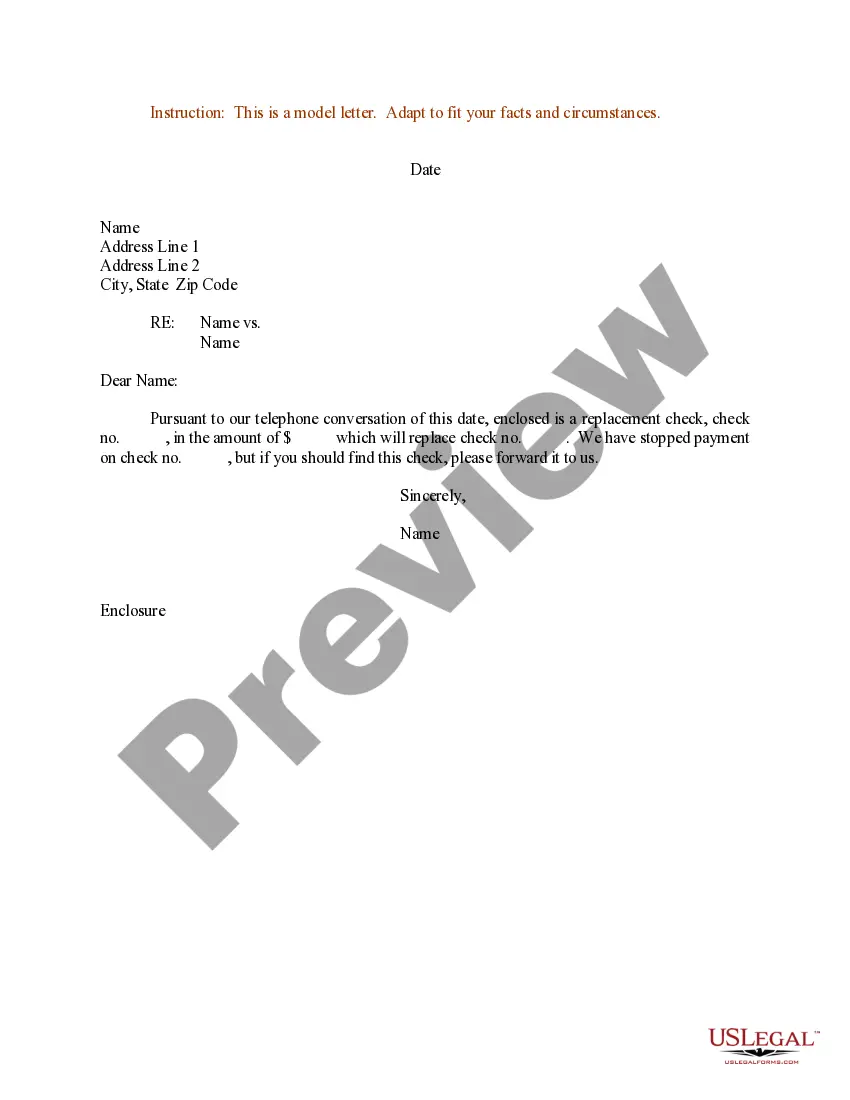

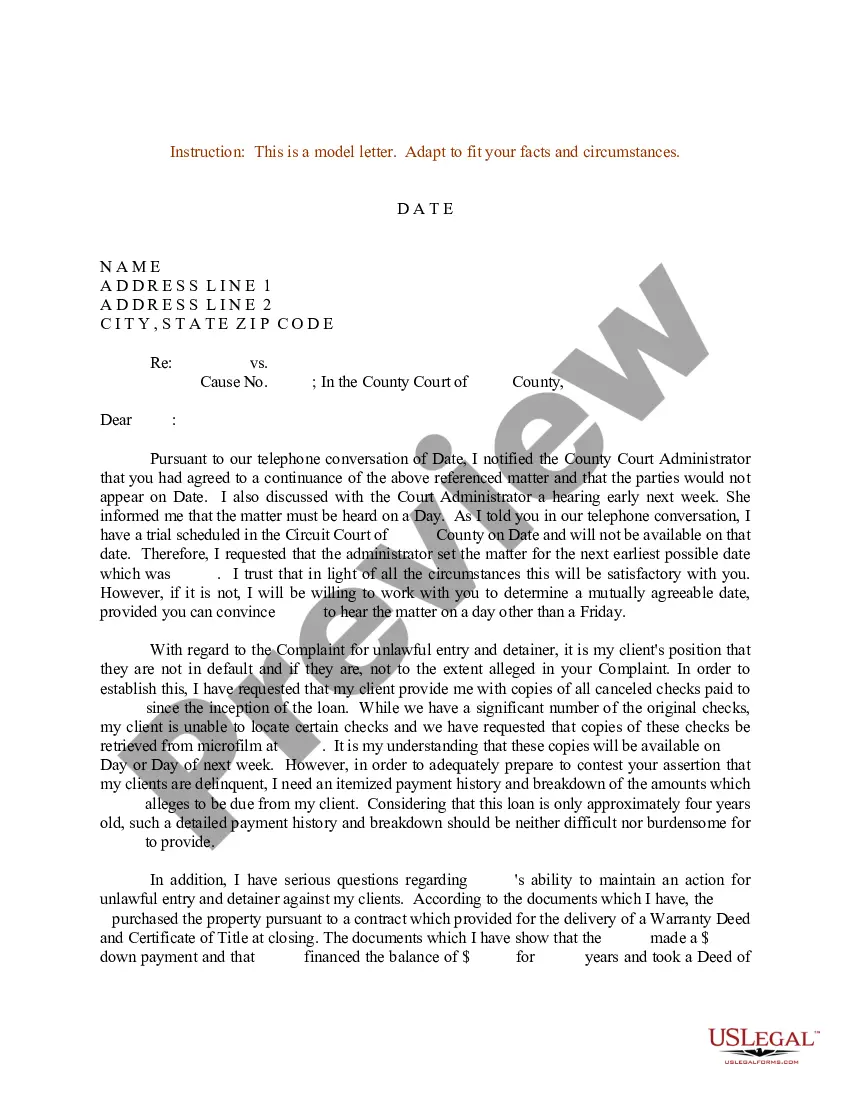
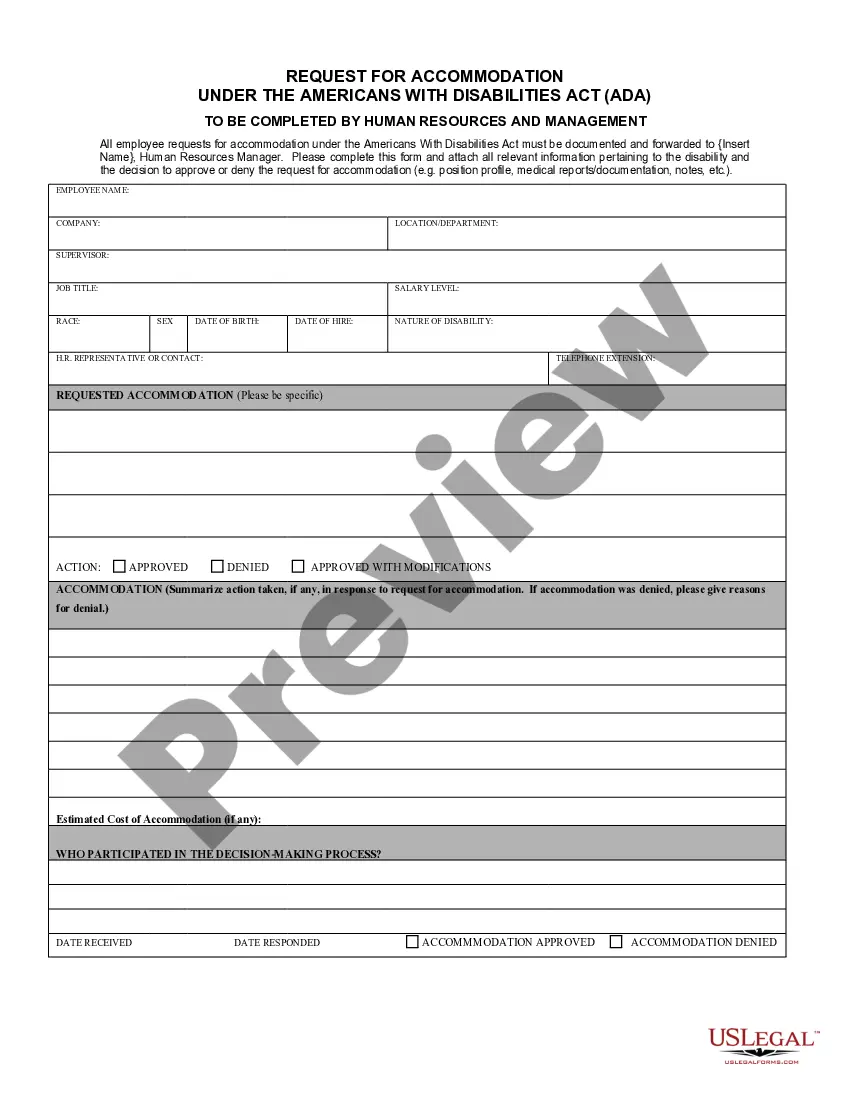
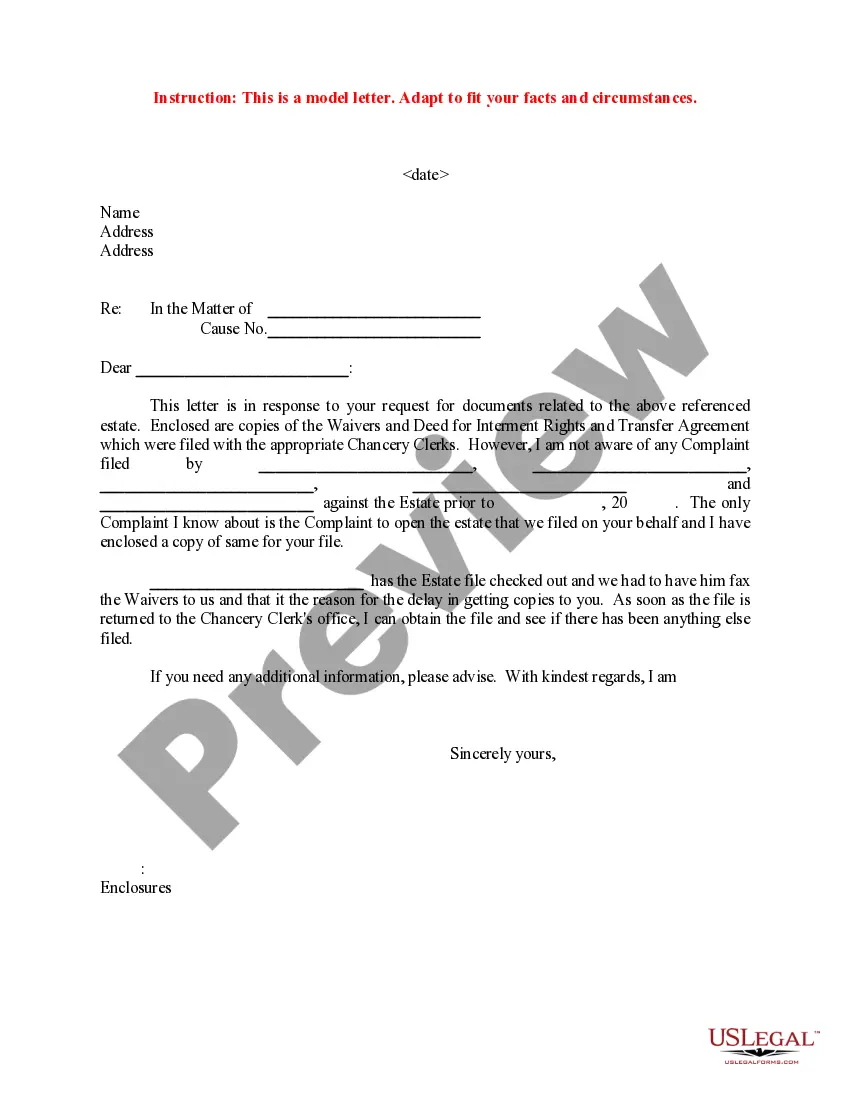
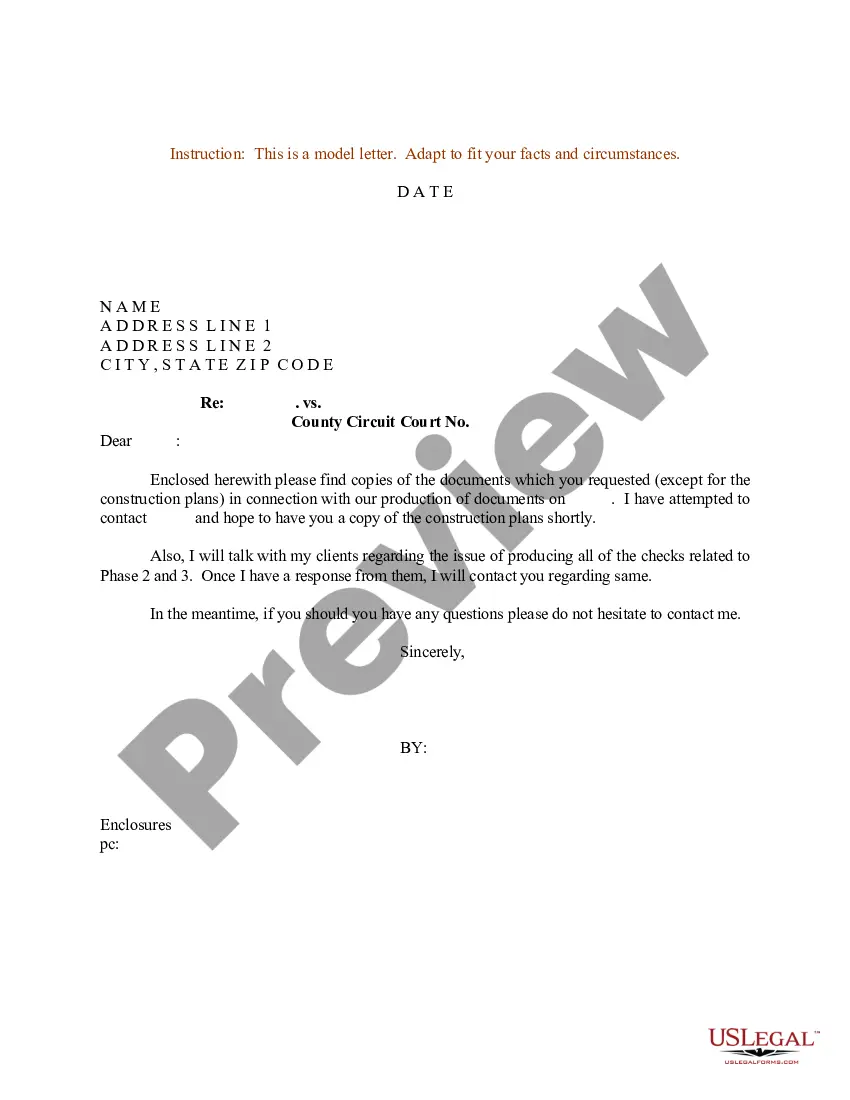
How to fill out Sample Letter For Response To Request For Documents?
Whether for commercial reasons or personal affairs, every individual must handle legal matters at some point in their life.
Filling out legal documents necessitates meticulous attention, starting with choosing the correct form template.
With a vast US Legal Forms catalog available, you do not need to waste time searching for the suitable template online. Utilize the library's user-friendly navigation to find the right template for any circumstance.
- Locate the template you require by utilizing the search bar or browsing the catalog.
- Review the description of the form to confirm it aligns with your needs, state, and locality.
- Click on the form's preview to inspect it.
- If it is the wrong document, return to the search option to find the Request Files With Onedrive sample you need.
- Obtain the file once it fulfills your specifications.
- If you already possess a US Legal Forms account, simply click Log in to access stored documents in My documents.
- In case you do not have an account yet, you can download the form by clicking Buy now.
- Choose the appropriate pricing option.
- Complete the account registration form.
- Select your payment method: use a credit card or PayPal account.
- Choose the file format you prefer and download the Request Files With Onedrive.
- Once it is saved, you can fill out the form using editing software or print it and complete it manually.
Form popularity
FAQ
Open OneDrive settings (select the OneDrive cloud icon in your notification area, and then select the OneDrive Help and Settings icon then Settings.) Go to the Sync and back up tab and expand the Advanced settings. Under Files On-Demand, select either Download files as you use them or Download all files now.
Microsoft OneDrive file requests are a popular feature that provides you with a simple way to collect audio, video, presentations, and documents from anyone within your organization or external to it. It is an ideal way to securely collect large files without having to use file-sharing software.
On the left navigation pane, under OneDrive, select Shared. Files and folders that you can add to your OneDrive are marked Can edit. Locate the folder you want to add, select the circle in the folder's tile, and then select Add shortcut to My files on the top menu.
FAQ: How to Sync "Shared with me" OneDrive folders to your local computer? Login Office 365 portal. Browse to your OneDrive. ... Click ?Shared?, from the left panel. Click on the folder you want to sync to your computer. Click ?Sync? frrom the top menu. Follow the prompts to complete the process.
To move a file or folder on OneDrive.com: Browse to the file or folder that you want to move. Select the item you want to move. ... In the top navigation, select Move to. In the Move to pane, browse to the destination folder, and then select Move.