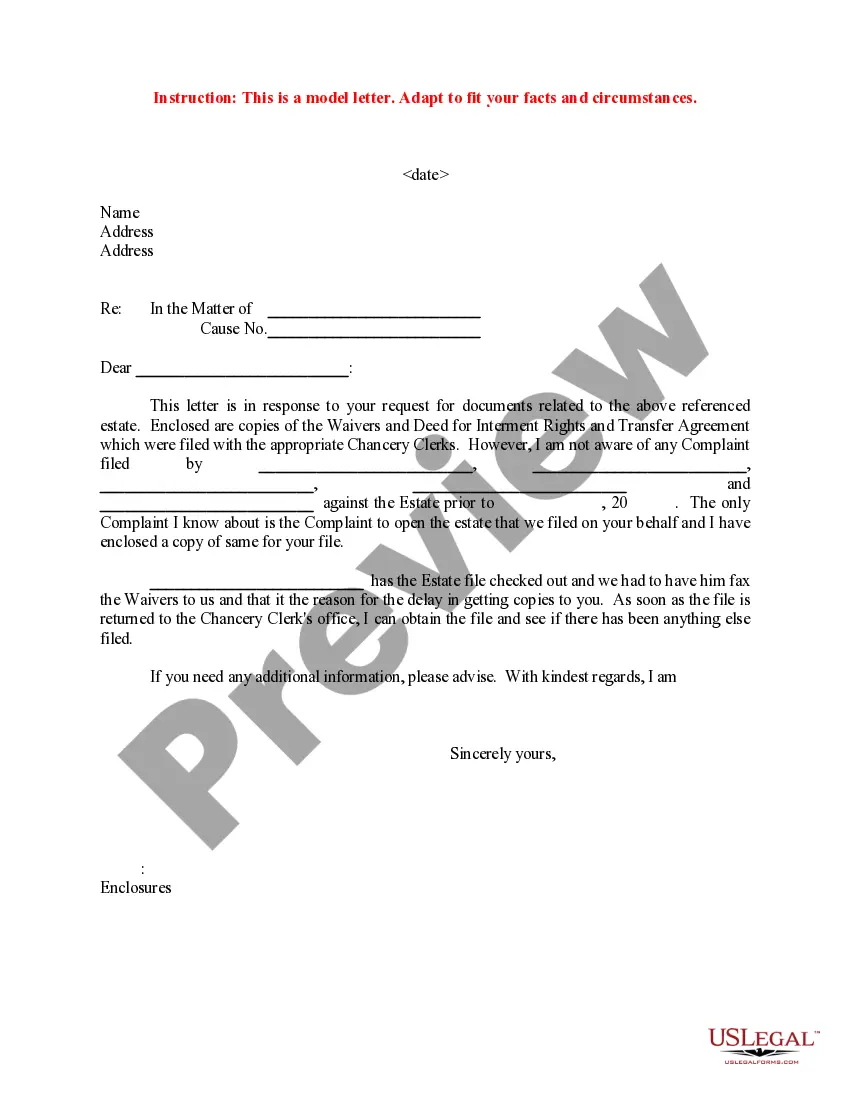
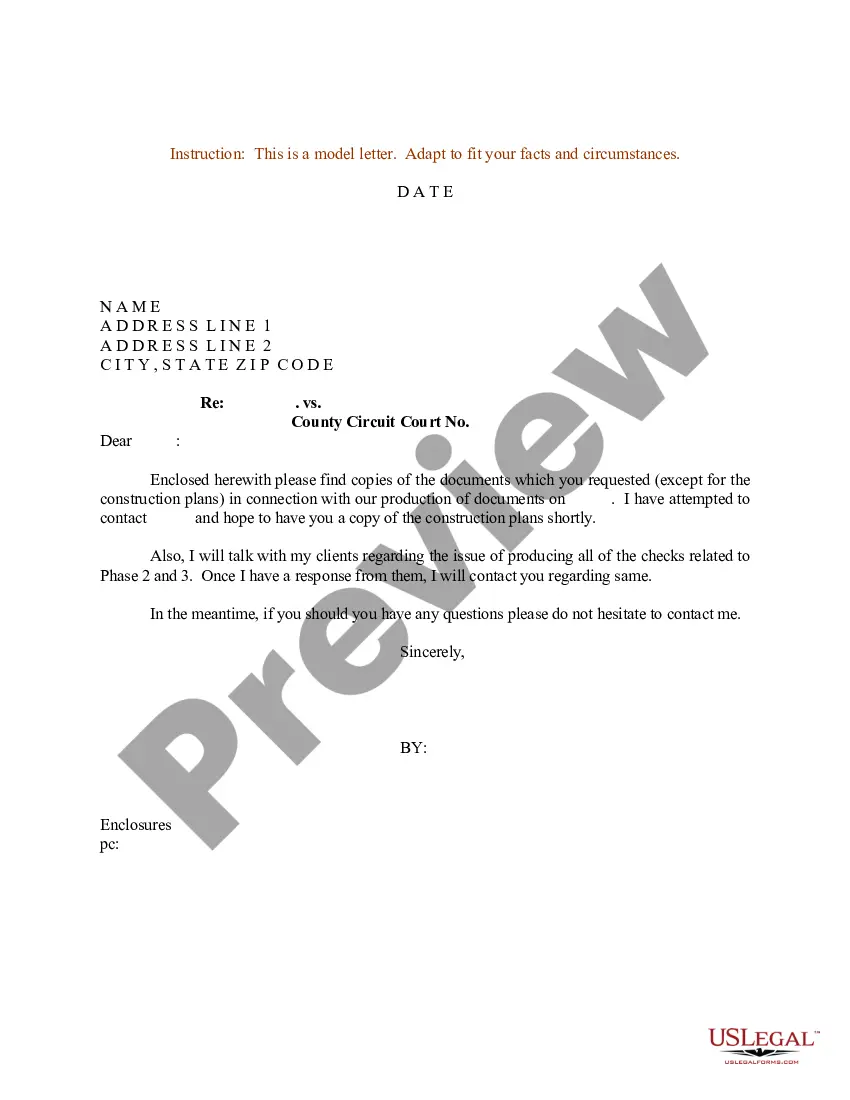
Request Documents Legal Sample Without Consent
Description

Get your form ready online
Our built-in tools help you complete, sign, share, and store your documents in one place.
Make edits, fill in missing information, and update formatting in US Legal Forms—just like you would in MS Word.
Download a copy, print it, send it by email, or mail it via USPS—whatever works best for your next step.
Sign and collect signatures with our SignNow integration. Send to multiple recipients, set reminders, and more. Go Premium to unlock E-Sign.
If this form requires notarization, complete it online through a secure video call—no need to meet a notary in person or wait for an appointment.
We protect your documents and personal data by following strict security and privacy standards.

Make edits, fill in missing information, and update formatting in US Legal Forms—just like you would in MS Word.

Download a copy, print it, send it by email, or mail it via USPS—whatever works best for your next step.

Sign and collect signatures with our SignNow integration. Send to multiple recipients, set reminders, and more. Go Premium to unlock E-Sign.

If this form requires notarization, complete it online through a secure video call—no need to meet a notary in person or wait for an appointment.

We protect your documents and personal data by following strict security and privacy standards.
Looking for another form?
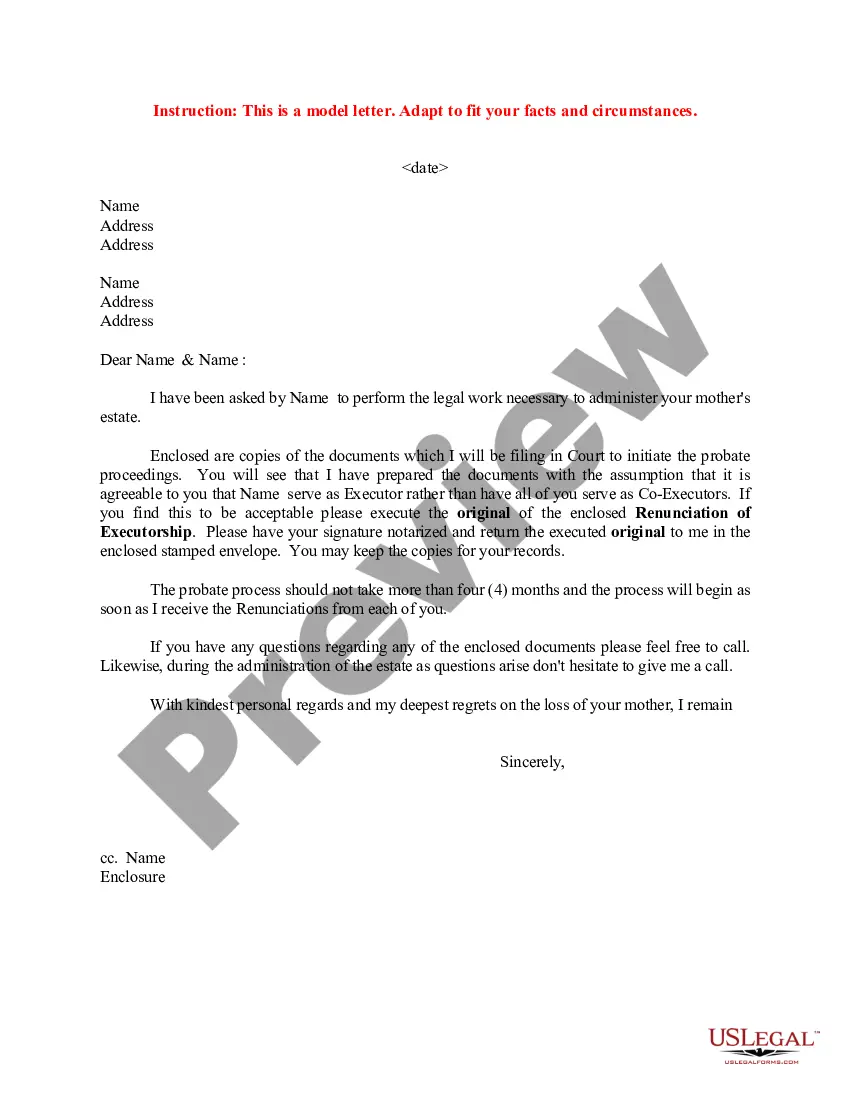

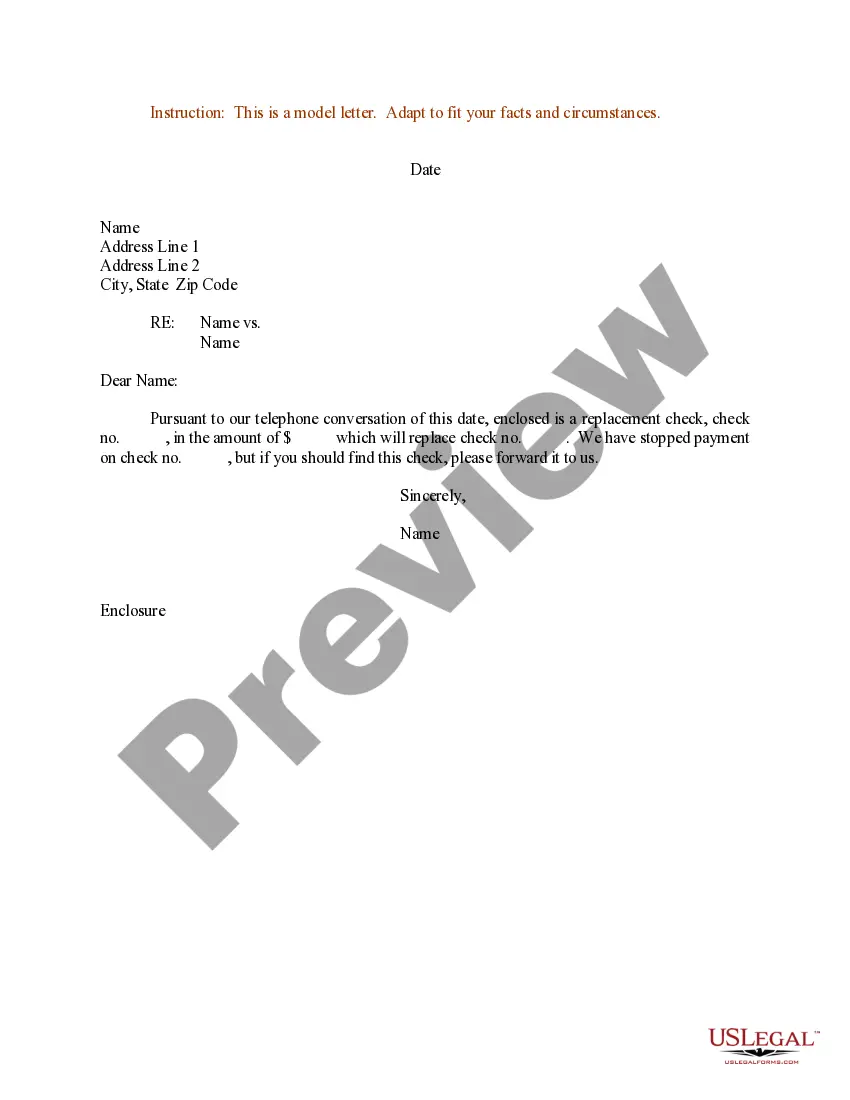

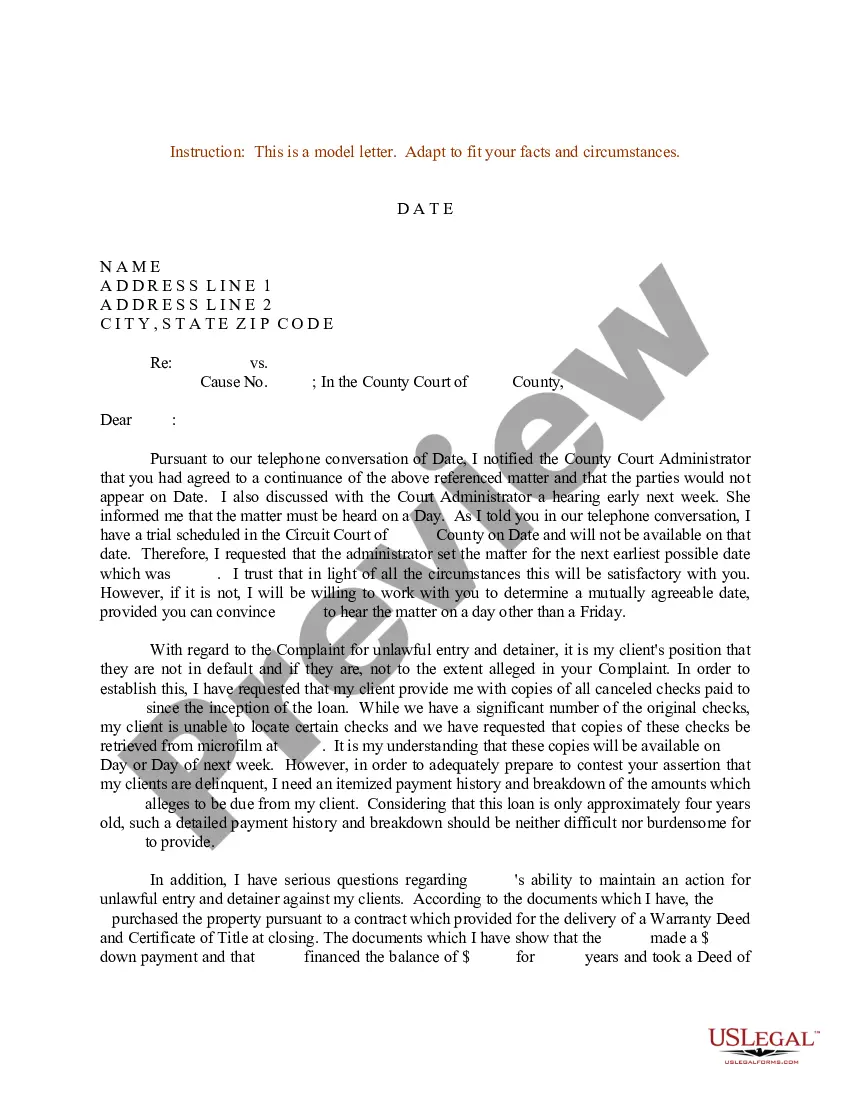
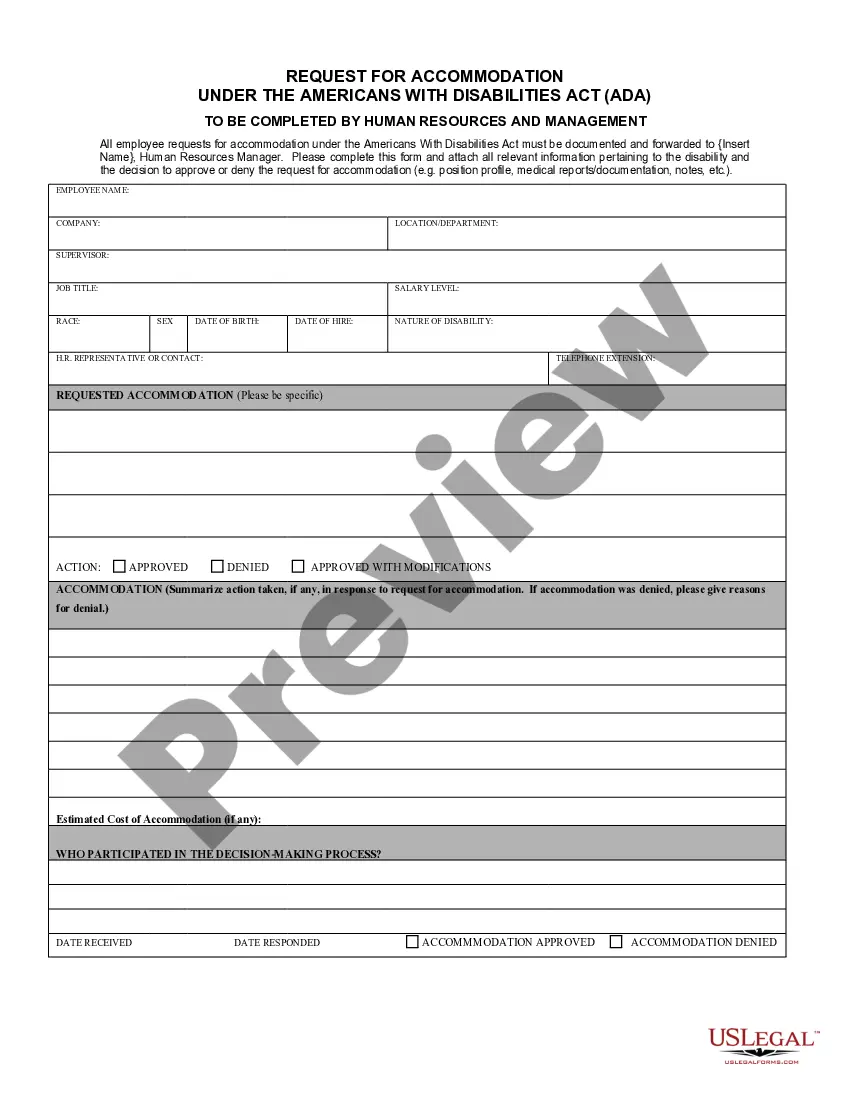
How to fill out Sample Letter For Response To Request For Documents?
It’s common knowledge that you cannot transform into a legal expert instantly, nor can you swiftly learn how to draft Request Documents Legal Sample Without Consent without possessing a specialized skill set.
Producing legal documentation is a labor-intensive endeavor that demands specific training and expertise. So why not entrust the creation of the Request Documents Legal Sample Without Consent to the experts.
With US Legal Forms, one of the most extensive legal document repositories, you can locate anything from court papers to in-office communication templates. We understand how vital compliance and adherence to federal and state regulations are.
Create a free account and select a subscription plan to purchase the template.
Click Buy now. After completing the payment, you can obtain the Request Documents Legal Sample Without Consent, fill it out, print it, and send or mail it to the intended recipients or organizations.
- That’s why, on our platform, all templates are location-specific and current.
- Here’s how to start with our website and acquire the document you need in just minutes.
- Find the form you require using the search bar at the top of the page.
- View it (if this option is available) and review the accompanying description to ascertain whether Request Documents Legal Sample Without Consent meets your needs.
- Begin your search again if you require a different template.
Form popularity
FAQ
How to respond to Requests for Production Download the blank response template and fill in basic information. ... Prepare the template for your responses. ... Read and answer the questions. ... Sign the document.
If a request asks for a document, make a copy of the document; in your response, describe the document and say that a copy is attached; and attach a copy of the document to the responses you send back to the other side.
Here is how to write a request letter in 7 steps: Collect information relating to your request. ... Create an outline. ... Introduce yourself. 4. Make your request. ... Explain the reason for the request. ... Offer to provide additional information. ... Show your gratitude and conclude the letter. ... Use a professional format.
What to include in your document request email or letter Introduce yourself. State who you are using full name, position and company name. ... Purpose for written request. Then, explain why you are writing. ... Call to action. ... Benefit to the client. ... Closing. ... Contact Information.
Start with a formal salutation, such as "Dear [Name]" or "Hello [Name]." State the purpose of your letter, which is to request specific documents. Provide details about the documents you are requesting, including the names or types of the documents, and any relevant dates or identifying information.