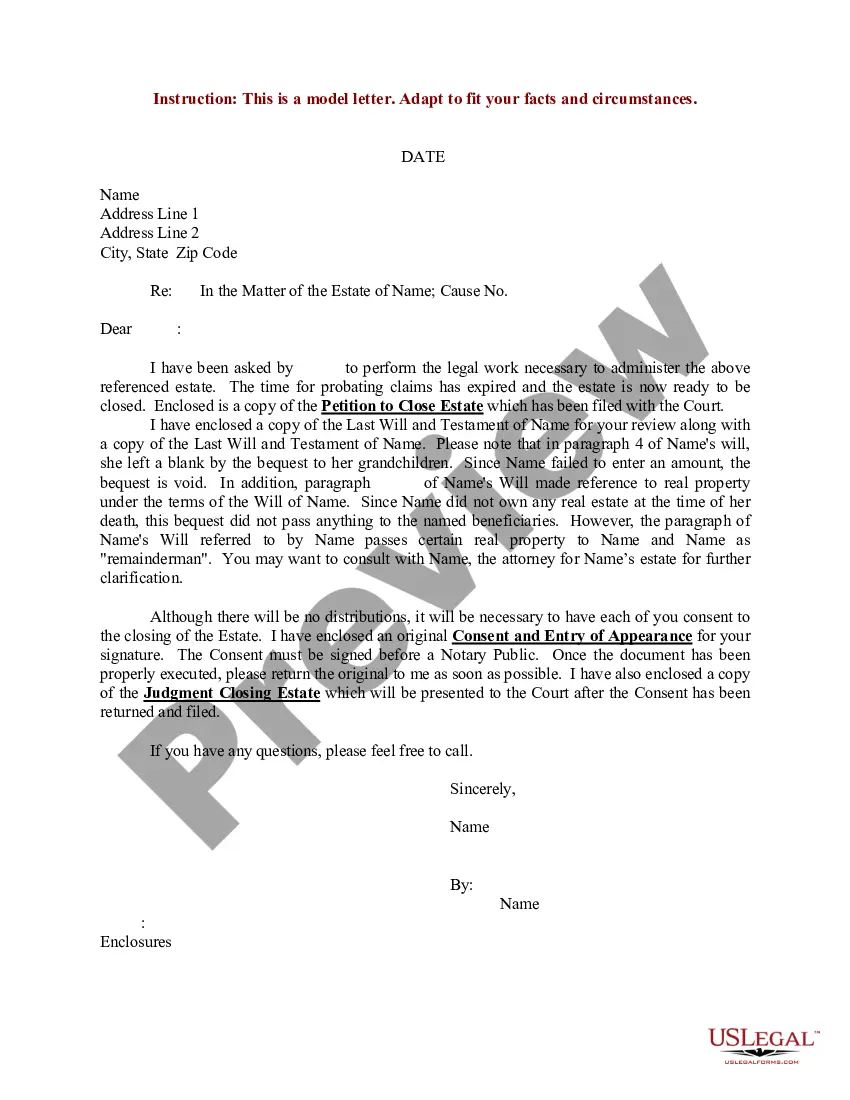
Estate Letter Of Instruction Template
Description
Get your form ready online
Our built-in tools help you complete, sign, share, and store your documents in one place.
Make edits, fill in missing information, and update formatting in US Legal Forms—just like you would in MS Word.
Download a copy, print it, send it by email, or mail it via USPS—whatever works best for your next step.
Sign and collect signatures with our SignNow integration. Send to multiple recipients, set reminders, and more. Go Premium to unlock E-Sign.
If this form requires notarization, complete it online through a secure video call—no need to meet a notary in person or wait for an appointment.
We protect your documents and personal data by following strict security and privacy standards.

Make edits, fill in missing information, and update formatting in US Legal Forms—just like you would in MS Word.

Download a copy, print it, send it by email, or mail it via USPS—whatever works best for your next step.

Sign and collect signatures with our SignNow integration. Send to multiple recipients, set reminders, and more. Go Premium to unlock E-Sign.

If this form requires notarization, complete it online through a secure video call—no need to meet a notary in person or wait for an appointment.

We protect your documents and personal data by following strict security and privacy standards.
Looking for another form?
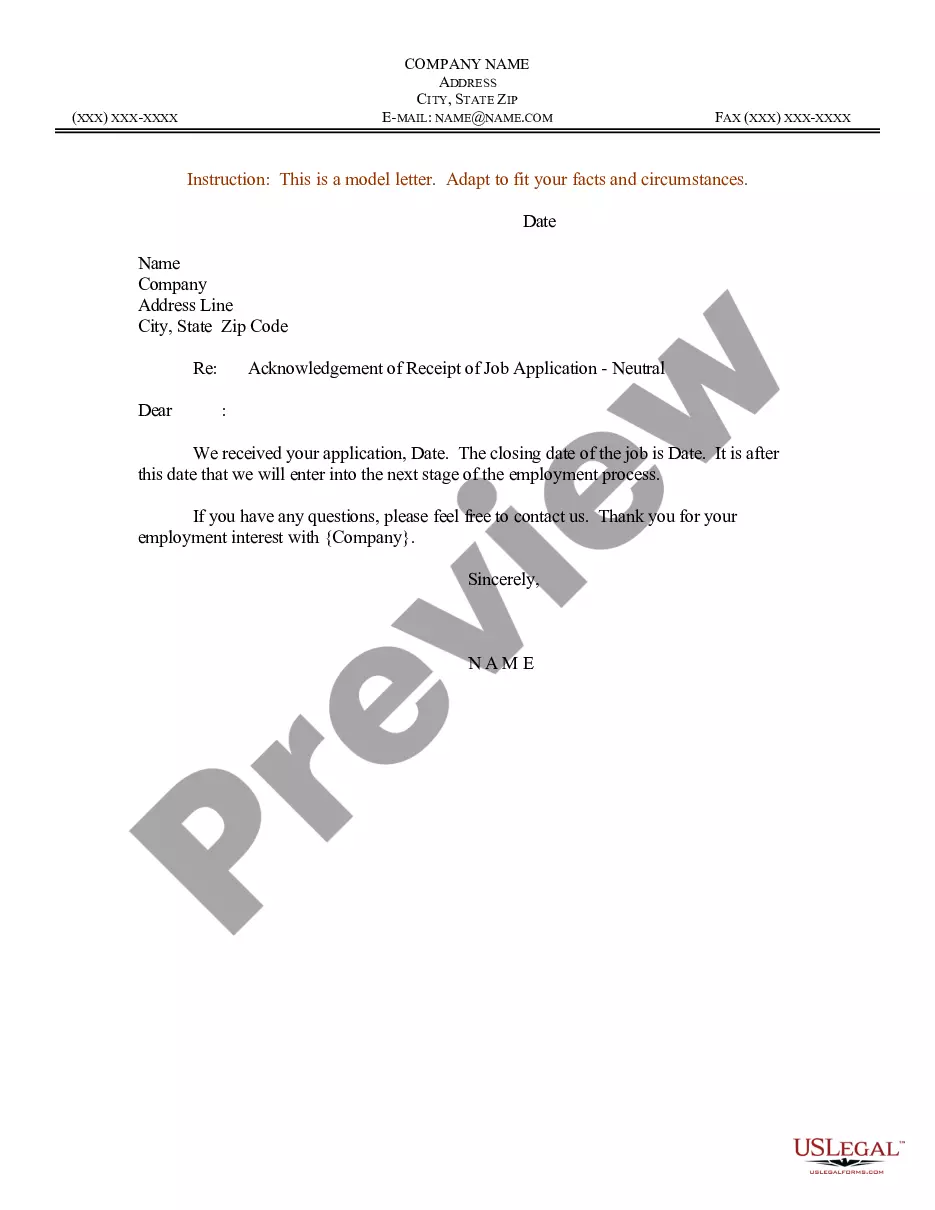
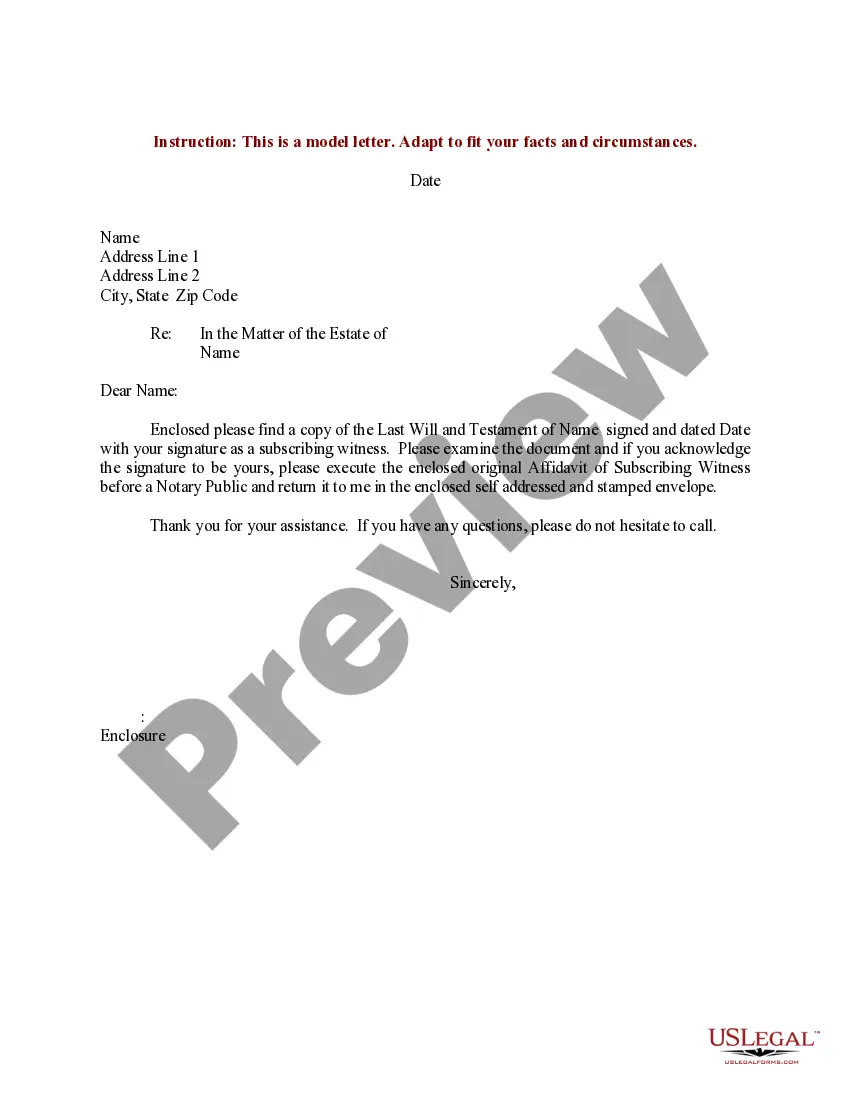
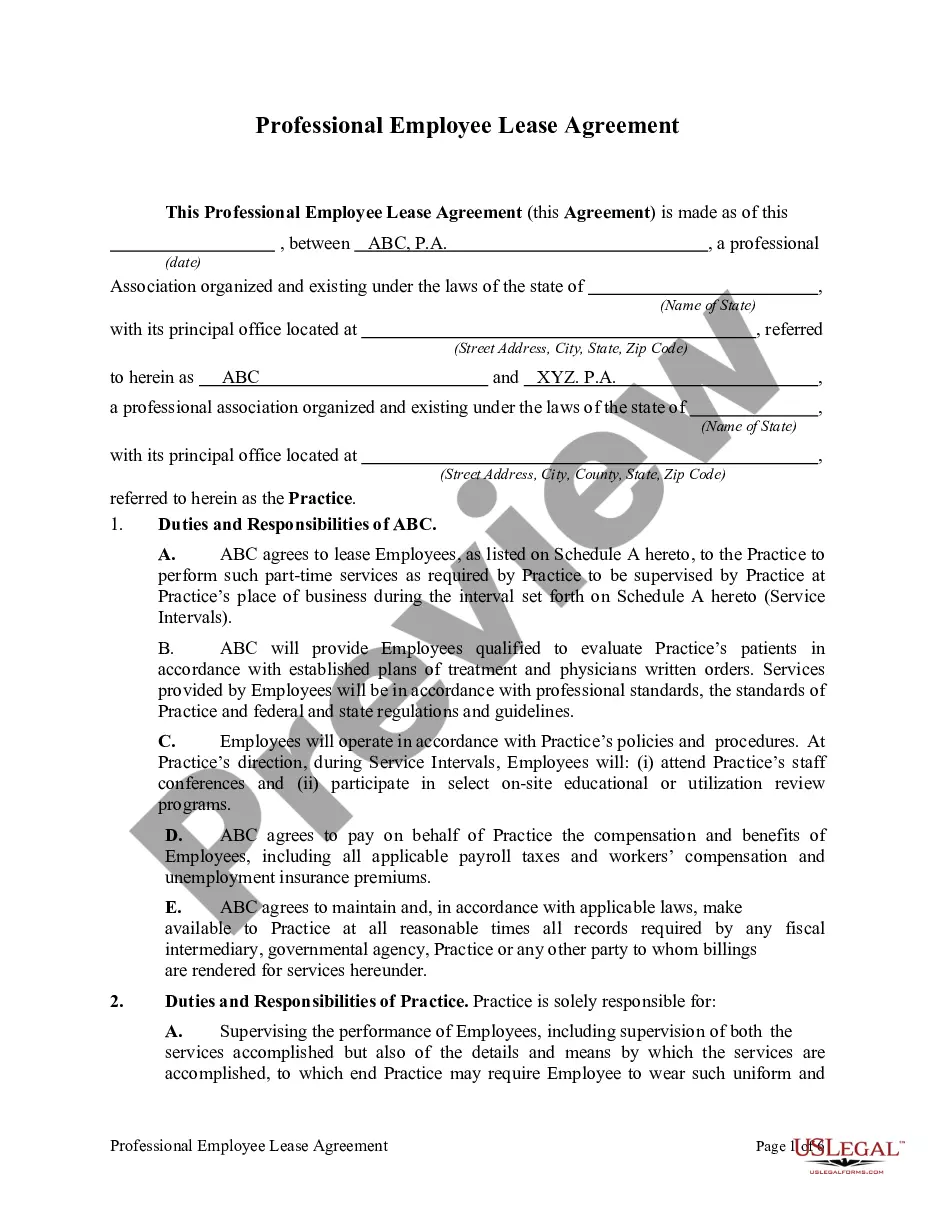
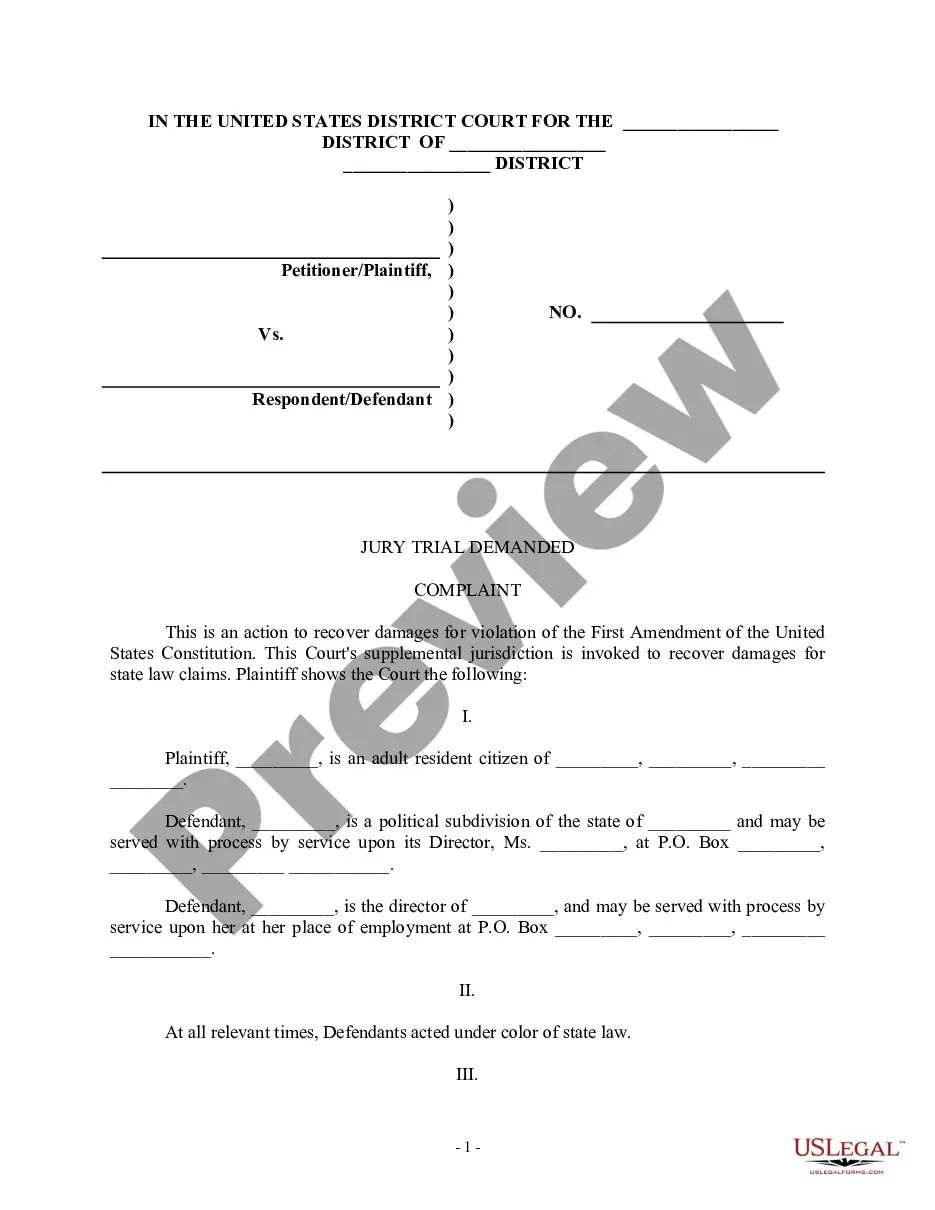
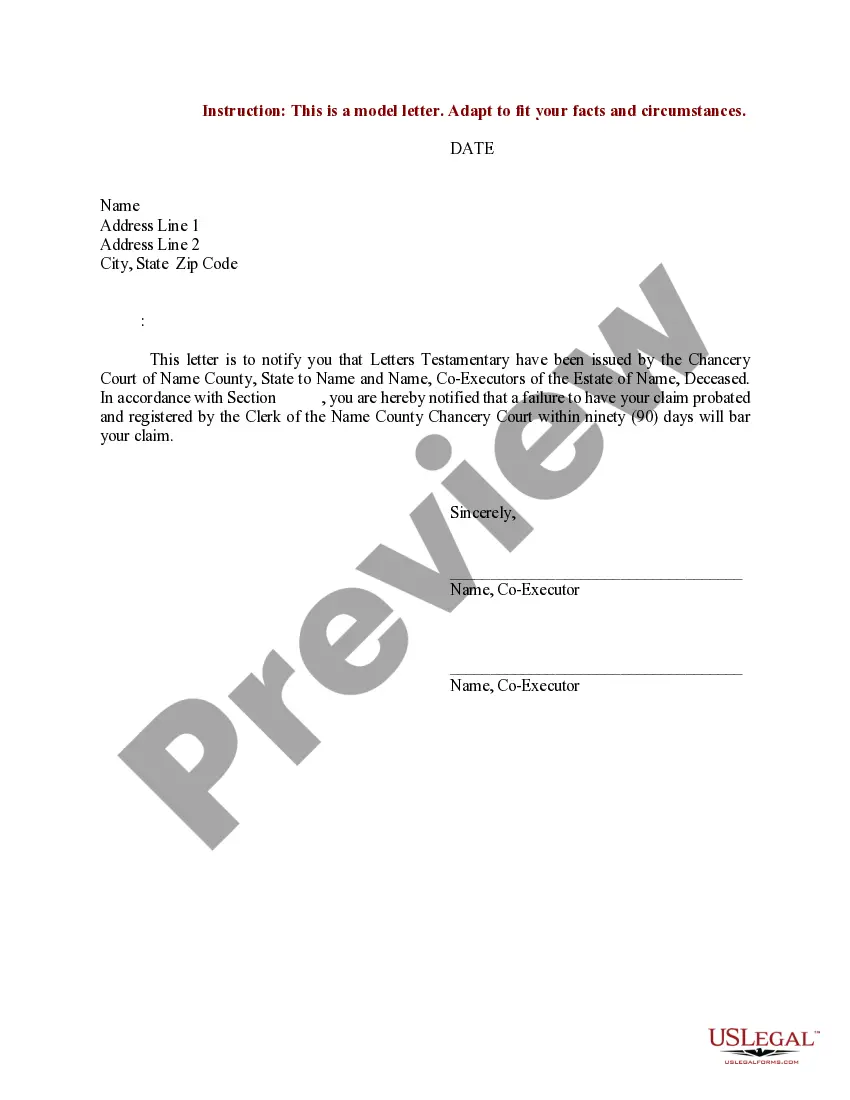
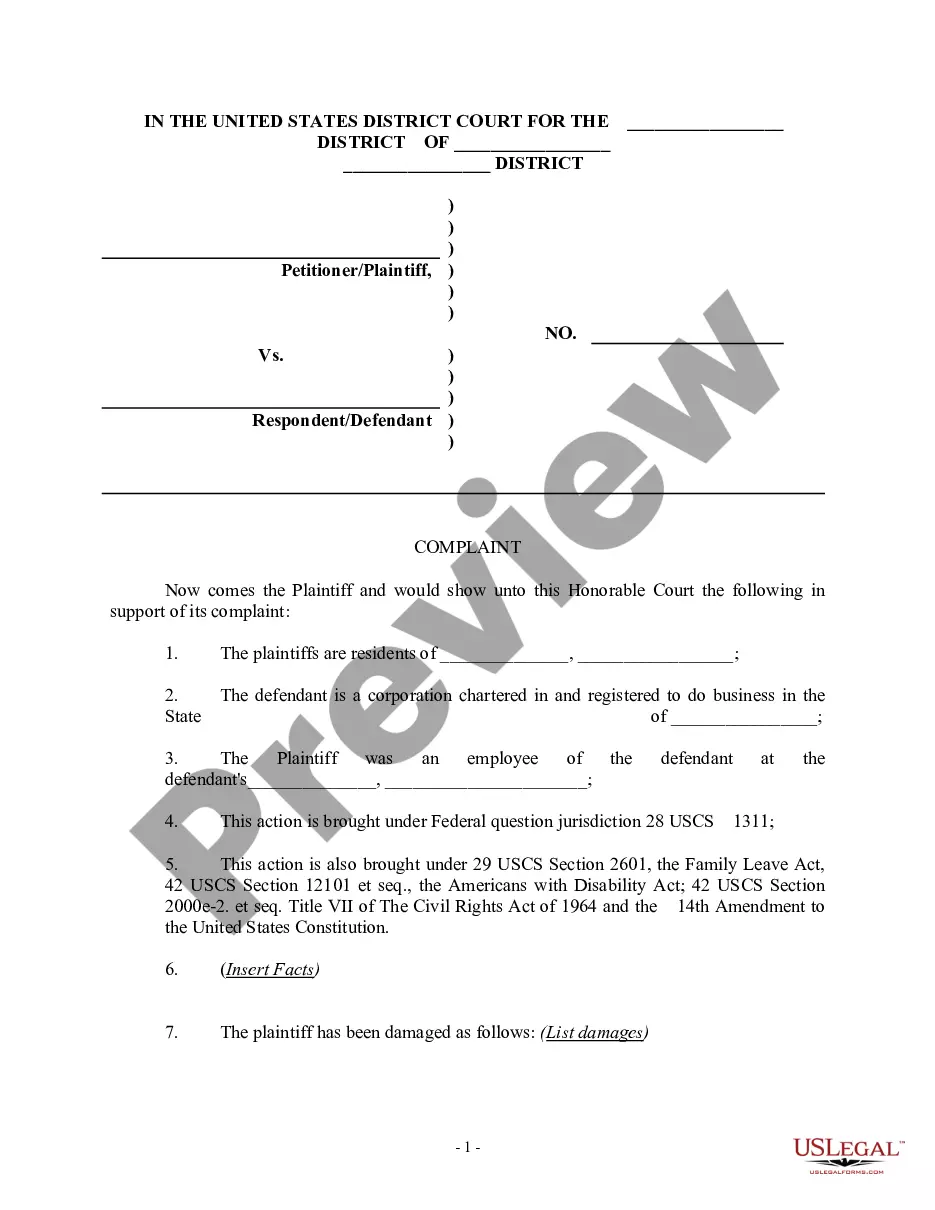
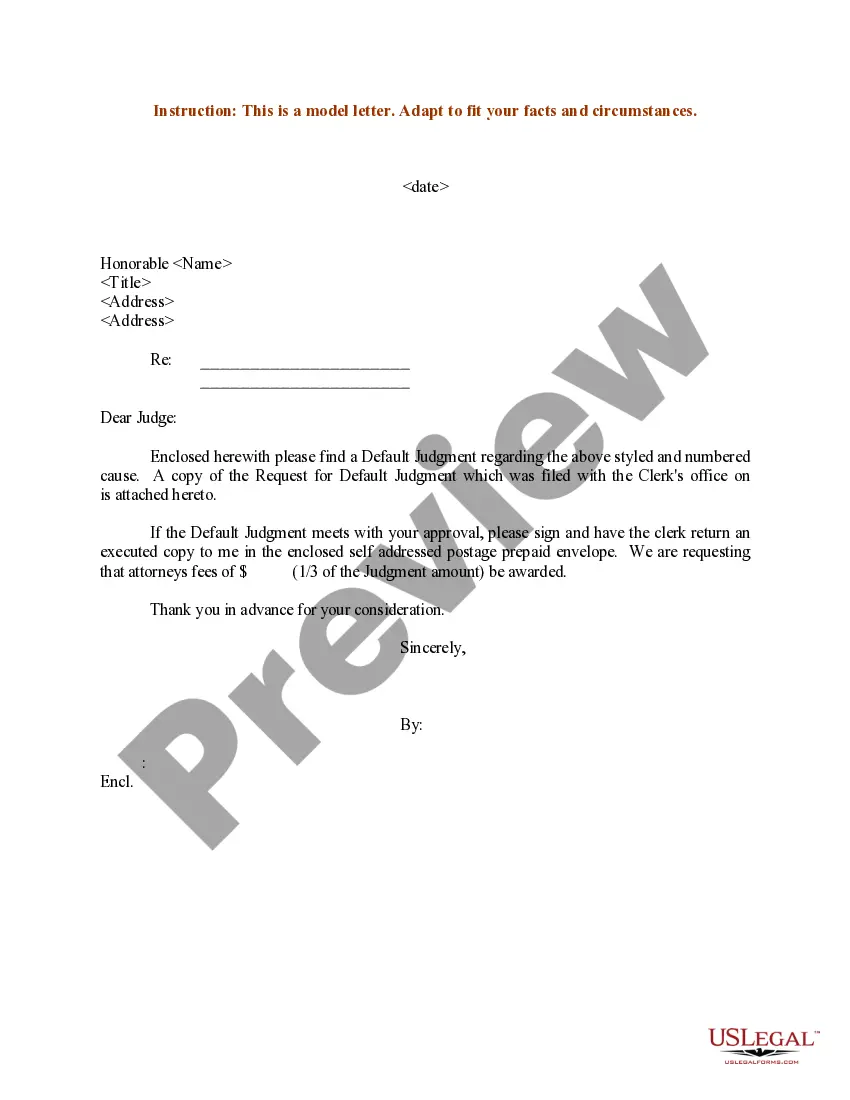
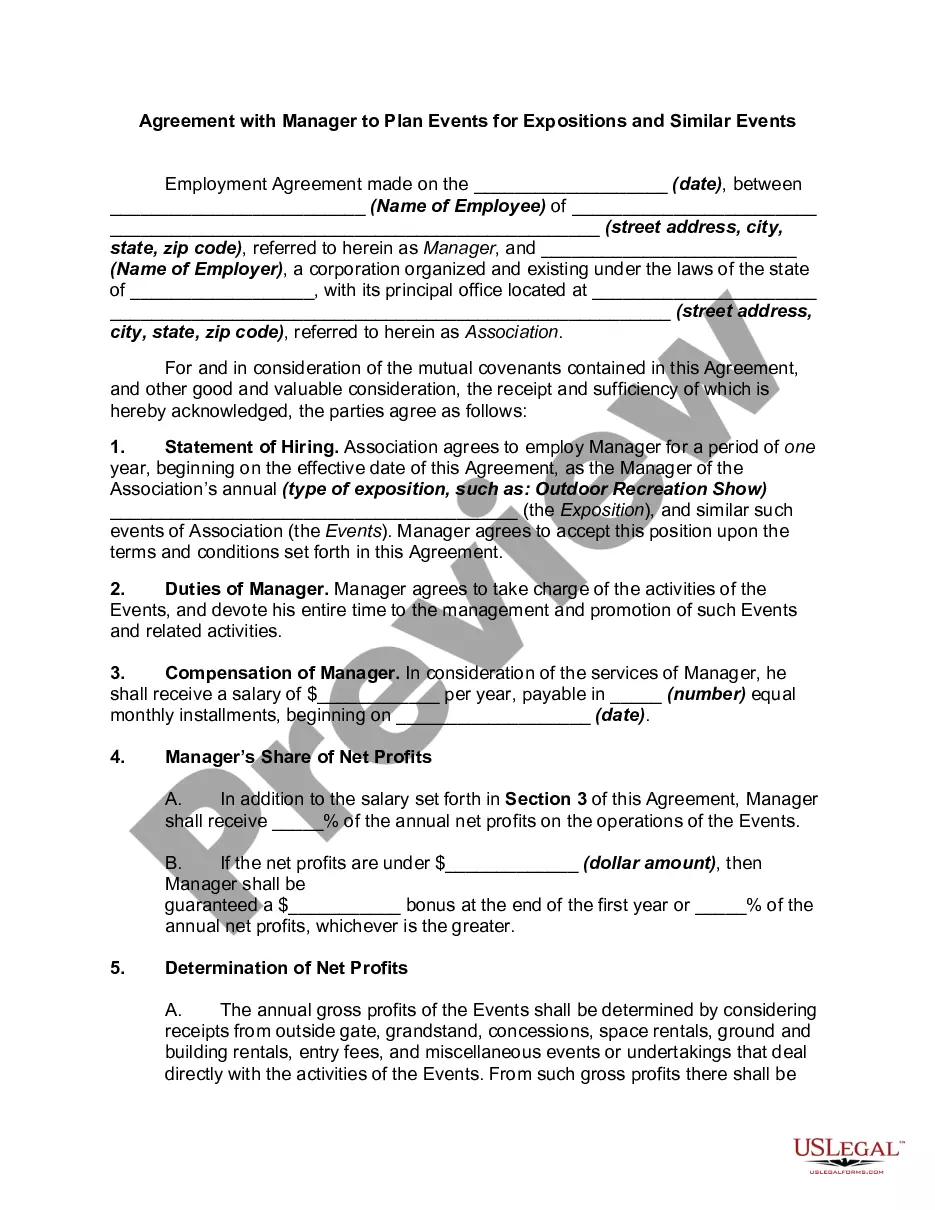
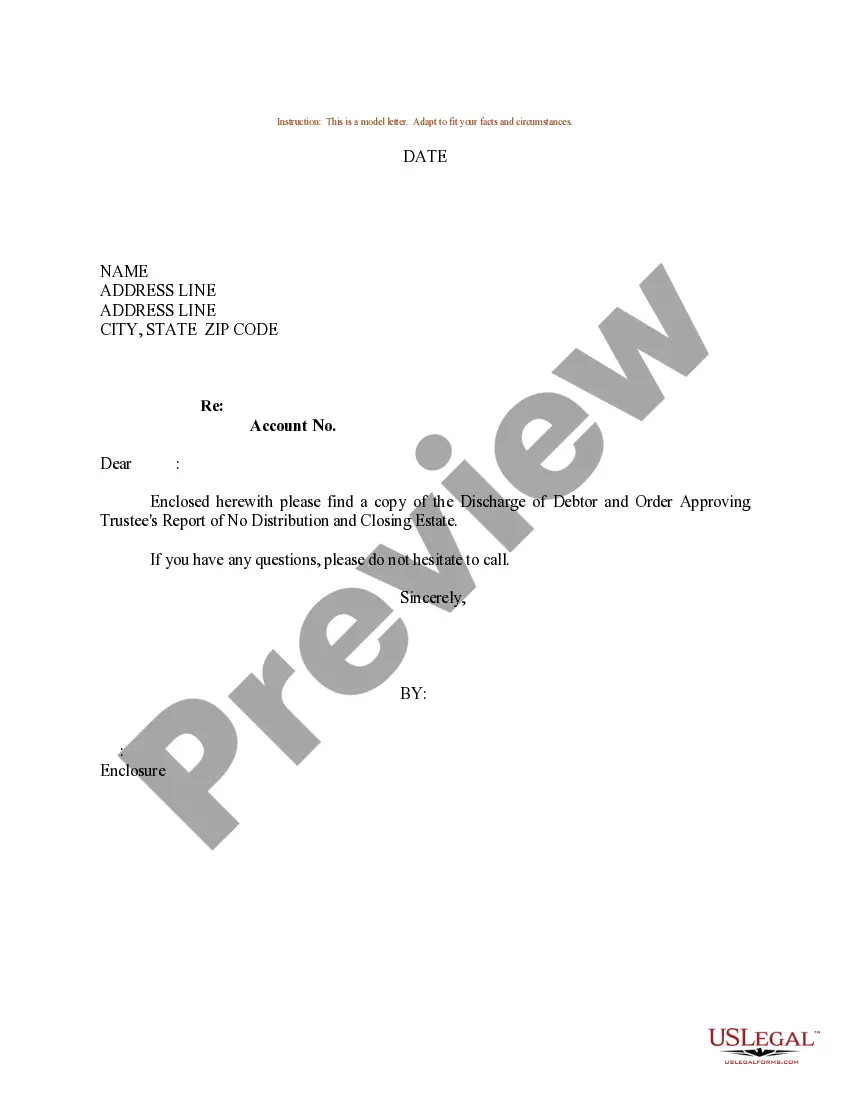
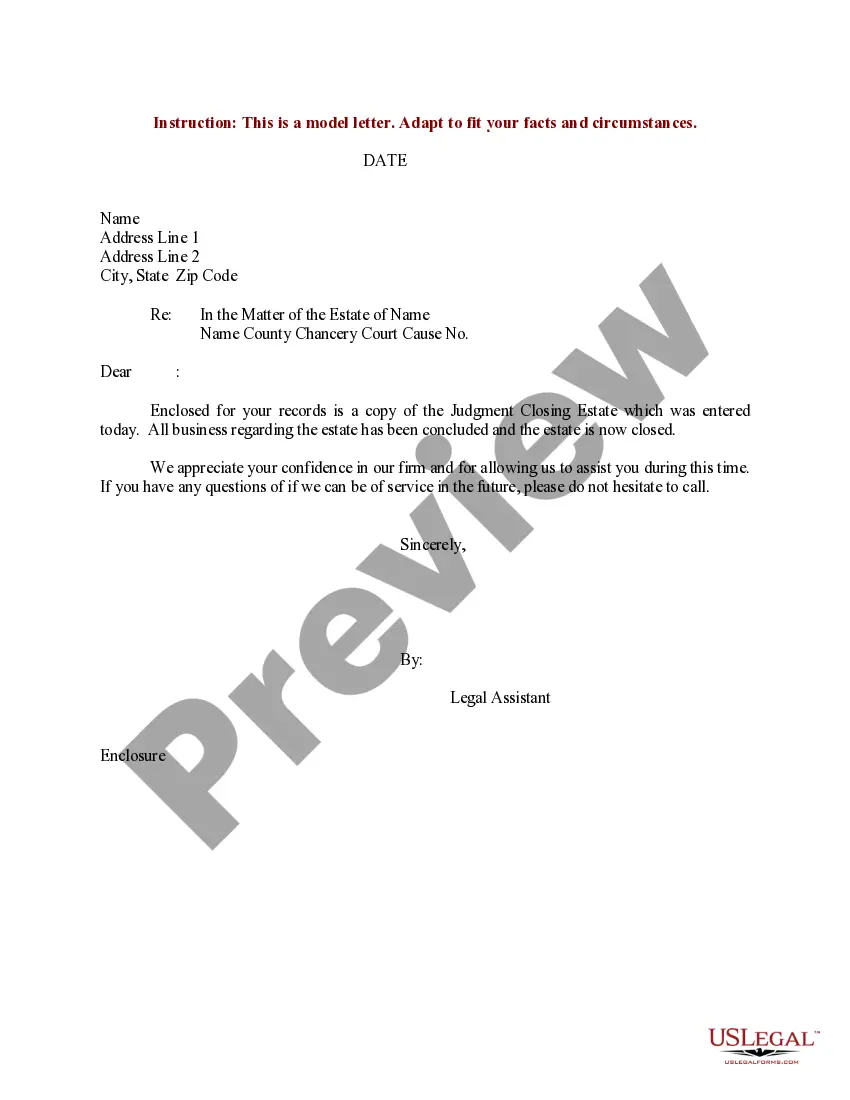
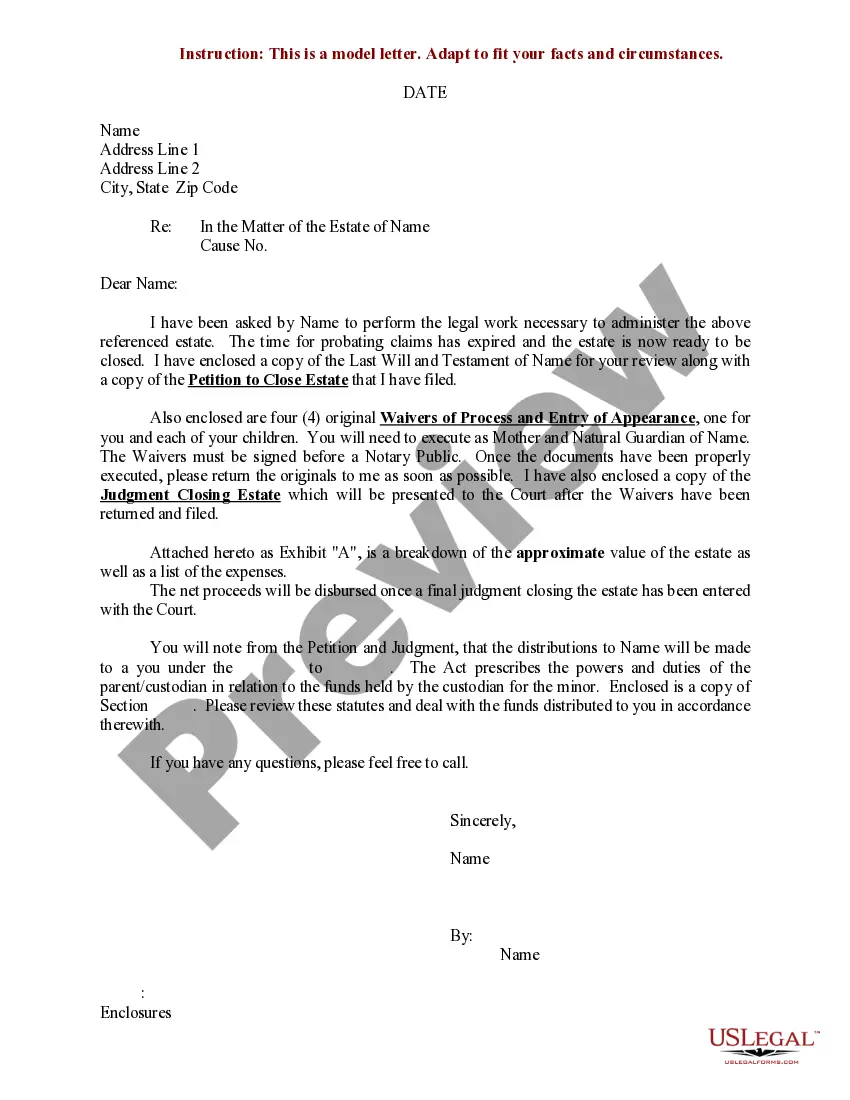
How to fill out Sample Letter For Closing Of Estate With No Distribution?
Whether for professional needs or personal matters, everyone must confront legal scenarios at some stage in their existence. Completing legal documents demands meticulous attention, starting from selecting the appropriate form template. For example, if you select an incorrect version of an Estate Letter Of Instruction Template, it will be rejected upon submission. Therefore, it is crucial to have a trustworthy source of legal documents like US Legal Forms.
If you wish to acquire an Estate Letter Of Instruction Template template, adhere to these straightforward steps: Find the example you require by utilizing the search bar or catalog navigation. Review the form’s details to ensure it aligns with your case, state, and locality. Click on the form’s preview to examine it. If it is the incorrect form, return to the search function to find the Estate Letter Of Instruction Template example you need. Download the template once it satisfies your requirements. If you already possess a US Legal Forms account, click Log in to access previously stored documents in My documents. If you do not have an account yet, you can download the form by clicking Buy now. Select the suitable pricing option. Complete the profile registration form. Choose your payment method: you can utilize a credit card or PayPal account. Select the document format you desire and download the Estate Letter Of Instruction Template. Once it is downloaded, you can fill out the form with the assistance of editing software or print it and complete it by hand.
- With a vast US Legal Forms catalog available, you do not need to waste time searching for the suitable example across the web.
- Utilize the library’s straightforward navigation to find the right form for any occasion.
Form popularity
FAQ
Hear this out loud PauseIt's a good way to let to those trusted to take care of your affairs know what you would want them to know. Since the letter of instruction is not a legal document, it does not need to be notarized or signed in the presence of witnesses or with any other special formality.
7 elements to include in your letter of last instruction Contact information. ... Legal form, document, and property locations. ... Personal and financial passwords. ... Beneficiary information. ... Guidance for pets. ... Funeral or memorial service wishes. ... Legal and financial information and wishes.
A good letter of instruction should contain the following information: A complete list of all assets. The whereabouts of any tangible assets that are not readily accessible. Necessary information about all liquid assets, including bank, brokerage, retirement, and investment accounts.
Hear this out loud PauseEstate Plan Letter of Instruction. Dear ______________ (Executor, Agent, Trustee, Loved One, Etc.) I am writing this letter to provide you with important information you will need to know in the event of my incapacity or death. Please refer to this letter for assistance as you deal with my affairs.
Here are six steps to write a letter of instruction: Create a header. Before you write the content of the letter, create a header at the top left-hand corner of the document. ... Address the reader. ... Explain the project or task. ... List each step. ... Conclude your letter. ... Revise the document.