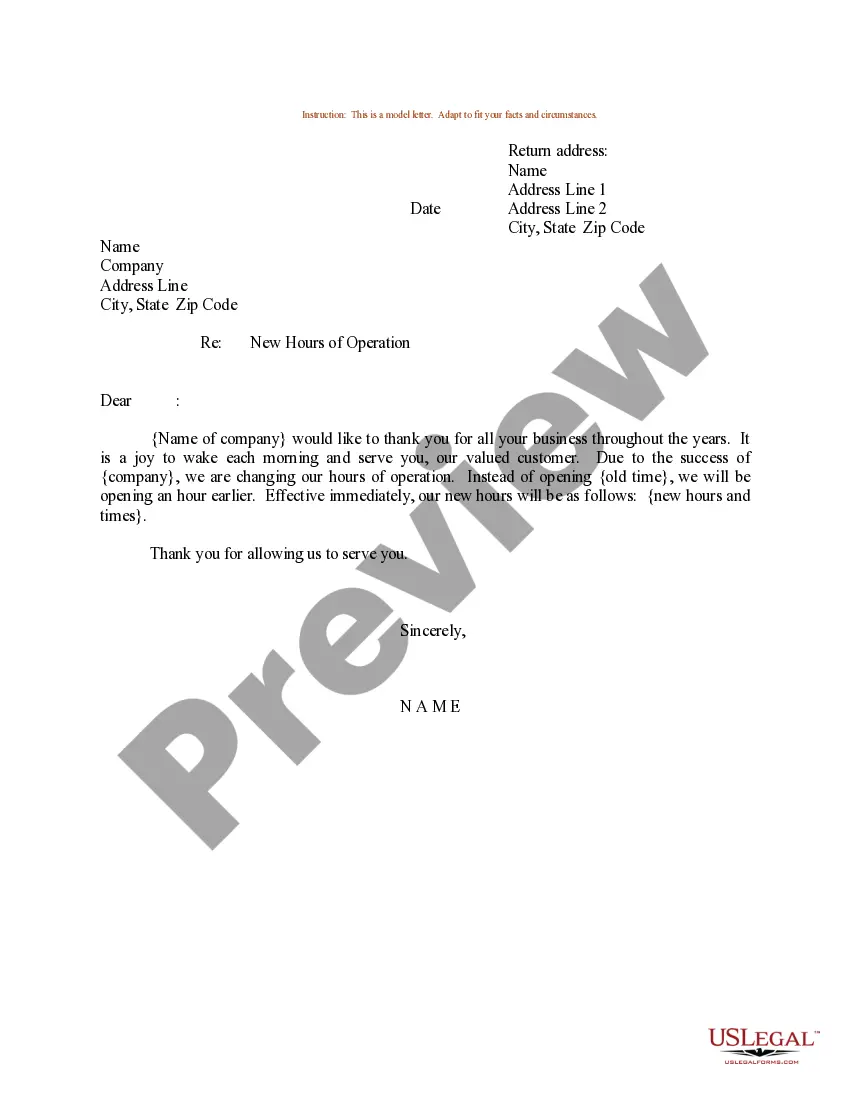
New Store Hours Announcement With Email Template
Description
Get your form ready online
Our built-in tools help you complete, sign, share, and store your documents in one place.
Make edits, fill in missing information, and update formatting in US Legal Forms—just like you would in MS Word.
Download a copy, print it, send it by email, or mail it via USPS—whatever works best for your next step.
Sign and collect signatures with our SignNow integration. Send to multiple recipients, set reminders, and more. Go Premium to unlock E-Sign.
If this form requires notarization, complete it online through a secure video call—no need to meet a notary in person or wait for an appointment.
We protect your documents and personal data by following strict security and privacy standards.

Make edits, fill in missing information, and update formatting in US Legal Forms—just like you would in MS Word.

Download a copy, print it, send it by email, or mail it via USPS—whatever works best for your next step.

Sign and collect signatures with our SignNow integration. Send to multiple recipients, set reminders, and more. Go Premium to unlock E-Sign.

If this form requires notarization, complete it online through a secure video call—no need to meet a notary in person or wait for an appointment.

We protect your documents and personal data by following strict security and privacy standards.
Looking for another form?
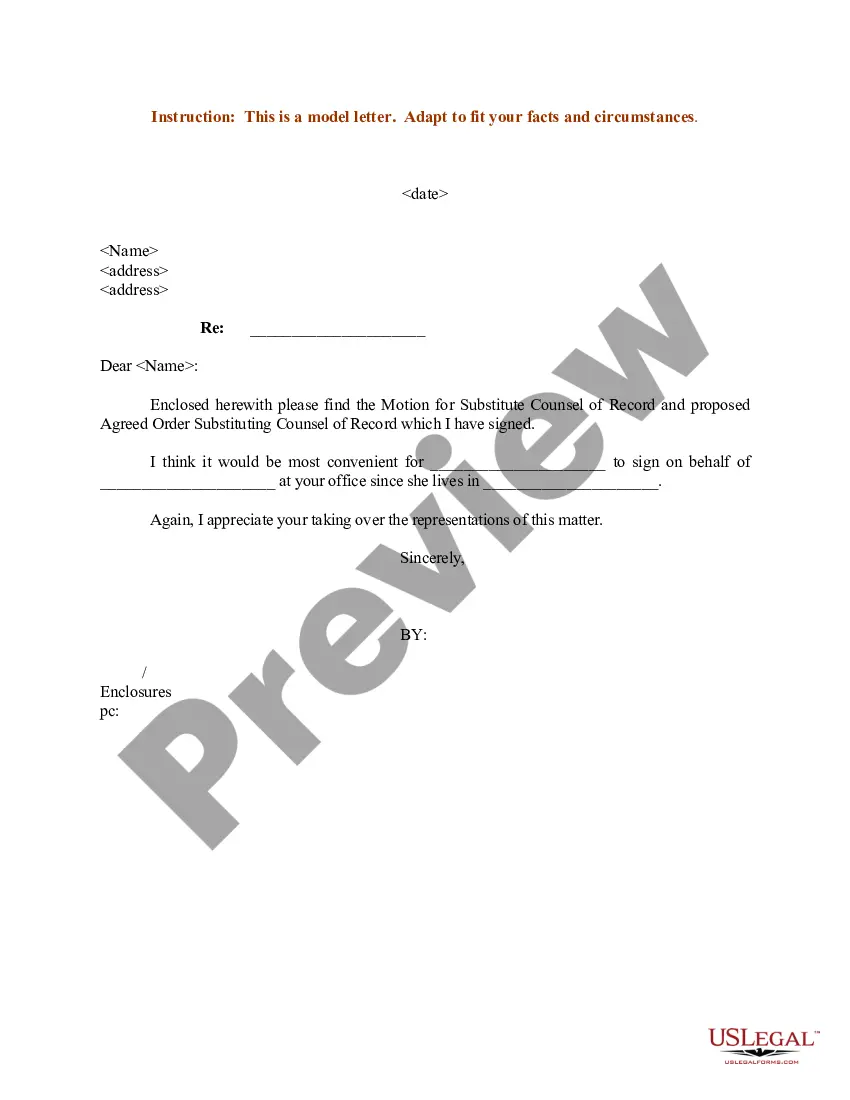

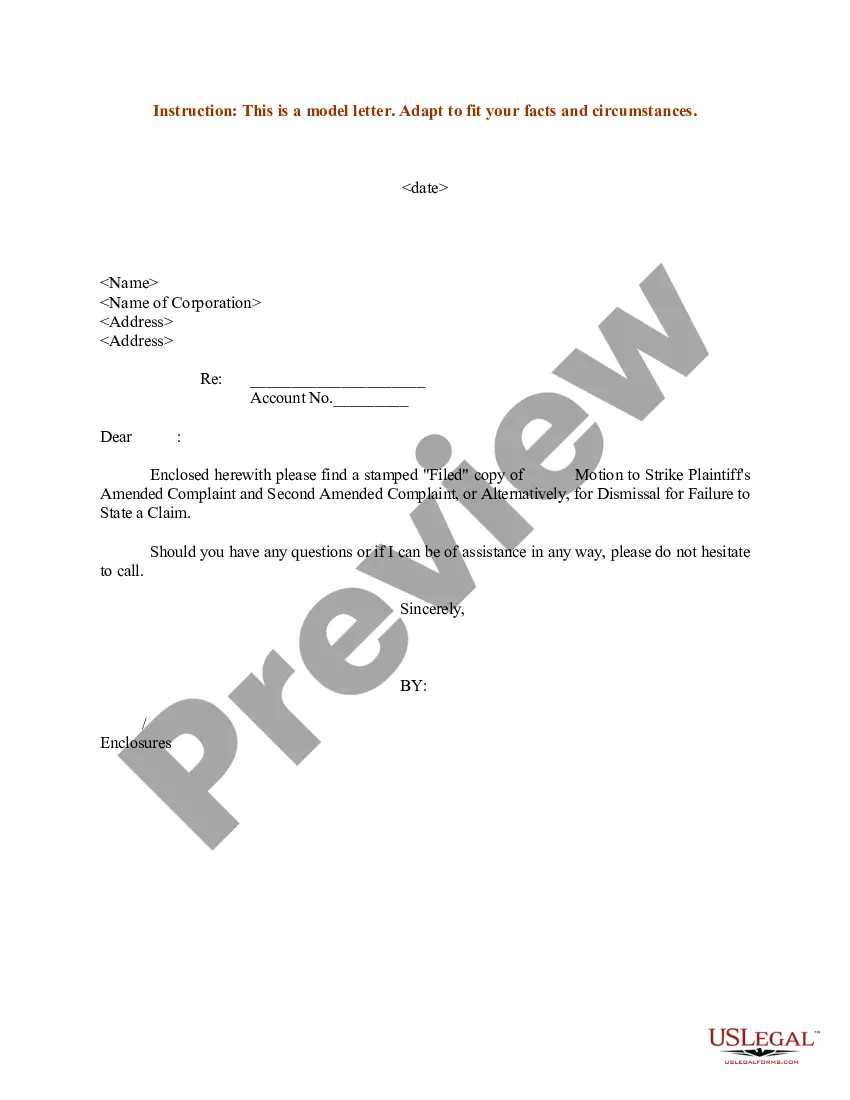




How to fill out Sample Letter For New Hours Of Store Operation?
The New Store Hours Notification With Email Template presented on this page is a reusable legal document prepared by professional attorneys in accordance with federal and state legislation and regulations.
For over 25 years, US Legal Forms has offered individuals, enterprises, and legal experts more than 85,000 authenticated, state-specific documents for any business and personal situation. It’s the fastest, most straightforward, and most trustworthy way to acquire the paperwork you require, as the service ensures bank-level data protection and anti-malware safeguards.
Redownload your documents whenever necessary. Access the My documents tab in your profile to retrieve any previously acquired forms. Subscribe to US Legal Forms to have verified legal templates for every situation in life at your fingertips.
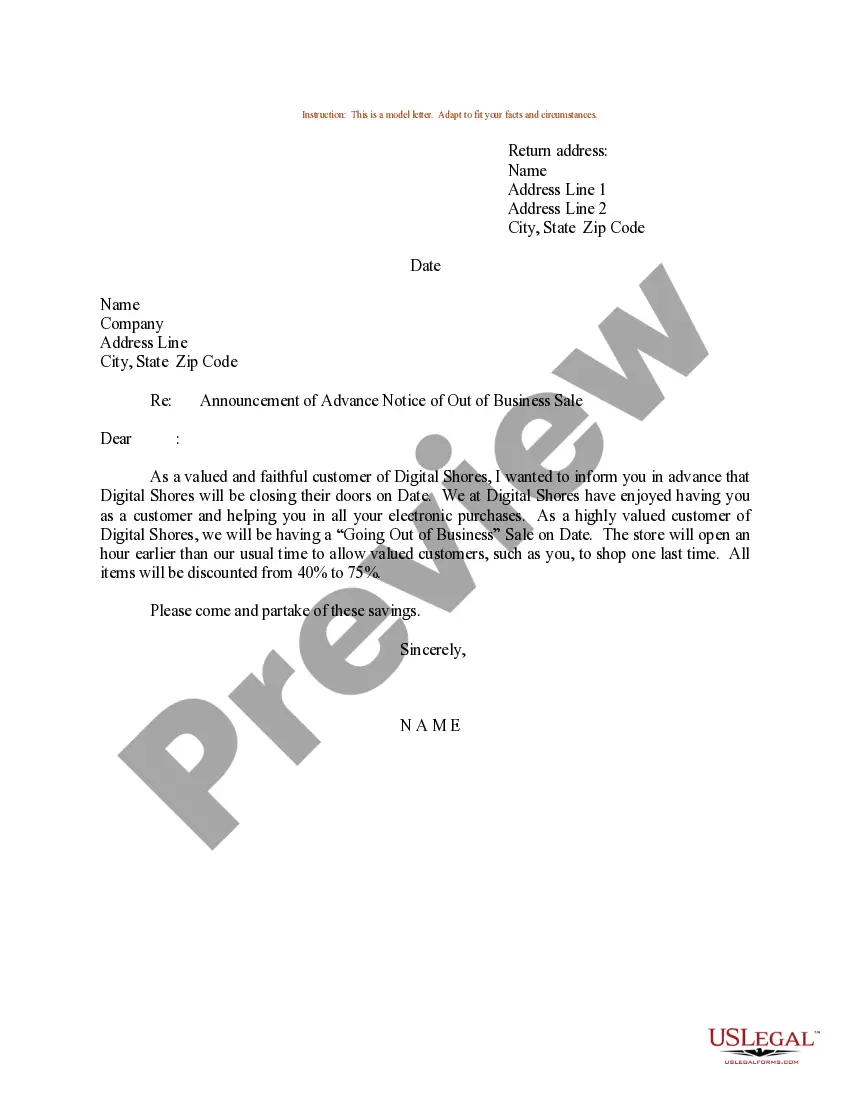
- Search for the document you require and review it.
- Browse through the file you searched and preview it or examine the form description to ensure it meets your needs. If it doesn’t, utilize the search feature to find the correct one. Click Buy Now when you have found the template you need.
- Subscribe and Log In. Choose the pricing plan that works for you and set up an account. Use PayPal or a credit card for a swift payment. If you already possess an account, Log In and verify your subscription to proceed.
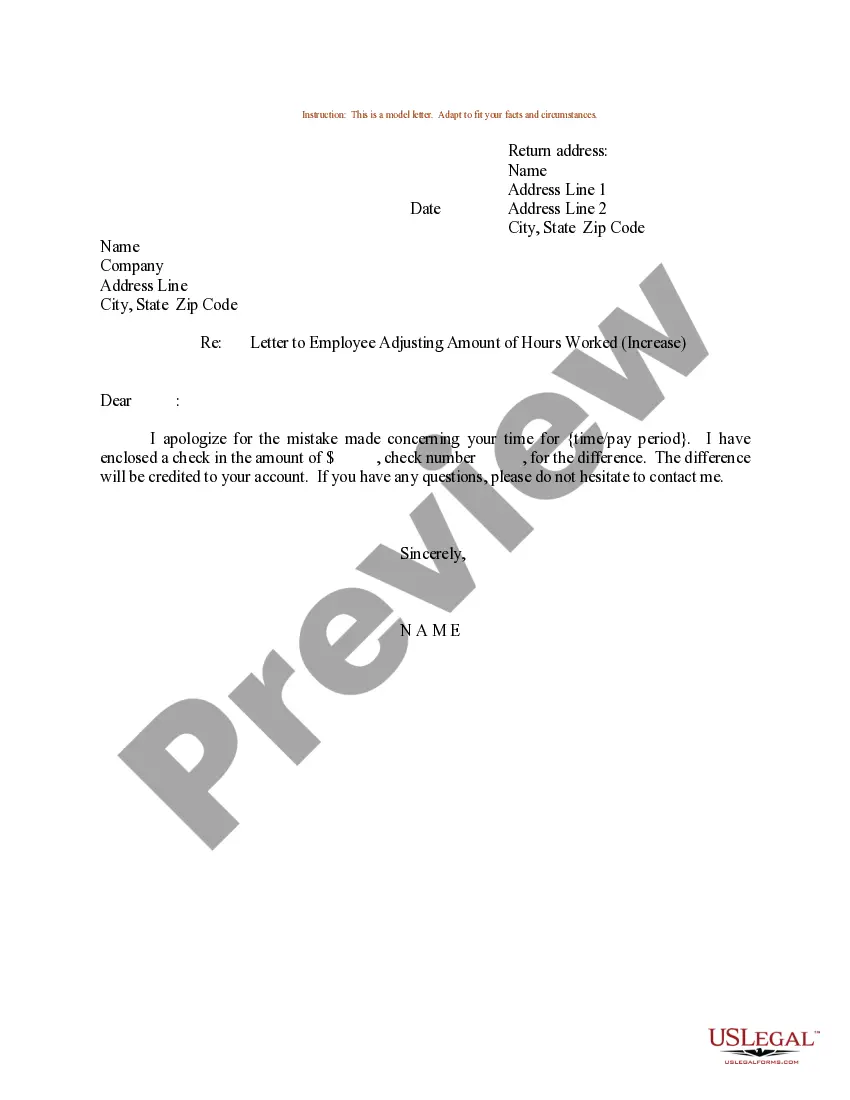
- Obtain the editable template. Select the format you wish for your New Store Hours Notification With Email Template (PDF, DOCX, RTF) and download the example to your device.
- Fill out and sign the document. Print the template to complete it manually. Alternatively, use an online multifunctional PDF editor to quickly and accurately fill out and sign your form with a legally-binding electronic signature.
Form popularity
FAQ
When writing a letter about changing working hours, start with a polite introduction. Clearly outline the previous hours, the new hours, and any reasons for the change. A well-crafted New store hours announcement with email template can assist in maintaining professionalism and clarity in your communication.
To write an email about a schedule change, begin with a clear subject line that indicates the change. In the body, explain the new schedule, provide context for the change, and express appreciation for your audience's understanding. A New store hours announcement with email template can help simplify this process and ensure clarity.
Announcing a change in business hours involves creating an informative message that captures attention. Start by stating the current hours, followed by the new hours, and provide a brief reason for the change if necessary. Utilize a New store hours announcement with email template to streamline your communication and keep it professional.
When mentioning working hours in an email, be direct and specific. Clearly state the days and times your business operates, and consider adding any exceptions or holidays. Using a New store hours announcement with email template can ensure that your message is well-structured and easy to understand.
To announce a change in business hours, draft a clear and concise message that highlights the new times. Start with a brief introduction, followed by the updated hours, and conclude with a friendly note encouraging customers to reach out with questions. A New store hours announcement with email template can make this process easier and more professional.
You can refer to business hours as operating hours or service hours. These terms convey the timeframe in which your business is open to customers. Using clear terminology helps your audience understand when they can expect your services to be available. For a New store hours announcement with email template, choosing the right words is crucial.
When writing an email to inform someone, focus on clarity and directness. Begin with a clear subject line that indicates the purpose, such as 'Important Update: New Store Hours.' In the body, provide the information in a straightforward manner, and ensure to thank the reader for their attention. This approach keeps your communication effective and professional.
To write an email for an announcement, outline your main points in a concise manner. Start with a subject line that captures attention, like 'Exciting Announcement: New Store Hours!' In the body, clearly state the purpose of the email, and provide any necessary details. Using a new store hours announcement with email template can streamline this process.
When announcing a new store opening, start by sharing your excitement about the launch. You might say, 'We are thrilled to announce the opening of our new store location, which will be welcoming customers starting next month.' Include essential details such as the date, address, and any special events planned for the grand opening.
To write time availability in an email, clearly list the hours in an easy-to-read format. For example, 'Our new store hours are Monday to Friday, 9 AM to 6 PM, and Saturday, 10 AM to 4 PM.' This format provides clarity and helps customers quickly understand when they can visit your store.