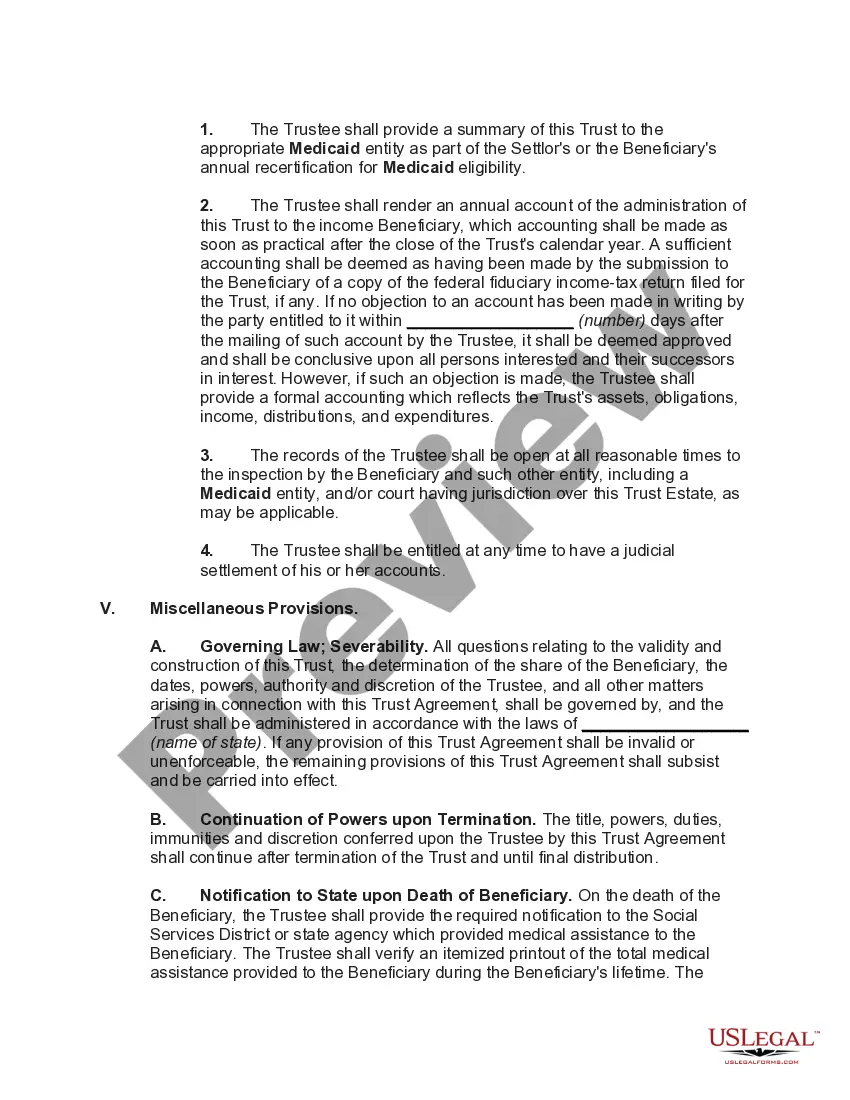
Special Needs Trust Supplemental Form W-4
Description

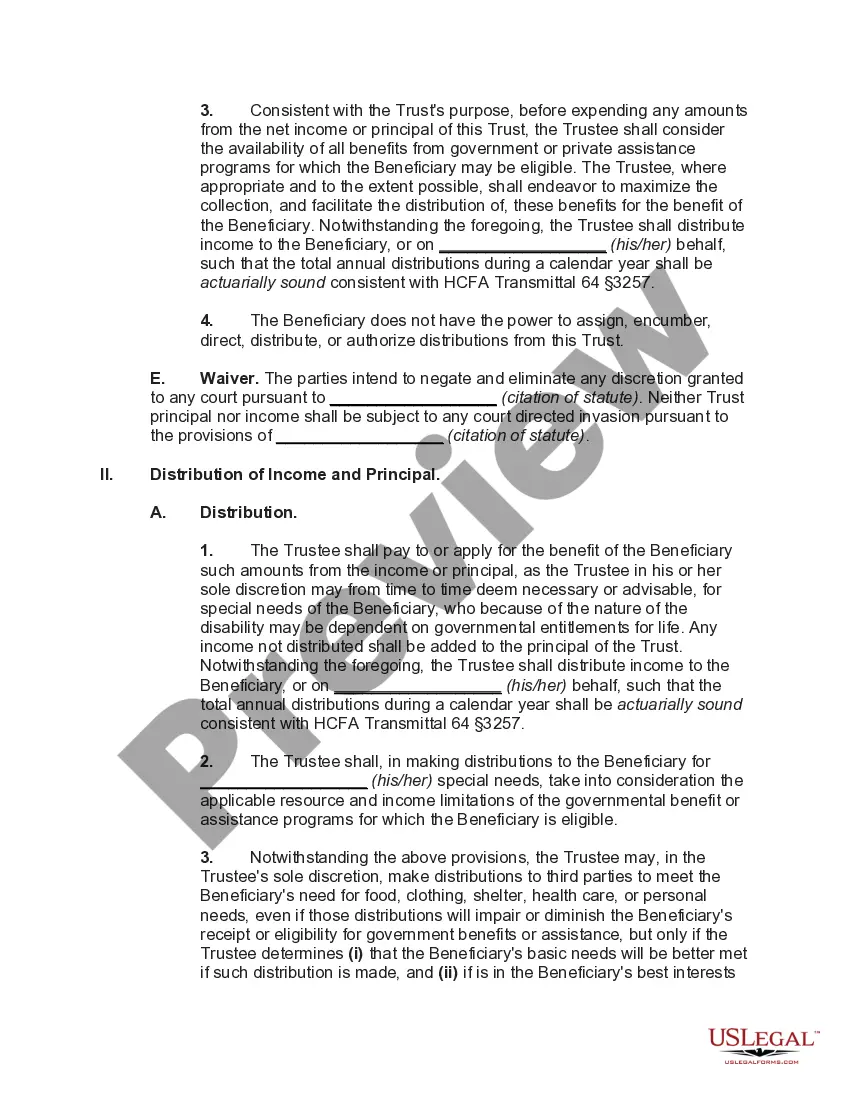
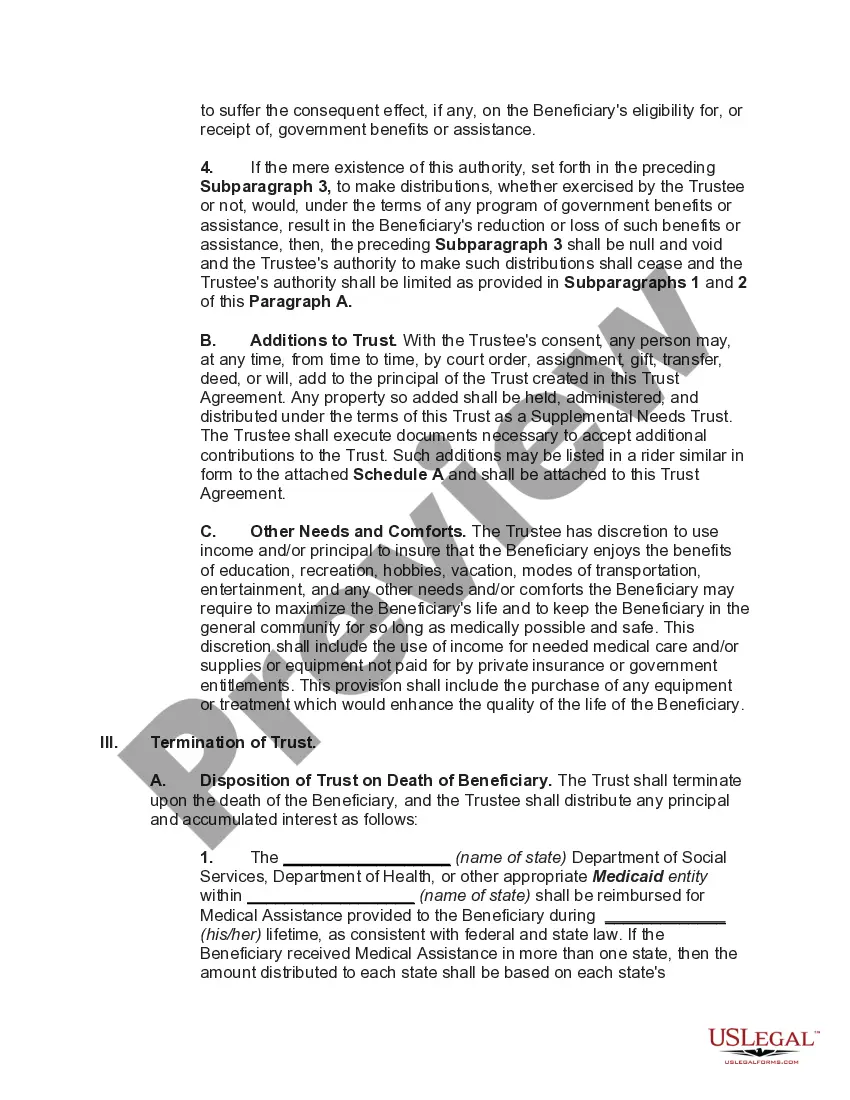
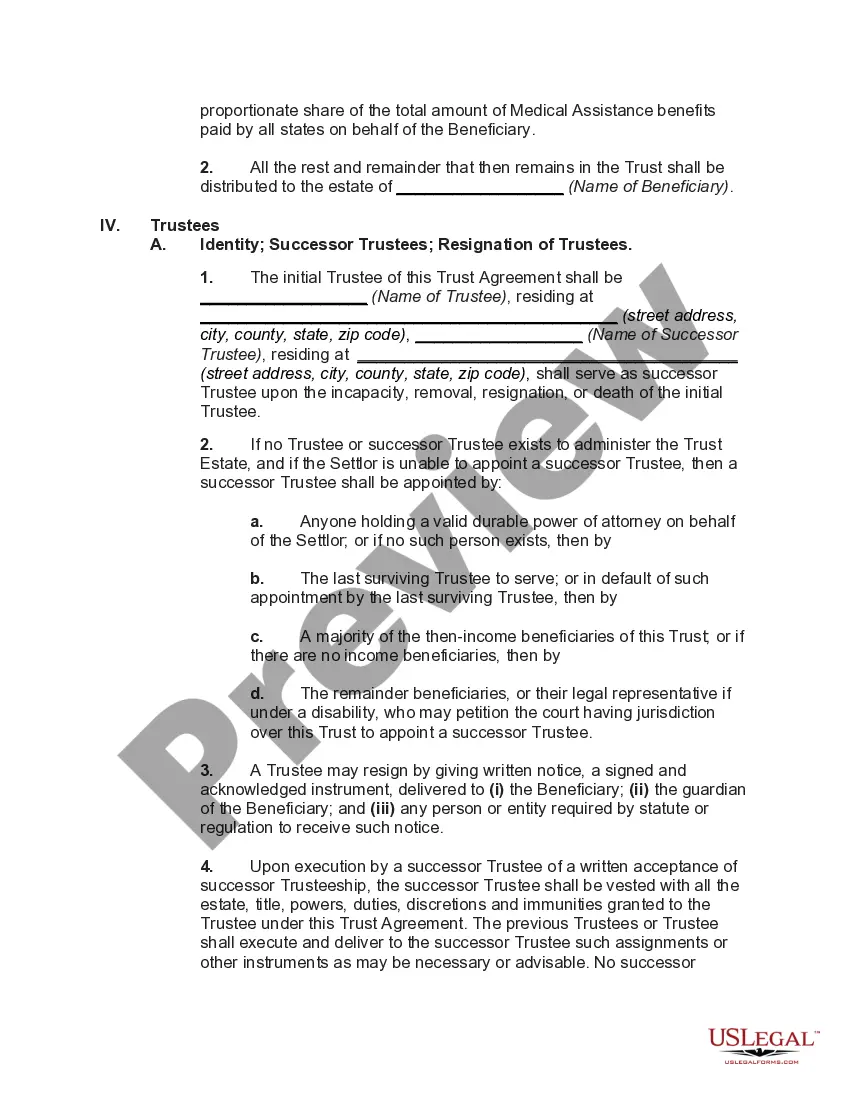
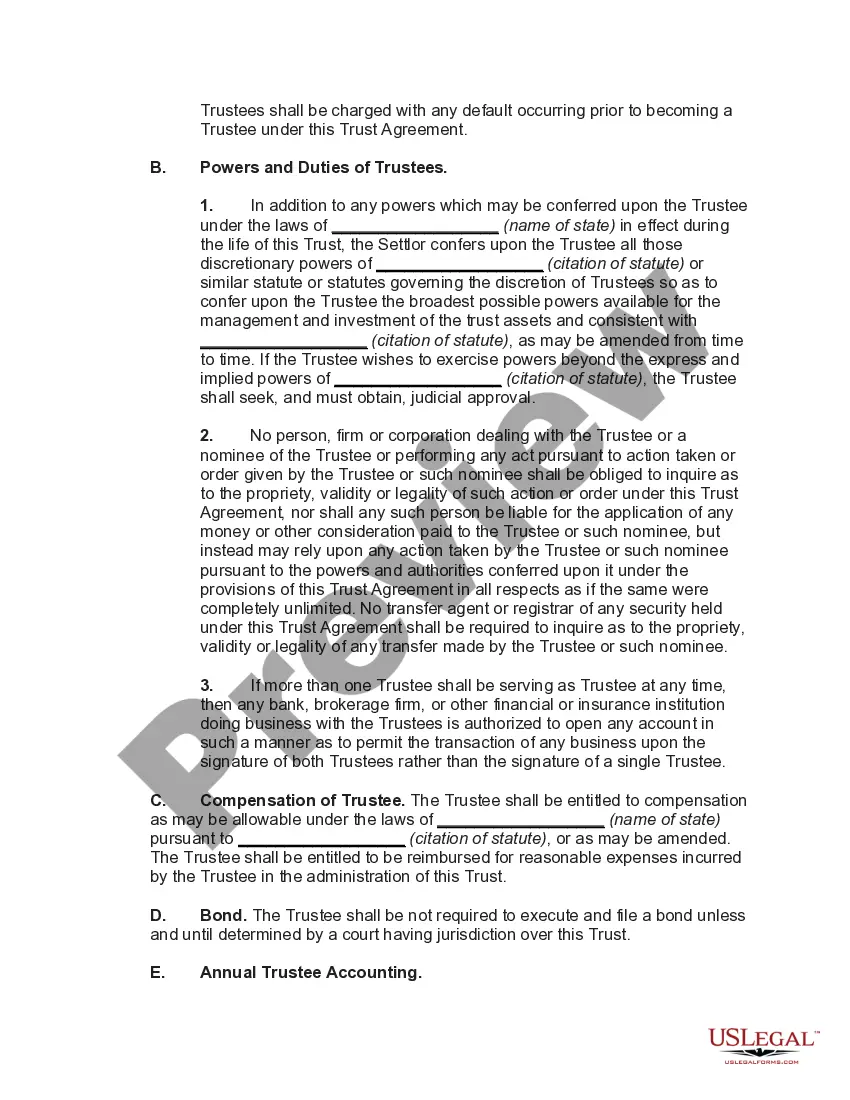




Get your form ready online
Our built-in tools help you complete, sign, share, and store your documents in one place.
Make edits, fill in missing information, and update formatting in US Legal Forms—just like you would in MS Word.
Download a copy, print it, send it by email, or mail it via USPS—whatever works best for your next step.
Sign and collect signatures with our SignNow integration. Send to multiple recipients, set reminders, and more. Go Premium to unlock E-Sign.
If this form requires notarization, complete it online through a secure video call—no need to meet a notary in person or wait for an appointment.
We protect your documents and personal data by following strict security and privacy standards.

Make edits, fill in missing information, and update formatting in US Legal Forms—just like you would in MS Word.

Download a copy, print it, send it by email, or mail it via USPS—whatever works best for your next step.

Sign and collect signatures with our SignNow integration. Send to multiple recipients, set reminders, and more. Go Premium to unlock E-Sign.

If this form requires notarization, complete it online through a secure video call—no need to meet a notary in person or wait for an appointment.

We protect your documents and personal data by following strict security and privacy standards.
Looking for another form?








How to fill out Special Needs Irrevocable Trust Agreement For Benefit Of Disabled Child Of Trustor?
It’s clear that you cannot transform into a legal authority instantly, nor can you understand how to swiftly create Special Needs Trust Supplemental Form W-4 without a specialized background.
Compiling legal documents is a lengthy endeavor that necessitates particular training and expertise. So why not entrust the creation of the Special Needs Trust Supplemental Form W-4 to the professionals.
With US Legal Forms, one of the most extensive legal template collections, you can access everything from court documents to templates for internal corporate communication. We understand how vital compliance and adherence to federal and state regulations are.
You can access your documents again from the My documents tab at any time. If you’re a returning customer, you can easily Log In, and locate and download the template from the same section.
Regardless of the intention behind your paperwork—whether it’s financial and legal or personal—our website has you covered. Try US Legal Forms today!
- Locate the form you need using the search bar at the top of the page.
- Preview it (if this option is available) and read the accompanying description to ascertain whether Special Needs Trust Supplemental Form W-4 is what you require.
- Restart your search if you need another template.
- Create a free account and select a subscription plan to acquire the form.
- Click Buy now. After the payment is processed, you can download the Special Needs Trust Supplemental Form W-4, fill it out, print it, and send it by mail to the designated individuals or organizations.
Form popularity
FAQ
Third party special needs trusts are generally either considered ?complex trusts? or ?qualified disability trusts? for income tax purposes and the trust itself is responsible for reporting its own items of income, deduction, and credit.
In the case of third party special needs trusts, if the trust is considered a grantor trust, all items of income, deduction and credit are generally taxed to the individual(s) who created and funded the trust (typically parents or other relatives of the individual with a disability).
Income from a QDisT is reported on Internal Revenue Service (IRS) Form 1041, with a unique Employer Identification Number (EIN), while distributions to the beneficiary will be taxed on their own Form 1040 tax return.
A Special Needs Trust must have its own Federal Identification Number (also called an Employer Identification Number, EIN, Tax Identification Number, or TIN) to be valid. This unique number means that the Trust is its own entity, and that it does not belong to anyone but itself.
A simple trust must distribute all its income currently. Generally, it cannot accumulate income, distribute out of corpus, or pay money for charitable purposes. If a trust distributes corpus during a year, as in the year it terminates, the trust becomes a complex trust for that year.