Needs Trust With An Ira
Description

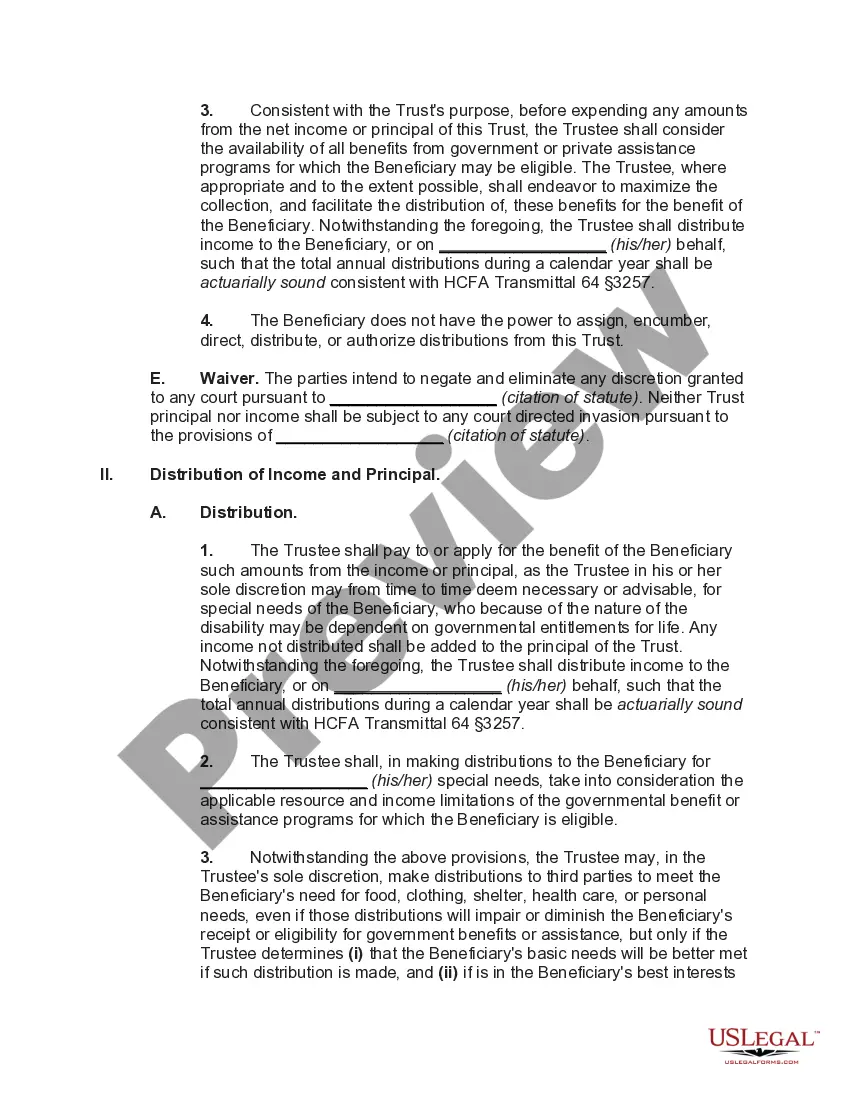
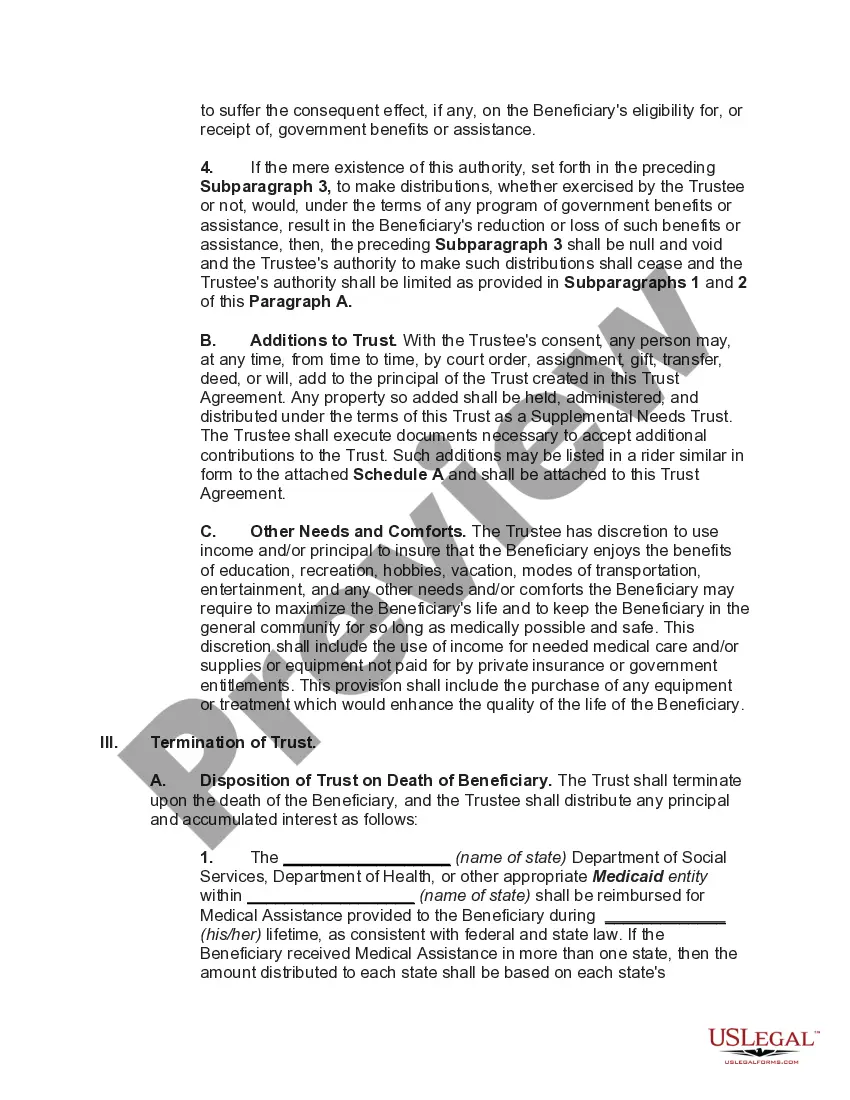
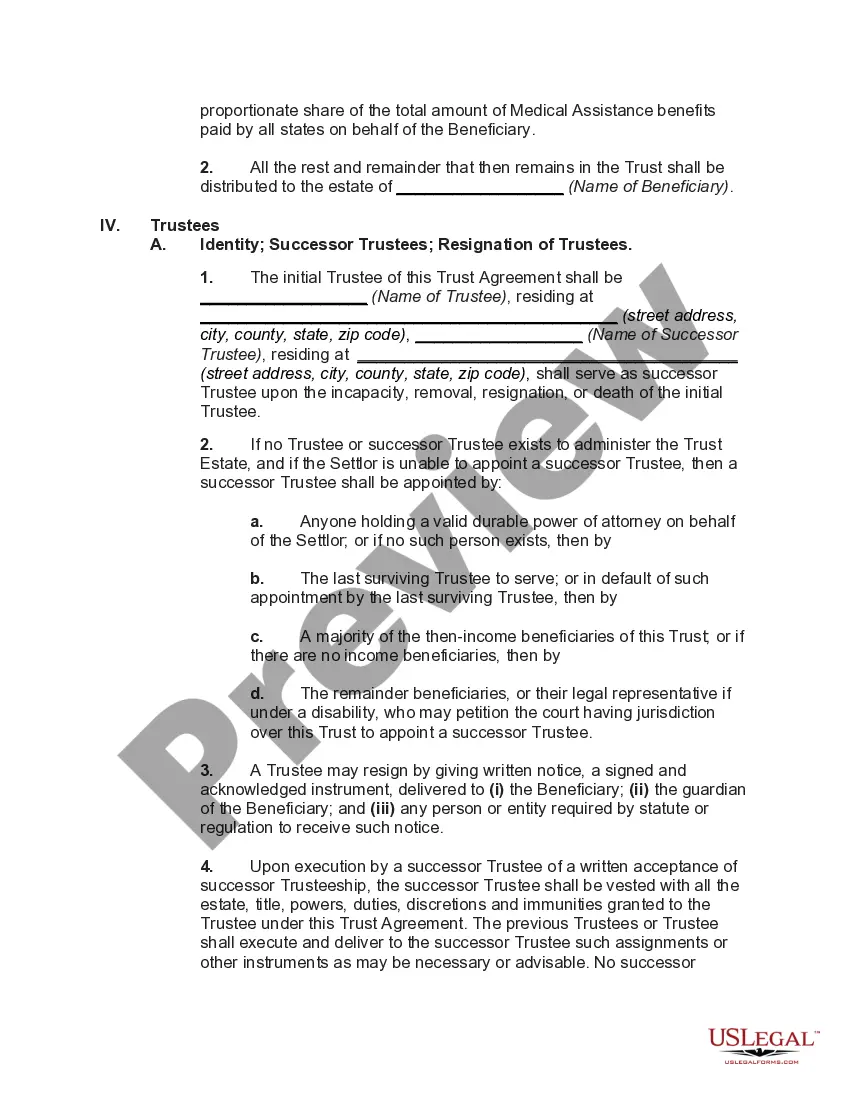
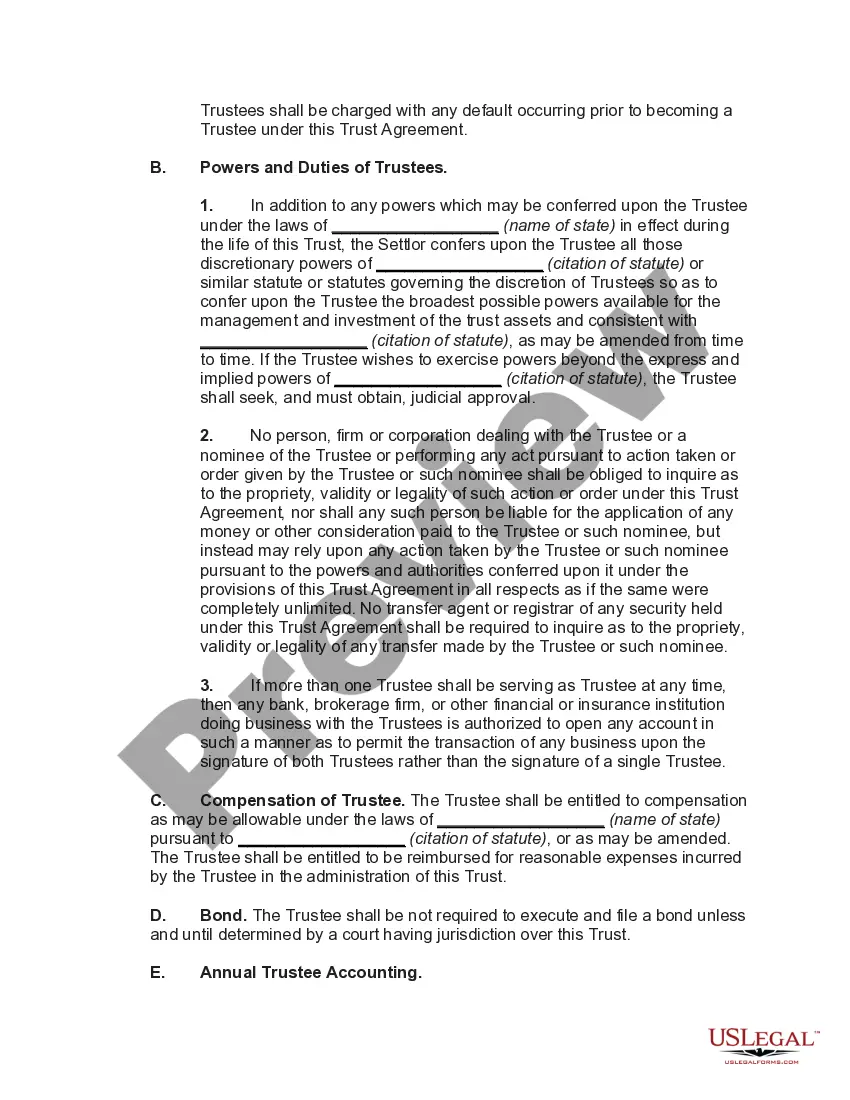
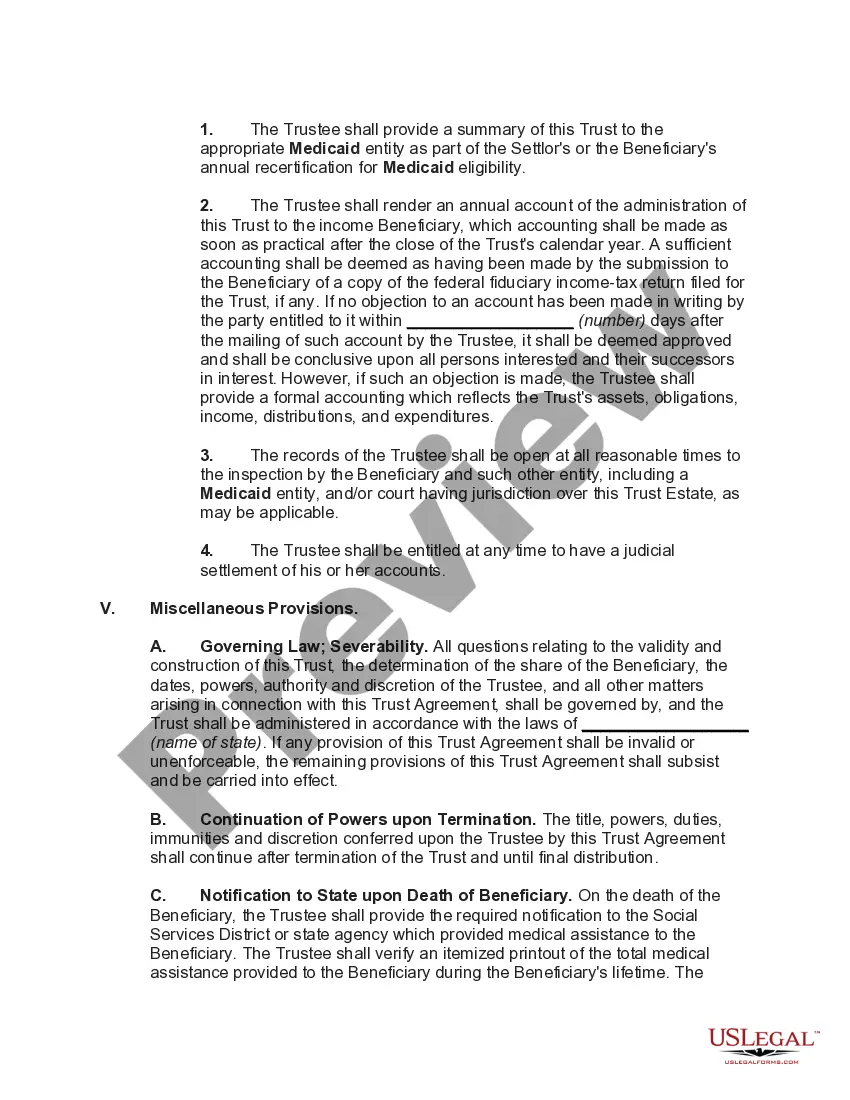




Get your form ready online
Our built-in tools help you complete, sign, share, and store your documents in one place.
Make edits, fill in missing information, and update formatting in US Legal Forms—just like you would in MS Word.
Download a copy, print it, send it by email, or mail it via USPS—whatever works best for your next step.
Sign and collect signatures with our SignNow integration. Send to multiple recipients, set reminders, and more. Go Premium to unlock E-Sign.
If this form requires notarization, complete it online through a secure video call—no need to meet a notary in person or wait for an appointment.
We protect your documents and personal data by following strict security and privacy standards.

Make edits, fill in missing information, and update formatting in US Legal Forms—just like you would in MS Word.

Download a copy, print it, send it by email, or mail it via USPS—whatever works best for your next step.

Sign and collect signatures with our SignNow integration. Send to multiple recipients, set reminders, and more. Go Premium to unlock E-Sign.

If this form requires notarization, complete it online through a secure video call—no need to meet a notary in person or wait for an appointment.

We protect your documents and personal data by following strict security and privacy standards.
Looking for another form?

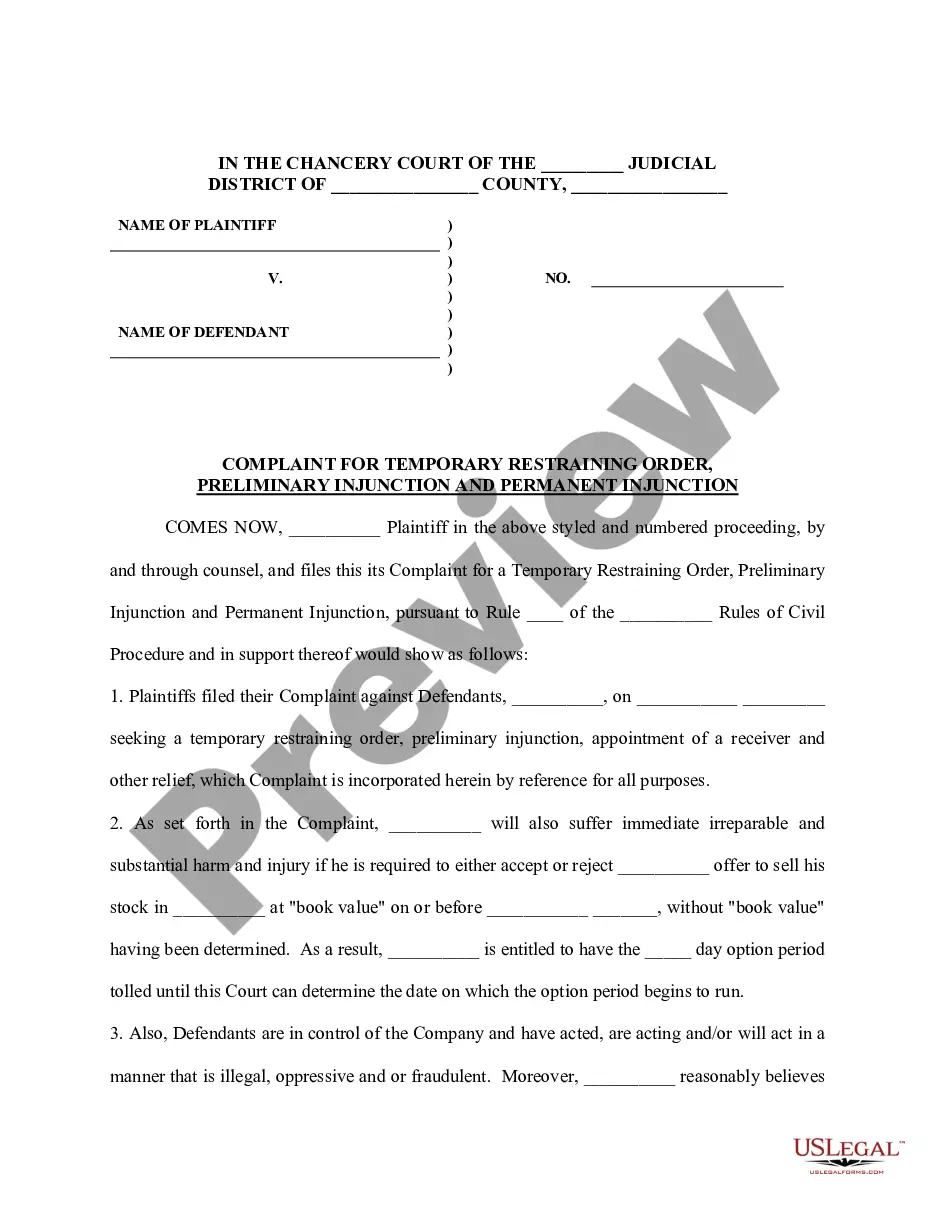



How to fill out Special Needs Irrevocable Trust Agreement For Benefit Of Disabled Child Of Trustor?
Dealing with legal documentation and processes can be a lengthy addition to your routine.
Needs Trust With An Ira and similar forms frequently require you to locate them and comprehend how to fill them out correctly.
For this reason, whether you are managing financial, legal, or personal issues, utilizing a comprehensive and user-friendly online directory of forms at your disposal will be quite beneficial.
US Legal Forms is the leading online source of legal documents, offering over 85,000 state-specific forms and a range of tools to assist you in completing your paperwork swiftly.
Is this your first experience with US Legal Forms? Sign up and create your account in a few minutes, giving you access to the form library and Needs Trust With An Ira. Then, follow the instructions below to fill out your form: Ensure you have identified the correct form using the Review feature and reading the form description. Click Buy Now when ready, and select the subscription plan that suits your requirements. Hit Download and then complete, sign, and print the form. US Legal Forms has 25 years of expertise assisting clients in managing their legal documentation. Locate the form you need today and simplify any process effortlessly.
- Explore the collection of relevant documents available to you with just a single click.
- US Legal Forms offers you state- and county-specific documents ready for download at any time.
- Protect your document management processes with a high-quality service that enables you to prepare any form within minutes without any additional or hidden fees.
- Simply Log In to your account, find Needs Trust With An Ira, and download it immediately from the My documents section.
- You can also access previously saved forms.
Form popularity
FAQ
If you want to leave your IRA funds to a loved one with special needs and not compromise his or her ability to receive public assistance benefits, designate a third-party Special Needs Trust as the beneficiary.
They must be named specifically in the trust document, and a copy of this document must be filed with the 401(k) plan administrator. Under IRS rules, a will cannot override a beneficiary designation form, so you will want to be sure of your wishes.
A trust can indeed hold IRA assets and investments. Here's how it works: An IRA owner creates a trust. This trust is named as the beneficiary of the IRA, so if there is a remaining account balance when the account owner dies, these funds will pass to the trust instead of a direct heir.
Retirement accounts like an IRA, Roth IRA, 401K, 403b, 457 and the like don't belong in your trust. Placing any of these assets in your trust would mean that you're taking them out of your name to retitle them in the name of your trust. The impact this will have on your taxes can be disastrous.
You cannot put your individual retirement account (IRA) in a trust while you are living. You can, however, name a trust as the beneficiary of your IRA and dictate how the assets are to be handled after your death. This applies to all types of IRAs, including traditional, Roth, SEP, and SIMPLE IRAs.