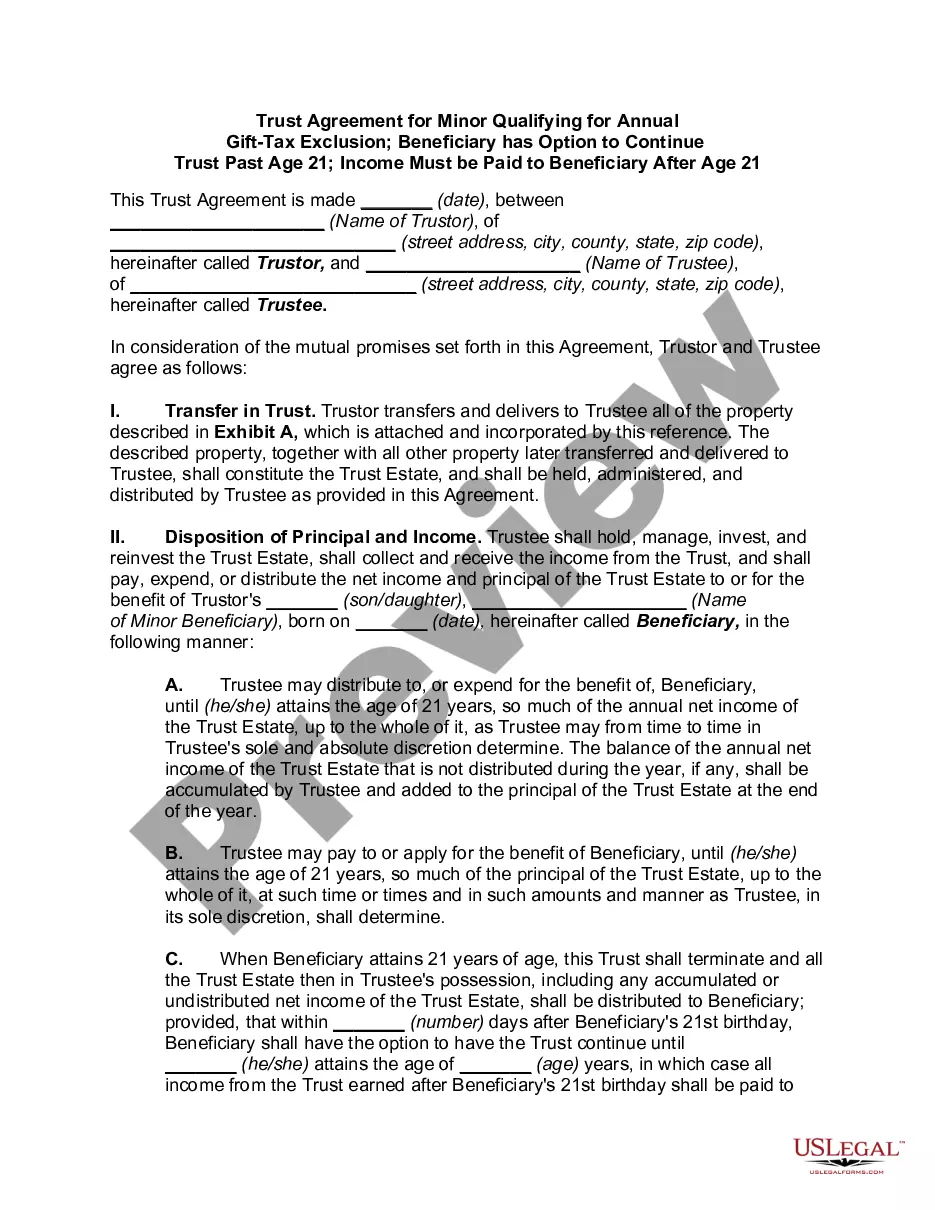
Trust Agreement Gift Tax For 2018
Description
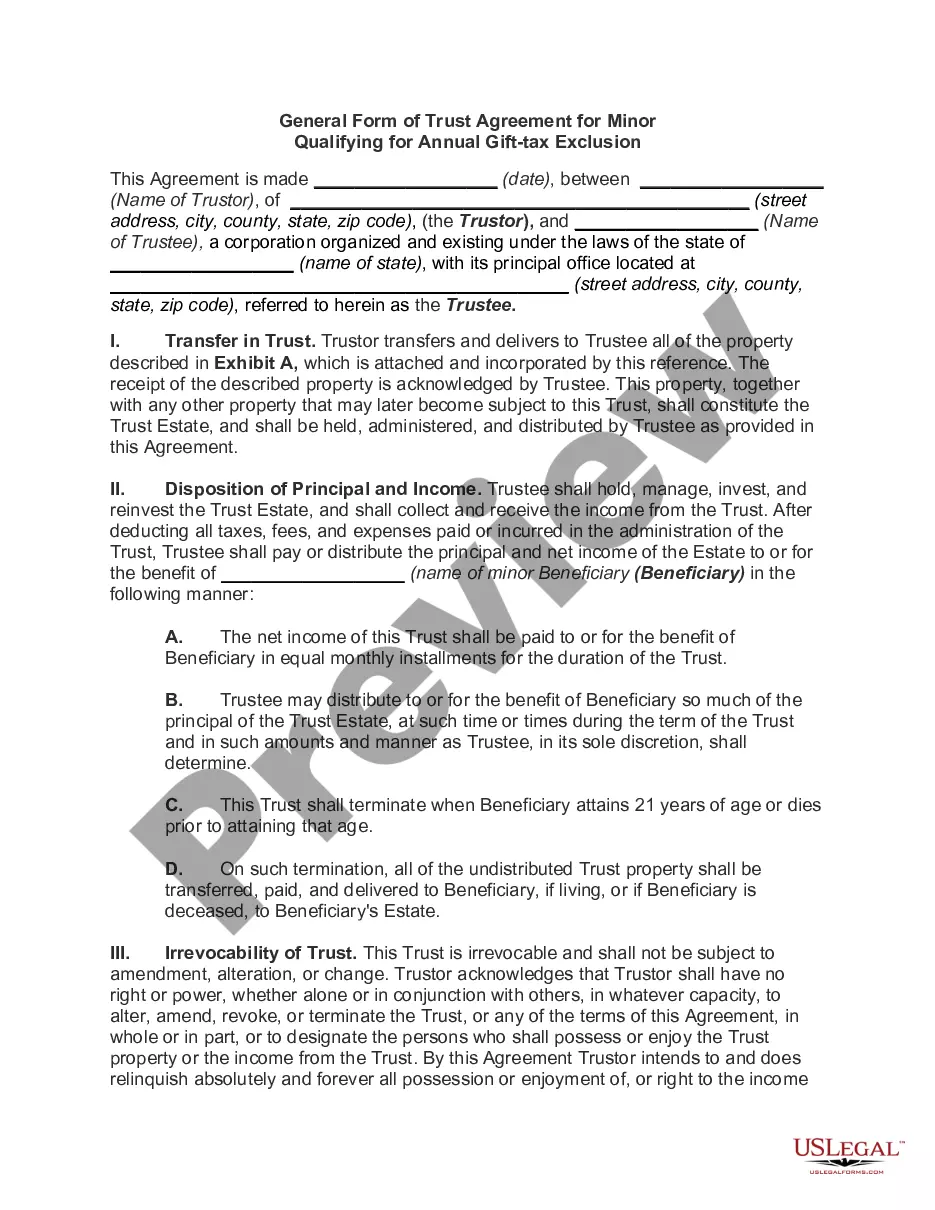
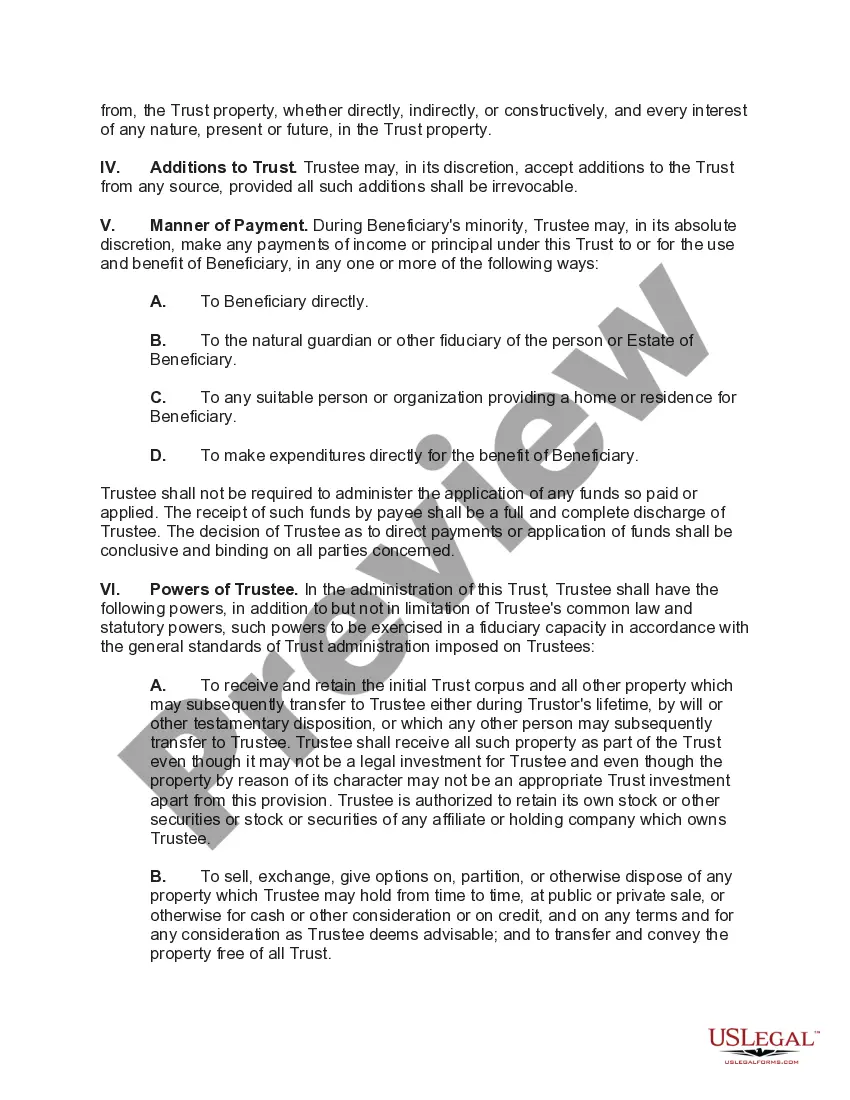
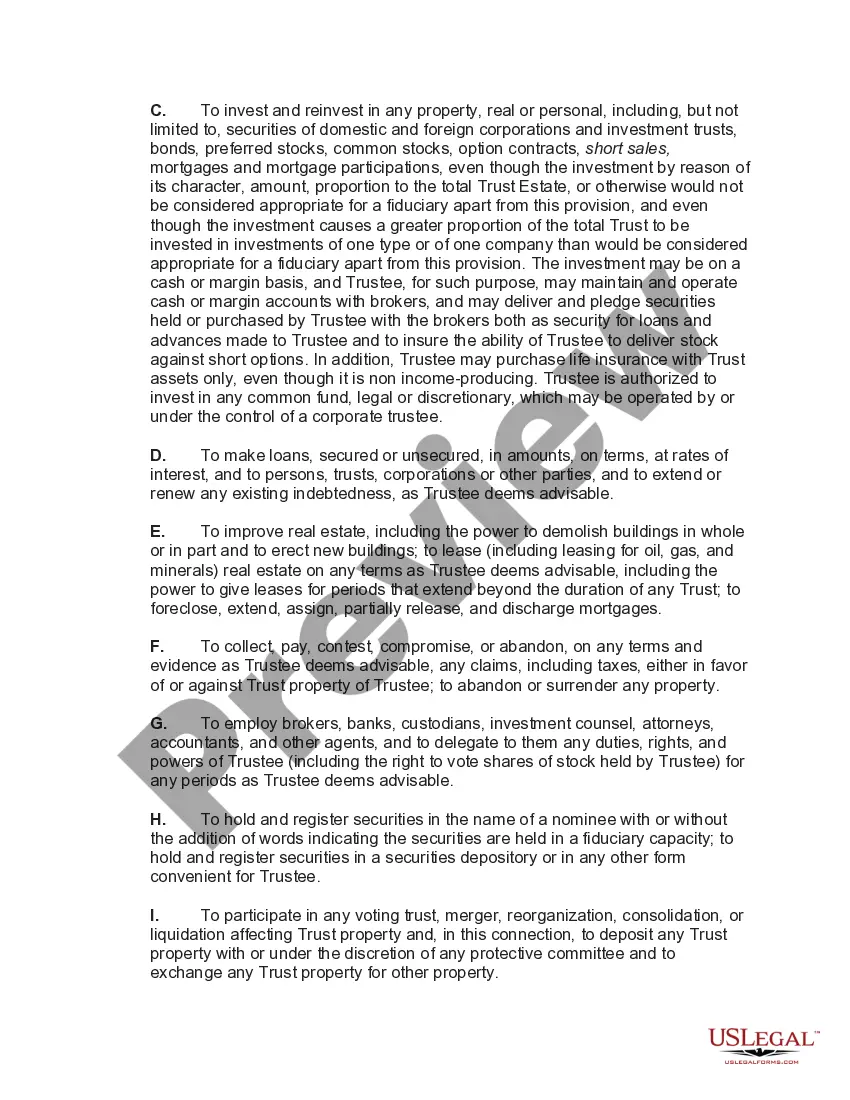
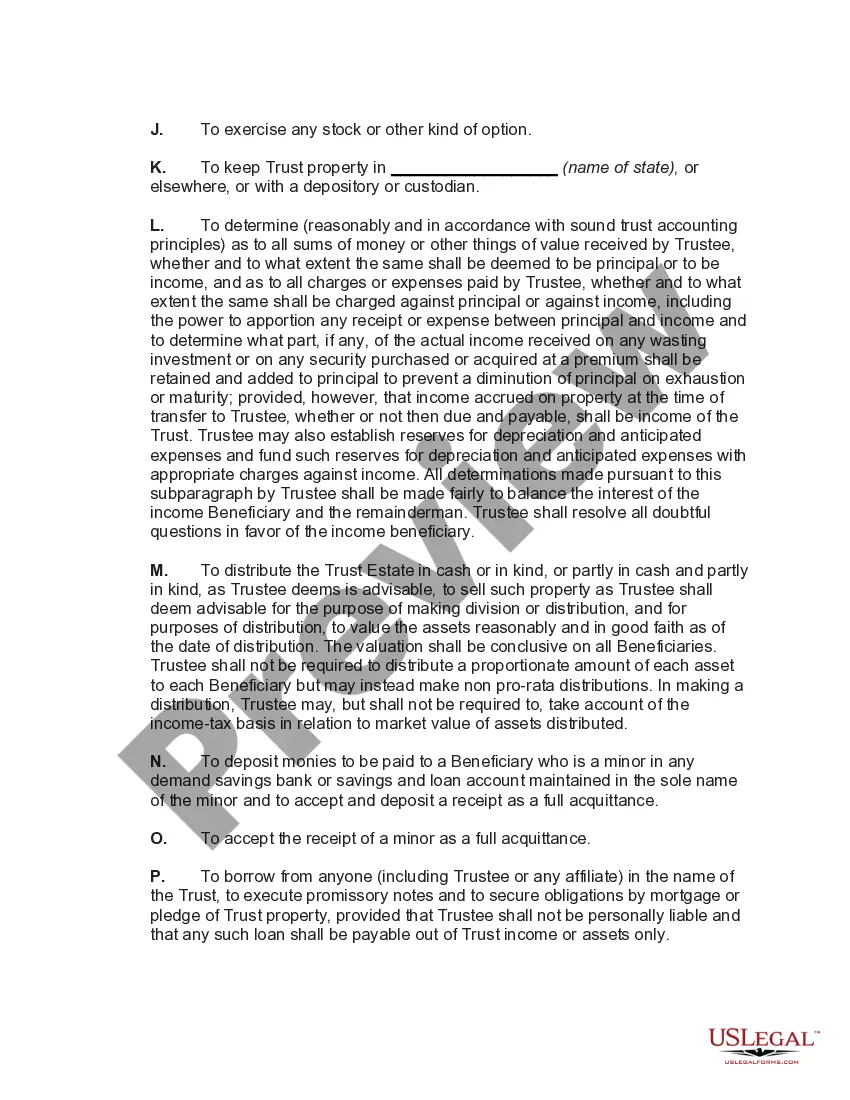
Get your form ready online
Our built-in tools help you complete, sign, share, and store your documents in one place.
Make edits, fill in missing information, and update formatting in US Legal Forms—just like you would in MS Word.
Download a copy, print it, send it by email, or mail it via USPS—whatever works best for your next step.
Sign and collect signatures with our SignNow integration. Send to multiple recipients, set reminders, and more. Go Premium to unlock E-Sign.
If this form requires notarization, complete it online through a secure video call—no need to meet a notary in person or wait for an appointment.
We protect your documents and personal data by following strict security and privacy standards.

Make edits, fill in missing information, and update formatting in US Legal Forms—just like you would in MS Word.

Download a copy, print it, send it by email, or mail it via USPS—whatever works best for your next step.

Sign and collect signatures with our SignNow integration. Send to multiple recipients, set reminders, and more. Go Premium to unlock E-Sign.

If this form requires notarization, complete it online through a secure video call—no need to meet a notary in person or wait for an appointment.

We protect your documents and personal data by following strict security and privacy standards.
Looking for another form?
How to fill out General Form Of Trust Agreement For Minor Qualifying For Annual Gift Tax Exclusion?
Finding a reliable source for acquiring the latest and pertinent legal templates is a significant part of managing bureaucracy.
Locating the appropriate legal documents necessitates accuracy and meticulousness, which is why it’s essential to gather samples of Trust Agreement Gift Tax For 2018 solely from reputable sources, such as US Legal Forms.
Once you have the document on your device, you can modify it using the editor or print it out and fill it in manually. Eliminate the complications that come with your legal paperwork. Explore the vast US Legal Forms library where you can discover legal templates, assess their applicability to your situation, and download them instantly.
- Utilize the library browsing or search tool to locate your template.
- Review the form’s description to confirm its appropriateness for your state and county.
- Access the form preview, if available, to verify that the form matches your interests.
- Return to the search to identify a suitable template if the Trust Agreement Gift Tax For 2018 does not fulfill your needs.
- Once you are confident about the form’s appropriateness, download it.
- If you are a registered user, click Log in to verify and retrieve your selected forms in My documents.
- If you do not yet have an account, click Buy now to purchase the form.
- Choose the pricing option that best suits your needs.
- Complete the registration to complete your purchase.
- Finalize your transaction by selecting a payment method (credit card or PayPal).
- Choose the file format to download Trust Agreement Gift Tax For 2018.
Form popularity
FAQ
Yes, giving your son $75,000 toward a down payment could trigger the gift tax, as it exceeds the 2018 annual exclusion of $15,000. However, you can use your lifetime exemption to offset this amount. It’s worth consulting a professional or using the uslegalforms platform to create a trust agreement to strategically manage the trust agreement gift tax for 2018, ensuring you remain compliant while supporting your son.
In many cases, you will need to report the asset transfer to the IRS. The estate tax savings that drive the purpose of such trusts requires that the transfer to the trust be considered a completed gift for gift and estate tax purposes, so it is no longer a part of your estate when you pass away.
Use Form 709 to report: Transfers subject to the federal gift and certain generation-skipping transfer (GST) taxes. Allocation of the lifetime GST exemption to property transferred during the transferor's lifetime.
First, complete the General Information section on part one of the form. Line 12 would also allow you to check off on whether you and your spouse made joint gifts for the tax year. If not, you may skip lines 13 through 18. Note that your spouse must also sign Form 709 in the appropriate spot if you made joint gifts.
List all reportable gifts made during the calendar year on one Form 709. This means you must file a separate return for each calendar year a reportable gift is given (for example, a gift given in 2018 must be reported on a 2018 Form 709). Do not file more than one Form 709 for any 1 calendar year.
Addresses for Forms Beginning with the Number 7 Form Name (For a copy of a Form, Instruction, or Publication)Address to Mail Form to IRS:Original Return - Form 709 United States Gift (and Generation-Skipping Transfer) Tax ReturnDepartment of the Treasury Internal Revenue Service Center Kansas City, MO 6499917 more rows ?