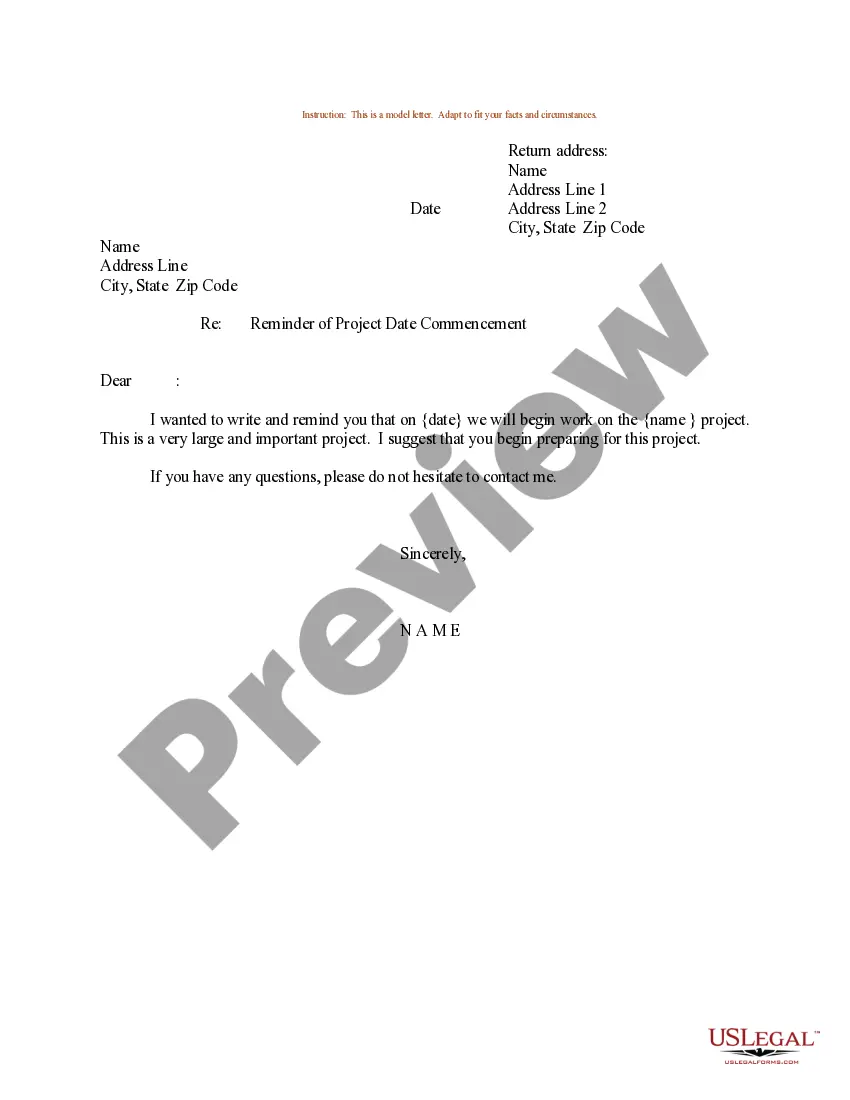
Commencement Date In Work
Description
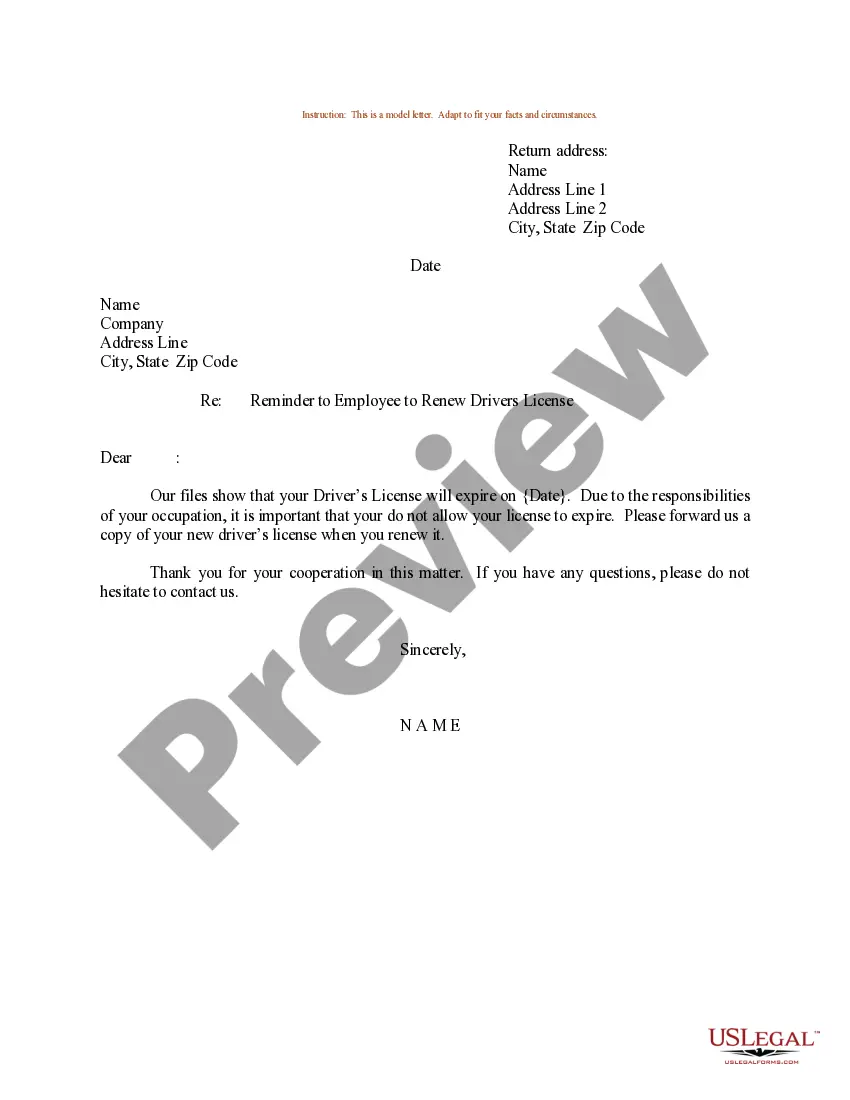
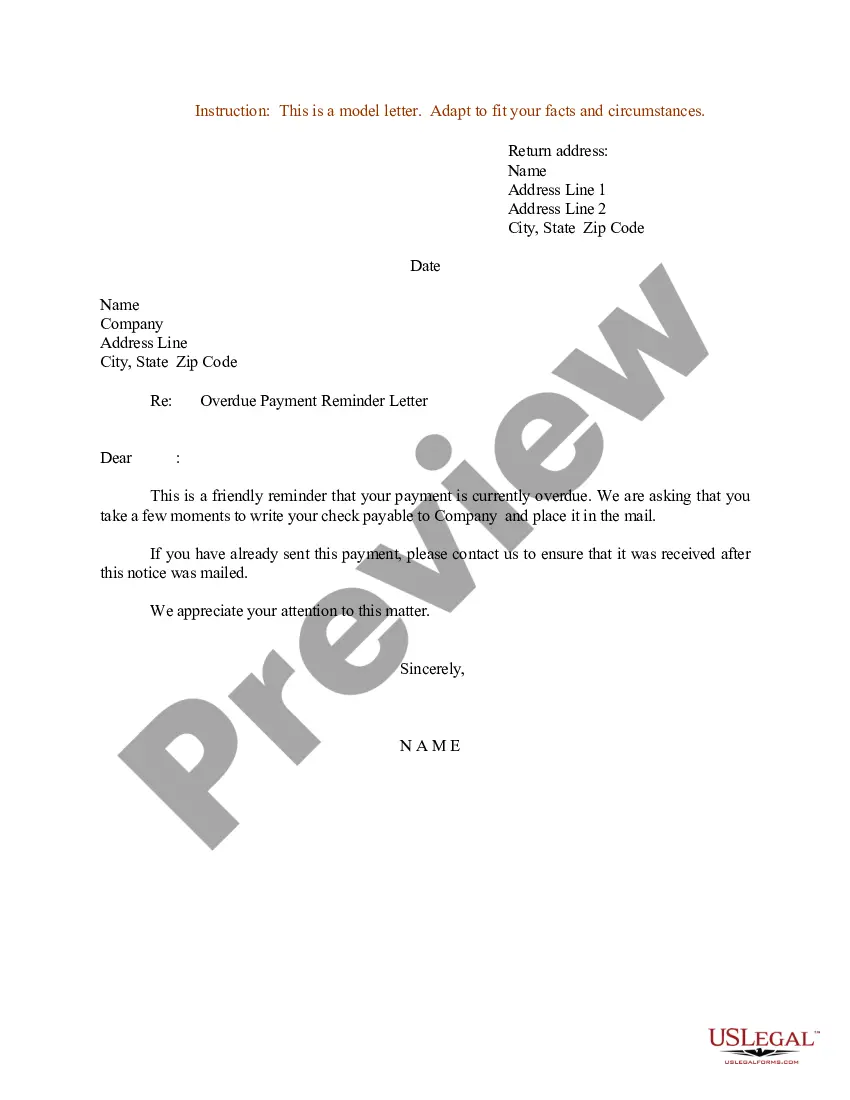

Get your form ready online
Our built-in tools help you complete, sign, share, and store your documents in one place.
Make edits, fill in missing information, and update formatting in US Legal Forms—just like you would in MS Word.
Download a copy, print it, send it by email, or mail it via USPS—whatever works best for your next step.
Sign and collect signatures with our SignNow integration. Send to multiple recipients, set reminders, and more. Go Premium to unlock E-Sign.
If this form requires notarization, complete it online through a secure video call—no need to meet a notary in person or wait for an appointment.
We protect your documents and personal data by following strict security and privacy standards.

Make edits, fill in missing information, and update formatting in US Legal Forms—just like you would in MS Word.

Download a copy, print it, send it by email, or mail it via USPS—whatever works best for your next step.

Sign and collect signatures with our SignNow integration. Send to multiple recipients, set reminders, and more. Go Premium to unlock E-Sign.

If this form requires notarization, complete it online through a secure video call—no need to meet a notary in person or wait for an appointment.

We protect your documents and personal data by following strict security and privacy standards.
Looking for another form?
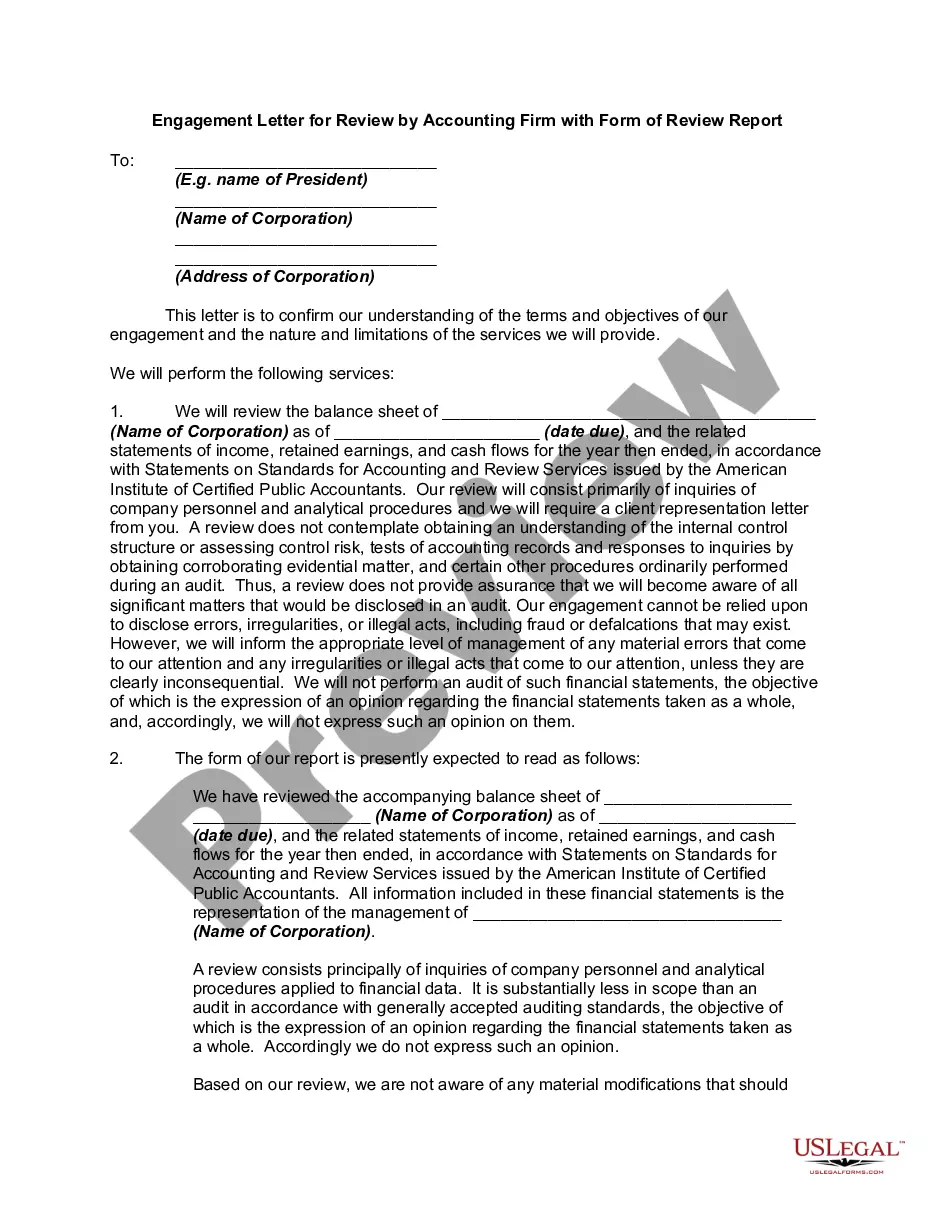
How to fill out Sample Letter For Reminder Of Project Date Commencement?
The Start Date in Work displayed on this page is a repeatable legal template crafted by qualified attorneys in compliance with federal and state laws.
For over 25 years, US Legal Forms has supplied individuals, businesses, and legal experts with more than 85,000 authenticated, state-specific forms for any corporate and personal event. It’s the fastest, easiest, and most reliable method to acquire the documents you require, as the service provides bank-level data protection and anti-malware safeguards.
Register for US Legal Forms to access vetted legal templates for all of life's situations at your fingertips.
- Search for the document you require and review it.
- Browse the file you searched and preview it or examine the form description to confirm it meets your needs. If it does not, utilize the search bar to locate the suitable one. Click Buy Now once you have located the template you require.
- Register and sign in.
- Choose the pricing plan that suits you and create an account. Use PayPal or a credit card for a swift transaction. If you already possess an account, Log In and verify your subscription to continue.
- Obtain the editable template.
- Select the format you desire for your Start Date in Work (PDF, DOCX, RTF) and save the file on your device.
- Complete and sign the document.
- Print the template to finish it manually. Alternatively, utilize an online multifunctional PDF editor to quickly and accurately fill out and sign your form with a legally binding electronic signature.
- Retrieve your documents again.
- Utilize the same document again whenever necessary. Access the My documents tab in your profile to redownload any previously obtained forms.
Form popularity
FAQ
While the start date, move-in date, rent commencement date or commencement date may signify the date when various aspects of the agreement come into effect, the Lease Commencement Date is the date when possession or control of the leased asset is transferred from the lessor to the lessee.
Estimated Commencement Date means the estimated date of when the Company envisages that it will perform the Services. ?
Commencement date meaning A commencement date is defined as the date that a contract or legal agreement becomes effective. In other words, a commencement date marks the point at which a contract officially begins and binds the parties involved. This is also known as the contract's effective date.
For example, let's say you sign a lease for an apartment on May 1st. The lease has a commencement date of June 1st. This means that the terms of the lease (such as rent amount and length of tenancy) will not be binding until June 1st.
There is no substantial difference between a commencement date and an effective date, as they both describe the date on which contract activities commence, or come into effect. It's more common to see 'effective date' used within the context of business contracts, though.