Patent Vs License
Description
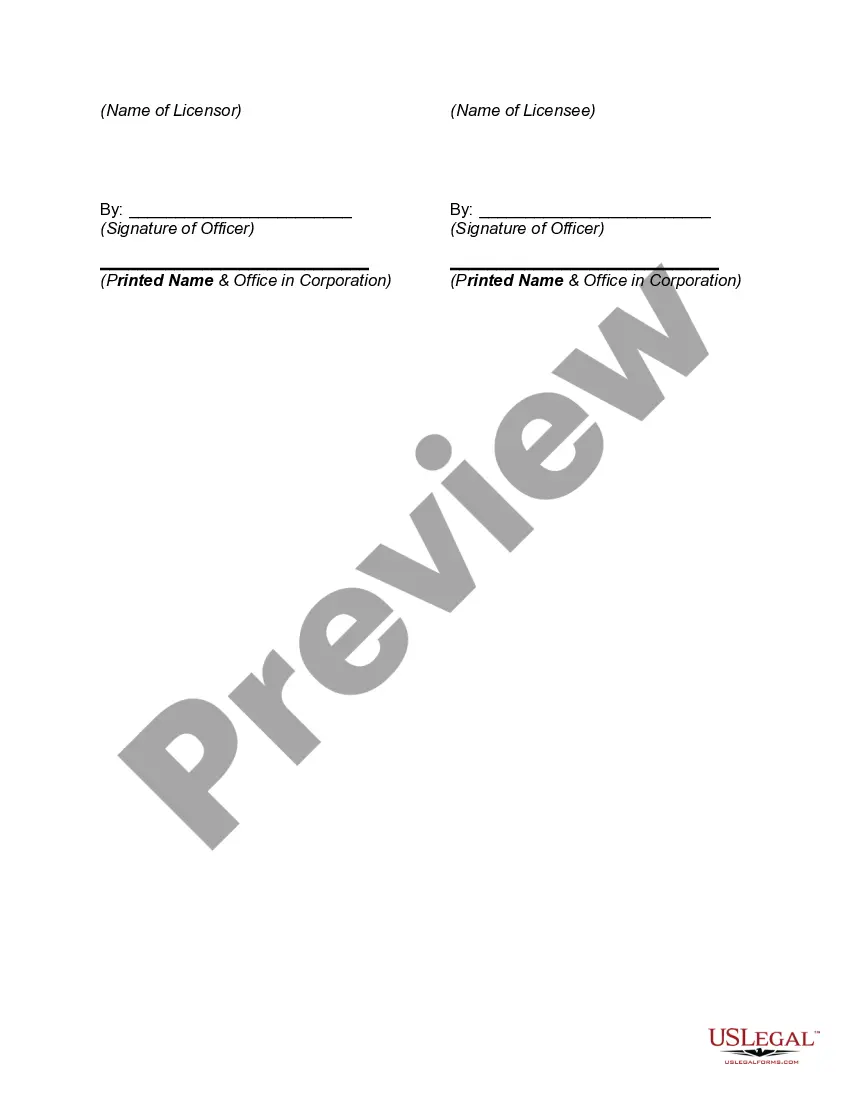
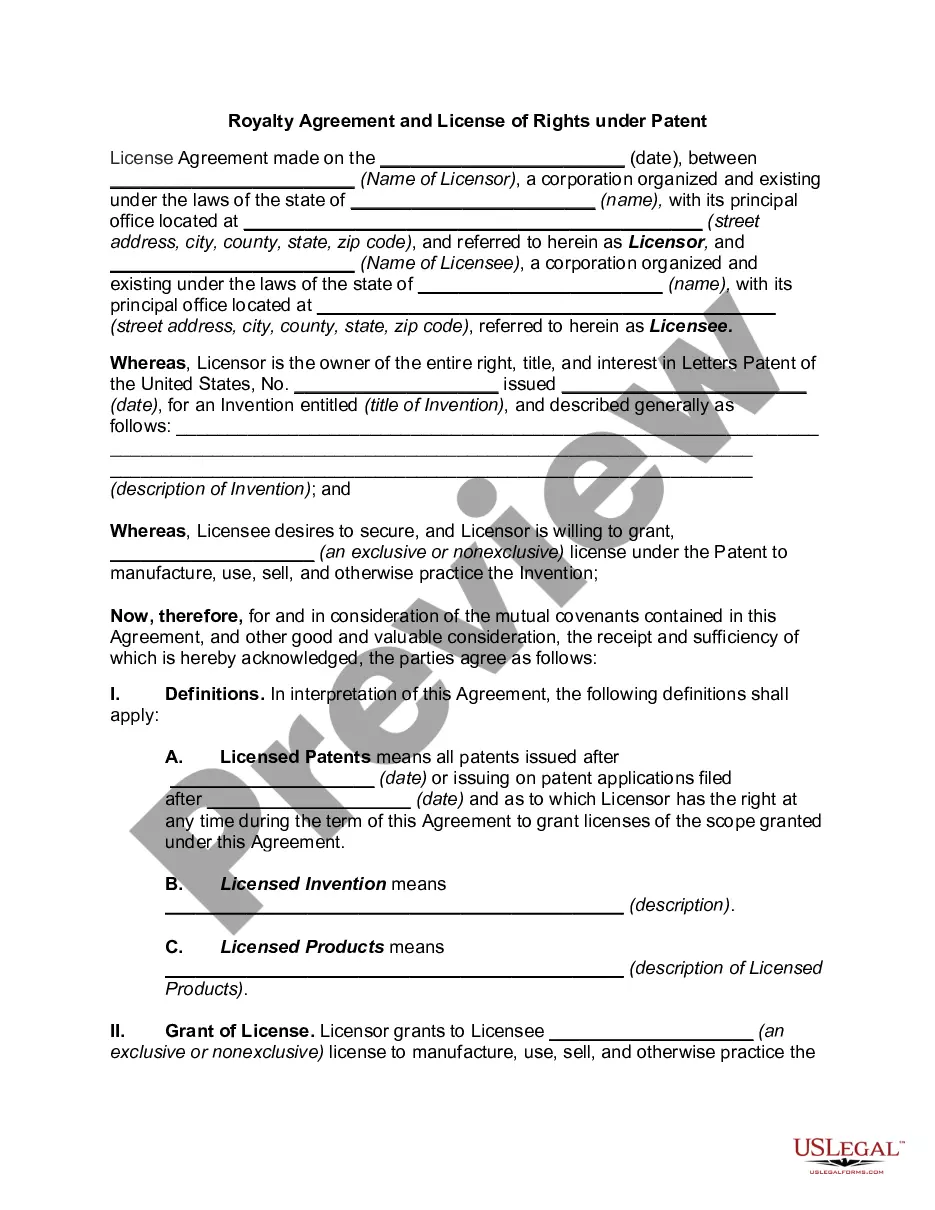
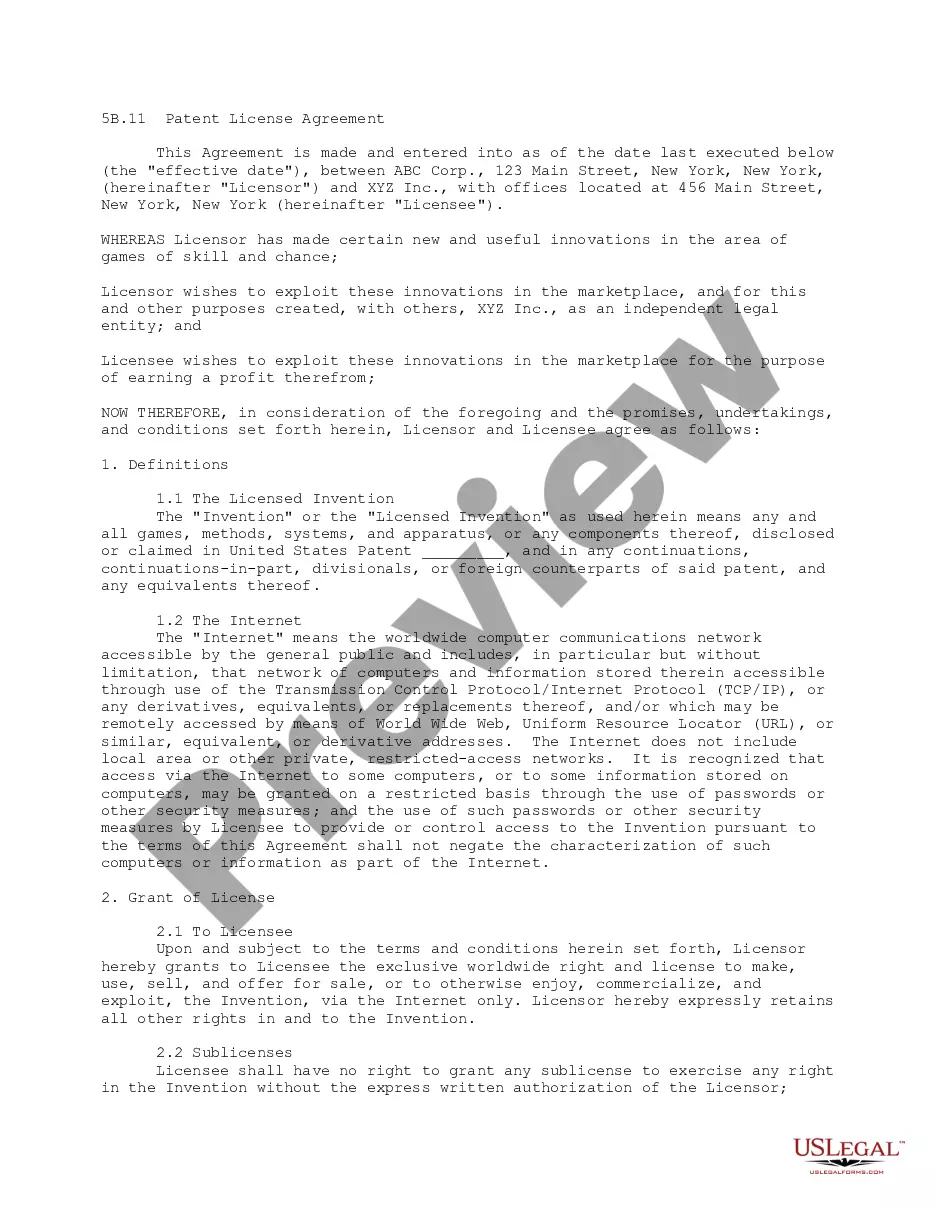
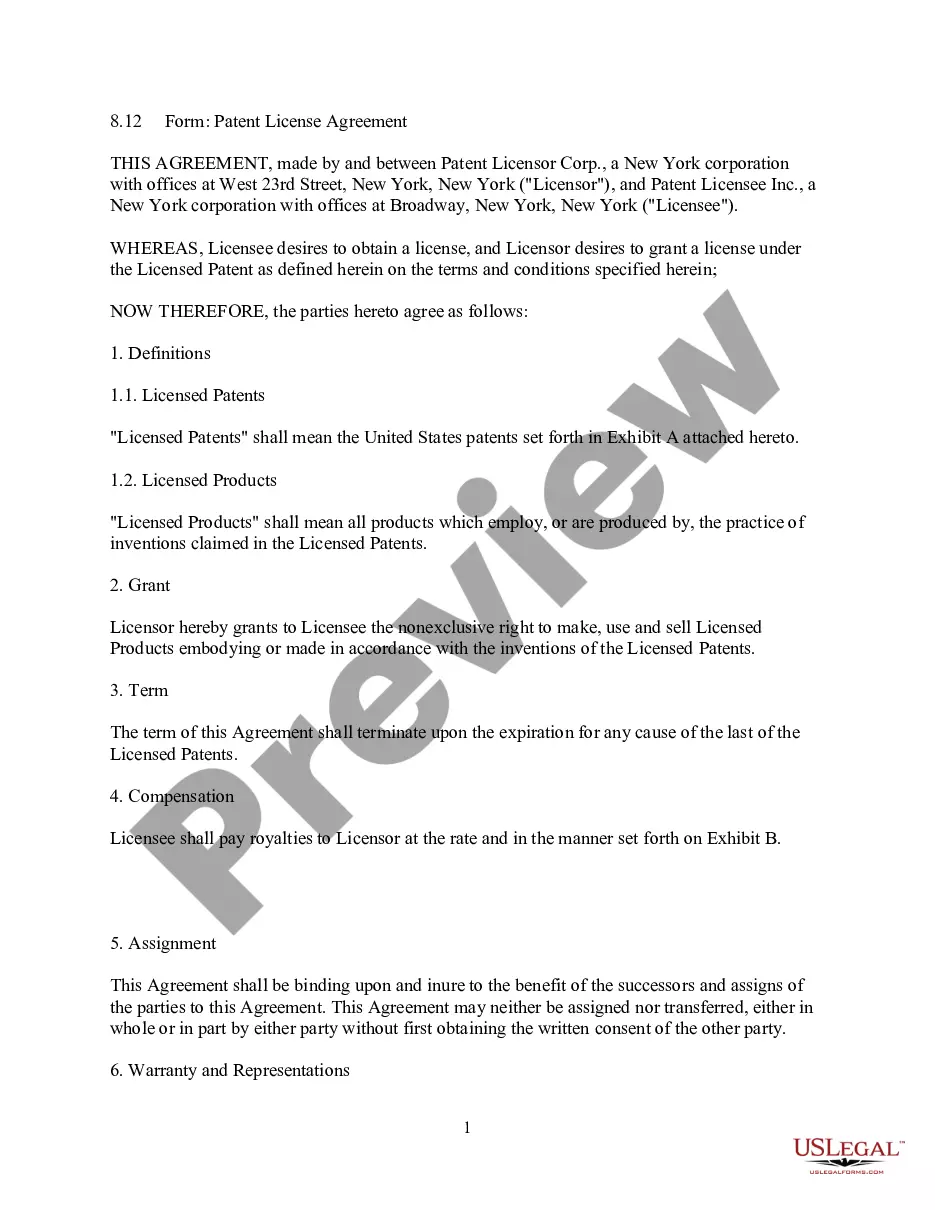
Get your form ready online
Our built-in tools help you complete, sign, share, and store your documents in one place.
Make edits, fill in missing information, and update formatting in US Legal Forms—just like you would in MS Word.
Download a copy, print it, send it by email, or mail it via USPS—whatever works best for your next step.
Sign and collect signatures with our SignNow integration. Send to multiple recipients, set reminders, and more. Go Premium to unlock E-Sign.
If this form requires notarization, complete it online through a secure video call—no need to meet a notary in person or wait for an appointment.
We protect your documents and personal data by following strict security and privacy standards.

Make edits, fill in missing information, and update formatting in US Legal Forms—just like you would in MS Word.

Download a copy, print it, send it by email, or mail it via USPS—whatever works best for your next step.

Sign and collect signatures with our SignNow integration. Send to multiple recipients, set reminders, and more. Go Premium to unlock E-Sign.

If this form requires notarization, complete it online through a secure video call—no need to meet a notary in person or wait for an appointment.

We protect your documents and personal data by following strict security and privacy standards.
Looking for another form?



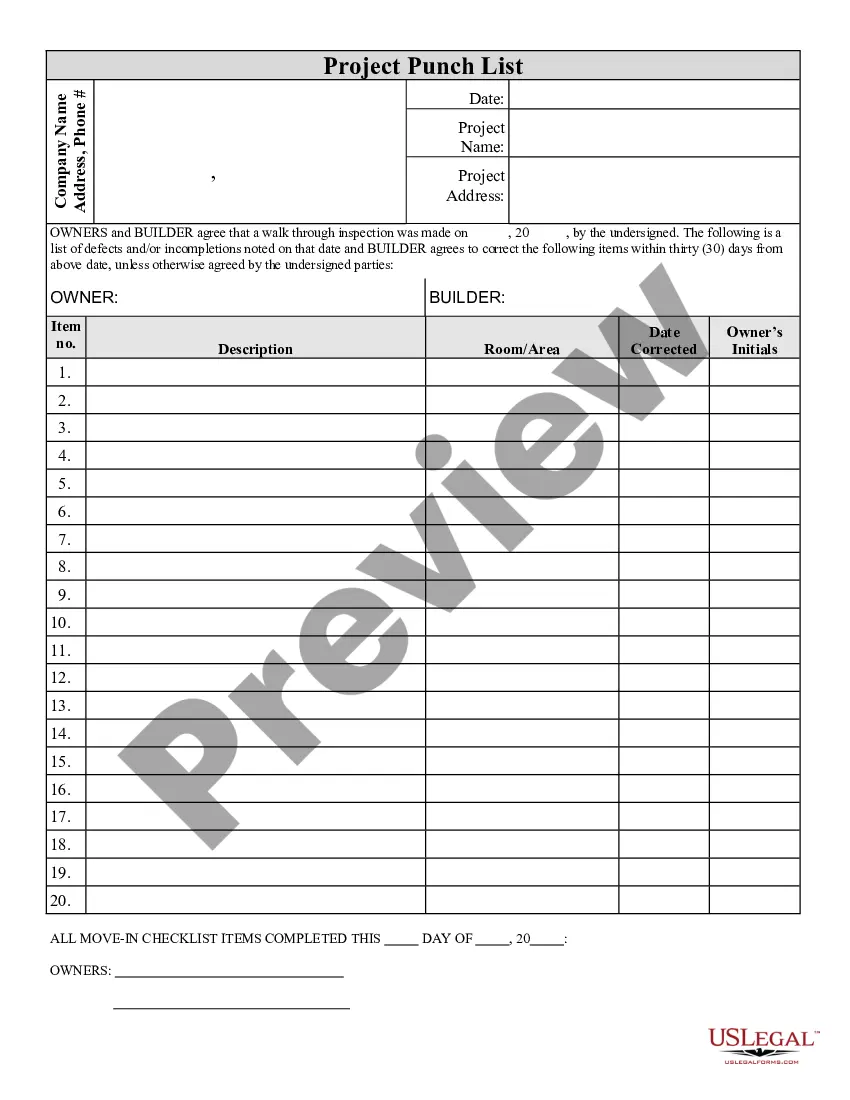
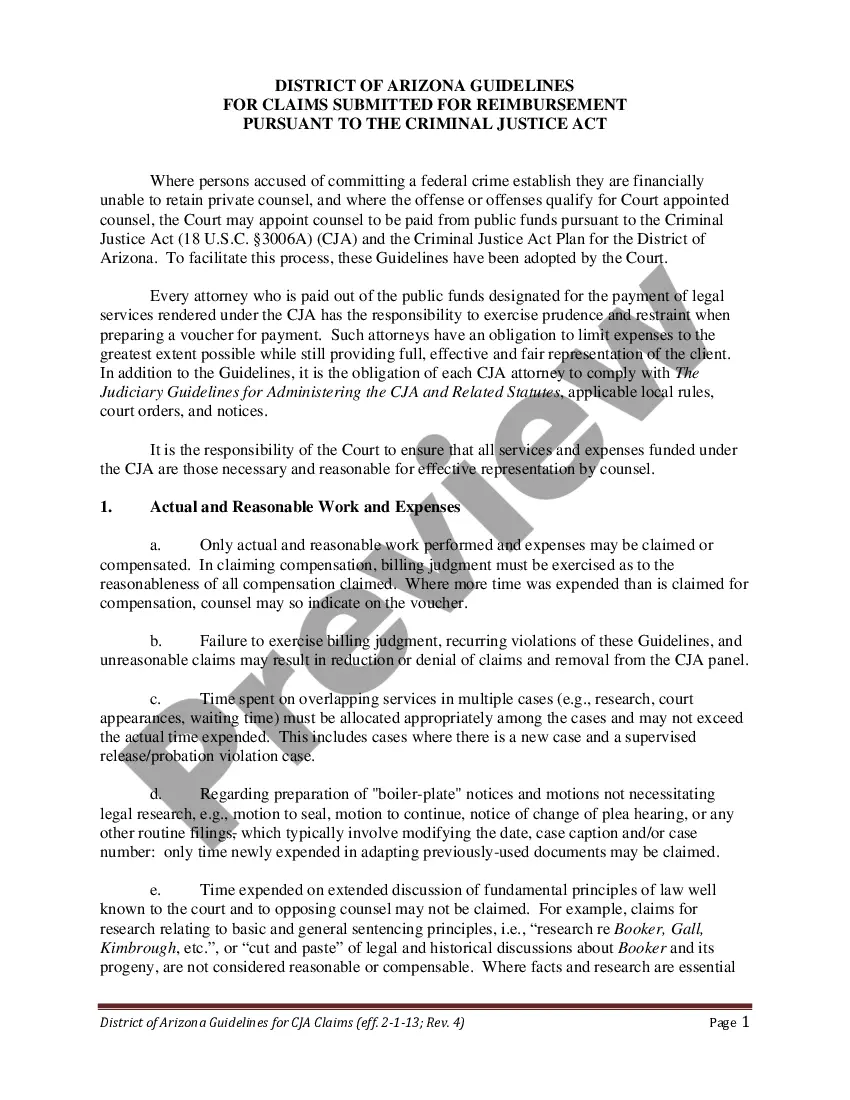

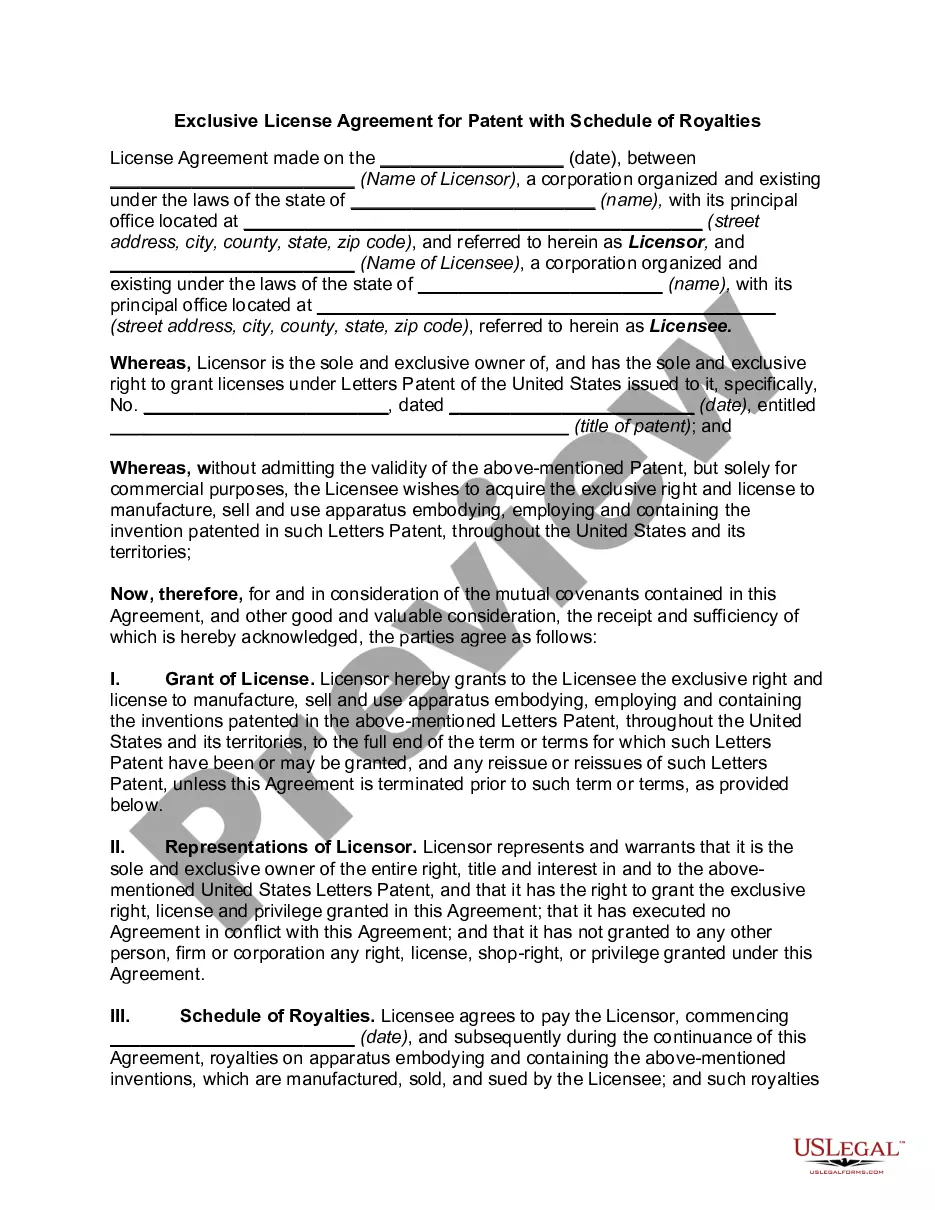
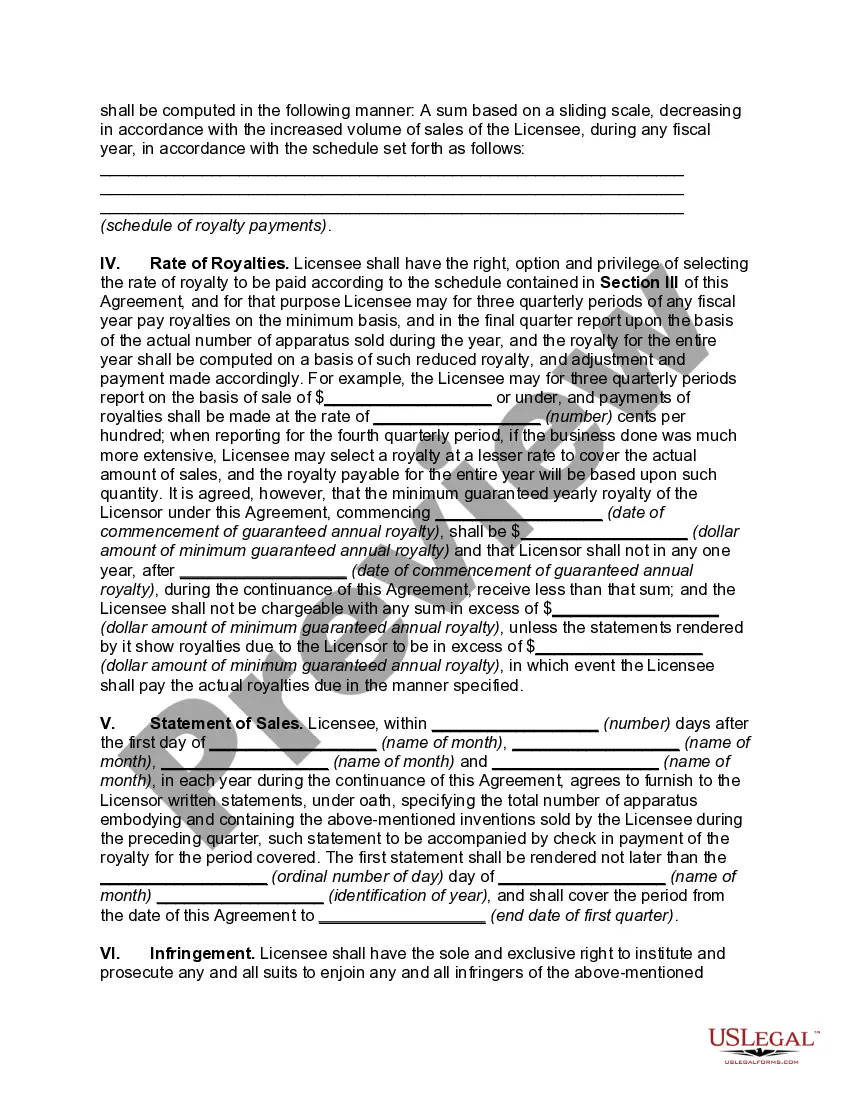
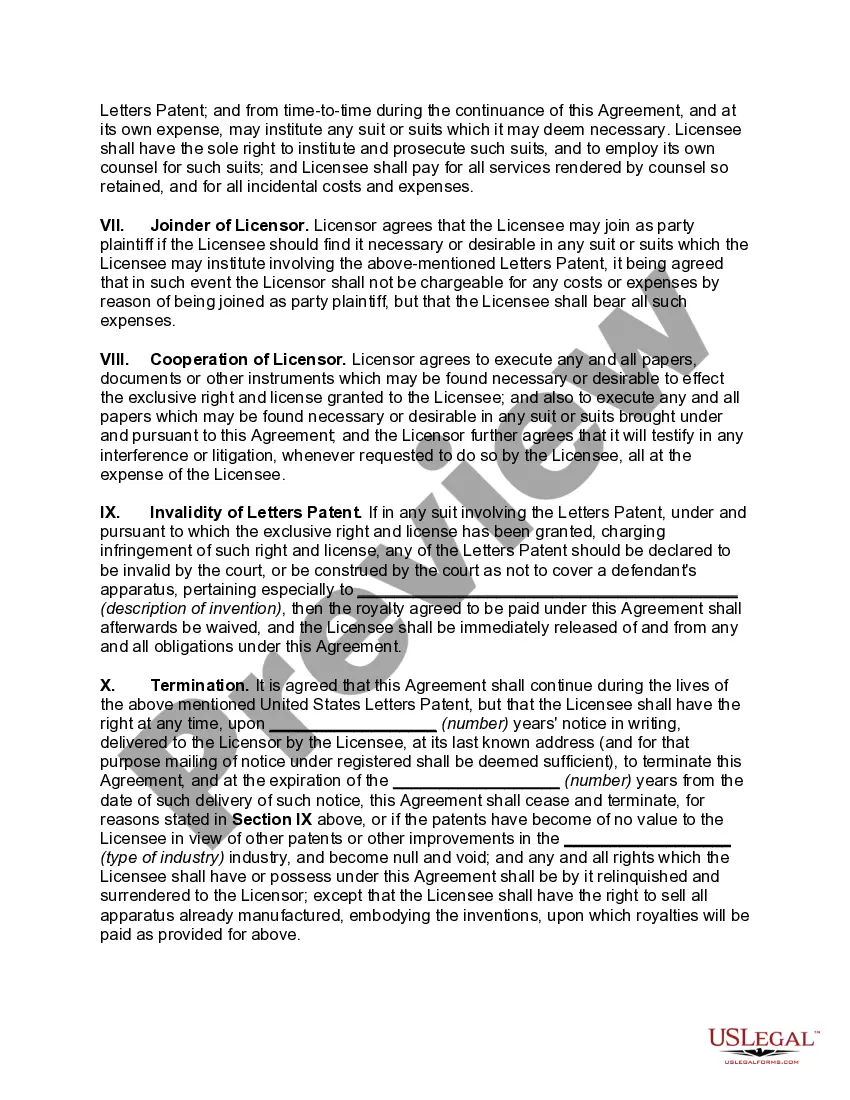
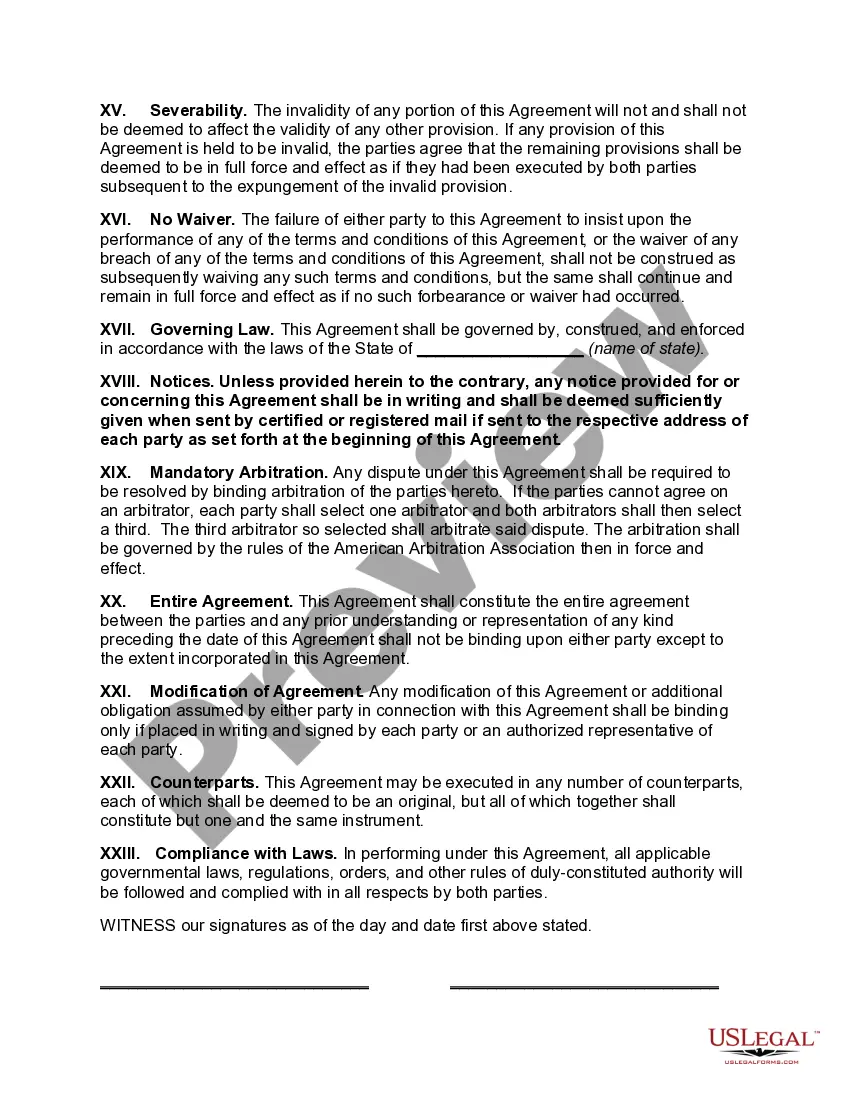
How to fill out Exclusive License Agreement For Patent With Schedule Of Royalties?
Employing legal document examples that adhere to national and local laws is crucial, and the web provides numerous alternatives to select from.
However, what is the benefit of spending time searching for the appropriately composed Patent Vs License example online if the US Legal Forms digital library already has such templates gathered in one location.
US Legal Forms is the most extensive online legal repository with over 85,000 fillable documents created by lawyers for any business and personal situation.
Review the template using the Preview feature or via the text description to ensure it fulfills your needs.
- They are straightforward to navigate with all files categorized by state and intended use.
- Our specialists keep up with legislative changes, ensuring your form is current and compliant when acquiring a Patent Vs License from our site.
- Obtaining a Patent Vs License is swift and effortless for both existing and new users.
- If you already possess an account with an active subscription, Log In and download the document example you need in your chosen format.
- If you are a newcomer to our site, follow the instructions below.
Form popularity
FAQ
A patent provides legal protection for inventions that are new and non-obvious, while a trade secret protects confidential business information that provides a competitive edge. Once a patent is granted, it becomes public information, but a trade secret can remain undisclosed indefinitely. When deciding on patent vs license options, consider your business strategy and the value of maintaining confidentiality.
Yes, patents can be both sold and licensed. When you sell a patent, you transfer ownership to another party, granting them all rights to the invention. On the other hand, licensing a patent allows others to use your invention while you retain ownership. This aspect of patent vs license offers flexibility for inventors looking to monetize their creations.
How to Undo in Google Forms Step 1: Open your Google Form. Step 2: Make any changes to the form. Step 3: Click the ?Undo? button. Step 4: (optional) Click the ?Redo? button to bring it back.
In contrary as occurs with Google Documents, Sheets and Slides, Google Forms doesn't have the revision history feature. Unfortunately Google Drive doesn't keep revisions of Google Forms either.
Google Form Reuse Options & When to Use Them Make a copy of the form. ... Link the form to a new spreadsheet. ... Remove existing responses from the form & the spreadsheet. ... Use the FormRecycler add-on to reuse form questions.
Google Forms does not have version history like Google Docs or Sheets. When you delete responses in Google Forms, it will be deleted permanently. The deleted form responses cannot be restored later.
I'm afraid to inform you that version history feature for Microsoft Forms is not yet available but this feature is currently up for a vote for a possible future implementation. You may check on this link for more information: ...
There is also no version history which makes it very difficult to reset the questions that have been overwritten.