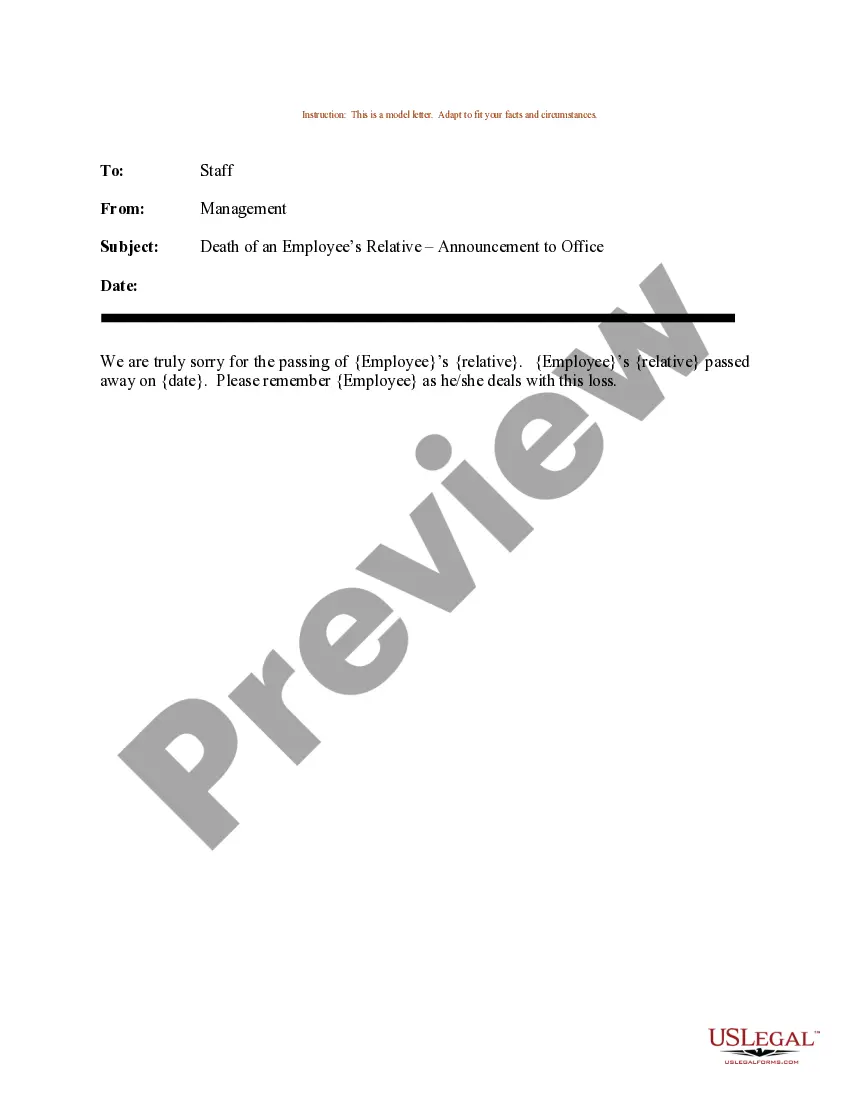
Email Announcing Death Of Employee Relative Form Example
Description
Get your form ready online
Our built-in tools help you complete, sign, share, and store your documents in one place.
Make edits, fill in missing information, and update formatting in US Legal Forms—just like you would in MS Word.
Download a copy, print it, send it by email, or mail it via USPS—whatever works best for your next step.
Sign and collect signatures with our SignNow integration. Send to multiple recipients, set reminders, and more. Go Premium to unlock E-Sign.
If this form requires notarization, complete it online through a secure video call—no need to meet a notary in person or wait for an appointment.
We protect your documents and personal data by following strict security and privacy standards.

Make edits, fill in missing information, and update formatting in US Legal Forms—just like you would in MS Word.

Download a copy, print it, send it by email, or mail it via USPS—whatever works best for your next step.

Sign and collect signatures with our SignNow integration. Send to multiple recipients, set reminders, and more. Go Premium to unlock E-Sign.

If this form requires notarization, complete it online through a secure video call—no need to meet a notary in person or wait for an appointment.

We protect your documents and personal data by following strict security and privacy standards.
Looking for another form?
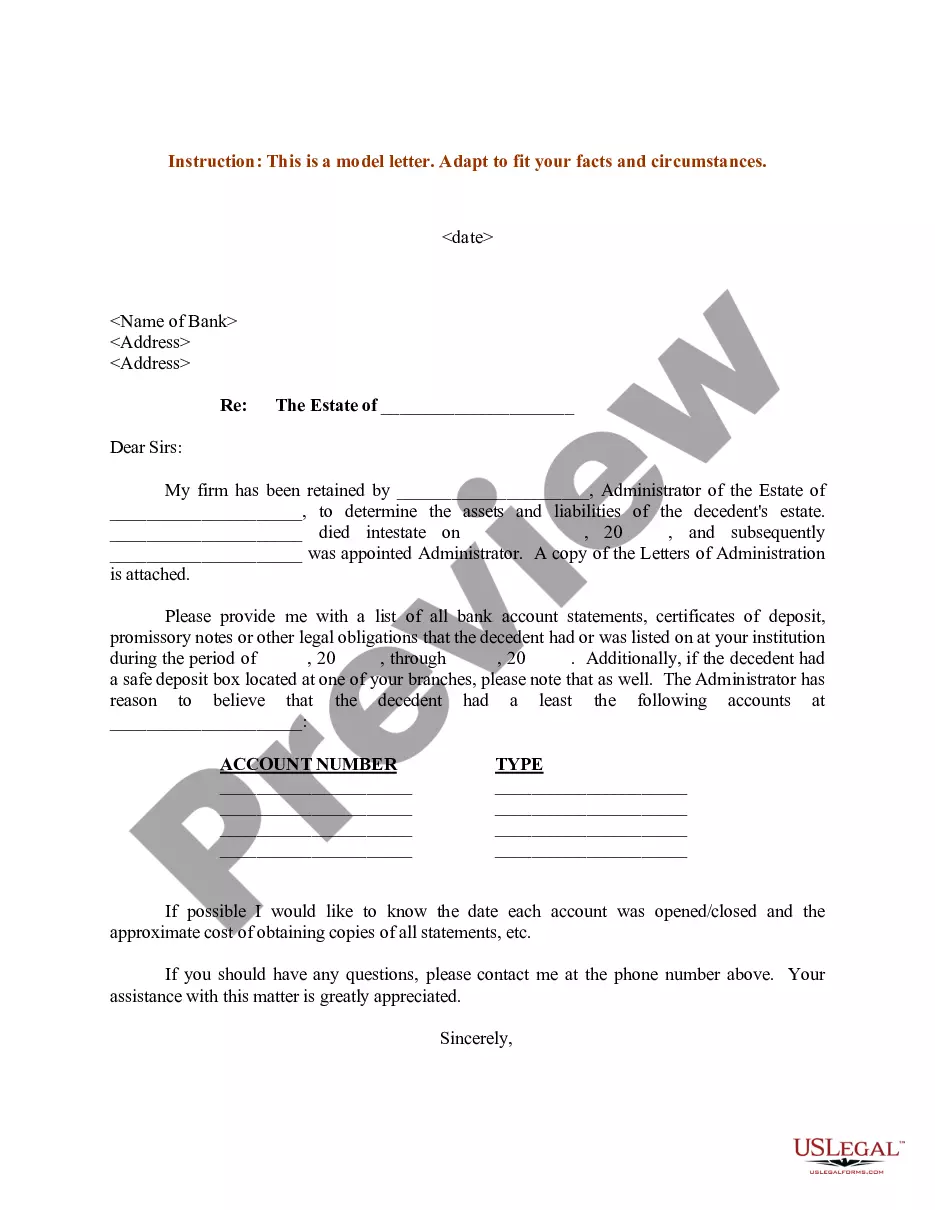
How to fill out Sample Letter For Death Of An Employee's Relative - Announcement To Office?
Securing a reliable source for accessing the latest and pertinent legal samples constitutes a significant part of navigating bureaucracy. Locating the appropriate legal documents requires accuracy and meticulousness, which underscores the importance of obtaining samples of the Email Announcing Death Of Employee Relative Form Example exclusively from trusted providers, such as US Legal Forms. An incorrect template could squander your time and hinder the situation at hand. With US Legal Forms, you can have minimal concerns. You can explore and verify all the specifics regarding the document’s applicability and relevancy to your situation and within your jurisdiction.
Consider the following procedures to complete your Email Announcing Death Of Employee Relative Form Example.
Eliminate the hassle associated with your legal paperwork. Explore the comprehensive US Legal Forms library where you can uncover legal samples, assess their relevancy to your situation, and download them without delay.
- Utilize the library navigation or search bar to locate your template.
- Examine the form’s description to determine if it fits the requirements of your jurisdiction.
- Check the form preview, if available, to confirm that the template meets your needs.
- Return to the search to find the appropriate document if the Email Announcing Death Of Employee Relative Form Example is not suitable for you.
- Once you are certain about the form’s relevance, download it.
- If you are a registered user, click Log in to authenticate and access your selected templates in My documents.
- If you do not yet have an account, click Buy now to acquire the form.
- Select the pricing option that meets your requirements.
- Proceed to registration to finalize your purchase.
- Conclude your acquisition by choosing a payment method (credit card or PayPal).
- Select the file format for downloading the Email Announcing Death Of Employee Relative Form Example.
- Once you have the form on your device, you can edit it with the editor or print it out and fill it in manually.
Form popularity
FAQ
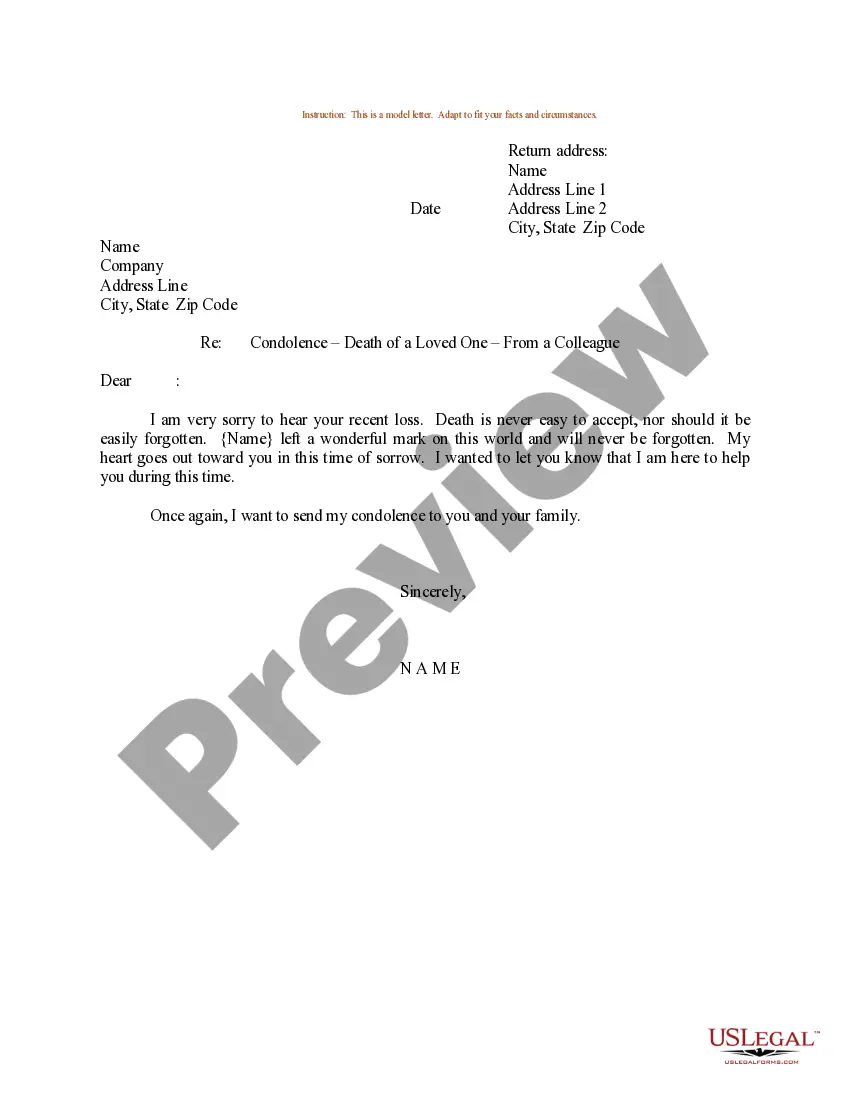
A good subject line for announcing the death of an employee's family member could be: 'Sad News: Employee's Name Loss.' This subject line conveys the seriousness of the email and prepares recipients for empathetic content. It's simple yet direct, setting the right tone for the message. Referencing the Email announcing death of employee relative form example can help streamline your announcement.
Dear [recipient's name]: It is with deep sadness and heavy hearts that we inform you of the death of our colleague and friend, (name), who passed away on (date). (Name) passed away unexpectedly/had suffered with a prolonged illness in recent years/or was involved in an accident.
Dear Sir/Ma'am, I regret to inform you that my grandfather (relative) passed away earlier this morning (date/time). I have just been informed about it and will have to leave immediately to be with my family for the last rights and the funeral.
For instance, you can say something like: ?I just wanted to reach out and let you know that my uncle recently passed away, and I'll need 3-5 days off to be with my family and attend the funeral.? lf you're close with a lot of people at your work, tell your boss when and where the funeral will be.
Ensure that the message is delivered in a compassionate and respectful manner. Provide Details: Provide details about the death, including the name of the deceased, their relationship to the employee, and any funeral or memorial service arrangements.
I wanted to inform you of the death of my [family member's relationship to you]. He/she passed away on [day of the week] in [location]. I know that this is not the most convenient time, but I need to request bereavement leave to go to [location of funeral] to prepare for the funeral/celebration of life.