Efile Court Papers For California
Description
Get your form ready online
Our built-in tools help you complete, sign, share, and store your documents in one place.
Make edits, fill in missing information, and update formatting in US Legal Forms—just like you would in MS Word.
Download a copy, print it, send it by email, or mail it via USPS—whatever works best for your next step.
Sign and collect signatures with our SignNow integration. Send to multiple recipients, set reminders, and more. Go Premium to unlock E-Sign.
If this form requires notarization, complete it online through a secure video call—no need to meet a notary in person or wait for an appointment.
We protect your documents and personal data by following strict security and privacy standards.

Make edits, fill in missing information, and update formatting in US Legal Forms—just like you would in MS Word.

Download a copy, print it, send it by email, or mail it via USPS—whatever works best for your next step.

Sign and collect signatures with our SignNow integration. Send to multiple recipients, set reminders, and more. Go Premium to unlock E-Sign.

If this form requires notarization, complete it online through a secure video call—no need to meet a notary in person or wait for an appointment.

We protect your documents and personal data by following strict security and privacy standards.
Looking for another form?
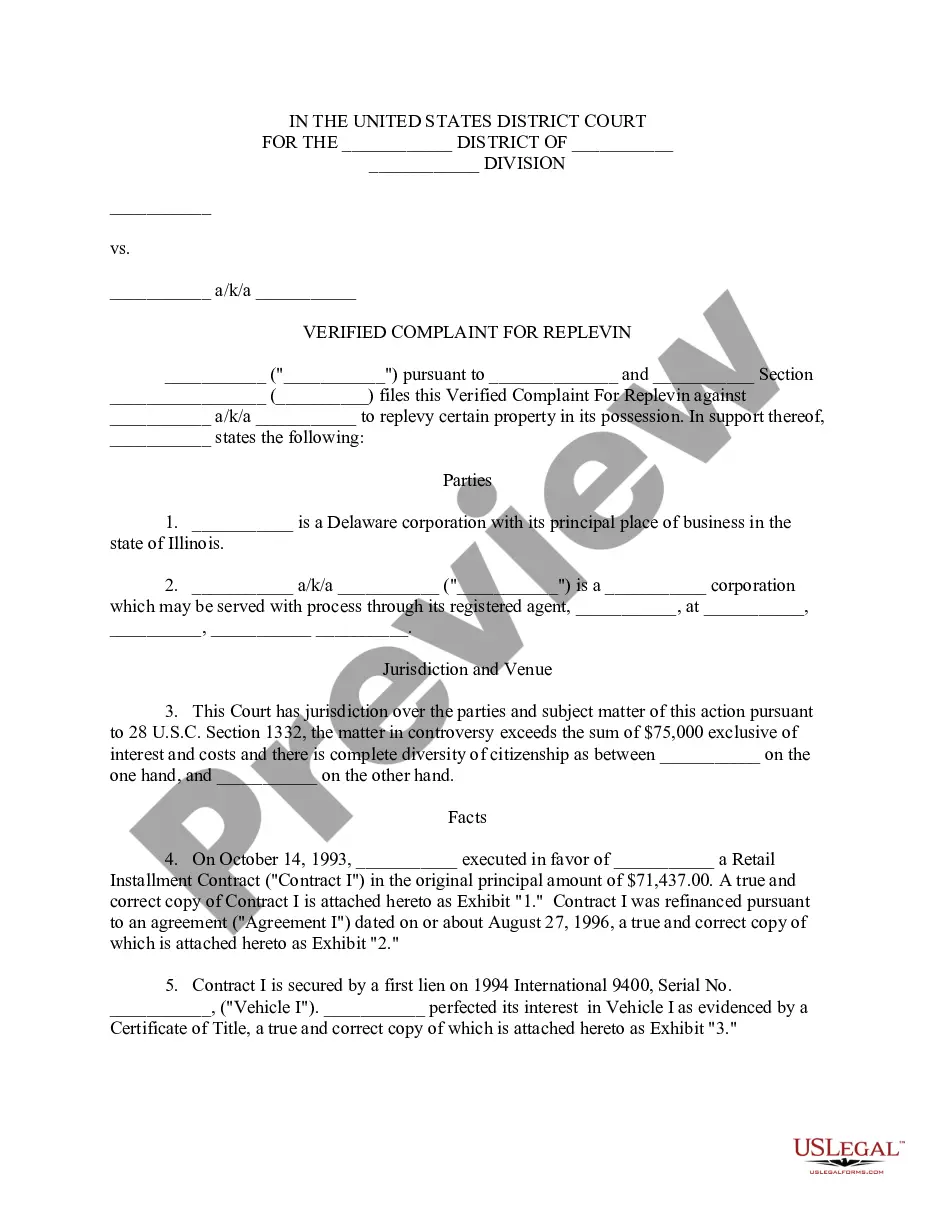
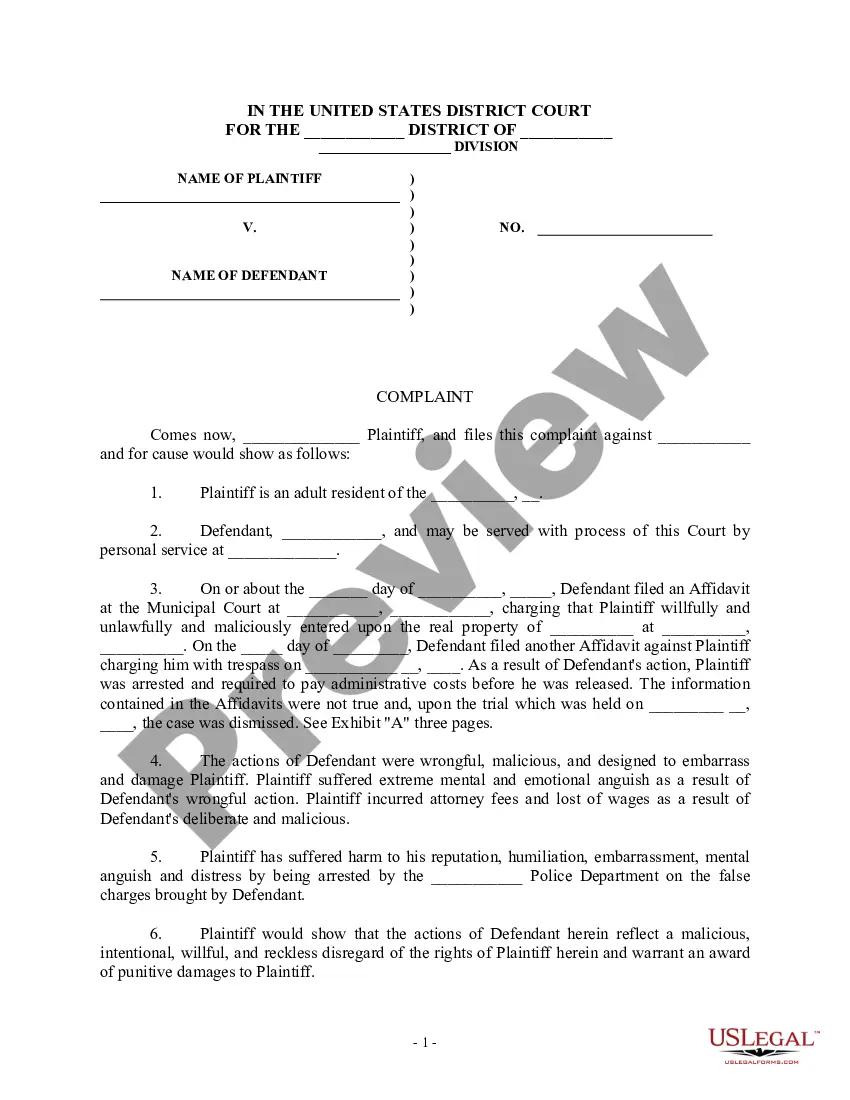
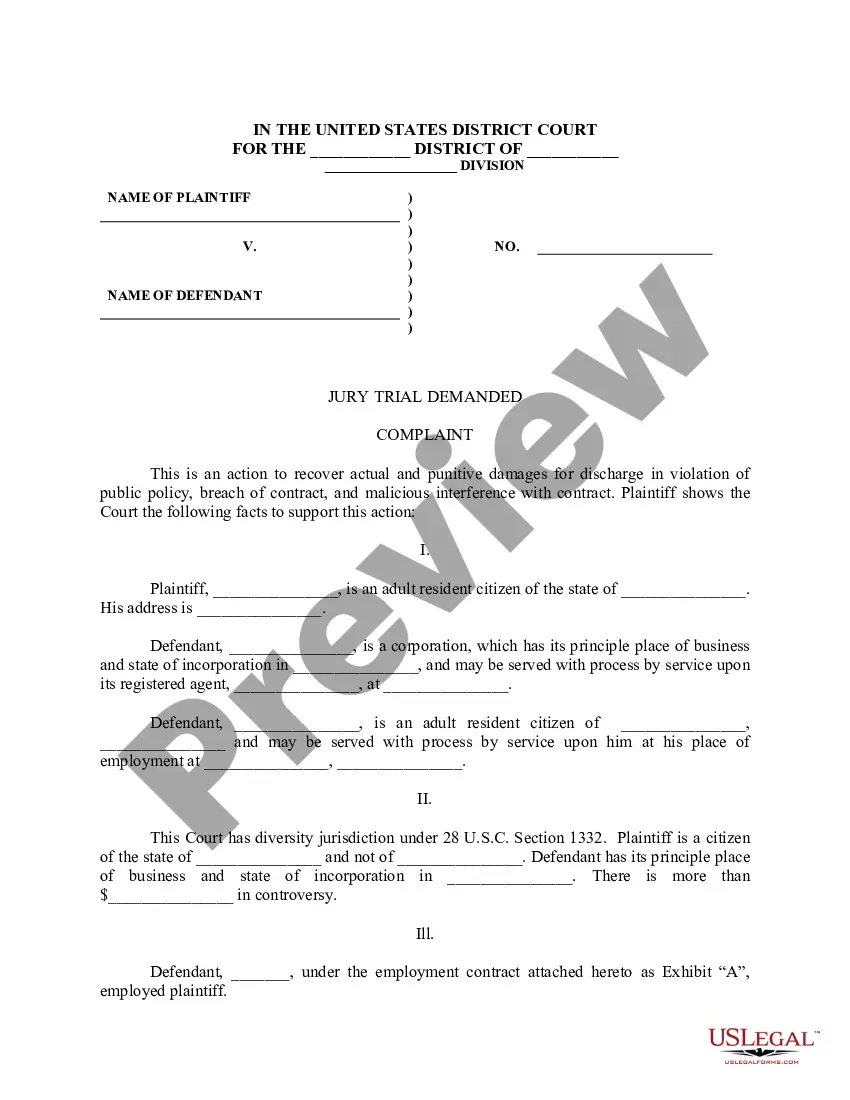
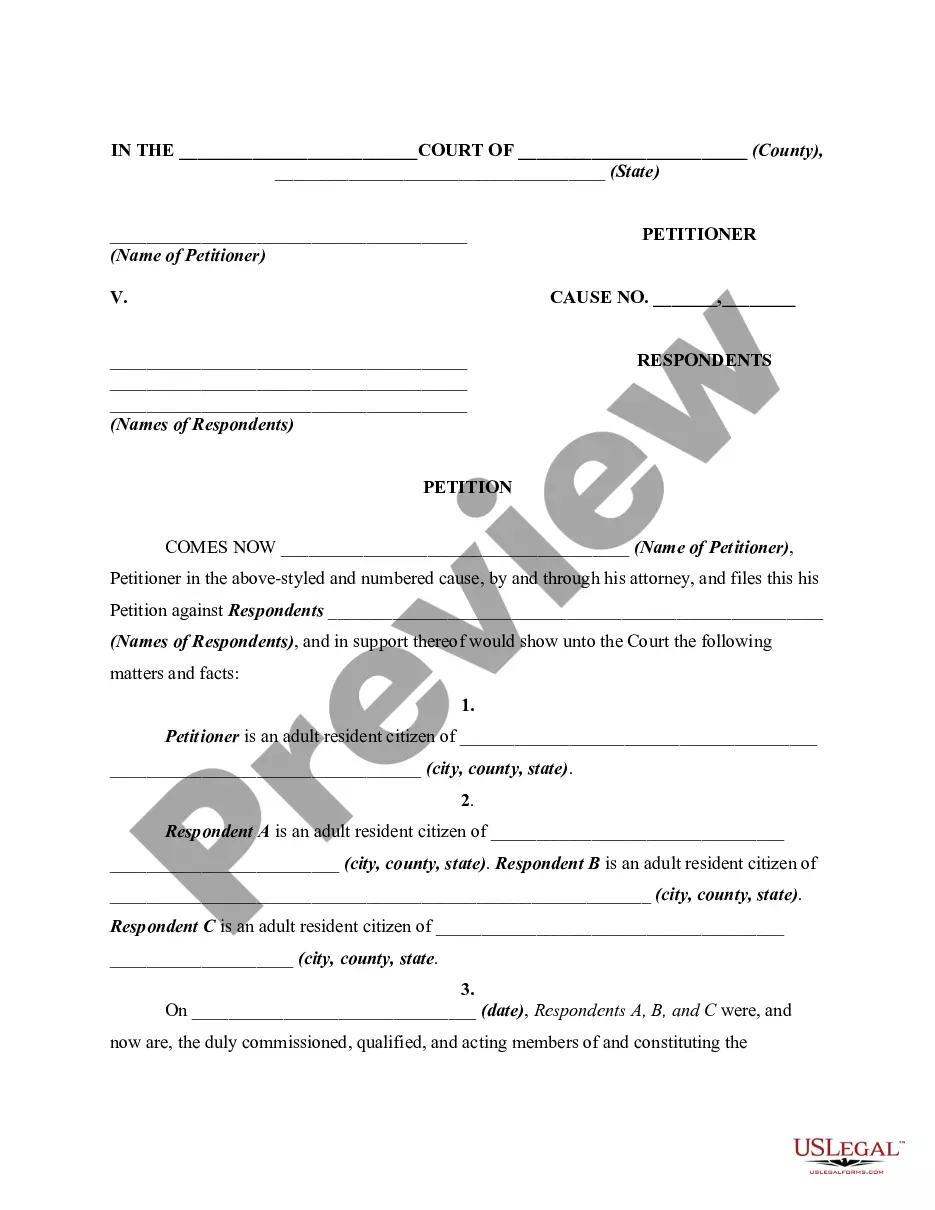
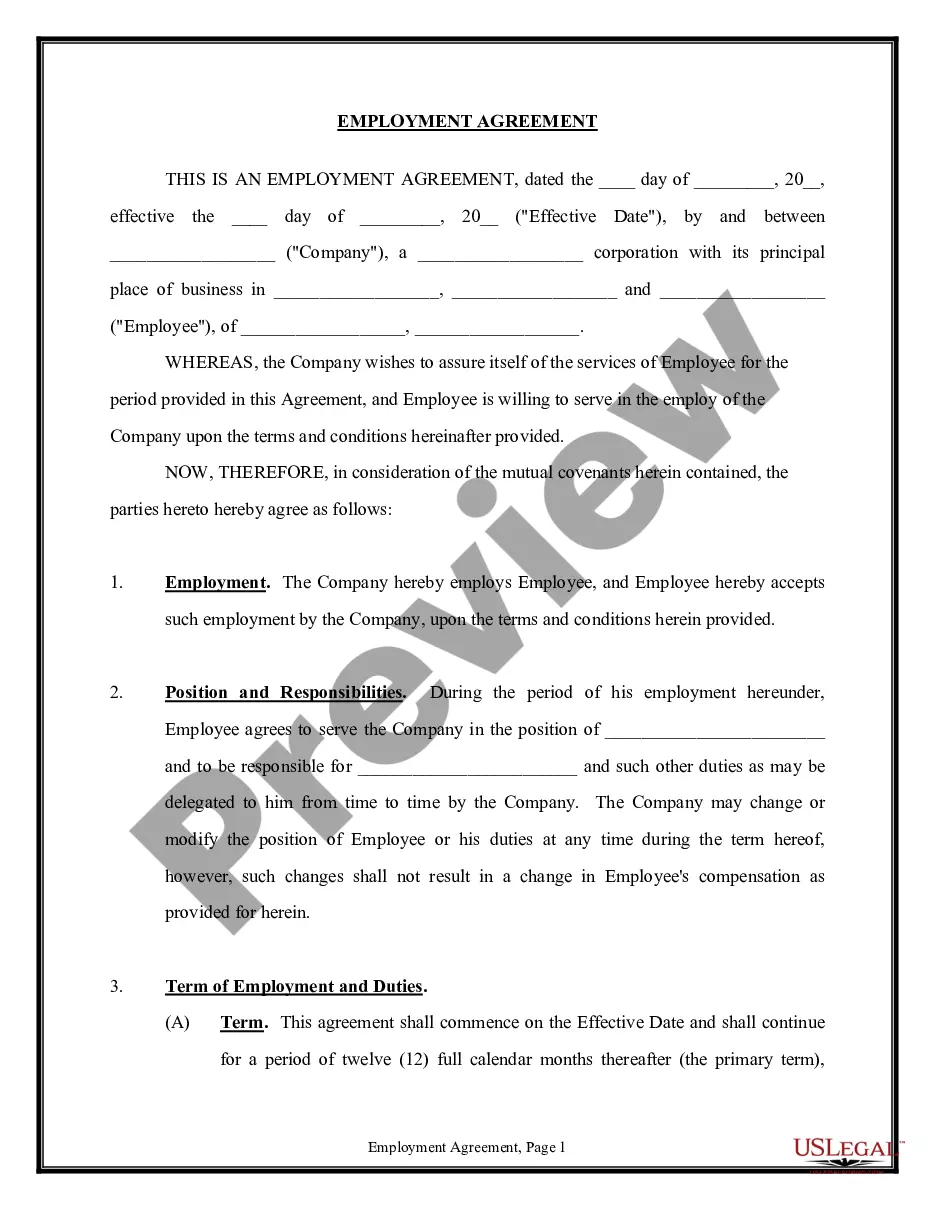
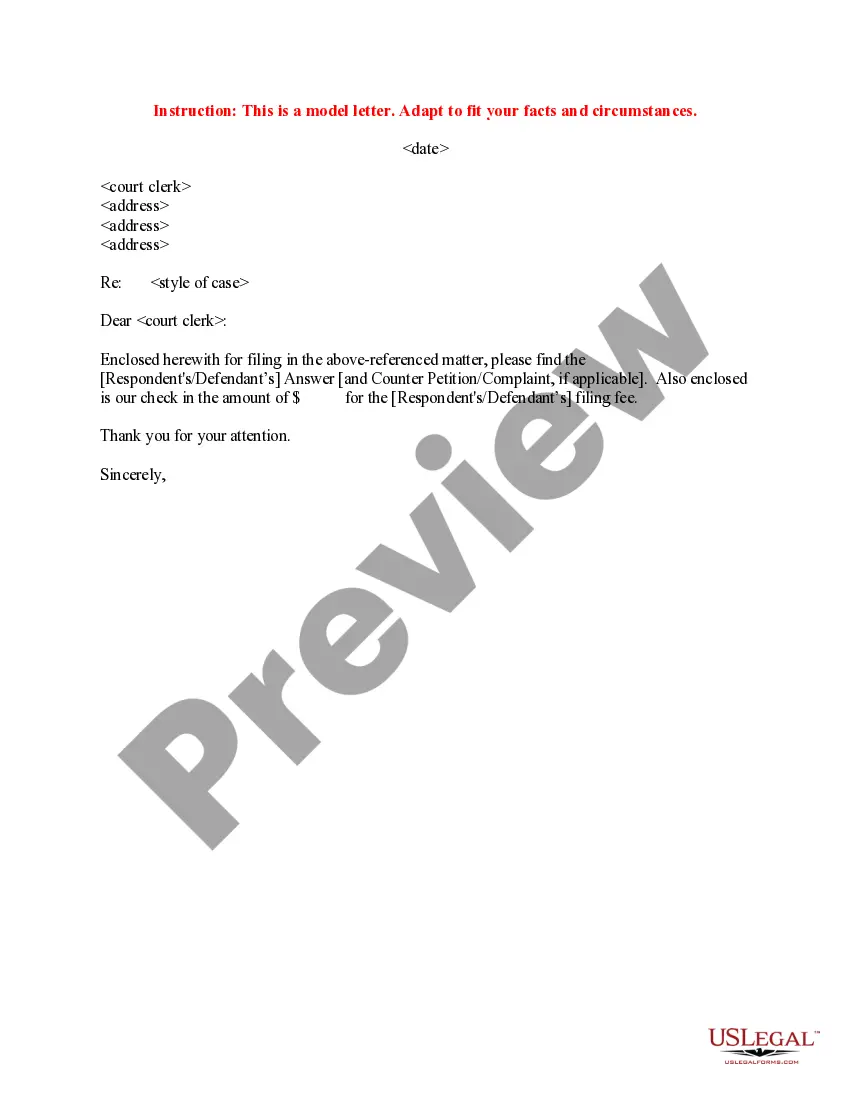
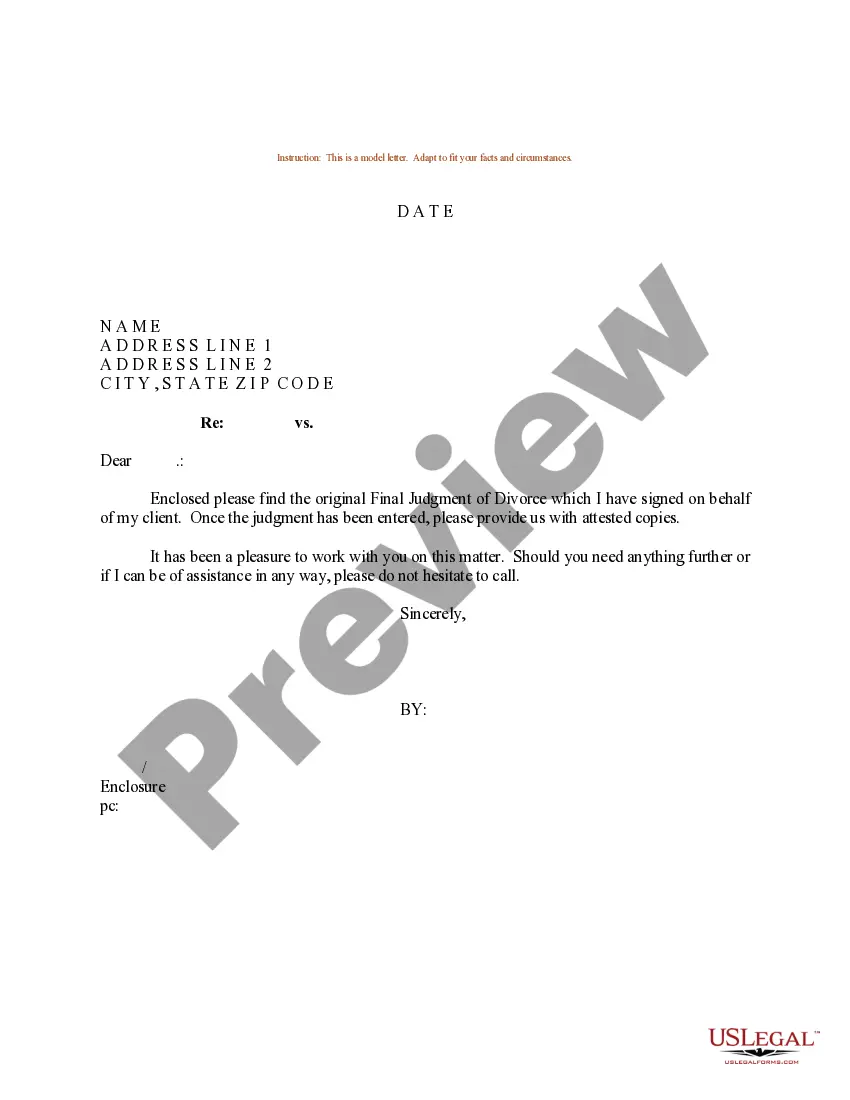
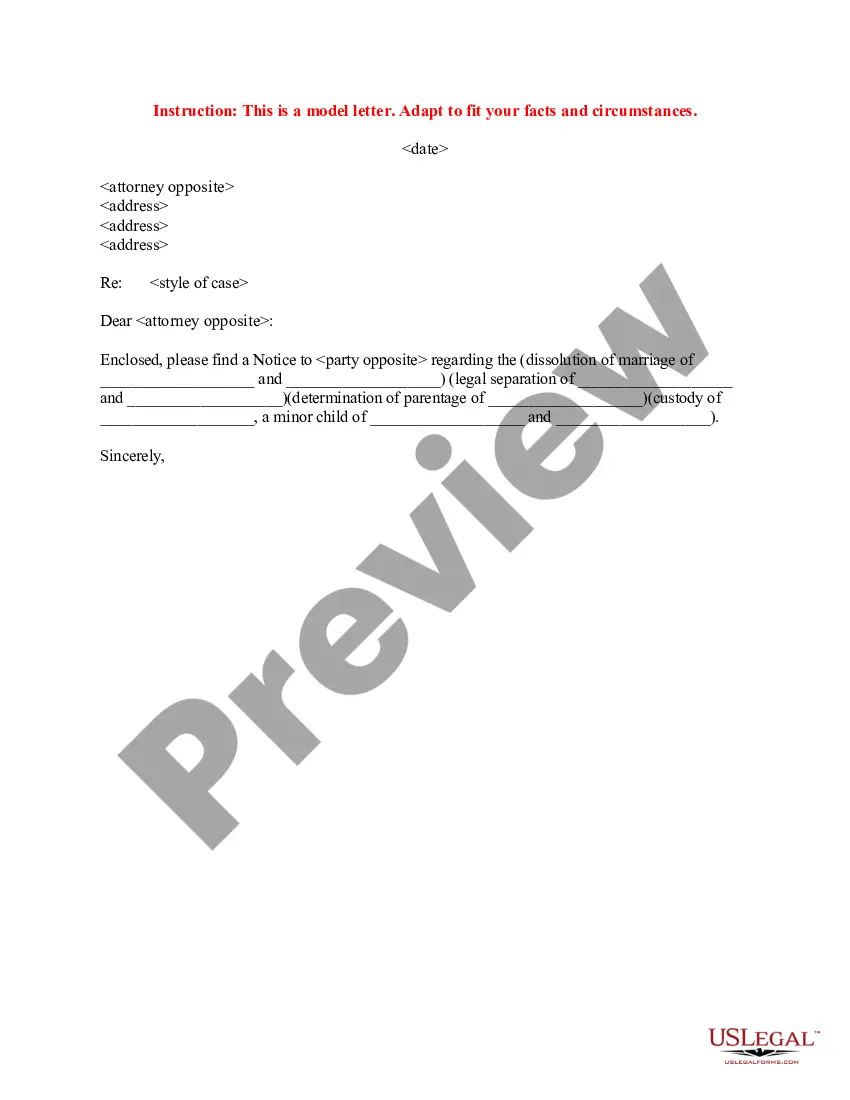
How to fill out Sample Letter To Court Clerk Regarding Filing Answer - Cover Letter?
Managing legal documents can be daunting, even for seasoned professionals.
When you are looking for Efile Court Papers For California and do not have the opportunity to dedicate time to find the correct and up-to-date version, the process can be stressful.
- An extensive online form catalog could be a significant improvement for anyone aiming to tackle these matters efficiently.
- US Legal Forms is a frontrunner in online legal documents, offering over 85,000 state-specific legal forms available at any time.
- With US Legal Forms, you can access state or county-specific legal and business documents.
Form popularity
FAQ
The court employee will convert the case based on a fully-exectuted EF-10 Form (Stipulation and Consent to E-filing) delivered through EDDS. Begin by going to .nycourts.gov/efile and click on ?EDDS Court Processing? to log in. Log in to your account. Click on ?To-Do List? on the ?Clerks? Menu.
Yes, you can submit filings through an EFSP.
Forms to start a divorce or separation Form NameForm NumberPetition ? Marriage/Domestic PartnershipFL-100Summons (Family Law)FL-110Declaration Under Uniform Child Custody Jurisdiction and Enforcement Act (UCCJEA)FL-105Proof of Service of Summons (Family Law ? Uniform Parentage ? Custody and Support)FL-1153 more rows
Every case-initiating document filed in the Central District must be filed electronically, except: (a) in criminal cases; (b) in sealed cases, or where leave to file the case under seal is sought; or (c) where the filer is exempt from e-filing pursuant to Local Rule 5-4.2(a), such as parties who are not represented by ...
8 Helpful Tips for Document Storage and Retrieval in Electronic Filing Systems Create Folders in a Logical Hierarchy. ... Nest Folders Within Folders. ... Adhere to the Two File Naming Conventions. ... Be Specific When Naming Files. ... File a Document When You Create It. ... Order Your Frequently Used Files. ... Clear Out Unused Files.