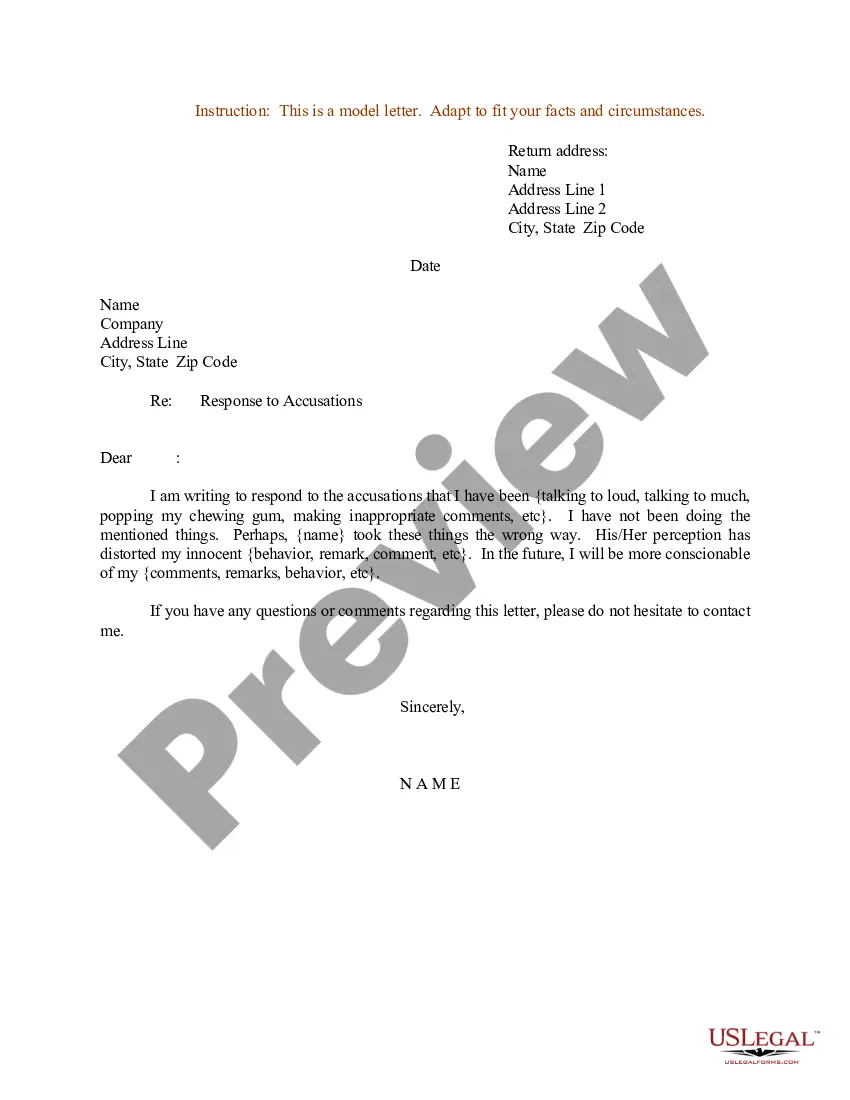
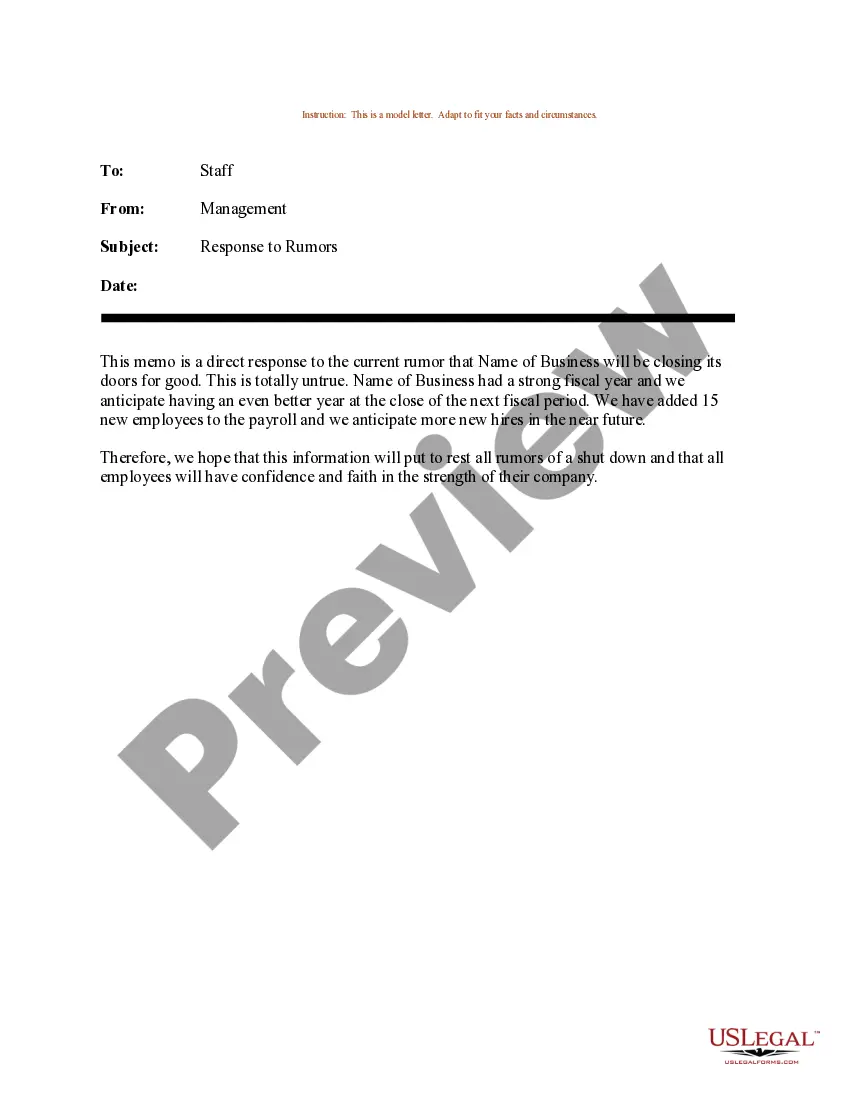
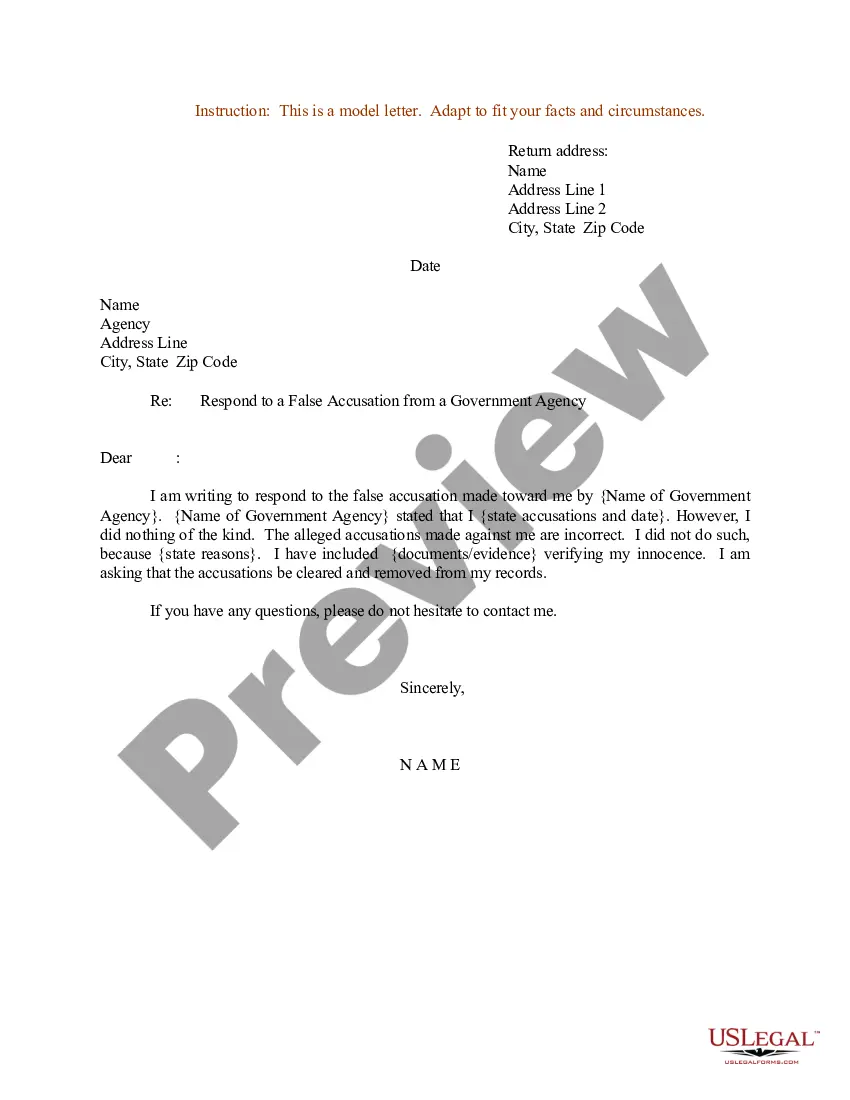
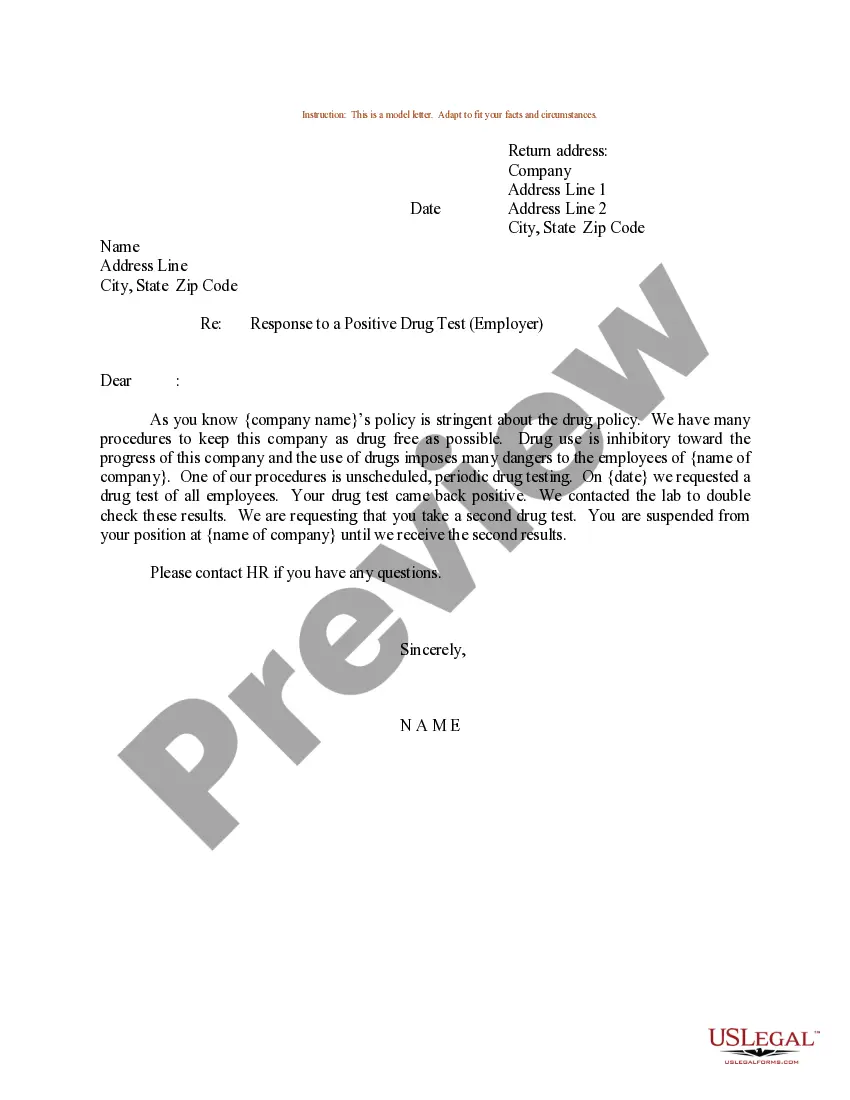
Sample Response To Allegations Of Misconduct For Unemployment
Description
Get your form ready online
Our built-in tools help you complete, sign, share, and store your documents in one place.
Make edits, fill in missing information, and update formatting in US Legal Forms—just like you would in MS Word.
Download a copy, print it, send it by email, or mail it via USPS—whatever works best for your next step.
Sign and collect signatures with our SignNow integration. Send to multiple recipients, set reminders, and more. Go Premium to unlock E-Sign.
If this form requires notarization, complete it online through a secure video call—no need to meet a notary in person or wait for an appointment.
We protect your documents and personal data by following strict security and privacy standards.

Make edits, fill in missing information, and update formatting in US Legal Forms—just like you would in MS Word.

Download a copy, print it, send it by email, or mail it via USPS—whatever works best for your next step.

Sign and collect signatures with our SignNow integration. Send to multiple recipients, set reminders, and more. Go Premium to unlock E-Sign.

If this form requires notarization, complete it online through a secure video call—no need to meet a notary in person or wait for an appointment.

We protect your documents and personal data by following strict security and privacy standards.
Looking for another form?
How to fill out Sample Letter For Response To Accusations?
Legal papers managing can be overpowering, even for the most experienced professionals. When you are searching for a Sample Response To Allegations Of Misconduct For Unemployment and do not get the time to spend trying to find the right and updated version, the processes might be demanding. A robust web form library can be a gamechanger for anyone who wants to deal with these situations successfully. US Legal Forms is a market leader in web legal forms, with over 85,000 state-specific legal forms available whenever you want.
With US Legal Forms, it is possible to:
- Access state- or county-specific legal and organization forms. US Legal Forms covers any demands you could have, from personal to organization papers, all in one place.
- Make use of innovative tools to complete and manage your Sample Response To Allegations Of Misconduct For Unemployment
- Access a resource base of articles, tutorials and handbooks and resources highly relevant to your situation and needs
Help save effort and time trying to find the papers you will need, and make use of US Legal Forms’ advanced search and Review feature to get Sample Response To Allegations Of Misconduct For Unemployment and get it. For those who have a subscription, log in for your US Legal Forms account, search for the form, and get it. Take a look at My Forms tab to see the papers you previously saved and also to manage your folders as you can see fit.
Should it be your first time with US Legal Forms, create an account and get unrestricted use of all advantages of the platform. Listed below are the steps for taking after downloading the form you need:
- Verify this is the proper form by previewing it and looking at its description.
- Be sure that the sample is acknowledged in your state or county.
- Choose Buy Now once you are ready.
- Choose a monthly subscription plan.
- Find the formatting you need, and Download, complete, sign, print and send your papers.
Benefit from the US Legal Forms web library, supported with 25 years of expertise and stability. Transform your everyday papers administration into a easy and intuitive process right now.
Form popularity
FAQ
HOW TO WRITE A MISCONDUCT REPORT All misconduct reports consist of two sections - the fill-in-the-blank (who/what/where/when) section and the description of the incident. Report should give a clear, concise account of the incident.
2. Things to Include in Your Reply: Acknowledge Receipt: Start by acknowledging that you've received the notice. Address the Allegations: Clearly address each point or allegation made in the notice. Provide Evidence: If you have any evidence or reasons to support your stance, include them.
Responding to misconduct allegations Identify the relevant facts and circumstances surrounding alleged misconduct. Understand the pervasiveness of misconduct. Assess the potential impact to the organization's culture. Take appropriate corrective and remedial actions based on the facts gathered.
All misconduct reports consist of two sections - the fill-in-the-blank (who/what/where/when) section and the description of the incident. Report should give a clear, concise account of the incident.
_________] Dear [Mr./Ms. Last Name]: This letter shall serve as a formal written reprimand and is to confirm in writing our discussion of [date] concerning your unacceptable [performance and/or conduct] and to establish my expectations which I have outlined in a Corrective Action Plan to be commenced immediately.