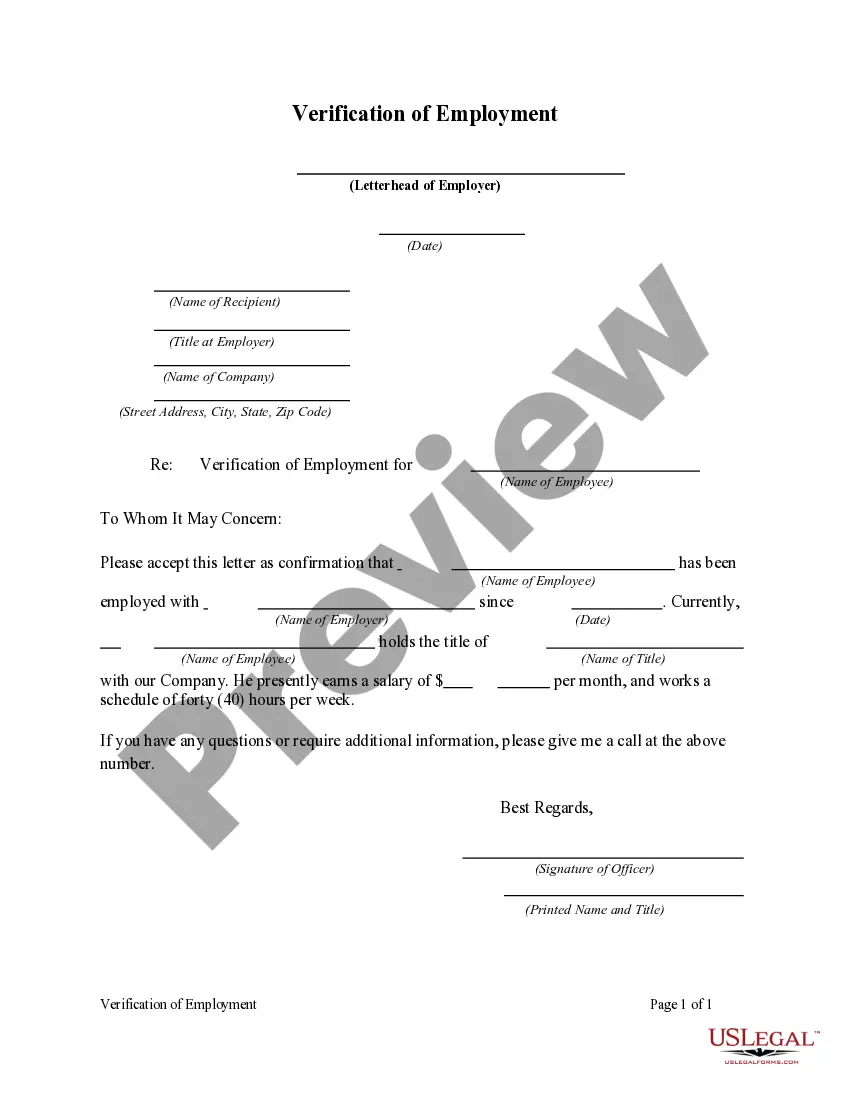
Employment Verification Form (attachment I-3)
Description
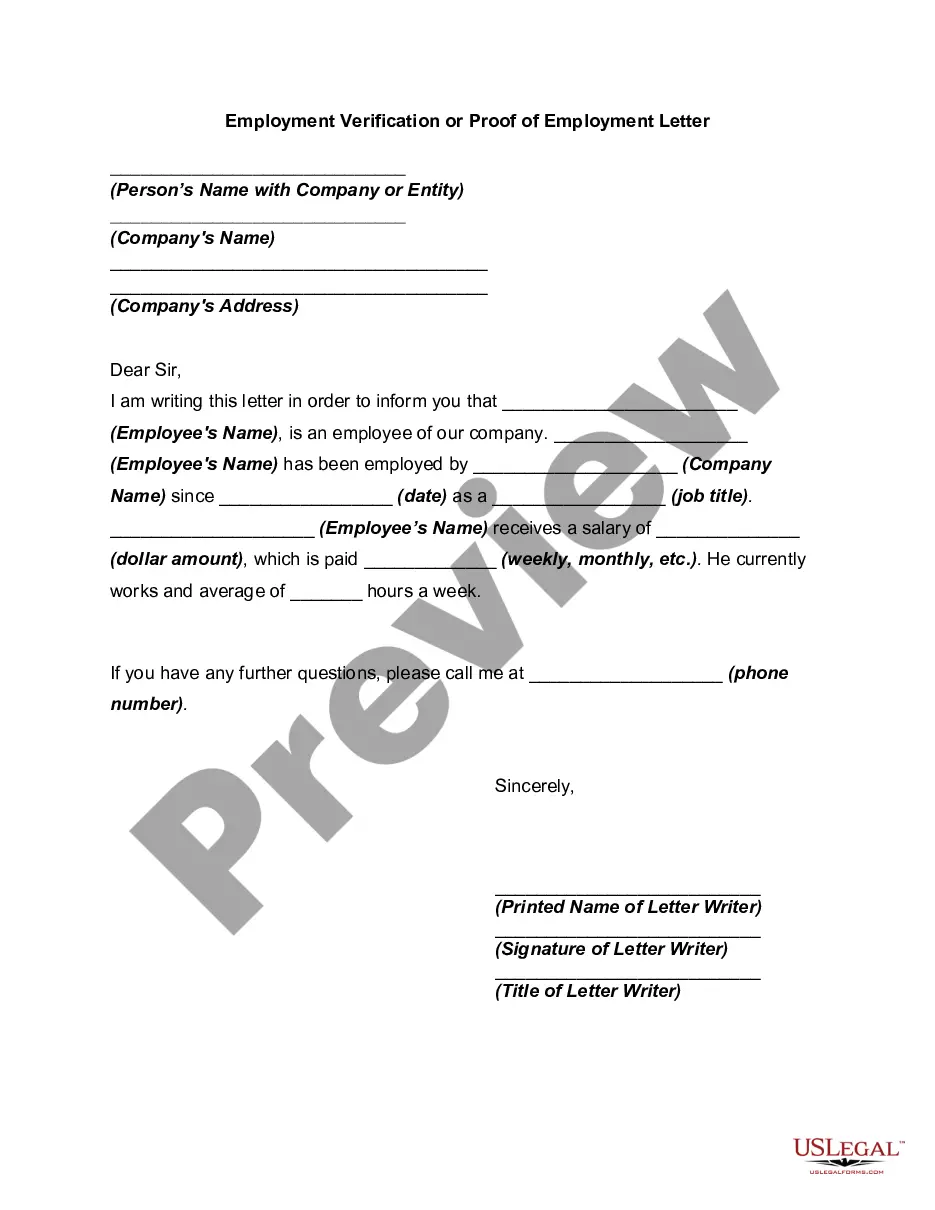
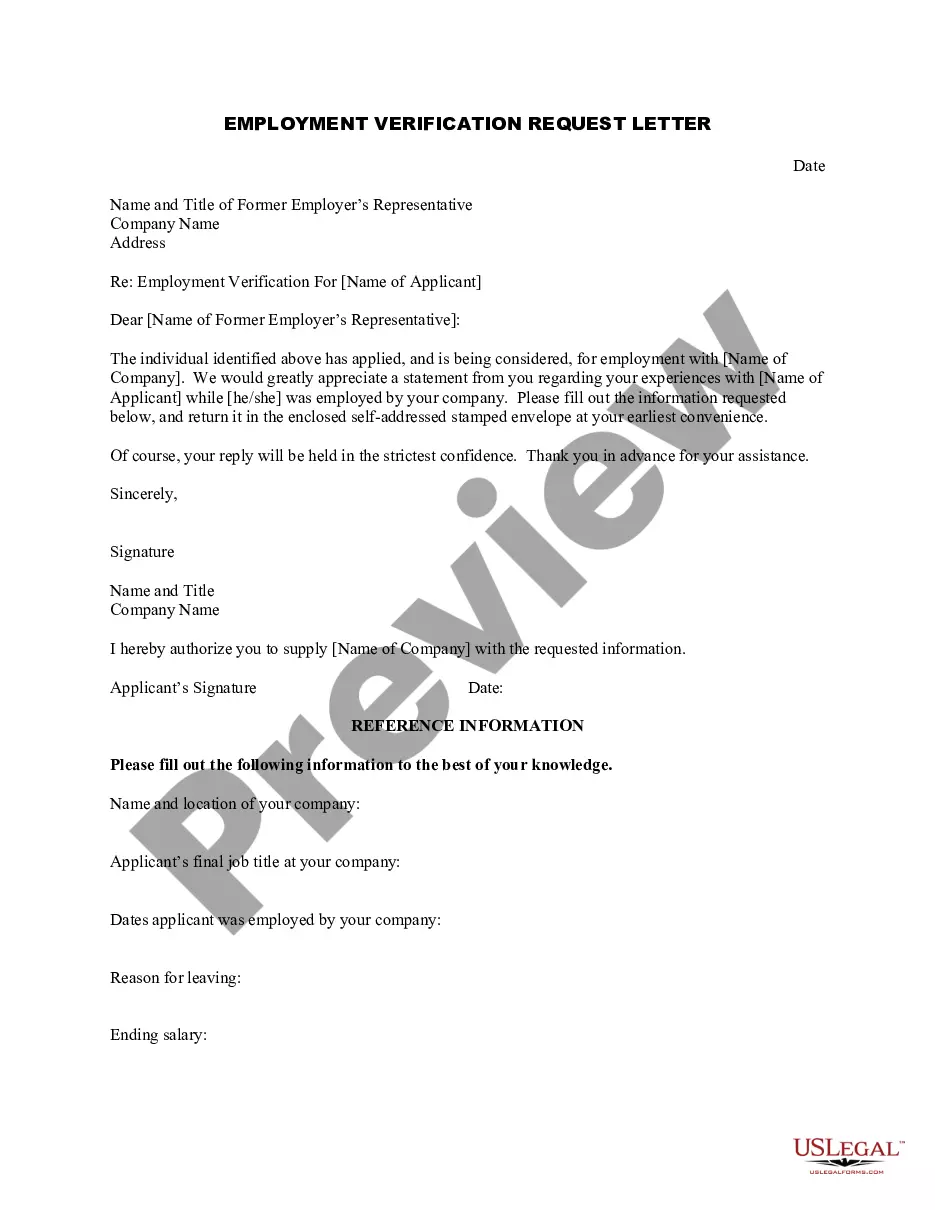







How to fill out Verification Of Employment?
Handling legal documents and processes may be a lengthy addition to your day.
Employment Verification Form (attachment I-3) and similar forms typically require searching for them and comprehending how to fill them out correctly.
As a result, if you’re managing financial, legal, or personal issues, utilizing a comprehensive and accessible online directory of forms when necessary will greatly assist.
US Legal Forms is the leading online service for legal templates, providing over 85,000 state-specific forms and a range of materials to help you complete your documentation effortlessly.
Simply Log In to your account, find Employment Verification Form (attachment I-3), and obtain it immediately from the My documents section. You can also access previously saved forms.
- Explore the directory of relevant documents available to you with just one click.
- US Legal Forms offers state- and county-specific forms available for download at any time.
- Safeguard your document management procedures with a high-quality service that enables you to prepare any form in just a few minutes without extra or hidden fees.
Form popularity
FAQ
Filling out an employment eligibility verification form (attachment i-3) involves ensuring you have all essential documents ready, such as your identification and work authorization forms. Begin by accurately entering your personal details along with your employment history. Follow through each section of the verification, ensuring that all information is correct and complete. Finally, consider using platforms like US Legal Forms, which can guide you through the process, ensuring compliance and accuracy.
When addressing the probability of continued employment on the employment verification form (attachment i-3), provide a straightforward assessment based on your performance and the company's stability. You might state that you have a positive relationship with your employer and consistently meet or exceed performance goals. Share that your position aligns with the company’s objectives, which contributes to your role's security. This kind of transparency works in your favor.
Filling out the employment verification form (attachment i-3) requires you to provide specific details about your employment history. Begin by entering your personal information, such as your name, job title, and the dates you were employed. Next, include information about your employer, such as their contact details and a brief description of your job responsibilities. Review your information to ensure accuracy before submitting.
Typically, employment verification includes details such as your job title, dates of employment, and salary history. The employment verification form (attachment i-3) allows you to outline these specifics clearly and accurately. Ensuring that each piece of information is correct will help avoid delays and facilitate a smoother verification process.
When responding to an employment verification request, review the details requested and ensure your response includes all necessary information. Use the employment verification form (attachment i-3) to provide complete and accurate responses. Additionally, include any relevant documentation that supports your employment history to streamline the verification process.
Creating an authorization letter for employment verification involves stating your intent clearly. Begin by addressing the employer or verification company, then include your personal information and a statement granting permission to review your employment records. Finish by signing the letter and retaining a copy for your records to ensure smooth processing with the employment verification form (attachment i-3).
To fill out the employment verification form (attachment i-3), start by clearly writing your personal information, including your name, address, and contact details. Then, provide accurate information about your employment history, such as your job title, employer details, and dates of employment. Double-check your entries for accuracy to avoid issues during verification.
To acquire an employment verification letter on Workday, access your account and navigate to the appropriate section for document requests. Choose the employment verification letter option and provide the necessary information. Including the employment verification form (attachment i-3) can streamline the process for your needs.
To obtain an employment verification letter from Workday, go to the 'Documents' section and select 'Employment Verification Letter.' Follow the prompts to confirm your request. Remember, it's important to include details pertinent to the employment verification form (attachment i-3) if required.
You can find your offer letter in the 'Documents' section of Workday. Look for the 'Offer Letters' category, and you will see your specific offer letter. This can be particularly helpful when you need to refer back to the employment verification form (attachment i-3).