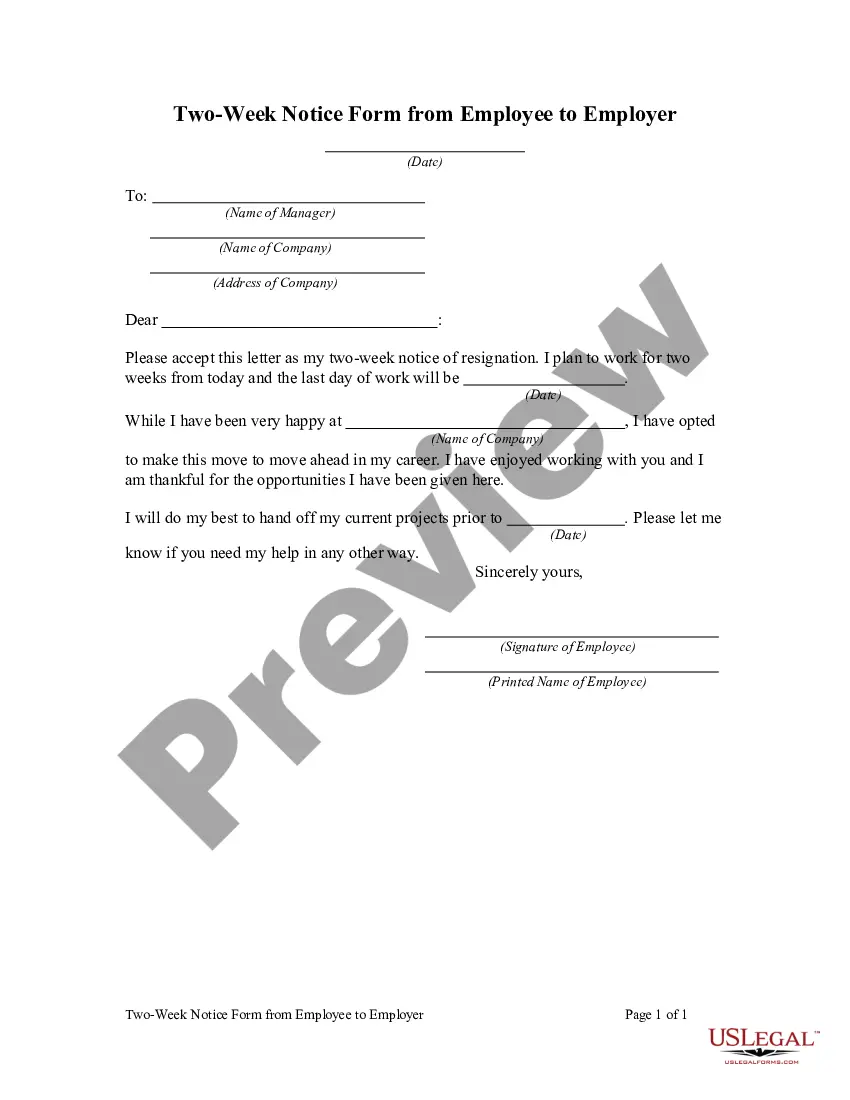
Two Week Notice Letter For Fast Food
Description
Get your form ready online
Our built-in tools help you complete, sign, share, and store your documents in one place.
Make edits, fill in missing information, and update formatting in US Legal Forms—just like you would in MS Word.
Download a copy, print it, send it by email, or mail it via USPS—whatever works best for your next step.
Sign and collect signatures with our SignNow integration. Send to multiple recipients, set reminders, and more. Go Premium to unlock E-Sign.
If this form requires notarization, complete it online through a secure video call—no need to meet a notary in person or wait for an appointment.
We protect your documents and personal data by following strict security and privacy standards.

Make edits, fill in missing information, and update formatting in US Legal Forms—just like you would in MS Word.

Download a copy, print it, send it by email, or mail it via USPS—whatever works best for your next step.

Sign and collect signatures with our SignNow integration. Send to multiple recipients, set reminders, and more. Go Premium to unlock E-Sign.

If this form requires notarization, complete it online through a secure video call—no need to meet a notary in person or wait for an appointment.

We protect your documents and personal data by following strict security and privacy standards.
Looking for another form?
How to fill out Two Week Notice Form From Employee To Employer?
Regardless of whether it is for corporate matters or personal issues, everyone encounters legal circumstances at some point in their lives.
Filling out legal documents requires meticulous attention, beginning with selecting the correct form sample.
Once downloaded, you can complete the form using editing software or print it and fill it out by hand. With an extensive catalog from US Legal Forms available, you do not need to waste time searching the internet for the right template. Use the library’s user-friendly navigation to locate the ideal template for any occasion.
- Obtain the template you need by using the search box or catalog browsing.
- Review the form’s description to confirm it is suitable for your situation, state, and locality.
- Click on the form’s preview to examine it.
- If it is the incorrect document, return to the search option to find the Two Week Notice Letter For Fast Food template you need.
- Download the template if it meets your specifications.
- If you have a US Legal Forms account, simply click Log in to retrieve previously saved documents in My documents.
- If you do not have an account yet, you can obtain the document by clicking Buy now.
- Choose the appropriate pricing option.
- Fill out the profile registration form.
- Choose your payment method: you can utilize a credit card or PayPal account.
- Select the desired file format and download the Two Week Notice Letter For Fast Food.
Form popularity
FAQ
You need to be honest, transparent, and direct. Let your manager know that you have decided you want to leave this job in clear language. It is standard and customary to offer employers a two weeks' notice when quitting a job.
Here are some steps for writing a resignation letter for a restaurant job: Create a document with a letter format. ... State your objective in the first paragraph. ... Include the date you plan to leave. ... Give a reason for your leaving. ... Thank your employer for the opportunity. ... Remain positive. ... Include your signature.
A letter of resignation is always a good idea when leaving your job. You don't want to leave your employer scrambling to replace you, and you want to be sure to leave on good terms whenever possible. That's where the fast food server resignation letter comes into play.
Dear [Manager's Name], I wanted to let you know that I will be resigning from my position as [Your Job Title] at [Company Name] as of [Date - Two Weeks from Today]. I want to express my gratitude for the opportunities you have provided me with during my time at [Company Name].
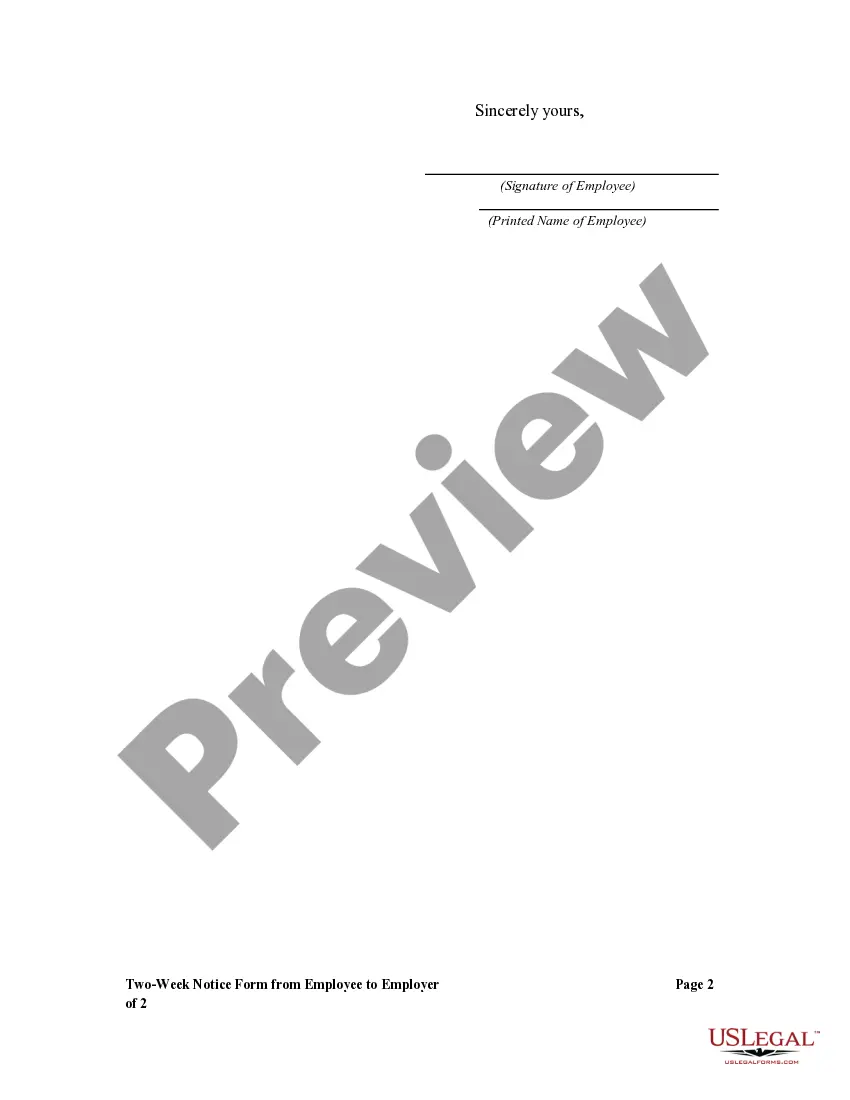
Close and sign. Use proper formatting. Your letter should be written in a readable font with one-inch margins on all sides. ... Include the date and contact information. ... Include a salutation. ... State your intent to resign. ... Offer an explanation for why you are leaving. ... Offer your help. ... Express gratitude. ... Close and sign.