Notice Board For
Description
Get your form ready online
Our built-in tools help you complete, sign, share, and store your documents in one place.
Make edits, fill in missing information, and update formatting in US Legal Forms—just like you would in MS Word.
Download a copy, print it, send it by email, or mail it via USPS—whatever works best for your next step.
Sign and collect signatures with our SignNow integration. Send to multiple recipients, set reminders, and more. Go Premium to unlock E-Sign.
If this form requires notarization, complete it online through a secure video call—no need to meet a notary in person or wait for an appointment.
We protect your documents and personal data by following strict security and privacy standards.

Make edits, fill in missing information, and update formatting in US Legal Forms—just like you would in MS Word.

Download a copy, print it, send it by email, or mail it via USPS—whatever works best for your next step.

Sign and collect signatures with our SignNow integration. Send to multiple recipients, set reminders, and more. Go Premium to unlock E-Sign.

If this form requires notarization, complete it online through a secure video call—no need to meet a notary in person or wait for an appointment.

We protect your documents and personal data by following strict security and privacy standards.
Looking for another form?
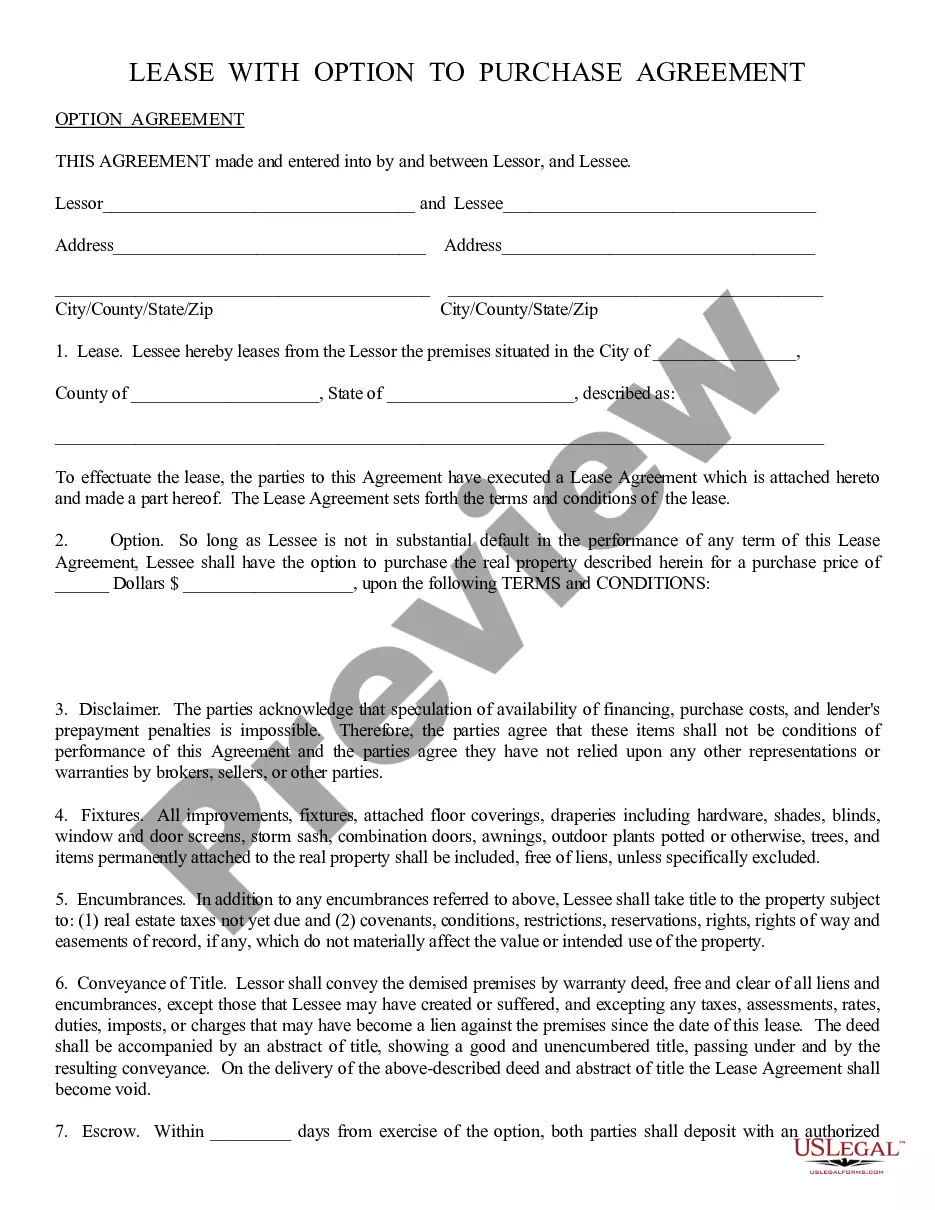







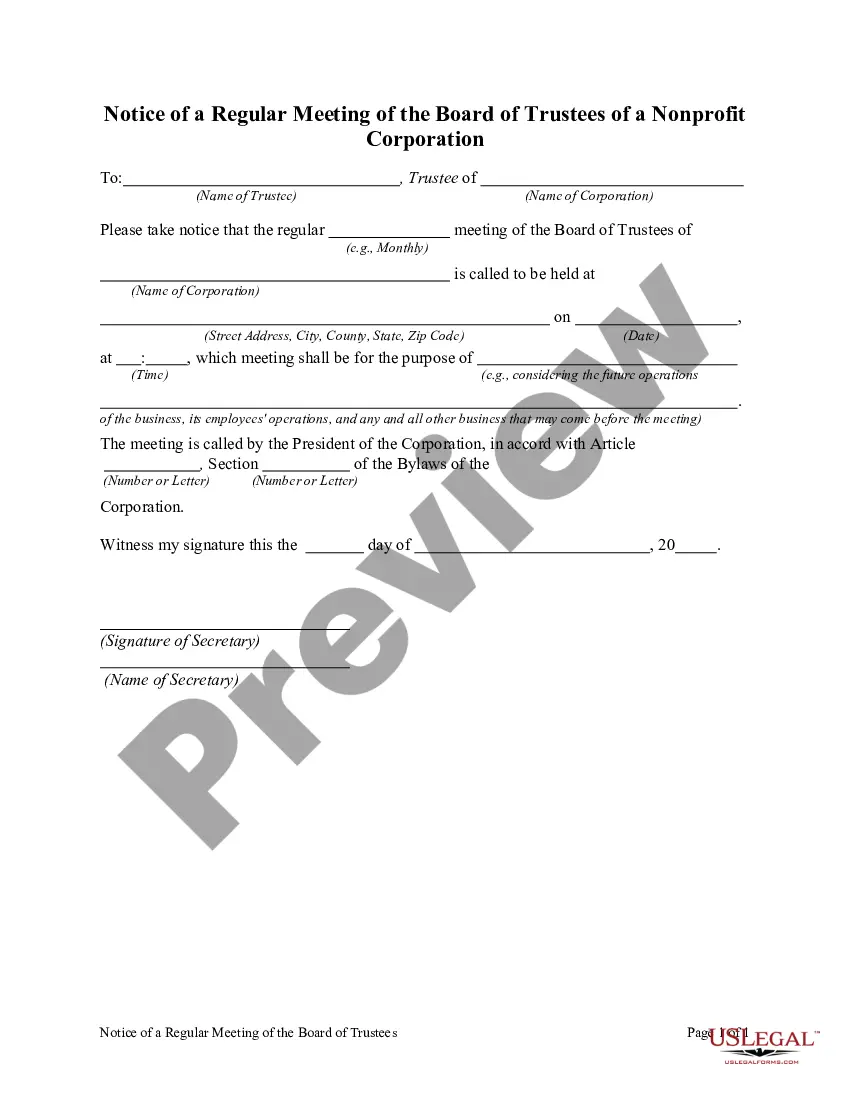
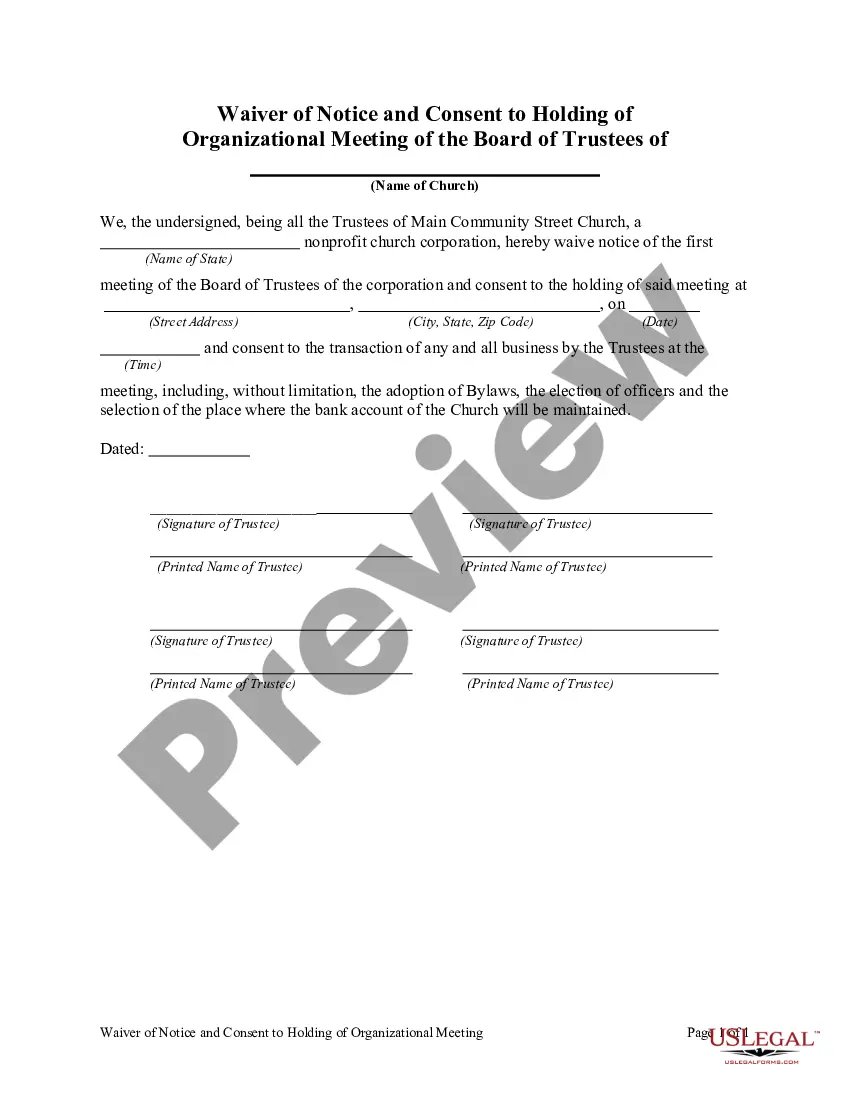
How to fill out Notice Of A Regular Meeting Of The Board Of Trustees Of A Nonprofit Corporation?
The Bulletin Board.
What you observe on this page is a reusable legal framework created by experienced attorneys in accordance with federal and local laws and regulations. For over 25 years, US Legal Forms has supplied individuals, businesses, and legal experts with more than 85,000 authenticated, state-specific documents for any commercial and personal circumstance. It is the quickest, simplest, and most reliable method to acquire the documentation you require, as the service assures the utmost level of data protection and anti-malware security.
Register for US Legal Forms to have authenticated legal templates for all of life’s situations at your fingertips.
- Search for the document you need and review it. Browse through the file you searched and preview it or verify the form description to ensure it meets your needs. If it does not, use the search bar to locate the suitable one. Click Purchase Now once you have located the template you require.
- Register and Log In. Choose the pricing option that fits you and create an account. Use PayPal or a credit card to make a swift payment. If you already possess an account, Log In and check your subscription to continue.
- Obtain the editable template. Select the format you wish for your Bulletin Board (PDF, DOCX, RTF) and download the sample onto your device.
- Fill out and sign the documents. Print the template to fill it out by hand. Alternatively, utilize an online multi-functional PDF editor to swiftly and accurately complete and sign your form with a legally-binding electronic signature.
- Redownload your documents again. Access the same document again whenever necessary. Open the My documents tab in your profile to redownload any previously saved documents.
Form popularity
FAQ
Pictures and symbols can be a great way to communicate information on a notice board. This is because they are easy to understand and people often process them faster than text. Additionally, they can make your notice board more visually appealing and encourage people to stop and read the information that is posted.
If there is any difference, the term ?bulletin board? would refer more generally to the actual piece of equipment and anything, including notices, stuck to it. A ?notice board? might be more limited to notices of various sorts.
?The Disadvantages of Bulletin Display Boards. Distraction. Bulletin boards can be distracting to students. ... Student Fairness. Some teachers use bulletin boards as a means of displaying students' achievements and good work. ... Clutter and Confusion.
Noticeboards give employees the chance to discuss any thoughts or issues they've had with recent projects in addition to reading the thoughts of other employees. They can discuss the skills they've developed, and the ones they may need to work on.