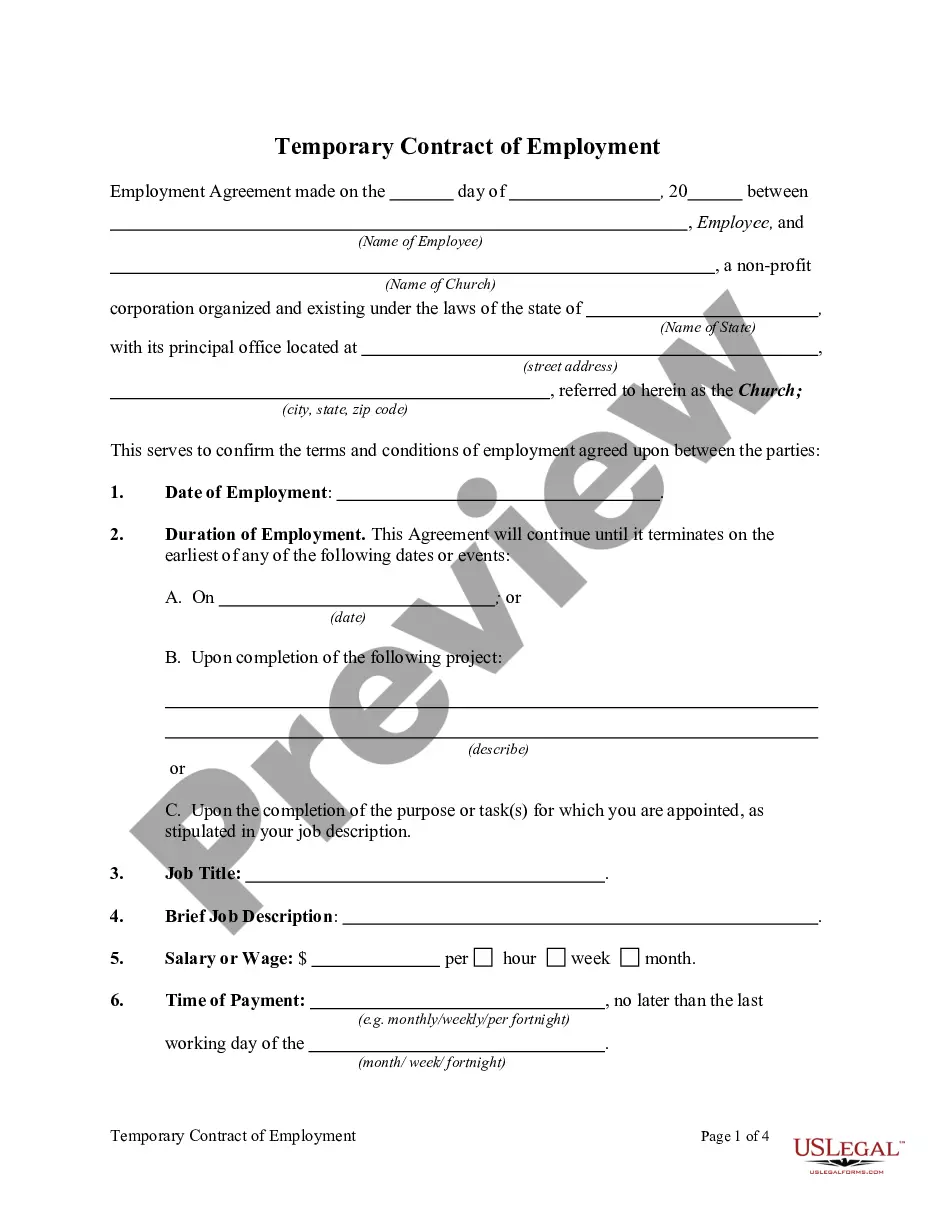
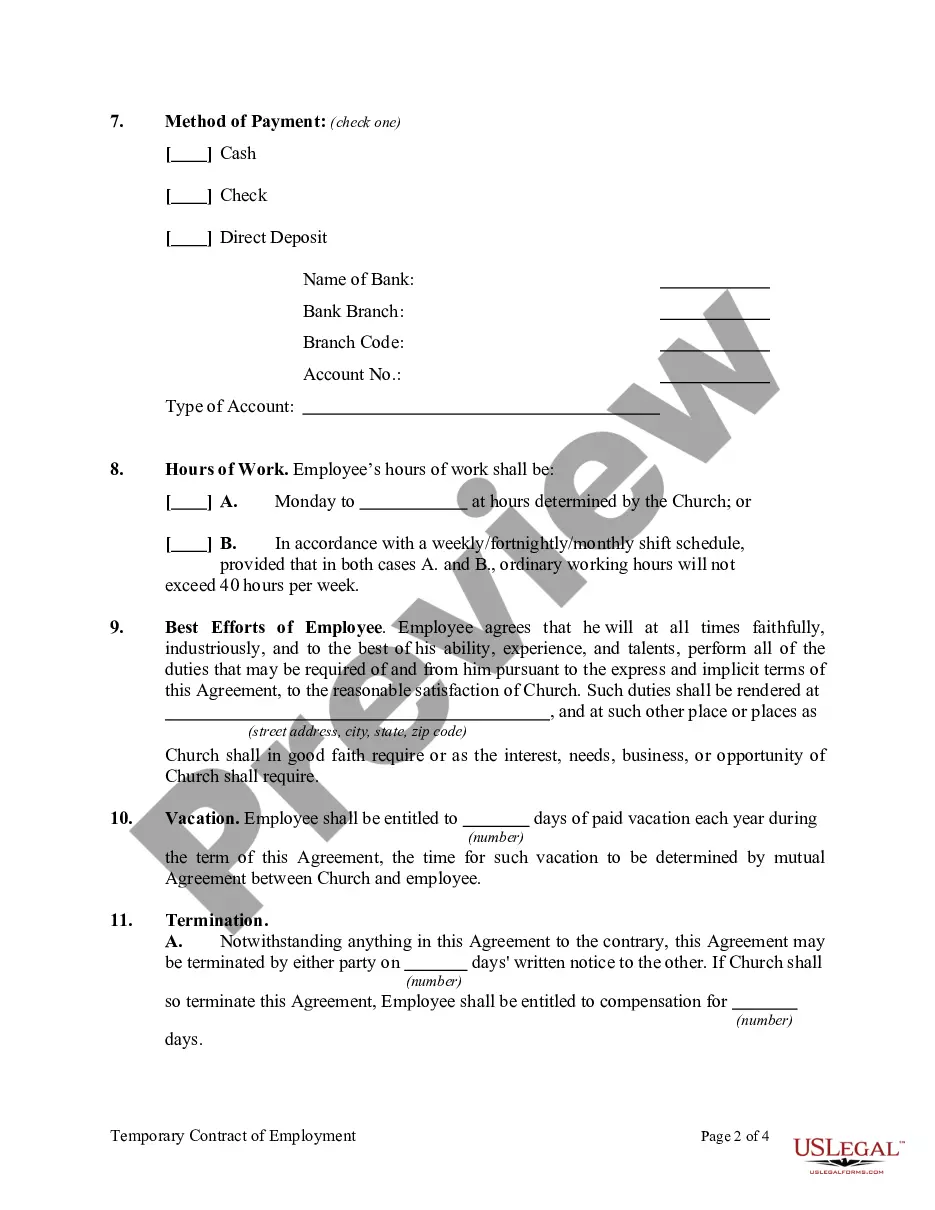
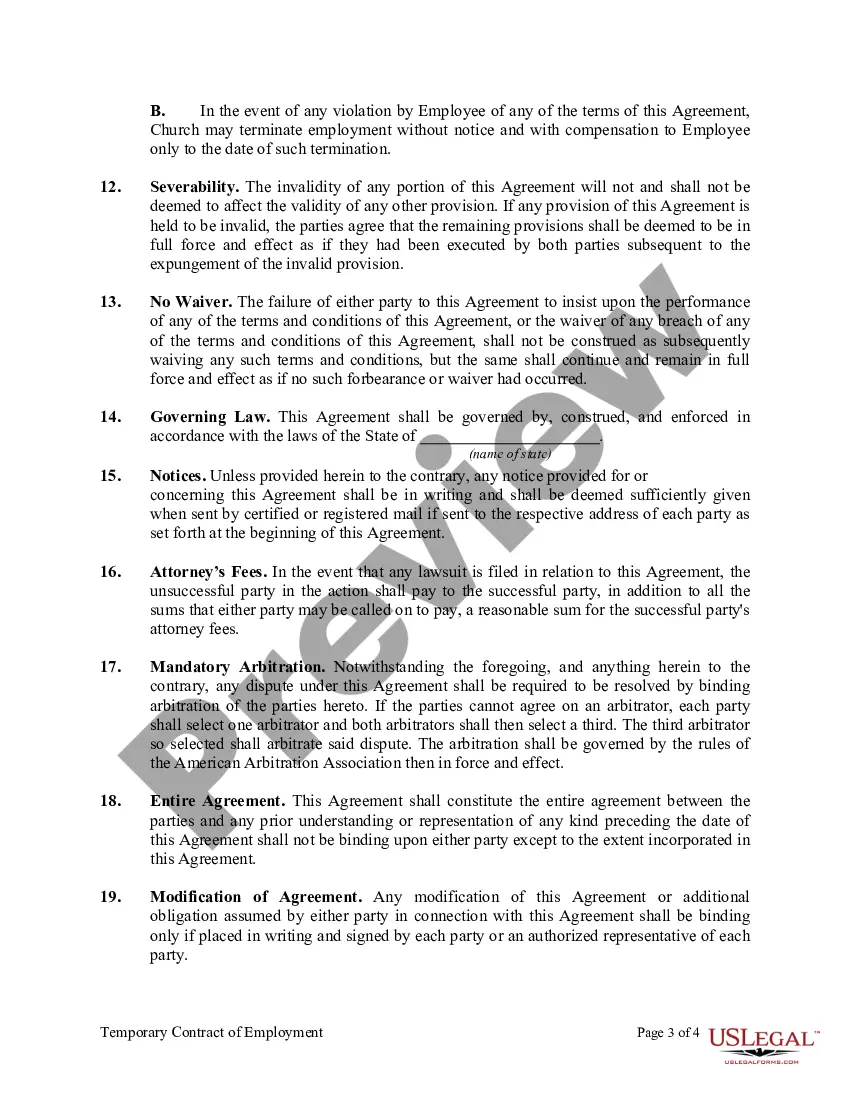
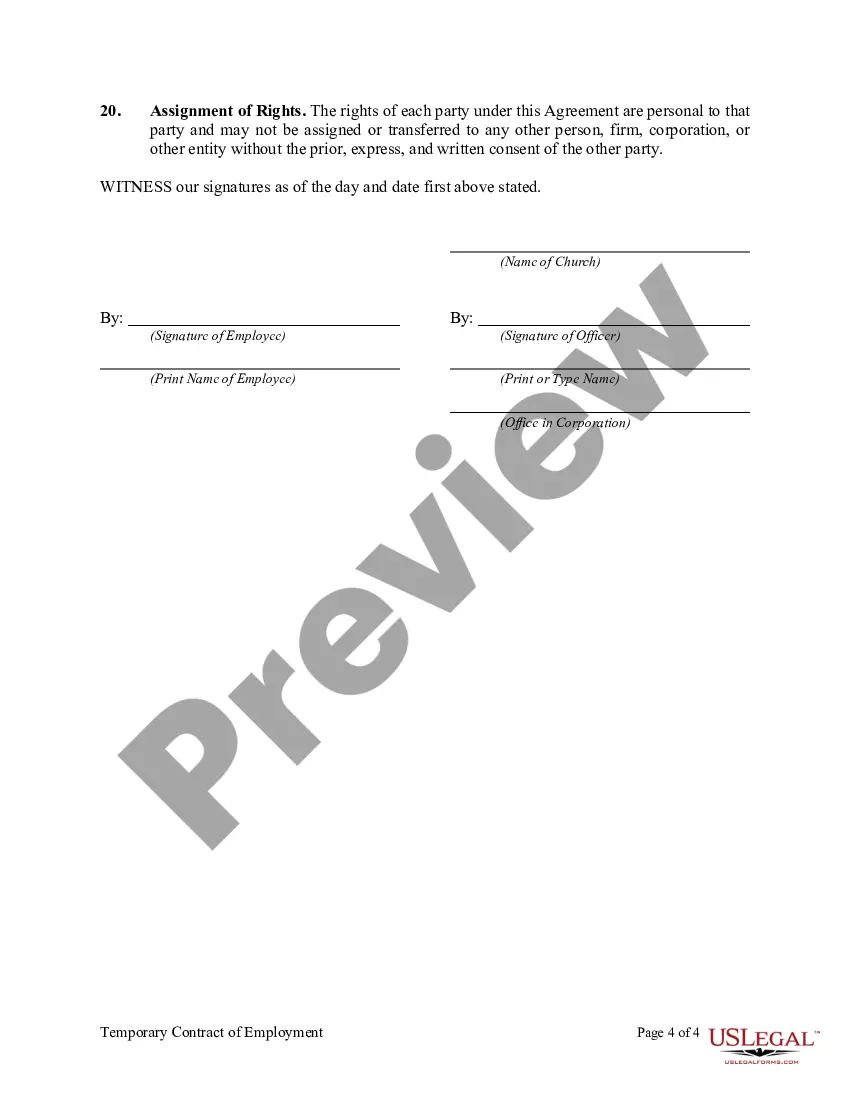
Temporary Contract Form With The Usps
Description
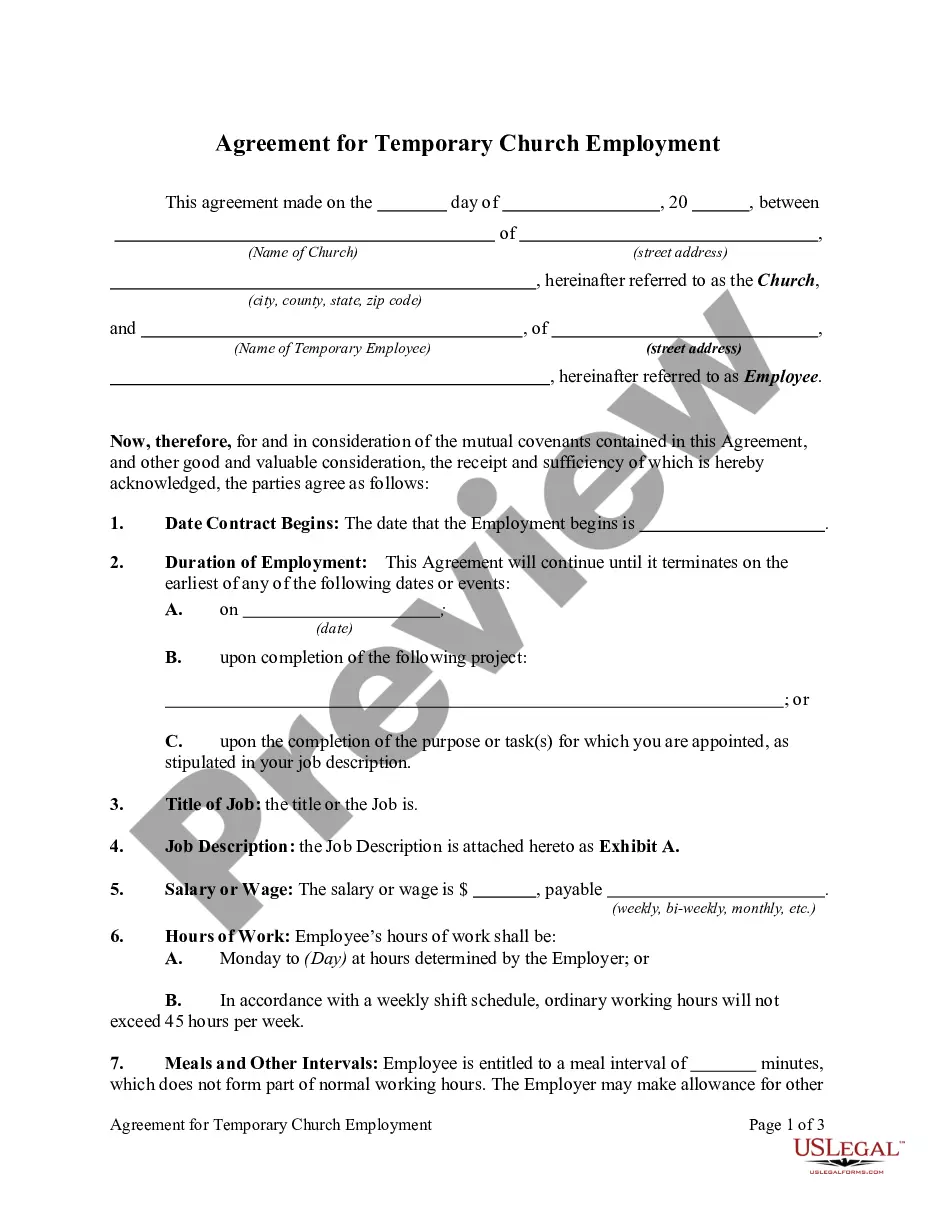
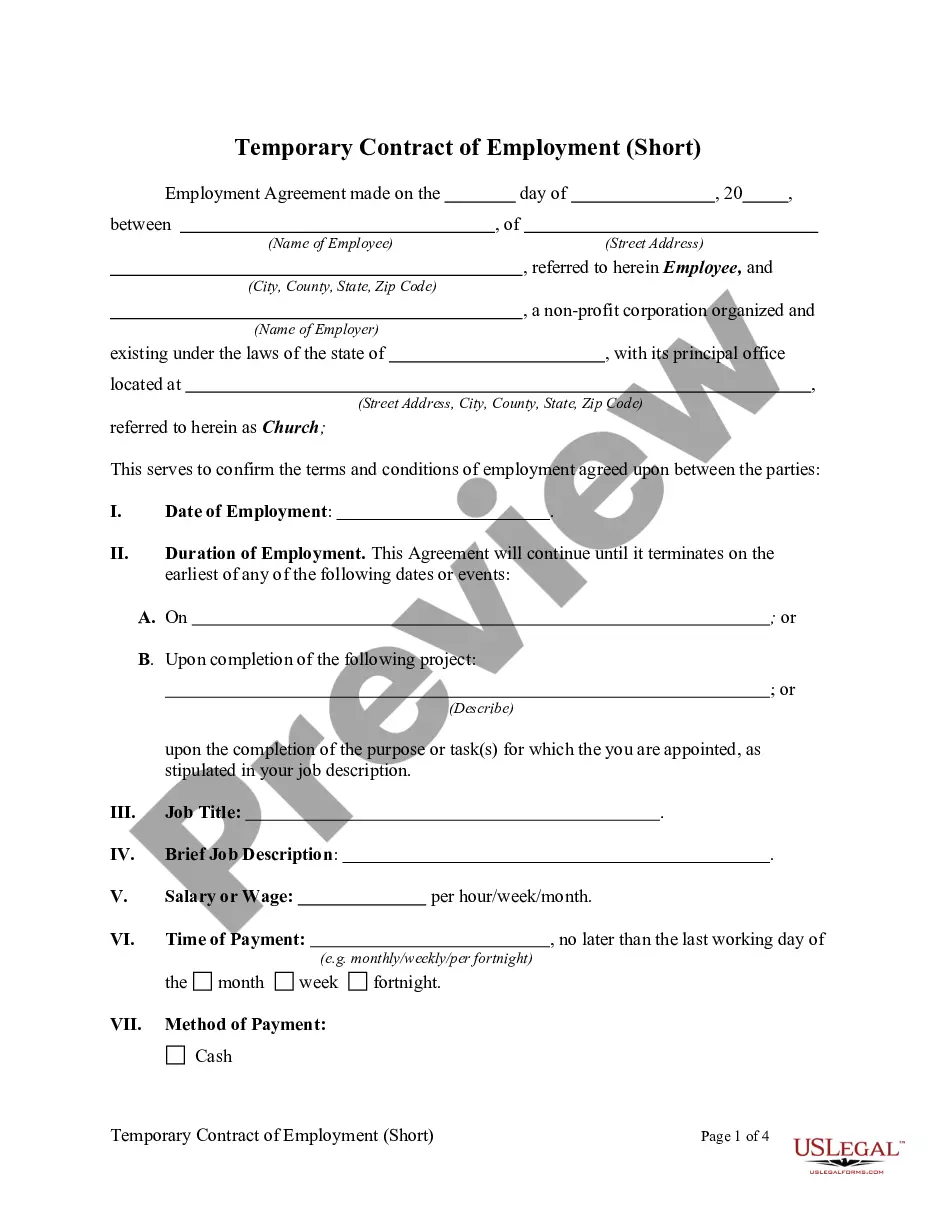
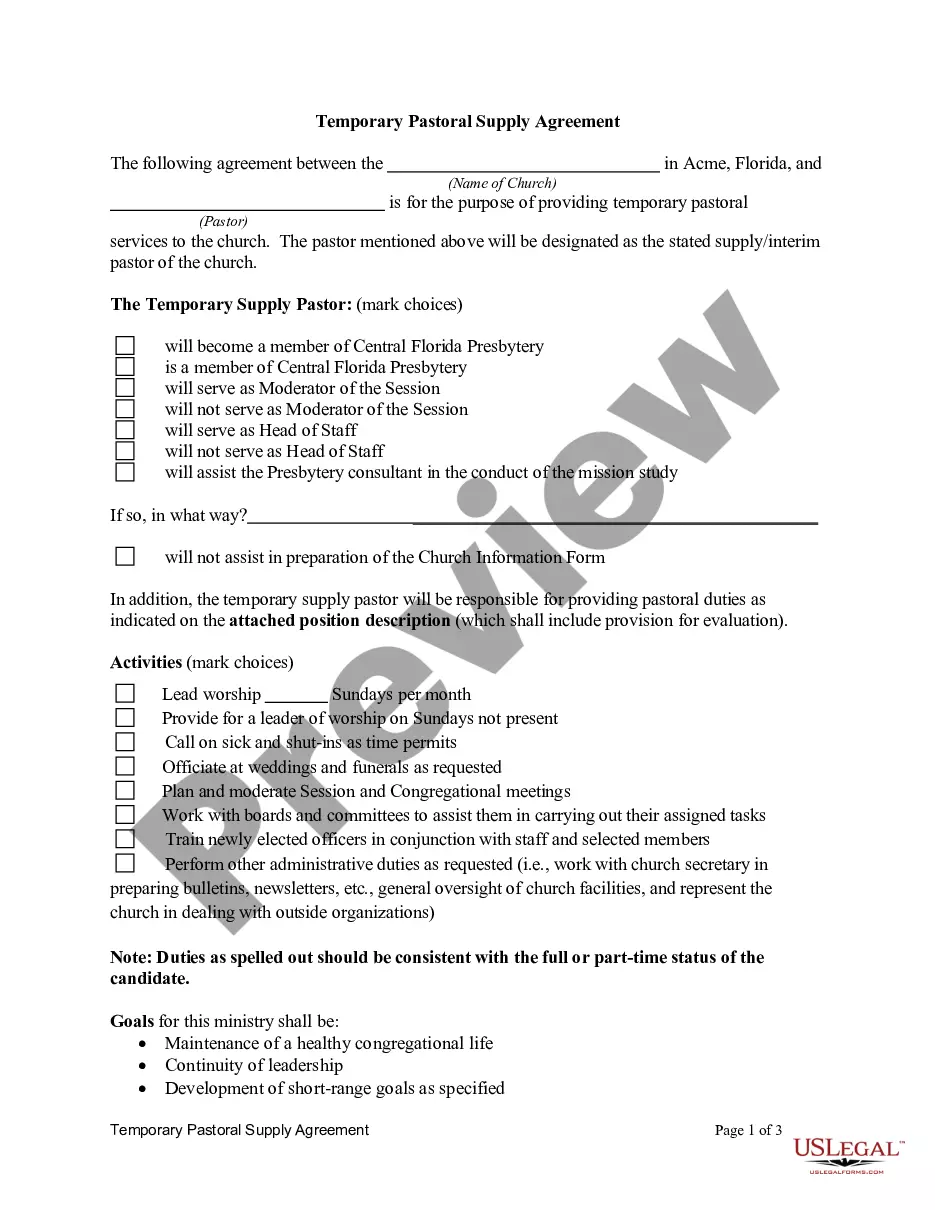
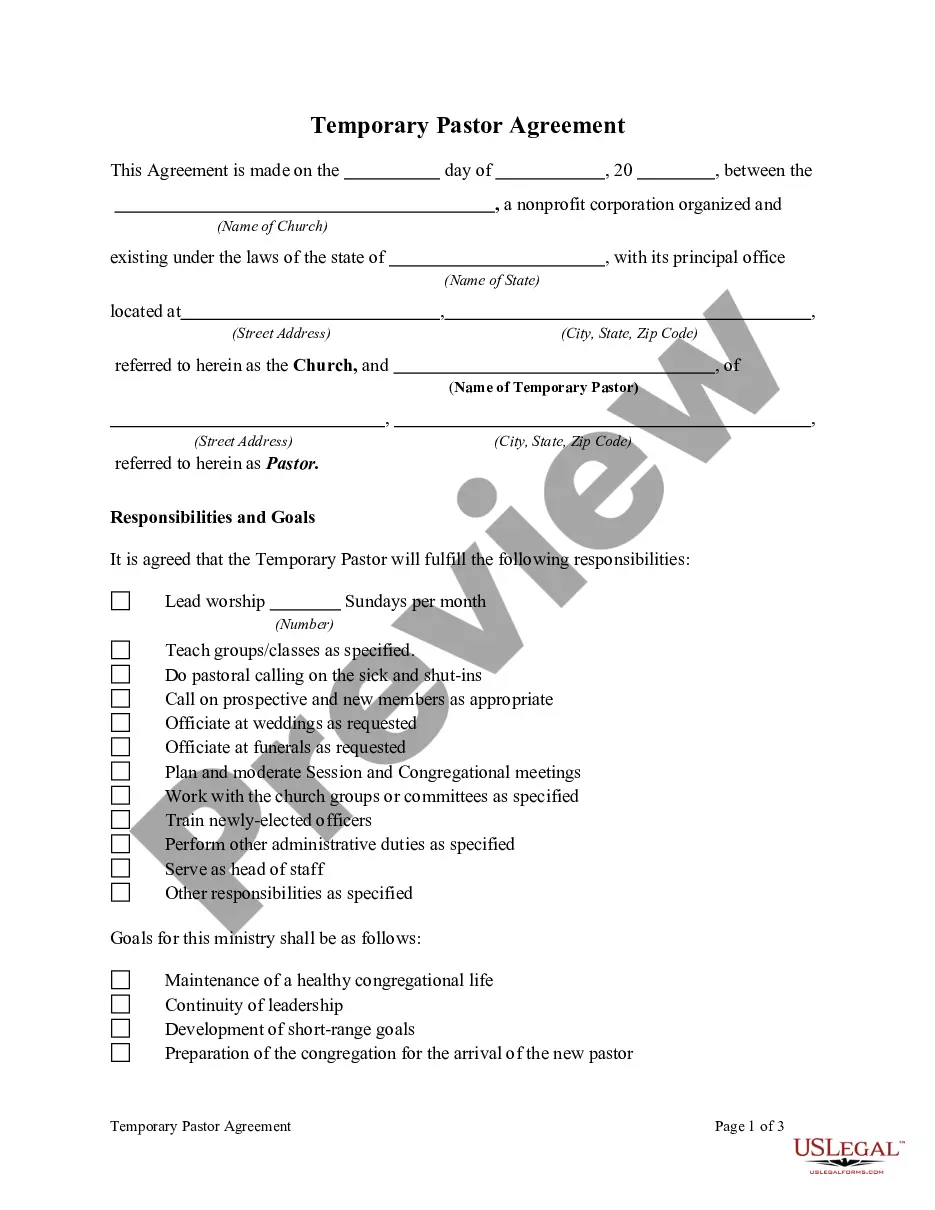
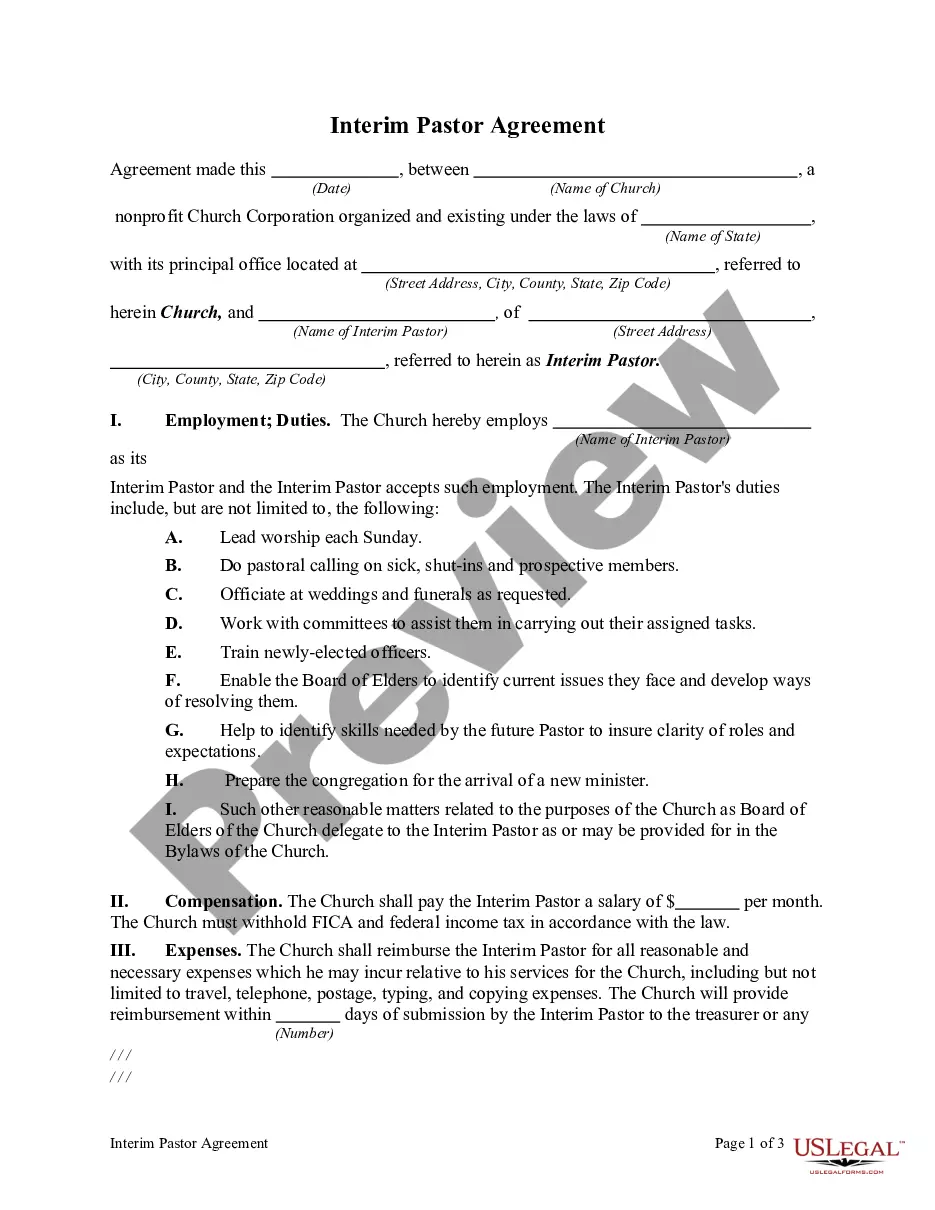
Get your form ready online
Our built-in tools help you complete, sign, share, and store your documents in one place.
Make edits, fill in missing information, and update formatting in US Legal Forms—just like you would in MS Word.
Download a copy, print it, send it by email, or mail it via USPS—whatever works best for your next step.
Sign and collect signatures with our SignNow integration. Send to multiple recipients, set reminders, and more. Go Premium to unlock E-Sign.
If this form requires notarization, complete it online through a secure video call—no need to meet a notary in person or wait for an appointment.
We protect your documents and personal data by following strict security and privacy standards.

Make edits, fill in missing information, and update formatting in US Legal Forms—just like you would in MS Word.

Download a copy, print it, send it by email, or mail it via USPS—whatever works best for your next step.

Sign and collect signatures with our SignNow integration. Send to multiple recipients, set reminders, and more. Go Premium to unlock E-Sign.

If this form requires notarization, complete it online through a secure video call—no need to meet a notary in person or wait for an appointment.

We protect your documents and personal data by following strict security and privacy standards.
Looking for another form?









How to fill out Temporary Contract Of Employment?
Whether you handle documents frequently or you must submit a legal document from time to time, it is essential to access a valuable resource where all the examples are pertinent and current.
The first step you need to take with a Temporary Contract Form With The Usps is to verify that it is indeed the latest version, as it determines whether it can be submitted.
If you want to make your quest for the most recent document samples easier, seek them out on US Legal Forms.
Forget about confusion when dealing with legal documents. All your templates will be organized and verified with a US Legal Forms account.
- US Legal Forms is a compilation of legal documents that includes almost any document model you may seek.
- Search for the templates you require, verify their relevance instantly, and learn more about their application.
- With US Legal Forms, you gain access to over 85,000 document templates in various fields.
- Discover the Temporary Contract Form With The Usps examples in just a few clicks and retain them at any time in your account.
- A US Legal Forms account allows you to retrieve all the samples you need with greater ease and less hassle.
- You only need to click Log In in the site header and navigate to the My documents section with all the forms you need at your fingertips, eliminating time spent on either searching for the correct template or validating its applicability.
- To acquire a form without an account, follow these steps.
Form popularity
FAQ
To register your organization, visit the USPS eSourcing site.After you register your organization, the USPS will contact you with possible contract opportunities.If you win a bid on a contract, USPS will contact you with further instructions on how to proceed.
Temporary assignment is the placement of an employee into an established position for a limited period of time to perform duties and responsibilities other than those contained in the employee's normal position description. A formal reassignment and/or promotion personnel action is not required.
How to Fill Out PS Form 3971?On the front side of the form: Sections 1 to 5. Employee's Name, Employee ID, No.On the reverse side of the form: If an employee requested sick leave, they must specify the nature of their illness and the reason for unavailability. Remember that no medical information shall be recorded.
716.1 Temporary Assignments. Temporary assignment is the placement of an employee into an established position for a limited period of time to perform duties and responsibilities other than those contained in the employee's normal position description.
How to Fill Out PS Form 2574?Block 1, Employee Identification Number. Provide your employee identification number.Block 2, Printed Name.Block 3, Effective Date of Resignation/Transfer.Block 4, Mailing Address.Block 5, Telephone Number.Block 6, Installation or Station.Block 7, Tour.Block 8, Reason for Action.More items...?
