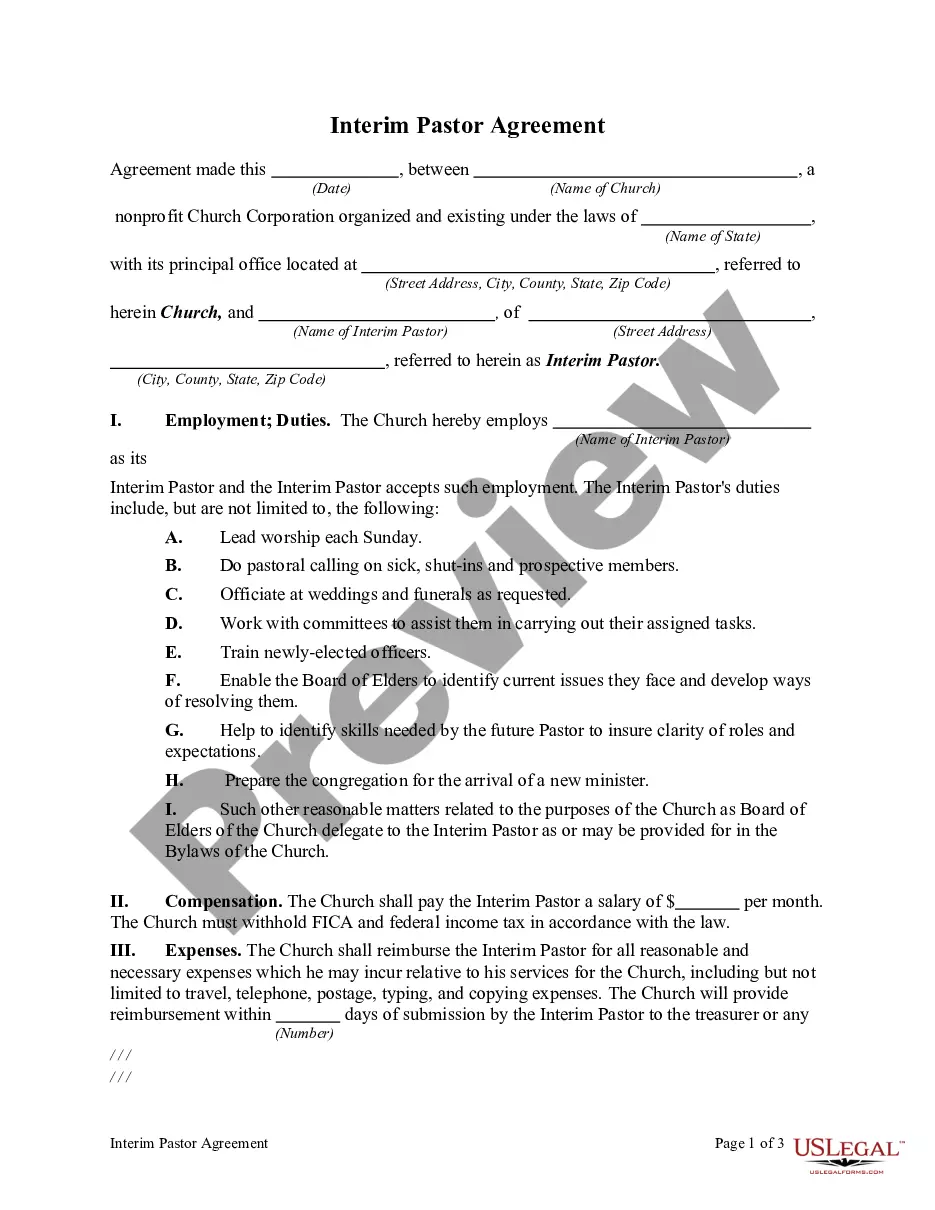
Ministry Agreement Contract With Employees
Description
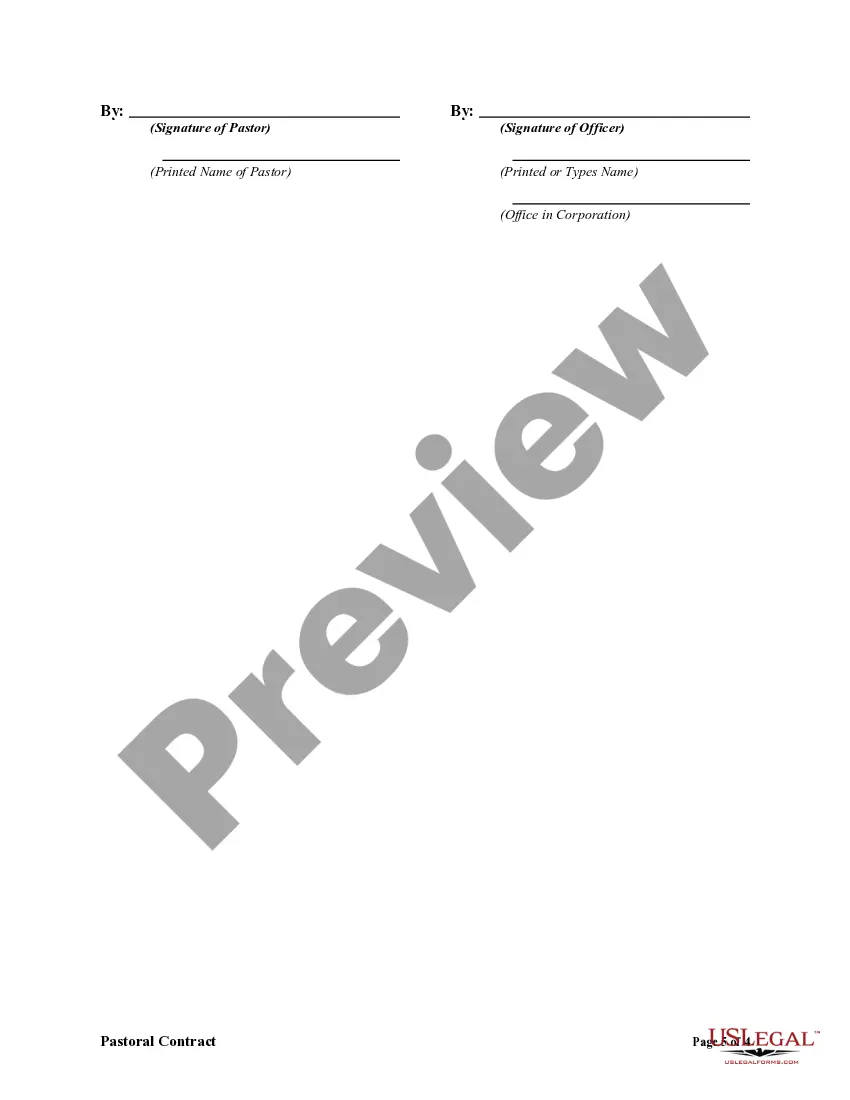
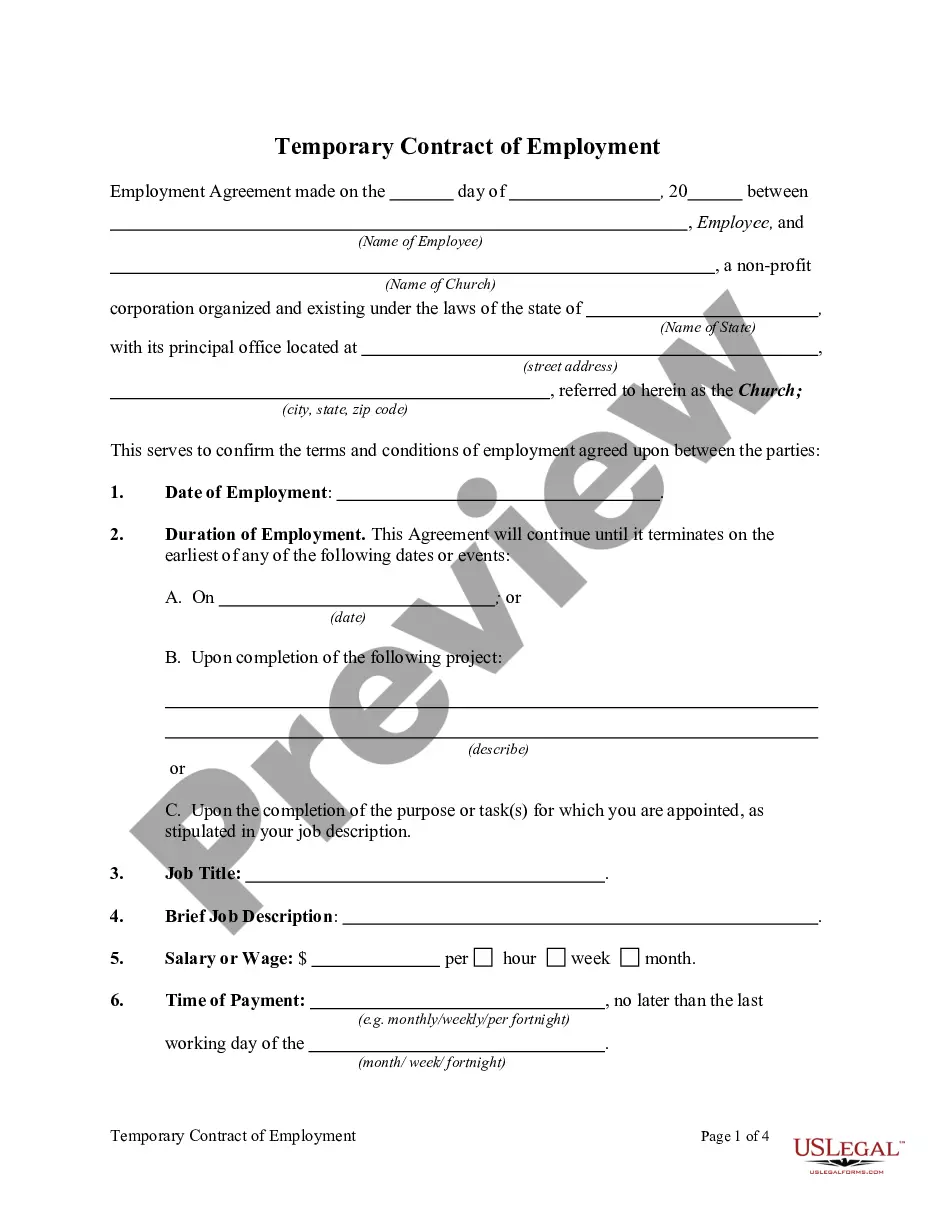
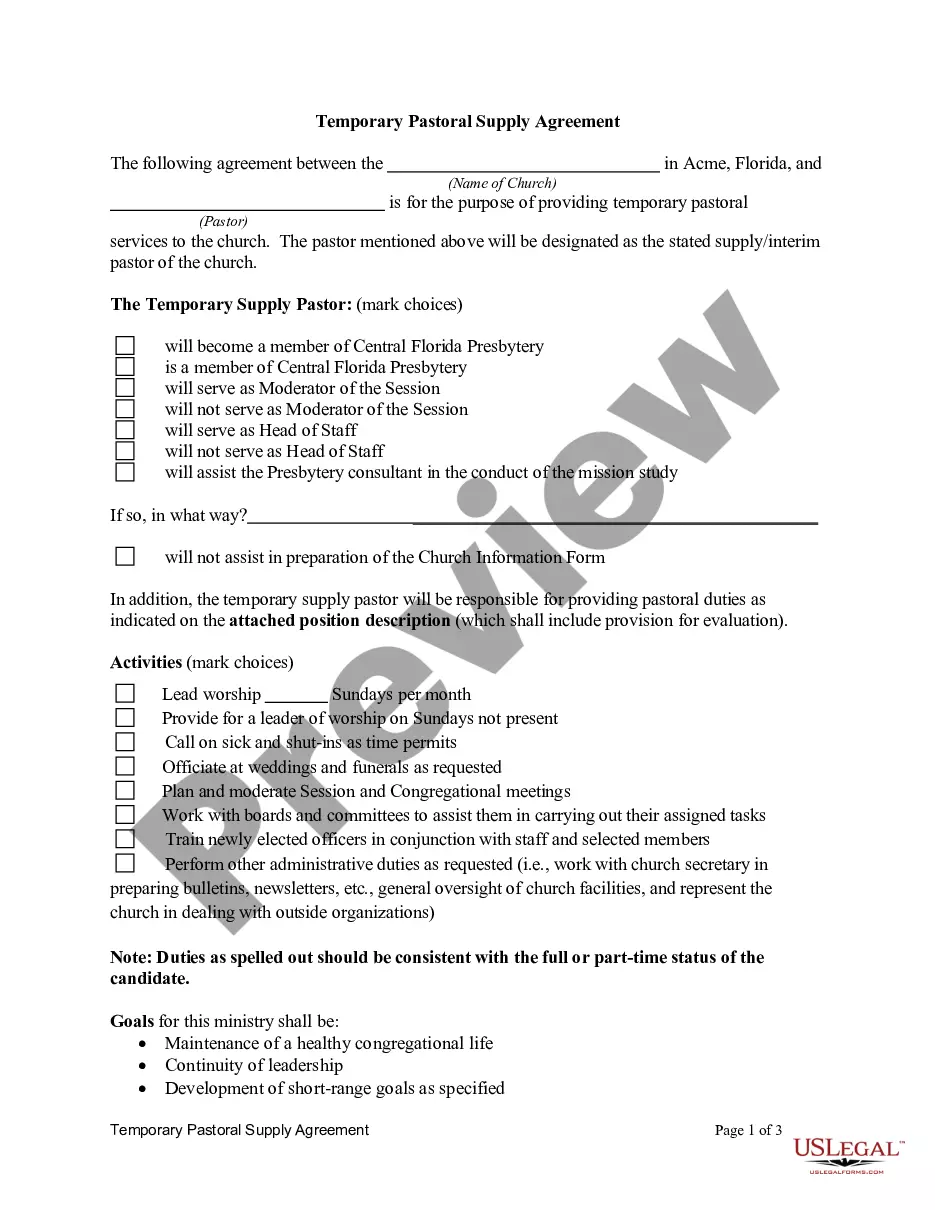
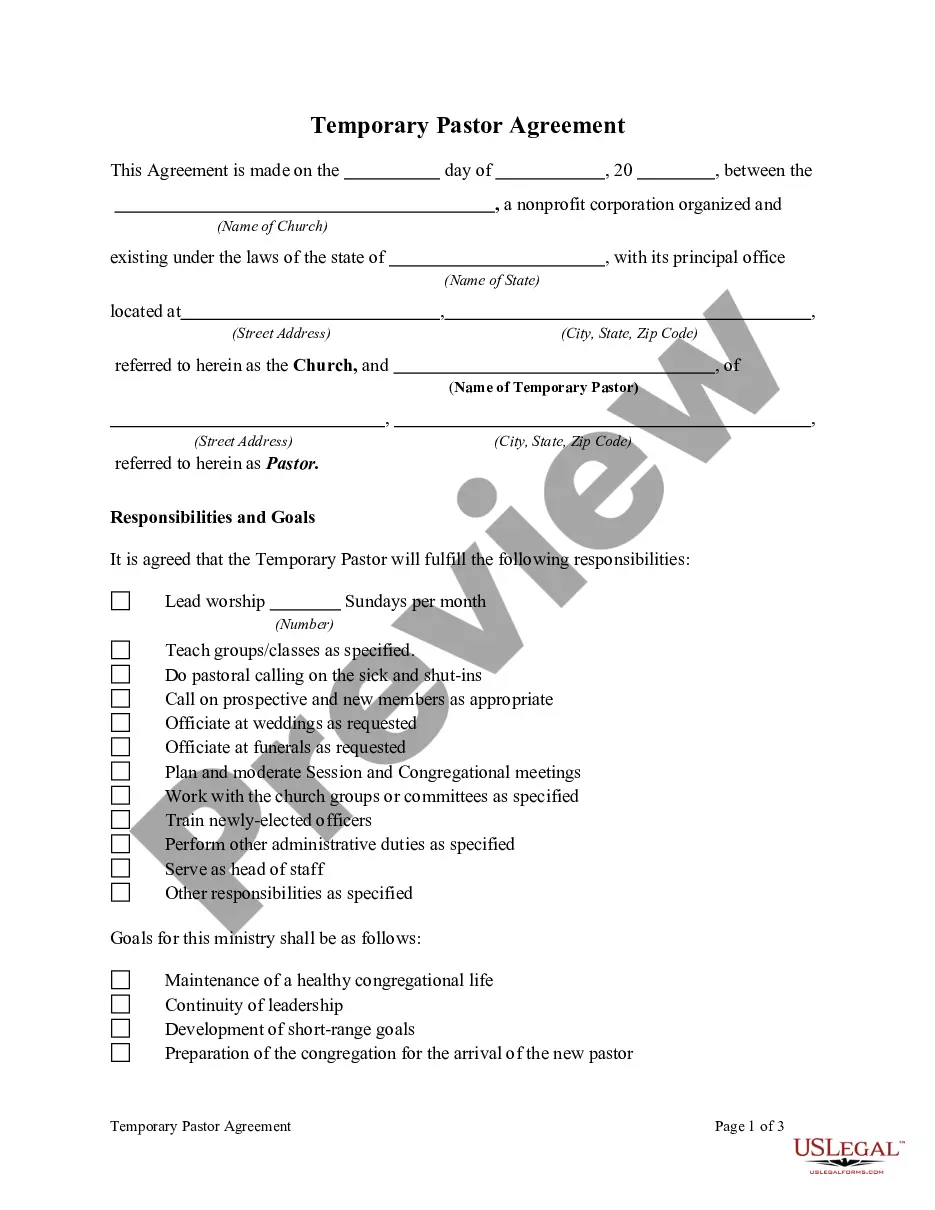
Get your form ready online
Our built-in tools help you complete, sign, share, and store your documents in one place.
Make edits, fill in missing information, and update formatting in US Legal Forms—just like you would in MS Word.
Download a copy, print it, send it by email, or mail it via USPS—whatever works best for your next step.
Sign and collect signatures with our SignNow integration. Send to multiple recipients, set reminders, and more. Go Premium to unlock E-Sign.
If this form requires notarization, complete it online through a secure video call—no need to meet a notary in person or wait for an appointment.
We protect your documents and personal data by following strict security and privacy standards.

Make edits, fill in missing information, and update formatting in US Legal Forms—just like you would in MS Word.

Download a copy, print it, send it by email, or mail it via USPS—whatever works best for your next step.

Sign and collect signatures with our SignNow integration. Send to multiple recipients, set reminders, and more. Go Premium to unlock E-Sign.

If this form requires notarization, complete it online through a secure video call—no need to meet a notary in person or wait for an appointment.

We protect your documents and personal data by following strict security and privacy standards.
Looking for another form?
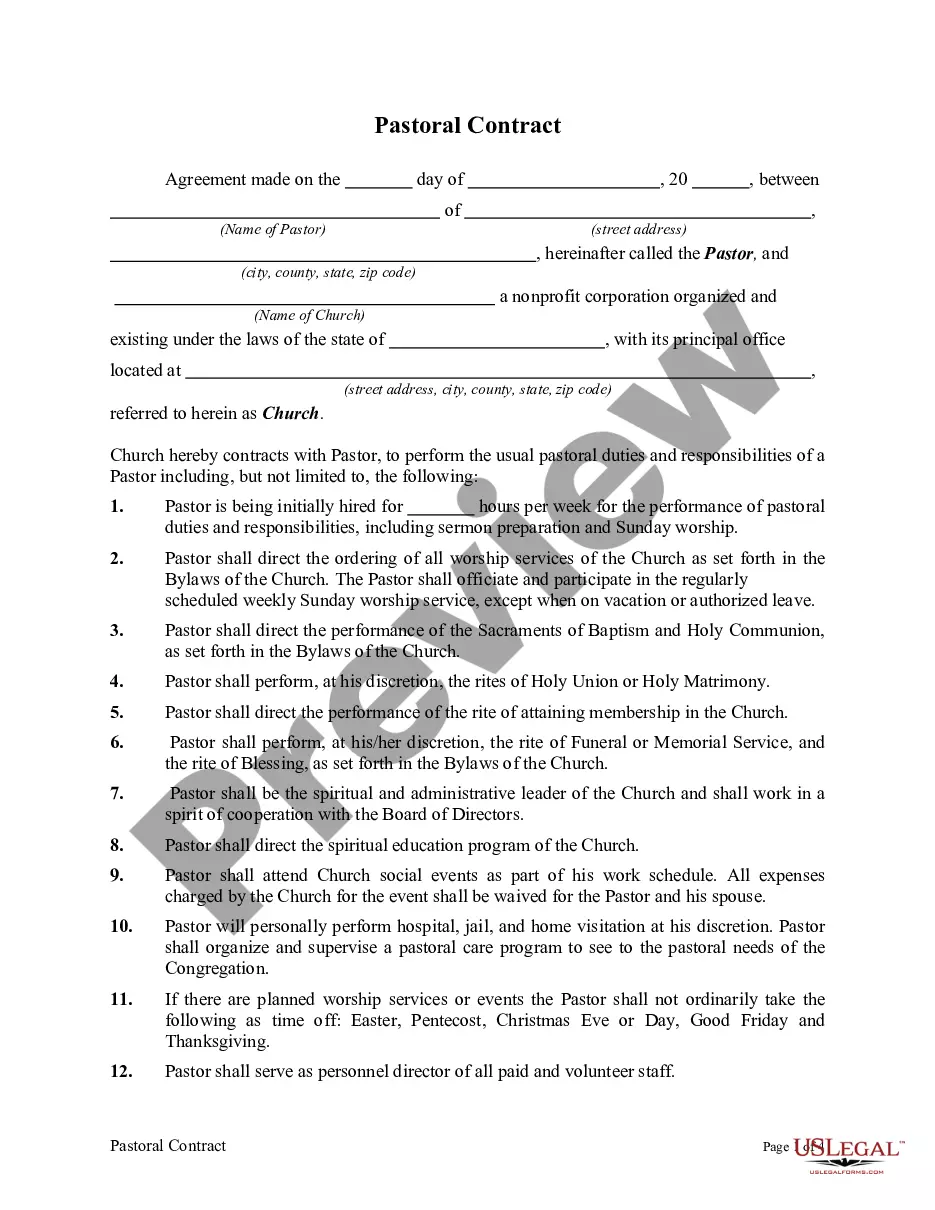
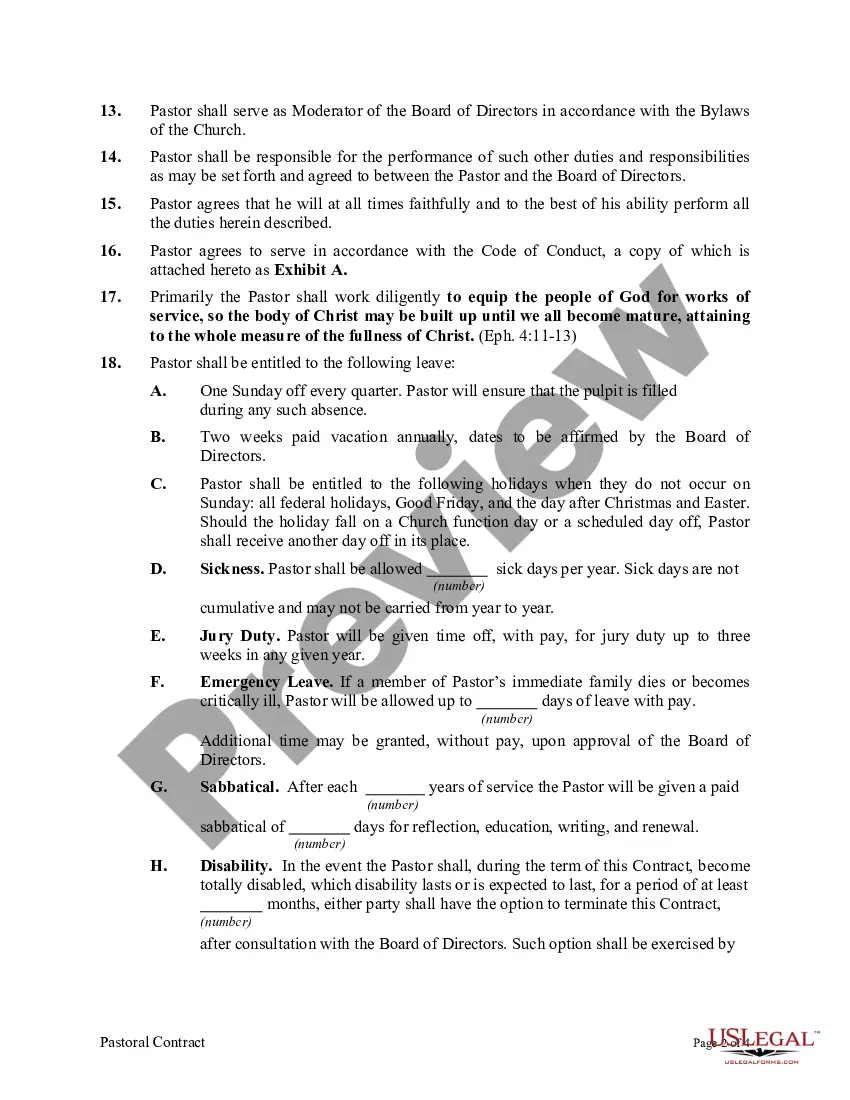
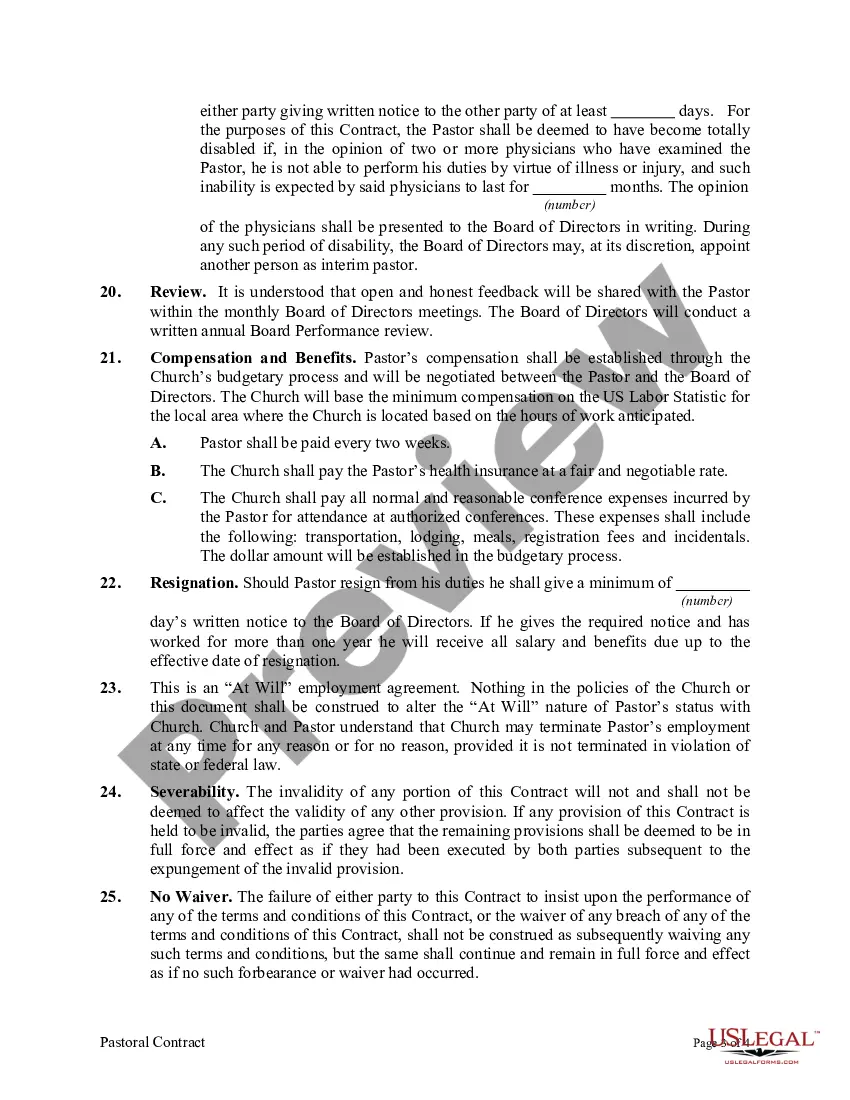
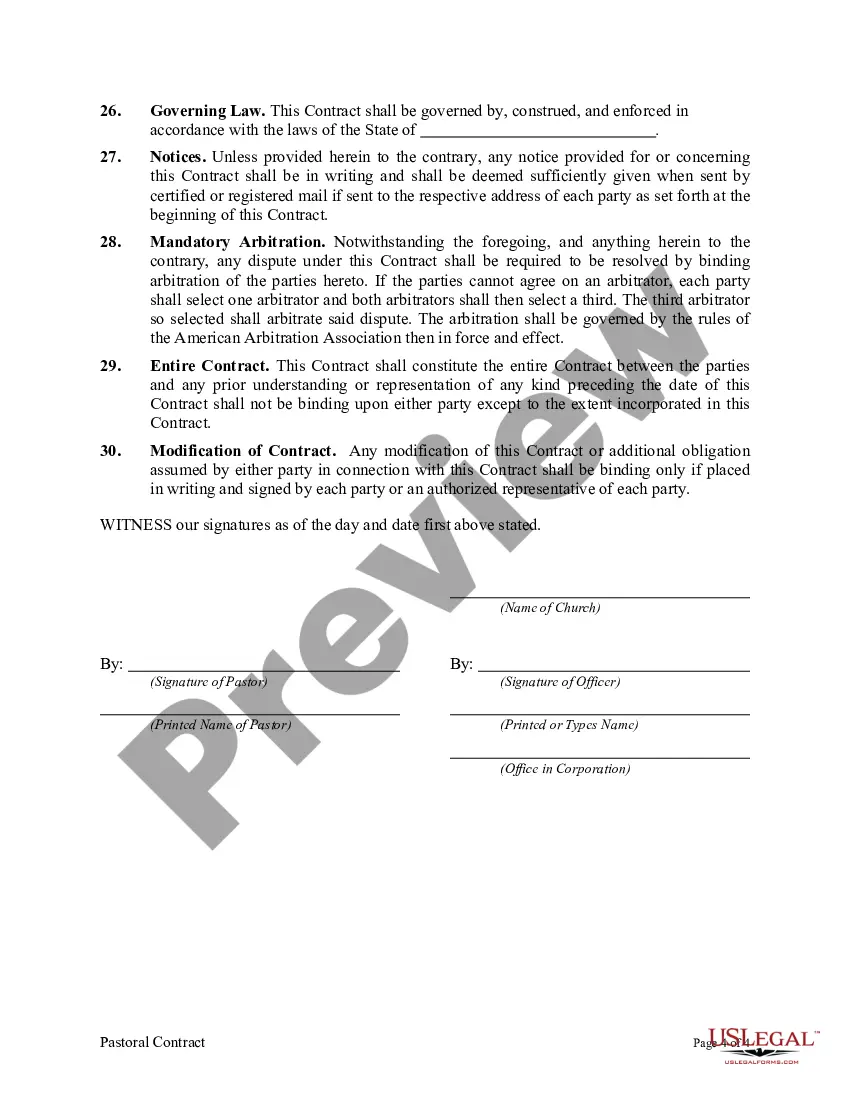
How to fill out Pastoral Contract?
Legal papers management might be frustrating, even for the most knowledgeable specialists. When you are interested in a Ministry Agreement Contract With Employees and do not get the a chance to devote searching for the right and updated version, the operations may be demanding. A robust web form catalogue could be a gamechanger for everyone who wants to handle these situations efficiently. US Legal Forms is a industry leader in web legal forms, with more than 85,000 state-specific legal forms available to you anytime.
With US Legal Forms, you may:
- Gain access to state- or county-specific legal and organization forms. US Legal Forms handles any demands you may have, from personal to business documents, in one spot.
- Make use of advanced resources to finish and control your Ministry Agreement Contract With Employees
- Gain access to a resource base of articles, guides and handbooks and resources connected to your situation and needs
Help save effort and time searching for the documents you need, and make use of US Legal Forms’ advanced search and Preview tool to discover Ministry Agreement Contract With Employees and get it. For those who have a monthly subscription, log in to your US Legal Forms profile, search for the form, and get it. Take a look at My Forms tab to find out the documents you previously downloaded as well as to control your folders as you can see fit.
Should it be the first time with US Legal Forms, create an account and have limitless use of all benefits of the platform. Here are the steps to take after getting the form you need:
- Confirm this is the correct form by previewing it and reading through its information.
- Ensure that the sample is acknowledged in your state or county.
- Pick Buy Now once you are all set.
- Choose a monthly subscription plan.
- Find the format you need, and Download, complete, sign, print and send your papers.
Take advantage of the US Legal Forms web catalogue, supported with 25 years of experience and stability. Enhance your daily papers administration into a smooth and user-friendly process right now.
Form popularity
FAQ
What to Include in an employment contract An invitation to begin employment at your company. Job title and employment status. Job responsibilities and expectations (i.e. a job description) Start date. End date, if it is a fixed-term contract. Name of manager, supervisor or other reporting relationships. Work hours.
Consideration refers to the contract law requirement that parties to a contract additionally exchange something of value between themselves in order for the offer and acceptance to create a binding agreement. Without that exchange of value, all that the parties have are promises to do something in the future.
Here are eight steps to help you create a comprehensive contract letter: Create an introduction. ... Detail position information. ... Discuss compensation and benefits. ... Describe terms of employment. ... Add training or probationary information. ... Highlight additional agreements. ... Inform about agreement decision. ... Add signature information.
When creating an Employment Contract, you can include the following terms: The type and rate of compensation. The frequency of payment. Vacation time. Specified work hours. Specified work location. Employee responsibilities. Length of a probationary period. Confidentiality, non-solicitation, or non-competition clauses.