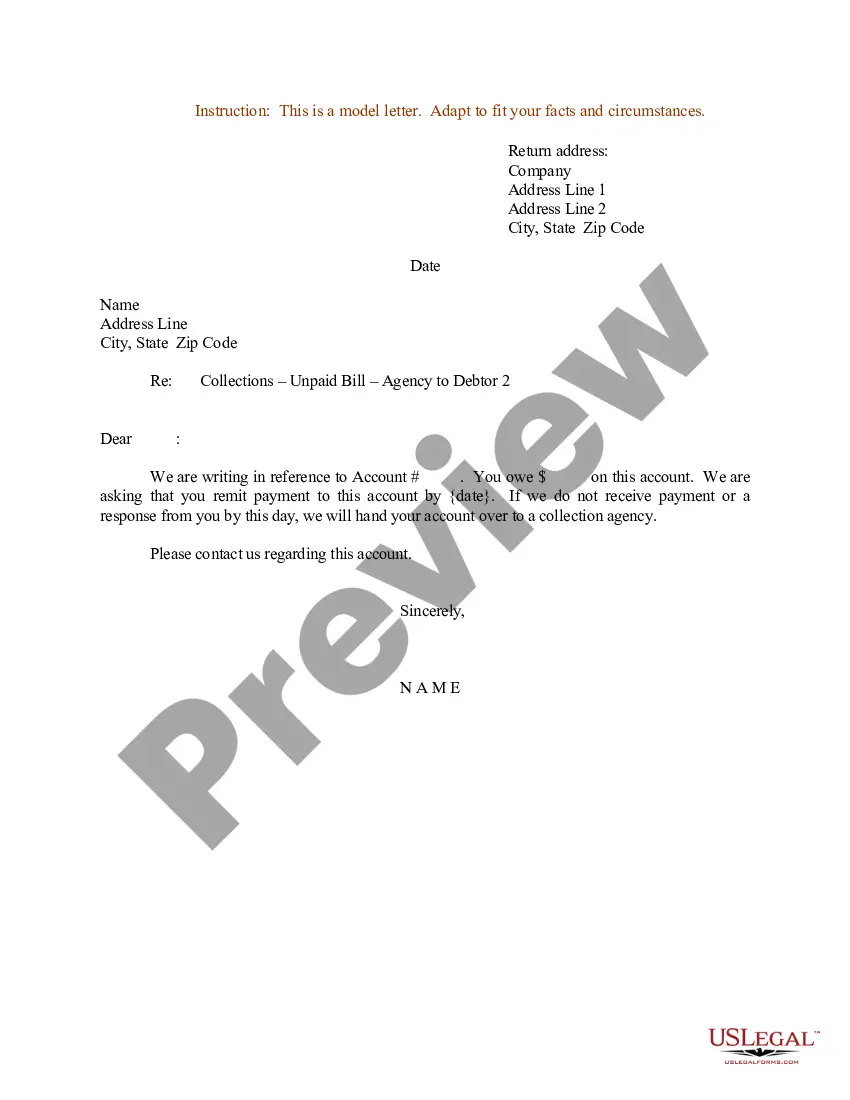
Collection Notice From Ups
Description

Get your form ready online
Our built-in tools help you complete, sign, share, and store your documents in one place.
Make edits, fill in missing information, and update formatting in US Legal Forms—just like you would in MS Word.
Download a copy, print it, send it by email, or mail it via USPS—whatever works best for your next step.
Sign and collect signatures with our SignNow integration. Send to multiple recipients, set reminders, and more. Go Premium to unlock E-Sign.
If this form requires notarization, complete it online through a secure video call—no need to meet a notary in person or wait for an appointment.
We protect your documents and personal data by following strict security and privacy standards.

Make edits, fill in missing information, and update formatting in US Legal Forms—just like you would in MS Word.

Download a copy, print it, send it by email, or mail it via USPS—whatever works best for your next step.

Sign and collect signatures with our SignNow integration. Send to multiple recipients, set reminders, and more. Go Premium to unlock E-Sign.

If this form requires notarization, complete it online through a secure video call—no need to meet a notary in person or wait for an appointment.

We protect your documents and personal data by following strict security and privacy standards.
Looking for another form?
How to fill out Sample Letter For Collection Notice For Unpaid Bill?
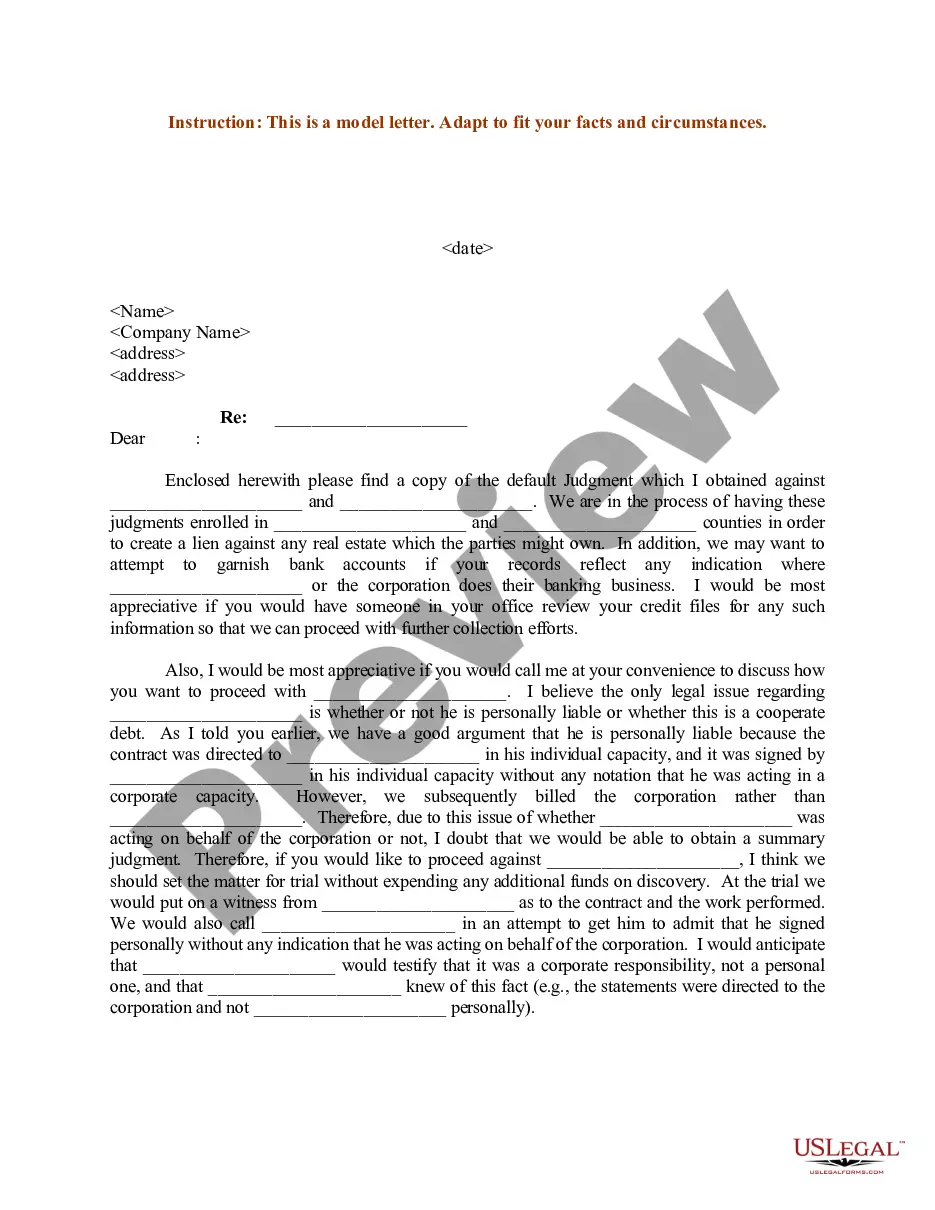
The Notification of Collection From Ups displayed on this page is a reusable formal template formulated by expert attorneys in compliance with federal and local statutes.
For over 25 years, US Legal Forms has supplied individuals, businesses, and attorneys with more than 85,000 validated, state-specific forms for every professional and personal situation. It’s the fastest, easiest, and most reliable method to secure the documents you require, as the service ensures the utmost level of data safety and anti-malware measures.
Choose the format you desire for your Notification of Collection From Ups (PDF, Word, RTF) and store the sample on your device.
- Search for the document you require and assess it.
- Browse the sample you searched for and preview it or review the form description to confirm it meets your requirements. If not, utilize the search bar to discover the right one. Click 'Purchase Now' once you have found the template you need.
- Register and sign in.
- Select the pricing option that best fits you and create an account. Use PayPal or a credit card to complete a fast payment. If you already possess an account, Log In and verify your subscription to proceed.
- Acquire the editable template.
Form popularity
FAQ
To set up UPS collect, start by contacting your local UPS representative to discuss your needs. They will guide you through the procedure, ensuring you understand the terms associated with collections. Once you have everything in place, you will receive a collection notice from UPS, informing you about any fees or requirements for the service. Additionally, using platforms like US Legal Forms can help streamline the documentation process for this setup.
To acquire a UPS collection code, first, ensure that your package has been processed and is awaiting collection. You can access this code through the UPS tracking system or by reaching out to their support team. Having this code ready will simplify your experience, especially when responding to a collection notice from UPS.
When you go to collect your package from UPS, it's essential to bring a valid photo ID. Acceptable forms of ID include a state-issued driver’s license, passport, or military ID. Make sure the name on your ID matches the name associated with the collection notice from UPS for a smooth transaction.
To retrieve a code for a UPS locker, you should first ensure your package is shipped to a designated UPS Access Point. After your package is ready for collection, you will receive a code via email or text. Utilizing this code allows seamless access to your items, especially in relation to any collection notice from UPS.
You can get a UPS pickup code by arranging a pickup through the UPS website or their mobile app. Once you've scheduled the pickup, they will provide you with a unique code to identify your request. This code is vital for tracking your collection, particularly if you've received a collection notice from UPS.
To obtain a UPS release code, you may need to visit the official UPS website or contact their customer service. After providing your package's tracking number and relevant details, they can assist you in generating your release code. This process ensures you can collect your items without hassle, further streamlining your experience with a collection notice from UPS.
To modify a UPS pickup, visit the UPS website and access your existing shipment details. If you received a collection notice from UPS, follow the instructions to make changes to your pickup schedule. This ensures your package pickup aligns with your availability.
If you miss your UPS collection, don't worry. You can reschedule your pick up through the UPS website or app. Usually, if you have a collection notice from UPS, it will guide you on how to proceed with rescheduling or addressing the missed collection.
Filing a UPS report can be done through their online customer service portal. If you need to report an issue related to a collection notice from UPS, make sure to have all relevant details ready. This will help expedite the process and ensure that your concerns are addressed promptly.
To schedule a collection in UPS USA, visit the UPS site or app and fill in the required information regarding your package. Make sure to include any references from your collection notice from UPS to ensure accurate processing. Once submitted, you will receive confirmation of your scheduled pickup.