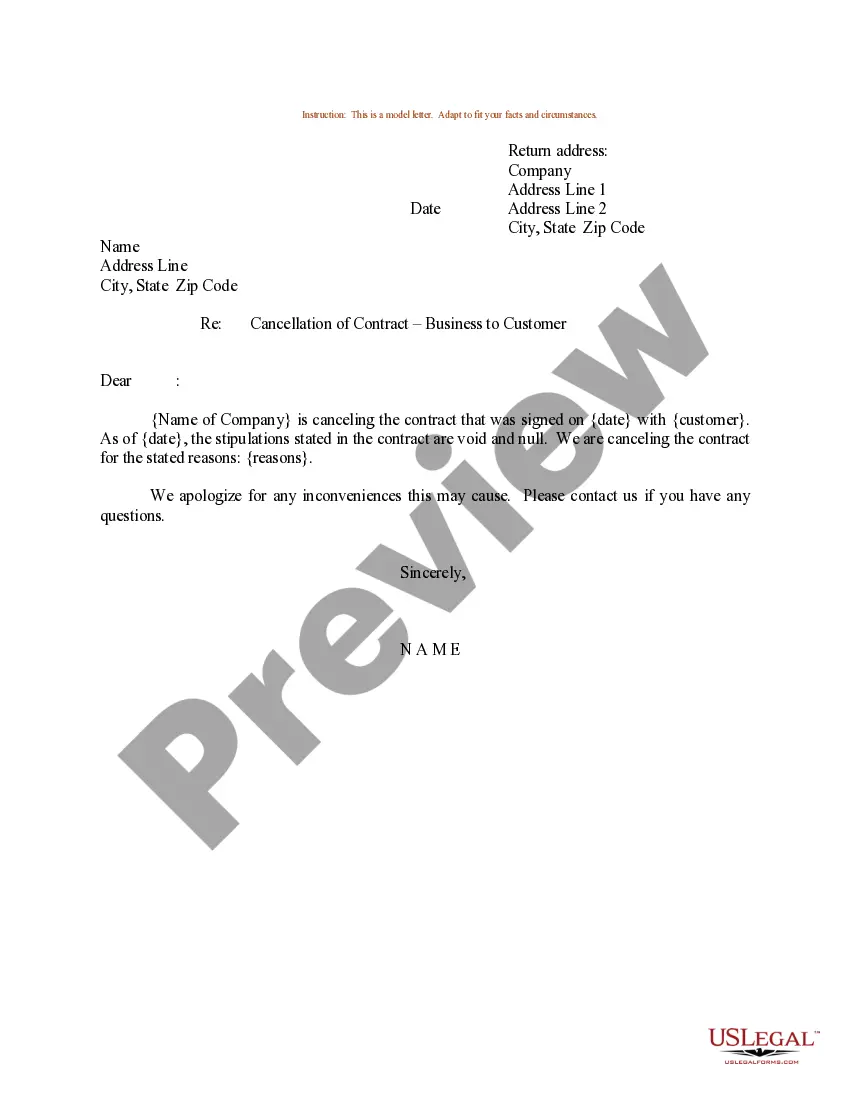
Cancel Contract With Virgin Media
Description
Get your form ready online
Our built-in tools help you complete, sign, share, and store your documents in one place.
Make edits, fill in missing information, and update formatting in US Legal Forms—just like you would in MS Word.
Download a copy, print it, send it by email, or mail it via USPS—whatever works best for your next step.
Sign and collect signatures with our SignNow integration. Send to multiple recipients, set reminders, and more. Go Premium to unlock E-Sign.
If this form requires notarization, complete it online through a secure video call—no need to meet a notary in person or wait for an appointment.
We protect your documents and personal data by following strict security and privacy standards.

Make edits, fill in missing information, and update formatting in US Legal Forms—just like you would in MS Word.

Download a copy, print it, send it by email, or mail it via USPS—whatever works best for your next step.

Sign and collect signatures with our SignNow integration. Send to multiple recipients, set reminders, and more. Go Premium to unlock E-Sign.

If this form requires notarization, complete it online through a secure video call—no need to meet a notary in person or wait for an appointment.

We protect your documents and personal data by following strict security and privacy standards.
Looking for another form?

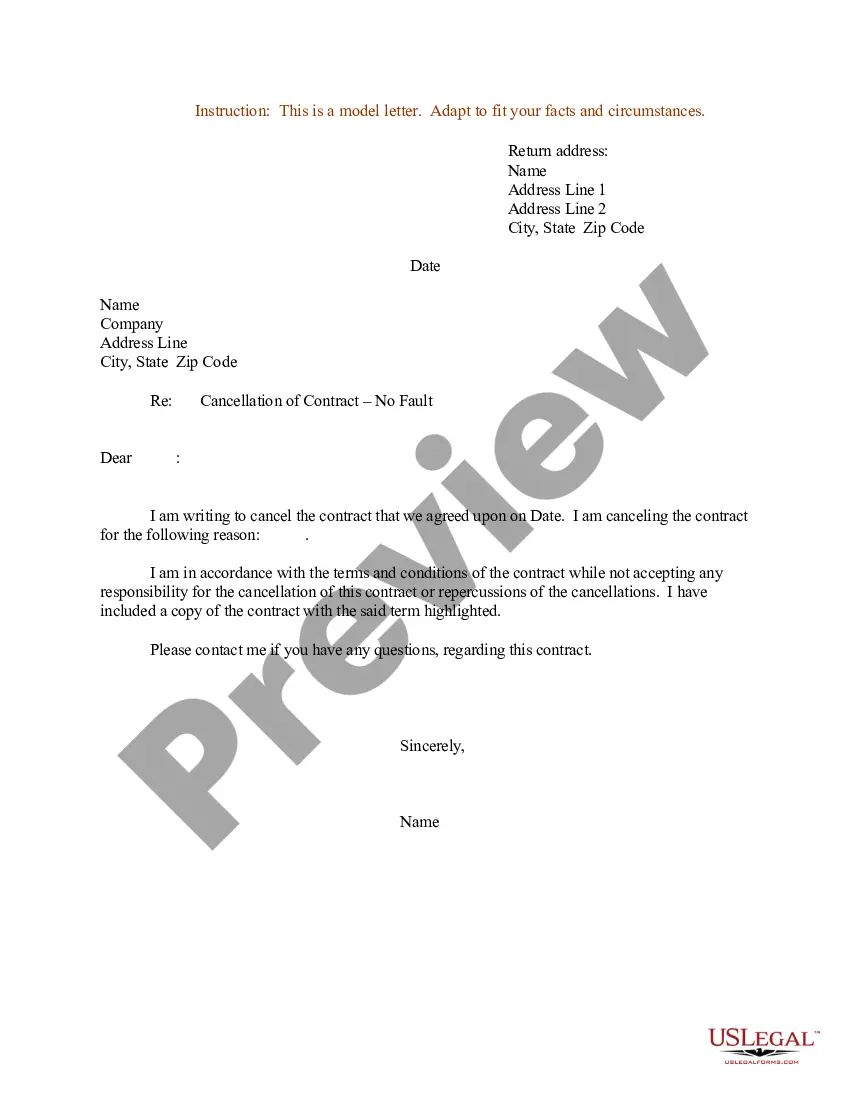
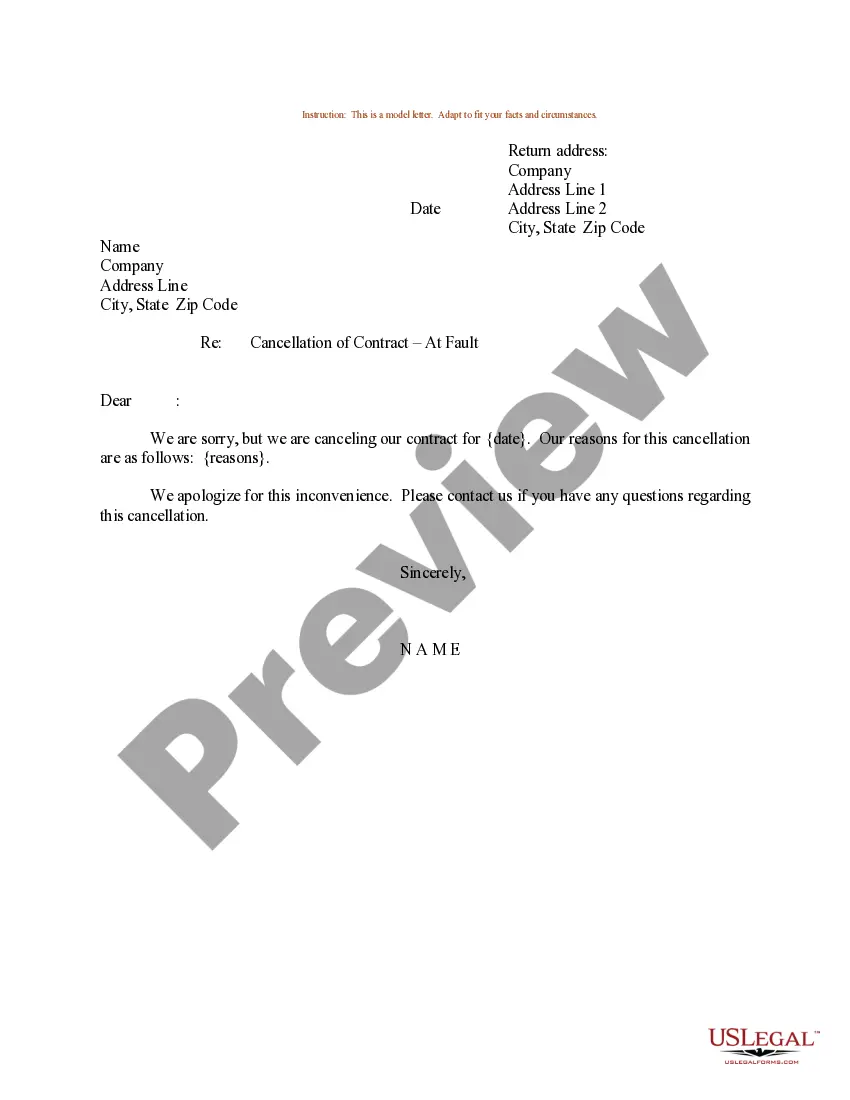
How to fill out Sample Letter For Cancellation Of Contract - Business To Customer?
The Terminate Agreement With Virgin Media you see on this page is a versatile legal template crafted by expert attorneys in accordance with federal and state regulations.
For over 25 years, US Legal Forms has delivered individuals, businesses, and legal experts with more than 85,000 authenticated, state-specific documents for any commercial and personal circumstance. It’s the quickest, simplest, and most dependable way to obtain the forms you require, as the service ensures bank-level data security and anti-malware safeguards.
Fill out and sign the documentation. Print the template to fill it out manually. Alternatively, use an online versatile PDF editor to quickly and accurately complete and sign your form with an electronic signature.
- Search for the document you require and review it.
- Examine the sample you've searched for and view it or read the form description to confirm it meets your needs. If it doesn't, utilize the search option to find the appropriate one. Click Buy Now when you have found the template you need.
- Register and Log In.
- Select the pricing plan that works for you and create an account. Use PayPal or a credit card for a swift payment. If you already have an account, Log In and review your subscription to continue.
- Obtain the editable template.
- Choose the format you desire for your Terminate Agreement With Virgin Media (PDF, DOCX, RTF) and download the sample to your device.
Form popularity
FAQ
To cancel your contract with Virgin Media, you should gather your account information and determine if you are within your cancellation period. Call Virgin Media's customer service or use their online form to submit your cancellation request. Ensure you request a confirmation of the cancellation to avoid future billing issues. If you need assistance, UsLegalForms offers various tools to help you navigate the cancellation process smoothly.
To cancel your contract with Virgin Media, start by reviewing your contract terms for any cancellation clauses. Next, contact their customer service directly, either by phone or through their online chat. You may need to provide your account details and reason for cancellation. If you find the process challenging, you can visit UsLegalForms for resources that guide you in canceling your contract with Virgin Media effectively.
To contact Virgin Media about your contract, reach out through their official customer service channels. You can call them, use online chat, or send an email to inquire about any issues or to initiate a cancellation. If you need assistance creating a formal cancellation notice, uslegalforms can simplify the process for you.
To get out of your Virgin Media contract, you need to follow their cancellation process. This typically means contacting customer service, providing your account details, and specifying that you wish to cancel. If you are facing challenges, consider using uslegalforms for help and proper documentation.
Yes, you can cancel your contract with Virgin Media without calling. You have the option to use their online chat or send an email to customer service. Using uslegalforms, you can even create a formal cancellation request to submit via postal mail.
Usually, when you cancel your contract with Virgin Media, you are required to provide 30 days' notice. This period may vary depending on the terms of your specific contract. Always check your contract details to confirm the exact notice required.
You can contact Virgin Media regarding your contract through their customer service number or by using their online chat option. Alternatively, you can send an email outlining your concerns. If you prefer, using uslegalforms can help you draft a formal letter to cancel your contract with Virgin Media.
To speak with someone at Virgin Media, it’s best to call their customer service number. Be prepared for possible wait times, but once connected, explain your needs clearly. Whether you want to cancel your contract with Virgin Media or ask questions, their team is available to assist you.
You can access your Virgin Media contract by logging into your online account on their website. Once logged in, navigate to the account section, where you can view your contract details. This information provides clarity on your terms should you decide to cancel your contract with Virgin Media.
To cancel your contract with Virgin Media, you need to directly contact their customer service. You can do this via phone, online chat, or writing a formal email. Simply explain that you wish to cancel your contract with Virgin Media, and they will guide you through the process.