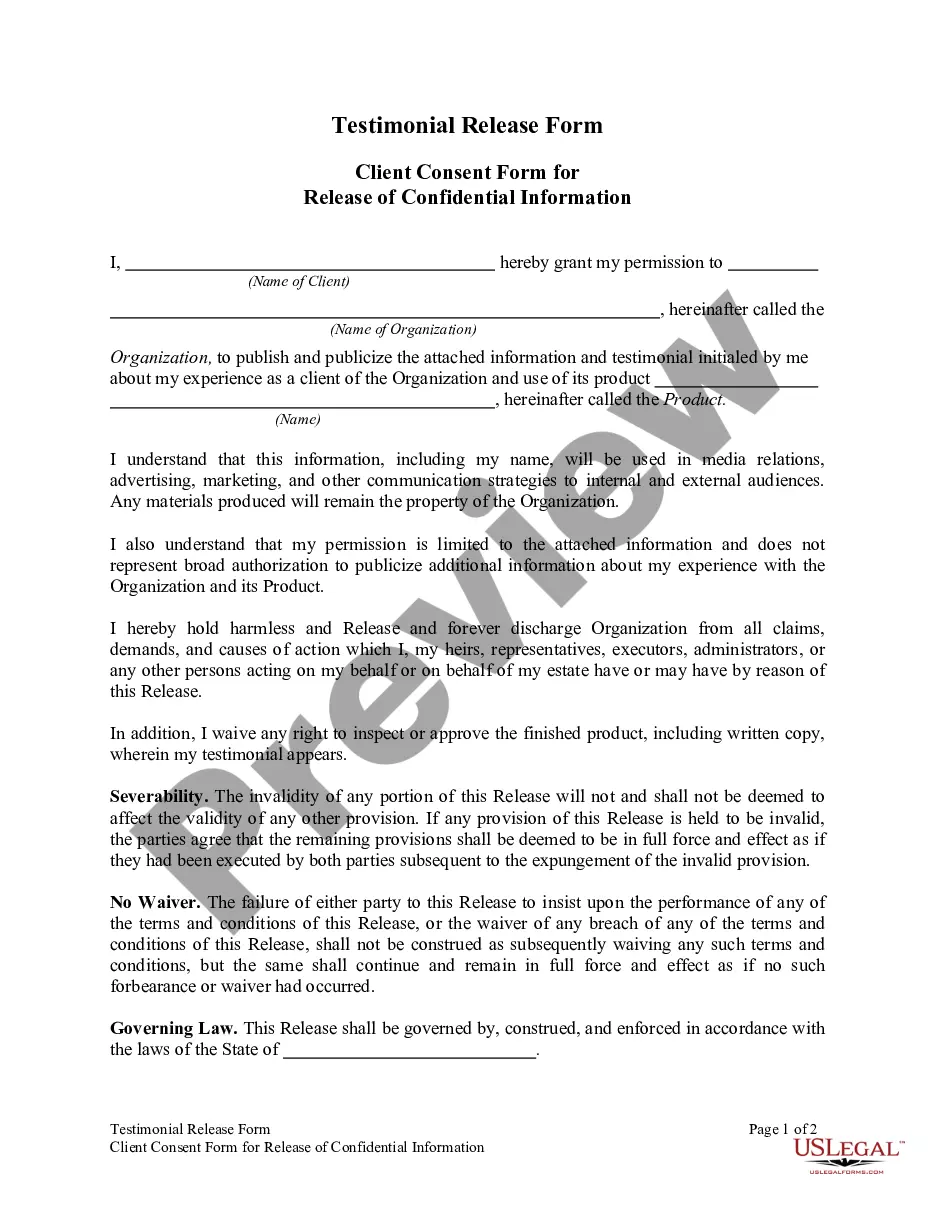
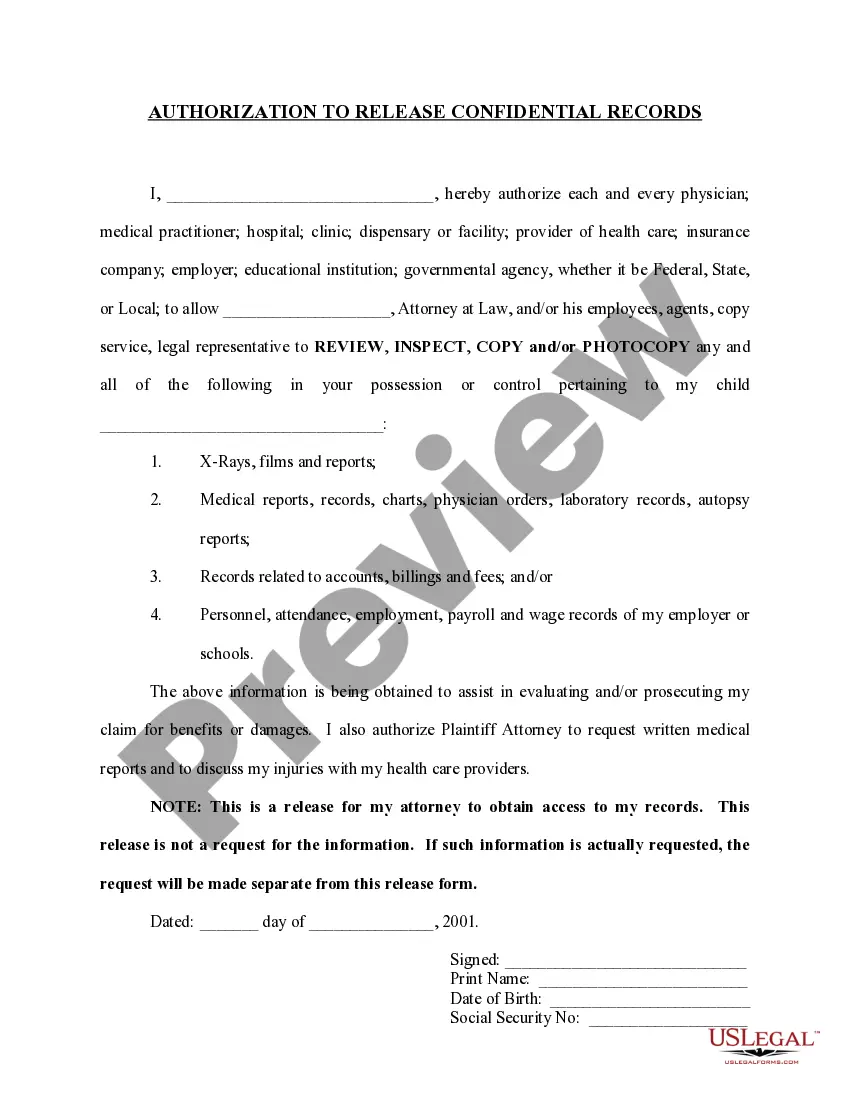
Testimonial Release Form For Child
Description
Get your form ready online
Our built-in tools help you complete, sign, share, and store your documents in one place.
Make edits, fill in missing information, and update formatting in US Legal Forms—just like you would in MS Word.
Download a copy, print it, send it by email, or mail it via USPS—whatever works best for your next step.
Sign and collect signatures with our SignNow integration. Send to multiple recipients, set reminders, and more. Go Premium to unlock E-Sign.
If this form requires notarization, complete it online through a secure video call—no need to meet a notary in person or wait for an appointment.
We protect your documents and personal data by following strict security and privacy standards.

Make edits, fill in missing information, and update formatting in US Legal Forms—just like you would in MS Word.

Download a copy, print it, send it by email, or mail it via USPS—whatever works best for your next step.

Sign and collect signatures with our SignNow integration. Send to multiple recipients, set reminders, and more. Go Premium to unlock E-Sign.

If this form requires notarization, complete it online through a secure video call—no need to meet a notary in person or wait for an appointment.

We protect your documents and personal data by following strict security and privacy standards.
Looking for another form?








How to fill out Testimonial Release Form?
Creating legal documents from the ground up can frequently be overwhelming.
Specific situations may require extensive research and significant financial investment.
If you’re looking for a simpler and more cost-effective method of preparing the Testimonial Release Form For Child or any other documents without unnecessary complications, US Legal Forms is always available to assist you.
Our online repository of over 85,000 current legal forms encompasses nearly every aspect of your financial, legal, and personal affairs.
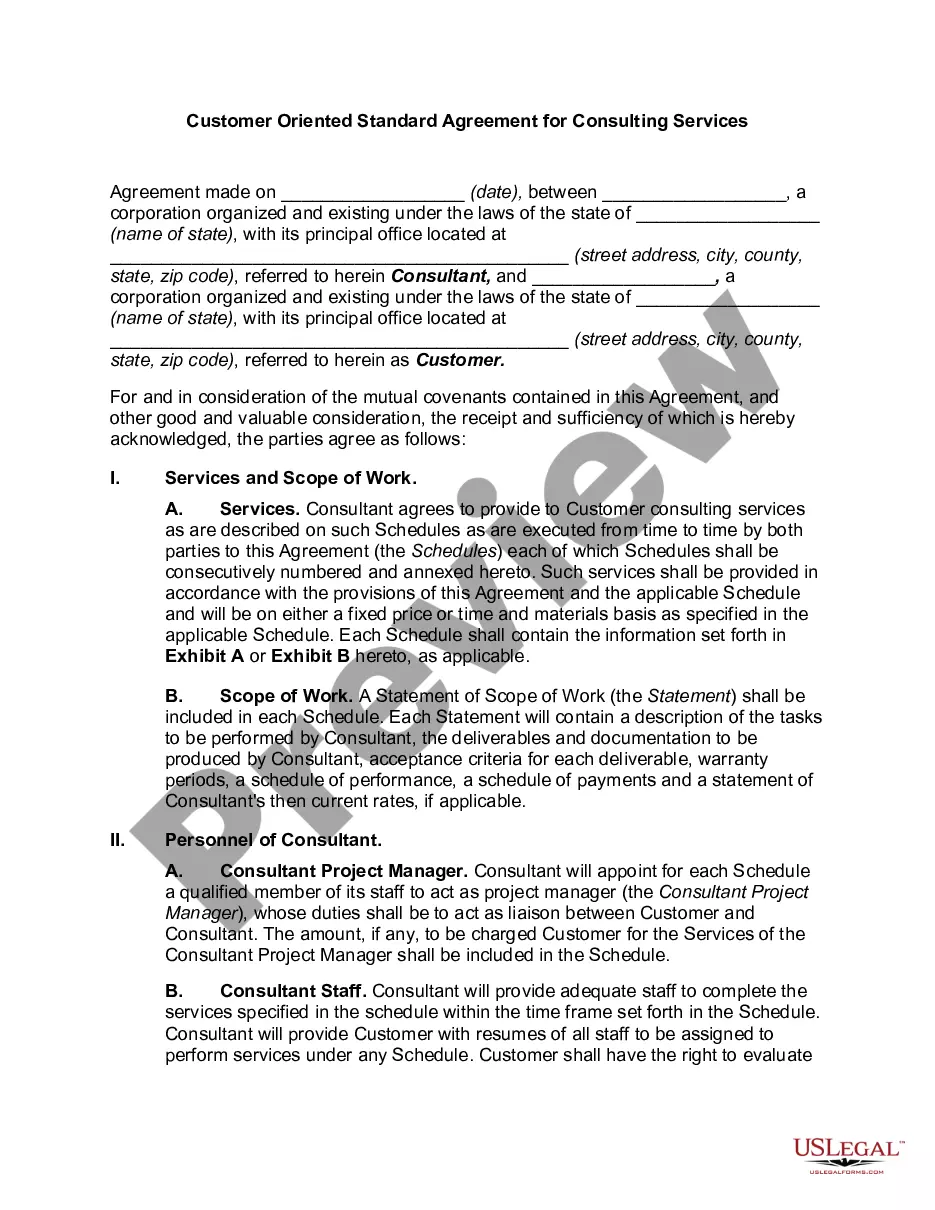
Examine the document preview and descriptions to confirm that you are on the correct form. Ensure the form you choose adheres to the regulations and laws of your state and county. Select the appropriate subscription option to obtain the Testimonial Release Form For Child. Download the form, then complete, sign, and print it. US Legal Forms enjoys an impeccable reputation and over 25 years of experience. Join us today and make form completion straightforward and efficient!
- With just a few clicks, you can swiftly access state- and county-compliant forms carefully assembled for you by our legal experts.
- Utilize our platform whenever you require dependable and trustworthy services to easily locate and download the Testimonial Release Form For Child.
- If you’re already familiar with our services and have previously registered an account with us, simply Log In to your account, find the form and download it or re-download it later in the My documents section.
- Don’t have an account? No worries. It only takes a few minutes to sign up and browse the catalog.
- Before you proceed to download the Testimonial Release Form For Child, consider these suggestions.
Form popularity
FAQ
Keep it short and conversational. Your testimonial should only be two or three paragraphs, at most. They should be written in your customer's tone so that your testimonial doesn't seem overly formal or technical. Testimonials are accessible, easy to understand the content that connects with potential customers.
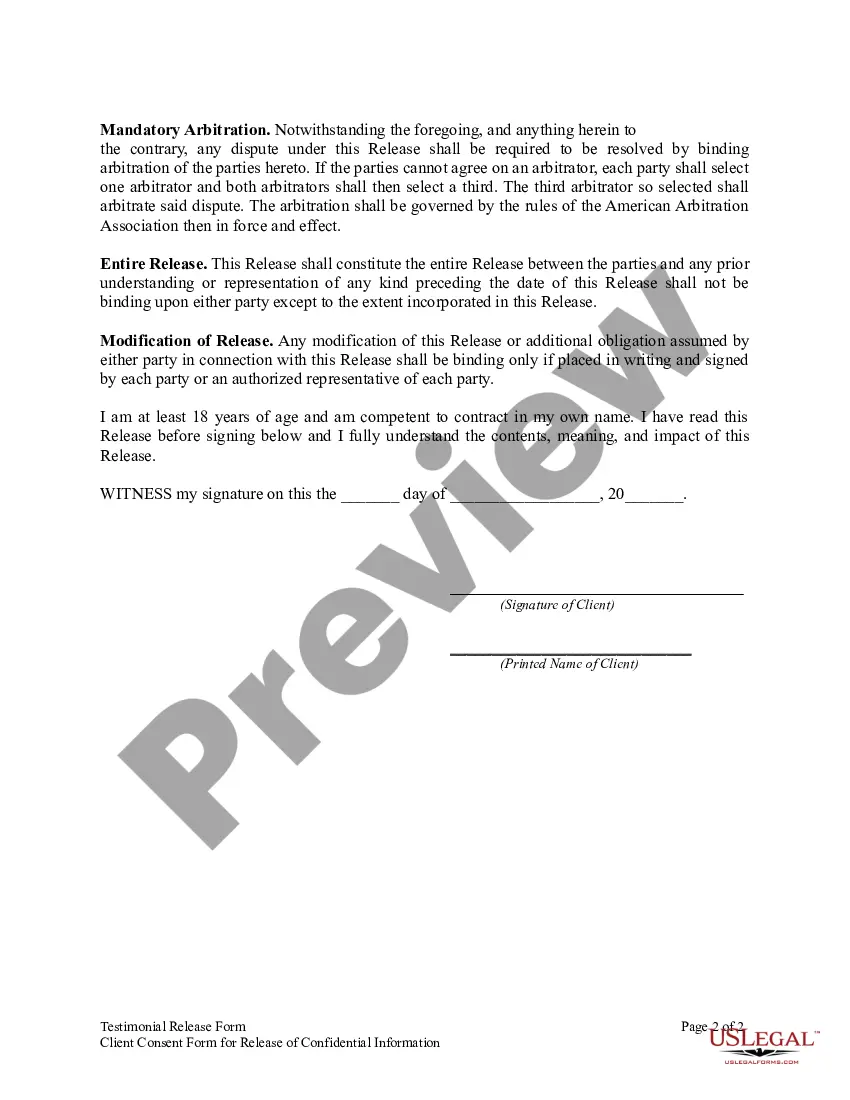
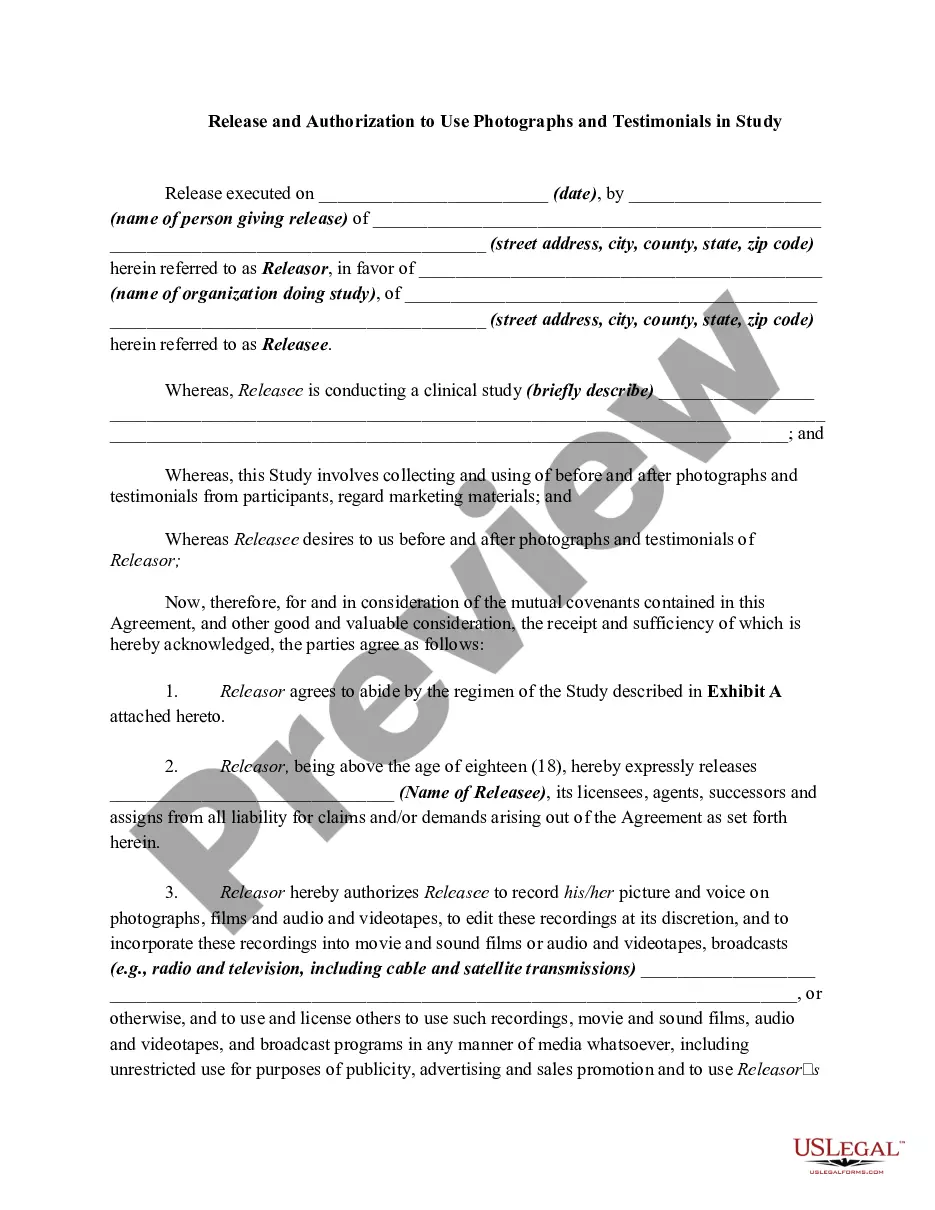
A Testimonial Release Form is used to obtain permission from a person to use their testimonial. Testimonials are statements made by a person about a product, service, or experience and are often used by businesses to promote their products or services.
?I just wanted to share a quick note and let you know that you guys do a really good job. I'm glad I decided to work with you. It's really great how easy your websites are to update and manage. I never have any problem at all.
How to Write a Testimonial Describe a Problem to Solve or Goal to Hit. ... Provide Background Information. ... Illustrate the Benefits of the Product or Service. ... Show How You Overcame Objections. ... Provide Specific Details and Data. ... Mention the Creator's Name. ... Include a Photograph or Video. ... Link to the Testimonial Creator's Website.