Art Licensing Agreement Template For Artists
Description
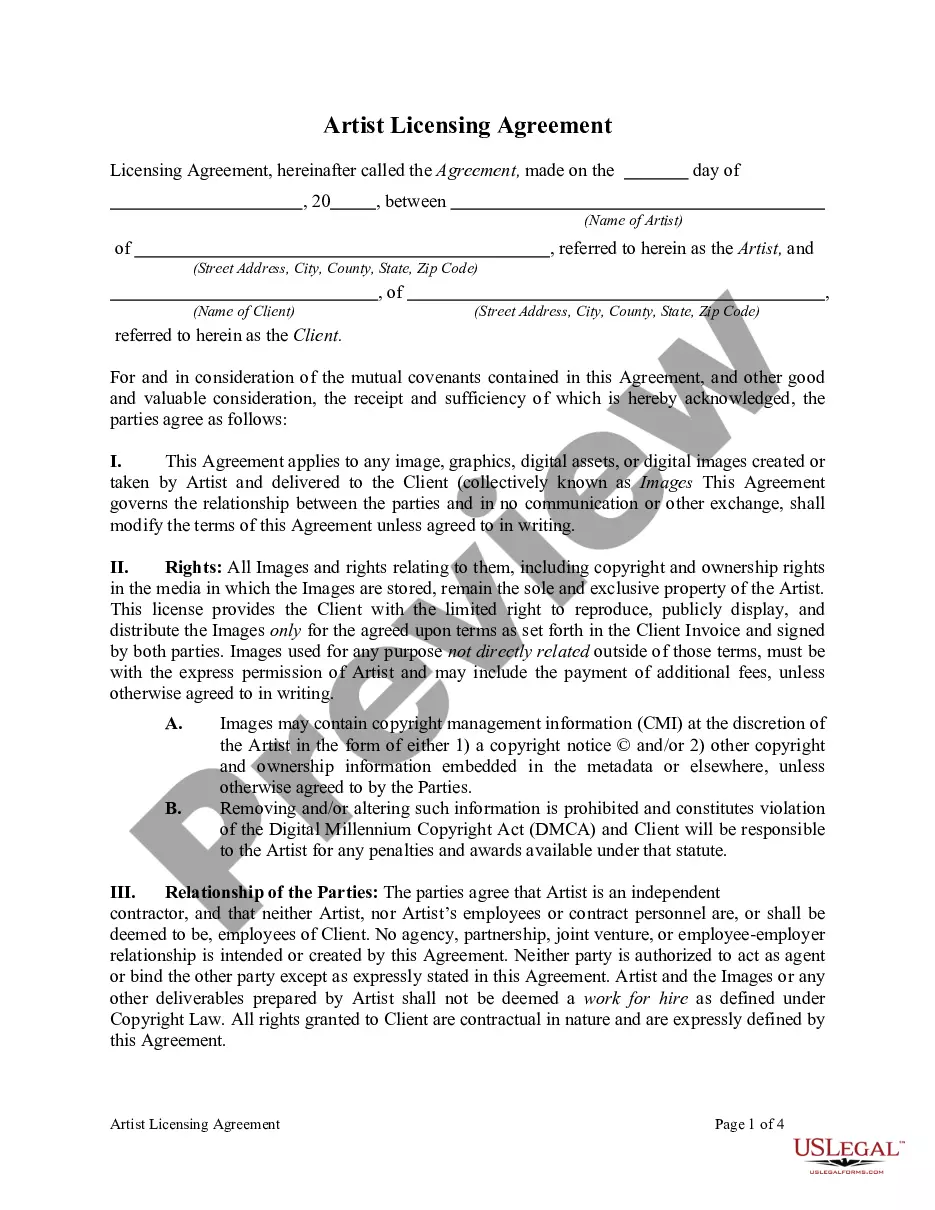
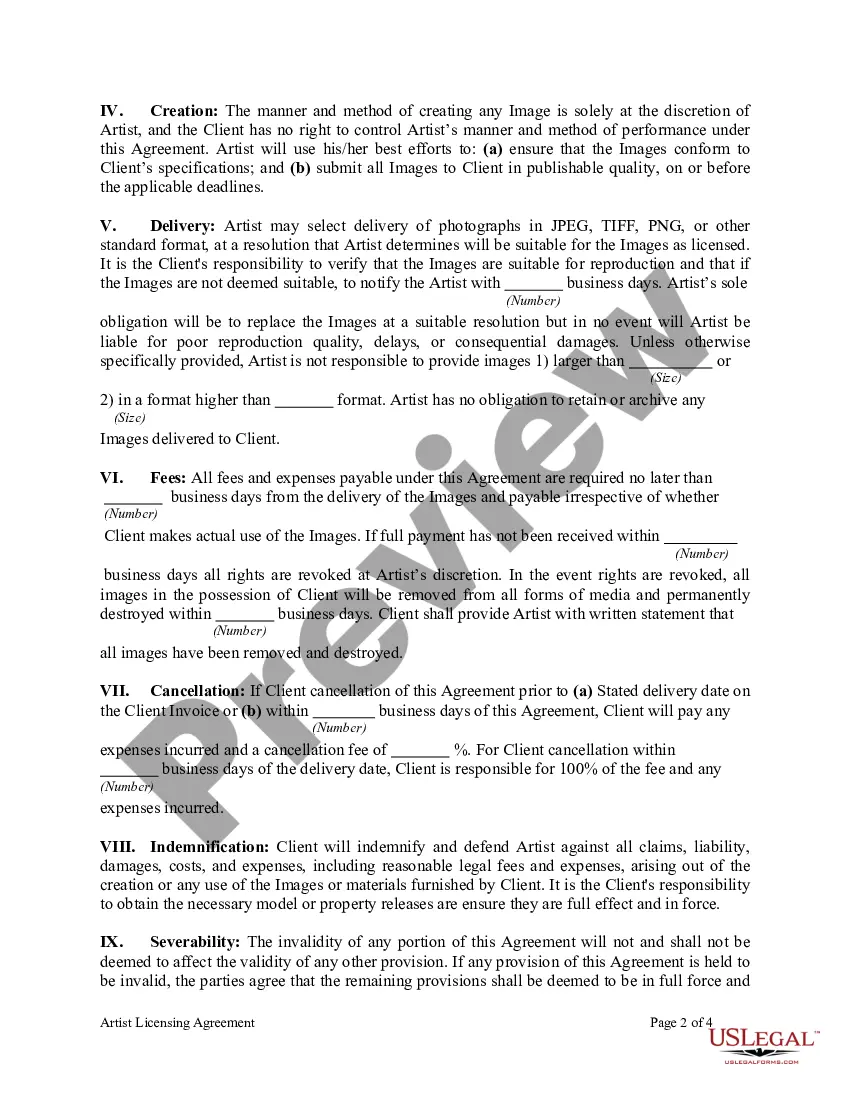
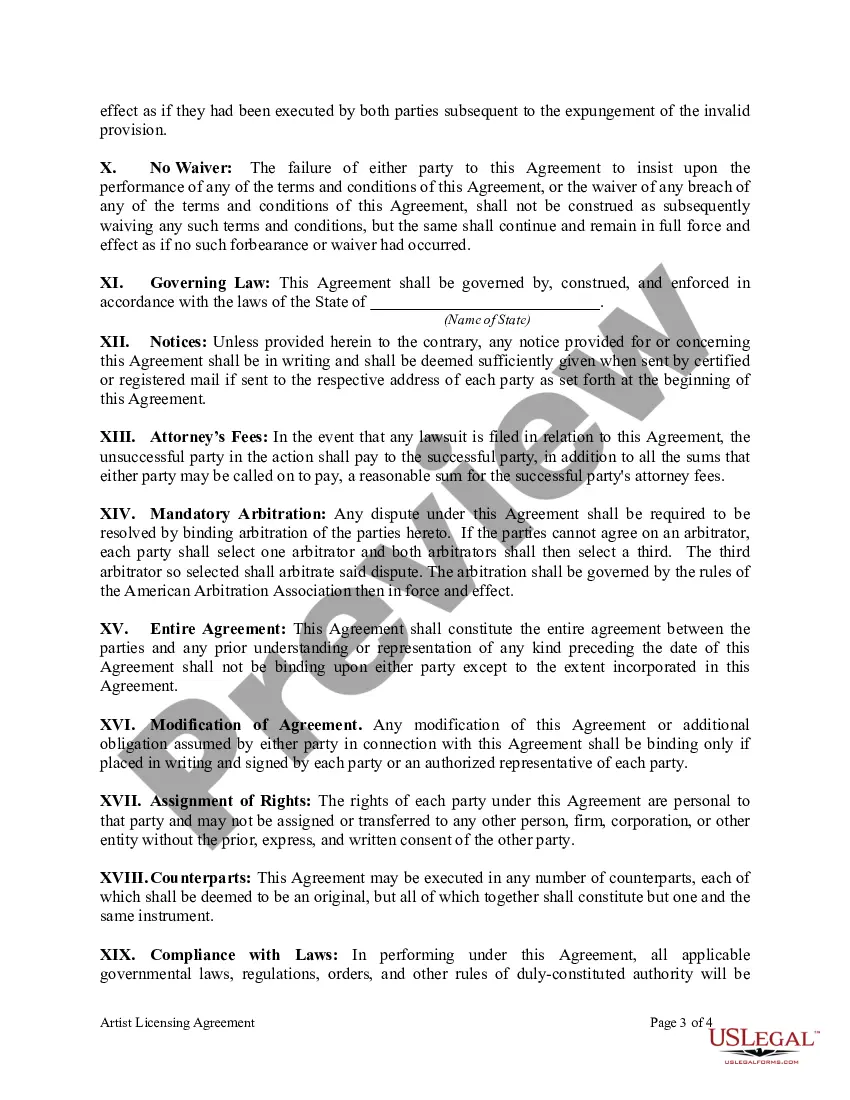
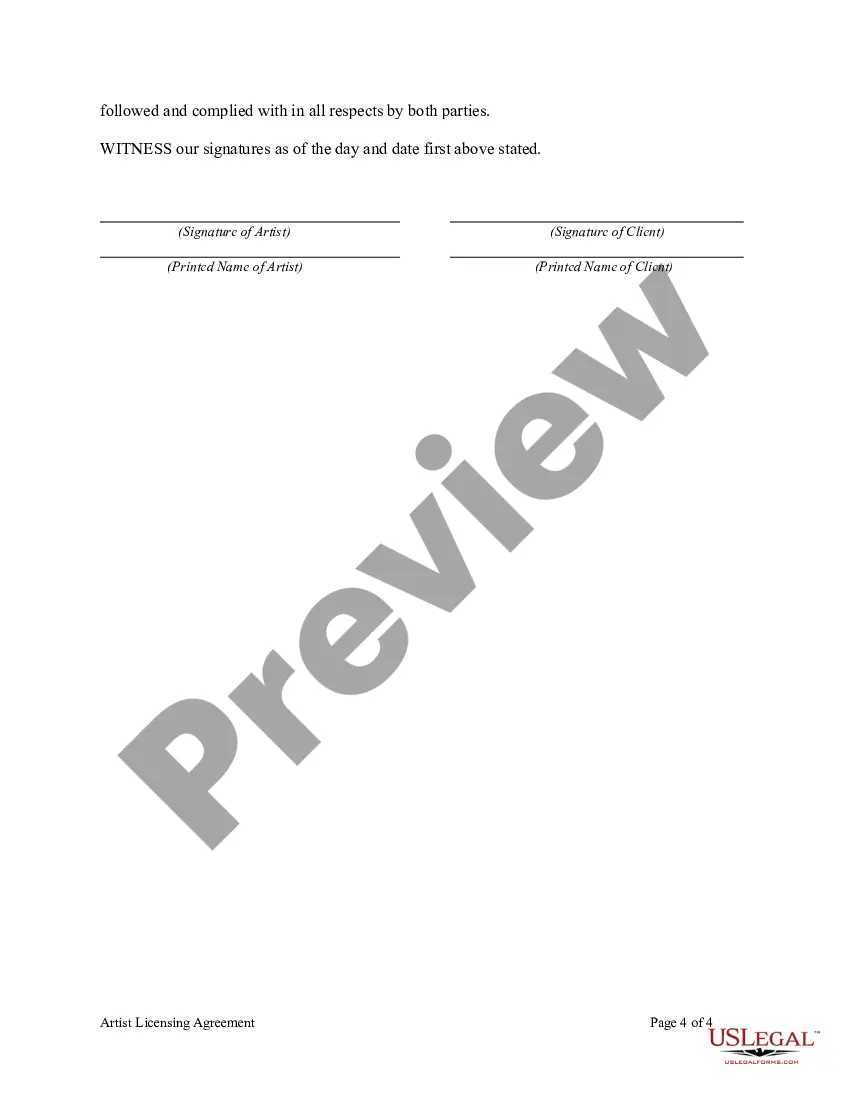
Get your form ready online
Our built-in tools help you complete, sign, share, and store your documents in one place.
Make edits, fill in missing information, and update formatting in US Legal Forms—just like you would in MS Word.
Download a copy, print it, send it by email, or mail it via USPS—whatever works best for your next step.
Sign and collect signatures with our SignNow integration. Send to multiple recipients, set reminders, and more. Go Premium to unlock E-Sign.
If this form requires notarization, complete it online through a secure video call—no need to meet a notary in person or wait for an appointment.
We protect your documents and personal data by following strict security and privacy standards.

Make edits, fill in missing information, and update formatting in US Legal Forms—just like you would in MS Word.

Download a copy, print it, send it by email, or mail it via USPS—whatever works best for your next step.

Sign and collect signatures with our SignNow integration. Send to multiple recipients, set reminders, and more. Go Premium to unlock E-Sign.

If this form requires notarization, complete it online through a secure video call—no need to meet a notary in person or wait for an appointment.

We protect your documents and personal data by following strict security and privacy standards.
Looking for another form?


How to fill out Artist Licensing Agreement?
Whether for corporate aims or personal concerns, everyone encounters legal circumstances at some stage in their life.
Filling out legal documents demands meticulous attention, starting from choosing the appropriate form template.
With a substantial US Legal Forms collection available, you don’t have to waste time searching for the appropriate sample online. Utilize the library’s user-friendly navigation to find the correct template for any occasion.
- Obtain the sample you require by utilizing the search bar or catalog navigation.
- Review the form’s details to confirm it suits your case, jurisdiction, and county.
- Click on the form’s preview to assess it.
- If it is the incorrect document, go back to the search feature to locate the Art Licensing Agreement Template For Artists sample you need.
- Download the template if it aligns with your specifications.
- If you already possess a US Legal Forms account, simply click Log in to access previously saved templates in My documents.
- In case you do not have an account yet, you may acquire the form by clicking Buy now.
- Choose the suitable pricing option.
- Fill out the account registration form.
- Select your payment method: use a credit card or PayPal account.
- Choose the file format you desire and download the Art Licensing Agreement Template For Artists.
- Once saved, you can complete the form using editing software or print it and fill it out manually.
Form popularity
FAQ
A sworn declaration (also called a sworn statement or a statement under penalty of perjury) is a document that recites facts pertinent to a legal proceeding. It is very similar to an affidavit but is not witnessed and sealed by an official such as a notary public.
In certain states you can act as both Notary and witness, while in others you can't. In Connecticut, Florida and South Carolina, the Notary may act as a witness; in Georgia, Louisiana and Michigan the Notary may not.
After the process server serves the papers, he or she must prepare an affidavit that they completed service of process. This affidavit must be notarized. File the affidavit with the Clerk of Court's office where the case is filed.
How to write an affidavit. Title. This is either your name (?Affidavit of Jane Doe?) or the specific case information. Statement of identity. The next paragraph tells the court about yourself. ... Statement of truth. ... Statement of facts. ... Closing statement of truth. ... Sign and notarize.
South Carolina allows individuals and businesses to use a commissioned notary public to notarize their documents under a few basic conditions.
Wills in South Carolina don't need to be notarized to be valid, but notarization can make the probate process smoother. That's because, when a will is notarized, it means the probate court doesn't have to summon the witnesses to make sure the will is legally binding.
While it's possible to create a living will on your own, hiring an attorney can be beneficial, particularly if your healthcare wishes are complex. An attorney can provide legal advice tailored to your situation and ensure the document meets all the legal requirements in South Carolina.
A South Carolina Living Will is a legal document that lays out your preferences in relation to health care, such as your refusal or acceptance of a certain medical treatment or procedure, in addition to the optional selection of a chosen healthcare decision maker or "agent."