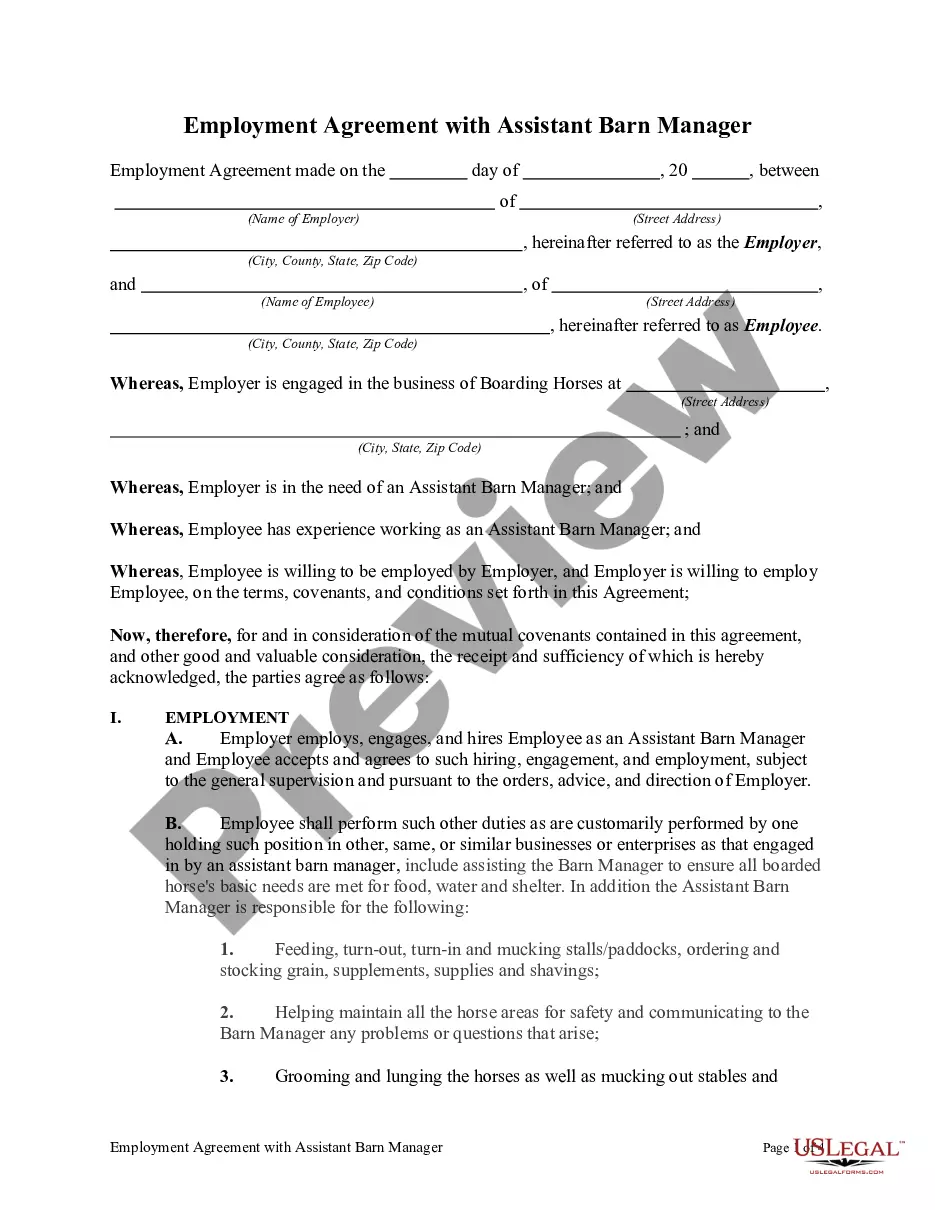
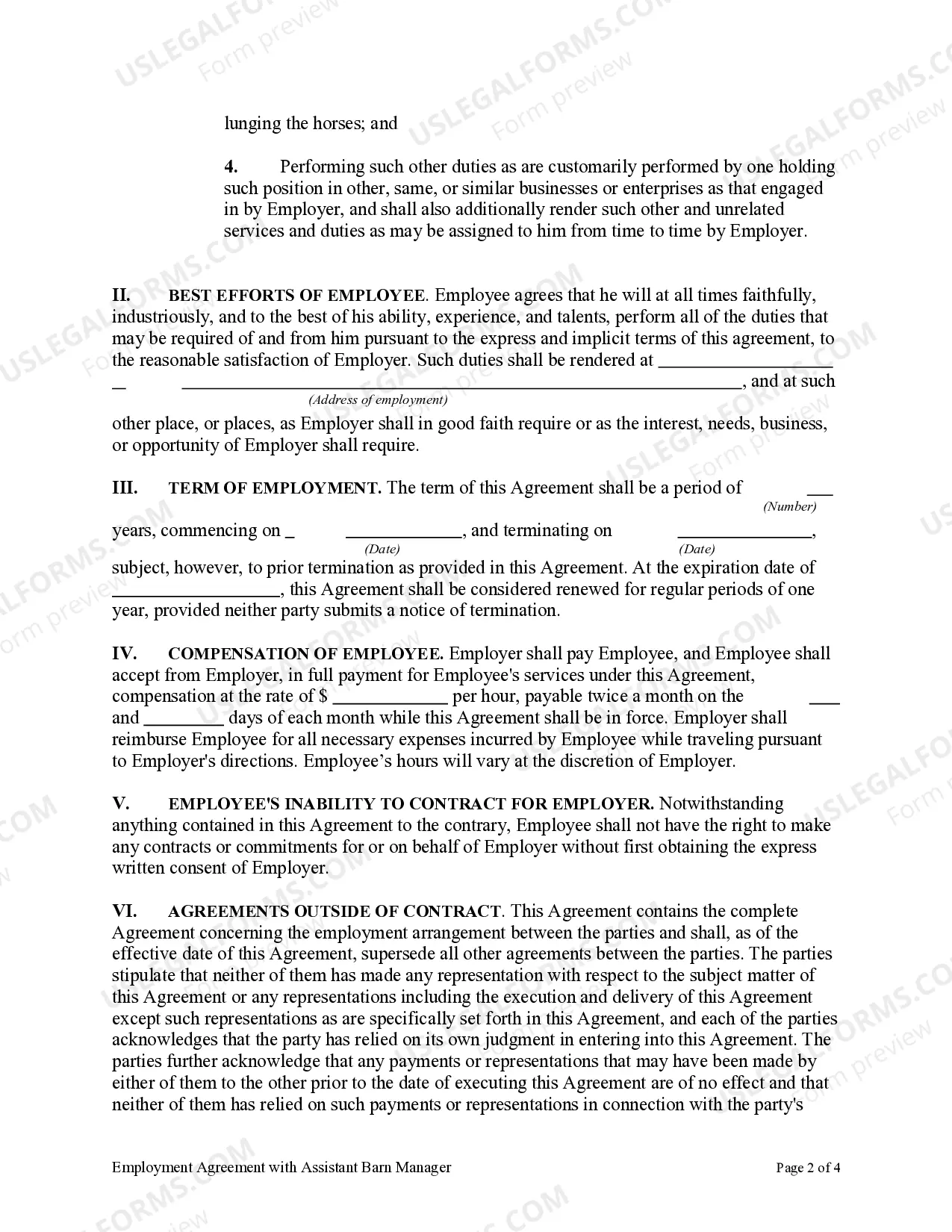
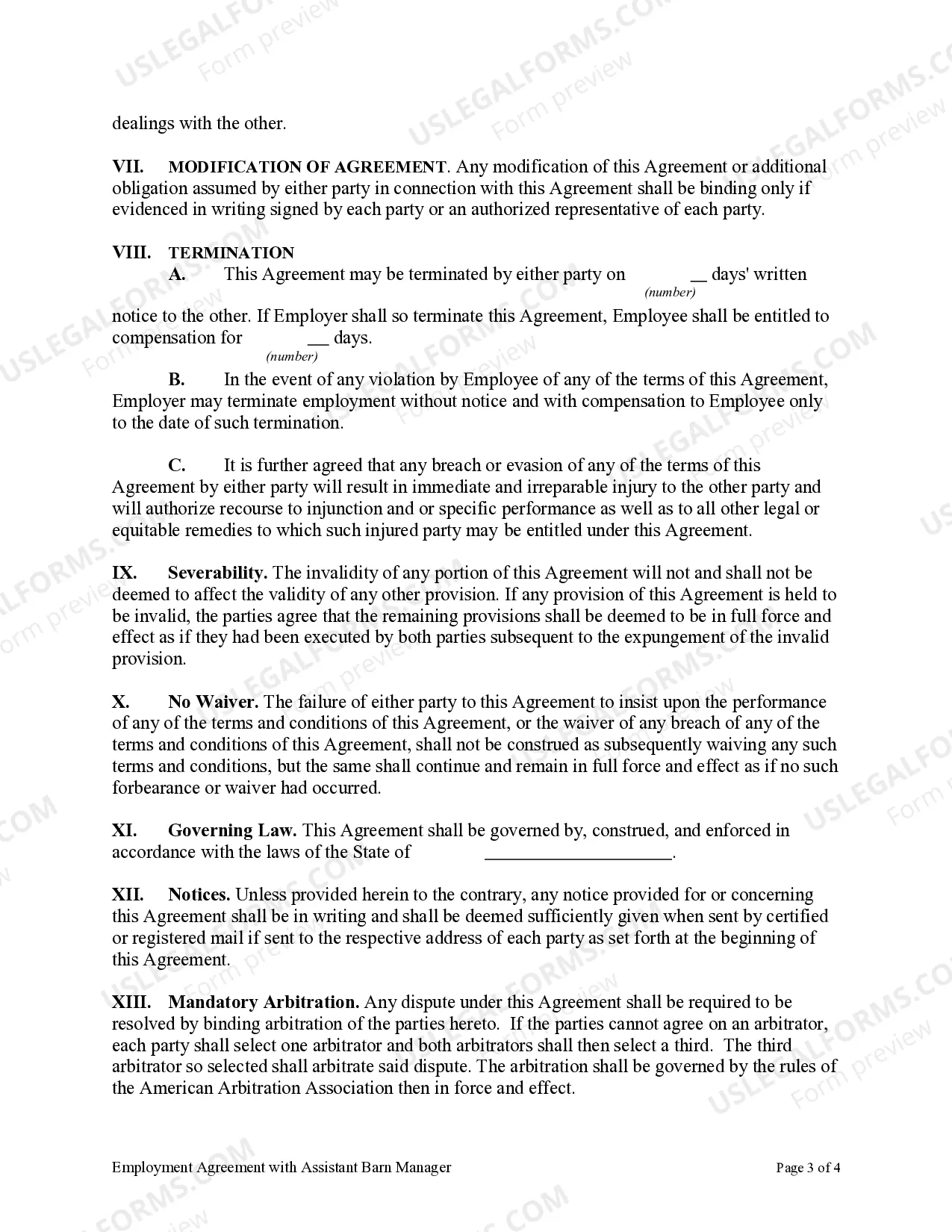
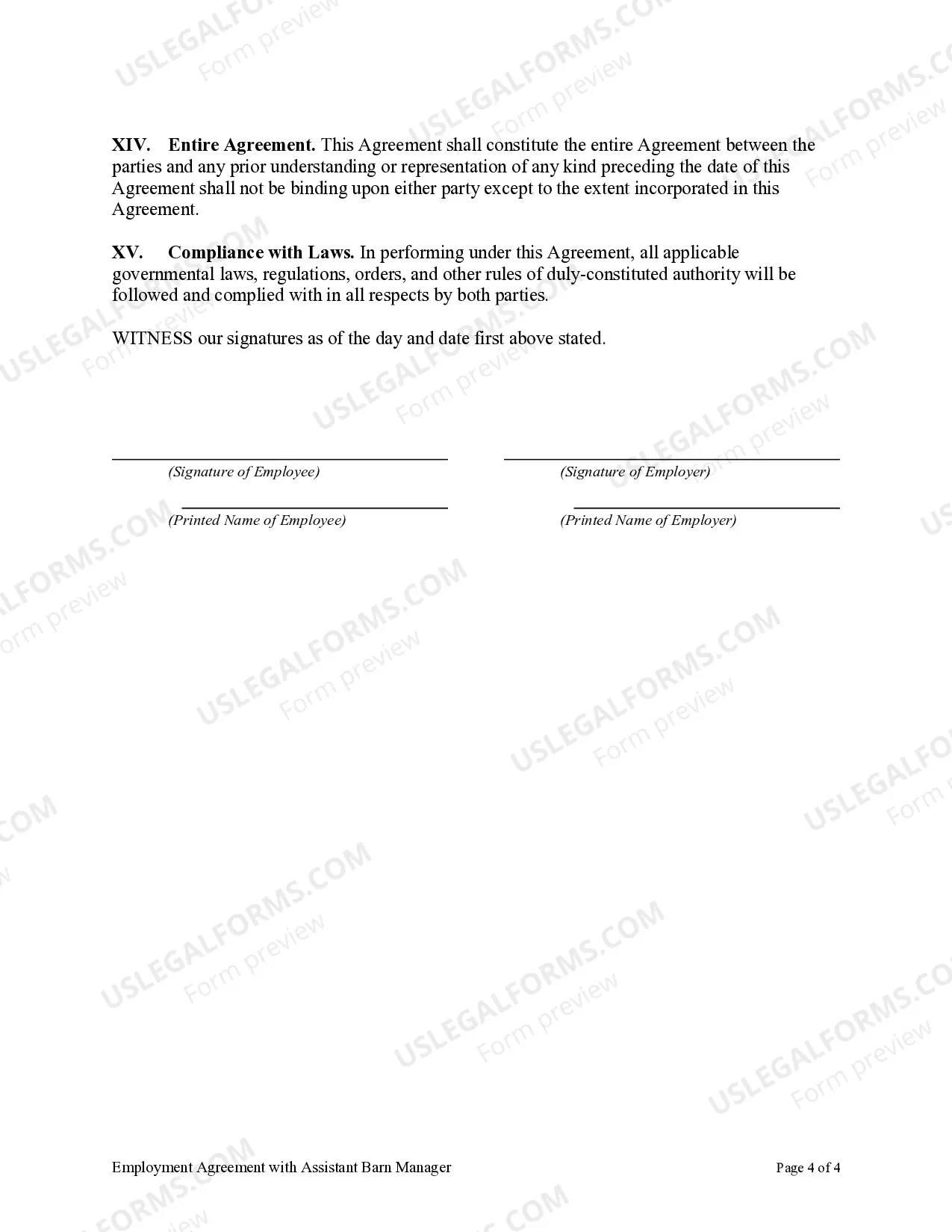
Employment Agreement Assistant For Shop
Description
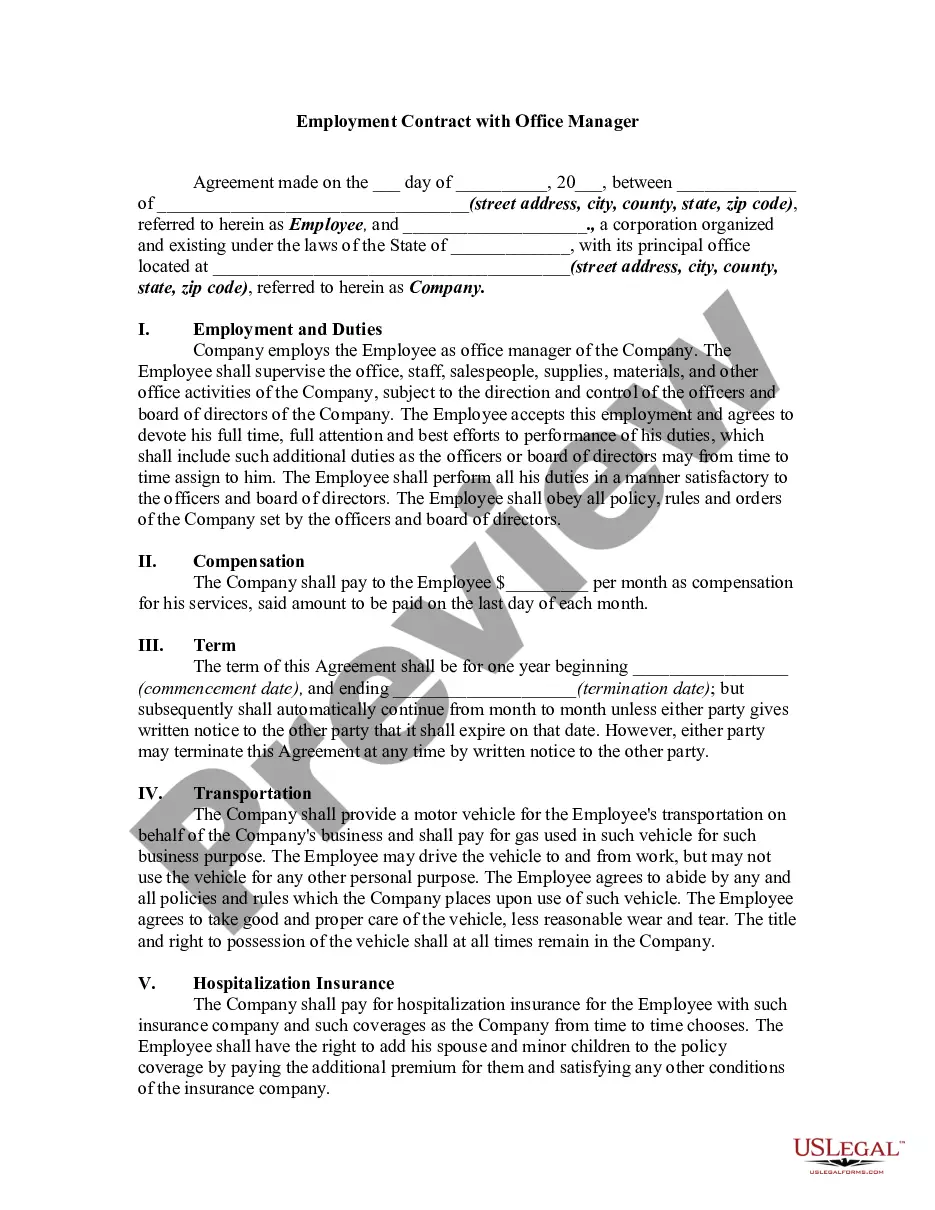
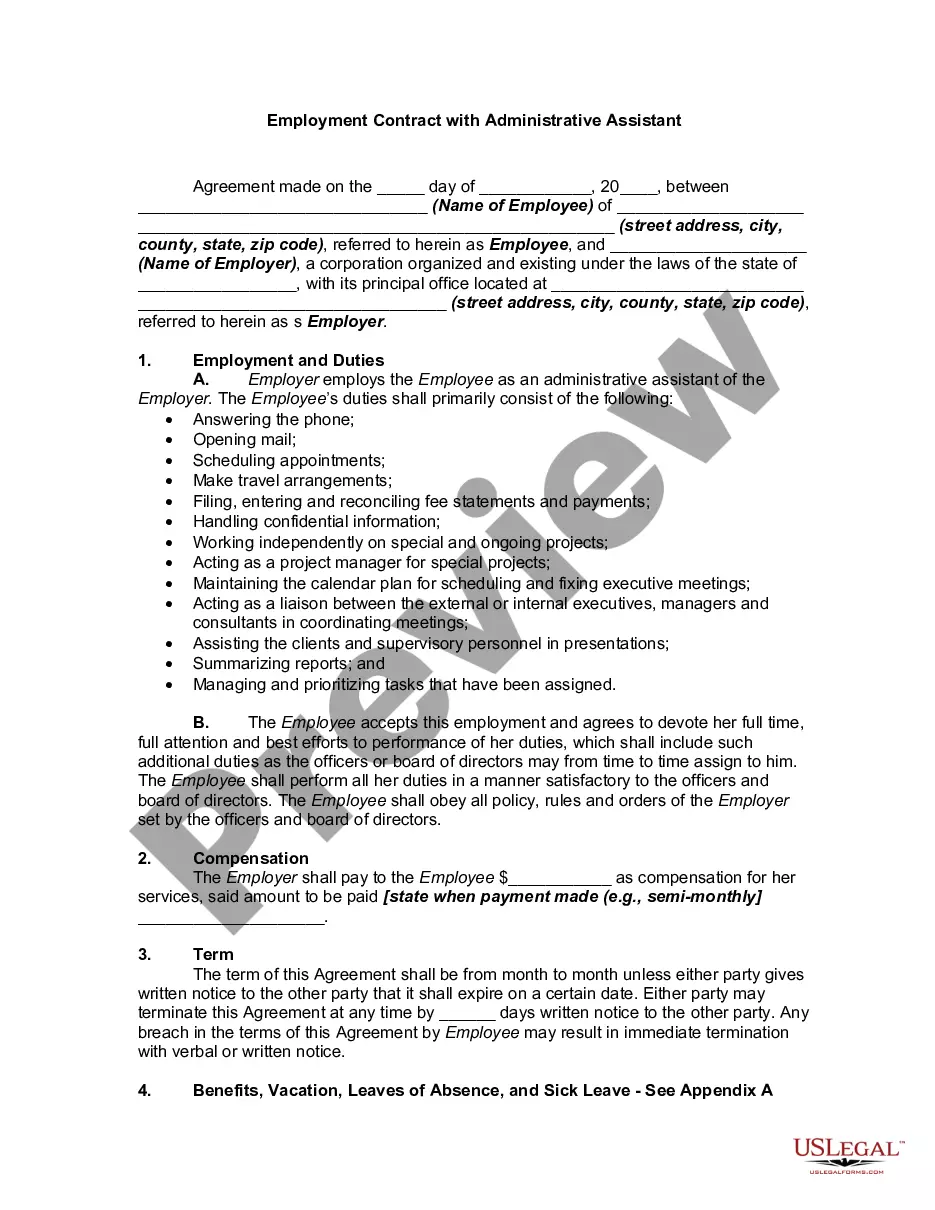

Get your form ready online
Our built-in tools help you complete, sign, share, and store your documents in one place.
Make edits, fill in missing information, and update formatting in US Legal Forms—just like you would in MS Word.
Download a copy, print it, send it by email, or mail it via USPS—whatever works best for your next step.
Sign and collect signatures with our SignNow integration. Send to multiple recipients, set reminders, and more. Go Premium to unlock E-Sign.
If this form requires notarization, complete it online through a secure video call—no need to meet a notary in person or wait for an appointment.
We protect your documents and personal data by following strict security and privacy standards.

Make edits, fill in missing information, and update formatting in US Legal Forms—just like you would in MS Word.

Download a copy, print it, send it by email, or mail it via USPS—whatever works best for your next step.

Sign and collect signatures with our SignNow integration. Send to multiple recipients, set reminders, and more. Go Premium to unlock E-Sign.

If this form requires notarization, complete it online through a secure video call—no need to meet a notary in person or wait for an appointment.

We protect your documents and personal data by following strict security and privacy standards.
Looking for another form?









How to fill out Employment Agreement With Assistant Barn Manager?
Individuals frequently link legal documentation with complexity that only an expert can handle.
In some respects, this is accurate, as formulating Employment Agreement Assistant For Shop requires a significant grasp of subject matter criteria, including state and local laws.
However, with US Legal Forms, everything has turned more user-friendly: pre-made legal documents for any life and business circumstance specific to state legislation are compiled in a single online directory and are now accessible to all.
All templates in our collection are reusable: once obtained, they remain saved in your profile. You can access them whenever needed through the My documents tab. Discover all the benefits of using the US Legal Forms platform. Subscribe now!
- US Legal Forms presents over 85k current forms categorized by state and purpose, so finding Employment Agreement Assistant For Shop or any other specific template only demands minutes.
- Returning users with a valid subscription must Log In to their account and click Download to retrieve the form.
- New users will first need to sign up for an account and subscribe before they can save any files.
- Here is the step-by-step instruction on how to acquire the Employment Agreement Assistant For Shop.
- Review the page details carefully to make sure it meets your needs.
- Examine the form description or review it through the Preview feature.
- Discover another example using the Search field above if the prior one isn't suitable.
- Click Buy Now once you identify the correct Employment Agreement Assistant For Shop.
- Select a pricing plan that matches your requirements and budget.
- Create an account or Log In to continue to the payment page.
- Complete your subscription payment via PayPal or with your credit card.
- Choose the format for your document and click Download.
- Print your document or upload it to an online editor for quicker completion.
Form popularity
FAQ
How to write an employment contractTitle the employment contract.Identify the parties.List the term and conditions.Outline the job responsibilities.Include compensation details.Use specific contract terms.Consult with an employment lawyer.Employment.More items...?
Write the contract in six stepsStart with a contract template.Open with the basic information.Describe in detail what you have agreed to.Include a description of how the contract will be ended.Write into the contract which laws apply and how disputes will be resolved.Include space for signatures.
Writing the ContractInclude information about the exchange of consideration, and write clearly as to which party delivers and what the other agrees in exchange. Use short sentences and provide a numbered heading for each paragraph. This makes it easier to reference information.
The simple answer is YES. You can write your own contracts. There is no requirement that they must be written by a lawyer. There is no requirement that they have to be a certain form or font.
What to include in an employment contractName and address of employer and employee.Start date.Date contract will apply from.Continuous services date.When the contract is expected to end if temporary or fixed term.Job title or a brief description of duties.Place of work.Requirement to work overseas.More items...?