Resolution Software
Description

Get your form ready online
Our built-in tools help you complete, sign, share, and store your documents in one place.
Make edits, fill in missing information, and update formatting in US Legal Forms—just like you would in MS Word.
Download a copy, print it, send it by email, or mail it via USPS—whatever works best for your next step.
Sign and collect signatures with our SignNow integration. Send to multiple recipients, set reminders, and more. Go Premium to unlock E-Sign.
If this form requires notarization, complete it online through a secure video call—no need to meet a notary in person or wait for an appointment.
We protect your documents and personal data by following strict security and privacy standards.

Make edits, fill in missing information, and update formatting in US Legal Forms—just like you would in MS Word.

Download a copy, print it, send it by email, or mail it via USPS—whatever works best for your next step.

Sign and collect signatures with our SignNow integration. Send to multiple recipients, set reminders, and more. Go Premium to unlock E-Sign.

If this form requires notarization, complete it online through a secure video call—no need to meet a notary in person or wait for an appointment.

We protect your documents and personal data by following strict security and privacy standards.
Looking for another form?





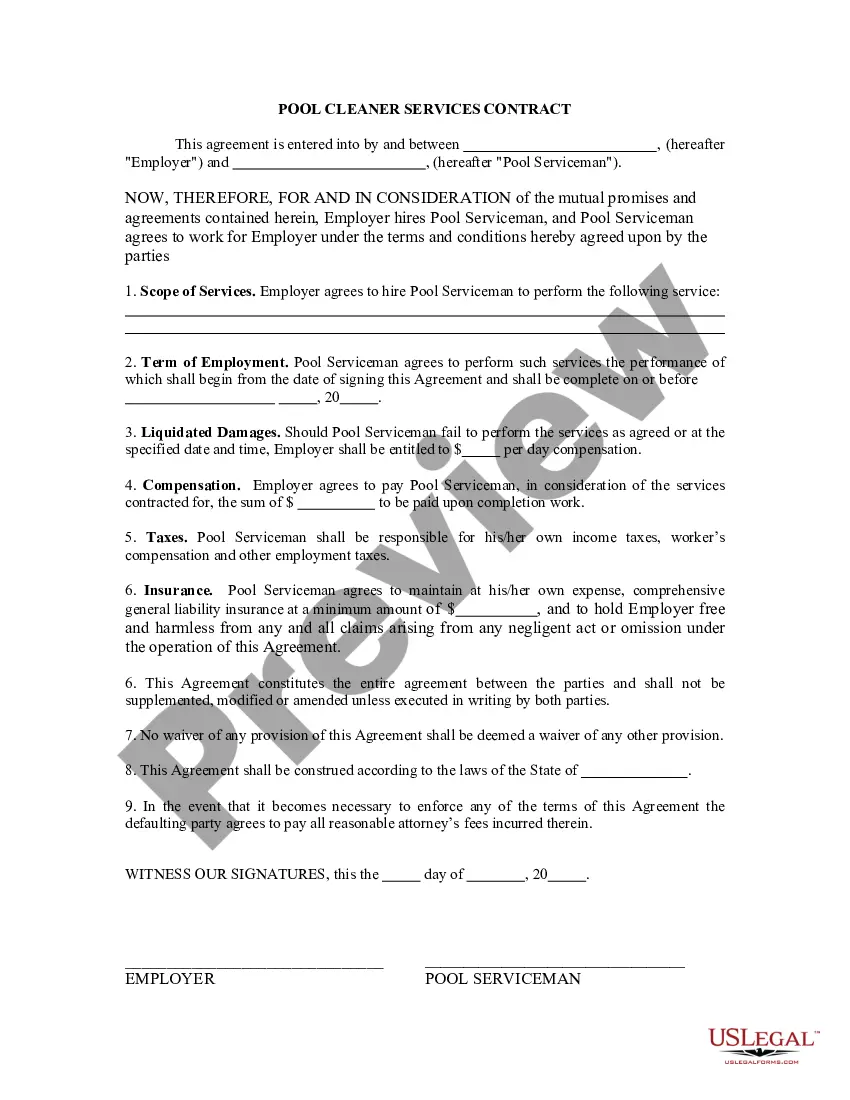
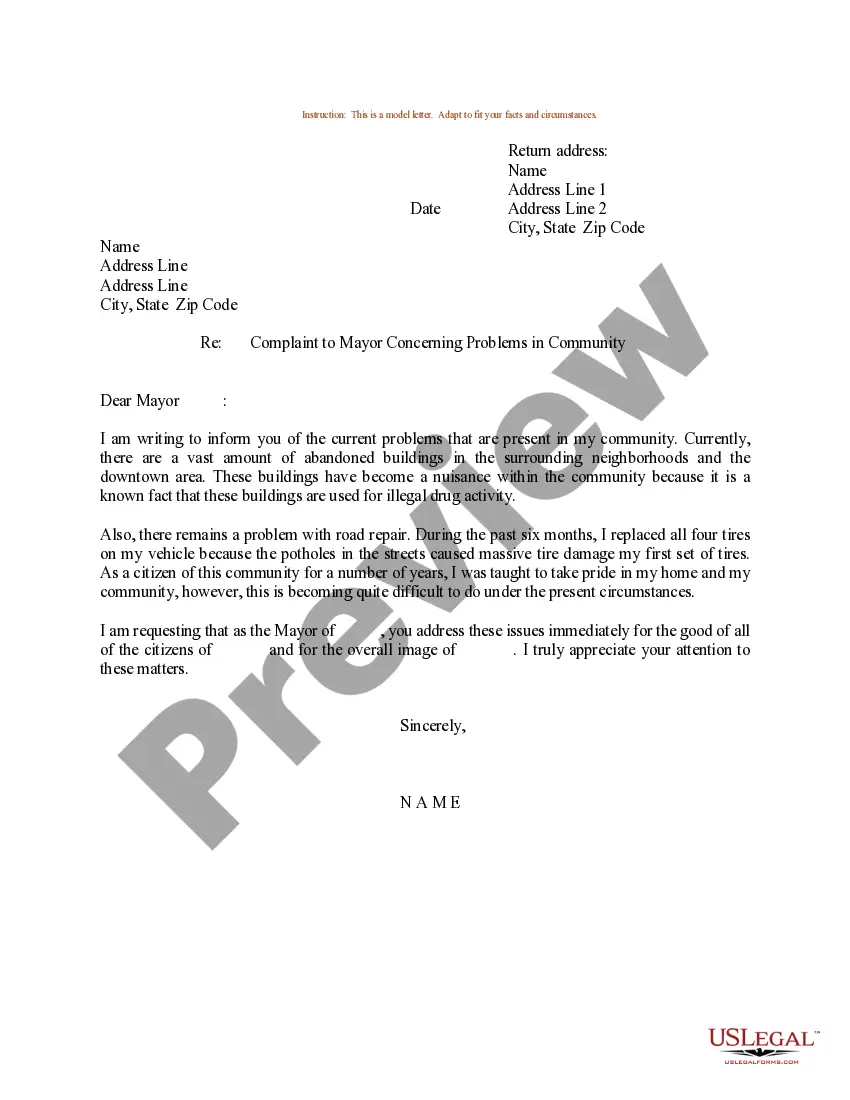
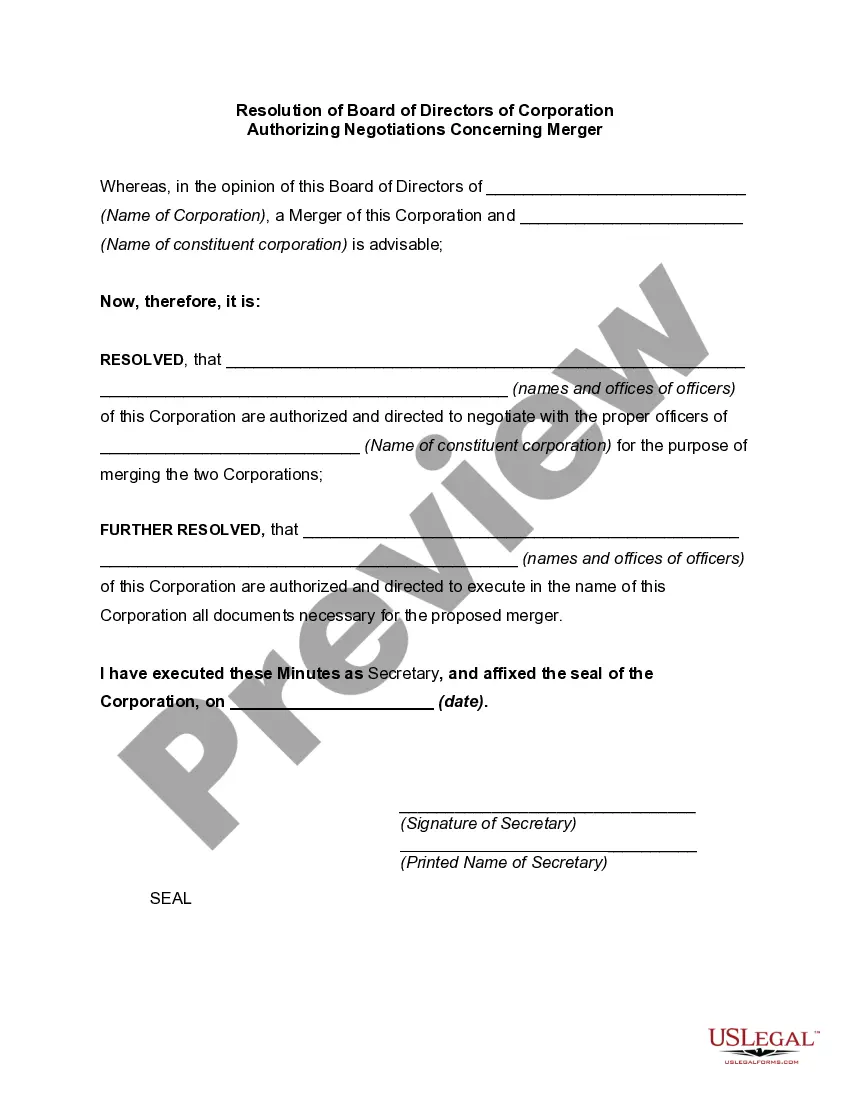
How to fill out Resolution Of Board Of Directors Of Corporation Authorizing Negotiations Concerning Merger?
- Log in to your account if you're a returning user. Ensure your subscription is active to access necessary templates effortlessly.
- For first-time users, browse through the preview mode and form descriptions to select a document that meets your specific needs and jurisdictional requirements.
- If you need a different template, utilize the search feature to find the right one quickly and accurately.
- Proceed to purchase your document by selecting the buy now button and choosing your preferred subscription plan. Registration is required to unlock additional resources.
- Complete your payment process by entering your credit card details or selecting your PayPal account for the transaction.
- Download your form to your device. You can access it anytime through the 'My documents' section in your profile.
By following these straightforward steps, you can harness the full potential of US Legal Forms and ensure that your legal documents are both precise and compliant with all requirements.
Start maximizing your legal efficiency today by accessing US Legal Forms. Get started now!
Form popularity
FAQ
The best upsizing software is designed to increase image size while preserving quality. Programs like ON1 Resize and AI-based solutions such as Topaz Gigapixel specialize in providing high-quality upscaling. When choosing software, consider features like user interface, speed, and how effectively it enhances resolution. This kind of software is invaluable for photographers and designers who need crisp, clear images.
To make your resolution higher, you can adjust the settings on your device or use resolution software to enhance image quality. Begin by checking your display settings and selecting a higher resolution if available. For images, advanced software can be used to add detail and improve overall visual quality, elevating your media experience.
The resolution 1920x1080, also known as Full HD, consists of 1920 pixels in width and 1080 pixels in height. This resolution is common in televisions, monitors, and video production. It provides a high level of detail, making it ideal for watching movies or playing games. To truly harness its potential, utilize high-quality resolution software for editing and viewing.
To force 1920x1080 resolution in Windows 10, right-click on the desktop and select 'Display settings'. Scroll down to the 'Resolution' dropdown menu and choose 1920x1080. If the option doesn’t appear, you may need to update your graphics drivers. Using resolution software can also help adjust and optimize your display settings for a better experience.
Yes, you can convert low resolution images to high resolution using advanced resolution software. However, it’s important to note that simply increasing the pixel count does not always enhance image quality. Effective software uses algorithms to add detail, which helps create a clearer picture. This process is particularly useful for printing high-quality images.
Software resolution refers to the clarity and detail of an image or video displayed by the software you use. It defines how much detail an image can hold, measured in pixels. Higher resolution leads to sharper images, which is crucial in many applications, including graphic design and video editing. To achieve better clarity, consider using advanced resolution software that optimizes image quality effectively.
To create a new resolution, you can use resolution software that allows for custom settings. Start by accessing the software’s resolution options, then specify the desired width and height. After configuring these settings, save your new resolution to apply it to your projects. This flexibility empowers you to adapt your media for specific needs and display requirements.
Standard software resolution typically refers to widely accepted resolutions, such as 1280x720 for HD and 1920x1080 for Full HD. These standards help ensure compatibility across devices and platforms. Using resolution software enables you to select and adjust these standard settings, ensuring that your media meets industry requirements. It's an effective way to maintain quality and accessibility.
Wuxga, which stands for Wide Ultra Extended Graphics Array, has a resolution of 1920x1200, providing a bit more vertical space than Full HD. Depending on your needs, Wuxga can be beneficial for multitasking or detailed work. However, for many applications, Full HD suffices and is easier to manage with resolution software. Your choice may depend on your specific usage.
Resolution in software refers to the clarity and detail of images or videos displayed on a screen. Higher resolution means more pixels, resulting in sharper visuals. Resolution software focuses on optimizing these visuals for various formats, ensuring your content looks excellent across different devices. Understanding resolution helps in making informed choices regarding digital media.