Name Executor Estate Without
Description
Get your form ready online
Our built-in tools help you complete, sign, share, and store your documents in one place.
Make edits, fill in missing information, and update formatting in US Legal Forms—just like you would in MS Word.
Download a copy, print it, send it by email, or mail it via USPS—whatever works best for your next step.
Sign and collect signatures with our SignNow integration. Send to multiple recipients, set reminders, and more. Go Premium to unlock E-Sign.
If this form requires notarization, complete it online through a secure video call—no need to meet a notary in person or wait for an appointment.
We protect your documents and personal data by following strict security and privacy standards.

Make edits, fill in missing information, and update formatting in US Legal Forms—just like you would in MS Word.

Download a copy, print it, send it by email, or mail it via USPS—whatever works best for your next step.

Sign and collect signatures with our SignNow integration. Send to multiple recipients, set reminders, and more. Go Premium to unlock E-Sign.

If this form requires notarization, complete it online through a secure video call—no need to meet a notary in person or wait for an appointment.

We protect your documents and personal data by following strict security and privacy standards.
Looking for another form?
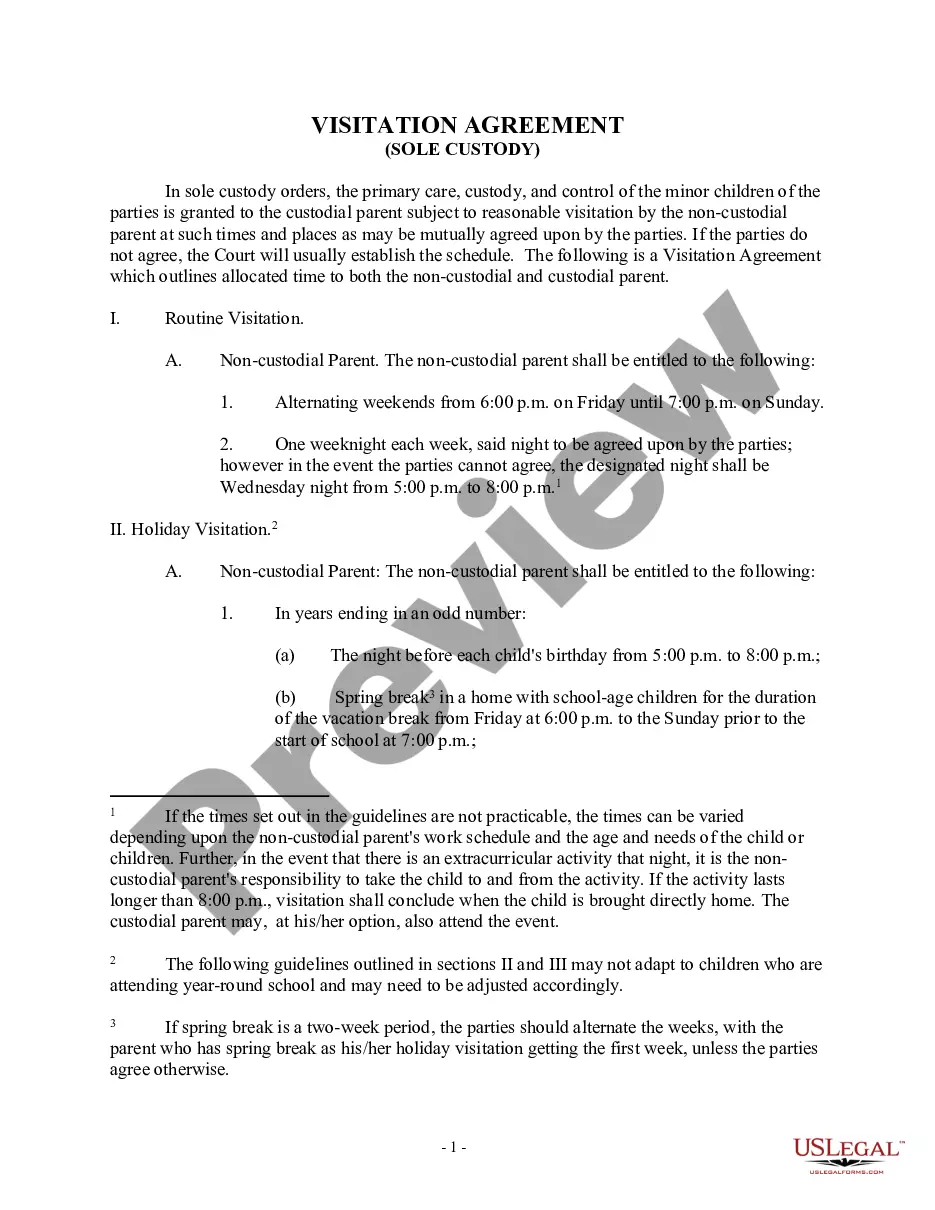

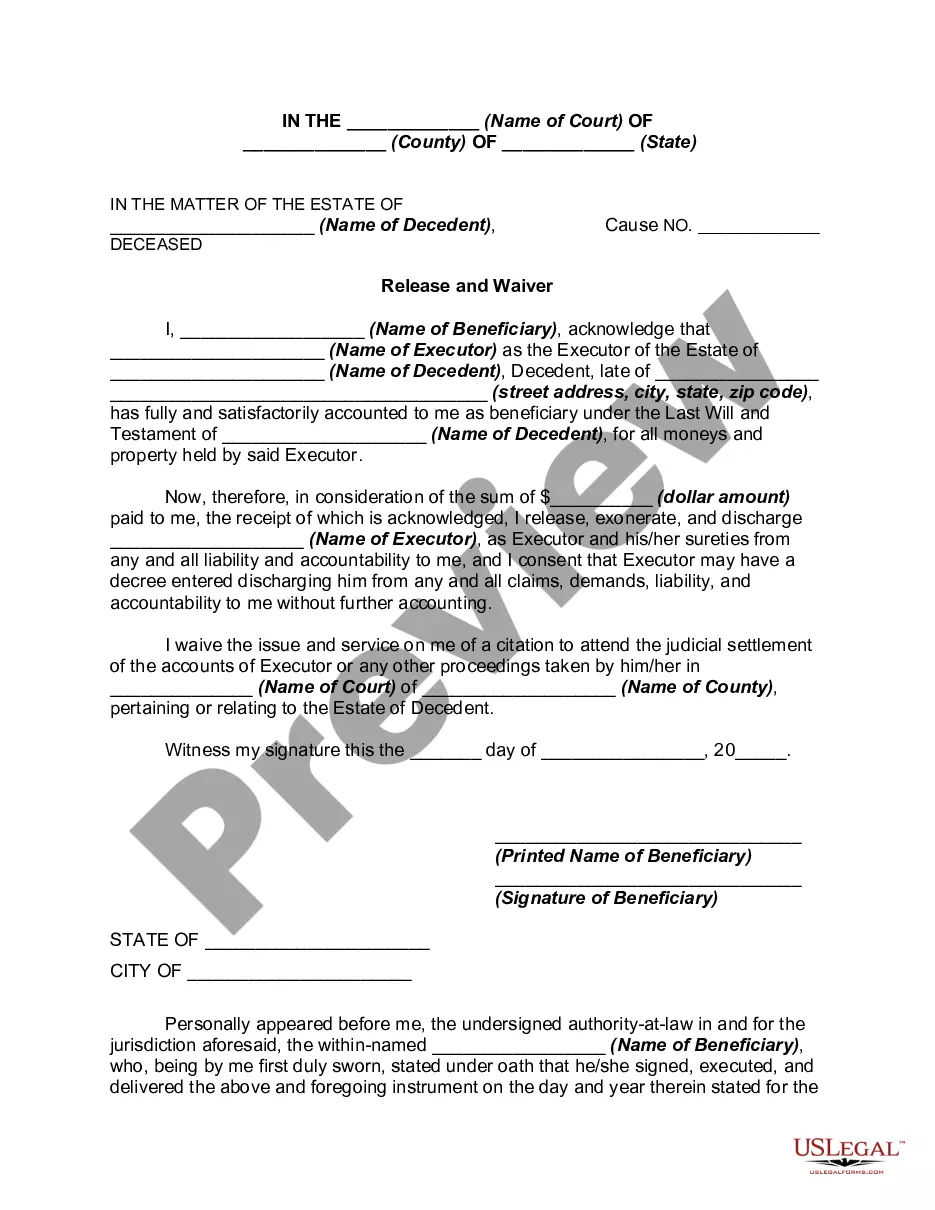
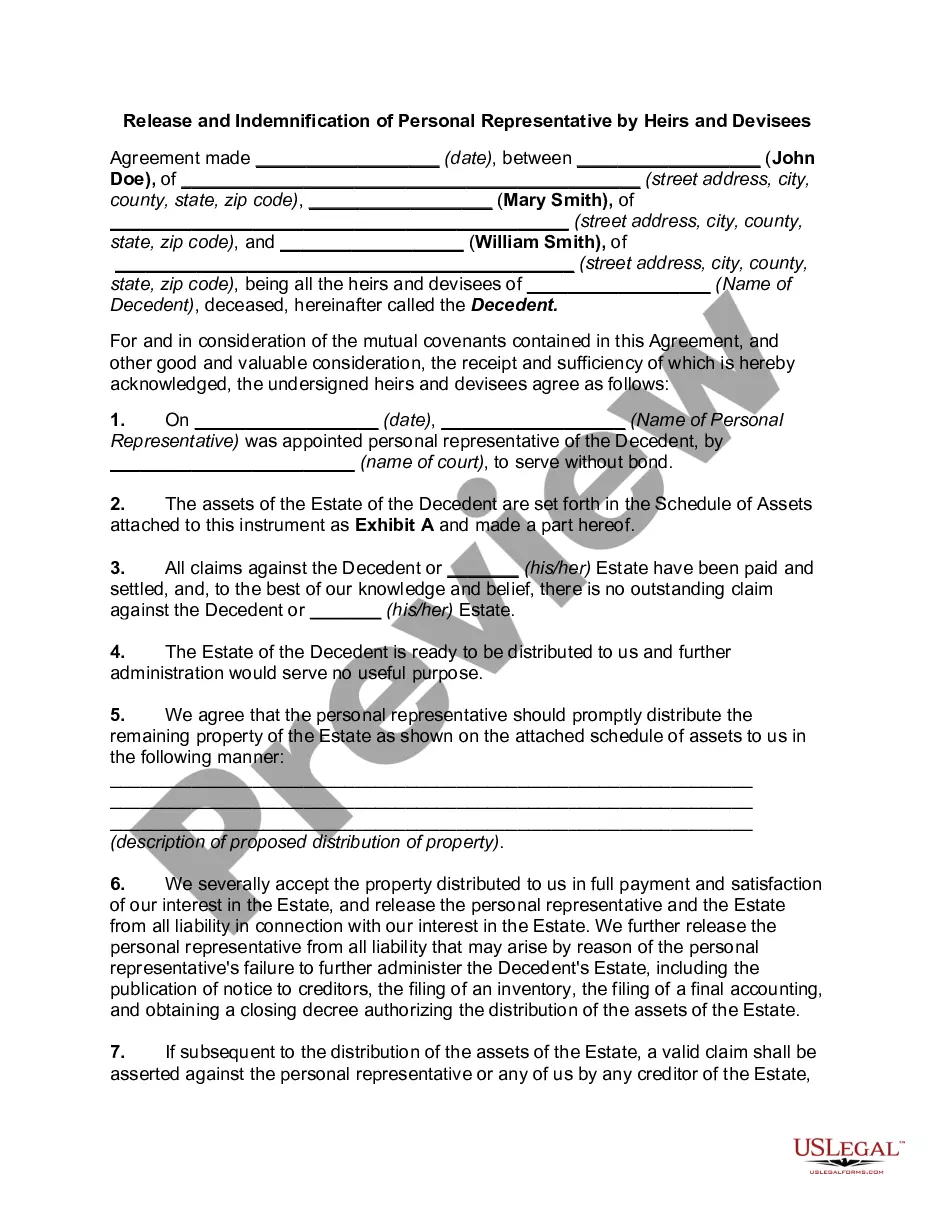
How to fill out Release And Exoneration Of Executor On Distribution To Beneficiary Of Will And Waiver Of Citation Of Final Settlement?
Managing legal documents and processes may be a lengthy addition to your daily routine.
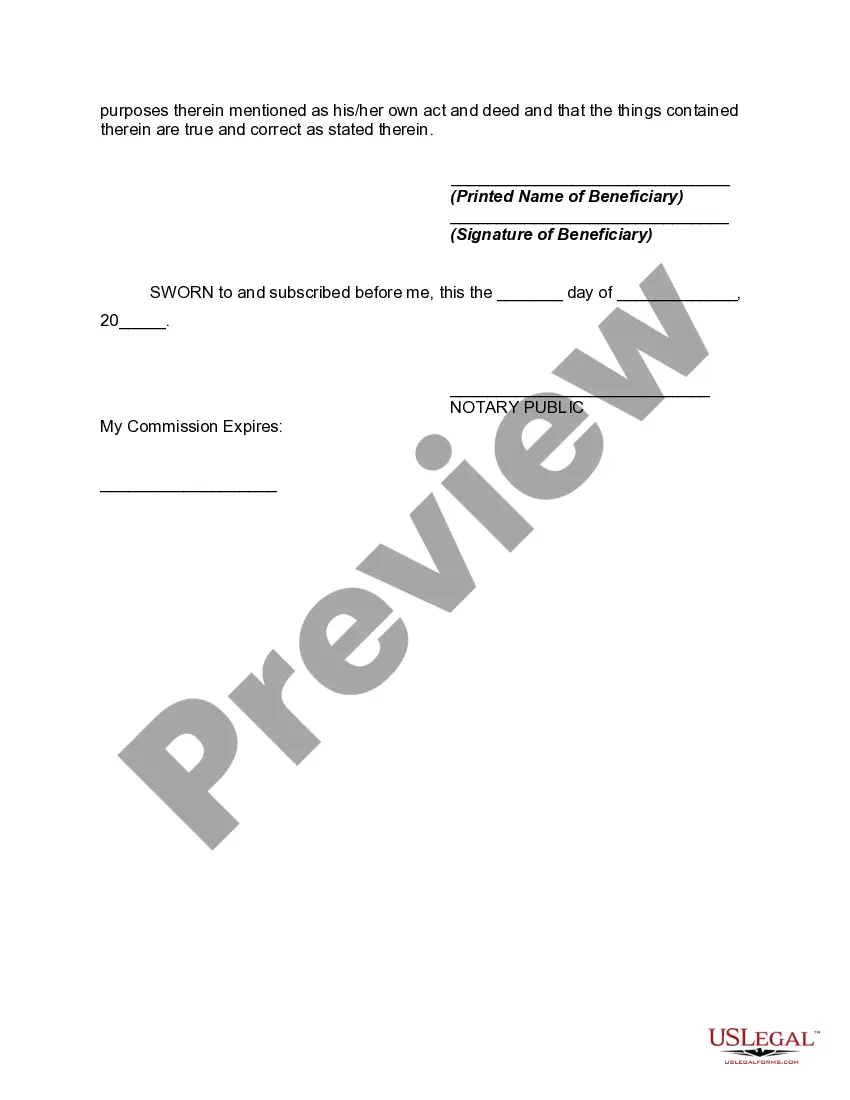
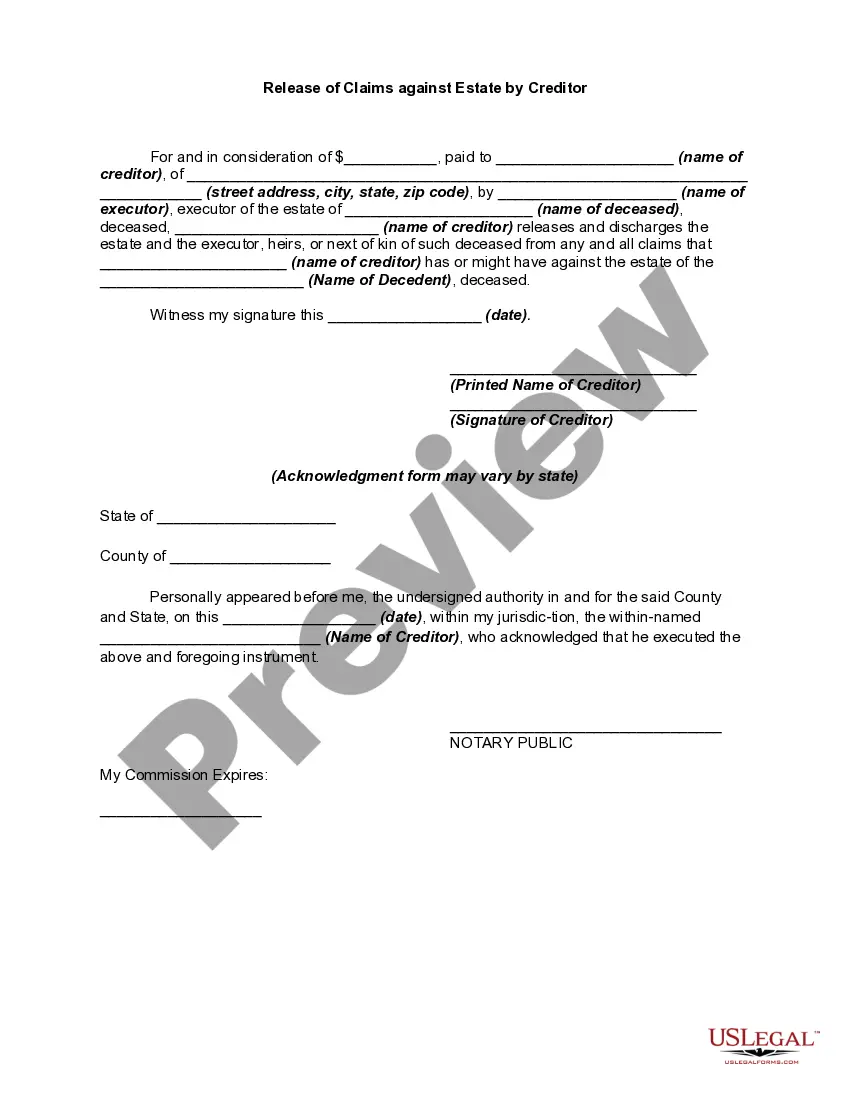
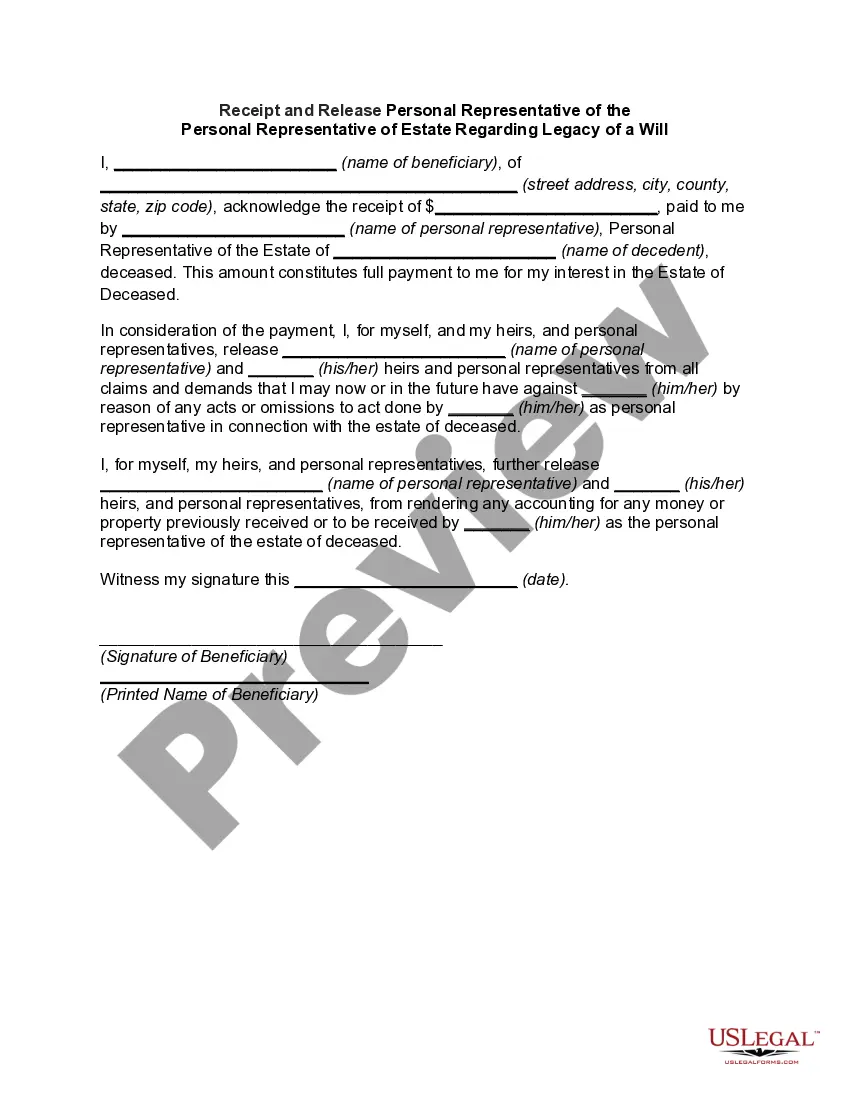
Name Executor Estate Without and similar forms frequently necessitate searching for them and figuring out how to fill them out accurately.
Consequently, whether you are managing financial, legal, or personal issues, having a comprehensive and efficient online library of forms readily available will be immensely beneficial.
US Legal Forms is the leading online platform for legal documents, boasting over 85,000 state-specific forms and various tools to help you complete your paperwork effortlessly.
Is this your first time using US Legal Forms? Sign up and create your account in just a few minutes to gain access to the form library and Name Executor Estate Without. Then, follow the steps below to complete your document: Ensure you have found the correct form by utilizing the Preview option and reviewing the form details.
- Browse the collection of relevant documents accessible with a single click.
- US Legal Forms offers you state- and county-specific documents available for download at any time.
- Protect your document management processes using a premium service that enables you to prepare any form within minutes without incurring extra or hidden costs.
- Just Log In to your account, find Name Executor Estate Without, and obtain it immediately from the My documents section.
- You can also access previously saved forms.
Form popularity
FAQ
The Non-Disclosure Agreement and Employee Confidentiality Agreement typically covers the how employees must handle confidential information during and after employment. While not usually considered a non-compete, these agreements aim to protect similar legitimate business interests.
How to Write an NDA (6 steps) Choose Your NDA Template. Select a Type of NDA: Unilateral or Mutual. Define ?Confidential Information? Enter the Consequences of a Breach. Sign the Non-Disclosure Agreement. Disclose the Information.
Non-Disclosure Agreement Signing Requirements To be valid, a Non-Disclosure Agreement only needs two signatures ? the disclosing party and the receiving party. It doesn't need to be notarized or filed with any state or local administrative office.
Generally speaking, an NDA is made up of multiple items. ing to ContractsCounsel, you'll be looking at the following average prices: An hourly rate between $200 and $350 for any NDA-related consultations you may need. For lawyers who work on a flat-fee basis, the average is $285 for an NDA.
Five requirements for an NDA The names of the parties to the agreement. A definition of what constitutes confidential information under the NDA. Any exclusions from confidentiality, including specific types of information and permissible recipients. Appropriate uses for the shared information.
You do not need a lawyer to create and sign a non-disclosure agreement. However, if the information you are trying to protect is important enough to warrant an NDA, you may want to have the document reviewed by someone with legal expertise.
As mentioned earlier, if you were to sign the NDA as an individual (ie. operating as a sole proprietor), you'll be personally liable for any potential lawsuits that arise from the agreement being breached.
disclosure agreement (NDA) is a legally binding contract that establishes a confidential relationship. The party or parties signing the agreement agree that sensitive information they may obtain will not be made available to any others.