Affidavit Support Document With Scan File
Description

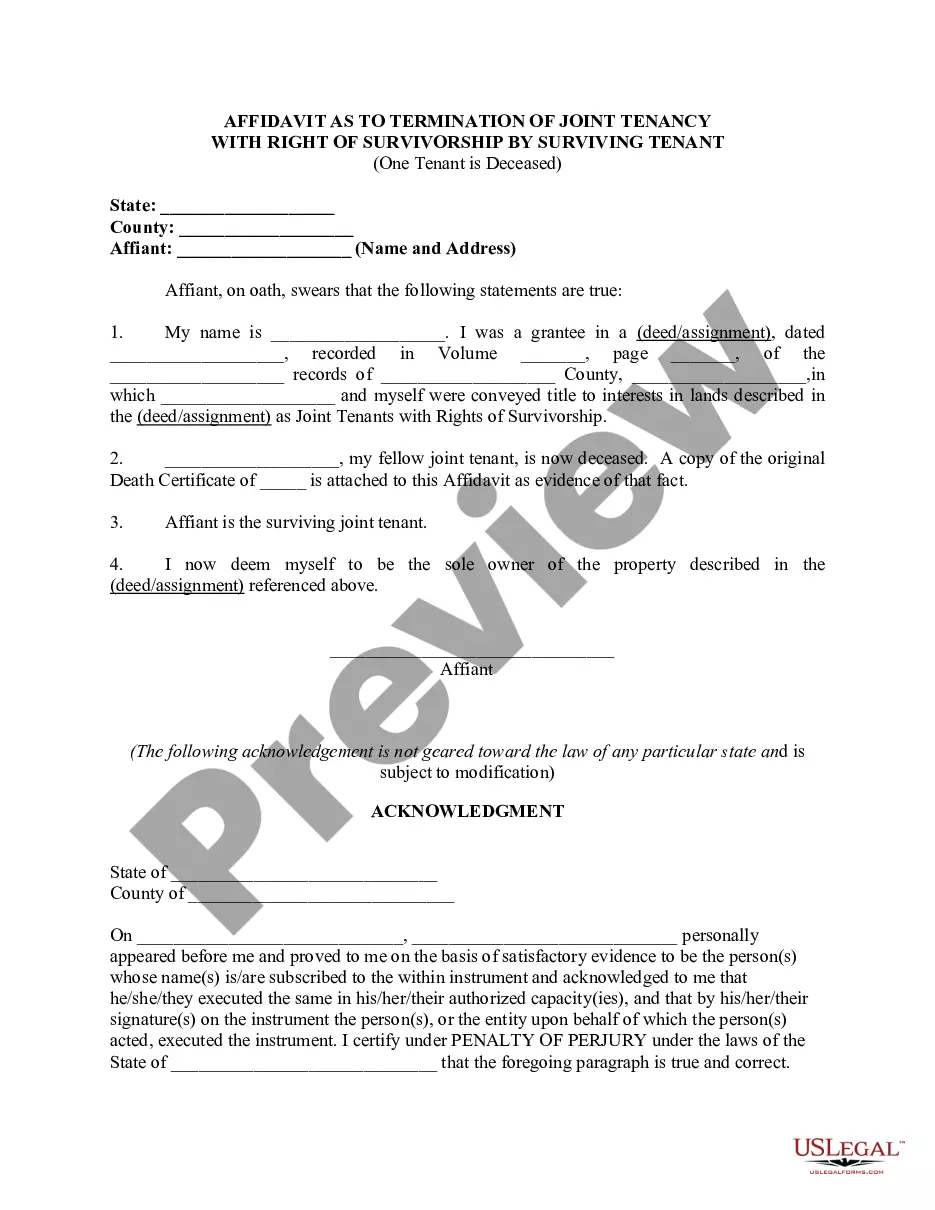
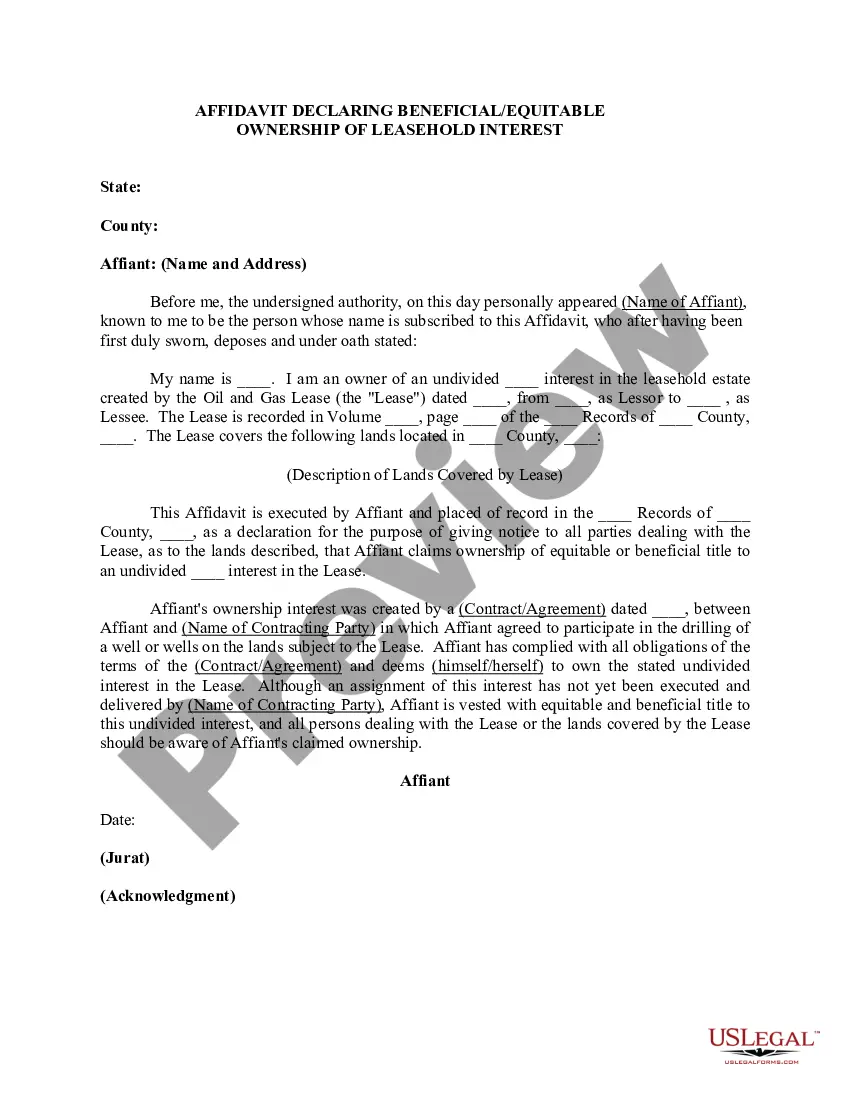
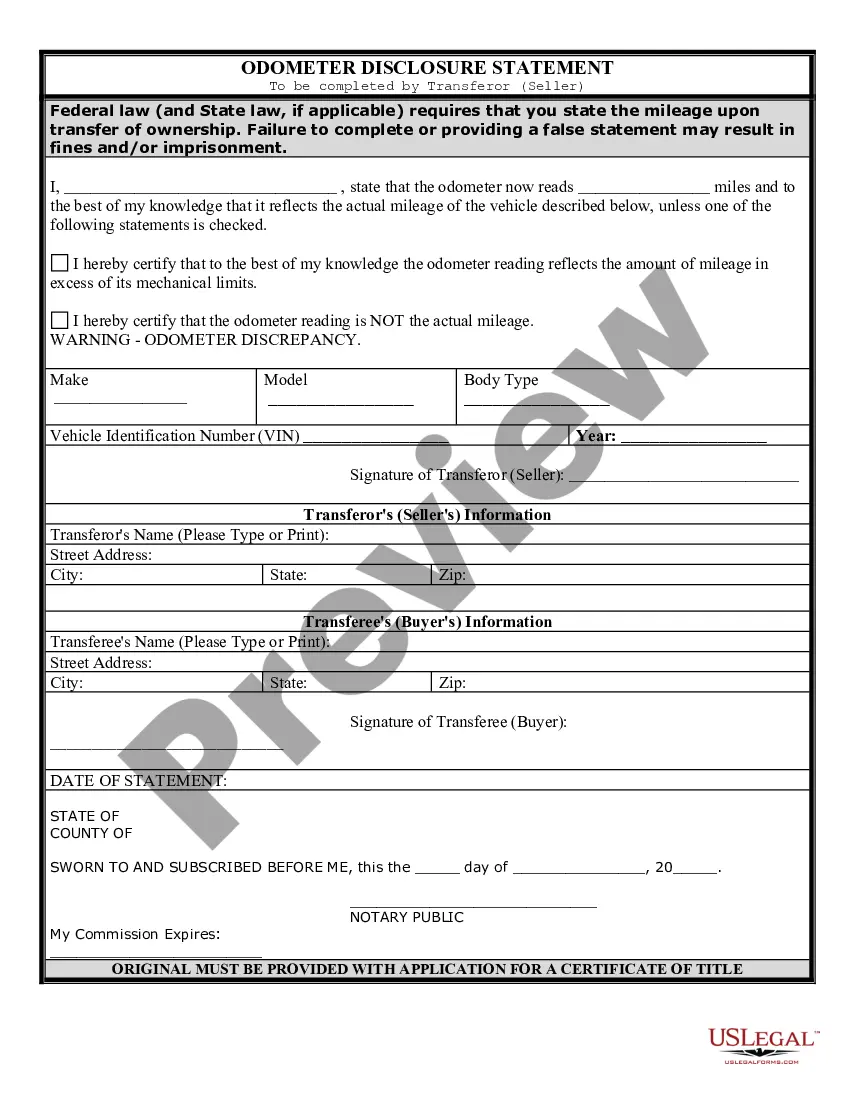
Get your form ready online
Our built-in tools help you complete, sign, share, and store your documents in one place.
Make edits, fill in missing information, and update formatting in US Legal Forms—just like you would in MS Word.
Download a copy, print it, send it by email, or mail it via USPS—whatever works best for your next step.
Sign and collect signatures with our SignNow integration. Send to multiple recipients, set reminders, and more. Go Premium to unlock E-Sign.
If this form requires notarization, complete it online through a secure video call—no need to meet a notary in person or wait for an appointment.
We protect your documents and personal data by following strict security and privacy standards.

Make edits, fill in missing information, and update formatting in US Legal Forms—just like you would in MS Word.

Download a copy, print it, send it by email, or mail it via USPS—whatever works best for your next step.

Sign and collect signatures with our SignNow integration. Send to multiple recipients, set reminders, and more. Go Premium to unlock E-Sign.

If this form requires notarization, complete it online through a secure video call—no need to meet a notary in person or wait for an appointment.

We protect your documents and personal data by following strict security and privacy standards.
Looking for another form?








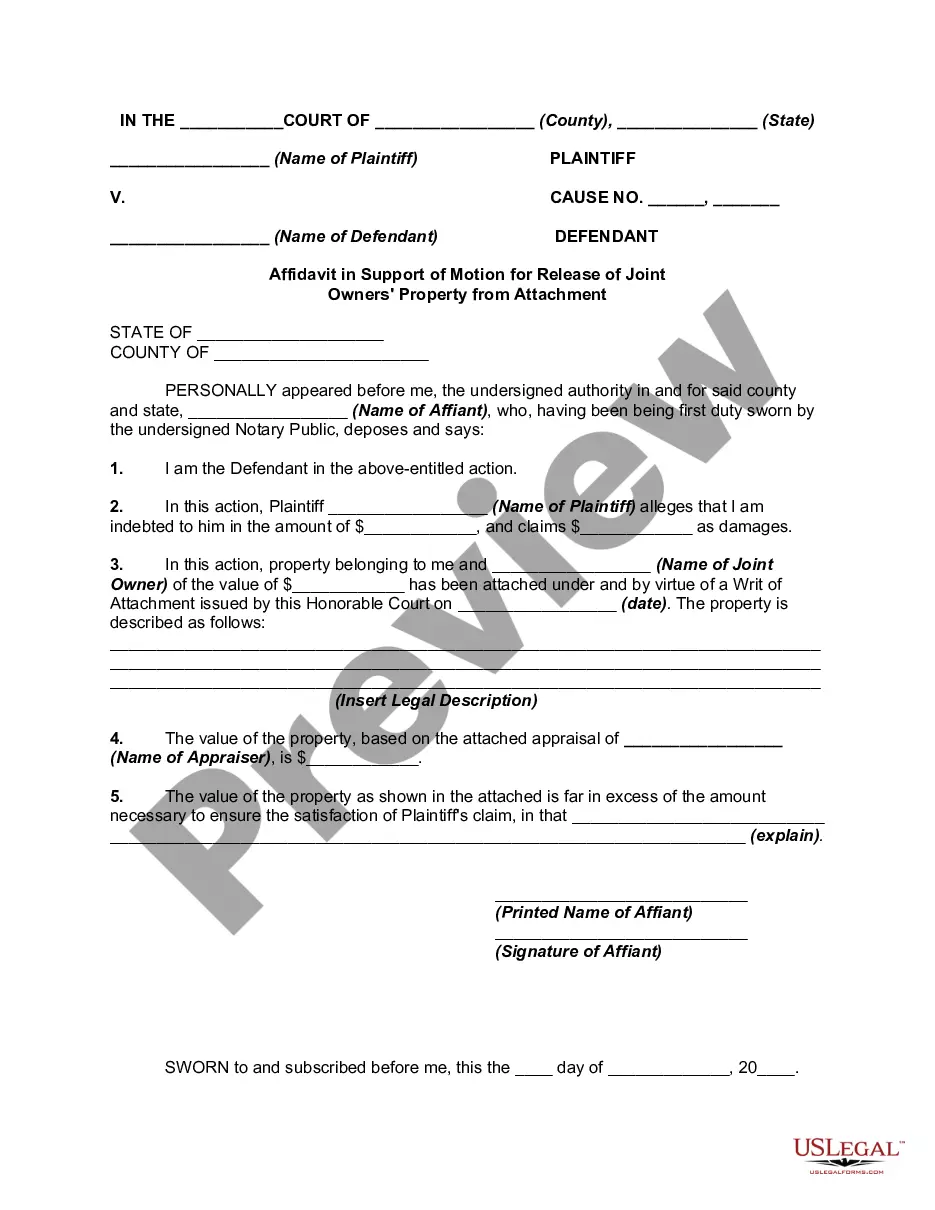
How to fill out Affidavit In Support Of Motion For Release Of Joint Owners' Property From Attachment?
Legal documents handling can be perplexing, even for the most seasoned professionals.
When you are looking for an Affidavit Support Document With Scan File and lack the time to search for the correct and current version, the process can be overwhelming.
Access state- or county-specific legal and business forms. US Legal Forms caters to any needs you might have, from personal to business documents, all in one place.
Utilize advanced tools to complete and manage your Affidavit Support Document With Scan File.
Here are the steps to follow after obtaining the form you require: Confirm that this is the correct form by previewing it and reviewing its details. Ensure that the template is recognized in your state or county. Click Buy Now when you are ready. Select a subscription plan. Choose the format you need, and Download, complete, eSign, print, and send your document. Take advantage of the US Legal Forms online library, supported by 25 years of experience and reliability. Transform your routine document management into a seamless and user-friendly process today.
- Access a resource library of articles, guides, and manuals relevant to your circumstances and requirements.
- Save time and effort searching for the documents you need, and use US Legal Forms’ sophisticated search and Review tool to find Affidavit Support Document With Scan File and obtain it.
- If you have a subscription, Log In to your US Legal Forms account, search for the form, and acquire it.
- Check your My documents tab to view the documents you previously downloaded and to manage your folders as you see fit.
- If this is your first time with US Legal Forms, create an account and gain unlimited access to all the platform’s features.
- A robust online form repository can be transformative for anyone wanting to manage these matters efficiently.
- US Legal Forms is a leader in online legal documents, offering over 85,000 state-specific legal forms accessible to you anytime.
- With US Legal Forms, you can.
Form popularity
FAQ
To submit documents, log into CEAC and go to the ?Start Now? buttons located under Affidavit of Support Documents and Civil Documents. When you have uploaded all the required documents for each section, press ?Submit Documents?.
We recommend completing Affidavit of Support forms on a computer or typewriter, with answers typed in CAPITAL letters. After the form is completed, upload, and submit the signed form to NVC via CEAC along with the sponsor's supporting financial evidence.
A signature is valid even if the original signature on the document is photocopied, scanned, faxed, or similarly reproduced. Regardless of how it is transmitted to USCIS, the copy must be of an original document containing an original handwritten signature, unless otherwise specified.
These instructions are for immigrant visa applicants who are submitting financial and civil documents to the National Visa Center (NVC) by uploading them to our online Consular Electronic Application Center (CEAC) at ceac.state.gov/iv. All applicants use CEAC to pay fees and submit the visa application form.
Please scan both the front and back sides of any document that has stamps, seals, or writing on the back. (If the back of the document is blank, do not scan it.) If you have a certified translation of your document, include a scan of the translation with the original (i.e. foreign language) document in a single file.