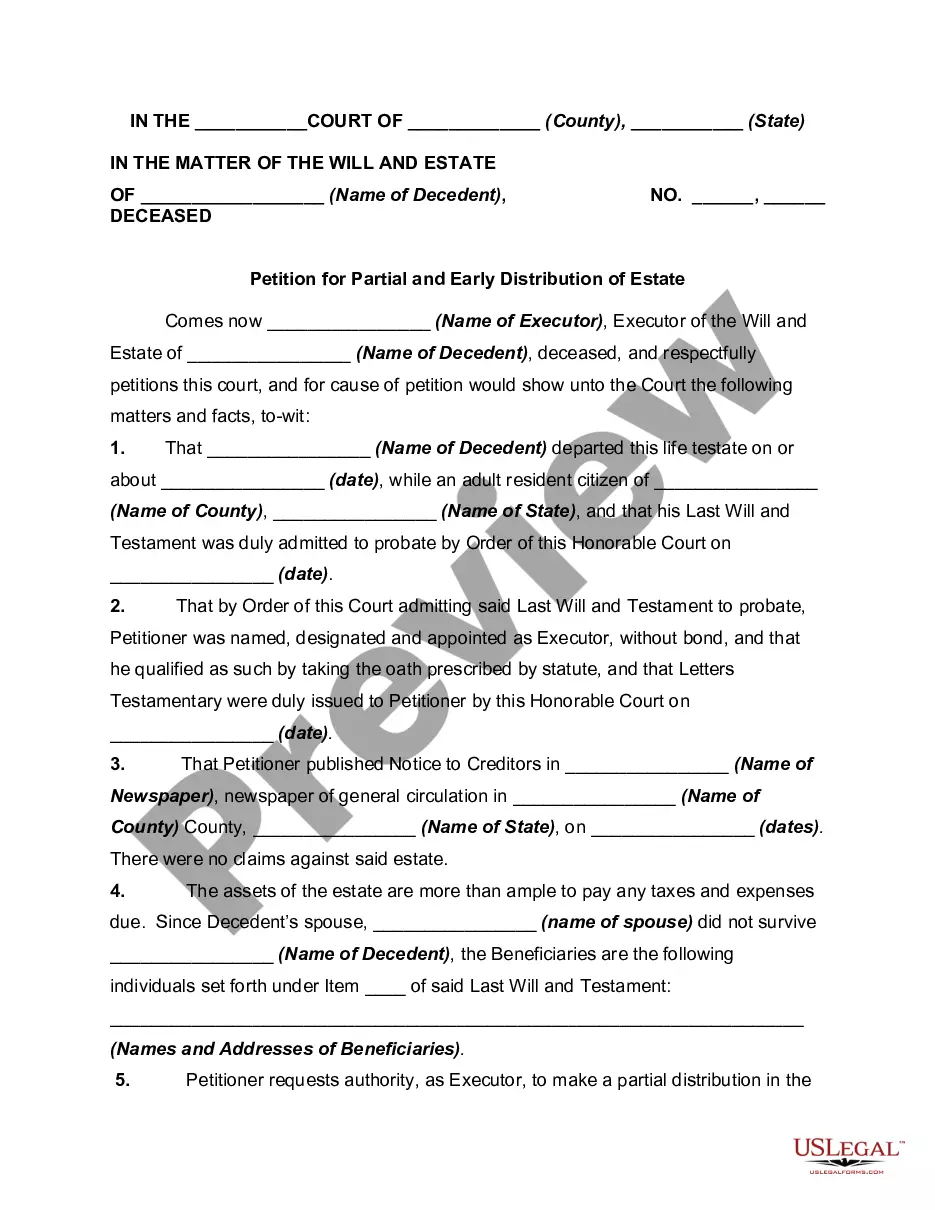
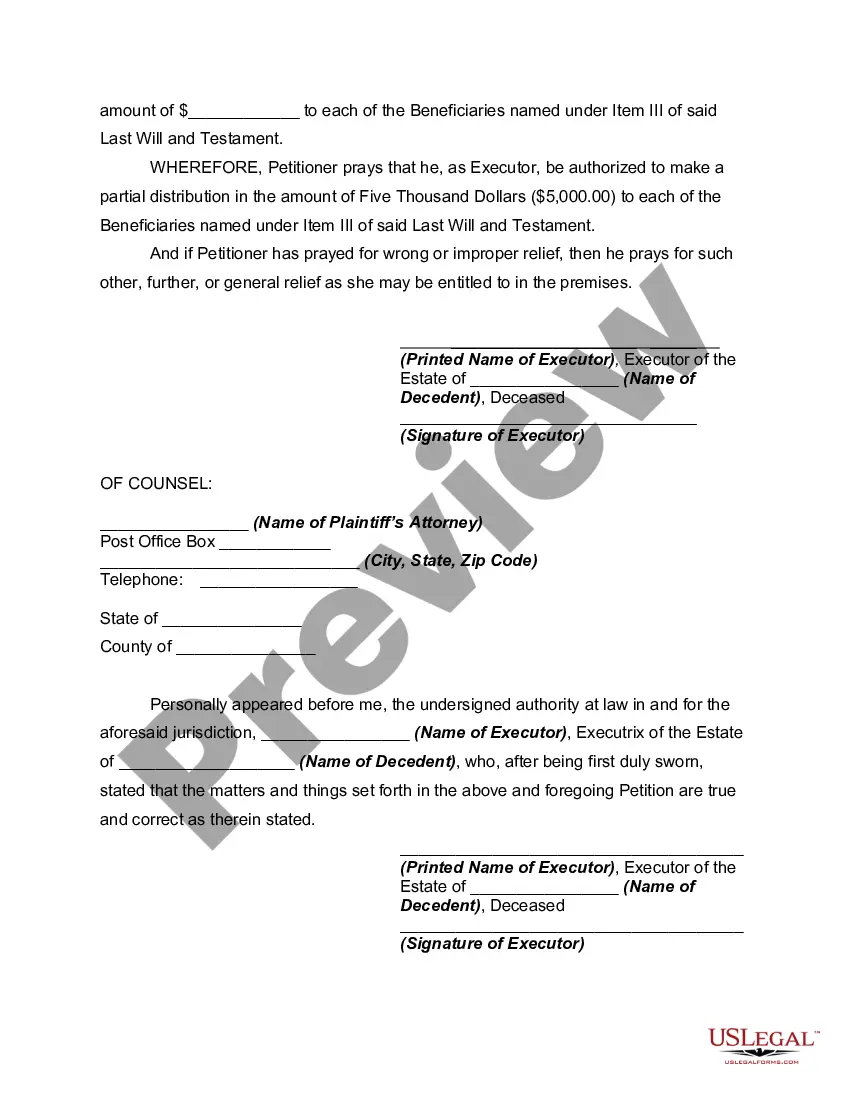
Probate Estate Inventory Form For Florida
Description
Get your form ready online
Our built-in tools help you complete, sign, share, and store your documents in one place.
Make edits, fill in missing information, and update formatting in US Legal Forms—just like you would in MS Word.
Download a copy, print it, send it by email, or mail it via USPS—whatever works best for your next step.
Sign and collect signatures with our SignNow integration. Send to multiple recipients, set reminders, and more. Go Premium to unlock E-Sign.
If this form requires notarization, complete it online through a secure video call—no need to meet a notary in person or wait for an appointment.
We protect your documents and personal data by following strict security and privacy standards.

Make edits, fill in missing information, and update formatting in US Legal Forms—just like you would in MS Word.

Download a copy, print it, send it by email, or mail it via USPS—whatever works best for your next step.

Sign and collect signatures with our SignNow integration. Send to multiple recipients, set reminders, and more. Go Premium to unlock E-Sign.

If this form requires notarization, complete it online through a secure video call—no need to meet a notary in person or wait for an appointment.

We protect your documents and personal data by following strict security and privacy standards.
Looking for another form?

How to fill out Petition For Partial And Early Distribution Of Estate?
Managing legal paperwork and processes can be a lengthy addition to your daily routine.
The Probate Estate Inventory Form for Florida and similar forms generally require you to find them and understand how to fill them out efficiently.
Therefore, if you are handling financial, legal, or personal issues, having an extensive and user-friendly online repository of forms available will be extremely beneficial.
US Legal Forms is the leading online resource for legal templates, featuring over 85,000 state-specific documents and various tools to help you finalize your paperwork swiftly.
Is this your first time using US Legal Forms? Sign up and create an account in a few minutes and you’ll gain access to the form library and the Probate Estate Inventory Form for Florida. Then, follow the steps below to complete your form.
- Explore the collection of pertinent documents accessible with just one click.
- US Legal Forms provides you with state- and county-specific templates available at any time for download.
- Safeguard your document management tasks with a premium service that enables you to create any form in minutes without extra or hidden fees.
- Simply Log In to your account, find the Probate Estate Inventory Form for Florida, and obtain it instantly in the My documents section.
- You can also access forms that you have saved previously.
Form popularity
FAQ
If you file as a full-year resident, file the SC1040. Report all your income as though you were a resident for the entire year. You will be allowed a credit for taxes paid on income taxed by South Carolina and another state. Complete the SC1040TC and attach a copy of the other state's Income Tax return.
Generally speaking, you are required to file a South Carolina Income Tax return if you are required to file a federal return, or if you are a non-resident with South Carolina gross income of more than the federal personal exemption amounts. Individual Income Tax returns are due April 15 of each year.
State Only Return Requirements ? The South Carolina e-file program supports federal/state (piggyback) filing and state-only filing through the Federal/State Electronic Filing Program (Modernized e-File System). Both part-year and nonresident returns can be e-filed.
South Carolina residents should file an SC1040. A part-year resident or nonresident of South Carolina should file an SC1040 with a completed Schedule NR (Nonresident Schedule) attached. You can file your South Carolina tax return using one of the following methods: Electronic filing using a professional tax preparer.
Give us a call at 1-844-898-8542 or email forms@dor.sc.gov so we can direct you to the proper form, or discuss the online filing option that best fits your needs. Filing online using MyDORWAY makes finding the right form easy!
Form 1040 is used by U.S. taxpayers to file an annual income tax return.
Complete the SC W-4 so your employer can withhold the correct South Carolina Income Tax from your pay. If you have too much tax withheld, you will receive a refund when you file your tax return.
If you qualify for a paper copy of a tax form based on these criteria, you can email your paper form request to forms@dor.sc.gov or call 1-844-898-8542 to speak to a representative. You will need to provide your name, address, and the form you are requesting. Generally, multiple copies cannot be provided.