Vacated For Hearing
Description
Get your form ready online
Our built-in tools help you complete, sign, share, and store your documents in one place.
Make edits, fill in missing information, and update formatting in US Legal Forms—just like you would in MS Word.
Download a copy, print it, send it by email, or mail it via USPS—whatever works best for your next step.
Sign and collect signatures with our SignNow integration. Send to multiple recipients, set reminders, and more. Go Premium to unlock E-Sign.
If this form requires notarization, complete it online through a secure video call—no need to meet a notary in person or wait for an appointment.
We protect your documents and personal data by following strict security and privacy standards.

Make edits, fill in missing information, and update formatting in US Legal Forms—just like you would in MS Word.

Download a copy, print it, send it by email, or mail it via USPS—whatever works best for your next step.

Sign and collect signatures with our SignNow integration. Send to multiple recipients, set reminders, and more. Go Premium to unlock E-Sign.

If this form requires notarization, complete it online through a secure video call—no need to meet a notary in person or wait for an appointment.

We protect your documents and personal data by following strict security and privacy standards.
Looking for another form?







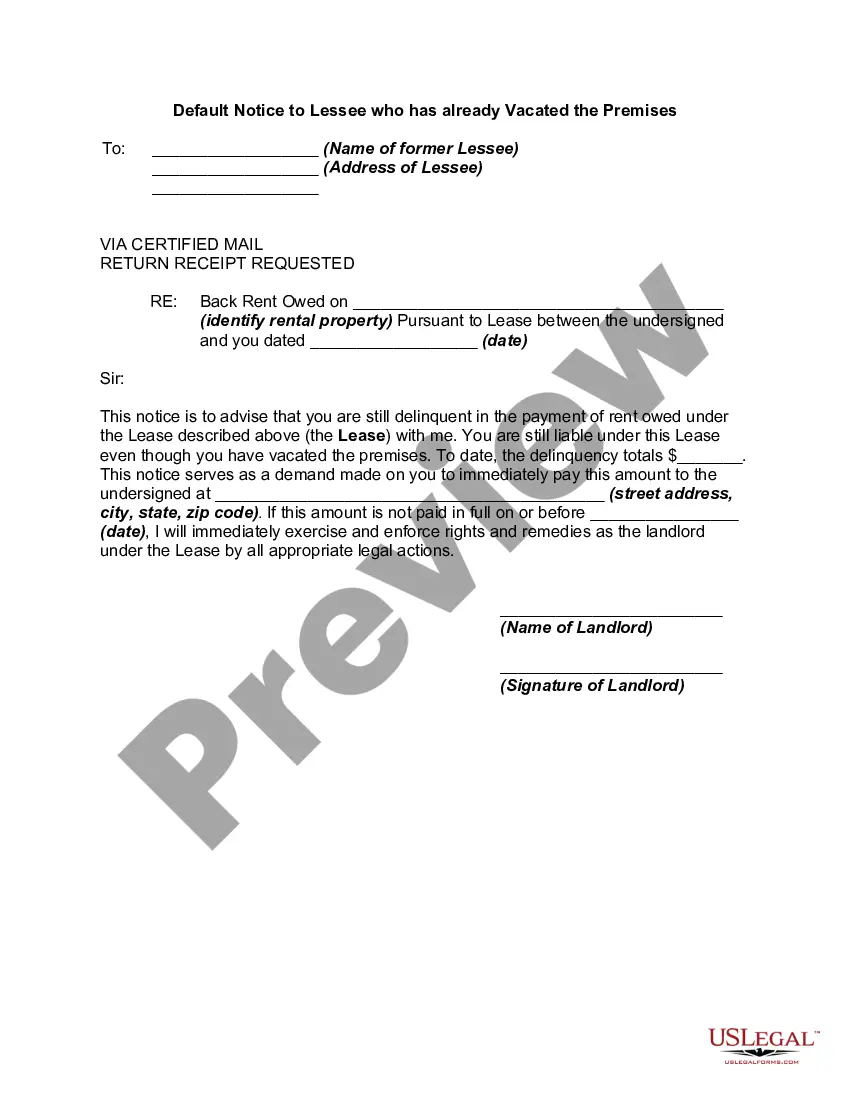
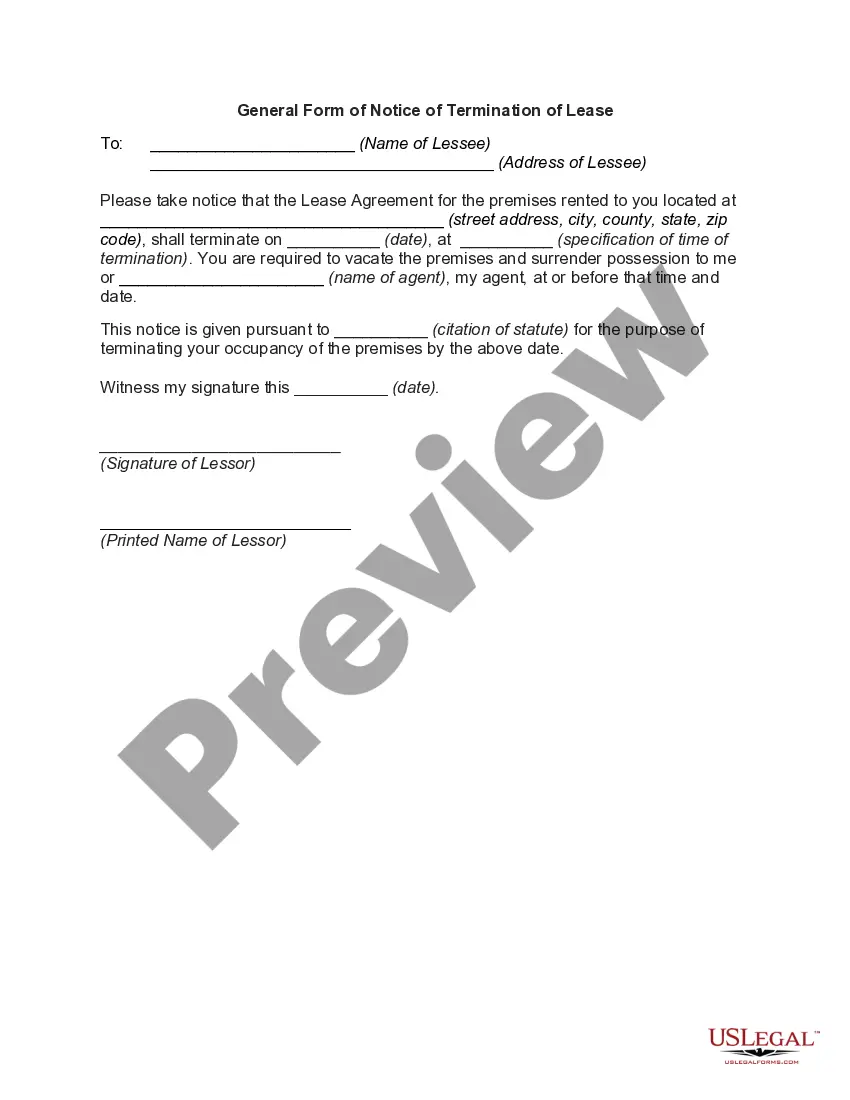
How to fill out Default Notice To Lessee Who Has Already Vacated The Premises?
Identifying a primary location to obtain the latest and pertinent legal samples is half the battle of navigating bureaucracy.
Selecting the appropriate legal documents requires accuracy and careful attention, which is why it is crucial to gather samples of Vacated For Hearing exclusively from trustworthy sources, such as US Legal Forms. An incorrect template will squander your time and delay the issue you are facing. With US Legal Forms, you have minimal concerns.
Eliminate the stress associated with your legal paperwork. Discover the extensive US Legal Forms library where you can find legal samples, verify their relevance to your situation, and download them instantly.
- Utilize the library navigation or search function to find your template.
- Examine the document’s details to confirm it meets the requirements of your state and county.
- Check the document preview, if accessible, to verify the form is what you need.
- Return to the search and find the correct template if the Vacated For Hearing does not meet your needs.
- Once you are confident about the form’s relevance, download it.
- If you are a registered user, click Log in to authenticate and access your selected templates in My documents.
- If you do not have an account yet, click Buy now to acquire the template.
- Choose the pricing plan that suits your preferences.
- Proceed to register to finalize your purchase.
- Complete your purchase by choosing a payment method (credit card or PayPal).
- Select the file format for downloading Vacated For Hearing.
- Once you have the document on your device, you may edit it with the editor or print it to fill out manually.
Form popularity
FAQ
If a hearing date is advanced and vacated, a matter that is scheduled on a future date is called on an earlier date by the court, heard or not heard (generally the matter is disposed of in some fashion) and the future scheduled hearing date is vacated.
A ?vacated? or ?scratched? hearing or case means that a court order or judgment has been cancelled or rendered void. Cases are sometimes vacated at the preliminary hearing stage which may mean that the formal charges were not filed or that the prosecutor has chosen to present it to the Grand Jury for indictment.
In civil and criminal procedure: To set aside or annul a previous judgment or order.
In civil and criminal procedure: To set aside or annul a previous judgment or order.
What is a Motion to Vacate? It asks a judge to cancel (to vacate) an earlier order or judgment entered by the same court. You file this Motion in the Washington state court where the Order you want vacated was issued. Does a Motion to Vacate make sense for my situation?