Form Checklist Template For Pages
Description
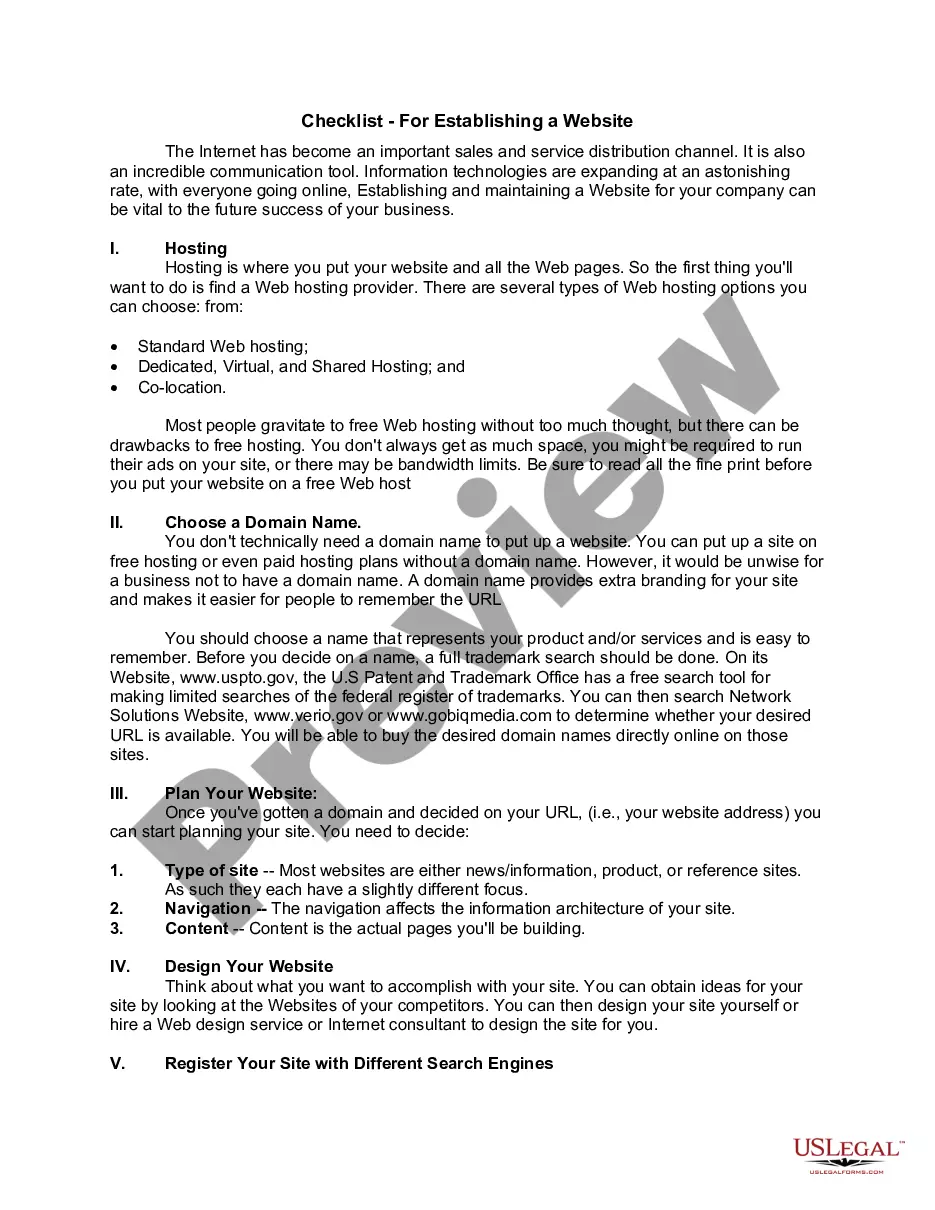
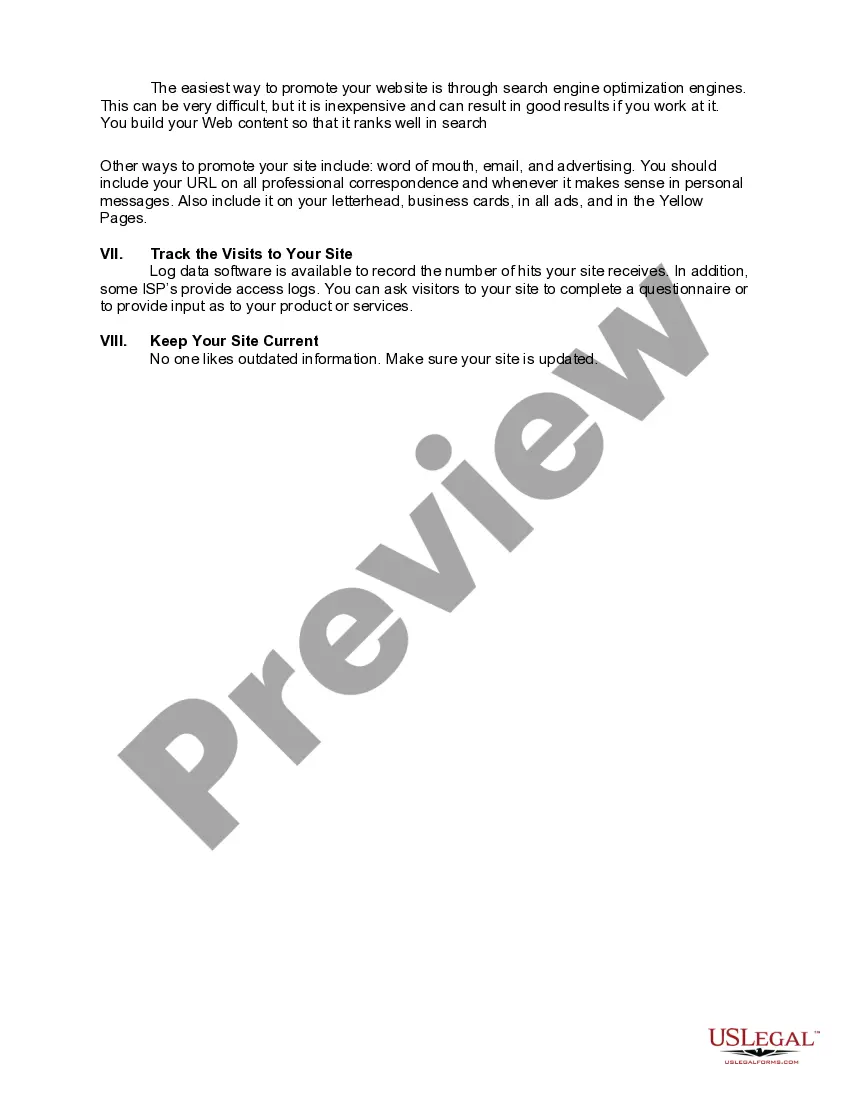
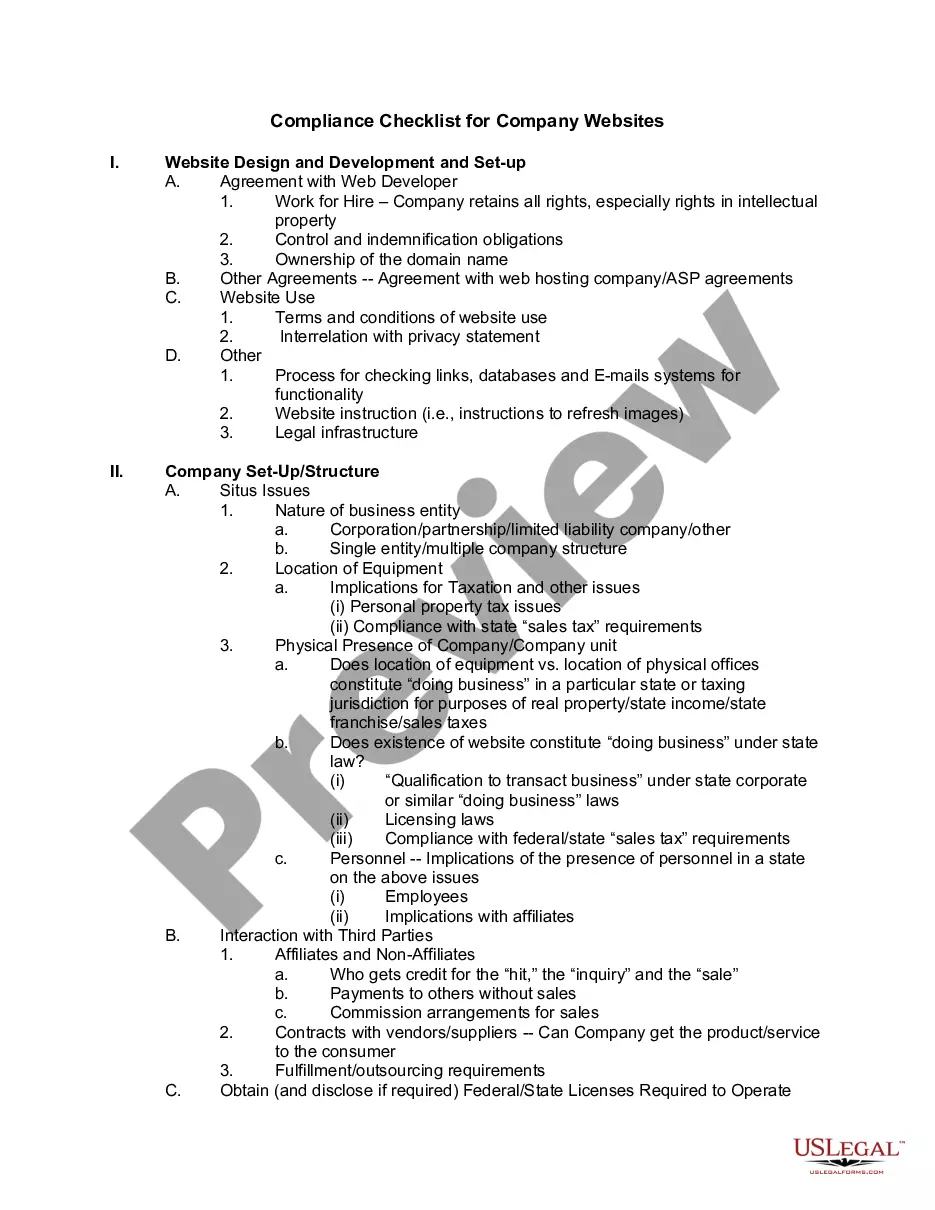
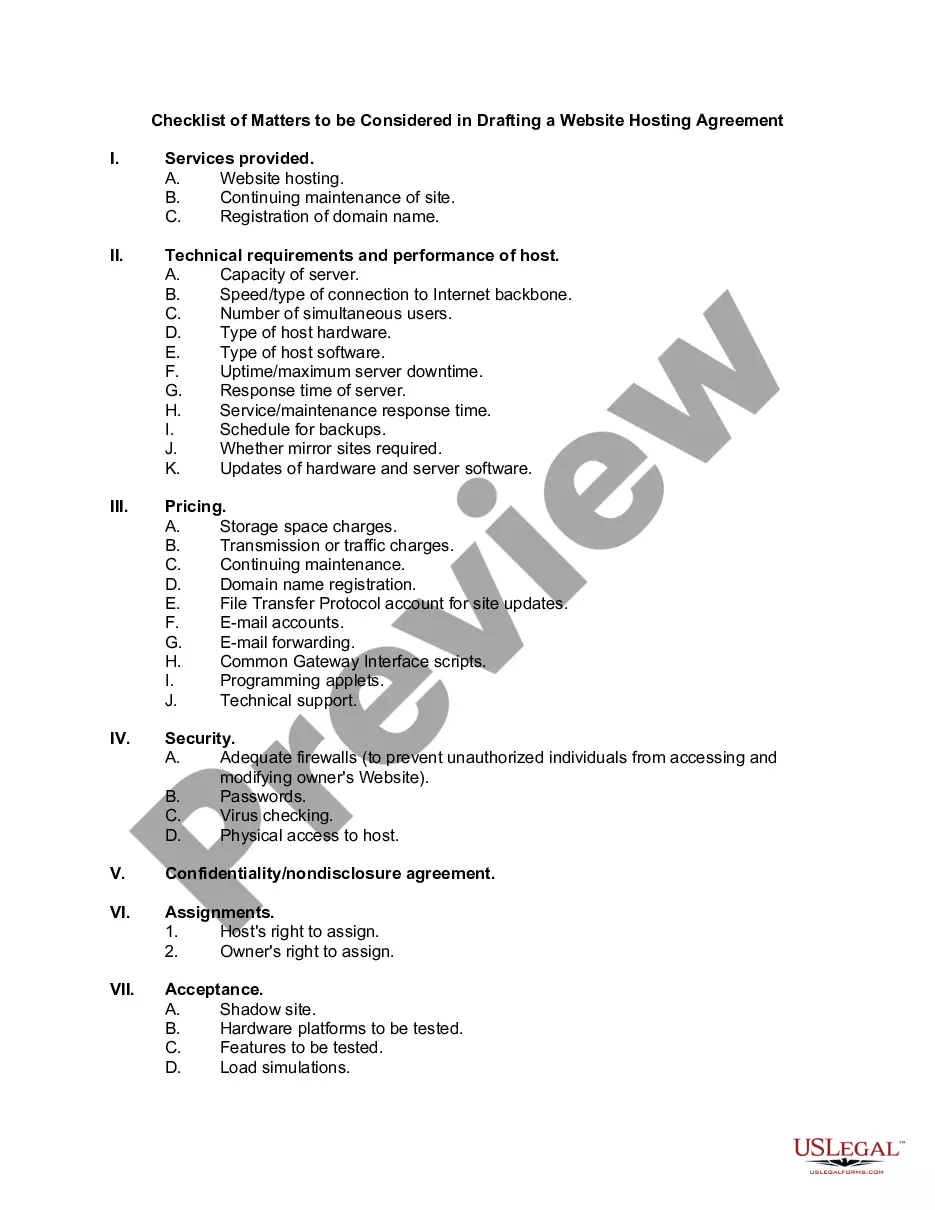
Get your form ready online
Our built-in tools help you complete, sign, share, and store your documents in one place.
Make edits, fill in missing information, and update formatting in US Legal Forms—just like you would in MS Word.
Download a copy, print it, send it by email, or mail it via USPS—whatever works best for your next step.
Sign and collect signatures with our SignNow integration. Send to multiple recipients, set reminders, and more. Go Premium to unlock E-Sign.
If this form requires notarization, complete it online through a secure video call—no need to meet a notary in person or wait for an appointment.
We protect your documents and personal data by following strict security and privacy standards.

Make edits, fill in missing information, and update formatting in US Legal Forms—just like you would in MS Word.

Download a copy, print it, send it by email, or mail it via USPS—whatever works best for your next step.

Sign and collect signatures with our SignNow integration. Send to multiple recipients, set reminders, and more. Go Premium to unlock E-Sign.

If this form requires notarization, complete it online through a secure video call—no need to meet a notary in person or wait for an appointment.

We protect your documents and personal data by following strict security and privacy standards.
Looking for another form?



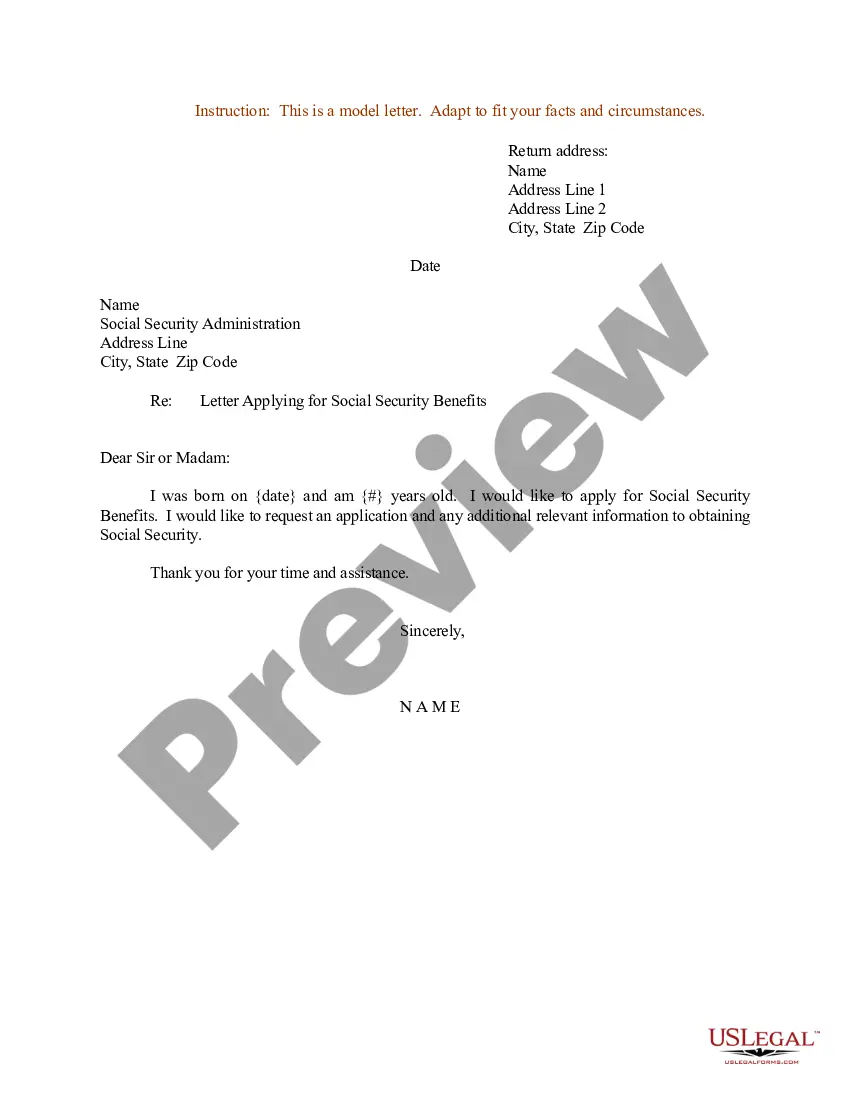
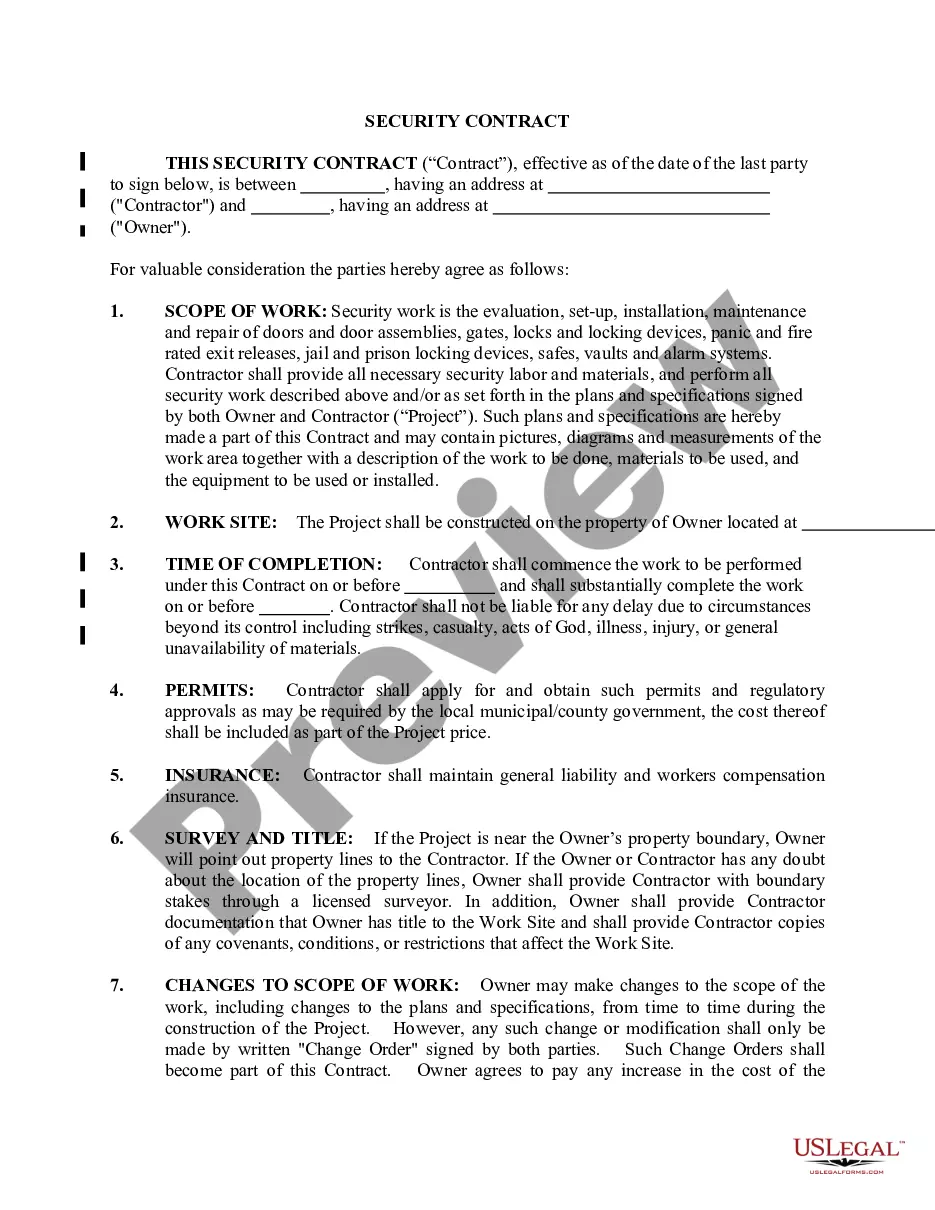


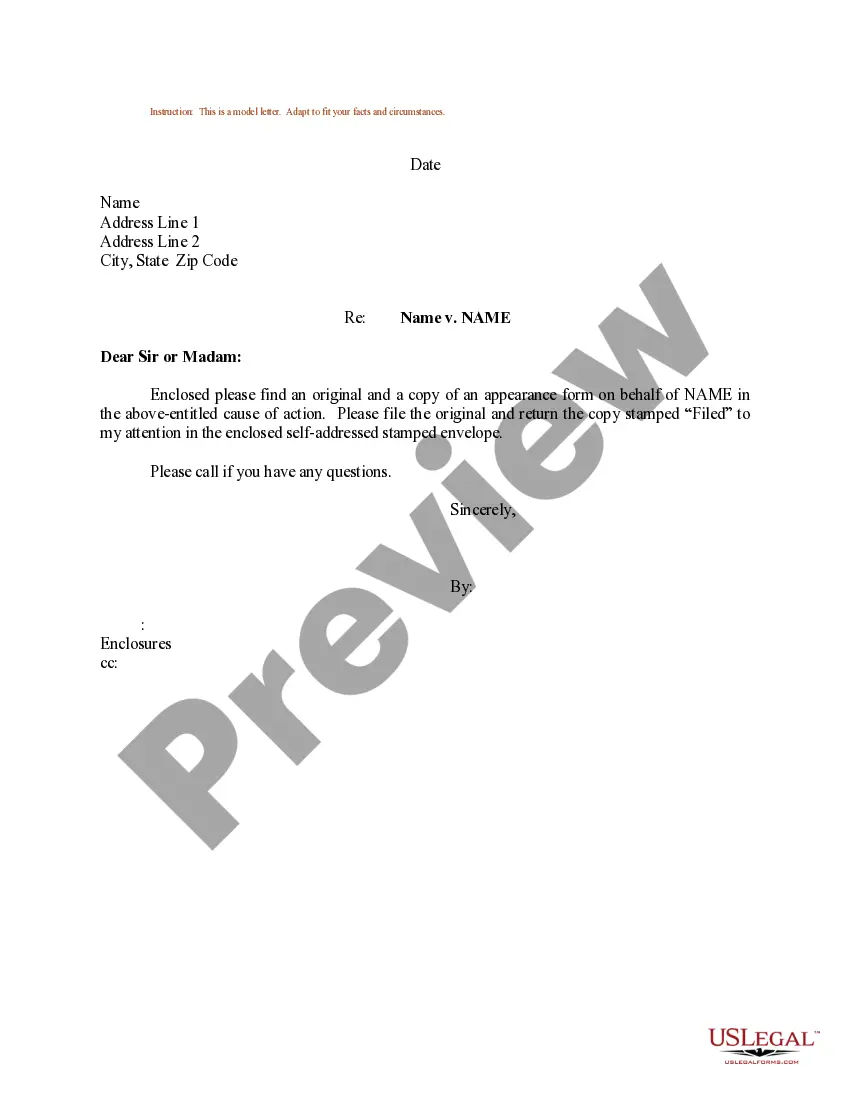


How to fill out Checklist - For Establishing A Website?
The Form Checklist Template For Pages presented on this page is a versatile official template crafted by experienced attorneys in accordance with federal and state laws and regulations.
For over 25 years, US Legal Forms has assisted individuals, companies, and lawyers with more than 85,000 authenticated, state-specific forms for any business and personal situation. It’s the fastest, simplest, and most dependable method to acquire the documents you require, as the service ensures bank-level data security and anti-malware safeguards.
Subscribe to US Legal Forms to access verified legal templates for every situation in life.
- Search for the document you require and review it.
- Sign up and Log Into your account.
- Obtain the editable template.
- Fill out and sign the document.
- Re-download your files whenever needed.
Form popularity
FAQ
Create and manage Pages templates on Mac With the document open, choose File > Save as Template (from the File menu at the top of your screen). Click an option: Add to Template Chooser: Type a name for the template, then click Choose. Save: Type a name for the template, then choose where you want to save it.
Open Pages and click the New Document button in the dialogue, or choose File > New from the Pages menu at the top of the screen. In the template chooser, scroll to find a template for the type of document (or envelope) you want to create, then double-click the template to open it.
If you want to use a custom template that's not in the template chooser, it first. In Pages, choose File > New (from the File menu at the top of your screen), then double-click the template you want to start with.
Create new documents from a specific template Choose Pages > Settings (from the Pages menu at the top of your screen). Click General at the top of the settings window, then select ?Use template.?
Every time you create a new document, you choose a template from the template chooser (shown below) as a starting point. After you open a template, you can add your own text, replace placeholder graphics or delete them, and add new objects (tables, charts, text boxes, shapes, lines, and media).