Equipment Checklist With Pictures And Names
Description
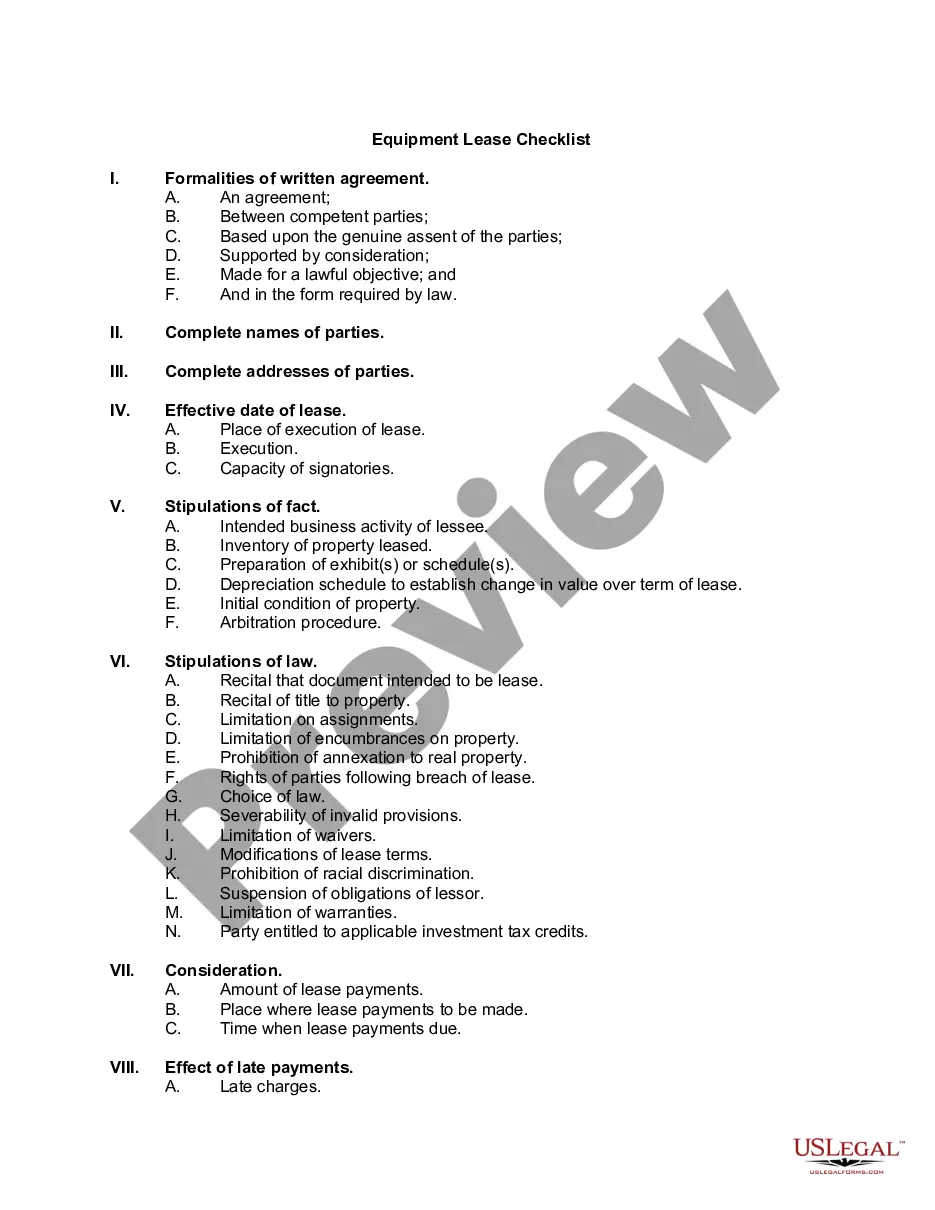
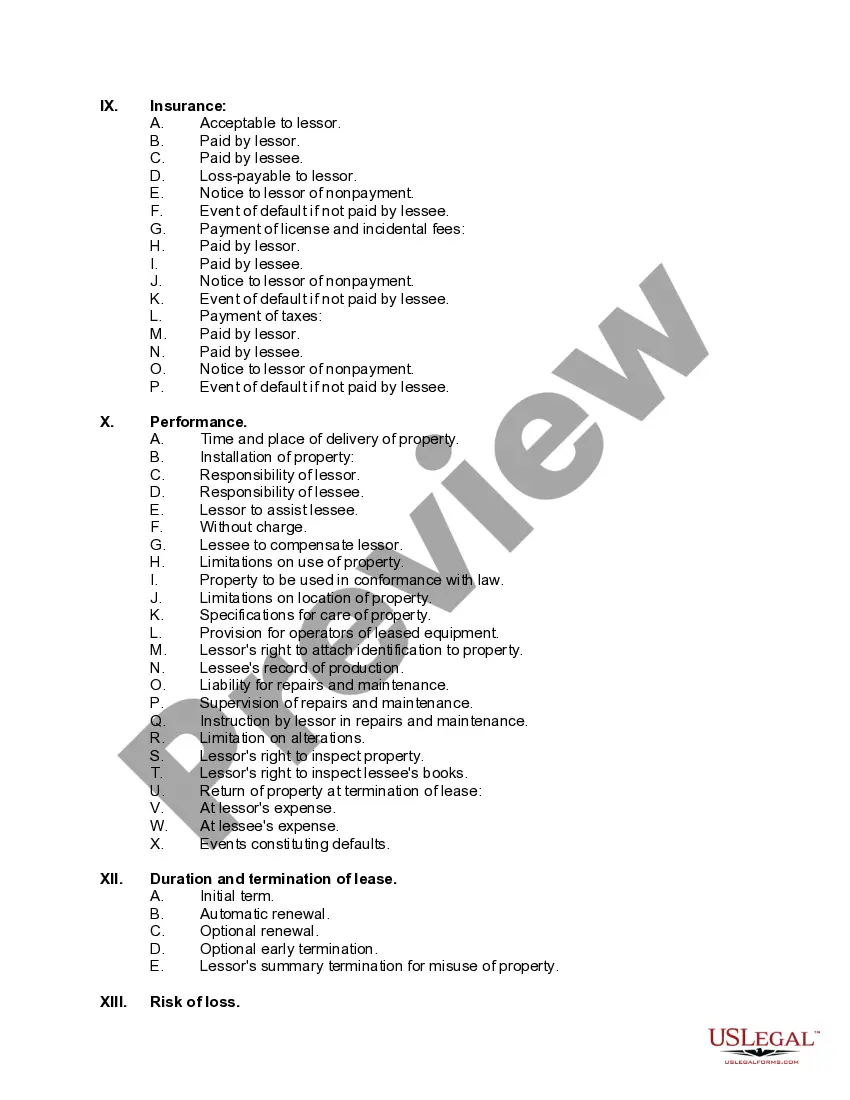
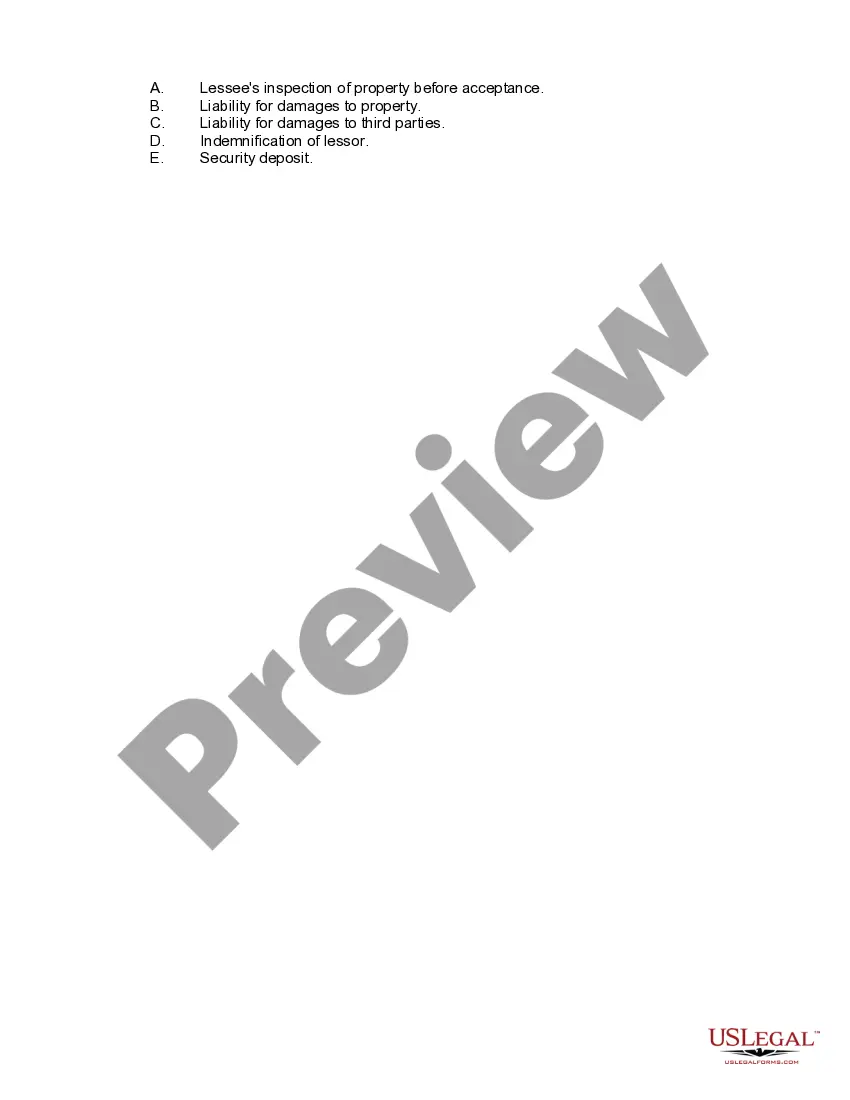
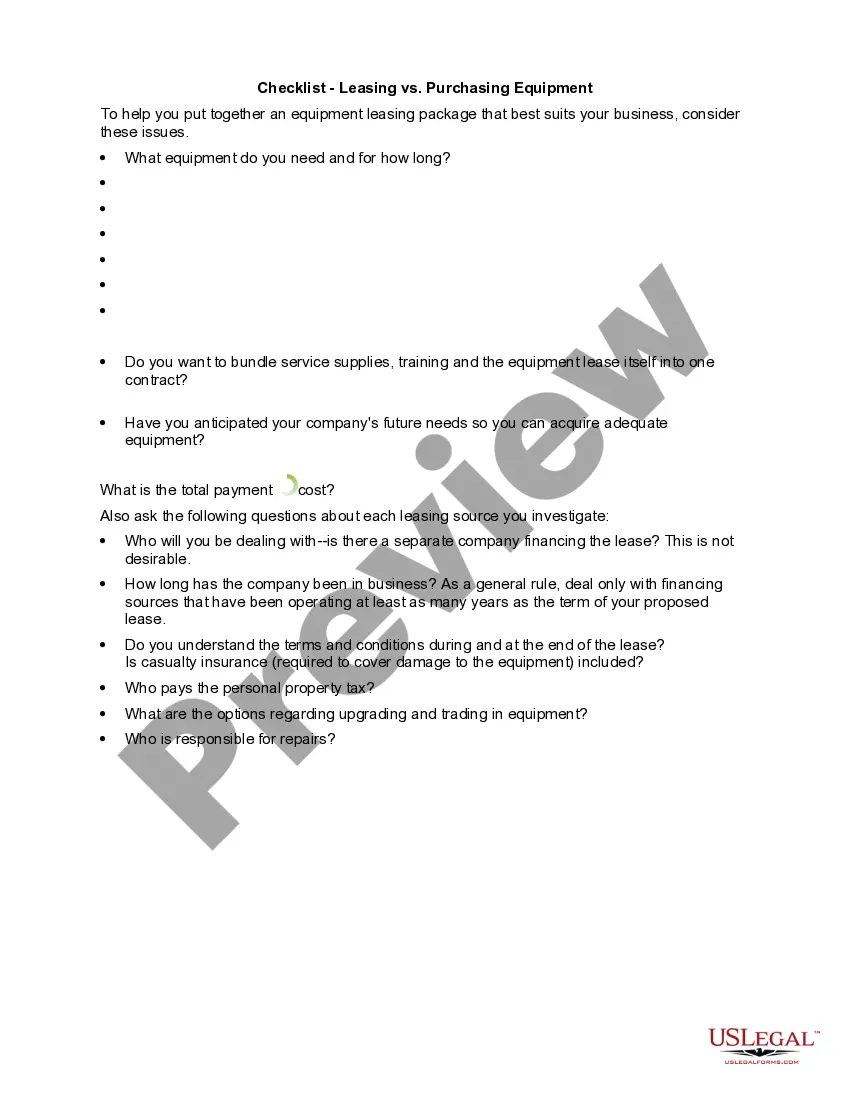
Get your form ready online
Our built-in tools help you complete, sign, share, and store your documents in one place.
Make edits, fill in missing information, and update formatting in US Legal Forms—just like you would in MS Word.
Download a copy, print it, send it by email, or mail it via USPS—whatever works best for your next step.
Sign and collect signatures with our SignNow integration. Send to multiple recipients, set reminders, and more. Go Premium to unlock E-Sign.
If this form requires notarization, complete it online through a secure video call—no need to meet a notary in person or wait for an appointment.
We protect your documents and personal data by following strict security and privacy standards.

Make edits, fill in missing information, and update formatting in US Legal Forms—just like you would in MS Word.

Download a copy, print it, send it by email, or mail it via USPS—whatever works best for your next step.

Sign and collect signatures with our SignNow integration. Send to multiple recipients, set reminders, and more. Go Premium to unlock E-Sign.

If this form requires notarization, complete it online through a secure video call—no need to meet a notary in person or wait for an appointment.

We protect your documents and personal data by following strict security and privacy standards.
Looking for another form?









How to fill out Equipment Lease Checklist?
Managing legal documents can be daunting, even for seasoned professionals.
If you're seeking an Equipment Checklist With Pictures And Names but lack the time to search for the suitable and up-to-date version, the experience can be taxing.
Access state-specific or county-specific legal and business documentation. US Legal Forms caters to all your needs, from personal to organizational records, in a single platform.
Utilize sophisticated tools to complete and manage your Equipment Checklist With Pictures And Names.
Here are the steps to take once you're viewing the form you need: Confirm that this is the correct form by previewing it and reviewing its details.
- Access a valuable collection of articles, guides, handbooks, and materials pertinent to your circumstances and requirements.
- Save time and energy searching for the documentation you need, and leverage US Legal Forms’ advanced search and Review feature to find Equipment Checklist With Pictures And Names and obtain it.
- If you possess a membership, Log In to your US Legal Forms account, search for the form, and obtain it.
- Check your My documents tab to see the documents you have already saved and to organize your folders as you prefer.
- If this is your initial experience with US Legal Forms, create a complimentary account for limitless access to the platform's advantages.
- An effective online form directory could revolutionize the way individuals handle these scenarios successfully.
- US Legal Forms is a leading provider of digital legal documents, featuring over 85,000 specific legal forms for your convenience.
- With US Legal Forms, you can.
Form popularity
FAQ
You can create a simple inventory list by listing items in a spreadsheet or on paper, noting down the names and quantities. To enhance your list, consider adding an equipment checklist with pictures and names to provide a visual reference for each item. This approach keeps your inventory organized and easily identifiable. Finally, review and update your list regularly to ensure accuracy.
To create an inventory list with pictures, gather all your items and take photographs. Utilize an equipment checklist with pictures and names, noting down the item descriptions alongside the images. This method simplifies tracking and provides a visual reference for each item. Once completed, organize this list in a digital format to access it effortlessly.
To make a list with pictures in Excel, start by inserting the images into your spreadsheet. Record the corresponding names of each item in adjacent cells to create an equipment checklist with pictures and names. This setup allows for easy identification and tracking of your items at a glance. Finally, save your file and revisit it whenever needed.
To create a photo inventory, start by taking clear pictures of each item you want to track. Make sure to label the images with the item names for easy reference. Using an equipment checklist with pictures and names helps you stay organized and ensures each item is accounted for. Afterwards, you can compile this data into a document or spreadsheet for easy management.
To generate a checklist, first outline the tasks or items you need to include. Using software that supports checklists can help you quickly create an equipment checklist with pictures and names for easy reference. Additionally, consider the purpose of your checklist to ensure all necessary elements are covered. Once you have your items organized, you can save and share your checklist with your team.
Creating an equipment list starts with identifying the essential items needed for your projects. You can enhance this list by including an equipment checklist with pictures and names to improve recognition and usability. Digital platforms, like US Legal Forms, can streamline this process by providing templates and tools that ensure you include all necessary details. This results in a comprehensive and effective equipment list.
The five essentials of a quality control checklist include clarity, comprehensiveness, structure, accessibility, and adaptability. Clarity ensures that each item is understandable, while comprehensiveness guarantees completeness. A well-structured checklist is easy to follow, making it accessible to users. Additionally, adaptability allows you to modify the checklist to fit different situations, particularly when it includes an equipment checklist with pictures and names.
A QC checklist, or Quality Control checklist, is a tool used to assess whether a product or service meets specified requirements. It often includes an equipment checklist with pictures and names to help teams ensure that each item is inspected and approved. This helps maintain high standards and minimizes errors. Implementing a QC checklist ensures consistency and quality across your operations.
The easiest way to create a checklist is to use a digital tool that offers an equipment checklist with pictures and names. These tools simplify the process by allowing you to drag and drop items, ensuring you don’t miss anything. You can also customize your checklist according to your needs, making updates as necessary. This way, you have a complete and organized checklist at your fingertips.
The equipment list is a compilation of all the tools, devices, and machinery your project requires. It serves as an organizational tool to track what is needed versus what you have. An equipment checklist with pictures and names can significantly improve this process, making it easier to visualize and ensure all items are accounted for.