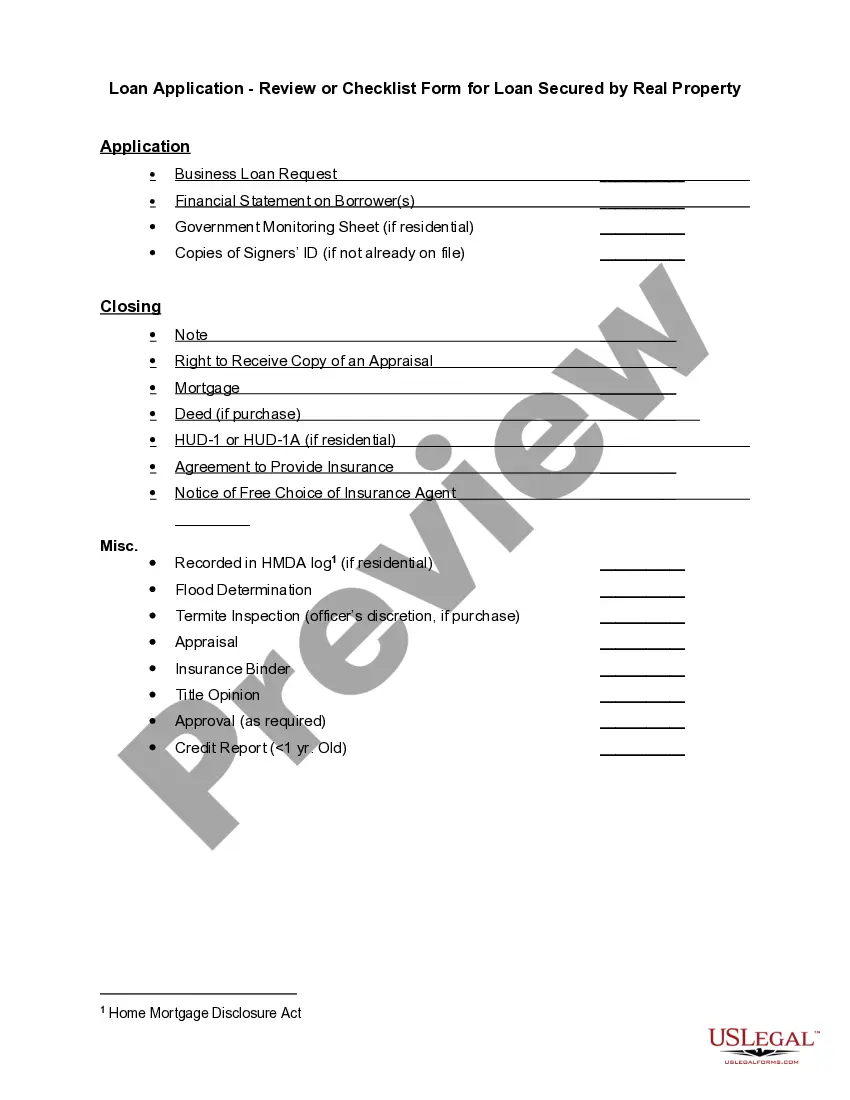
Secured Real Property For Section 179
Description
Get your form ready online
Our built-in tools help you complete, sign, share, and store your documents in one place.
Make edits, fill in missing information, and update formatting in US Legal Forms—just like you would in MS Word.
Download a copy, print it, send it by email, or mail it via USPS—whatever works best for your next step.
Sign and collect signatures with our SignNow integration. Send to multiple recipients, set reminders, and more. Go Premium to unlock E-Sign.
If this form requires notarization, complete it online through a secure video call—no need to meet a notary in person or wait for an appointment.
We protect your documents and personal data by following strict security and privacy standards.

Make edits, fill in missing information, and update formatting in US Legal Forms—just like you would in MS Word.

Download a copy, print it, send it by email, or mail it via USPS—whatever works best for your next step.

Sign and collect signatures with our SignNow integration. Send to multiple recipients, set reminders, and more. Go Premium to unlock E-Sign.

If this form requires notarization, complete it online through a secure video call—no need to meet a notary in person or wait for an appointment.

We protect your documents and personal data by following strict security and privacy standards.
Looking for another form?








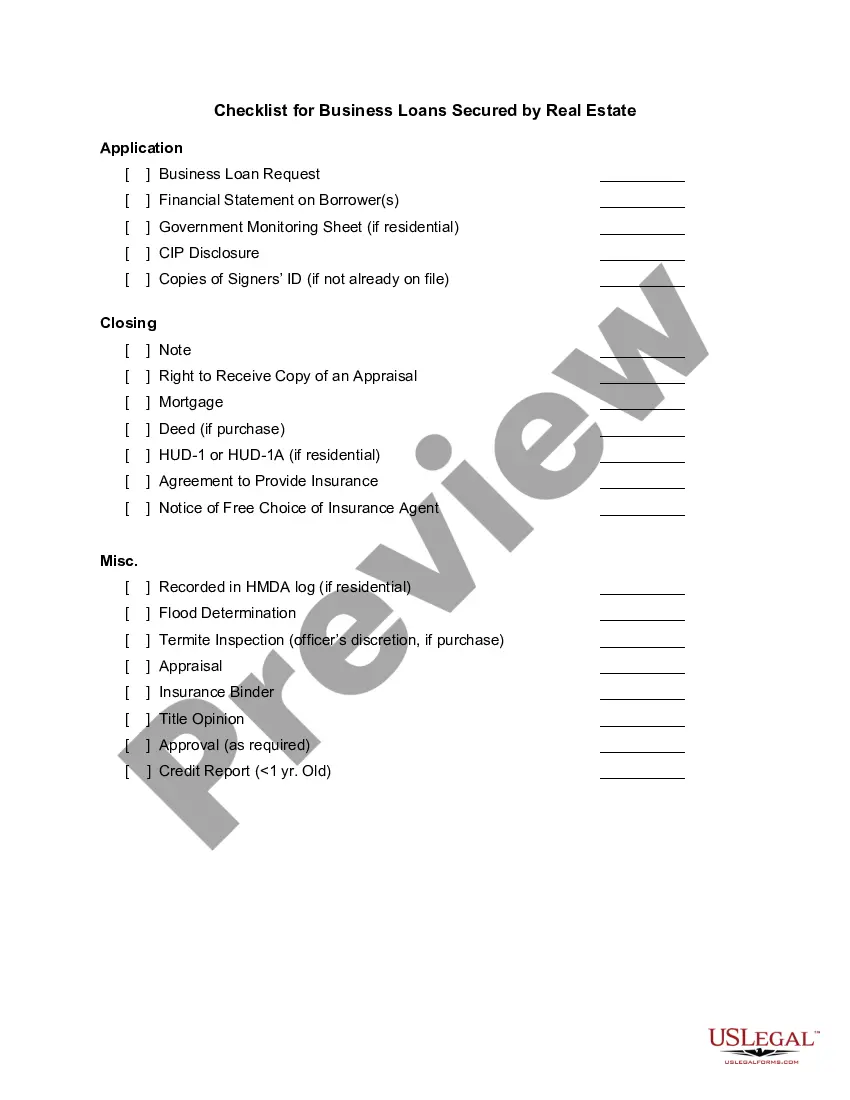
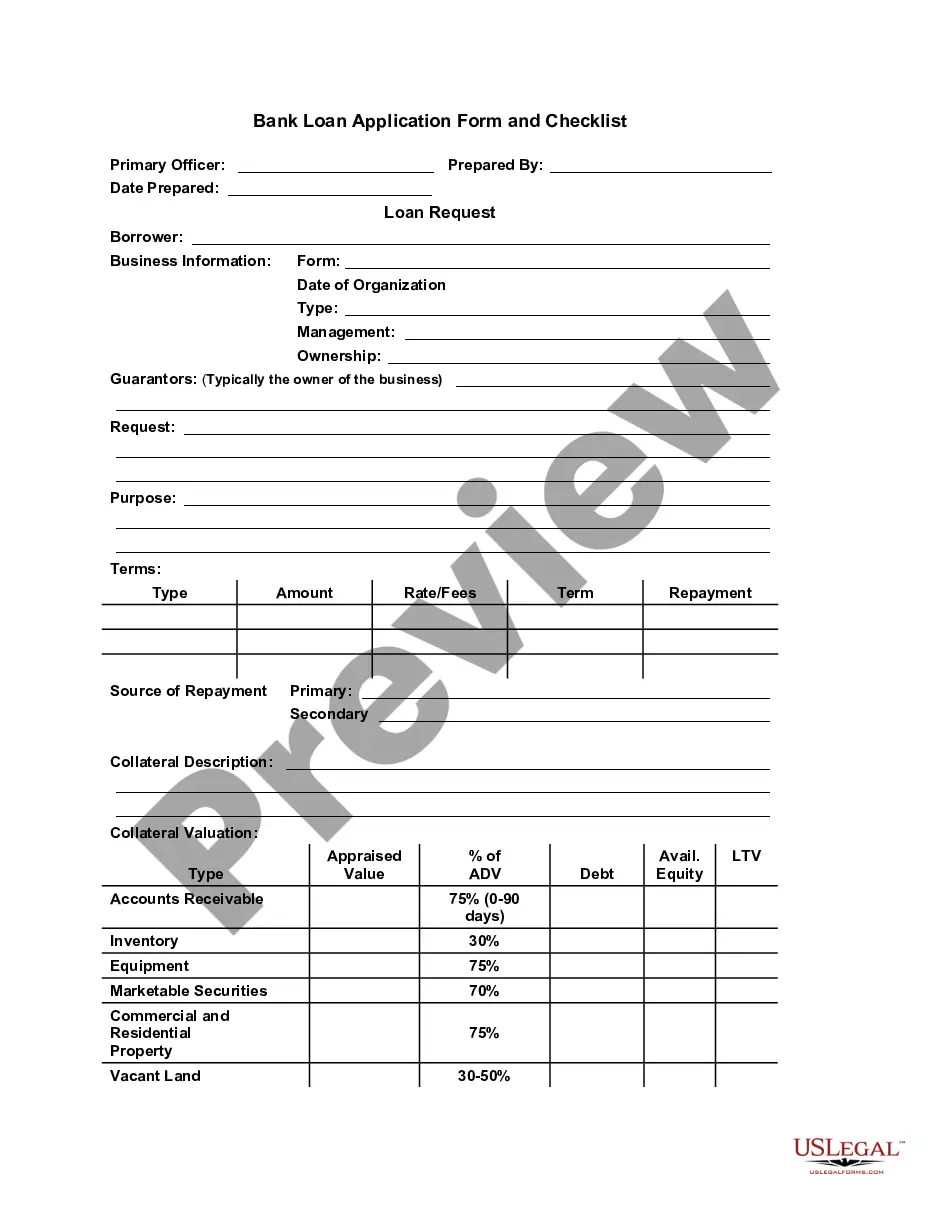
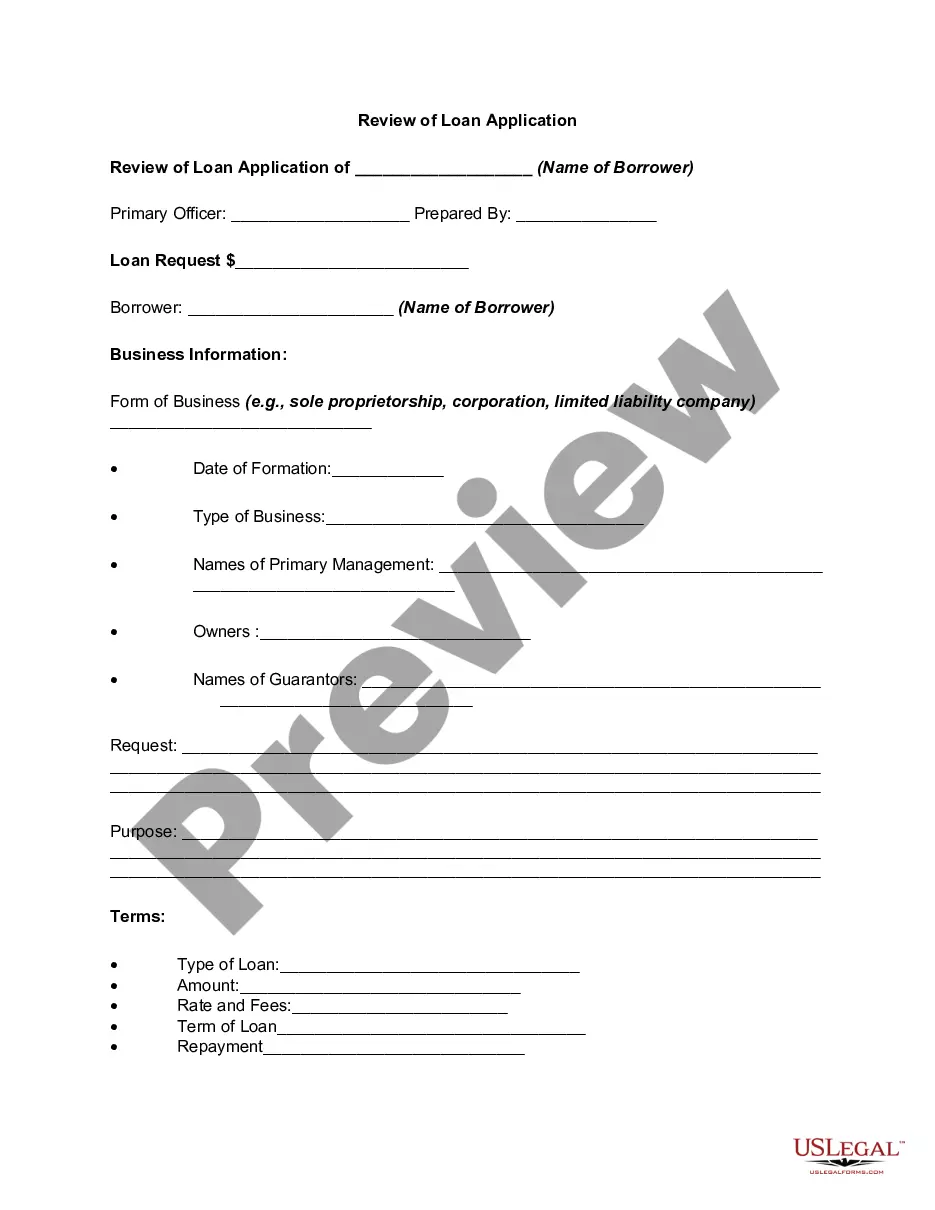
How to fill out Loan Application - Review Or Checklist Form For Loan Secured By Real Property?
Engaging with legal paperwork and processes can be a lengthy addition to your day.
Secured Real Estate For Section 179 and similar forms typically necessitate you to search for them and understand how to fill them out efficiently.
Consequently, whether you are managing financial, legal, or personal issues, utilizing a comprehensive and user-friendly online repository of forms when required will be extremely beneficial.
US Legal Forms is the premier online platform for legal templates, featuring over 85,000 state-specific forms and a variety of tools to assist you in completing your documents with ease.
Is this your first experience with US Legal Forms? Sign up and create an account in just a few minutes to gain access to the form library and Secured Real Property For Section 179. Then, follow the instructions below to fill out your form: Ensure you have the correct form using the Preview option and reviewing the form details. Select Buy Now when ready, and choose the monthly subscription plan that best fits your needs. Click Download and then complete, eSign, and print the form. US Legal Forms has 25 years of experience assisting clients in managing their legal documents. Find the form you need today and simplify any process without breaking a sweat.
- Explore the collection of relevant documents available to you with just one click.
- US Legal Forms provides state- and county-specific forms accessible at any time for download.
- Protect your document management processes with a high-quality service that enables you to create any form in minutes without additional or concealed fees.
- Simply Log In to your account, find Secured Real Property For Section 179, and download it instantly from the My documents tab.
- You can also retrieve previously saved forms.
Form popularity
FAQ
Qualified real property consists primarily of qualified improvement property. Qualified improvement property is an improvement to the interior portion of nonresidential real property such as a retail or office building.
Eligible section 179 property must meet the following criteria: The property is tangible property depreciable under the Modified Accelerated Cost Recovery System (MACRS) or is off-the-shelf computer software. The property is section 1245 property or qualified real property.
To qualify for a Section 179 deduction, the asset must be: Tangible (you're able to touch it, which excludes intangible assets like patents or copyrights) Purchased (not leased) for business use. Used more than 50% in your business.
Eligible section 179 property must meet the following criteria: The property is tangible property depreciable under the Modified Accelerated Cost Recovery System (MACRS) or is off-the-shelf computer software. The property is section 1245 property or qualified real property.
If you took the special depreciation allowance the first year you placed an item in service, enter the amount of special or "bonus" depreciation taken in the Prior Special Depreciation field. This amount is shown on the previous year's tax return (Depreciation Statement in the Bonus Depreciation column).