Transfer From Money Template With Calculator
Description
Get your form ready online
Our built-in tools help you complete, sign, share, and store your documents in one place.
Make edits, fill in missing information, and update formatting in US Legal Forms—just like you would in MS Word.
Download a copy, print it, send it by email, or mail it via USPS—whatever works best for your next step.
Sign and collect signatures with our SignNow integration. Send to multiple recipients, set reminders, and more. Go Premium to unlock E-Sign.
If this form requires notarization, complete it online through a secure video call—no need to meet a notary in person or wait for an appointment.
We protect your documents and personal data by following strict security and privacy standards.

Make edits, fill in missing information, and update formatting in US Legal Forms—just like you would in MS Word.

Download a copy, print it, send it by email, or mail it via USPS—whatever works best for your next step.

Sign and collect signatures with our SignNow integration. Send to multiple recipients, set reminders, and more. Go Premium to unlock E-Sign.

If this form requires notarization, complete it online through a secure video call—no need to meet a notary in person or wait for an appointment.

We protect your documents and personal data by following strict security and privacy standards.
Looking for another form?

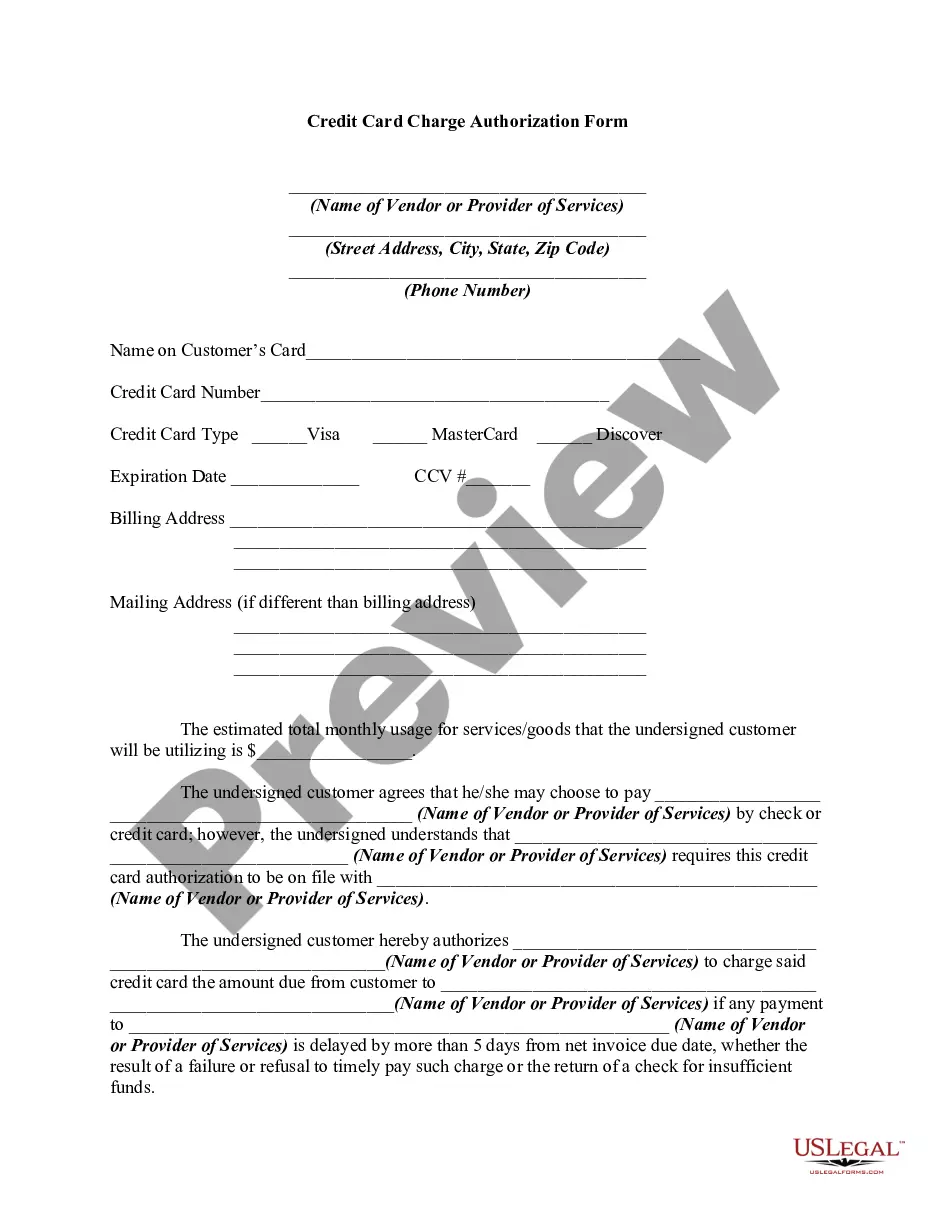
How to fill out Wire Transfer Instructions Form?
Regardless of whether for professional needs or personal issues, everyone must manage legal matters at some stage in their existence.
Filling out legal paperwork requires meticulous care, beginning with selecting the correct form example.
With an extensive US Legal Forms library available, you do not need to waste time searching for the appropriate template on the internet. Utilize the library’s straightforward navigation to find the correct template for any circumstance.
- For example, if you choose an incorrect version of the Transfer From Money Template With Calculator, it will be rejected upon submission.
- Thus, it is crucial to have a trustworthy source of legal documents like US Legal Forms.
- If you wish to obtain a Transfer From Money Template With Calculator example, follow these simple steps.
- Locate the template you need by using the search bar or catalog browsing.
- Review the form’s details to verify that it corresponds with your situation, state, and county.
- Click on the form’s preview to inspect it.
- If it is the wrong form, return to the search feature to find the Transfer From Money Template With Calculator example you need.
- Download the template if it meets your criteria.
- If you already possess a US Legal Forms account, simply click Log in to access previously saved documents in My documents.
- If you don’t have an account yet, you can download the form by clicking Buy now.
- Select the suitable pricing option.
- Complete the profile registration form.
- Choose your payment method: you can use a credit card or PayPal account.
- Select the document format you desire and download the Transfer From Money Template With Calculator.
- After it is downloaded, you can fill out the form using editing software or print it and complete it by hand.
Form popularity
FAQ
The biggest chunk, 70%, goes towards living expenses while 20% goes towards repaying any debt, or to savings if all your debt is covered. The remaining 10% is your 'fun bucket', money set aside for the things you want after your essentials, debt and savings goals are taken care of.
How to create a budget spreadsheet Choose a spreadsheet program or template. Create categories for income and expense items. Set your budget period (weekly, monthly, etc.). Enter your numbers and use simple formulas to streamline calculations. Consider visual aids and other features.
The rule states that you should spend up to 50% of your after-tax income on needs and obligations that you must-have or must-do. The remaining half should be split up between 20% savings and debt repayment and 30% to everything else that you might want.
Applying around 70% of your take-home pay to needs, letting around 20% go to wants, and aiming to save only 10% are simply more realistic goals to shoot for right now. 'It's about making sure we're doing all we can to make our money go as far as possible,' HyperJar CEO Mat Megens says.
The 50/30/20 Rule can be a good budgeting method for some, but whether the system is right for you will be determined by your unique monthly expenses. Depending on your income and where you live, earmarking 50% of your income toward your needs may not be enough.