Meeting Board Form Template For Teams
Description


Get your form ready online
Our built-in tools help you complete, sign, share, and store your documents in one place.
Make edits, fill in missing information, and update formatting in US Legal Forms—just like you would in MS Word.
Download a copy, print it, send it by email, or mail it via USPS—whatever works best for your next step.
Sign and collect signatures with our SignNow integration. Send to multiple recipients, set reminders, and more. Go Premium to unlock E-Sign.
If this form requires notarization, complete it online through a secure video call—no need to meet a notary in person or wait for an appointment.
We protect your documents and personal data by following strict security and privacy standards.

Make edits, fill in missing information, and update formatting in US Legal Forms—just like you would in MS Word.

Download a copy, print it, send it by email, or mail it via USPS—whatever works best for your next step.

Sign and collect signatures with our SignNow integration. Send to multiple recipients, set reminders, and more. Go Premium to unlock E-Sign.

If this form requires notarization, complete it online through a secure video call—no need to meet a notary in person or wait for an appointment.

We protect your documents and personal data by following strict security and privacy standards.
Looking for another form?
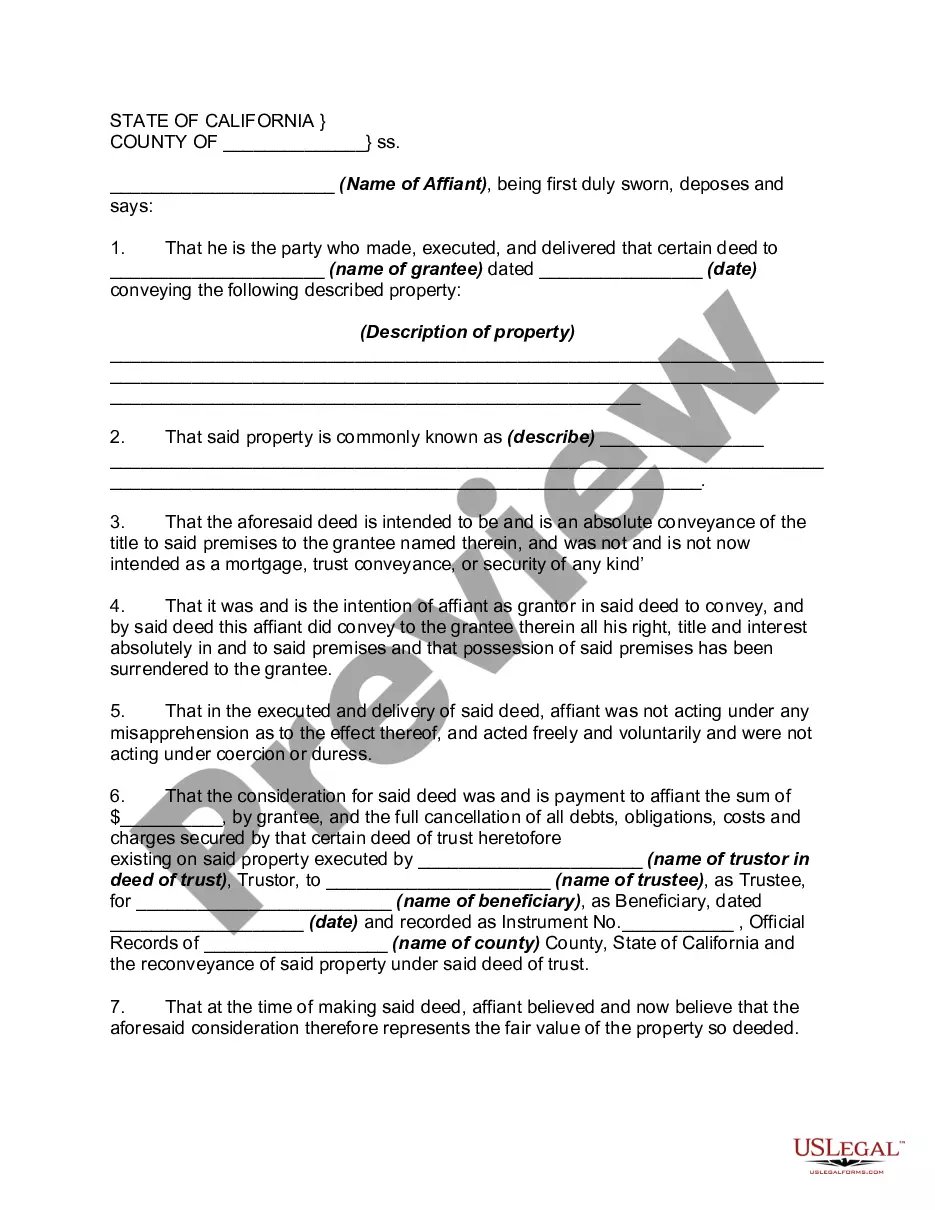



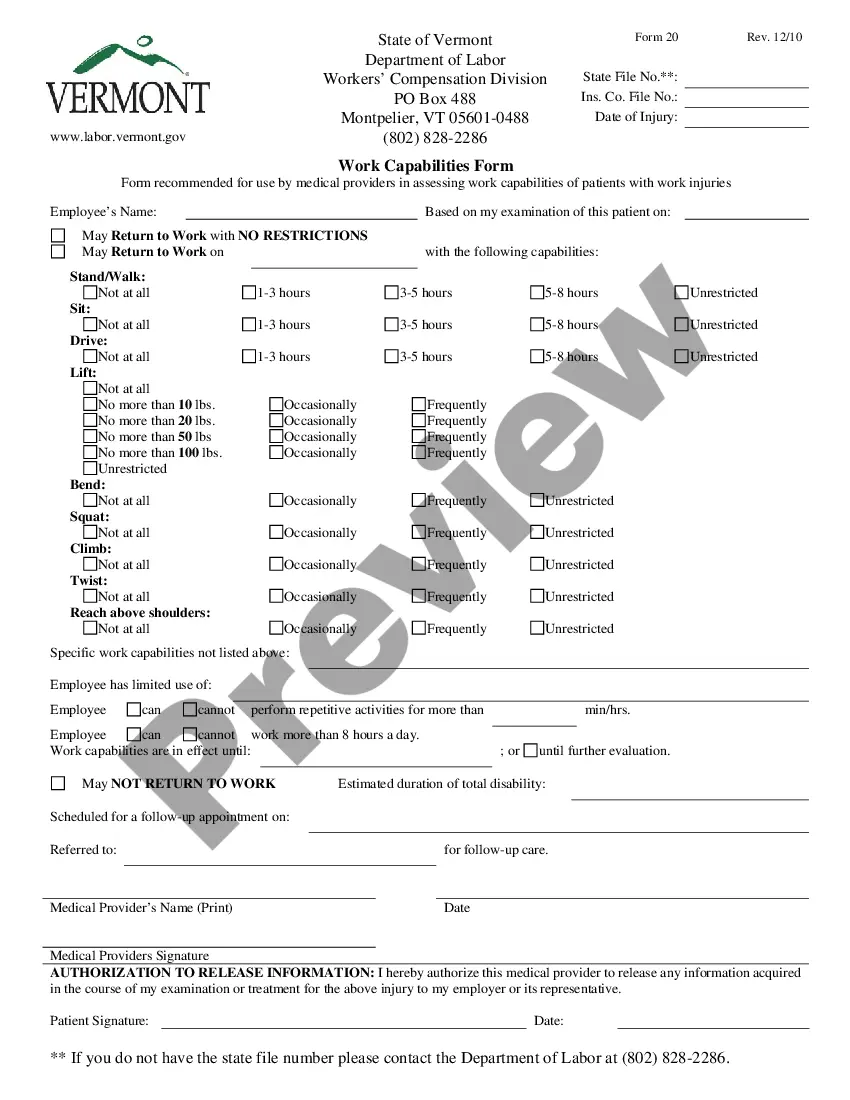
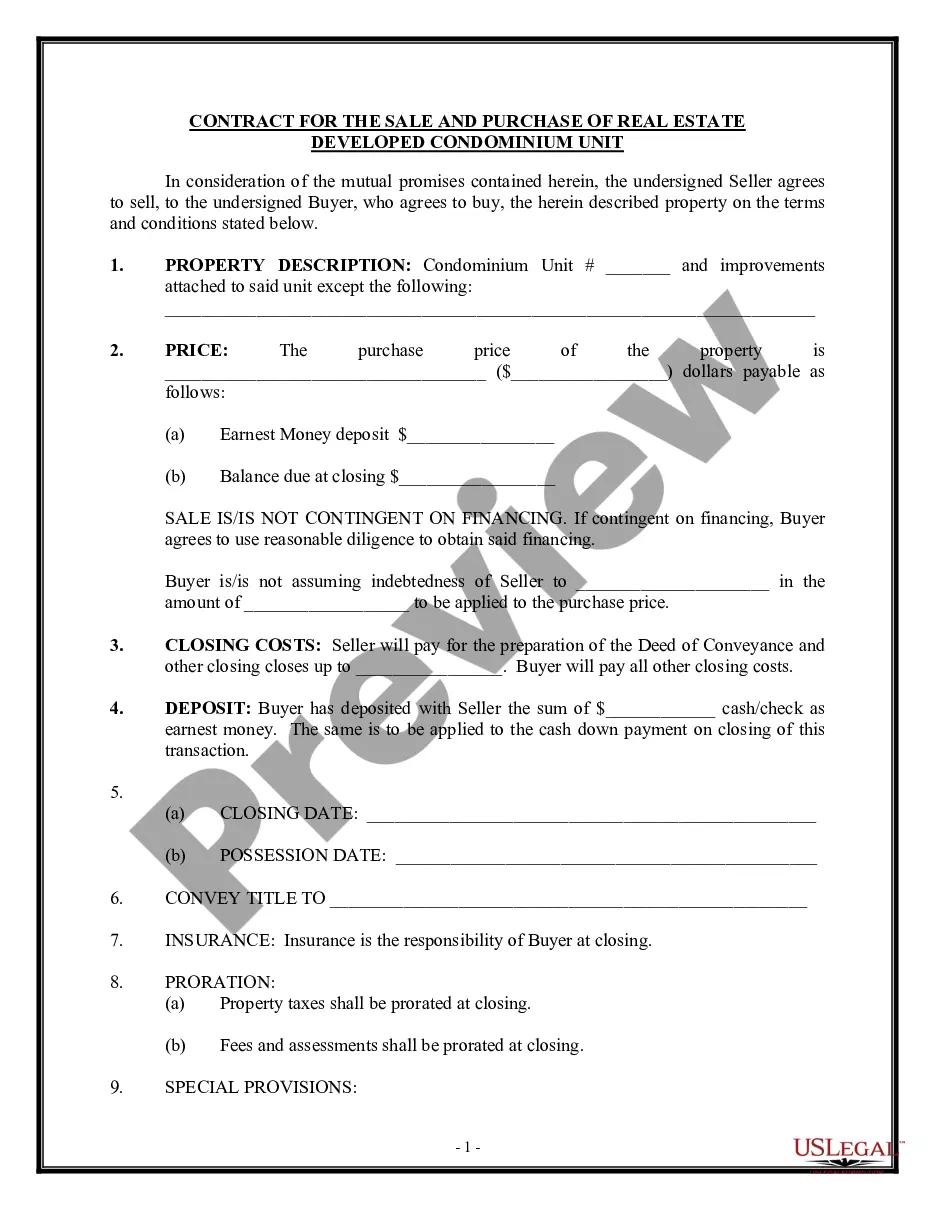



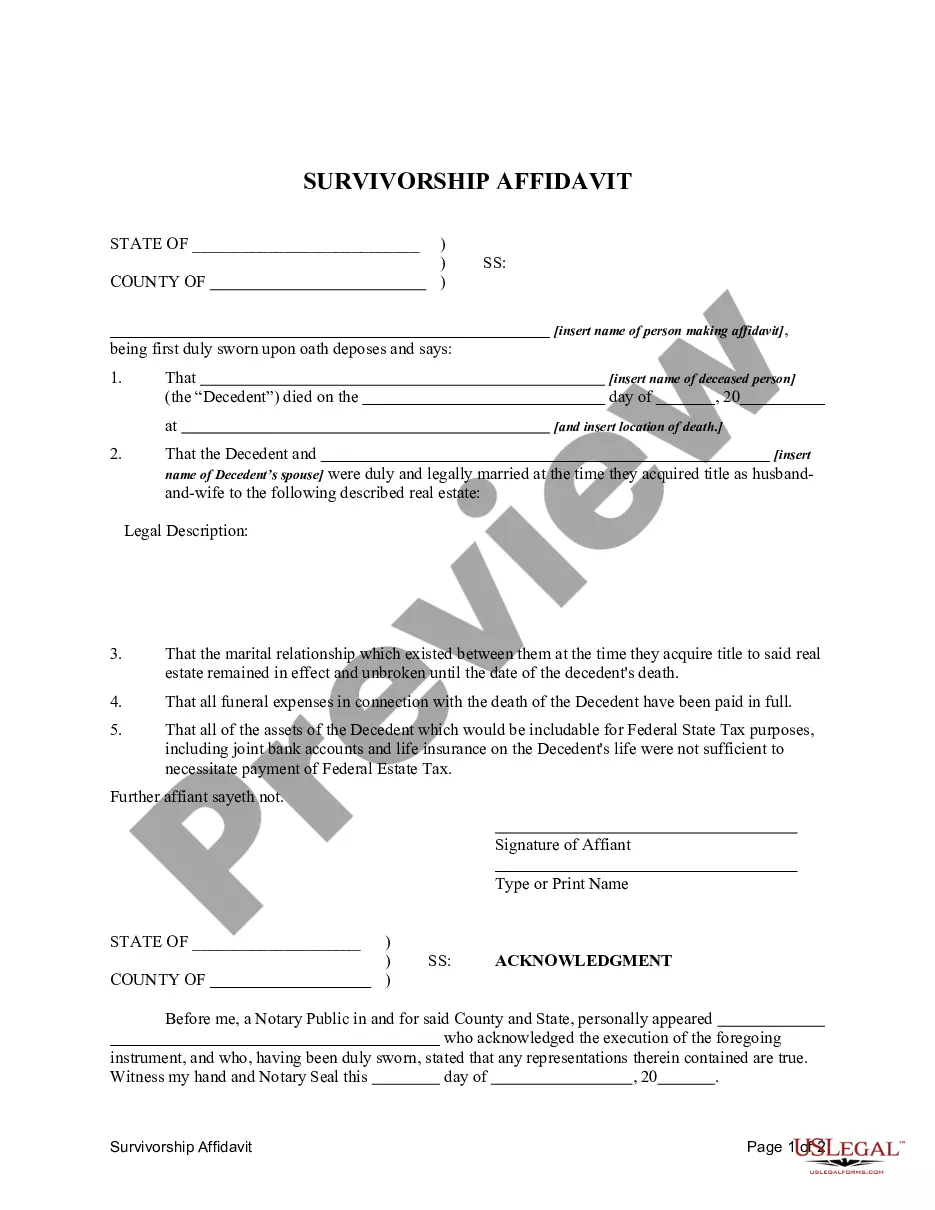
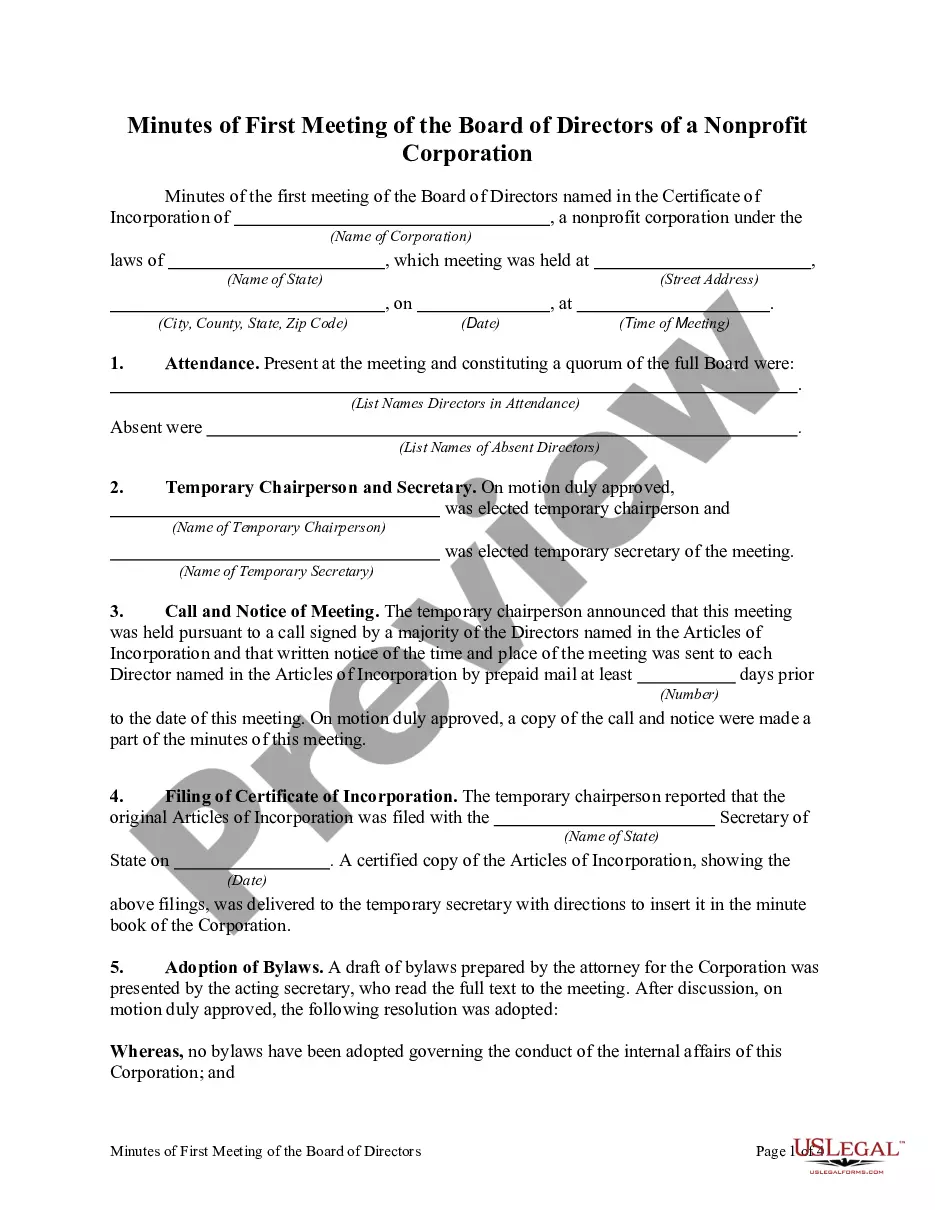
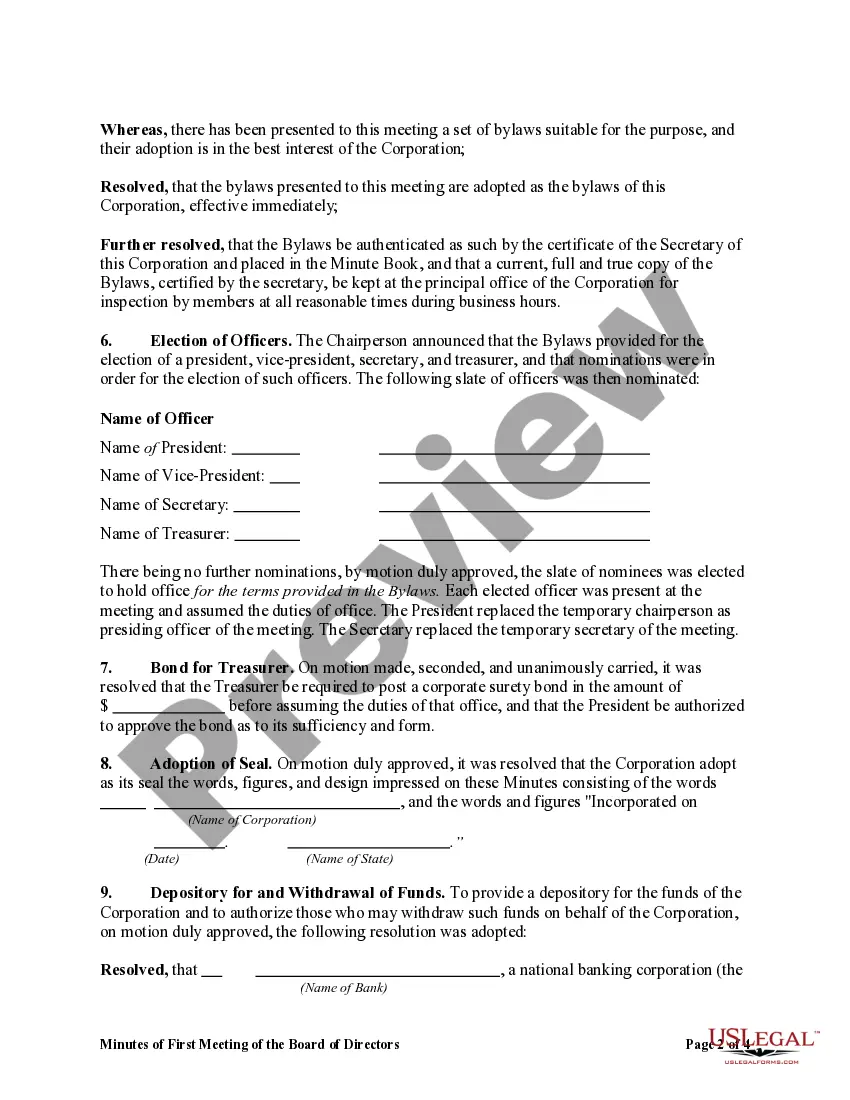
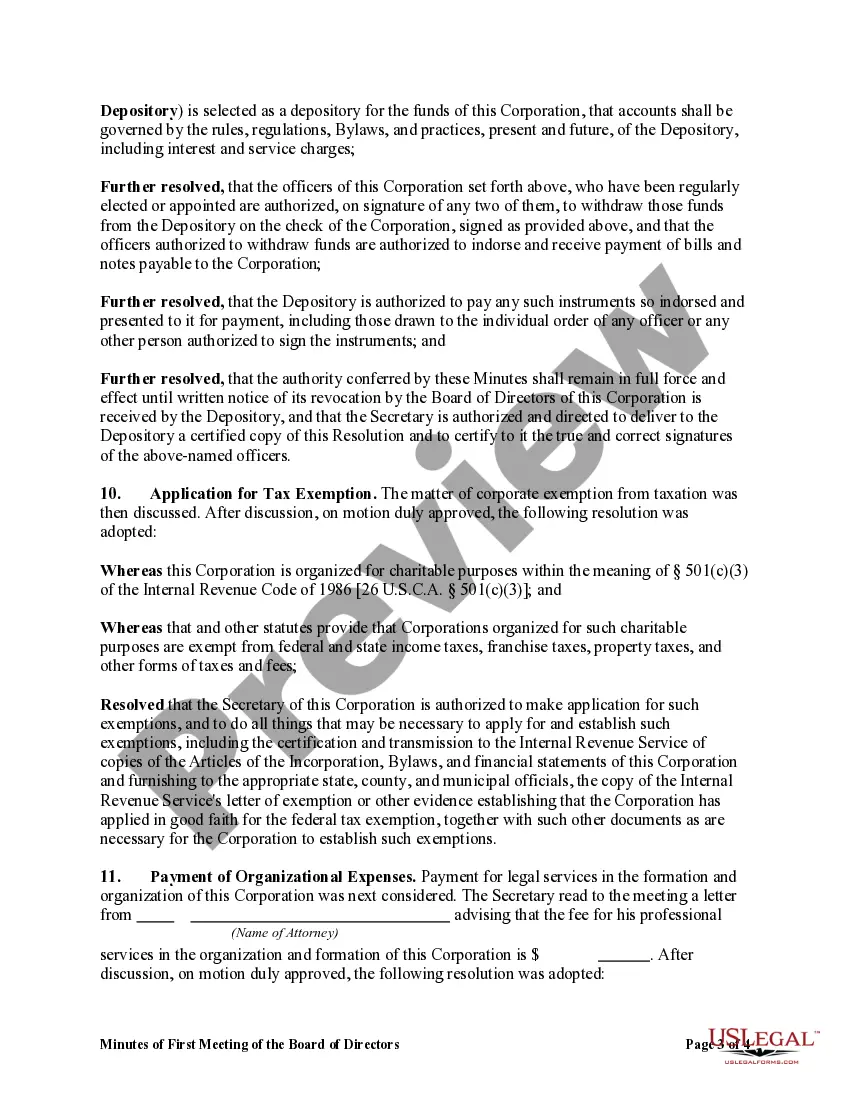
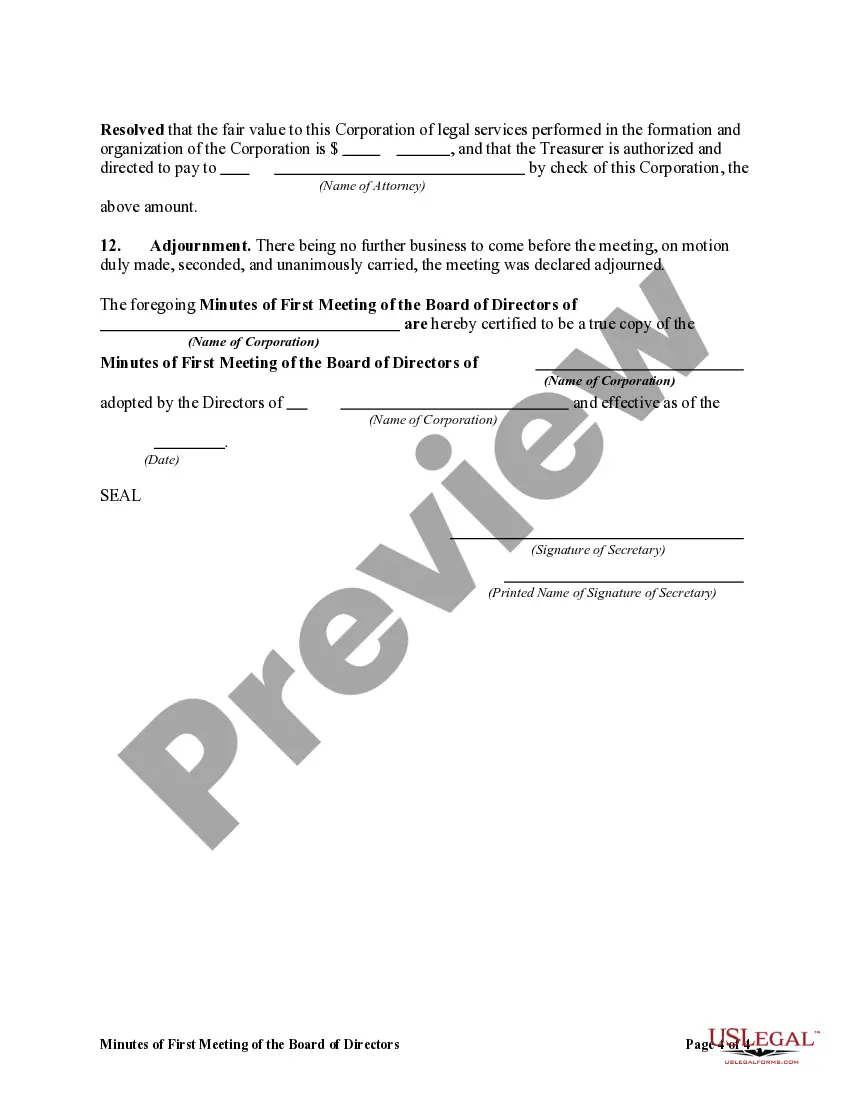
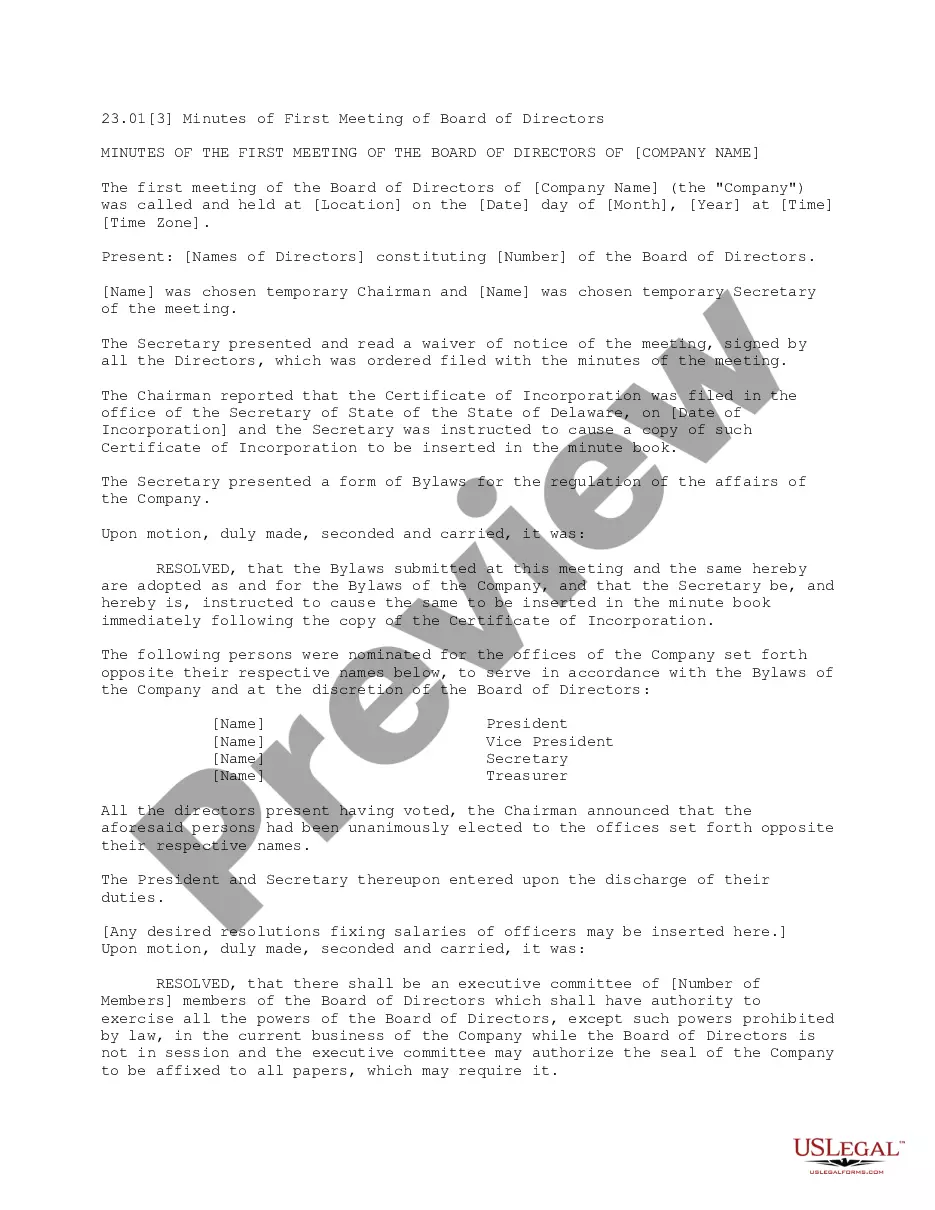
How to fill out Minutes Of First Meeting Of The Board Of Directors Of A Nonprofit Corporation?
Accessing legal document examples that adhere to national and local regulations is essential, and the web provides numerous choices to select from.
However, what’s the advantage of wasting effort searching for the suitable Meeting Board Form Template For Teams example online when the US Legal Forms digital repository already consolidates such templates in a single location.
US Legal Forms is the largest digital legal repository with over 85,000 fillable templates created by legal experts for any business and personal circumstance.
Review the template using the Preview feature or through the text outline to confirm it meets your requirements.
- They are easy to navigate with all documents categorized by state and intended use.
- Our experts keep up with legal changes, ensuring your paperwork remains current and compliant when acquiring a Meeting Board Form Template For Teams from our site.
- Getting a Meeting Board Form Template For Teams is quick and straightforward for both existing and new users.
- If you possess an account with an active subscription, Log In and retrieve the document example you need in the appropriate format.
- If you are visiting our website for the first time, follow the steps below.
Form popularity
FAQ
If you're signed in, go to your Teams Calendar and tap the Meet icon in the top right corner. Note: If you're not signed in, tap Join a meeting and enter a meeting ID and password. Tap Join with a meeting ID .
How to Write a Meeting Agenda? 5 Key Steps Establish the meeting type. Not informing your team about the type of meeting they'd be attending can cause a lot of confusion. ... State the objective of the meeting. ... Identify specific meeting topics. ... Allocate time to discuss each topic. ... Include a list of necessary documents.
Create a custom meeting template In the Teams admin center, expand Meetings and select Meeting templates. Select Add. Type a name and description for the template. ... Choose the options that you want to use for this template. ... To prevent the meeting organizer from changing an option, select the option and then select lock.
Try it! In the My forms tab, select New Form or New Quiz. Name your form and give it a description. Select Add Question and choose the type of question you want to add. Select Preview to see how your form will look on a computer or mobile device. To add a background color or image to your form, select Theme.
Work with your team members to create and edit a form In Teams, go to the channel you want and click Add a tab . Under Tabs for your team, click Forms. In the Forms tab configuration page that opens, choose Create a shared form that your team can edit, then provide a name for your new form.