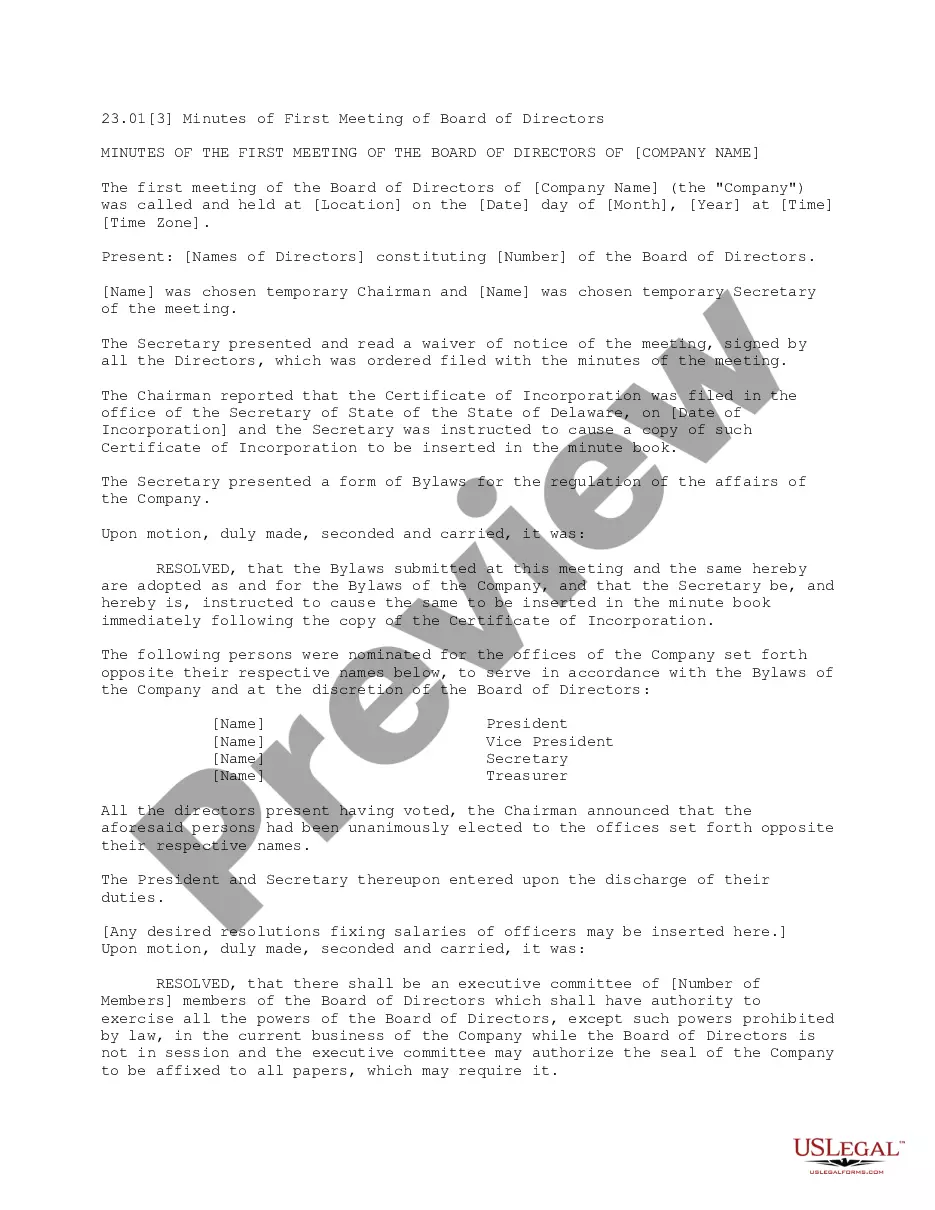
Meeting Board Form Template For Nonprofit
Description


Get your form ready online
Our built-in tools help you complete, sign, share, and store your documents in one place.
Make edits, fill in missing information, and update formatting in US Legal Forms—just like you would in MS Word.
Download a copy, print it, send it by email, or mail it via USPS—whatever works best for your next step.
Sign and collect signatures with our SignNow integration. Send to multiple recipients, set reminders, and more. Go Premium to unlock E-Sign.
If this form requires notarization, complete it online through a secure video call—no need to meet a notary in person or wait for an appointment.
We protect your documents and personal data by following strict security and privacy standards.

Make edits, fill in missing information, and update formatting in US Legal Forms—just like you would in MS Word.

Download a copy, print it, send it by email, or mail it via USPS—whatever works best for your next step.

Sign and collect signatures with our SignNow integration. Send to multiple recipients, set reminders, and more. Go Premium to unlock E-Sign.

If this form requires notarization, complete it online through a secure video call—no need to meet a notary in person or wait for an appointment.

We protect your documents and personal data by following strict security and privacy standards.
Looking for another form?








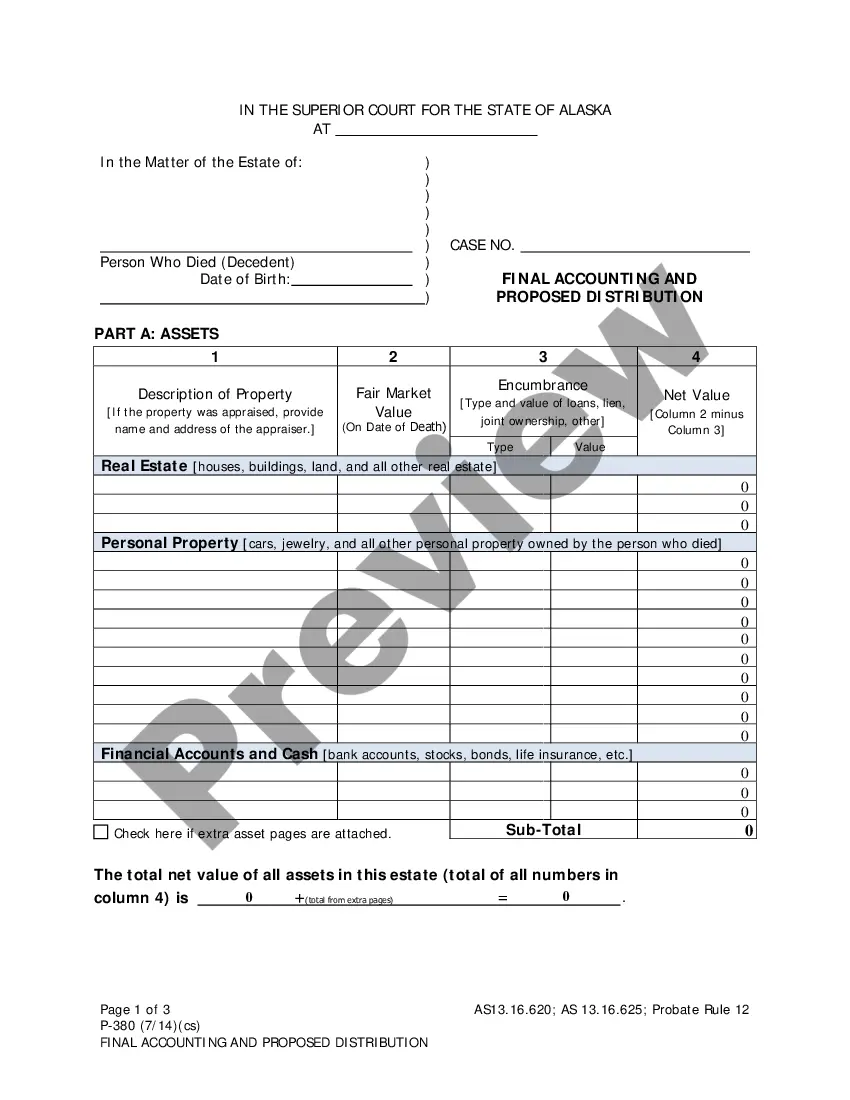
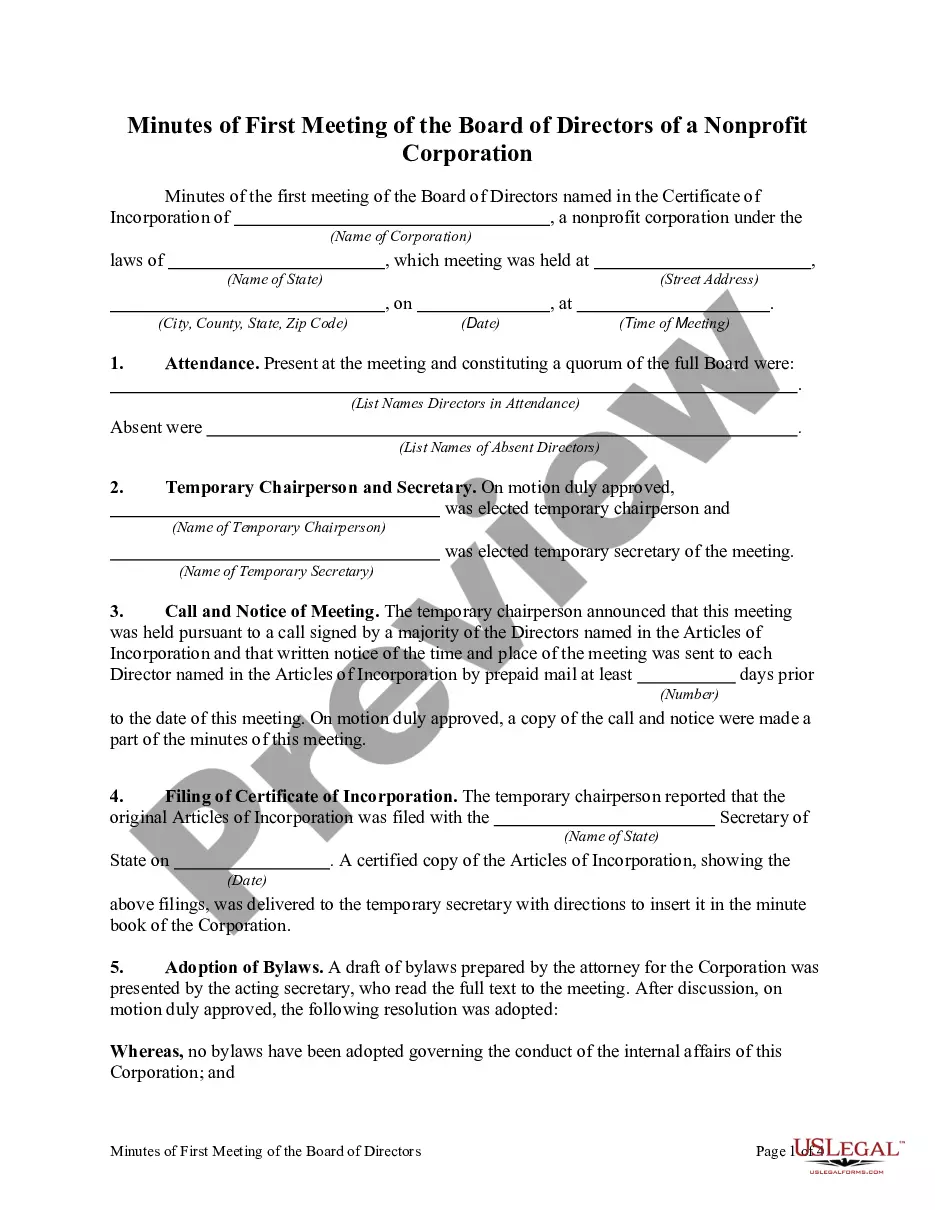
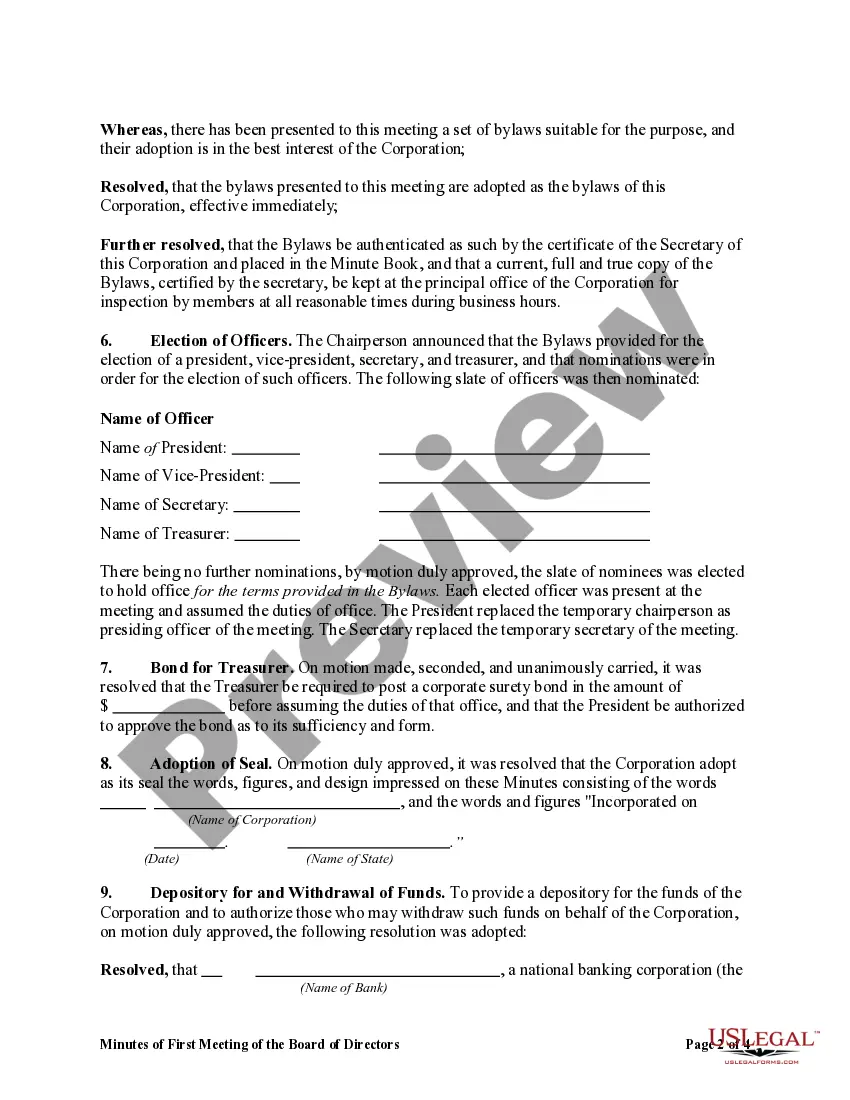
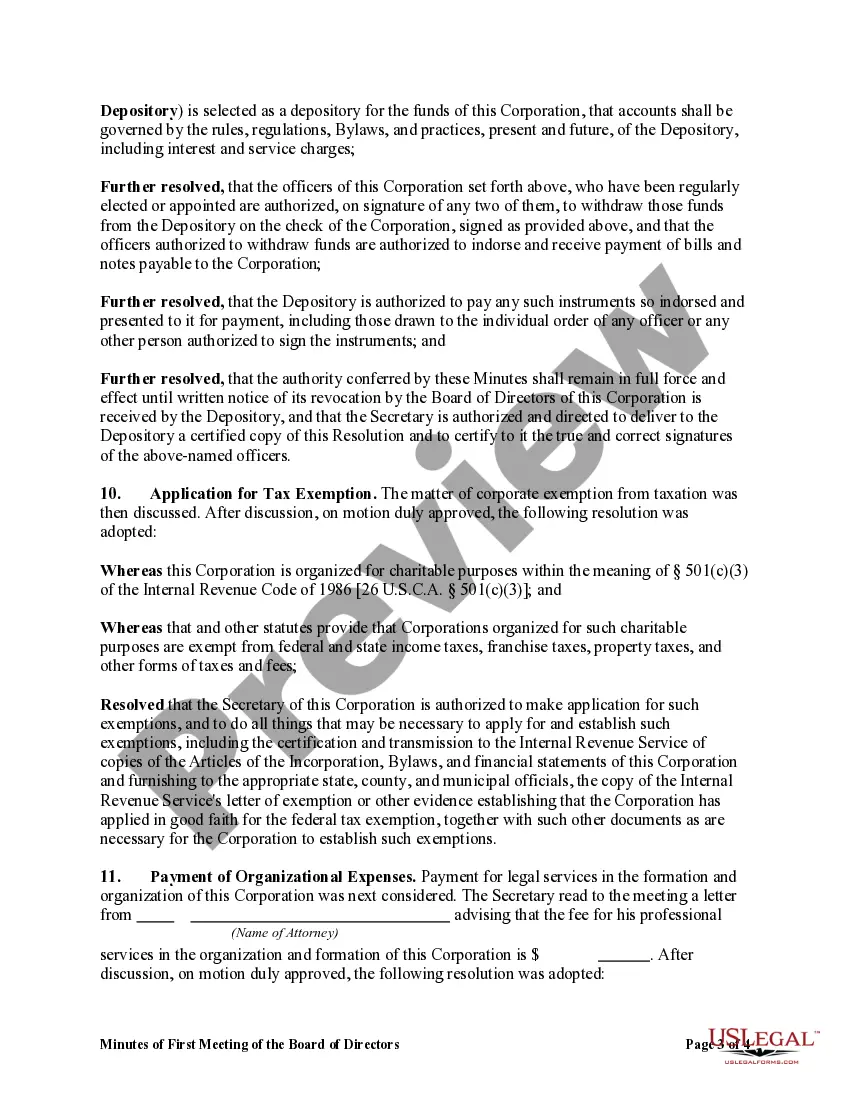
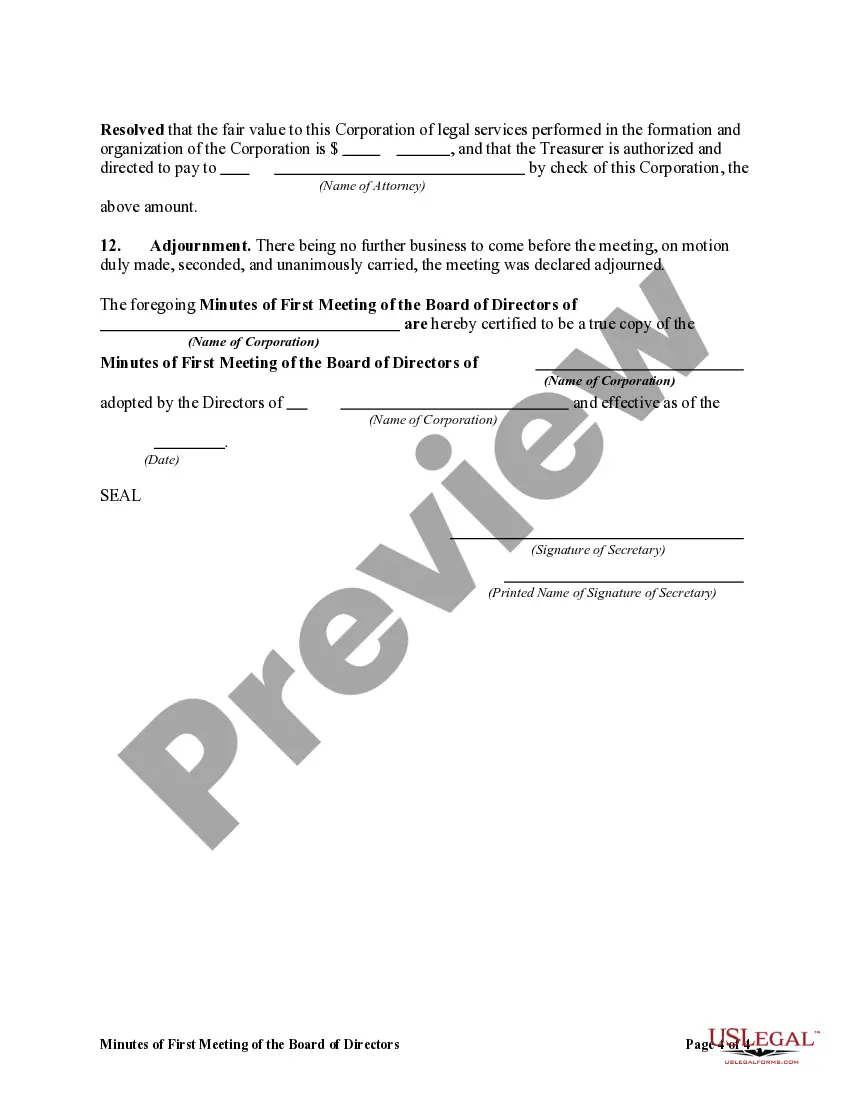
How to fill out Minutes Of First Meeting Of The Board Of Directors Of A Nonprofit Corporation?
Legal administration can be exasperating, even for adept professionals.
If you're looking for a Meeting Board Form Template For Nonprofit and lack the time to devote to locating the suitable and current version, the process can be taxing.
US Legal Forms accommodates any needs you may have, ranging from personal to organizational paperwork, all centralized in one location.
Employ sophisticated tools to fill out and manage your Meeting Board Form Template For Nonprofit.
Here are the steps to follow after accessing the desired form: Validate that this is the correct form by previewing it and examining its details.
- Tap into a library of articles, guides, handbooks, and resources relevant to your circumstances and requirements.
- Conserve energy and time searching for the documents you need and utilize US Legal Forms’ advanced search and Preview feature to locate the Meeting Board Form Template For Nonprofit and retrieve it.
- If you possess a subscription, Log In to your US Legal Forms account, search for the form, and download it.
- Review your My documents section to see the documents you have previously downloaded and to manage your directories as desired.
- If this is your initial experience with US Legal Forms, create an account and gain unrestricted access to all the advantages of the platform.
- An extensive online form repository could be transformative for anyone wanting to handle these situations proficiently.
- US Legal Forms stands as a frontrunner in digital legal documents, boasting over 85,000 state-specific legal forms available at any time.
- Utilizing US Legal Forms allows you to access specific legal and business documents tailored to your state or county.
Form popularity
FAQ
We recommend you use these guidelines as a starting point: The meeting place, date, and exact time it was called to order. The type of meeting (regularly scheduled, special, or called) Full names of the meeting participants and absentees. Each motion, including who made it, who seconded it, and what the outcome was.
How to Create an Agenda for a Board Meeting Review the prior meeting's agenda. Use a board agenda template. Fill in the appropriate agenda items. Ask for feedback from the board by a certain date. Finalize the agenda. Review the final board agenda with the board chair.
We recommend the following order to ensure that your agendas are a roadmap to achieve an efficient nonprofit meeting: The Introduction/Welcome. ... Previous Meeting Recap. ... Reporting. ... Financials. ... Unfinished Business. ... New Business. ... Optional Topics. ... Guest Presentations.
Personal observations or judgmental comments should not be included in meeting minutes. All statements should be as neutral as possible. Avoid writing down everything everyone said.
Here are best practices for how to structure a board meeting: Send out the agenda well in advance. ... Share relevant documents ahead of time. ... Set meeting goals. ... Tap into each member's unique expertise. ... Introduce Robert's Rules of Order. ... Provide a start and end time ? and stick to it. ... Keep detailed meeting minutes.