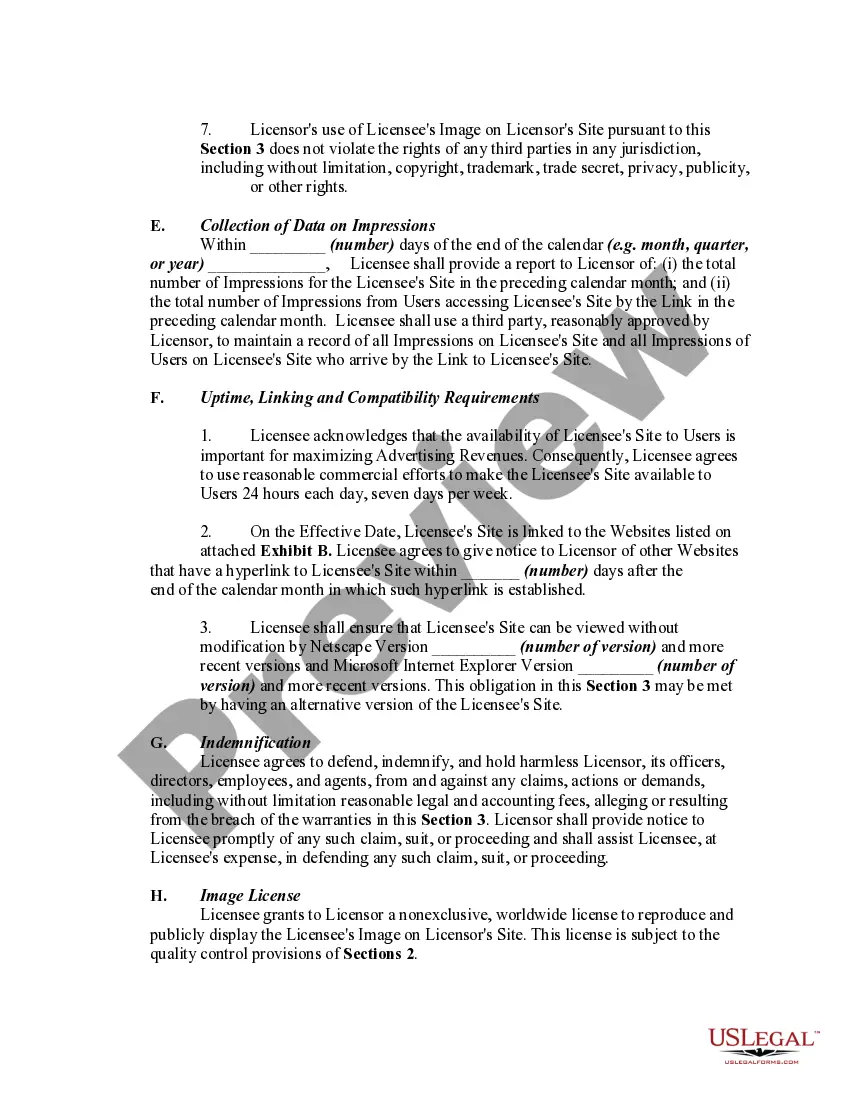
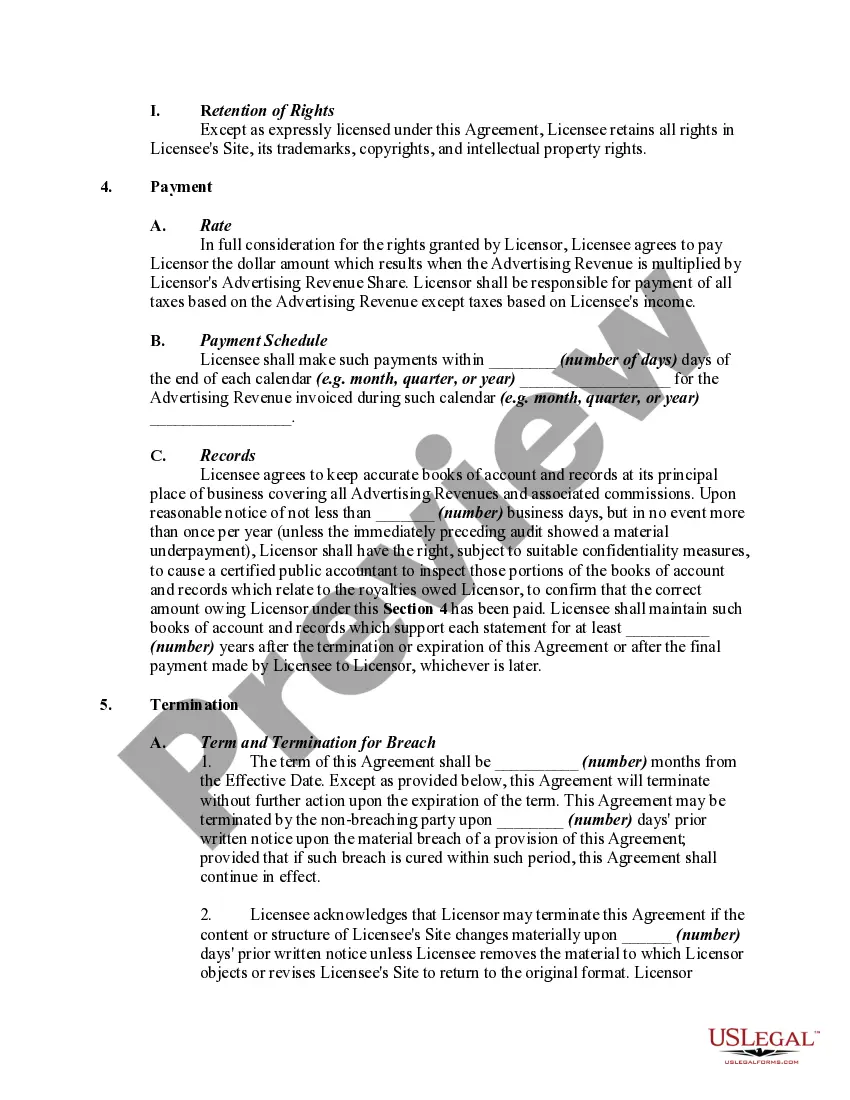
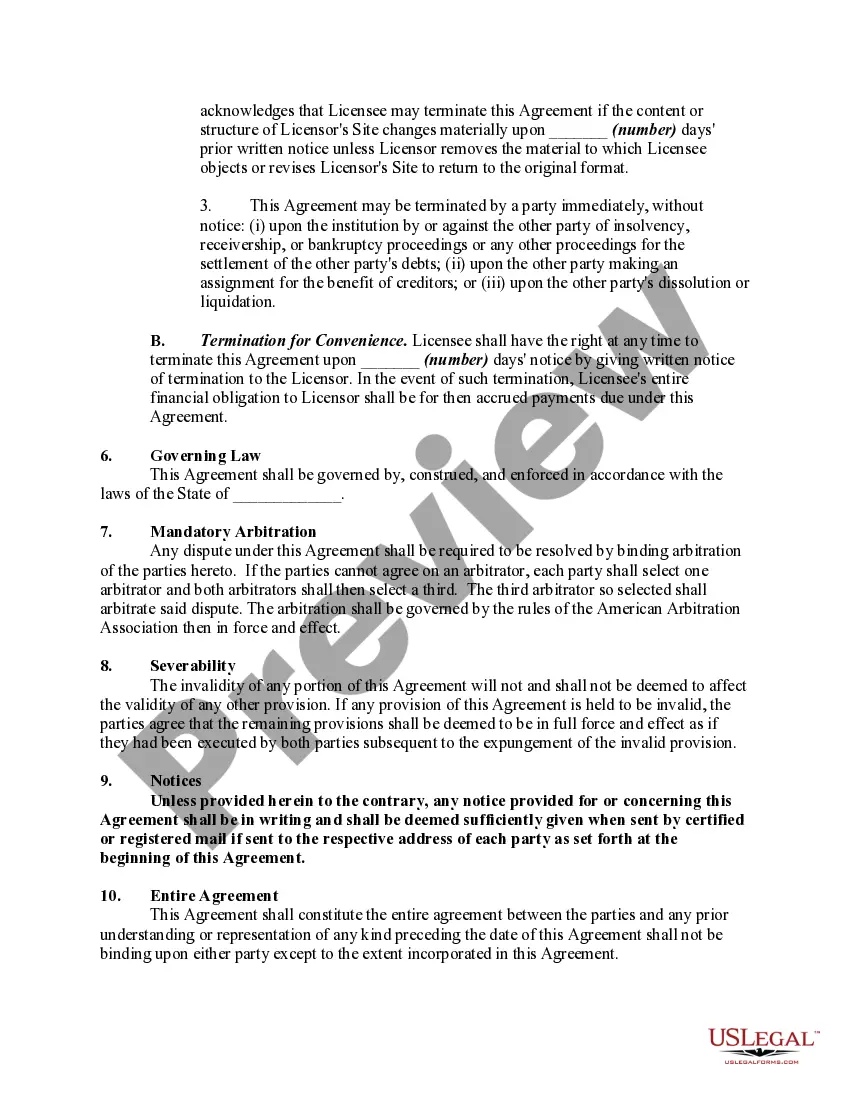
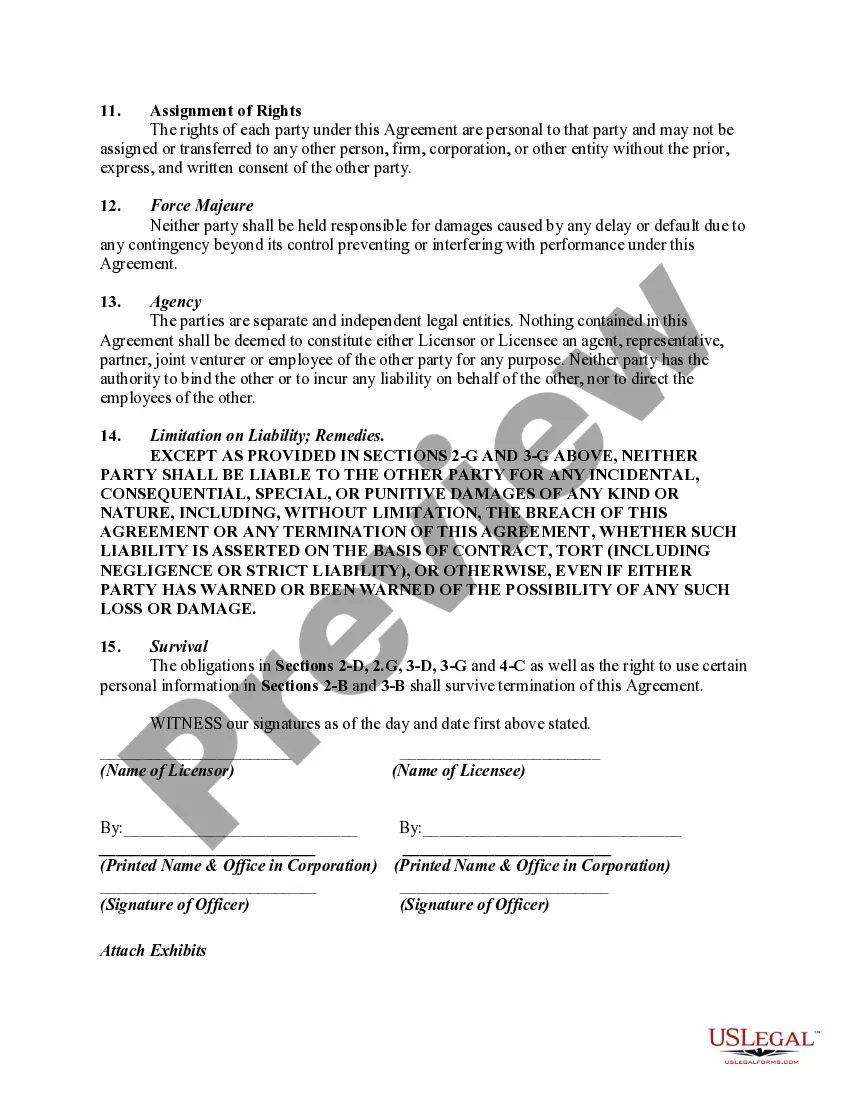
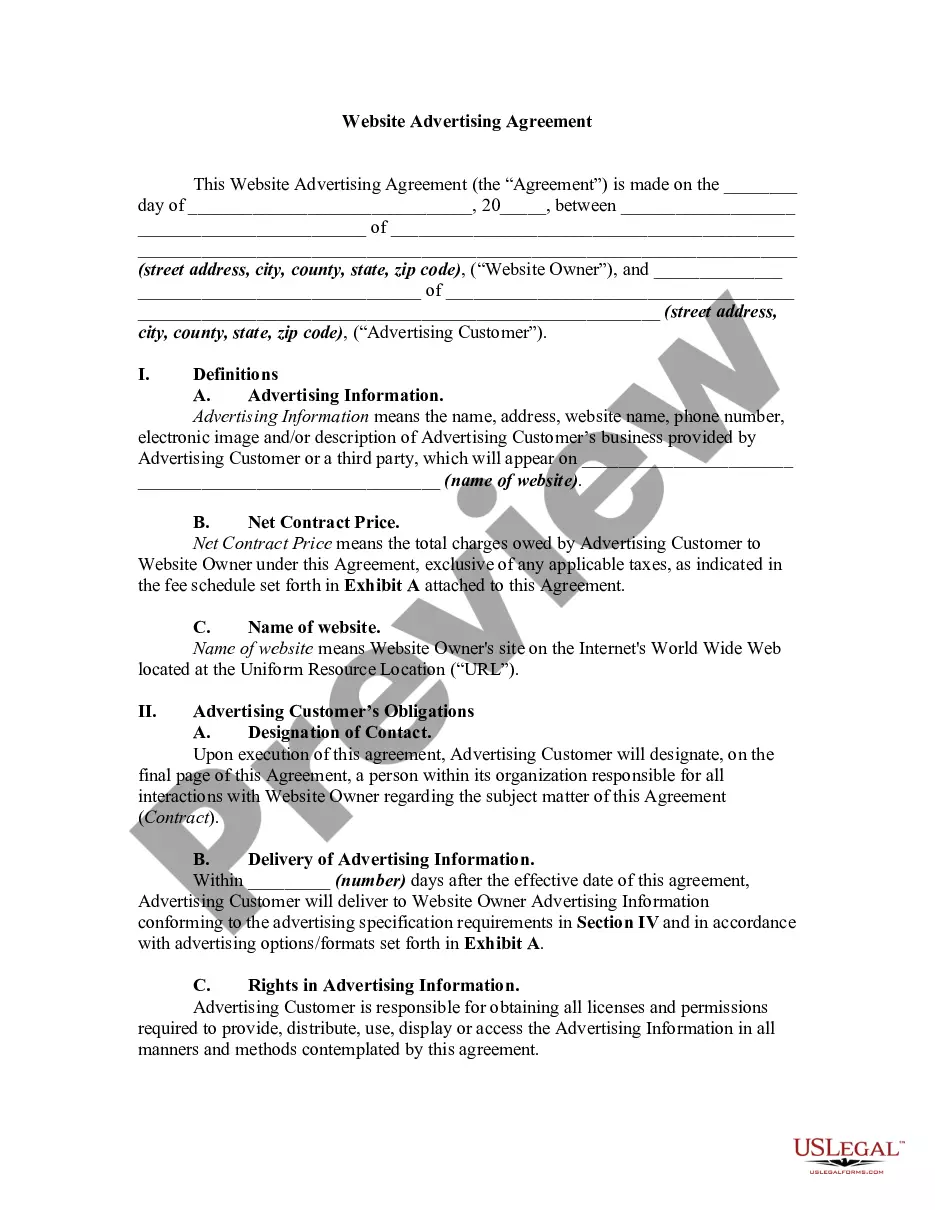
Website Agreement Document Format
Description
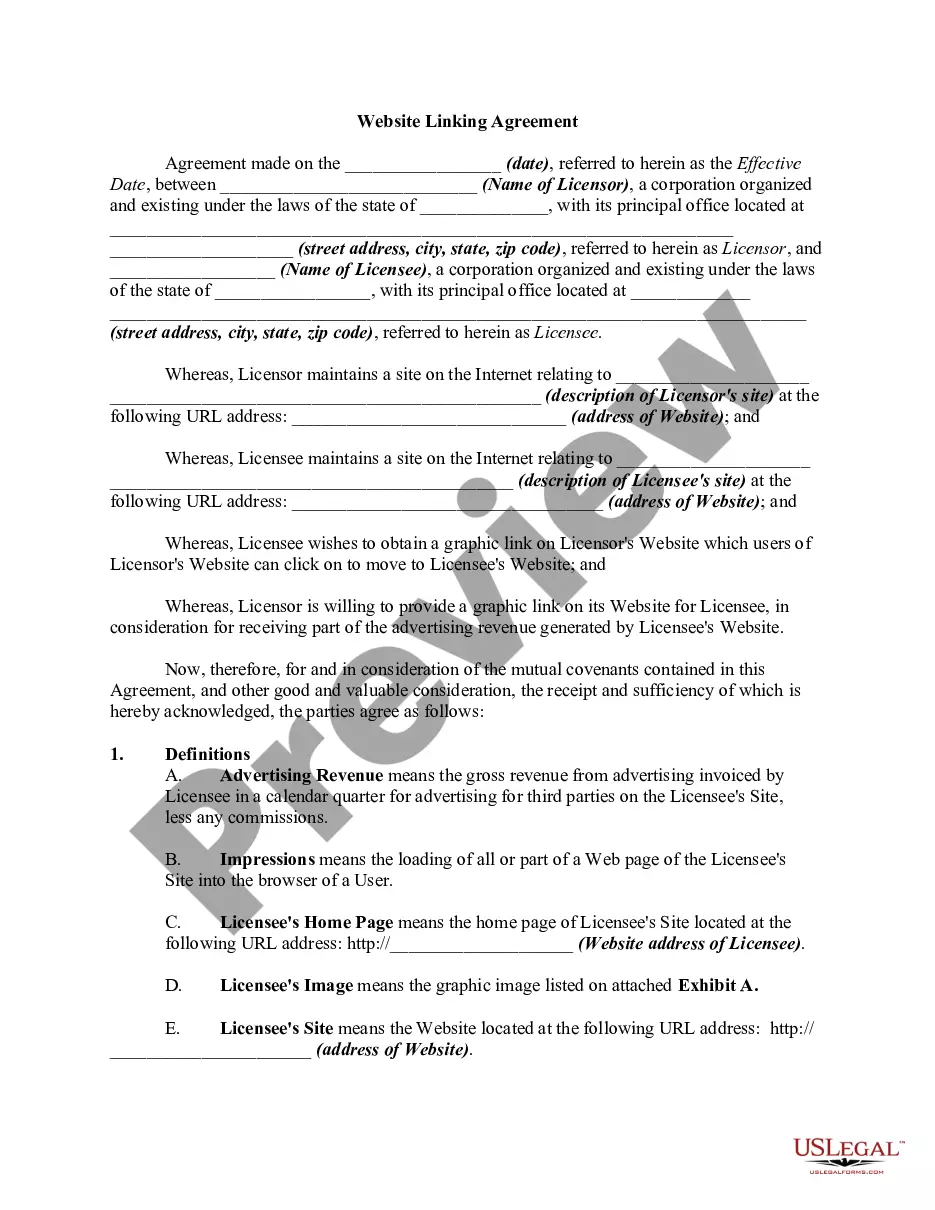
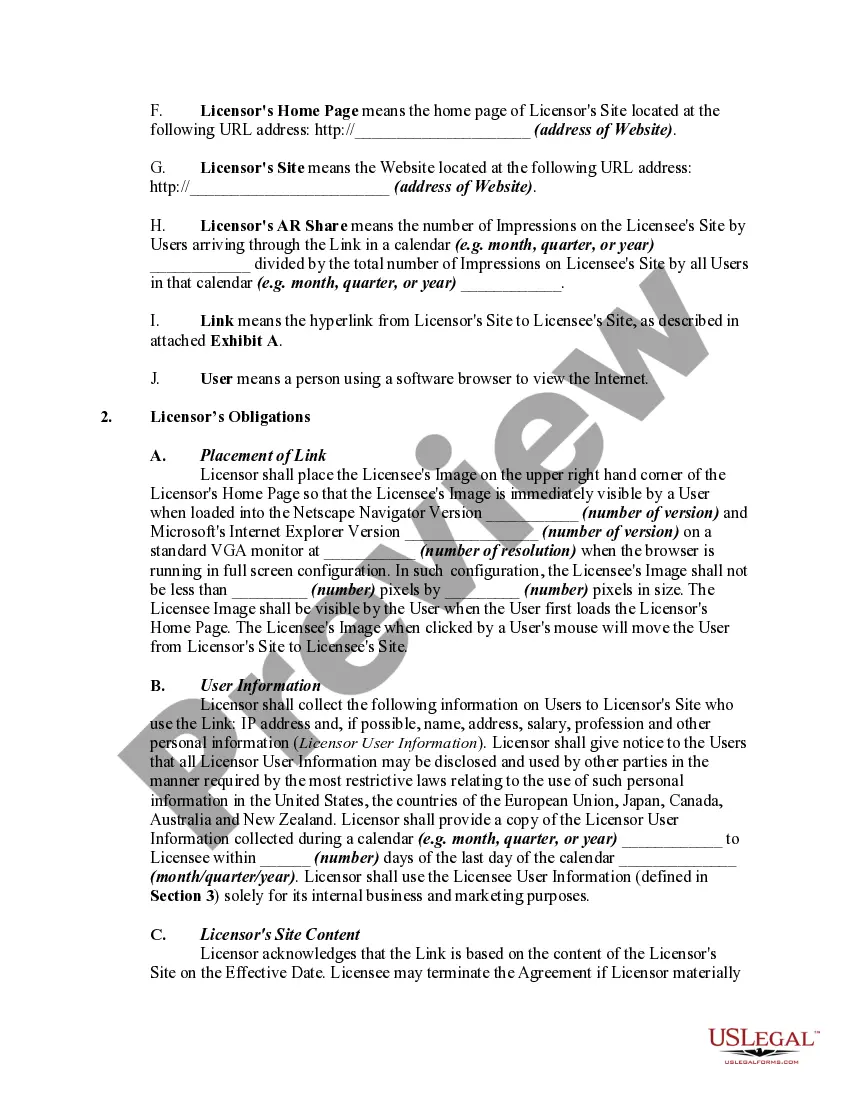
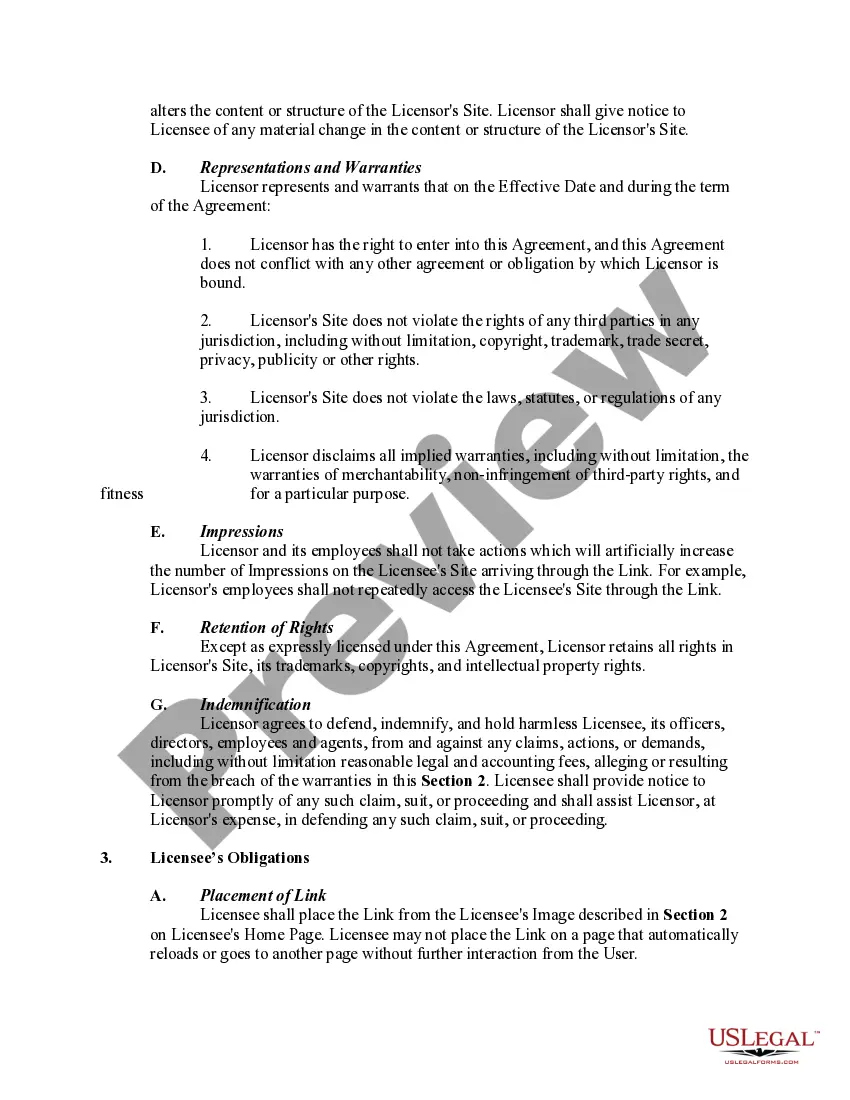
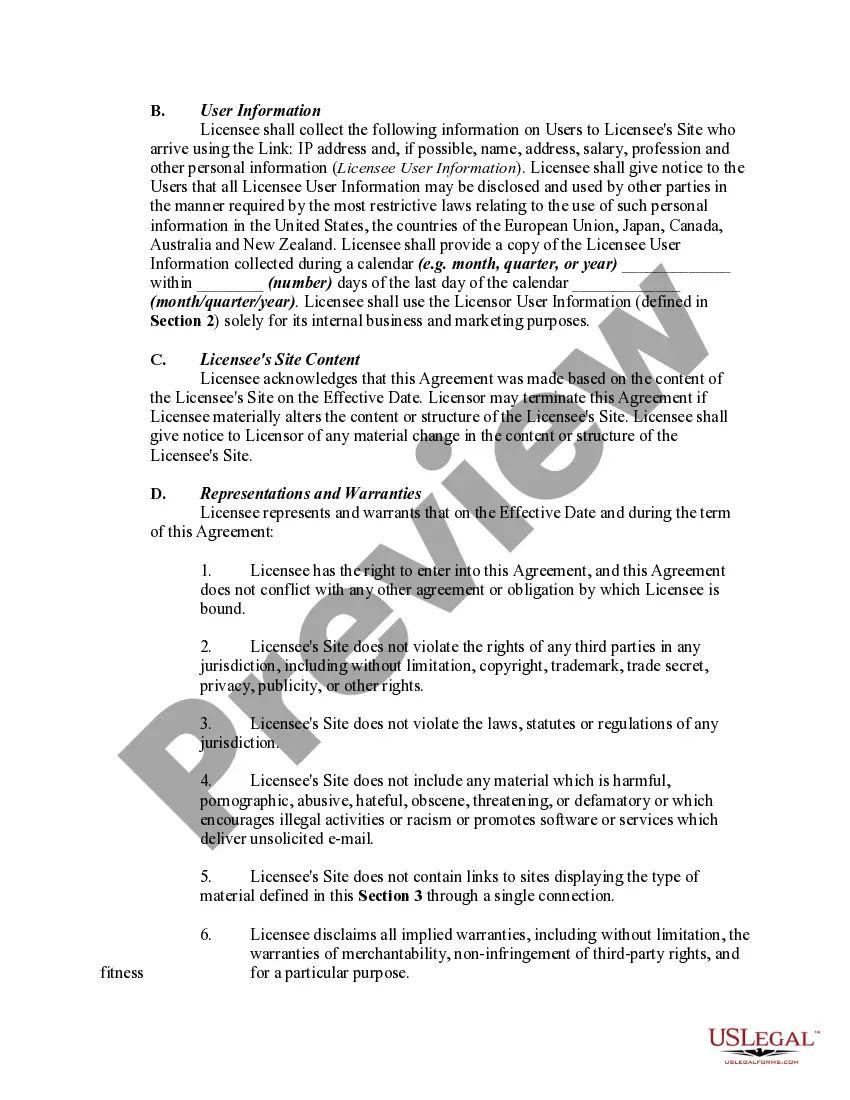
Get your form ready online
Our built-in tools help you complete, sign, share, and store your documents in one place.
Make edits, fill in missing information, and update formatting in US Legal Forms—just like you would in MS Word.
Download a copy, print it, send it by email, or mail it via USPS—whatever works best for your next step.
Sign and collect signatures with our SignNow integration. Send to multiple recipients, set reminders, and more. Go Premium to unlock E-Sign.
If this form requires notarization, complete it online through a secure video call—no need to meet a notary in person or wait for an appointment.
We protect your documents and personal data by following strict security and privacy standards.

Make edits, fill in missing information, and update formatting in US Legal Forms—just like you would in MS Word.

Download a copy, print it, send it by email, or mail it via USPS—whatever works best for your next step.

Sign and collect signatures with our SignNow integration. Send to multiple recipients, set reminders, and more. Go Premium to unlock E-Sign.

If this form requires notarization, complete it online through a secure video call—no need to meet a notary in person or wait for an appointment.

We protect your documents and personal data by following strict security and privacy standards.
Looking for another form?



How to fill out Website Linking Agreement?
Legal administration can be perplexing, even for the most experienced professionals.
When seeking a Website Agreement Document Format and lacking the opportunity to invest time in finding the accurate and up-to-date version, the processes can be stressful.
US Legal Forms meets all your needs, from personal to business documents, all in one place.
Utilize cutting-edge tools to complete and manage your Website Agreement Document Format.
Here are the steps to follow after locating the form you require: Confirm this is the correct document by previewing it and reviewing its description. Ensure that the template is accepted in your state or county. Select Buy Now when you are prepared. Choose a subscription plan. Locate the format you need, and Download, complete, sign, print, and send out your documents. Take advantage of the US Legal Forms online directory, supported by 25 years of experience and reliability. Streamline your daily document management into a straightforward and user-friendly process today.
- Gain access to a valuable resource library of articles, guides, and reference materials pertinent to your situation and requirements.
- Save time and effort in searching for the documents you need, and leverage US Legal Forms’ advanced search and Review tool to locate the Website Agreement Document Format and download it.
- If you hold a membership, Log In to your US Legal Forms account, search for the document, and download it.
- Check the My documents tab to review the documents you have previously downloaded and manage your folders as needed.
- If it’s your first time using US Legal Forms, create a free account and enjoy unlimited access to all the library's benefits.
- A comprehensive web form directory can be transformative for anyone aiming to manage these circumstances effectively.
- US Legal Forms stands as a leader in online legal documents, offering over 85,000 state-specific legal forms accessible to you at any time.
- With US Legal Forms, you can access state- or county-specific legal and business documents.
Form popularity
FAQ
How to create a solid web design freelance contract. A clear description of your client's design parameters. The number of pages you will create, plus the content. Your project fees. A description of any future site maintenance to be included. Project payment delivery schedule.
Here are the steps to write a letter of agreement: Title the document. Add the title at the top of the document. ... List your personal information. ... Include the date. ... Add the recipient's personal information. ... Address the recipient. ... Write an introduction paragraph. ... Write your body. ... Conclude the letter.
6 Tips For Creating a Great Web Design Contract Be Transparent. Your website contract should be transparent. ... Set clear expectations. ... Don't skip sections. ... Include specific details. ... Cater to your client. ... Always ask for a down payment. ... Introduction. ... Problem statement.
Those seven elements are: Identification (Defining all the parties involved) Offer (The agreement) Acceptance (Agreement mirrored by other parties) Mutual consent (Signatory consent of all parties) Consideration (The value exchanged for the offer) Capacity (Legal/mental competence of all parties)