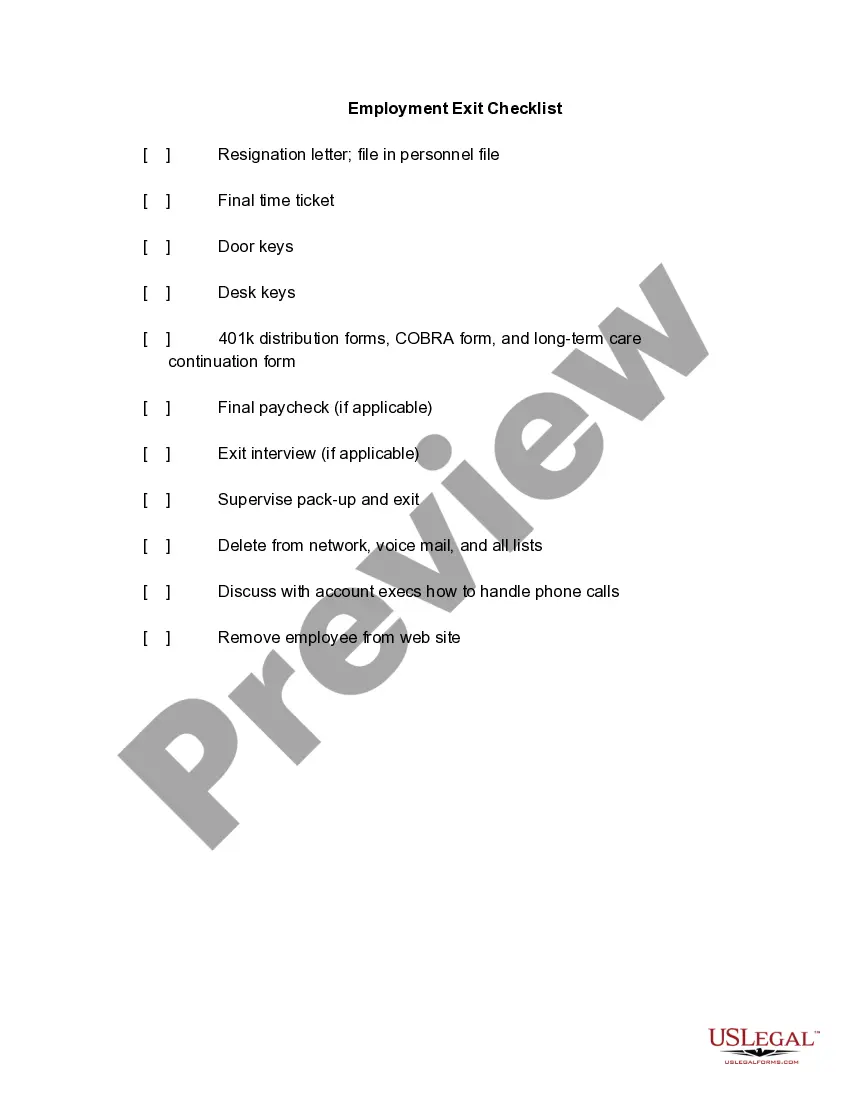
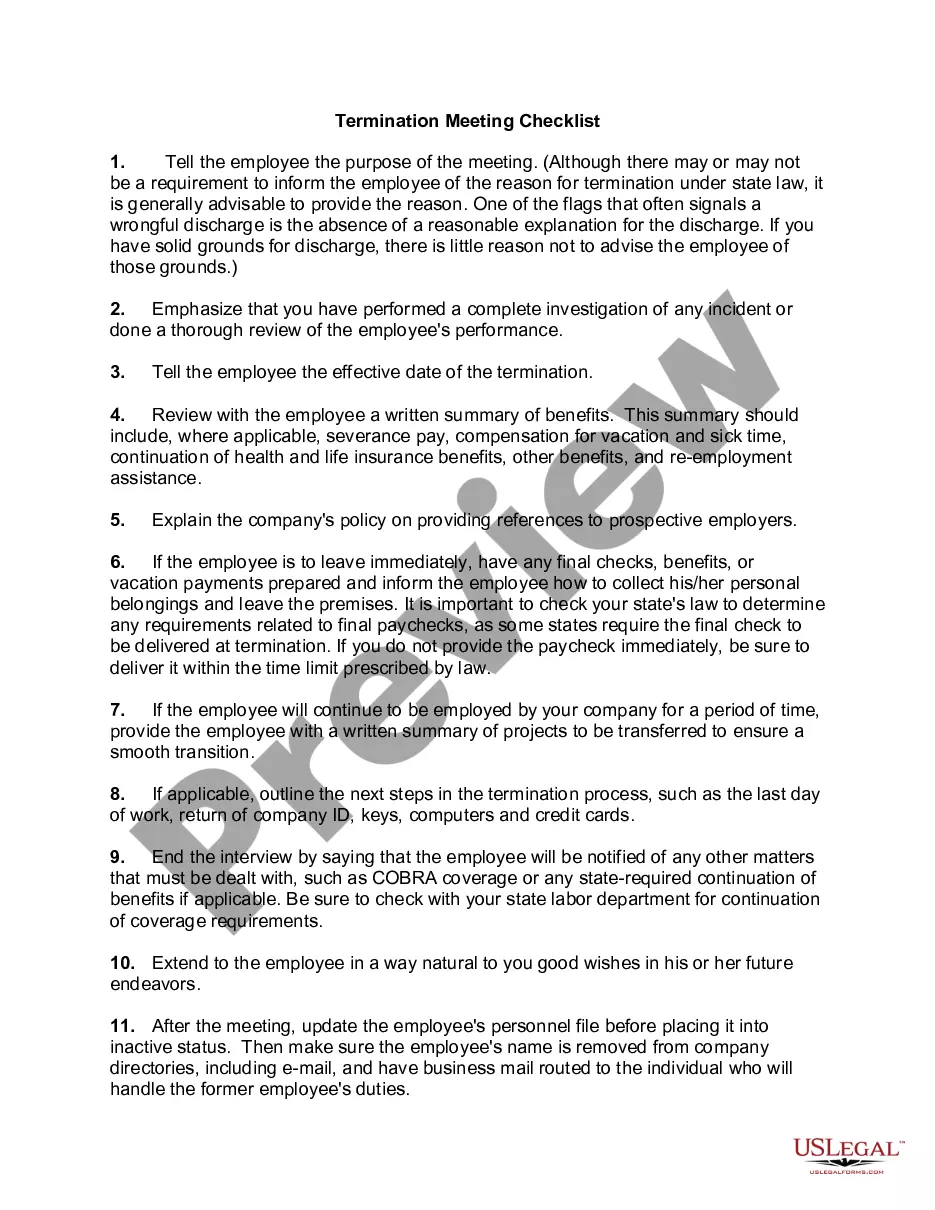
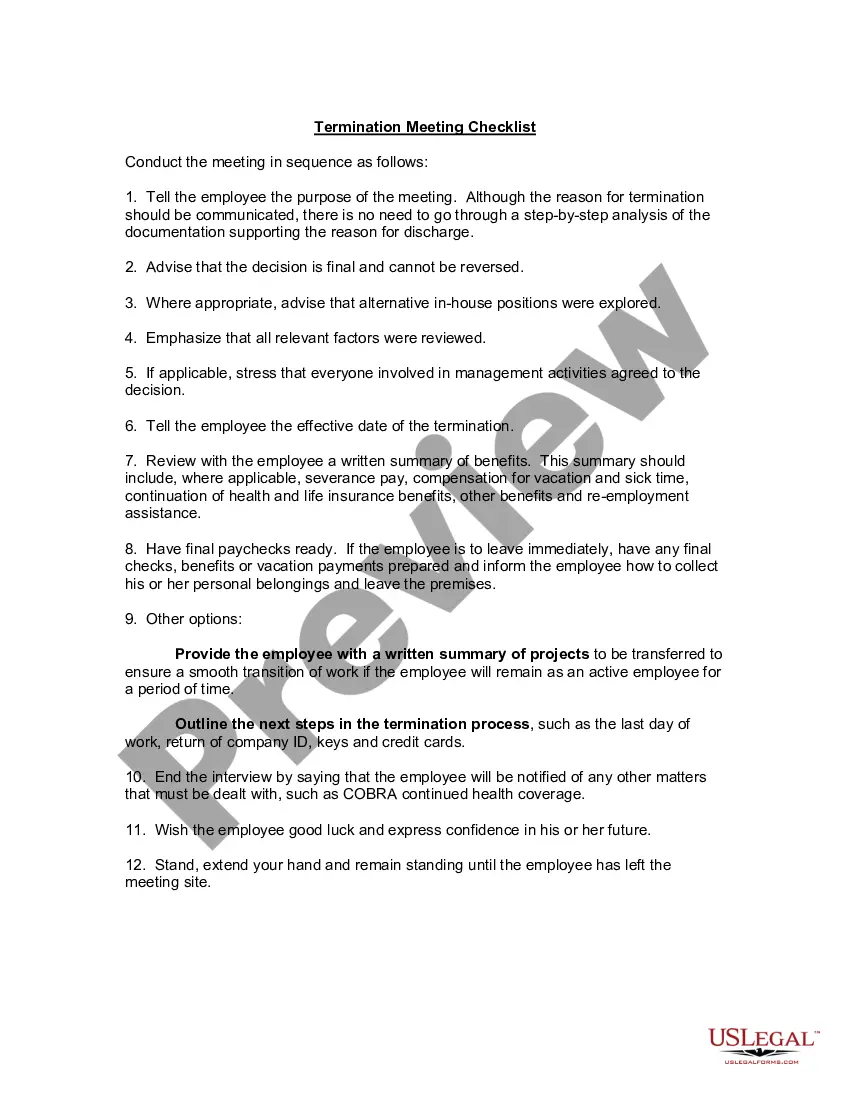
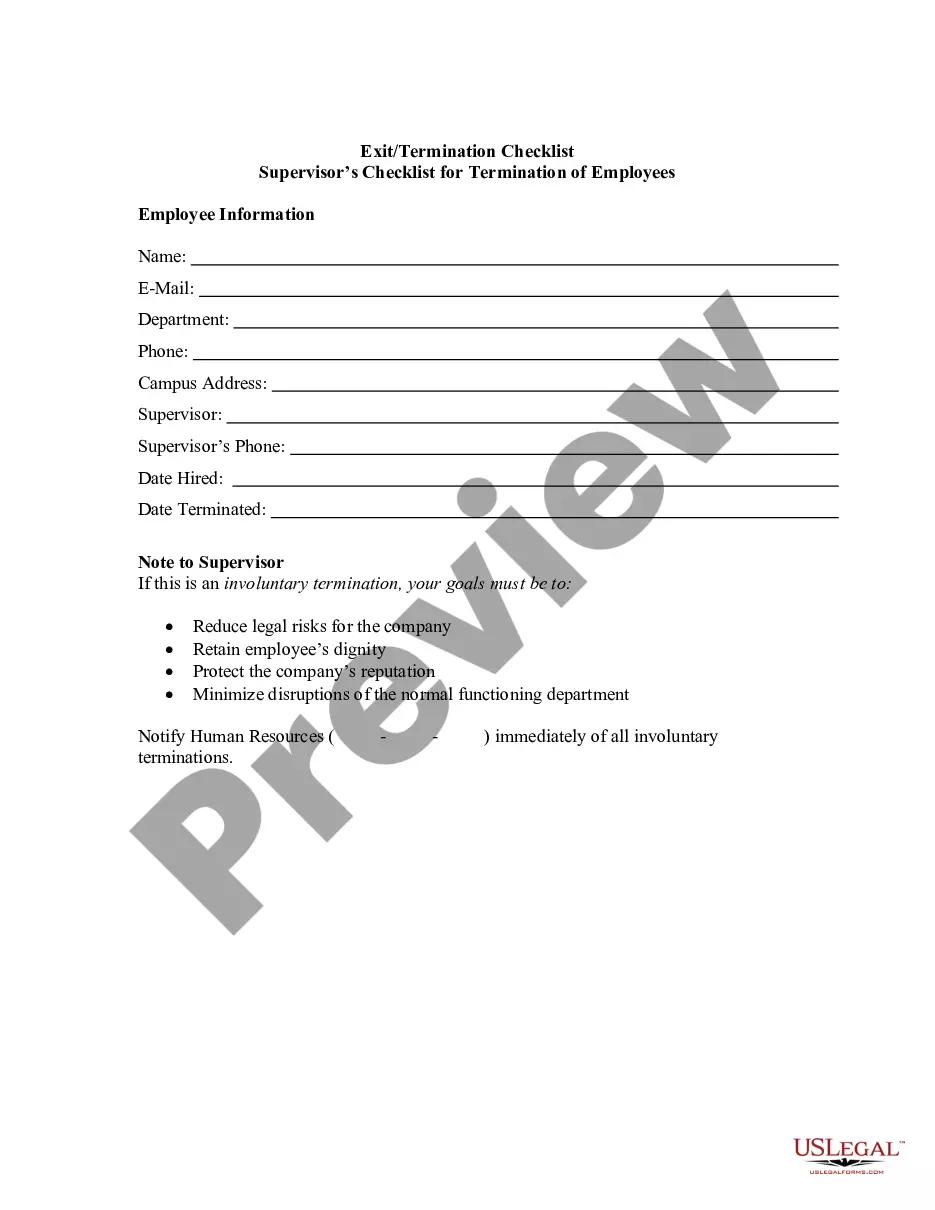
Exit Checklist For Terminated Employees
Description
Get your form ready online
Our built-in tools help you complete, sign, share, and store your documents in one place.
Make edits, fill in missing information, and update formatting in US Legal Forms—just like you would in MS Word.
Download a copy, print it, send it by email, or mail it via USPS—whatever works best for your next step.
Sign and collect signatures with our SignNow integration. Send to multiple recipients, set reminders, and more. Go Premium to unlock E-Sign.
If this form requires notarization, complete it online through a secure video call—no need to meet a notary in person or wait for an appointment.
We protect your documents and personal data by following strict security and privacy standards.

Make edits, fill in missing information, and update formatting in US Legal Forms—just like you would in MS Word.

Download a copy, print it, send it by email, or mail it via USPS—whatever works best for your next step.

Sign and collect signatures with our SignNow integration. Send to multiple recipients, set reminders, and more. Go Premium to unlock E-Sign.

If this form requires notarization, complete it online through a secure video call—no need to meet a notary in person or wait for an appointment.

We protect your documents and personal data by following strict security and privacy standards.
Looking for another form?


How to fill out Employment Exit Checklist?
Managing legal documentation and processes can be a lengthy addition to your day.
Exit Checklist For Terminated Employees and similar forms usually necessitate that you locate them and comprehend how to fill them out correctly.
Thus, if you are handling financial, legal, or personal affairs, having an extensive and user-friendly online collection of forms readily available will be quite beneficial.
US Legal Forms is the premier online service for legal documents, featuring over 85,000 state-specific forms along with various tools to help you complete your paperwork effortlessly.
Simply Log In to your account, find Exit Checklist For Terminated Employees, and retrieve it instantly from the My documents section. You can also access forms that you have saved previously.
- Explore the collection of relevant documents available to you with just one click.
- US Legal Forms provides state- and county-specific forms available for download at any time.
- Protect your document management processes with a superior service that enables you to create any form within minutes without extra or hidden fees.
Form popularity
FAQ
Overview: In Wisconsin you must fill out two separate forms to have a complete Advance Directive: A Living Will called a "Directive to Physicians and Family or Surrogates" and a "Power of Attorney for Health Care" (a.k.a. Health Care Proxy).
Living Will, Power of Attorney forms, Authorization for Final Disposition.
How do I write a Living Will in Wisconsin? Make the document - Provide a few general details, and we will do the rest. Send and share it - Look over your wishes with your healthcare agent(s) or get legal help. Sign and make it legal - Mandatory or not, witnesses and notarization are encouraged.
Are payments from the Wisconsin Tomorrow Small Business Recovery Grant program taxable income? Income from the program is included in federal income under sec. 61 of the Internal Revenue Code, unless an exemption applies.
Wisconsin law has two types of advance directives for health care: A living will?Also called a Declaration to Physicians. A form that lets you define the kind of care you want to keep you alive if you are dying or in a vegetative state with no chance to get better.
The Power of Attorney for Health Care (POA-HC) Form (DHS Form F-00085) makes it possible for adults in Wisconsin to authorize other individuals (called health care agents) to make health care decisions on their behalf should they become incapacitated.
The most common types of advance directives are the living will and the durable power of attorney for health care (sometimes known as the medical power of attorney). There are many advance directive formats.