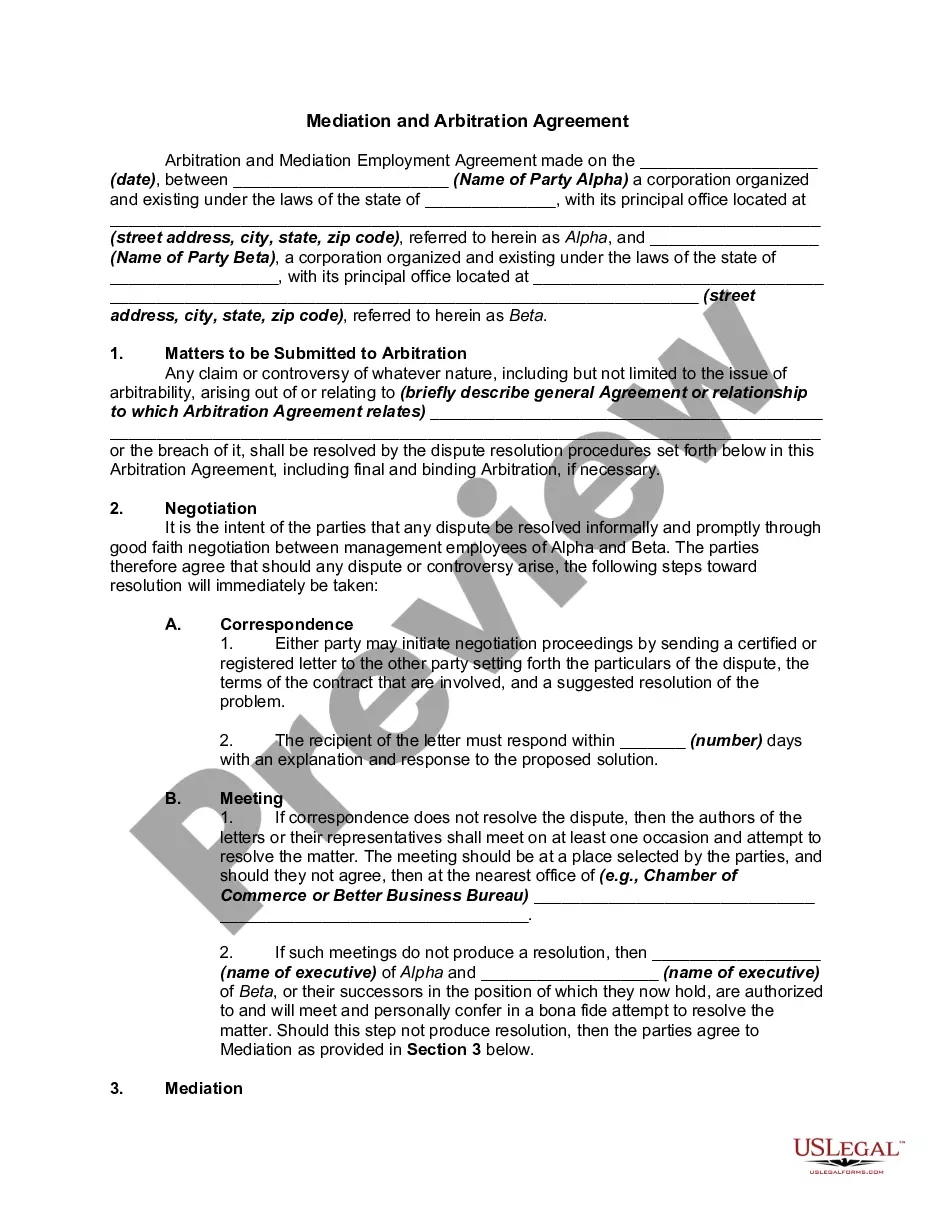
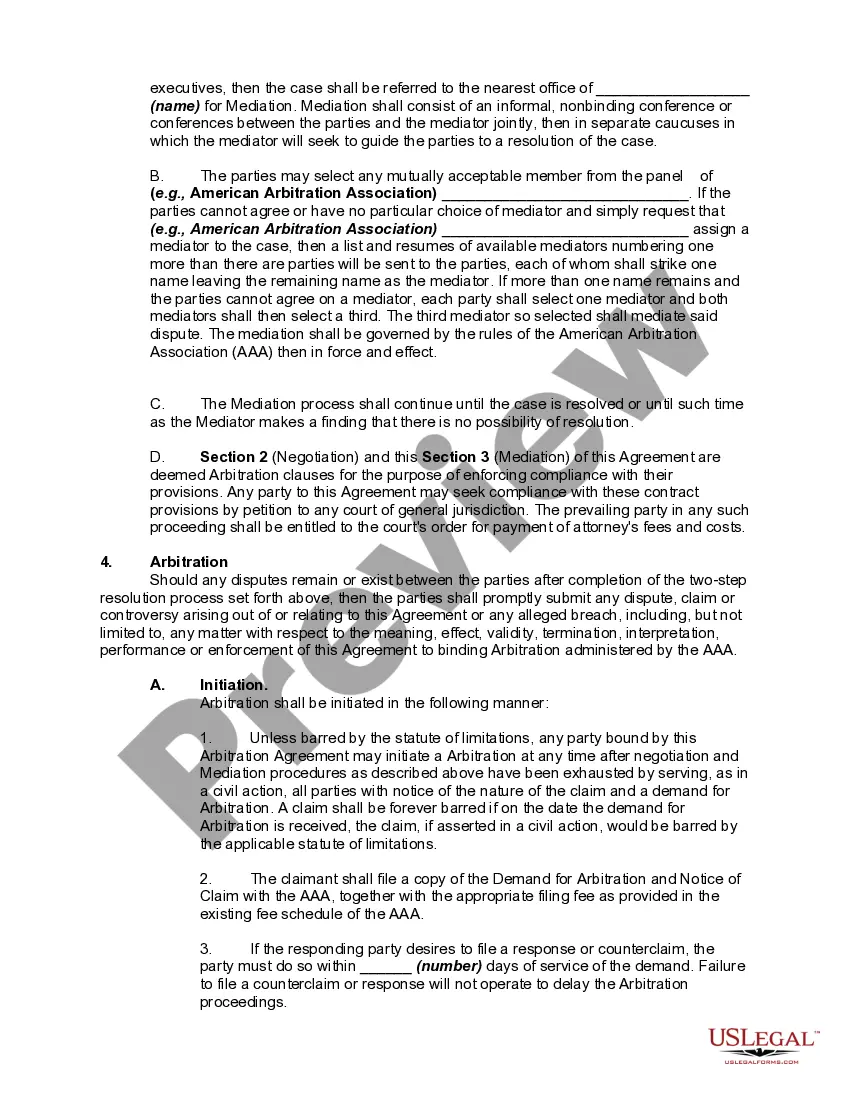
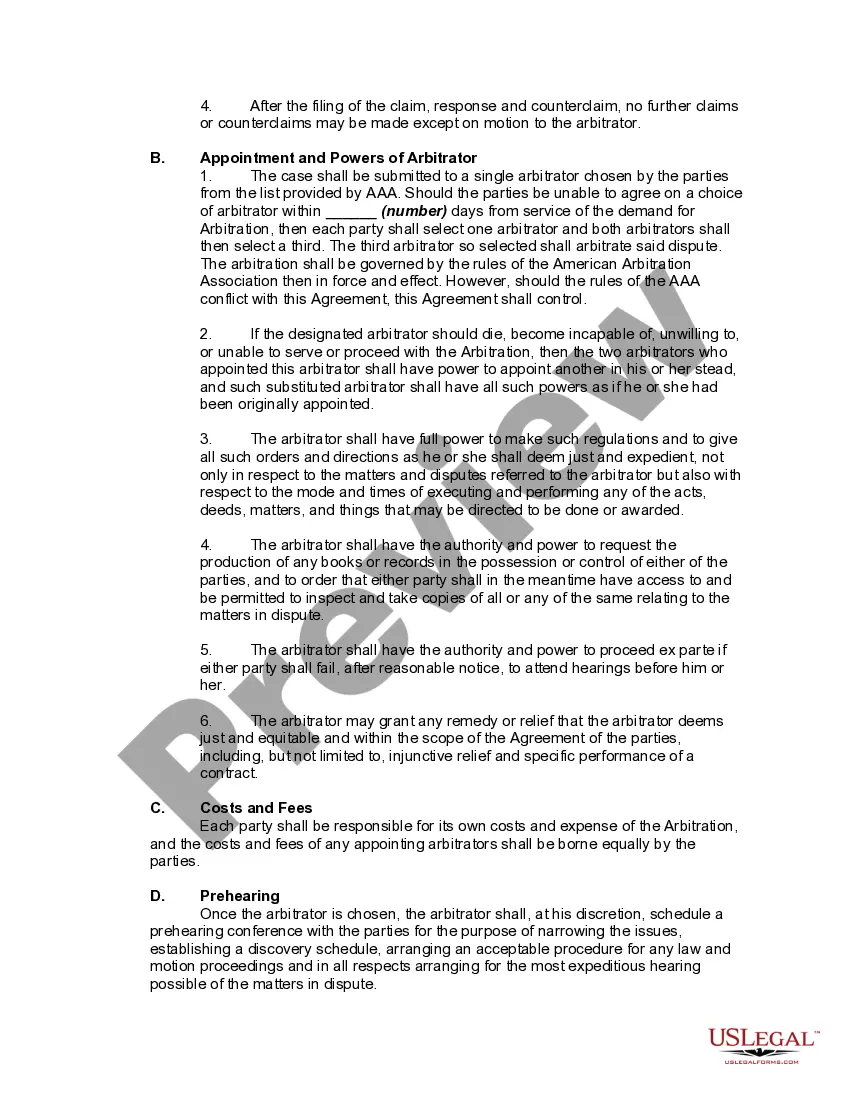
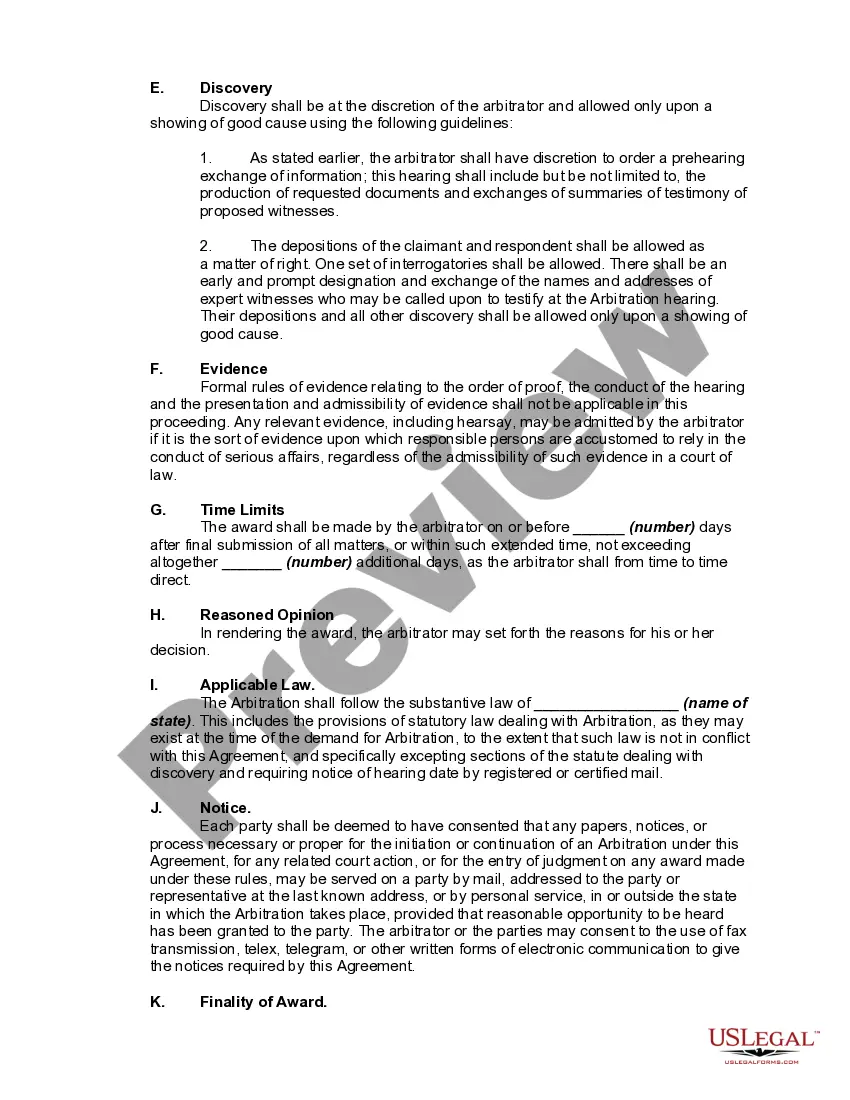
Arbitration Agreement In California
Description
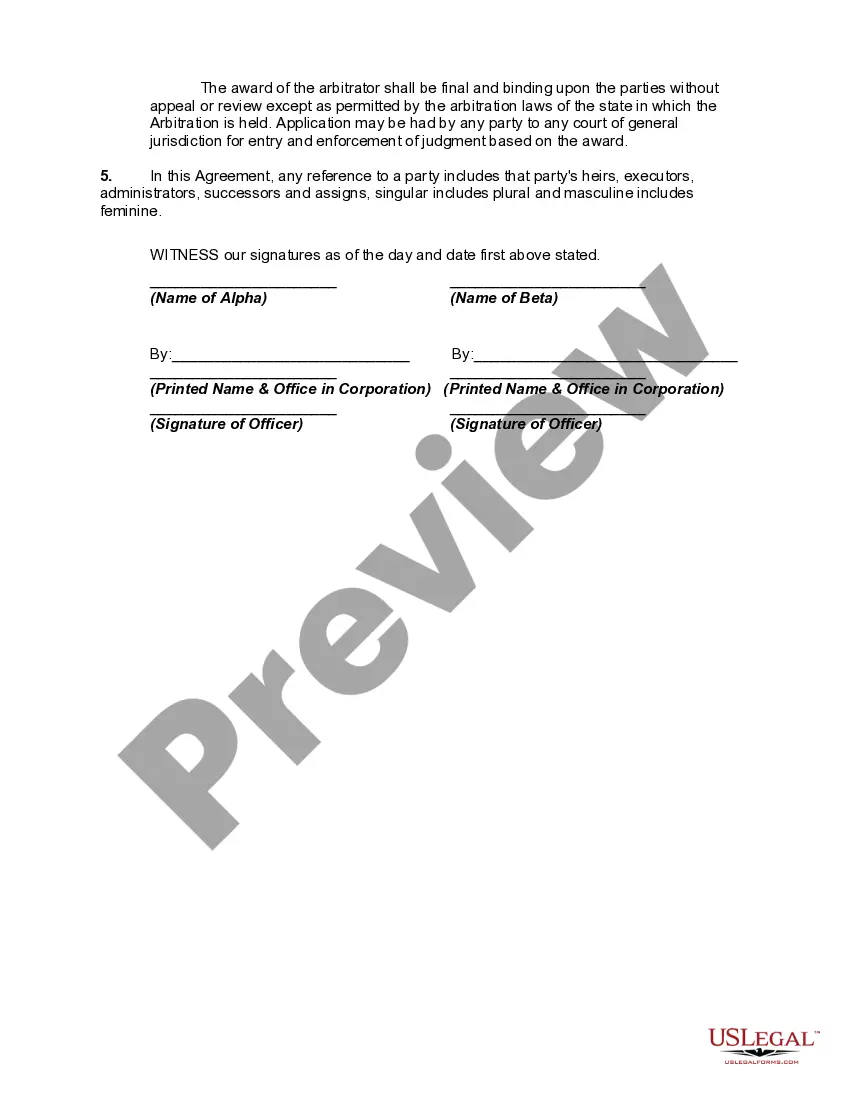



Get your form ready online
Our built-in tools help you complete, sign, share, and store your documents in one place.
Make edits, fill in missing information, and update formatting in US Legal Forms—just like you would in MS Word.
Download a copy, print it, send it by email, or mail it via USPS—whatever works best for your next step.
Sign and collect signatures with our SignNow integration. Send to multiple recipients, set reminders, and more. Go Premium to unlock E-Sign.
If this form requires notarization, complete it online through a secure video call—no need to meet a notary in person or wait for an appointment.
We protect your documents and personal data by following strict security and privacy standards.

Make edits, fill in missing information, and update formatting in US Legal Forms—just like you would in MS Word.

Download a copy, print it, send it by email, or mail it via USPS—whatever works best for your next step.

Sign and collect signatures with our SignNow integration. Send to multiple recipients, set reminders, and more. Go Premium to unlock E-Sign.

If this form requires notarization, complete it online through a secure video call—no need to meet a notary in person or wait for an appointment.

We protect your documents and personal data by following strict security and privacy standards.
Looking for another form?







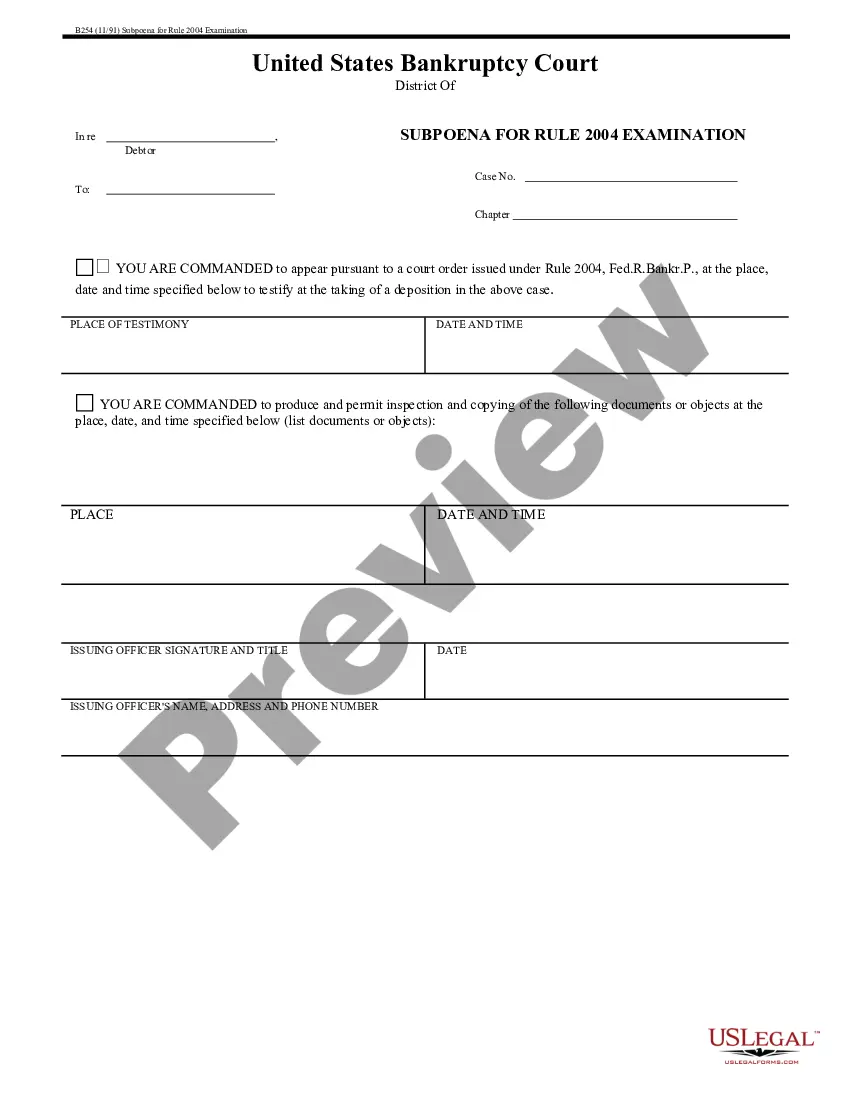


How to fill out Mediation And Arbitration Agreement?
Whether for business purposes or for personal affairs, everybody has to deal with legal situations sooner or later in their life. Filling out legal paperwork requires careful attention, beginning from picking the correct form template. For instance, when you choose a wrong version of a Arbitration Agreement In California, it will be turned down when you send it. It is therefore essential to get a trustworthy source of legal files like US Legal Forms.
If you have to get a Arbitration Agreement In California template, follow these simple steps:
- Get the sample you need using the search field or catalog navigation.
- Examine the form’s information to make sure it suits your case, state, and county.
- Click on the form’s preview to examine it.
- If it is the incorrect document, get back to the search function to find the Arbitration Agreement In California sample you require.
- Download the template if it meets your requirements.
- If you have a US Legal Forms account, just click Log in to access previously saved documents in My Forms.
- If you do not have an account yet, you may download the form by clicking Buy now.
- Choose the correct pricing option.
- Finish the account registration form.
- Select your transaction method: use a credit card or PayPal account.
- Choose the file format you want and download the Arbitration Agreement In California.
- After it is saved, you are able to complete the form by using editing software or print it and complete it manually.
With a large US Legal Forms catalog at hand, you do not need to spend time searching for the appropriate sample across the web. Use the library’s simple navigation to get the correct template for any occasion.
Form popularity
FAQ
drafted clause will mitigate disputes risk Introduction. Scope of the arbitration agreement. Seat of the arbitration. Governing law of the arbitration agreement. Choice of rules. Language. Number and appointment of arbitrators. Specifying arbitrator characteristics.
On February 15, 2023, a split 9th Circuit panel held that California's ban on mandatory arbitration agreements is preempted by federal law. This closely watched decision allows employers to require employees to enter into otherwise enforceable arbitration agreements as a condition of employment.
Judicial Arbitration is like a trial. But it is less formal and there is no jury. Each side presents its case to a ?neutral? person, also called ?arbitrator.? The arbitrator is either a lawyer or a retired judge, and does not take sides or give advice.
A written decision by the arbitrator is required; The agreement must allow all types of relief that would otherwise be available in court; and. It may not require you to pay either unreasonable costs or any arbitrators' fees or expenses as any form of condition for access to the arbitration process.
The Feb. 15 ruling said the Federal Arbitration Act (FAA) takes precedence over California's law, AB 51, which prohibits employers from requiring workers to sign arbitration agreements.