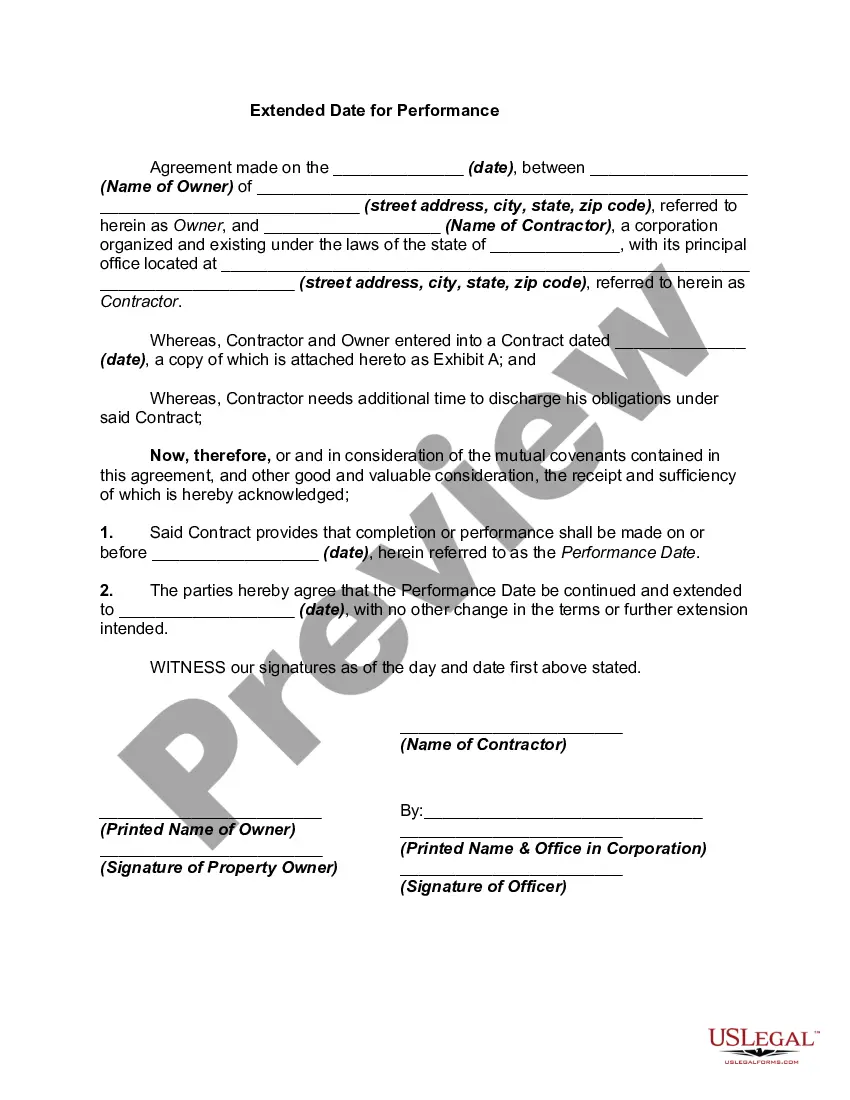
Form Modification Contract Withdrawal
Description
Get your form ready online
Our built-in tools help you complete, sign, share, and store your documents in one place.
Make edits, fill in missing information, and update formatting in US Legal Forms—just like you would in MS Word.
Download a copy, print it, send it by email, or mail it via USPS—whatever works best for your next step.
Sign and collect signatures with our SignNow integration. Send to multiple recipients, set reminders, and more. Go Premium to unlock E-Sign.
If this form requires notarization, complete it online through a secure video call—no need to meet a notary in person or wait for an appointment.
We protect your documents and personal data by following strict security and privacy standards.

Make edits, fill in missing information, and update formatting in US Legal Forms—just like you would in MS Word.

Download a copy, print it, send it by email, or mail it via USPS—whatever works best for your next step.

Sign and collect signatures with our SignNow integration. Send to multiple recipients, set reminders, and more. Go Premium to unlock E-Sign.

If this form requires notarization, complete it online through a secure video call—no need to meet a notary in person or wait for an appointment.

We protect your documents and personal data by following strict security and privacy standards.
Looking for another form?
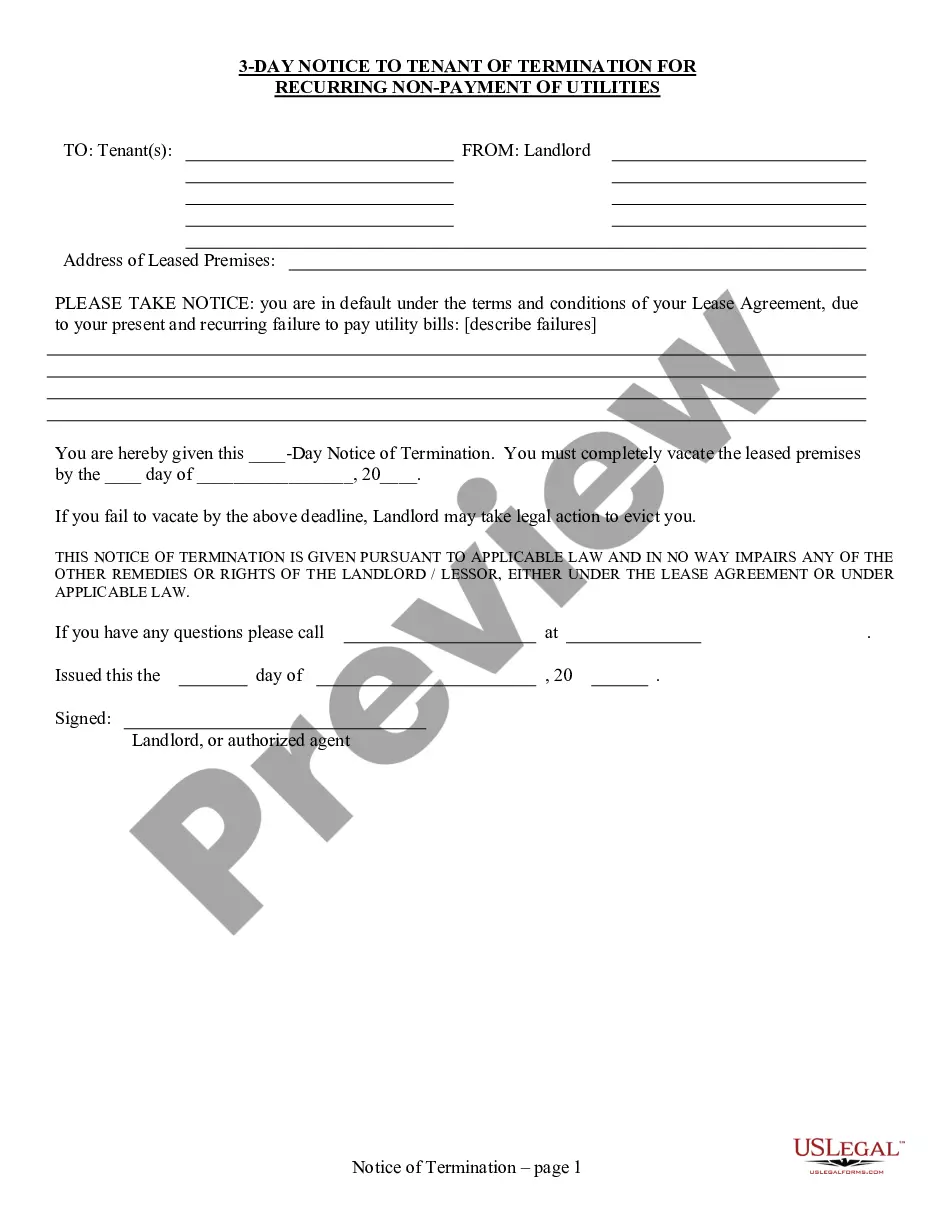







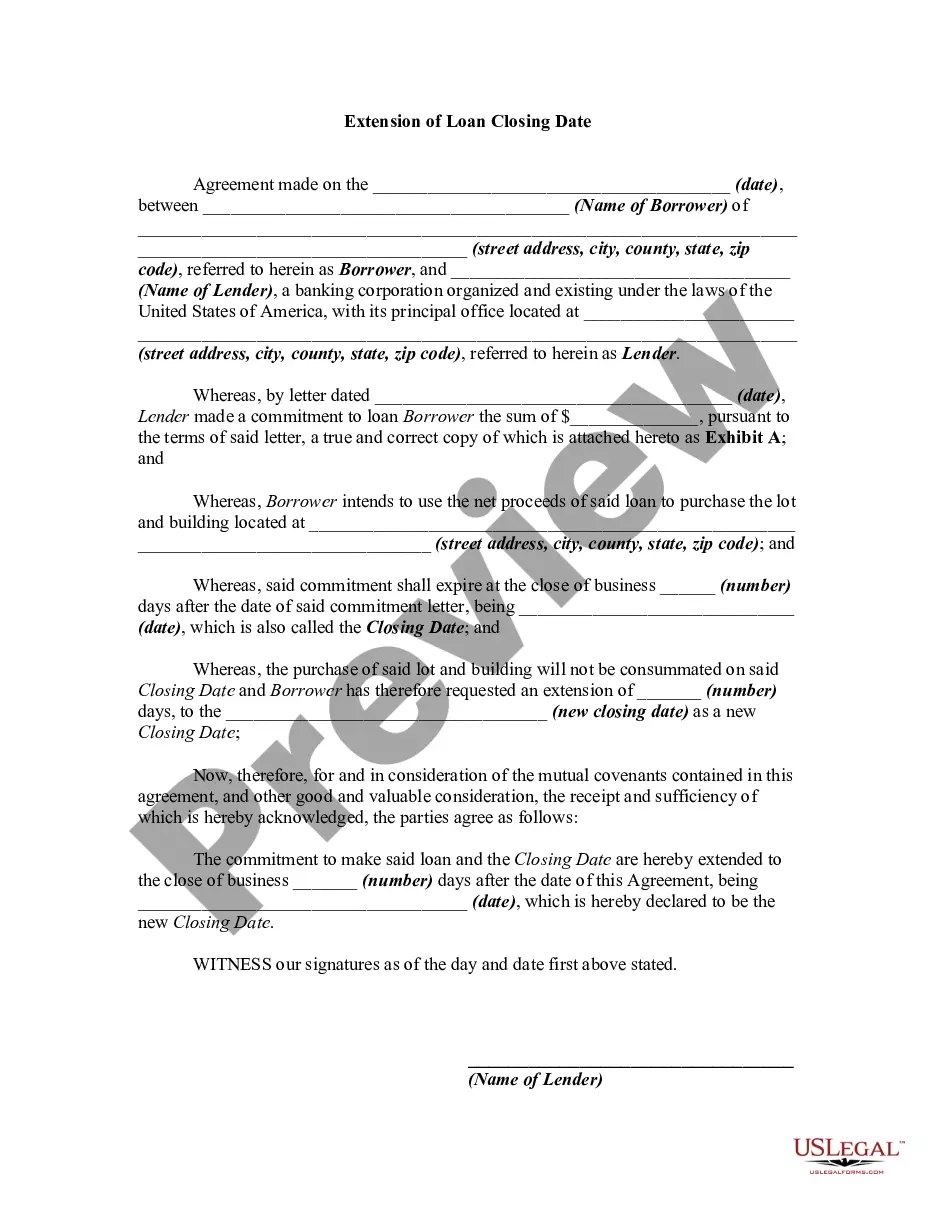
How to fill out Extended Date For Performance?
How to seek professional legal documents that adhere to your state regulations and fill out the Form Modification Contract Withdrawal without consulting an attorney.
Numerous online services provide templates to address a variety of legal situations and formalities.
However, it may require time to determine which available samples meet both your use case and legal standards.
If you do not possess an account with US Legal Forms, then follow the instructions below.
- US Legal Forms is a trustworthy platform that assists you in finding official documents created in accordance with the most recent state law revisions and helps you save on legal fees.
- US Legal Forms is not just an ordinary web directory; it is a repository of over 85,000 authenticated templates for diverse business and personal scenarios.
- All documents are categorized by area and state to streamline your search process.
- The platform also incorporates efficient tools for PDF editing and eSignature, allowing users with a Premium subscription to quickly complete their paperwork online.
- Obtaining the necessary documents requires minimal time and effort.
- If you already have an account, Log In and verify that your subscription is active.
- Download the Form Modification Contract Withdrawal using the button adjacent to the file name.
Form popularity
FAQ
Subpart 43.3 - Forms (b) The Optional Form 336 ( OF 336 ), Continuation Sheet, or a blank sheet of paper, may be used as a continuation sheet for a contract modification.
SF 30 is prescribed for use in amending invitation for bids , as specified in 14.208 ; modifying purchase and delivery orders, as specified in 13.302-3 ; and modifying contracts, as specified in 42.1203(h), 43.301 , 49.602-5 , and elsewhere in this regulation.
There are two types of contract modifications: unilateral and bilateral. Unilateral modifications are signed only by a contracting officer and are generally used to make administrative changes, issue change orders, make changes authorized by clauses other than the Changes clause, and issue termination notices.
When a proposed change requires a modification outside of the general scope of a contract the contracting officer must either:Competitively solicit the requirement; or,Issue the modification in accordance with the non-competitive procedures at FAR 6.303, 8.405-6, or 16.505(b)(2).
You can handwrite minor modifications to a contract onto the document. Clearly write the changes, and sign your initials next to each change, before signing the entire document. If the other party agrees to the changes, the other party will also initial the changes and sign the document.